

Issue Certificates from Google Sheet via Zapier Integration
Getting Started with Zapier
Sign up for a free Zapier account, from there you can jump right in. To help you hit the ground running, we have made a pre-made template for Google Sheet and Hyperstack integration.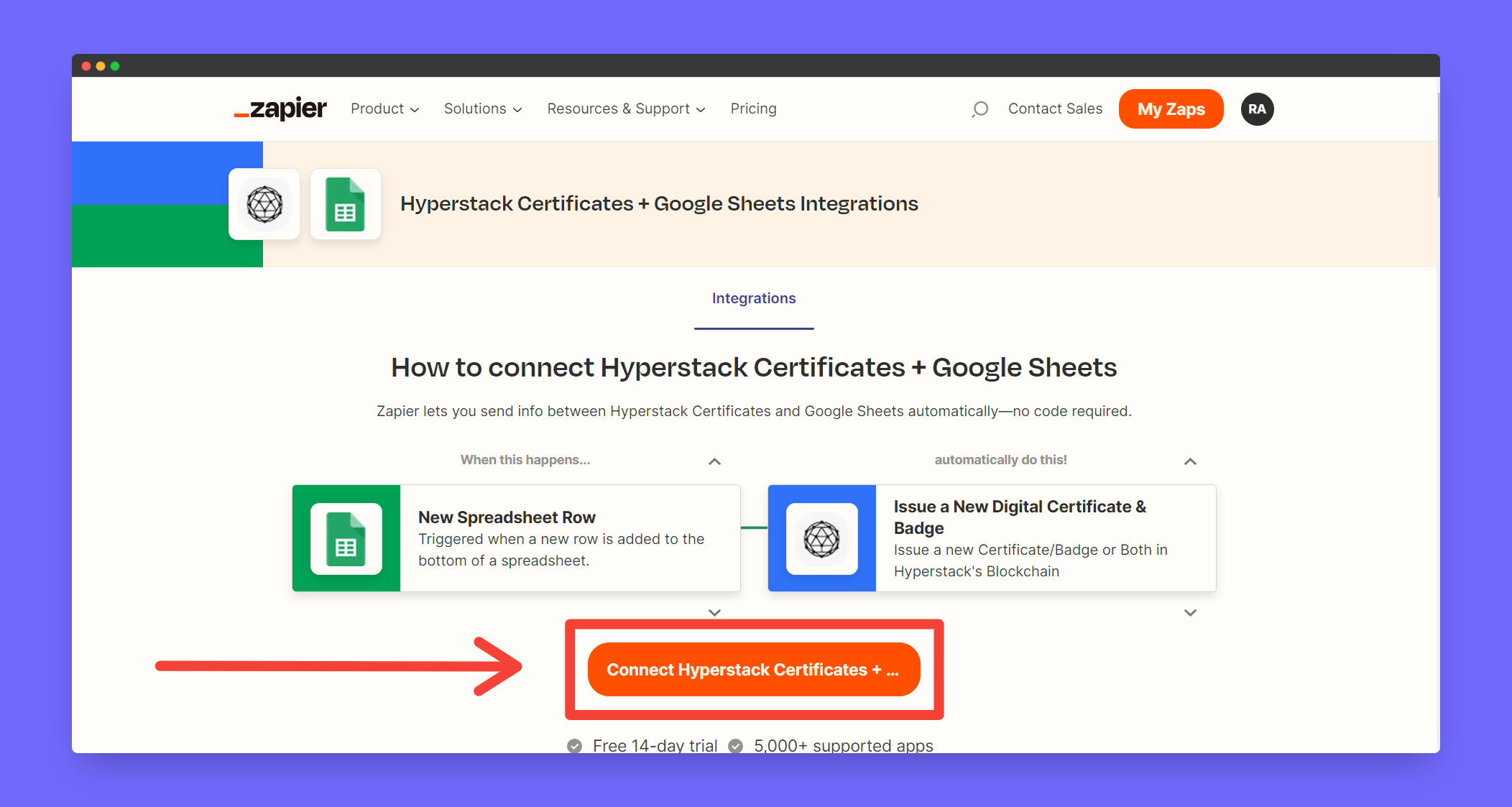
Setting up Trigger
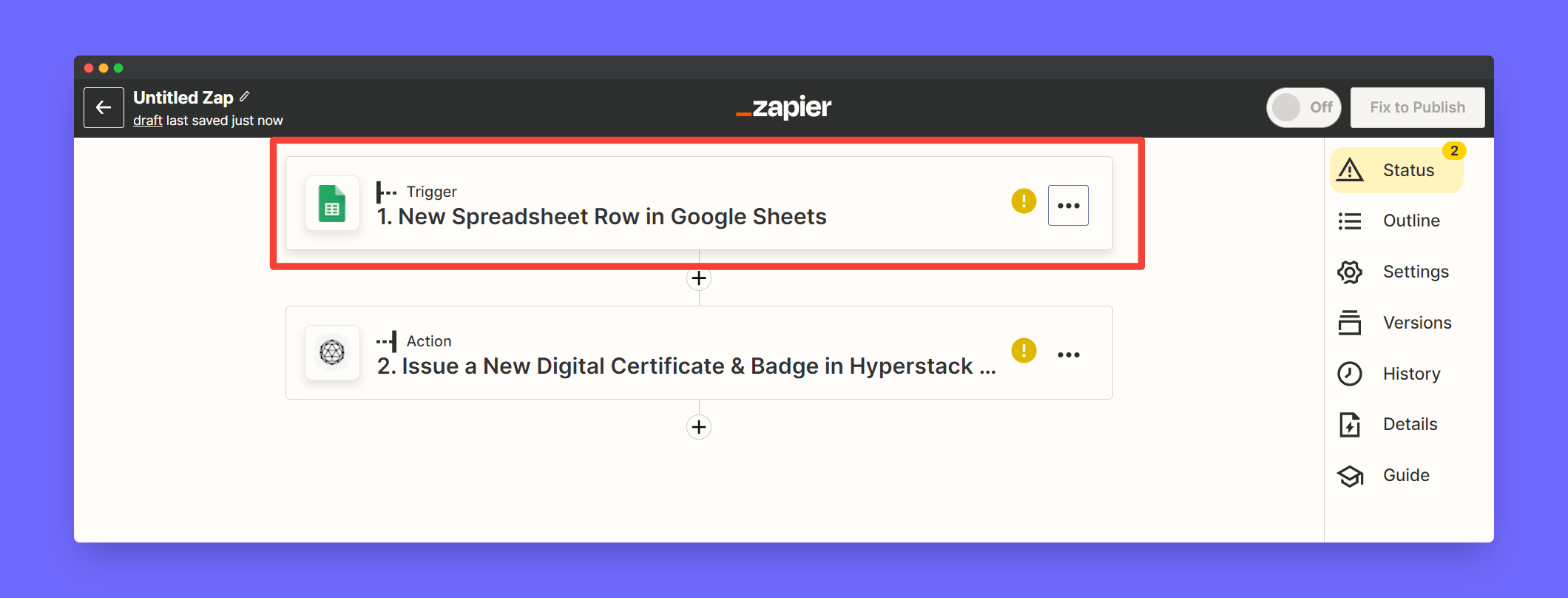
After clicking the above link you will see a prebuilt template like this. Click Trigger to continue setting up the trigger
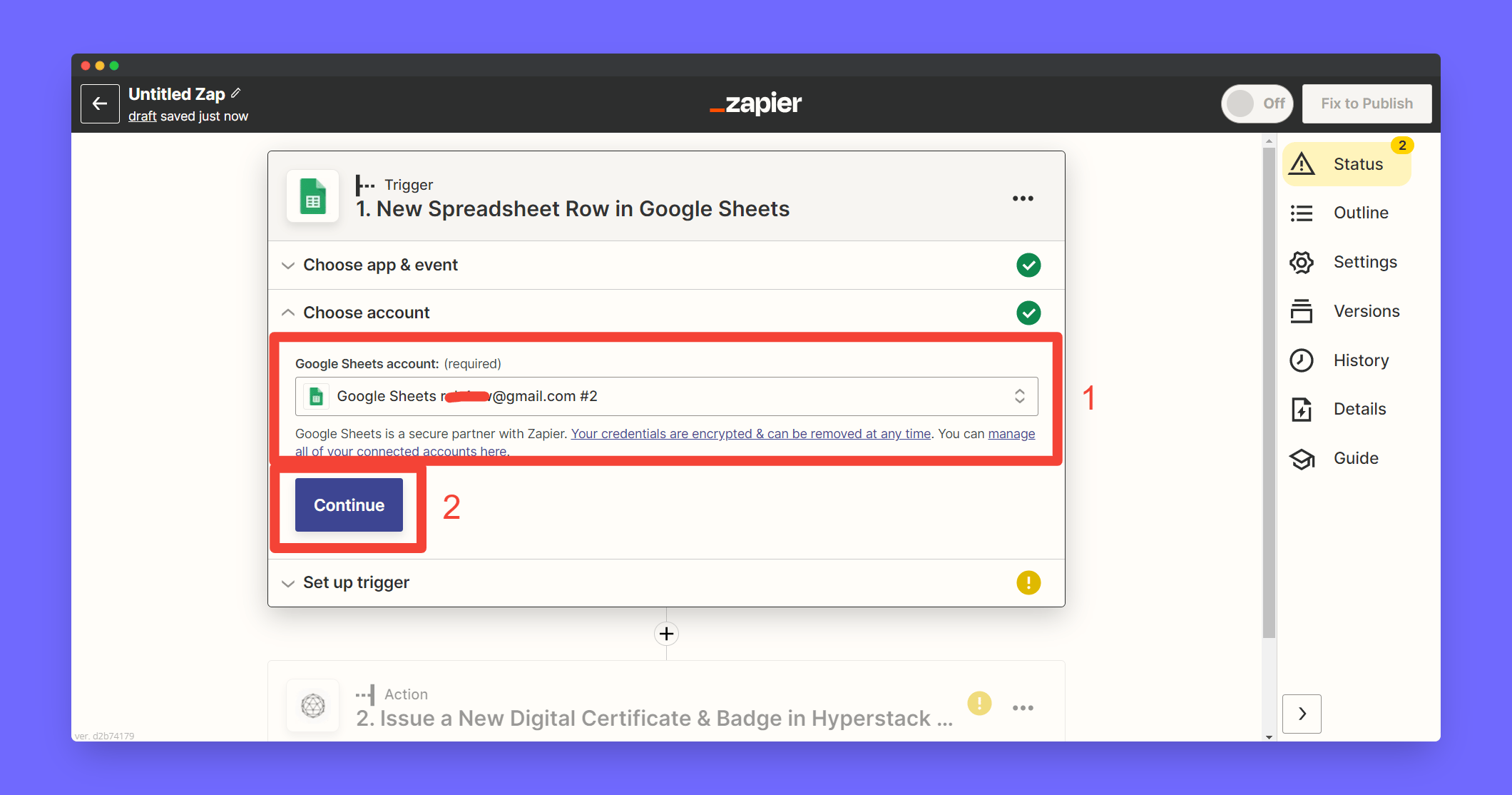
Click Choose Account to signin with your Google account
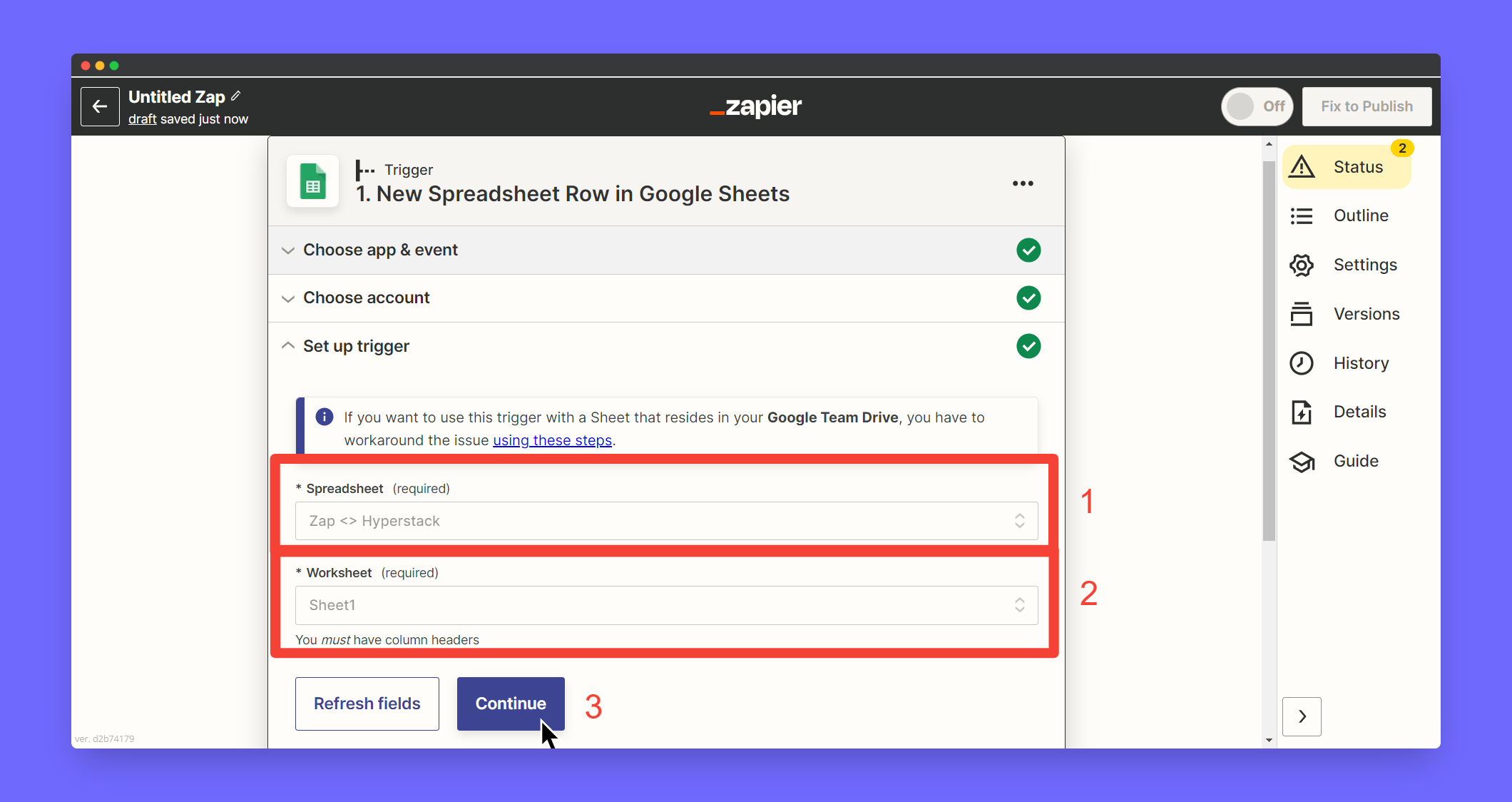
Create a Spreadsheet in your Google Sheets and Map the created spreadsheet in Trigger section
Test the trigger - Go to spreadsheet and add first row as heading and rest of the rows with values of the students eg: Name and Email address
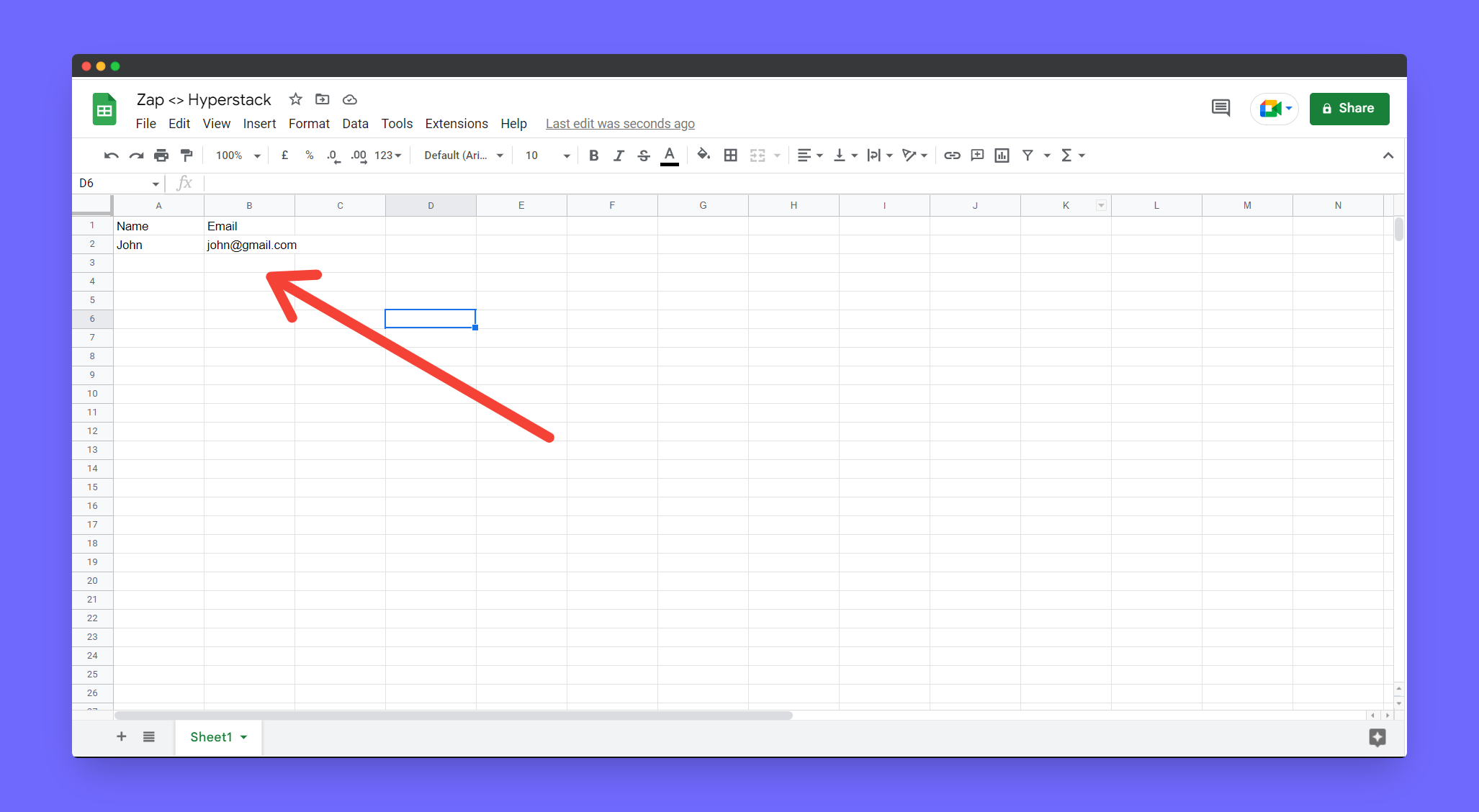
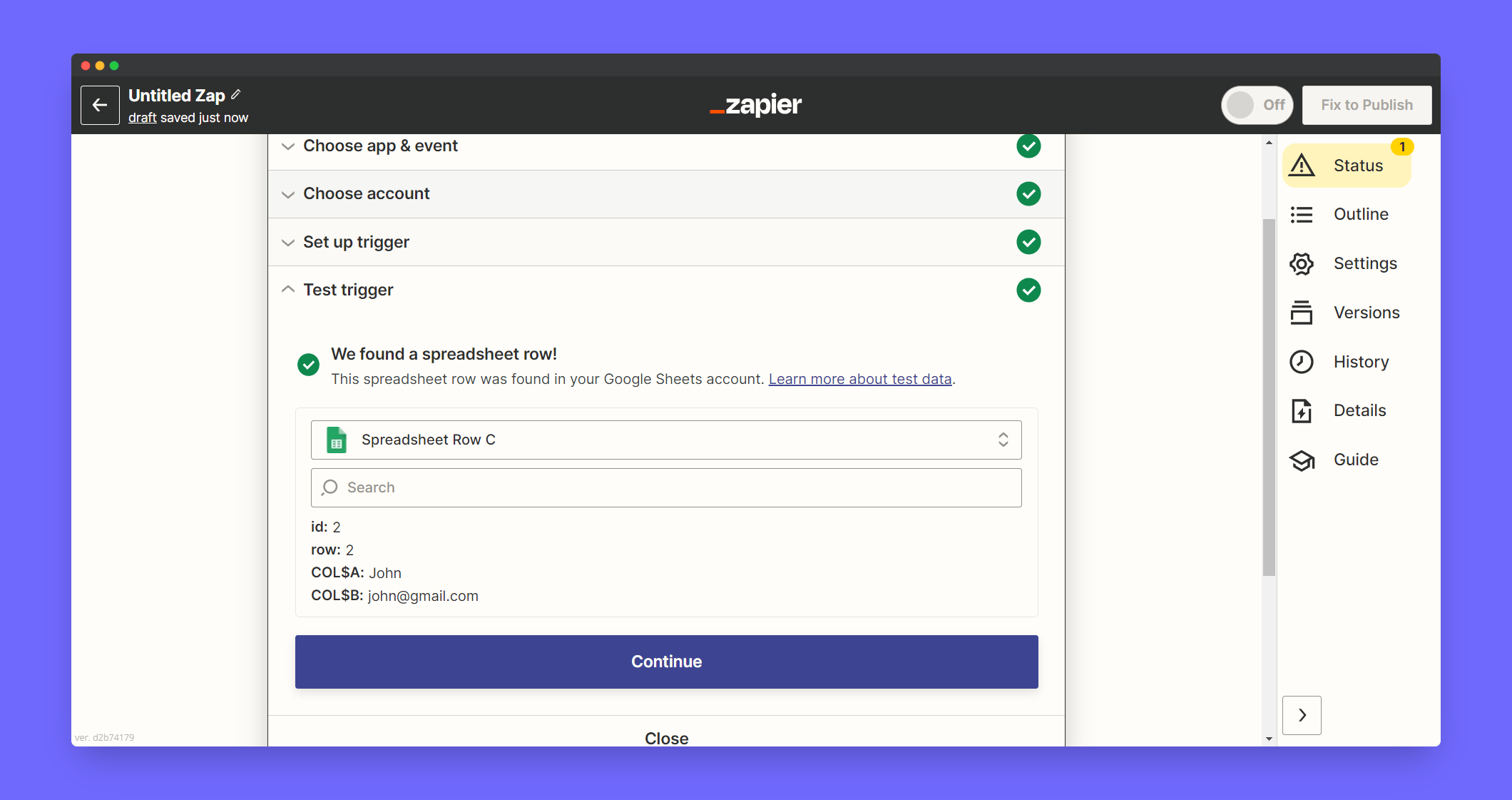
Check whether entered rows appear in Zapier test trigger section. After you receive a trigger from Google Sheets click Continue
Setting up Action
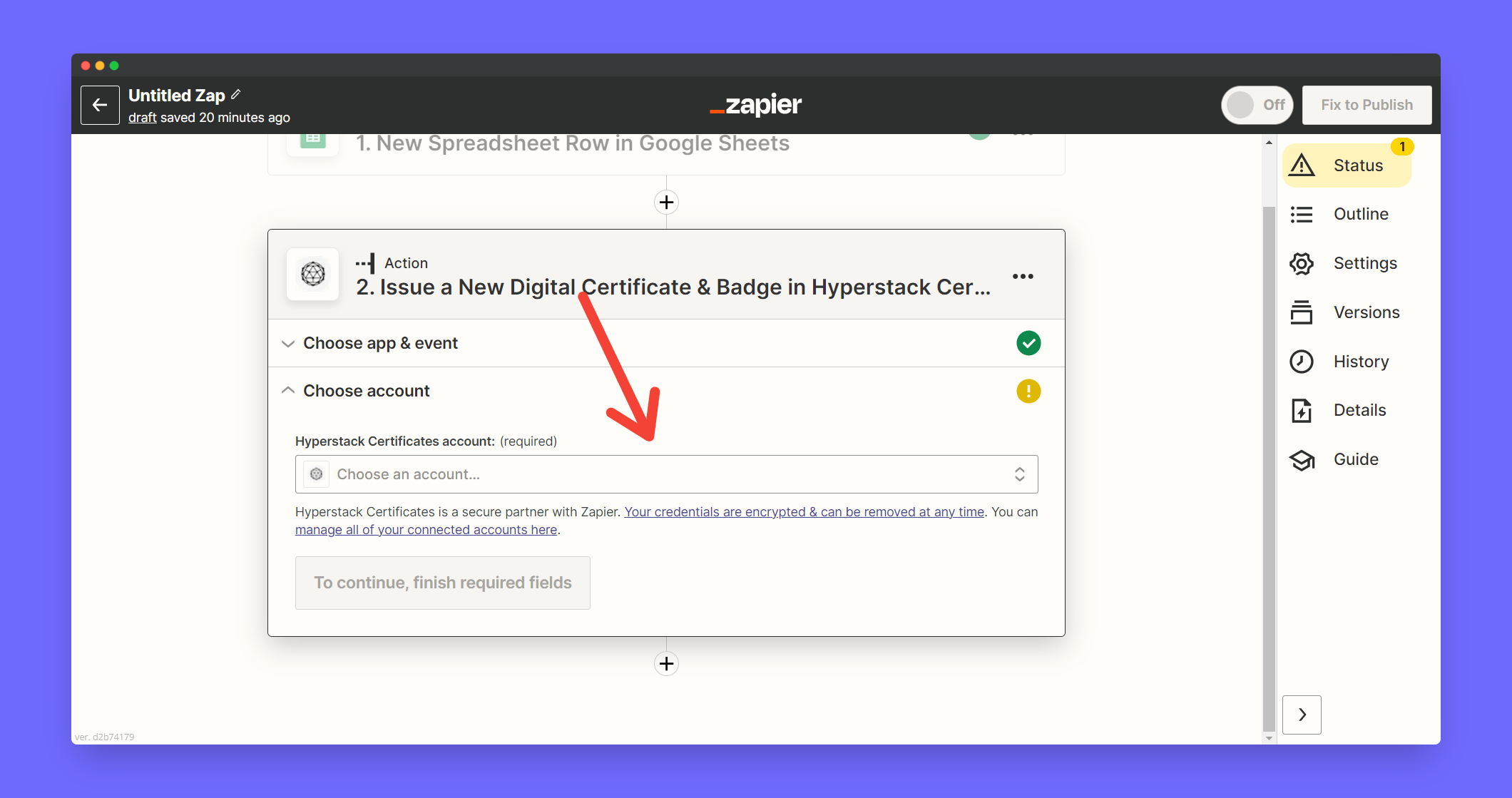
Associate the Hyperstack account to your zap. Click Choose Account
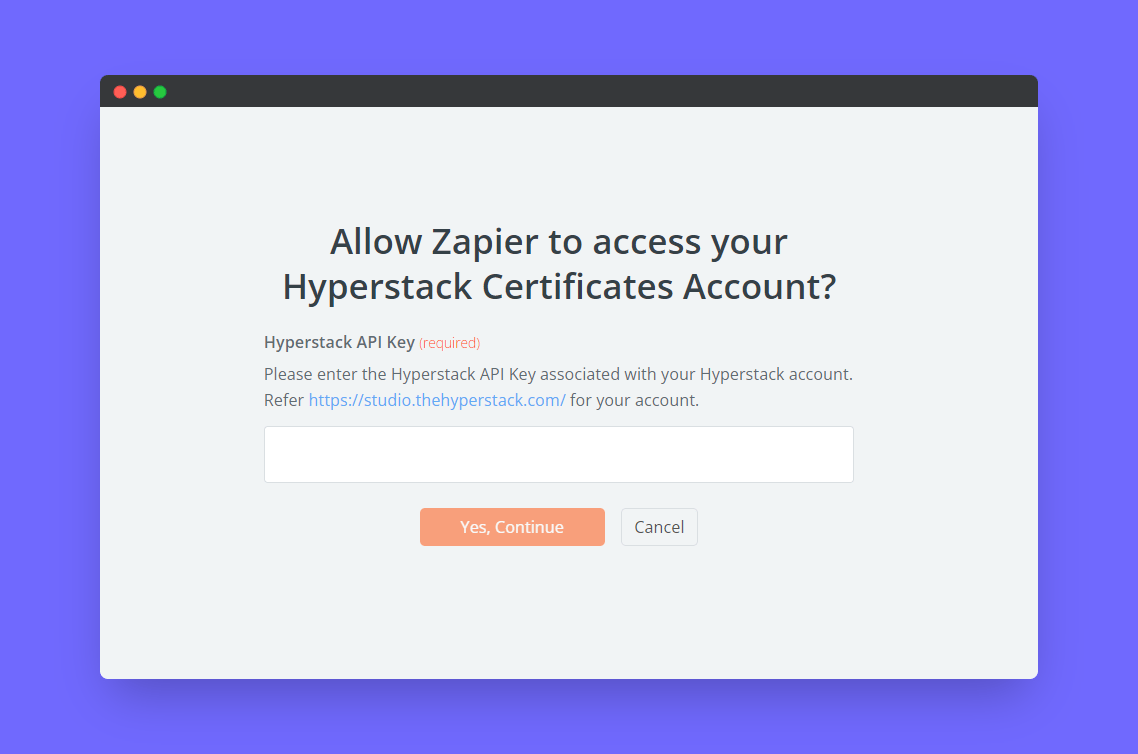
Enter your Hyperstack API key and click Continue
Add Group Key by manually entering the field
Learn how to get your Group Key
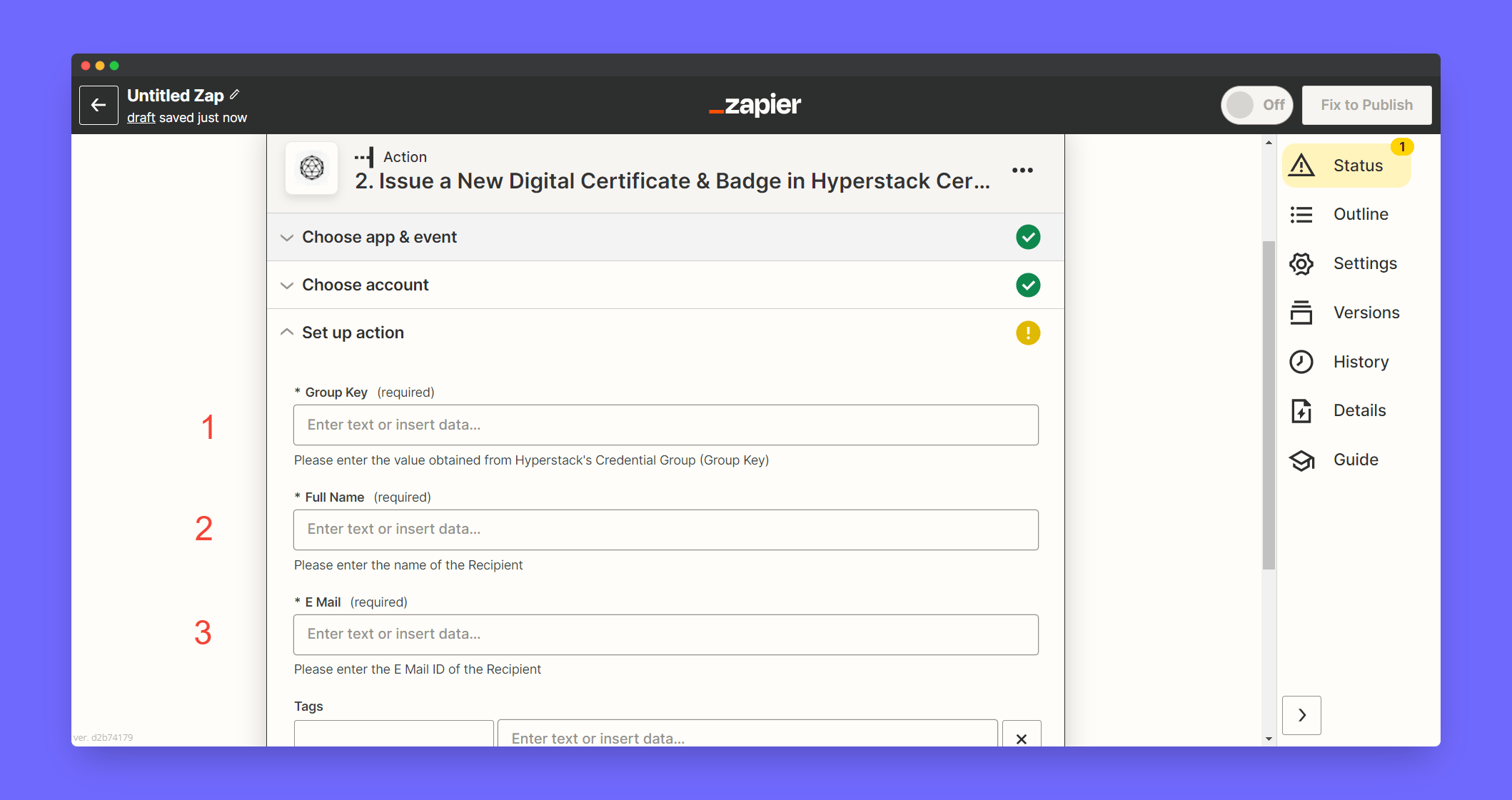
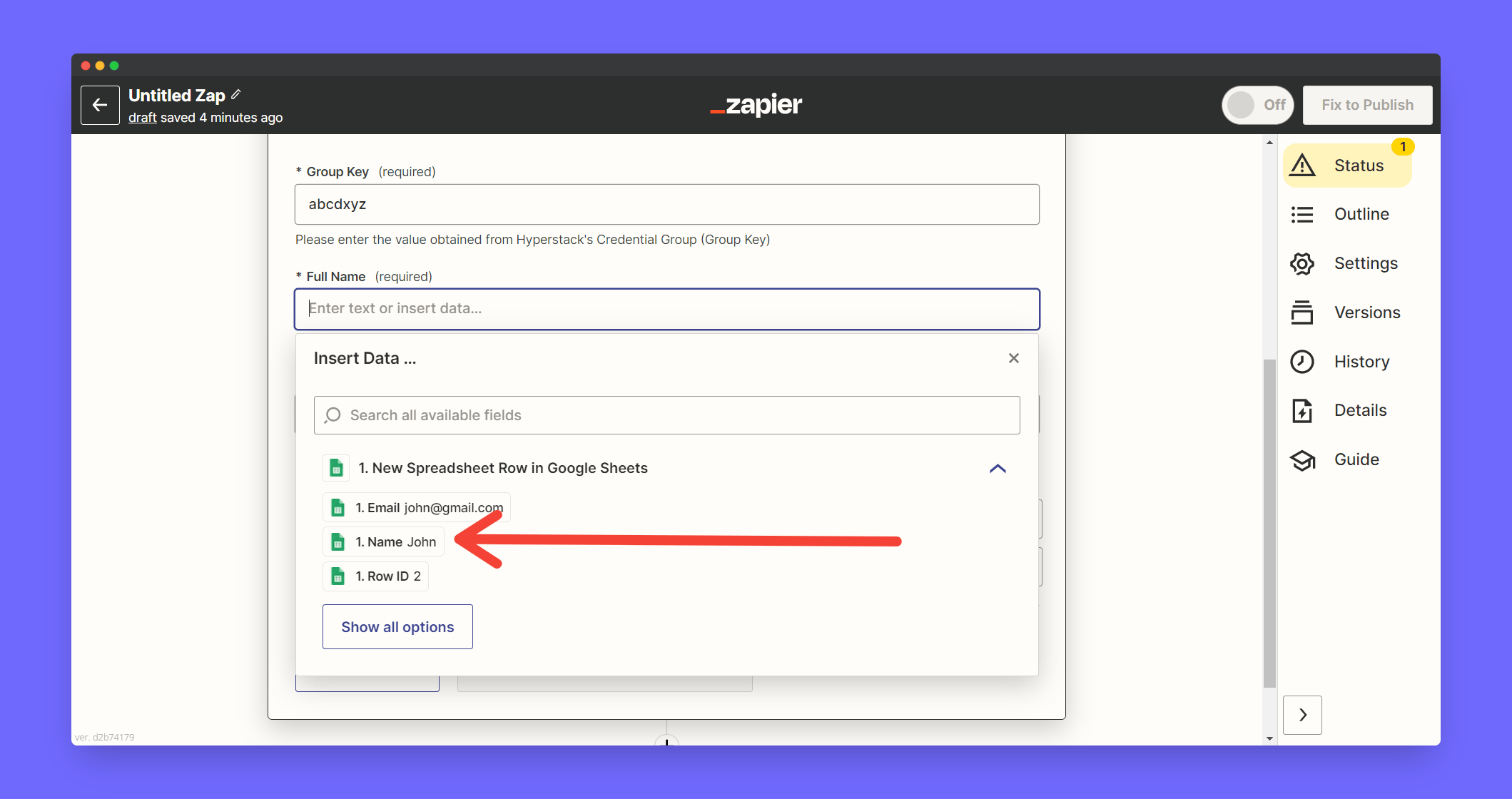
Map the Name Google Sheet Column in the Full Name field
Click Continue
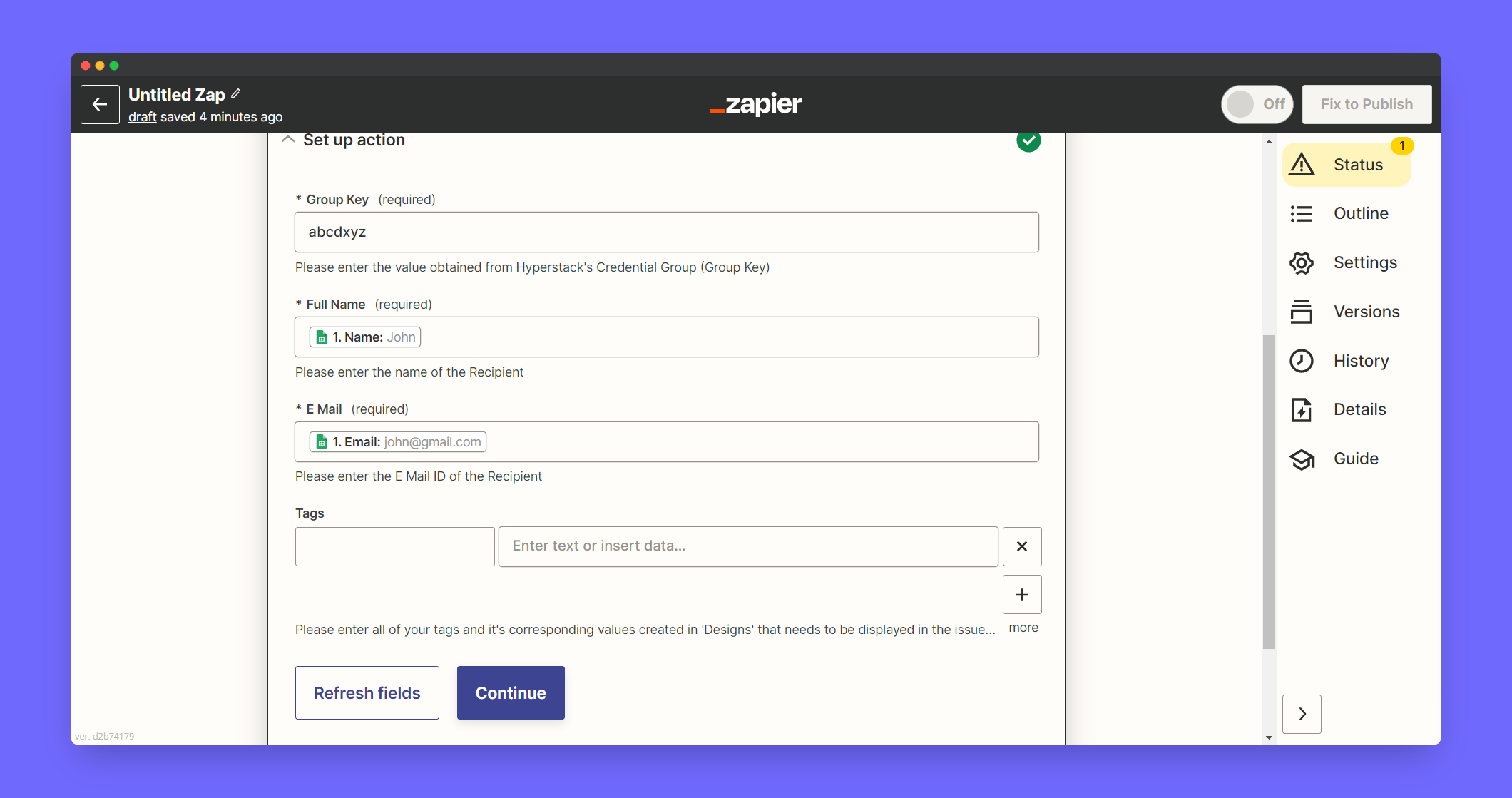
Now test a trigger and click Publish to live