> ## Documentation Index
> Fetch the complete documentation index at: https://thehyperstack.com/docs/llms.txt
> Use this file to discover all available pages before exploring further.
# Dashboard walkthrough
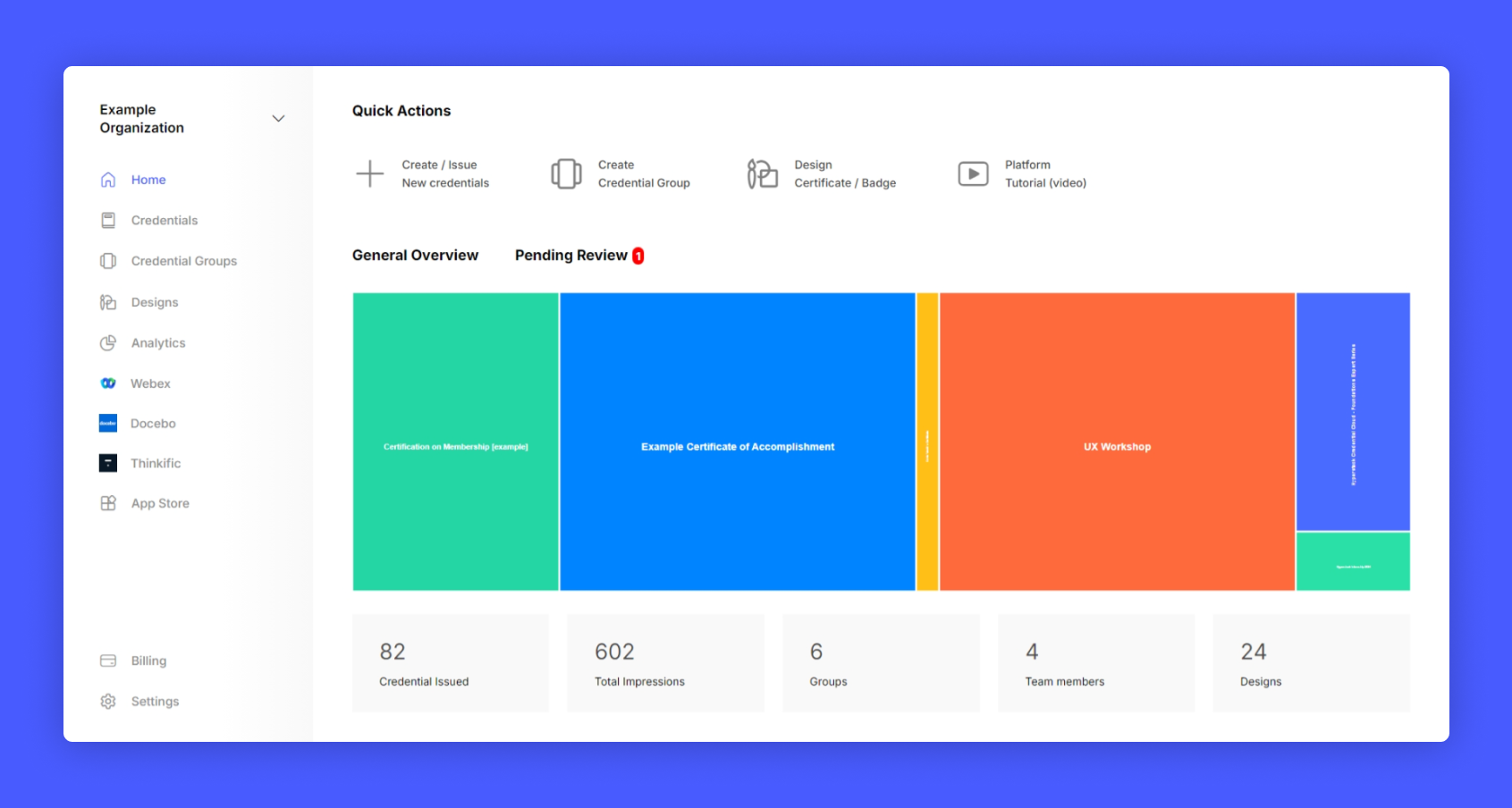
> Once the issuer account is setup, you can view the issuer dashboard. The dashboard's sidebar provides accessibility to various admin features. The workspace on the right provides usage insights, and access to the creation and issuance of certificates, badges, and other credentials.
The Hyperstack dashboard is designed in a way that you have access to all basic functionalities to issue any credential within 15 minutes.