Babysitting Course certificate templates and badges
3 free designs. A set is one design as a badge, a landscape or a portrait certificate, or all three.
Free for up to 20 recipients a year
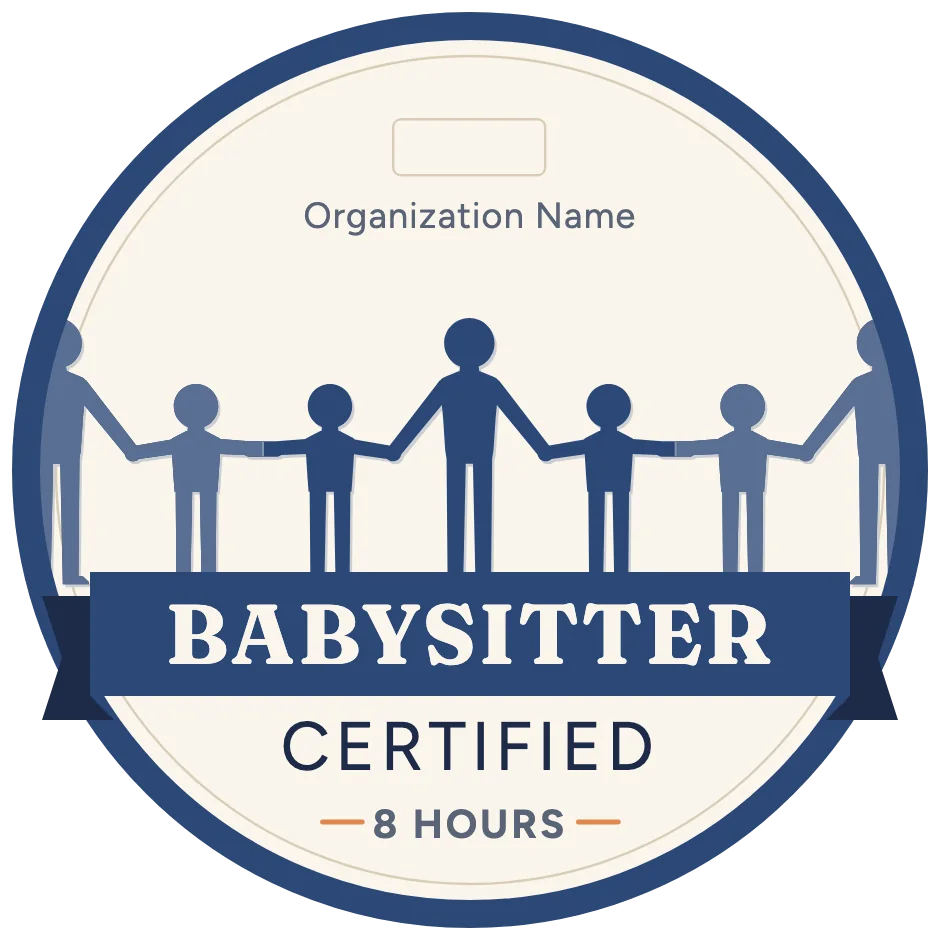
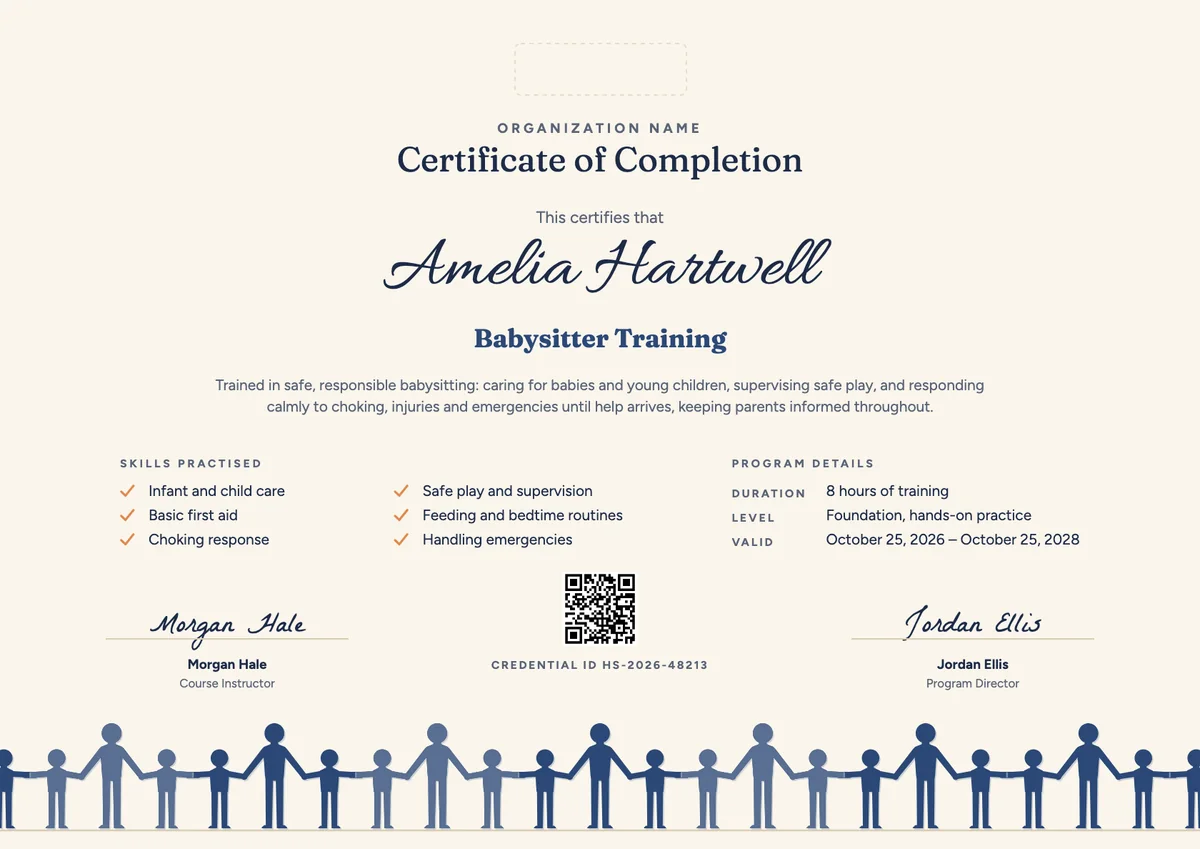

A babysitting certificate template gives a ready layout for the people who teach young sitters: community centres, youth clubs, hospitals, first-aid trainers, schools, libraries and scout groups. Most courses last a day or two and cover caring for babies and toddlers, safe play, meals and bedtime, choking response and what to do in an emergency. For many learners aged 11 to 16 it is the first certificate they earn.
A good babysitter certificate template tells a parent that this sitter can be trusted. It names the sitter and the course, lists the skills practised, gives the hours and the date, and carries the trainer's signature. Many courses also add a valid-until date, because first-aid skills need a refresher. The designs here come as certificates in A4 and US Letter and as digital badges that sitters can show on a profile or a sitter app.
Wording
What to write on a babysitting course certificate
Use these lines as they are, or as a start for your own. Every template comes with wording you can change in the studio.
Wording for a certificate of babysitting
- “Has completed babysitter training in safe and responsible care of babies and young children.”
- “For learning to supervise safe play, manage meals and bedtime, and respond calmly to choking and injuries.”
- “Has shown the care, judgement and first-aid skills expected of a responsible babysitter.”
Skills to list on a certificate for babysitting
- “Infant and child care”
- “Basic first aid and choking response”
- “Safe play and supervision”
- “Handling emergencies and calling for help”
Short lines for the babysitter badge
- “Trained and ready to babysit.”
- “Babysitter certified: first aid and child care.”
Why send it with Hyperstack
More than a PDF
Customize the template free. When it is ready, send it to everyone at once.
One design, every name
Upload a spreadsheet and Hyperstack makes a certificate of completion for each person on it, in one go.
Sent by email
Each recipient gets their own email and link. You see who opened it, downloaded it and shared it.
Anyone can verify it
The QR code opens a page that proves the certificate is real. Recipients add it to LinkedIn in one click.
FAQ
Questions, answered
Most courses accept young people from 11 years old, and many are aimed at ages 11 to 15. Some providers also run versions for older teens and adults who start nanny or au-pair work. Check the age range of the course you run and state it in the program details.
The usual topics are caring for babies and young children, feeding, nappies and bedtime routines, safe play and supervision, basic first aid, choking response and what to do in an emergency. Many courses also cover how to talk with parents and how to run a small babysitting business.
Many providers suggest a refresher every two or three years, because first-aid and choking-response skills fade without practice. Setting a valid-until date on the certificate reminds the sitter, and the parents who check it, when that refresher is due.
It is best signed by the qualified adult instructor who taught the course, often with the program director or the head of the organisation. A youth helper can assist on the day, but the signature should come from someone who can vouch for the training.
No. A babysitting course includes basic first aid, but it is not a full first-aid or CPR qualification. If the course includes a separate certified first-aid module, issue that as its own certificate and list it in the skills.
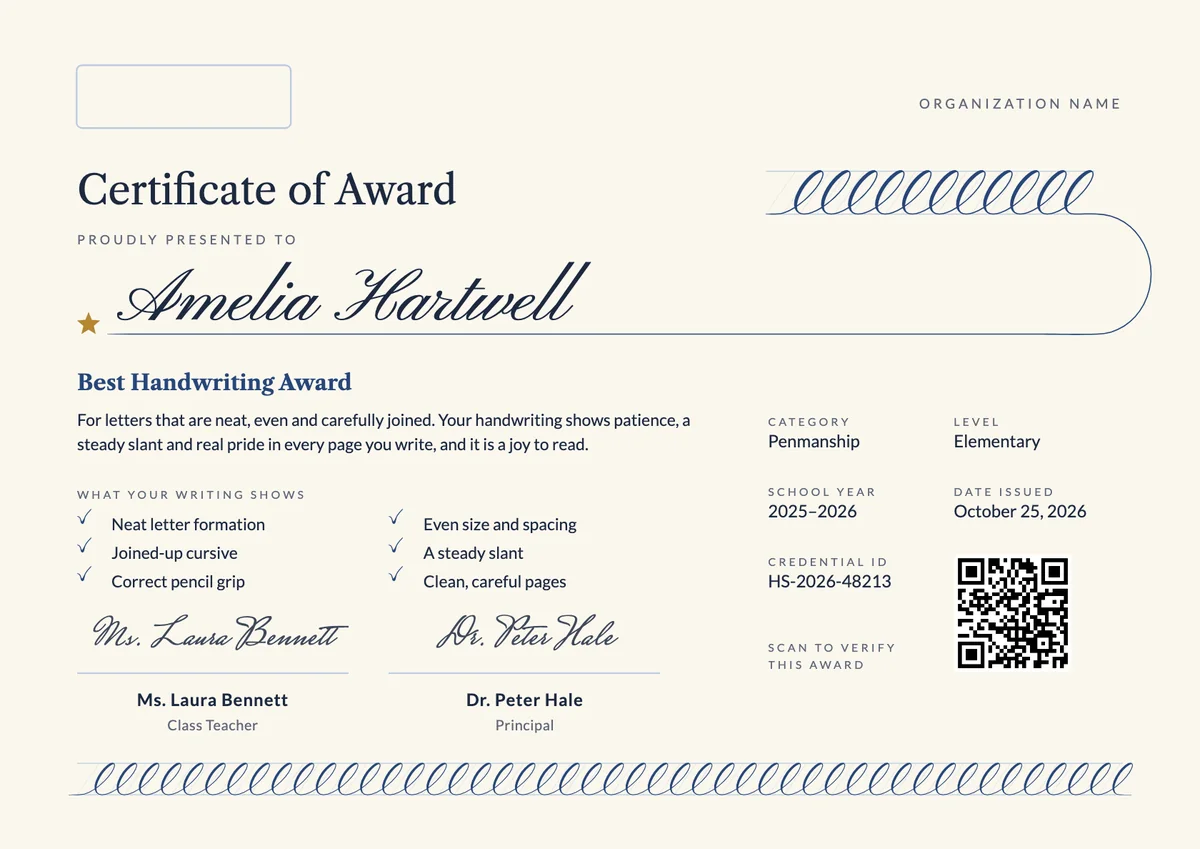
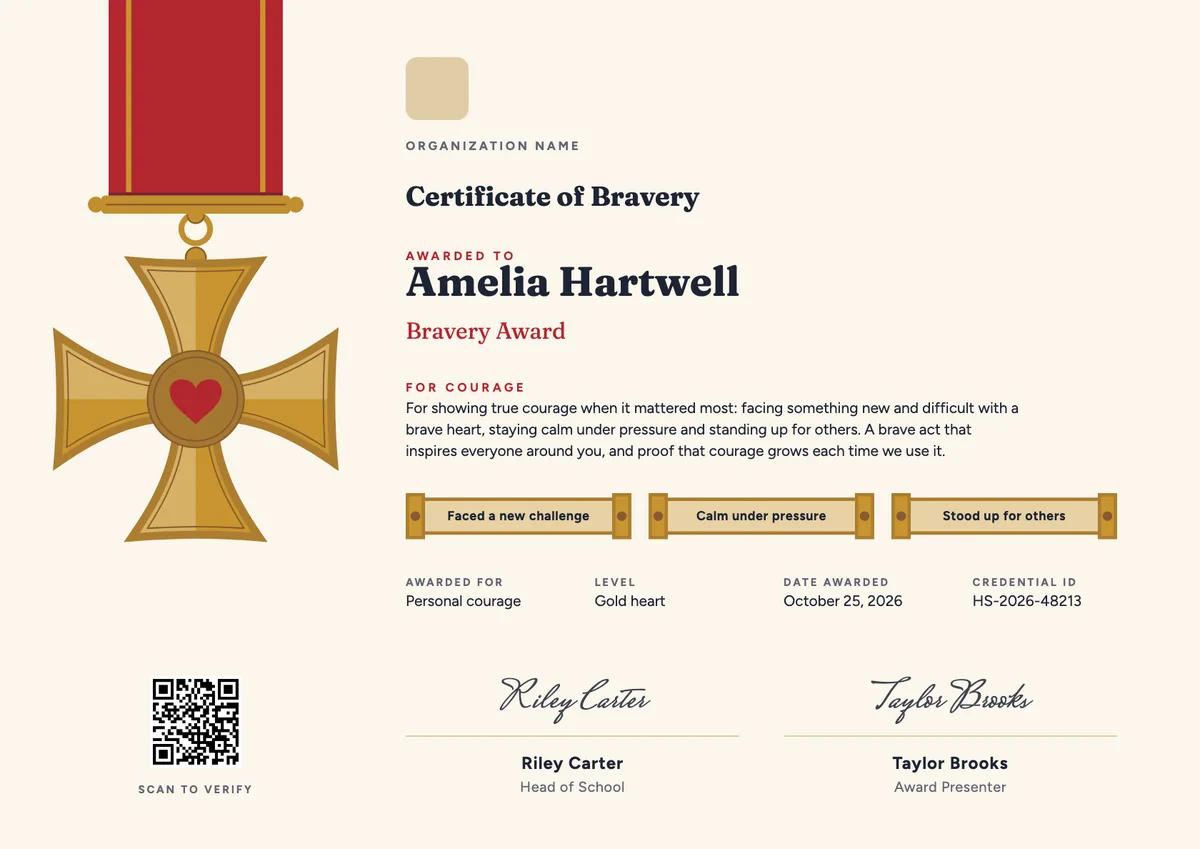
More certificate templates
Your next cohort deserves better than a PDF
Set up in minutes, send your first credentials today, and only pay once you grow past 20 recipients a year.
Or open a live sample credential