Digital Badge certificate templates and badges
3 free designs. A set is one design as a badge, a landscape or a portrait certificate, or all three.
Free for up to 20 recipients a year
Merit Sash set
Badge · Landscape · Portrait
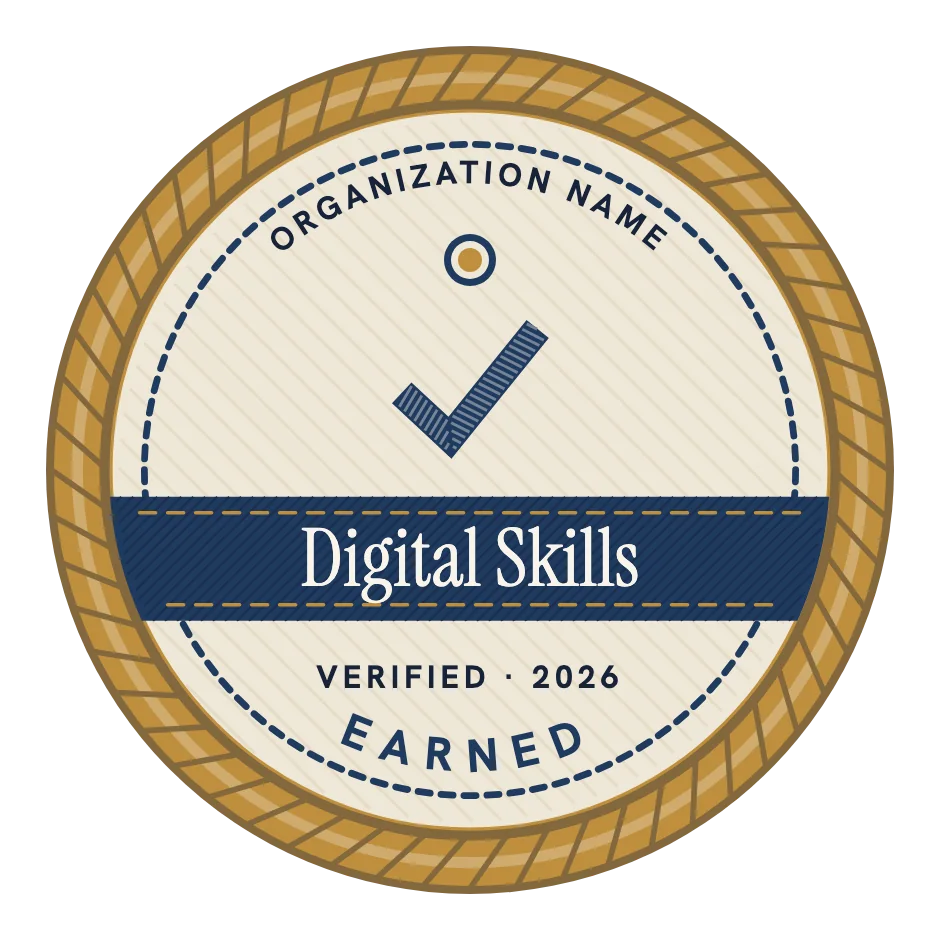
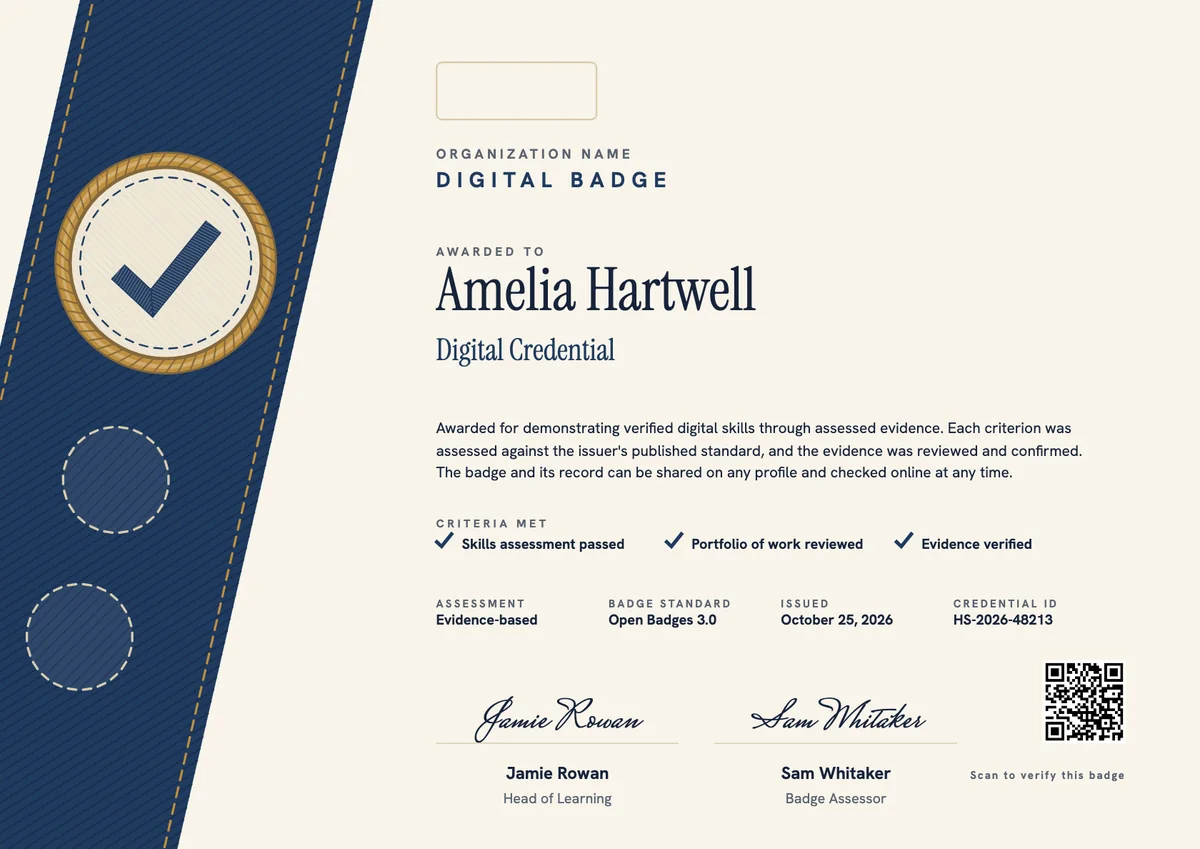
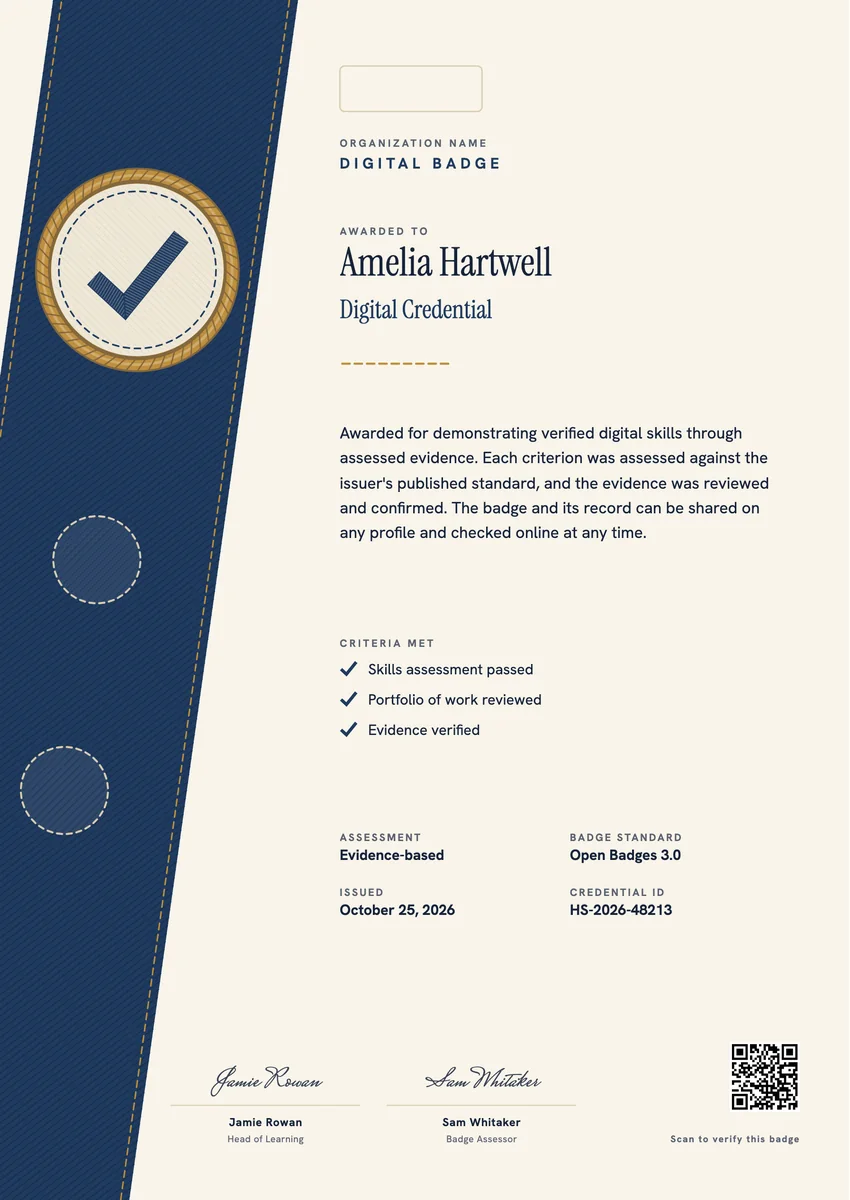
A digital badge template gives you a ready design for showing a skill online: a small image a learner adds to a profile, an email signature or a digital wallet, linked to a record of what they did to earn it. Training providers, colleges, employers and professional bodies issue them after an assessment, a reviewed portfolio or a set of verified tasks.
A good badge reads at a glance, even as a thumbnail: the skill, the issuer and a sign that it was earned. Its record says the rest, with the criteria met, the evidence, the issue date and who confirmed it. Many issuers follow the Open Badges standard so the badge can be checked anywhere.
The designs here come as badges and as printable certificates in A4 and US Letter, for anyone who also wants a signed record on paper.
Wording
What to write on a digital badge certificate
Use these lines as they are, or as a start for your own. Every template comes with wording you can change in the studio.
Criteria wording for a digital badge
- “Awarded for demonstrating verified digital skills through assessed evidence.”
- “The earner passed a practical skills assessment and submitted a portfolio that was reviewed against our published standard.”
- “Earned by completing all required tasks and having each one checked by a qualified assessor.”
Digital badges for students and teachers
- “Awarded to students who showed they can research, create and present work with digital tools.”
- “For teachers who completed our classroom technology program and used it in their own lessons.”
- “Recognising a student who mentored classmates in safe and responsible use of technology.”
Short lines for digital badges for employees
- “Skills verified. Ready for the next challenge.”
- “Earned through assessed work on the job.”
- “One more skill on the sash.”
Why send it with Hyperstack
More than a PDF
Customize the template free. When it is ready, send it to everyone at once.
One design, every name
Upload a spreadsheet and Hyperstack makes a badge for each person on it, in one go.
Sent by email
Each recipient gets their own email and link. You see who opened it, downloaded it and shared it.
Anyone can verify it
The QR code opens a page that proves the certificate is real. Recipients add it to LinkedIn in one click.
FAQ
Questions, answered
A record sits in a learning system that few people see. A badge travels: it shows on a profile, in an email signature or in a wallet, and one click opens the details behind it. Many issuers pair it with a printable certificate for the earner's own files.
An Open Badge carries data about the award: the issuer, the earner, a description, the criteria, the issue date and often evidence or an expiry date. Anyone who opens the badge can read that data and check that it is genuine. The standard is maintained by 1EdTech, and version 3.0 is built on W3C Verifiable Credentials.
Any organisation can issue them: a school, a company, a training provider, a club or an association. No licence is needed. What gives a badge its value is the issuer's name and clear criteria that say what the earner had to do.
Most add them to LinkedIn or an online CV, so recruiters and managers see verified skills rather than claims. Inside a company, badges also help managers find people with a skill and show a clear path from one skill to the next.
Badges work best when each one stands for a skill or outcome a reader can understand on its own. A long course can award several badges along the way, and a final badge or certificate when all of them are earned.
More certificate templates
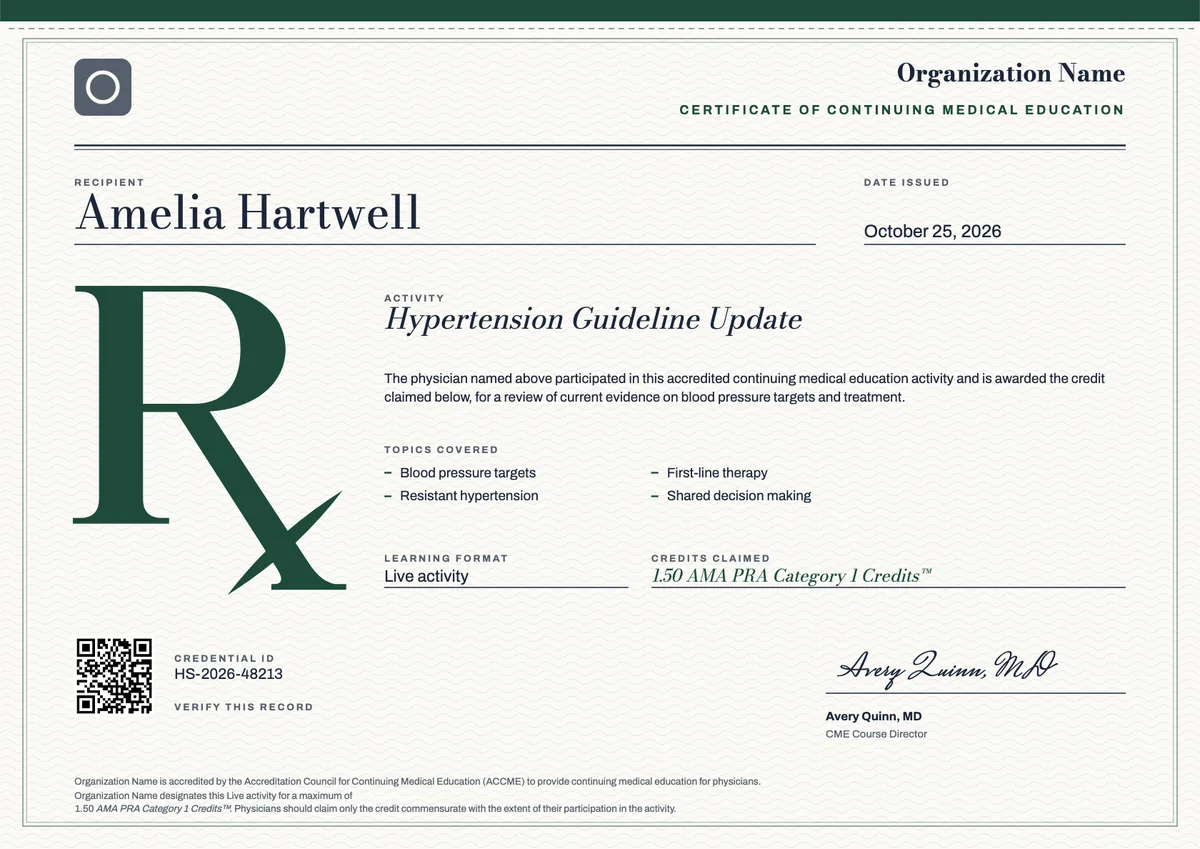
ACCME CME (AMA PRA Category 1)
3 templates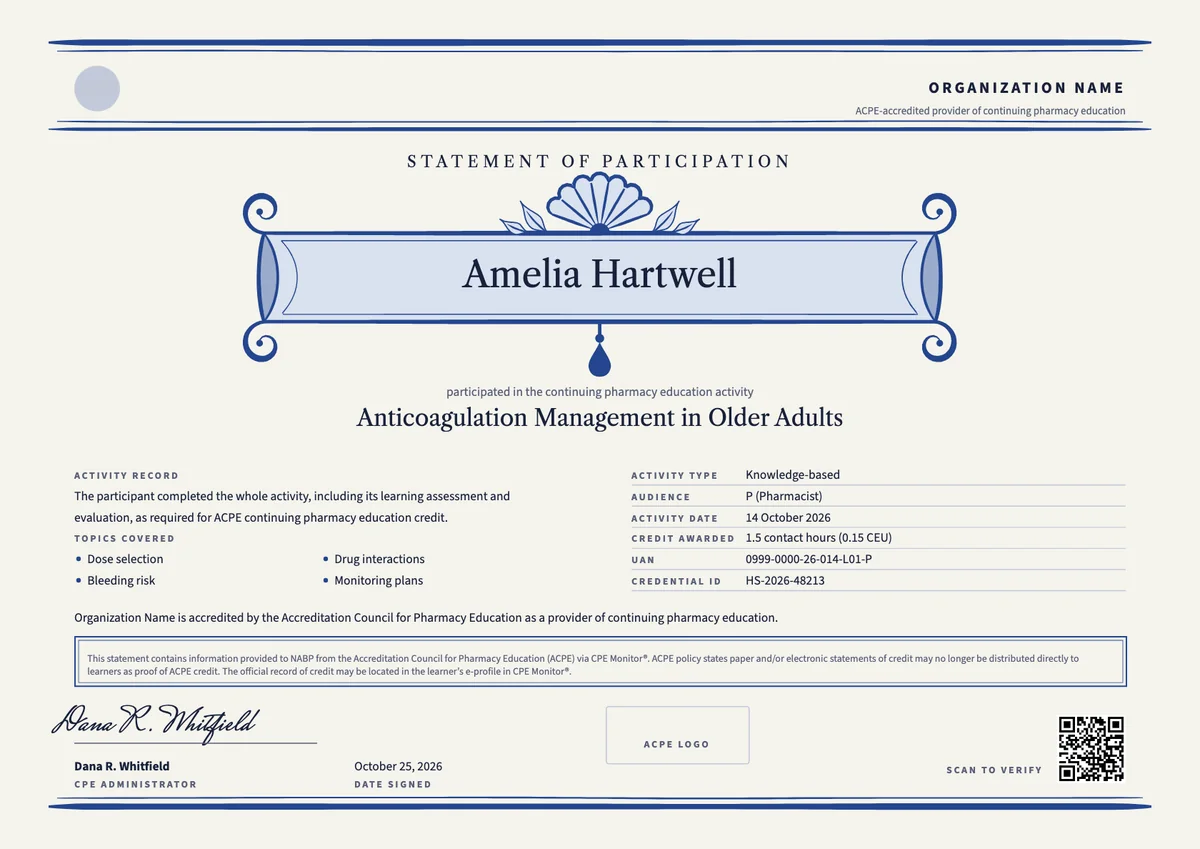
ACPE Pharmacy CPE
3 templates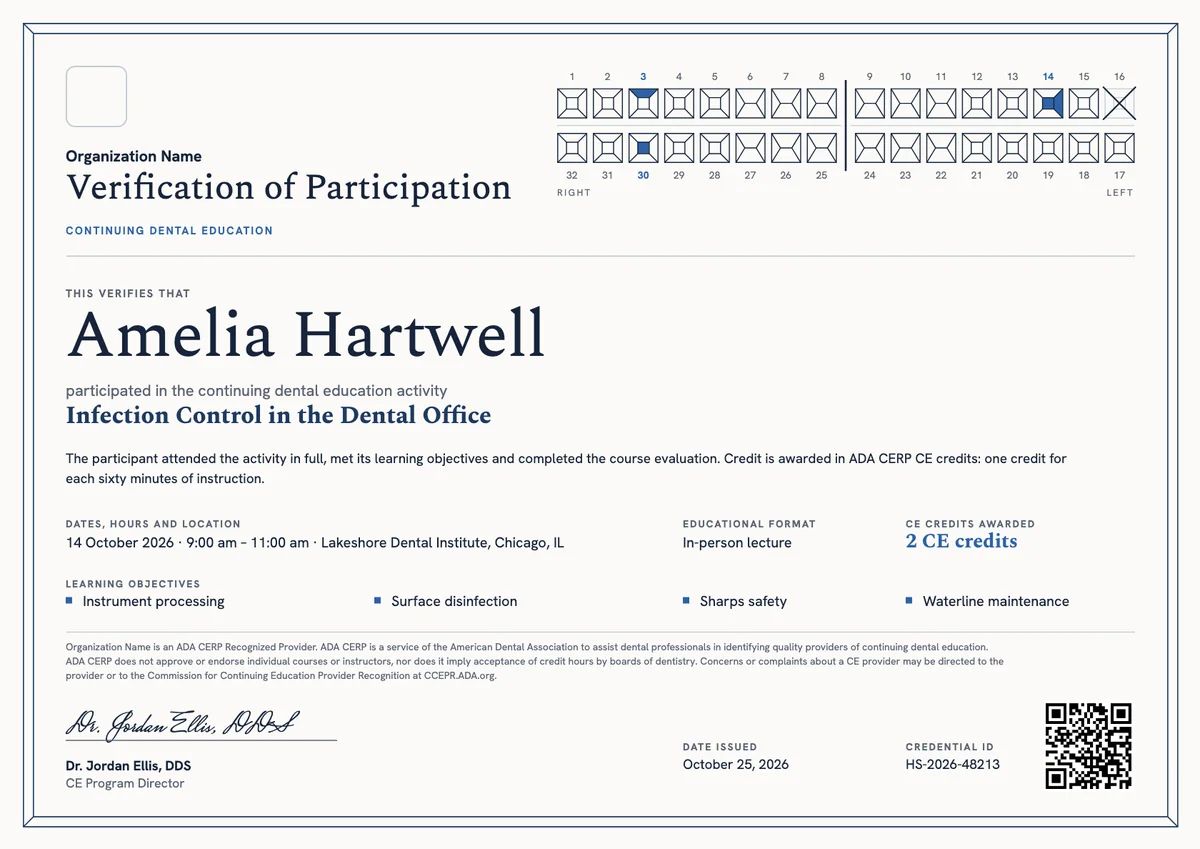
ADA CERP Dental CE
3 templates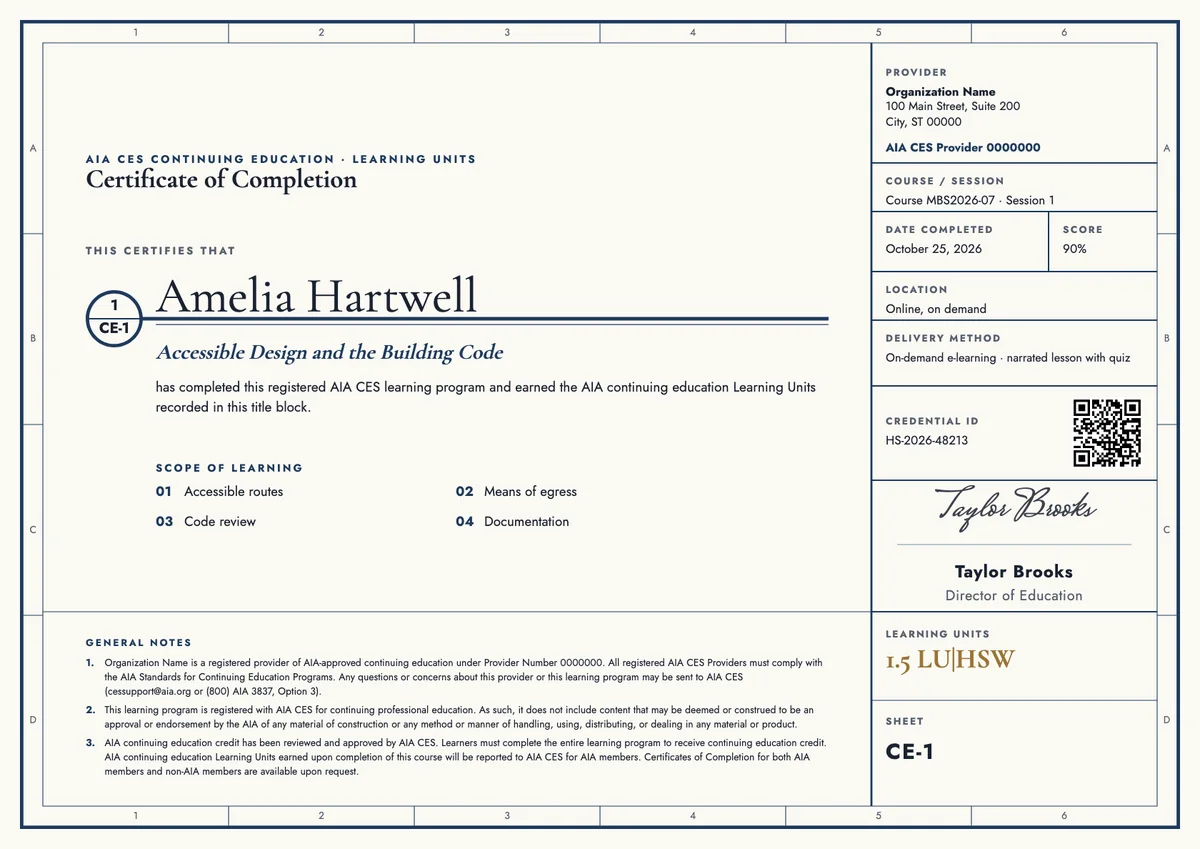
AIA CES Architect CE
3 templates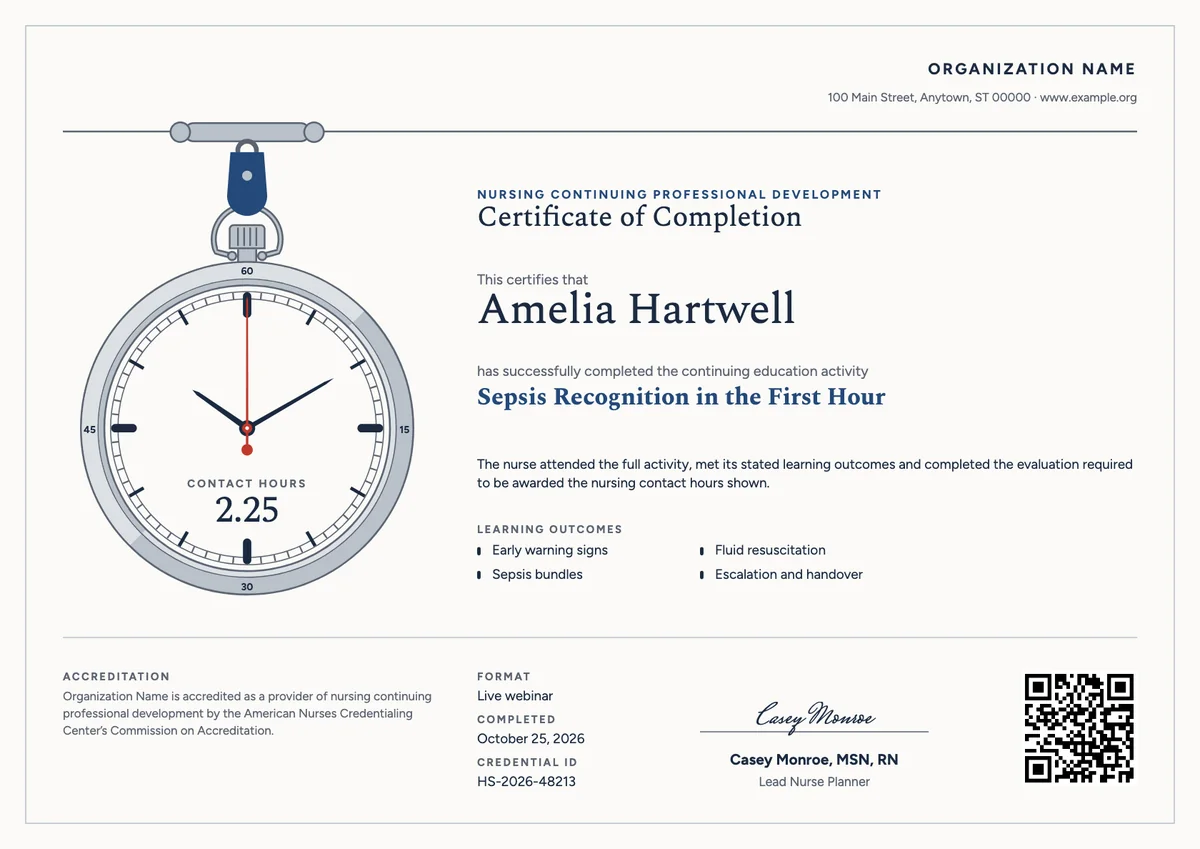
ANCC Nursing CE (NCPD)
3 templates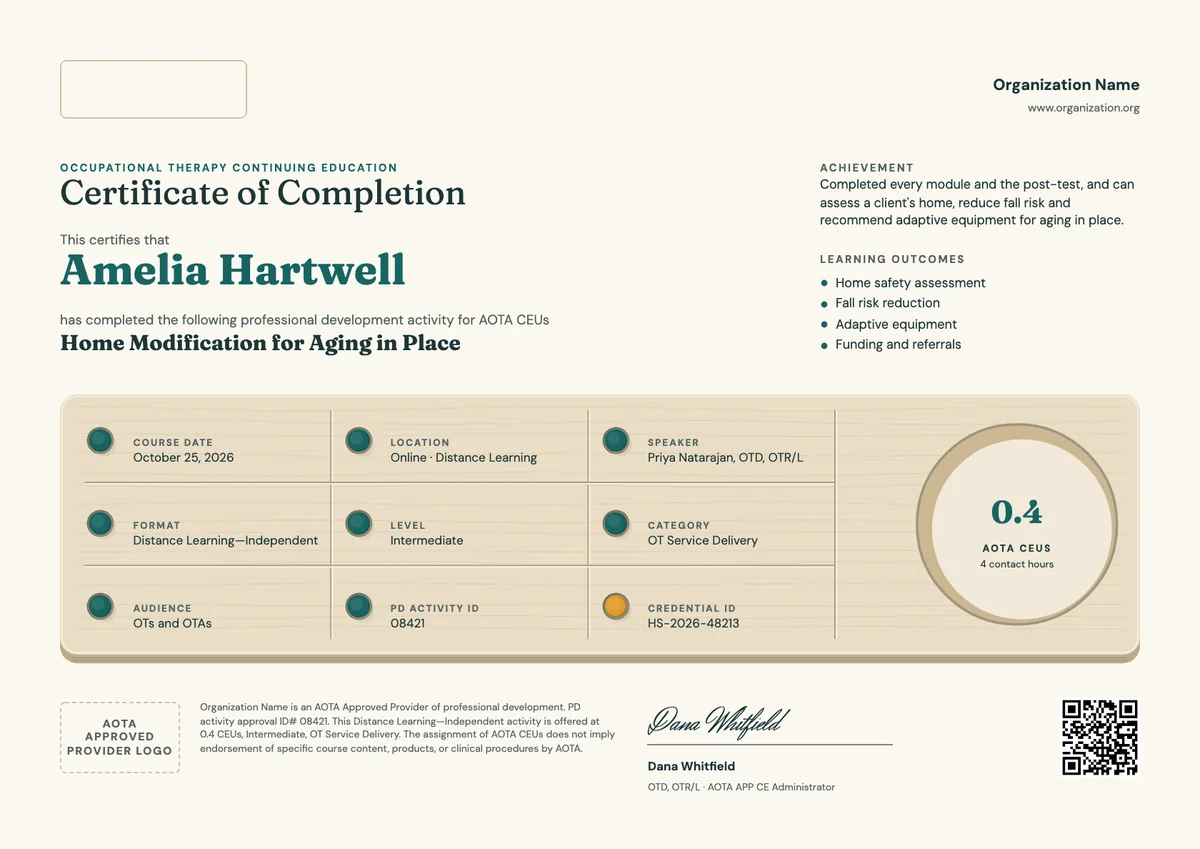
AOTA Occupational Therapy CE
3 templatesYour next cohort deserves better than a PDF
Set up in minutes, send your first credentials today, and only pay once you grow past 20 recipients a year.
Or open a live sample credential