Employee Training certificate templates and badges
3 free designs. A set is one design as a badge, a landscape or a portrait certificate, or all three.
Free for up to 20 recipients a year
Learning Curve set
Badge · Landscape · Portrait
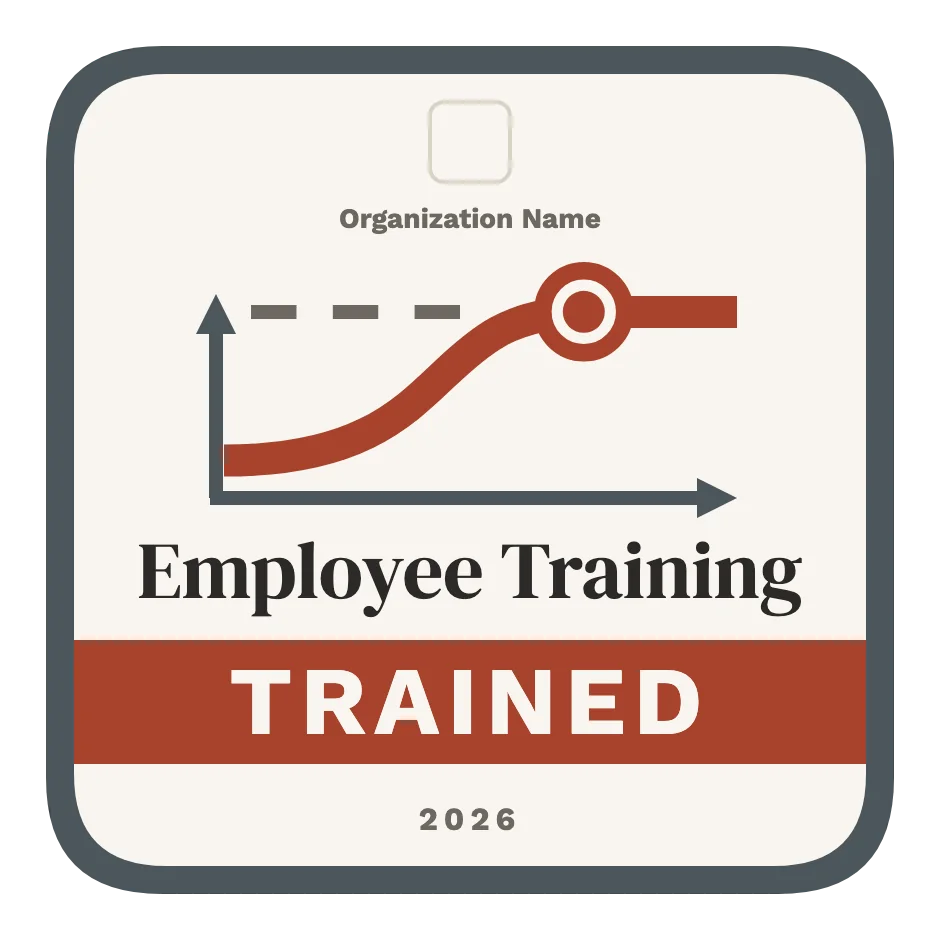
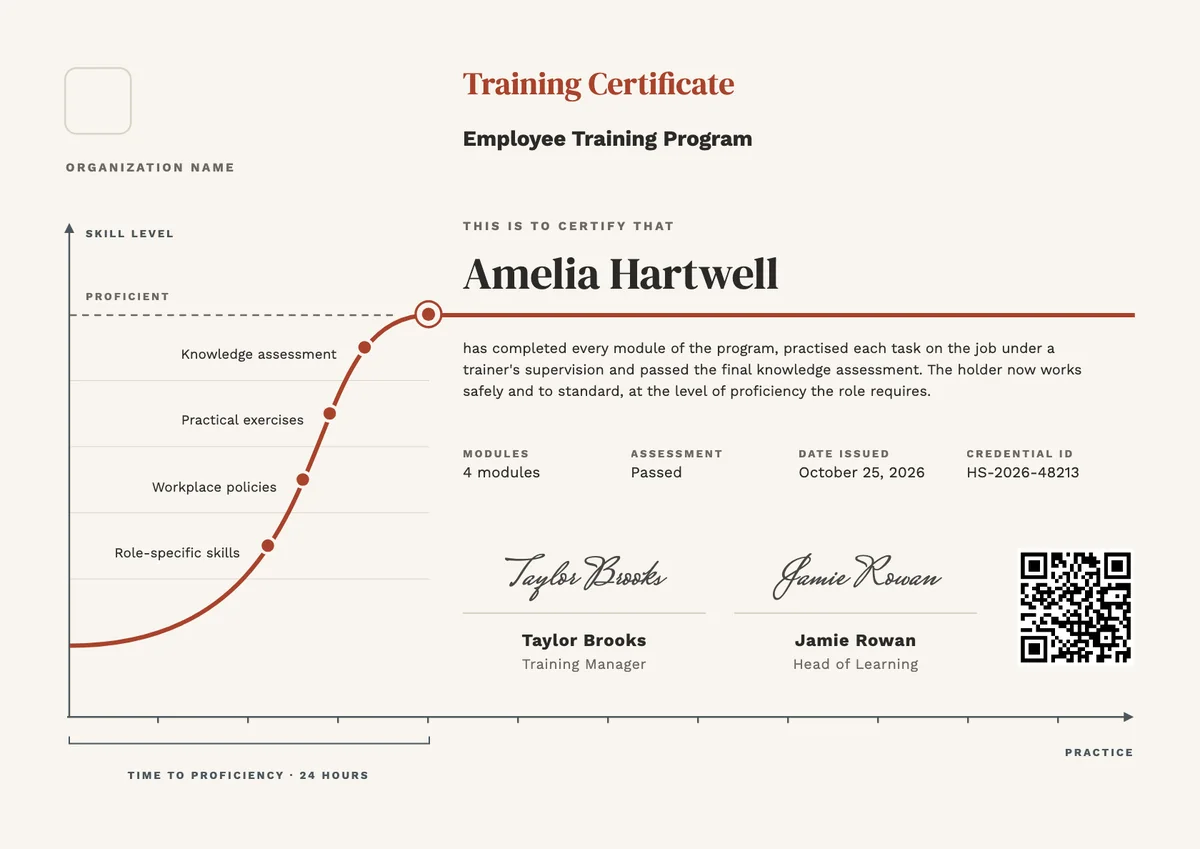

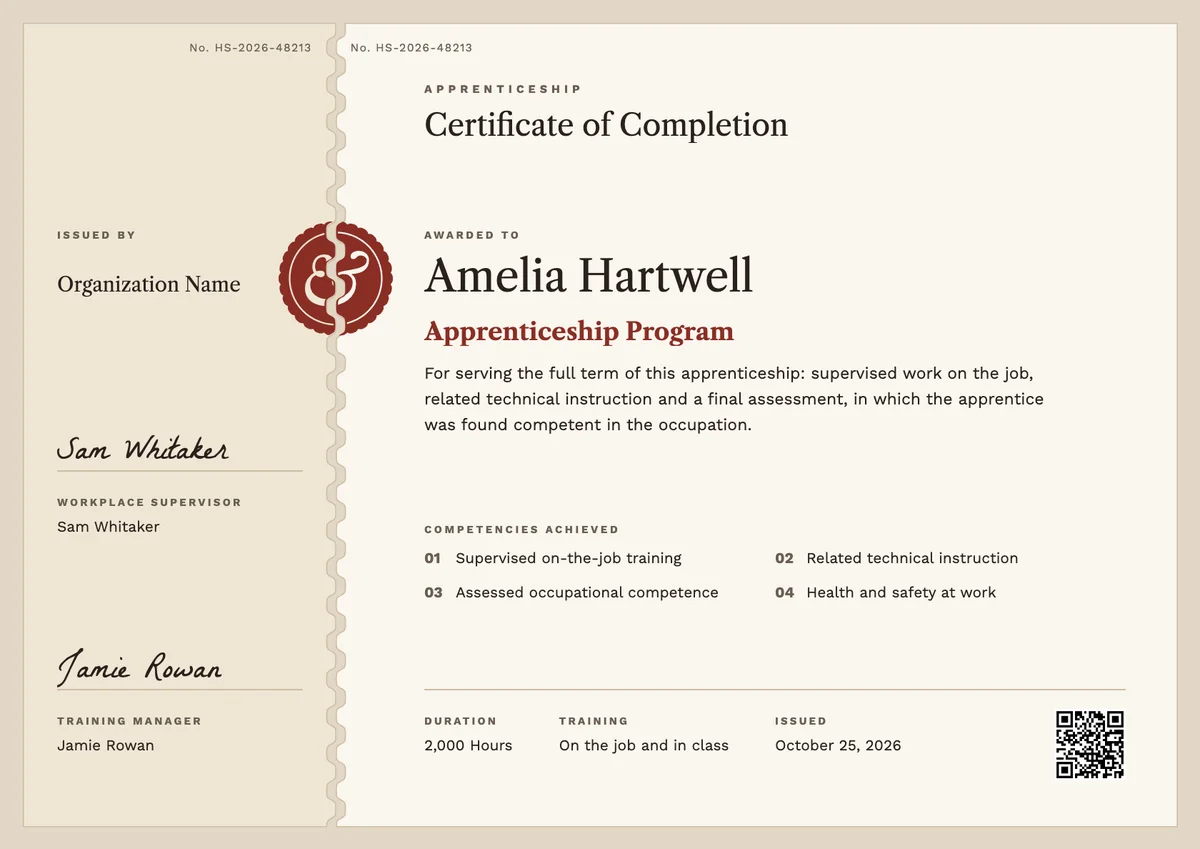
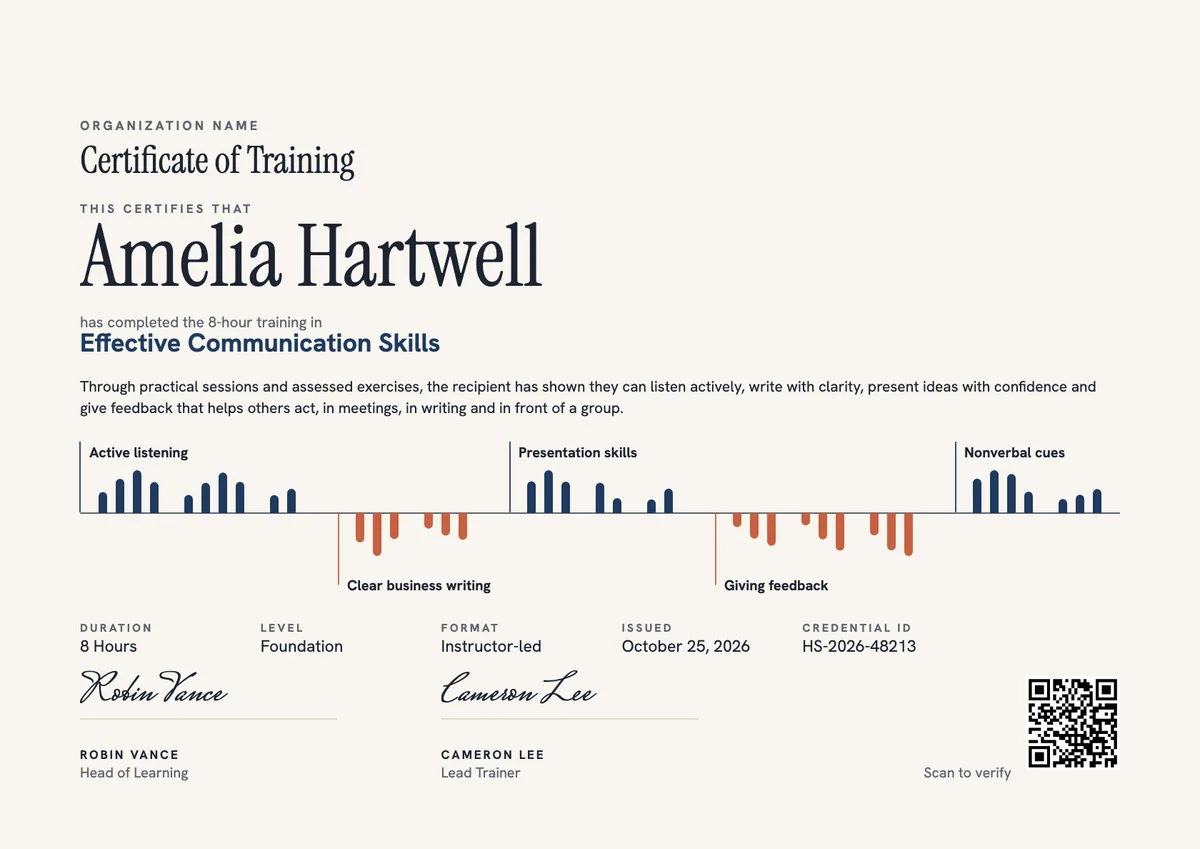
A staff training certificate template gives HR and learning teams a ready record for the moment an employee finishes the training their role asks for. New hires get one at the end of onboarding; existing staff get one after a course on a new system, a new process or a change of job. It goes to the person, and a copy stays in their training file.
A useful certificate says more than a name and a course title. It lists what the training covered, such as role-specific skills, workplace policies and practical exercises, says how it was assessed, and shows the hours, the date, a credential ID and the signature of the trainer or manager who signed it off.
The designs here come as certificates in A4 and US Letter and as digital badges that employees can share on their profiles.
Wording
What to write on a employee training certificate
Use these lines as they are, or as a start for your own. Every template comes with wording you can change in the studio.
Wording for an employee training certificate
- “For successfully completing the employee training program.”
- “Has completed every module of the program and passed the final knowledge assessment.”
- “Has shown the skills and knowledge the role requires, as assessed by a qualified trainer.”
Corporate training certificate lines for onboarding
- “For completing new starter training and learning the policies, tools and safe ways of working of our company.”
- “Welcome to the team: onboarding training completed in full.”
- “Trained, assessed and ready to work on their own.”
Short lines for the badge or the email
- “Training complete. Ready for the role.”
- “Proficient after 24 hours of training.”
Why send it with Hyperstack
More than a PDF
Customize the template free. When it is ready, send it to everyone at once.
One design, every name
Upload a spreadsheet and Hyperstack makes a training certificate for each person on it, in one go.
Sent by email
Each recipient gets their own email and link. You see who opened it, downloaded it and shared it.
Anyone can verify it
The QR code opens a page that proves the certificate is real. Recipients add it to LinkedIn in one click.
FAQ
Questions, answered
After both. Classroom or online modules show what a person knows, but the certificate means most when a trainer has also watched them do the tasks on the job and signed them off. Issue it once the practical part and any assessment are complete.
Note the planned training hours and, if you track it, how long the employee took to reach the expected standard. Many learning teams report time to proficiency to managers, and putting the hours on the certificate keeps that figure next to the result.
Yes, if the manager saw the employee do the work and knows the standard. Many companies have the trainer sign for the content and the manager sign for performance on the job, so the certificate carries both views.
It helps, but an auditor usually wants the full record behind it: the training content, attendance or hours, the assessment result and who signed it off. Keep those with the certificate, and give each certificate an ID that points back to them.
Often, yes. A general onboarding certificate covers company policies and ways of working, while a job-specific one records the tasks of one role. Separate certificates make it easier to show which skills a person has when they change jobs.
More certificate templates
Your next cohort deserves better than a PDF
Set up in minutes, send your first credentials today, and only pay once you grow past 20 recipients a year.
Or open a live sample credential