GDPR and Data Protection certificate templates and badges
3 free designs. A set is one design as a badge, a landscape or a portrait certificate, or all three.
Free for up to 20 recipients a year
Redacted Record set
Badge · Landscape · Portrait
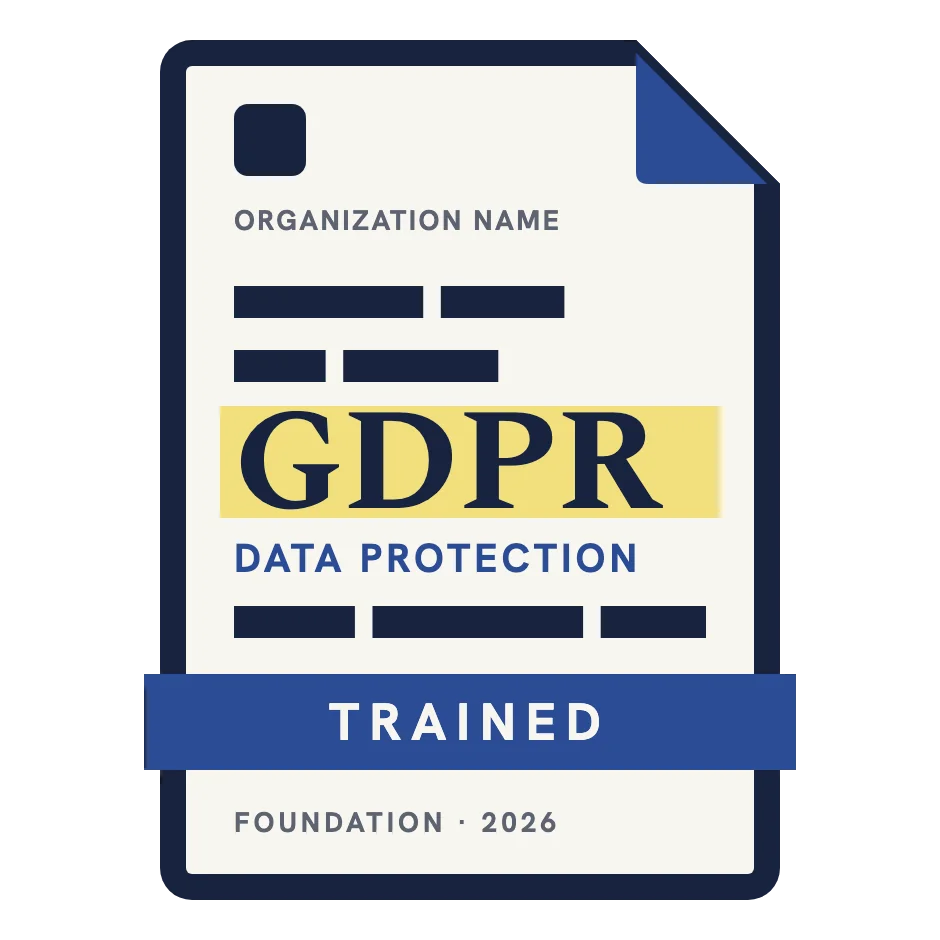
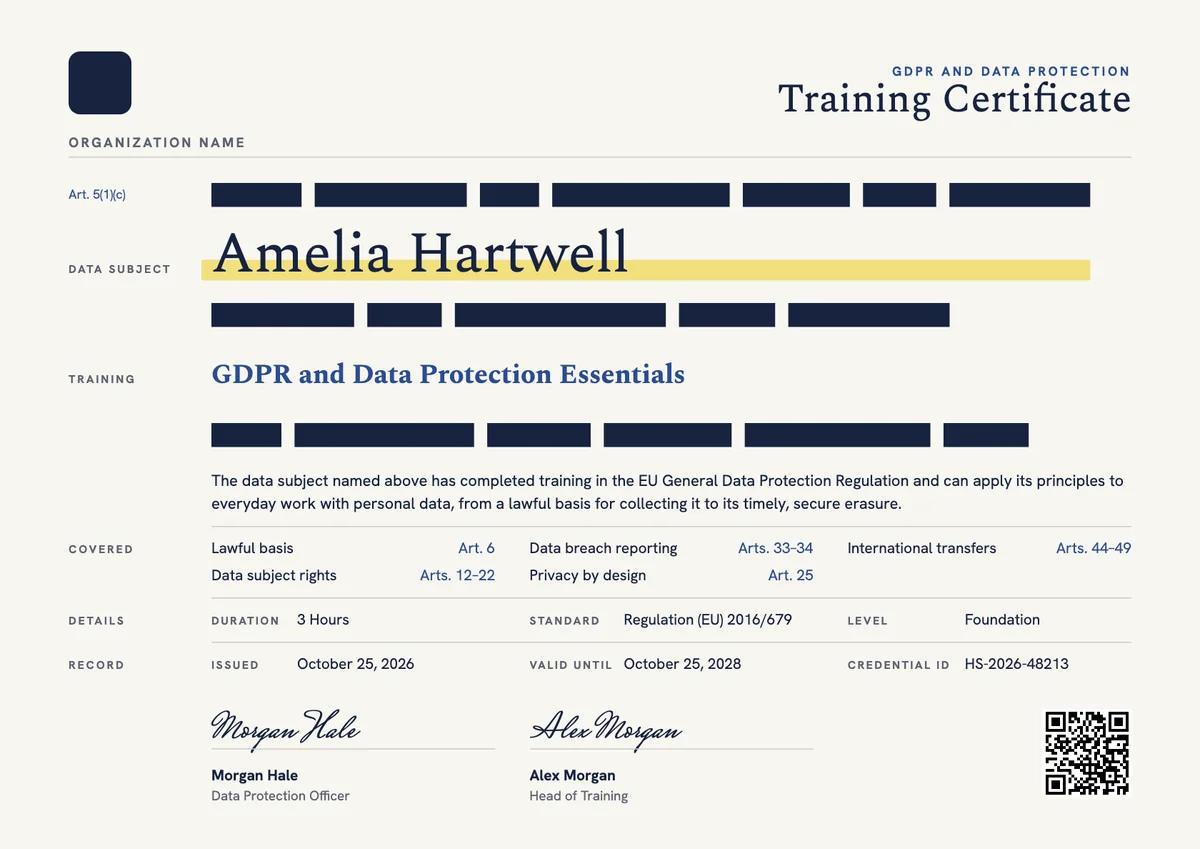
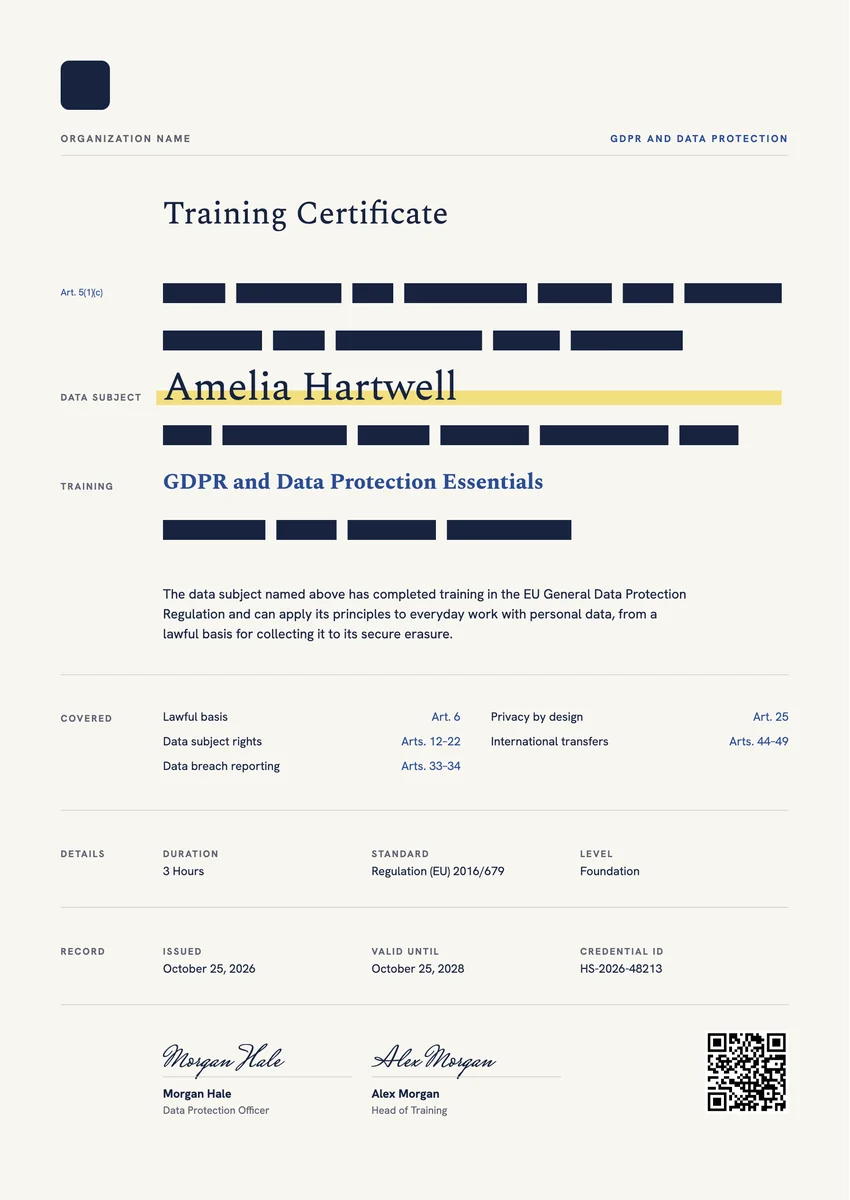
A GDPR certificate template gives you a ready record for data protection training. Employers, privacy consultancies, law firms and training providers issue one when staff finish a course on the General Data Protection Regulation, often at induction and again as a regular refresher, so that everyone who handles personal data knows the rules.
A good data protection certificate names the learner and the course, lists what it covered (lawful bases, data subject rights, breach reporting, privacy by design, international transfers), and carries the date, a credential ID and the signature of the data protection officer or head of training. Add a valid-until date when the course must be repeated.
The designs here come as certificates in A4 and US Letter and as digital badges, so the same training can go into the personnel file and onto a professional profile.
Wording
What to write on a gdpr and data protection certificate
Use these lines as they are, or as a start for your own. Every template comes with wording you can change in the studio.
Wording for a GDPR training certificate
- “Has completed training in the EU General Data Protection Regulation and its principles for handling personal data.”
- “For completing our data protection induction, covering lawful bases, data subject rights and how to report a personal data breach.”
- “Has completed the annual GDPR refresher required by our data protection policy.”
Data privacy certificate wording for privacy leads
- “For completing advanced data protection training in privacy by design, data protection impact assessments and international transfers.”
- “In recognition of completing the data protection officer preparation programme.”
Short lines for the badge or the email
- “GDPR trained.”
- “Data protection training complete for this year.”
Why send it with Hyperstack
More than a PDF
Customize the template free. When it is ready, send it to everyone at once.
One design, every name
Upload a spreadsheet and Hyperstack makes a training certificate for each person on it, in one go.
Sent by email
Each recipient gets their own email and link. You see who opened it, downloaded it and shared it.
Anyone can verify it
The QR code opens a page that proves the certificate is real. Recipients add it to LinkedIn in one click.
FAQ
Questions, answered
The regulation does not prescribe a course, but it requires organisations to take steps so that staff handle personal data correctly and to be able to demonstrate compliance (the accountability principle in Article 5(2)). Training is one of the usual ways to do both, and one of the data protection officer's listed tasks under Article 39 is raising awareness and training staff.
Most organisations train new staff at induction and then run a refresher every year or every two years, plus extra sessions after a change in law, a new system or an incident. Put the renewal period in your data protection policy and show it as a valid-until date on the certificate.
No. Training records show that people completed a course, which supports accountability. GDPR certification under Article 42 is a formal scheme, run by accredited bodies, that certifies an organisation's processing operations. Professional credentials for privacy specialists, such as those for data protection officers, are a third, separate thing.
Usually the data protection officer or privacy lead, together with the head of training or HR. A training provider signs as the course director, and a law firm or consultancy often adds the lead trainer.
The learner's name, the course title, the topics covered, the duration, the date of completion, a unique credential ID and a signature. A QR code or link that verifies the record saves time when an auditor or client asks for proof of training.
The UK GDPR and the Data Protection Act 2018 follow the same principles as the EU regulation, so the same design works. Name the law your course covers in the program title or the standard field, for example UK GDPR, so the record is exact.
More certificate templates
Your next cohort deserves better than a PDF
Set up in minutes, send your first credentials today, and only pay once you grow past 20 recipients a year.
Or open a live sample credential