Nice List certificate templates and badges
3 free designs. A set is one design as a badge, a landscape or a portrait certificate, or all three.
Free for up to 20 recipients a year
Checked Twice set
Badge · Landscape · Portrait
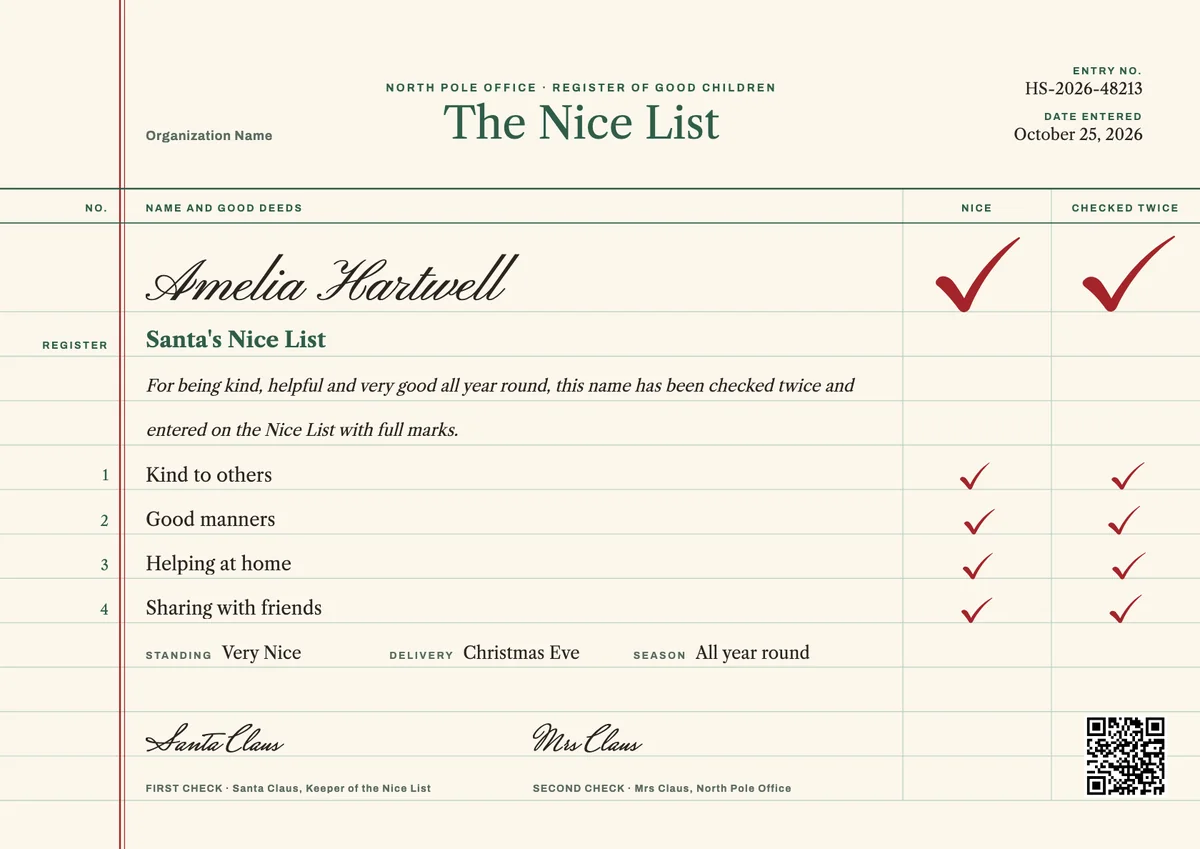
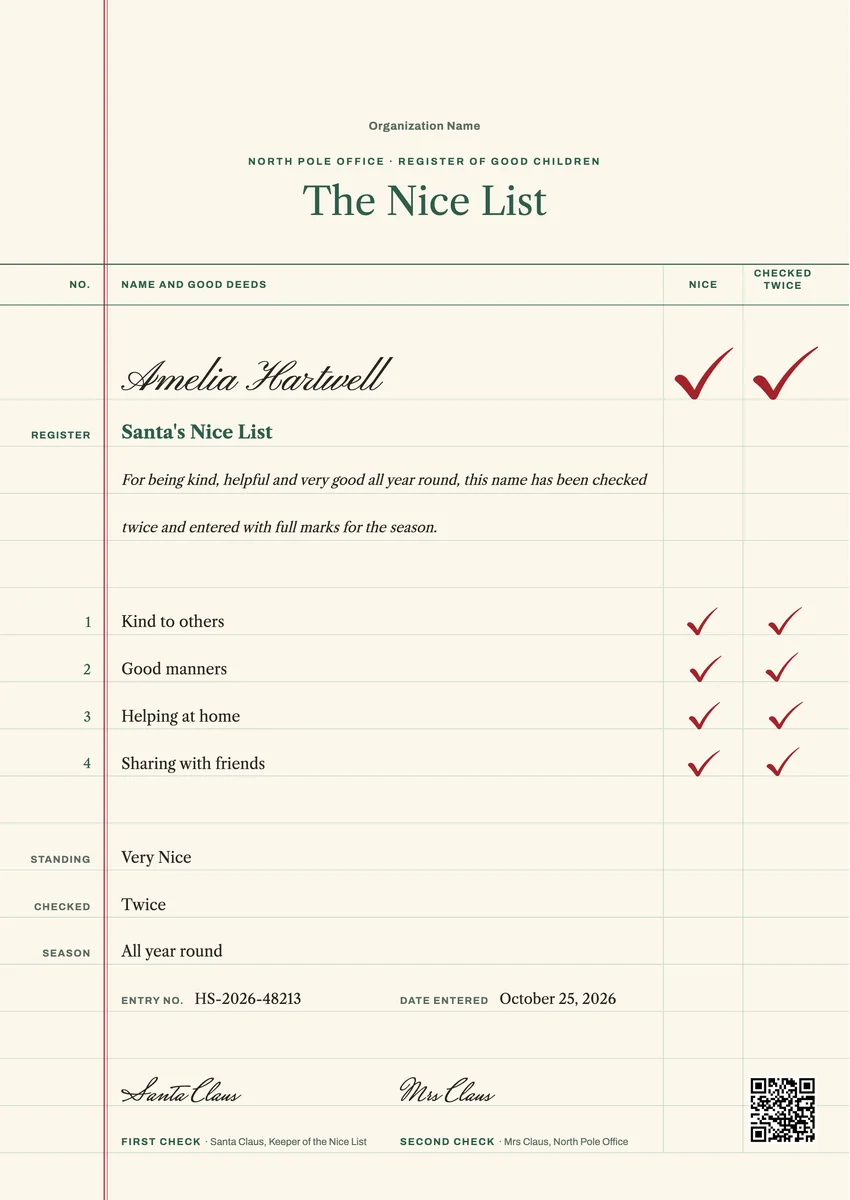
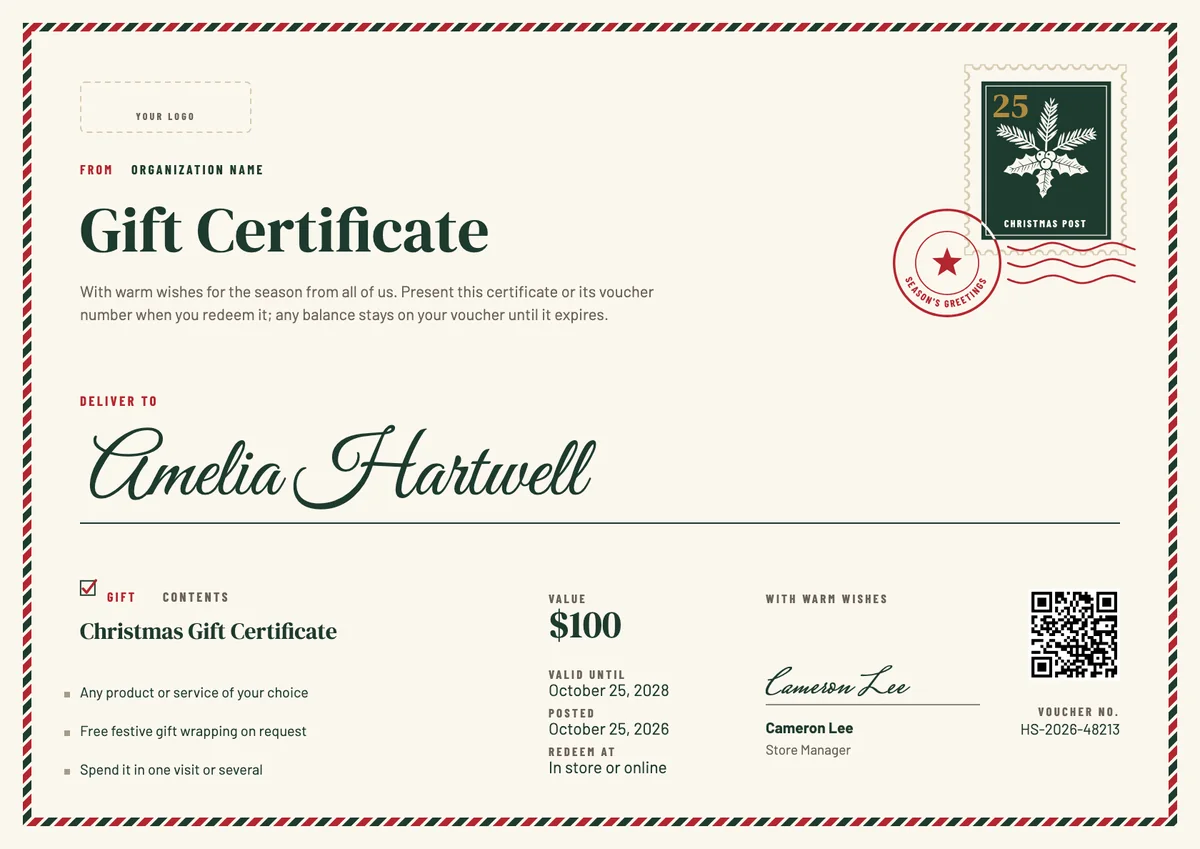
A nice list certificate template lets you tell a child, officially, that Santa has checked his list twice and their name is on it. Parents tuck it into a letter from the North Pole or a stocking, and teachers, nurseries, libraries and holiday clubs hand out a nice list award at the last party before Christmas.
The best ones feel personal. Instead of a bare name, they record what the child actually did this year: being kind to a new classmate, helping with the washing up, sharing toys with a little brother. Add a signature from Santa, a date and a festive touch, and it becomes a keepsake that comes out of the box every December.
The designs here come as certificates in A4 and US Letter, so you can make a printable good list certificate from Santa at home, and as round badges you can send by email or share online.
Wording
What to write on a nice list certificate
Use these lines as they are, or as a start for your own. Every template comes with wording you can change in the studio.
Nice list certificate wording from Santa
- “This is to certify that your name has been checked twice and entered on the Nice List.”
- “For being kind, helpful and very good all year round, Santa is proud to place you on the Nice List.”
- “The elves have watched closely, and your good deeds have earned you a place on this year's Nice List.”
Good deeds to list on a Santa good list certificate
- “Kind to others, even when it was hard.”
- “Helped at home without being asked.”
- “Shared toys and treats with friends and family.”
- “Said please and thank you every day.”
Short lines for the badge or a card
- “Checked twice. Still nice.”
- “Officially on the Nice List this year.”
Why send it with Hyperstack
More than a PDF
Customize the template free. When it is ready, send it to everyone at once.
One design, every name
Upload a spreadsheet and Hyperstack makes a certificate for each person on it, in one go.
Sent by email
Each recipient gets their own email and link. You see who opened it, downloaded it and shared it.
Anyone can verify it
The QR code opens a page that proves the certificate is real. Recipients add it to LinkedIn in one click.
FAQ
Questions, answered
Most families give it in the week before Christmas, often on Christmas Eve or with the last letter from the North Pole. Schools and clubs usually hand it out at their final holiday party of the term.
Santa Claus is the classic signer, often with a second signature from Mrs Claus or the head elf, so the magic stays intact. When it comes from a class or a club, the teacher or leader can add their own name beside Santa's.
Pick three or four real things the child did during the year, such as helping a friend, tidying their room or being patient with a sibling. Specific deeds mean more to a child than general praise.
It comes from the 1934 song Santa Claus Is Comin' to Town, with the line about making a list and checking it twice. A nice list certificate turns that line into something a child can hold.
Yes. Teachers often give one to every pupil, each with their own name and a good deed that fits them. Upload the class list once and every child gets a personal certificate.
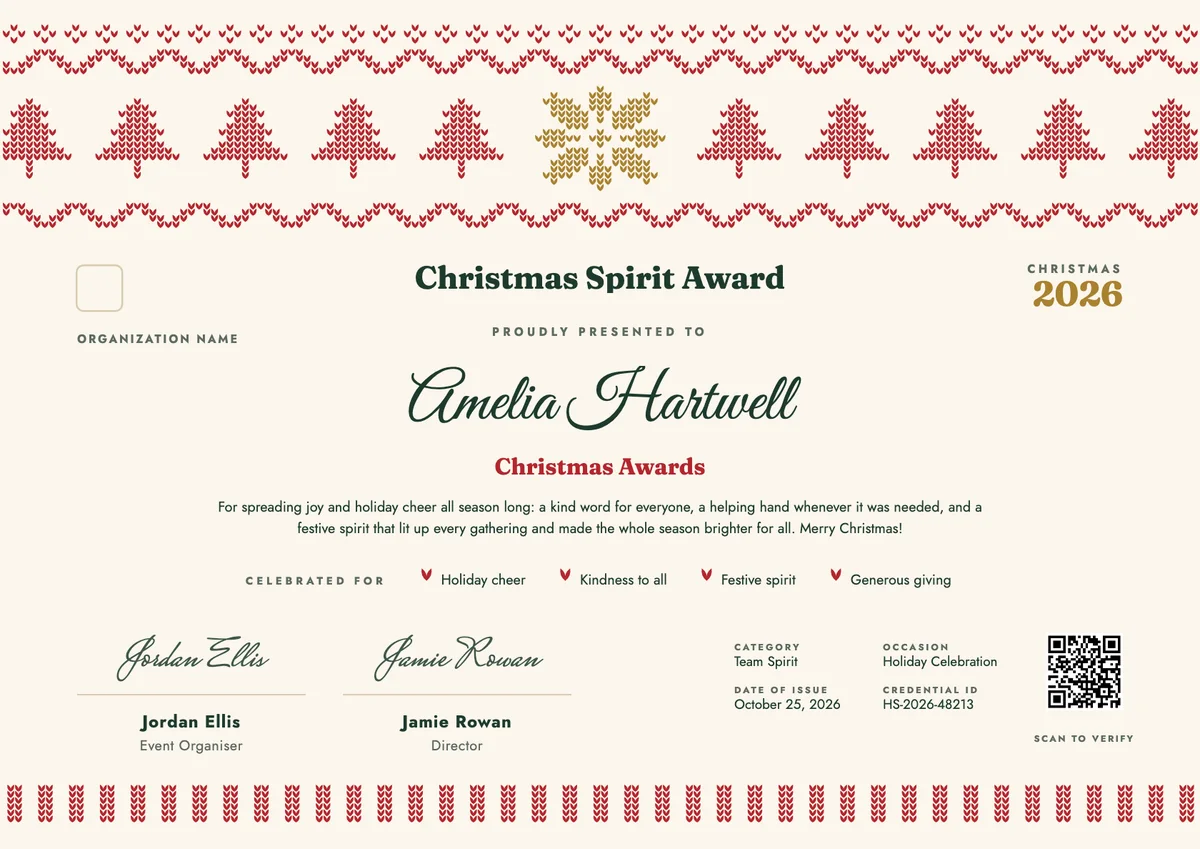
Your next cohort deserves better than a PDF
Set up in minutes, send your first credentials today, and only pay once you grow past 20 recipients a year.
Or open a live sample credential