Sexual Harassment Prevention certificate templates and badges
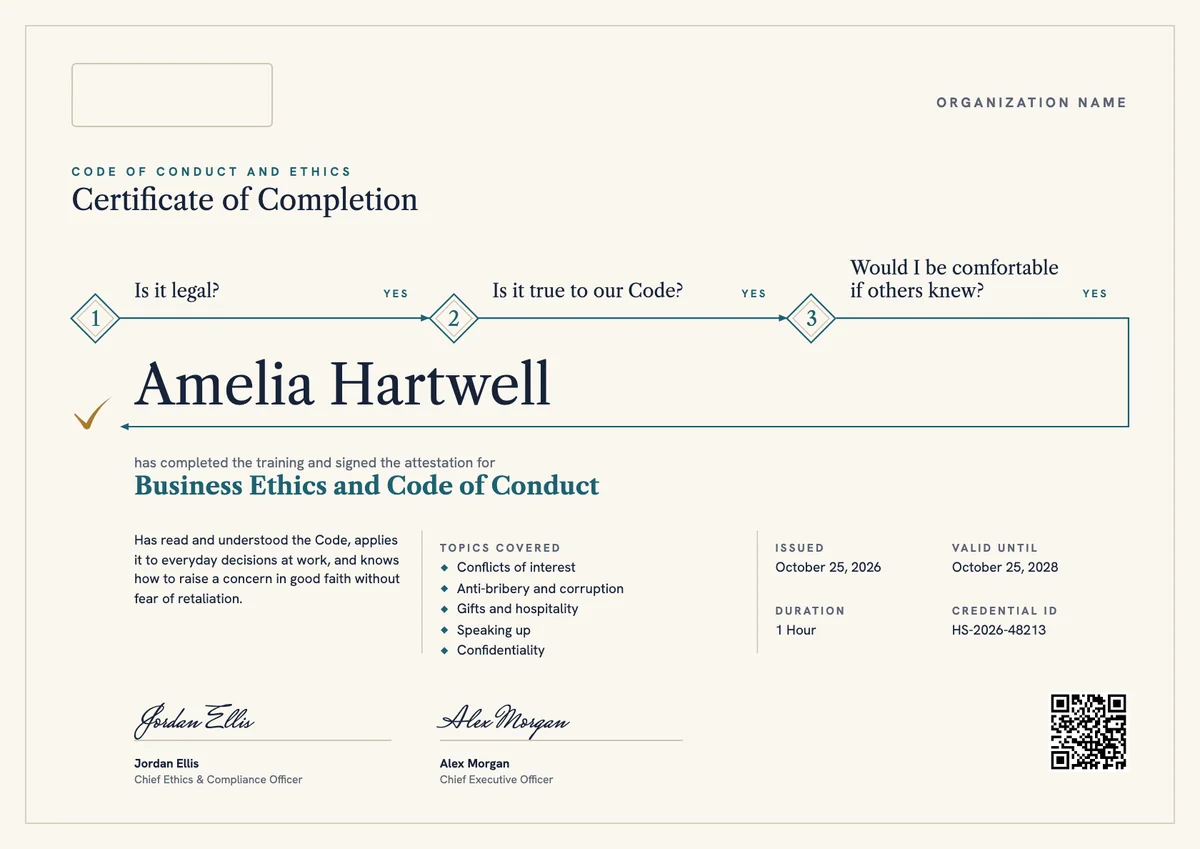
3 free designs. A set is one design as a badge, a landscape or a portrait certificate, or all three.
Free for up to 20 recipients a year
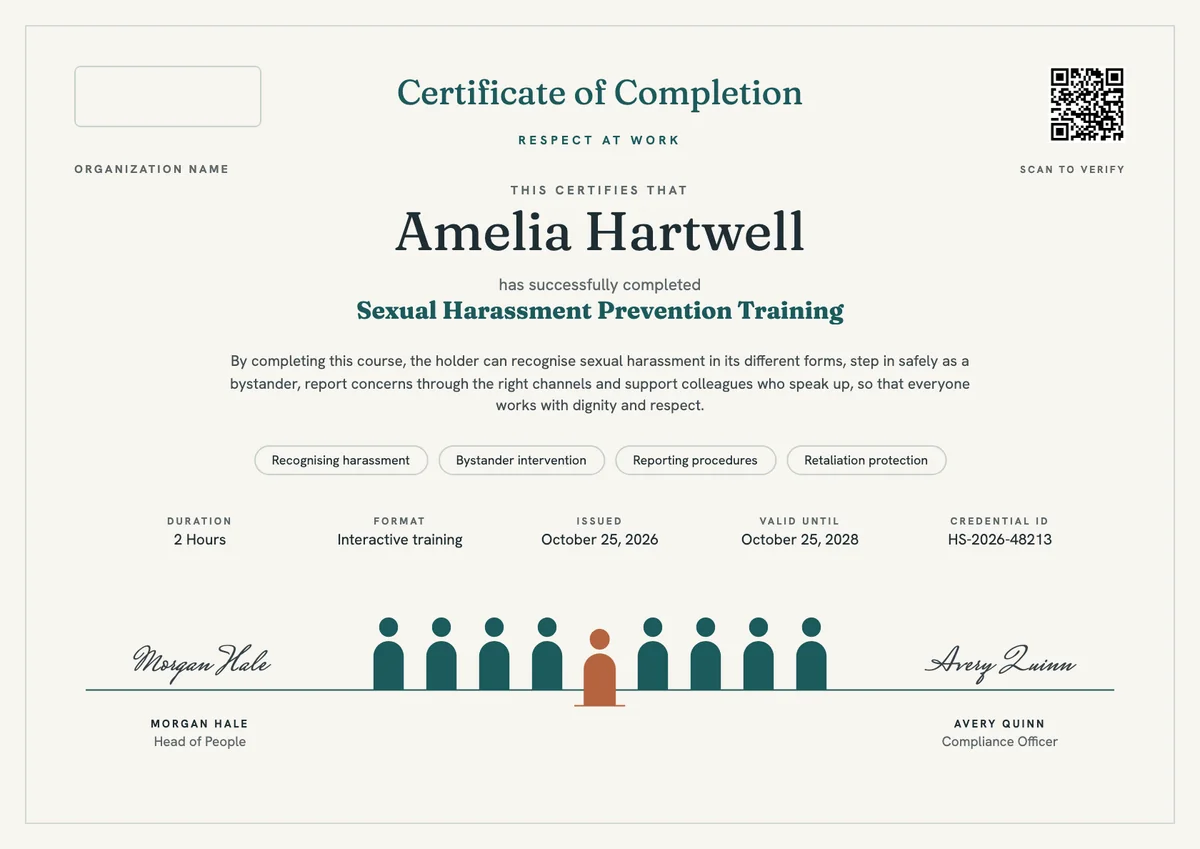
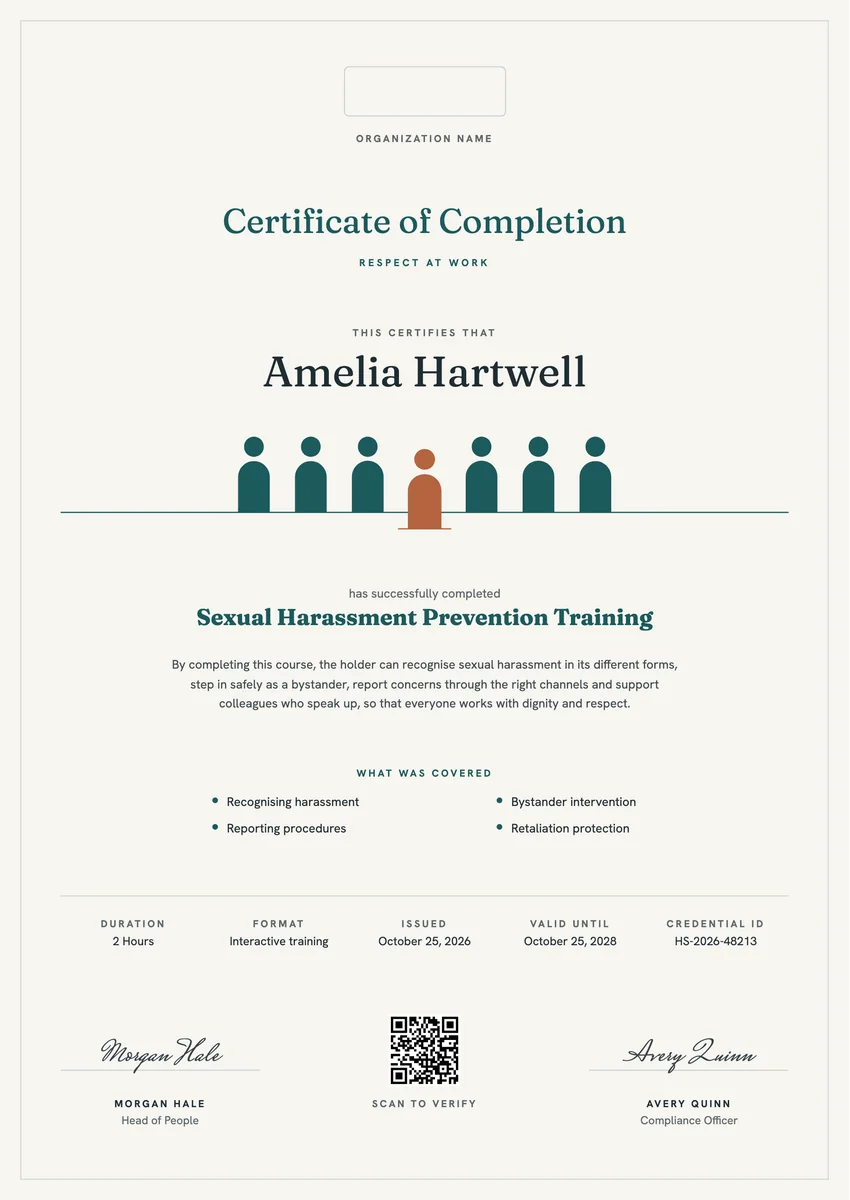
A harassment prevention certificate template gives HR teams, compliance officers and outside trainers a ready record for everyone who finishes a sexual harassment prevention course. Employers issue it after onboarding sessions, annual refreshers and manager workshops, and many keep a copy in each personnel file as proof that the training took place.
A good certificate names the person, the course and its length, and says what was covered: recognising harassment, stepping in as a bystander, how to report a concern and protection from retaliation. Where the law or company policy asks for regular training, add the issue date and a valid-until date so everyone can see when the next session is due.
The designs come as certificates in A4 and US Letter and as digital badges that learners can share.
Wording
What to write on a sexual harassment prevention certificate
Use these lines as they are, or as a start for your own. Every template comes with wording you can change in the studio.
Sexual harassment training certificate of completion wording
- “Has successfully completed Sexual Harassment Prevention Training.”
- “For completing two hours of interactive training on preventing sexual harassment in the workplace.”
- “Has completed the annual Respect at Work refresher on harassment, bystander action and reporting.”
Wording for a manager or supervisor course
- “Has completed Sexual Harassment Prevention Training for Supervisors, including how to receive and escalate a complaint.”
- “For completing training on a manager's duty to prevent harassment and to protect people who report it.”
Short lines for the badge or the email
- “Trained to recognise, prevent and report harassment.”
- “Respect at work: training complete.”
Why send it with Hyperstack
More than a PDF
Customize the template free. When it is ready, send it to everyone at once.
One design, every name
Upload a spreadsheet and Hyperstack makes a training certificate for each person on it, in one go.
Sent by email
Each recipient gets their own email and link. You see who opened it, downloaded it and shared it.
Anyone can verify it
The QR code opens a page that proves the certificate is real. Recipients add it to LinkedIn in one click.
FAQ
Questions, answered
It depends on where you work and on company policy. California asks employers with five or more employees to train staff every two years, and New York requires training every year. Many other employers choose a yearly or two-yearly refresher, so set the valid-until date to match your own cycle.
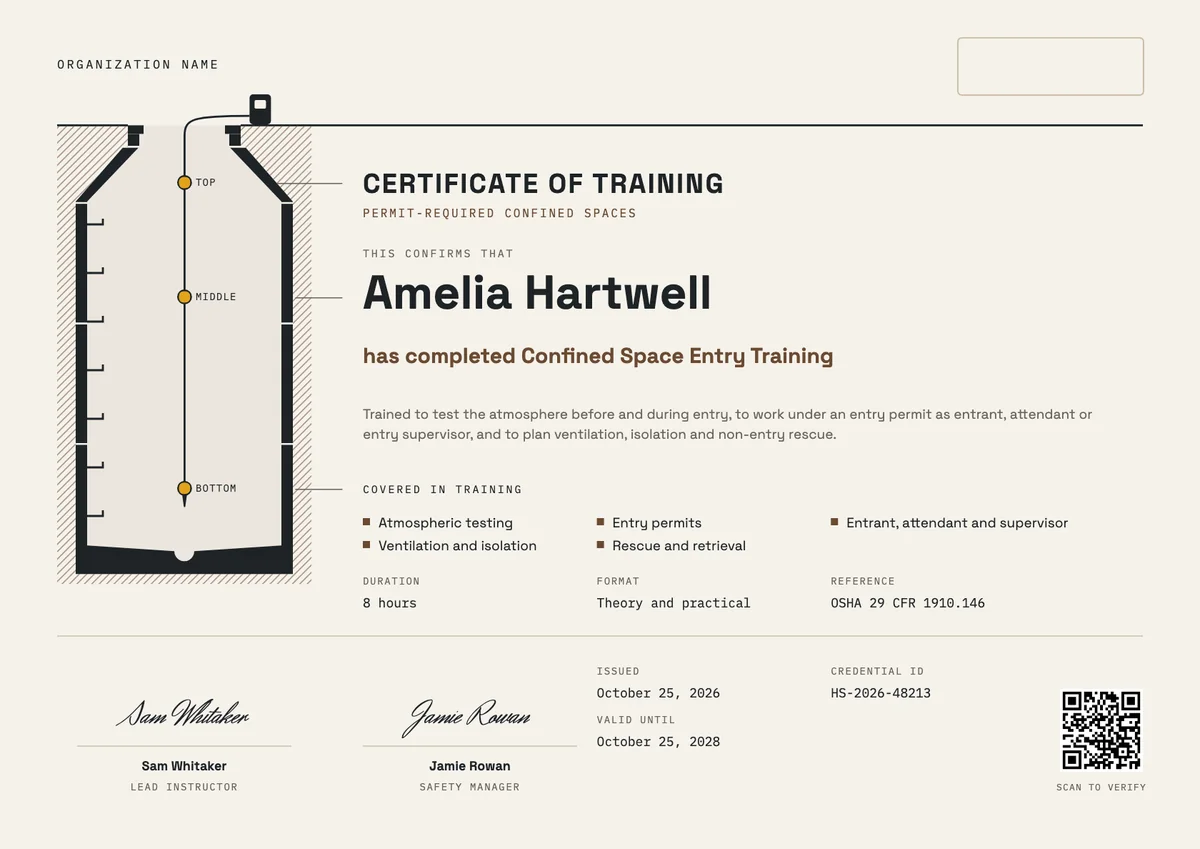
The learner's name, the course title, the date it was completed and the number of hours, plus a short list of the topics covered. Add a valid-until date when the training must be renewed, a credential ID for your records and the signature of the person responsible for the training.
Usually the trainer or the head of HR, often with the compliance officer or an executive sponsor. If an outside provider ran the course, their trainer signs it and your organisation's name appears beside theirs.
Some rules set longer training for supervisors, for example two hours instead of one in California. Use the same design with a different course title and duration, so the record shows which version each person completed.
It is good evidence, but keep it together with the attendance record, the course materials and the date. A digital certificate with a QR code makes it easy for an auditor or investigator to check that a record is real.
More certificate templates
Your next cohort deserves better than a PDF
Set up in minutes, send your first credentials today, and only pay once you grow past 20 recipients a year.
Or open a live sample credential