Skill Level Badge certificate templates and badges
3 free designs. A set is one design as a badge, a landscape or a portrait certificate, or all three.
Free for up to 20 recipients a year
Level Staircase set
Badge · Landscape · Portrait


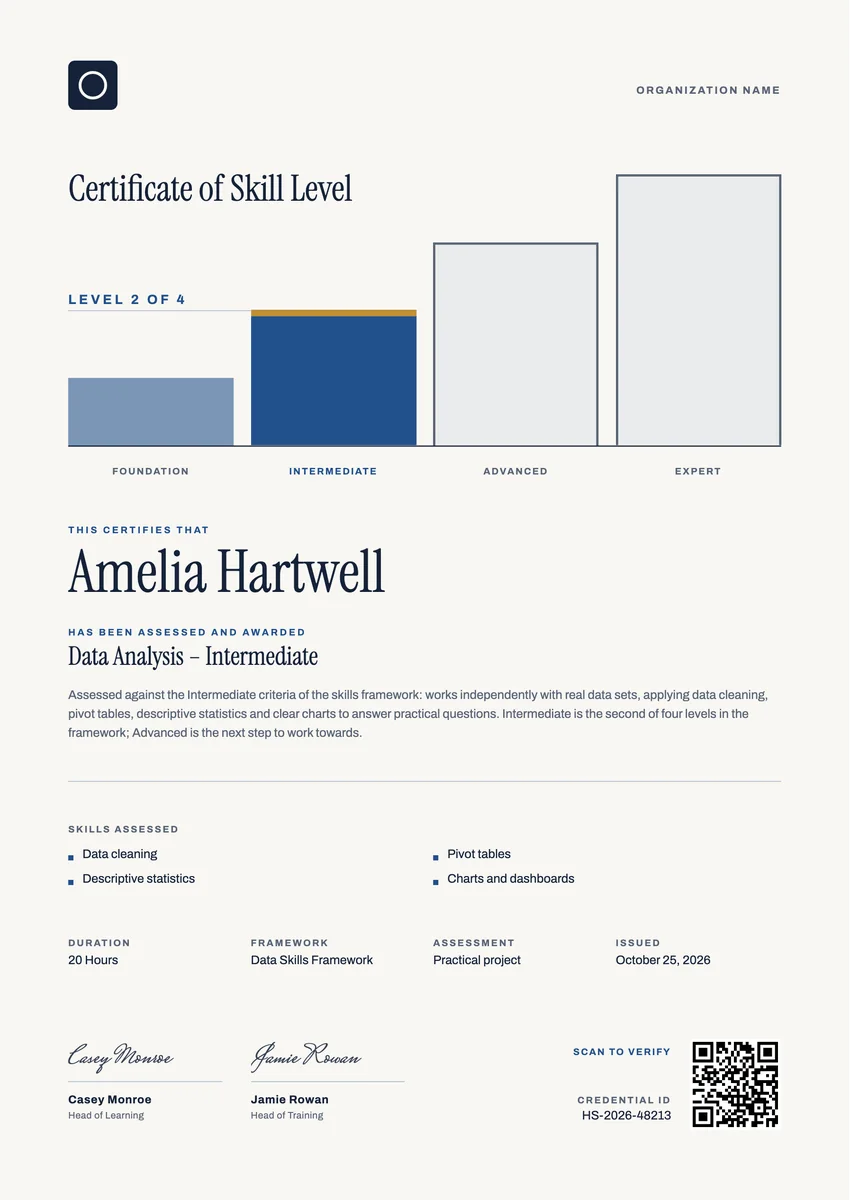
A skill badge template gives you a ready design for recognising one level of a skill: Foundation, Intermediate, Advanced or Expert in data analysis, coding, customer service, first aid or any other subject your program teaches. Training providers, corporate academies, bootcamps and professional associations award a skills badge after an assessment shows the learner can do the work at that level.
A good skill level badge names the skill and the level plainly, so anyone who sees it knows what was reached and what comes next. The matching skill level certificate adds the record behind it: the skills assessed, how they were tested, the date and a signature.
The designs here come as badges and as certificates in A4 and US Letter, so you can share the badge online and print the certificate.
Wording
What to write on a skill level badge certificate
Use these lines as they are, or as a start for your own. Every template comes with wording you can change in the studio.
Wording for a skill level certificate
- “Has been assessed and awarded Intermediate level in Data Analysis.”
- “For showing, in a practical assessment, the skills required at Level 2 of our skills framework.”
- “In recognition of reaching Advanced level: works independently and guides others in this skill.”
Short lines for a skills badge
- “Data Analysis: Intermediate”
- “Level 3 of 4: Advanced”
- “Skill verified: Customer Service Foundation”
Statements that describe each level
- “Foundation: understands the basics and completes routine tasks with guidance.”
- “Intermediate: works on real tasks independently and chooses the right method.”
- “Expert: solves new problems, sets standards and teaches the skill to others.”
Why send it with Hyperstack
More than a PDF
Customize the template free. When it is ready, send it to everyone at once.
One design, every name
Upload a spreadsheet and Hyperstack makes a badge for each person on it, in one go.
Sent by email
Each recipient gets their own email and link. You see who opened it, downloaded it and shared it.
Anyone can verify it
The QR code opens a page that proves the certificate is real. Recipients add it to LinkedIn in one click.
FAQ
Questions, answered
Most use three to five. Four levels, such as Foundation, Intermediate, Advanced and Expert, are common because each step is large enough to show real progress. Write down what a person can do at each level before you award any badges.
A completion certificate says someone finished the training. A skill badge says they showed a level of ability, usually in an assessment such as a practical project, a test or an observed task. That is why a skill badge names the level and the skills checked.
Match the assessment to the level. A Foundation badge can follow a short quiz; Intermediate and higher are better judged by a practical task or a project reviewed against written criteria, ideally by an assessor who did not teach the learner.
Yes. Keep the same design for the whole framework and change the level word, the program name and the statement for each step. Learners then collect a matching series as they move up.
It depends on how fast the skill changes. Software and safety skills often need a renewal after one to three years, while broader skills such as communication rarely expire. If it renews, add a valid-until date.
More certificate templates
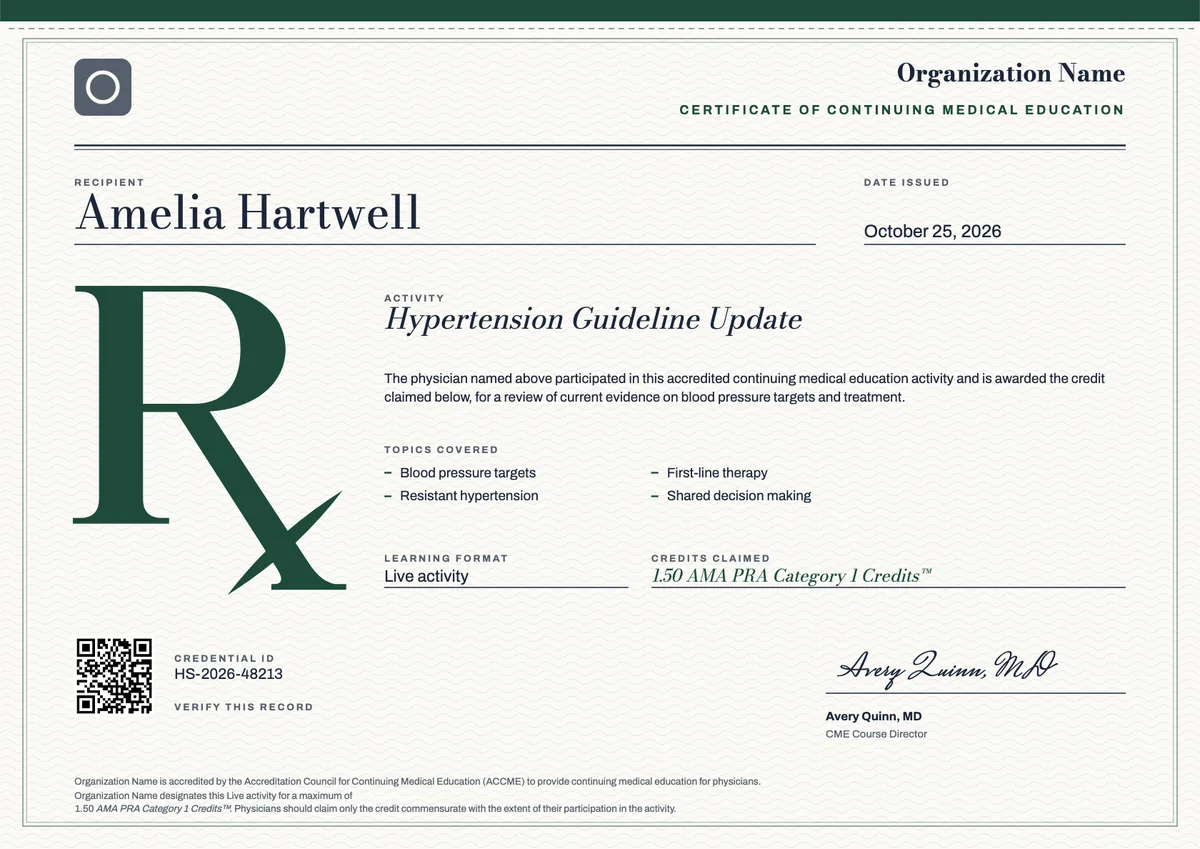
ACCME CME (AMA PRA Category 1)
3 templates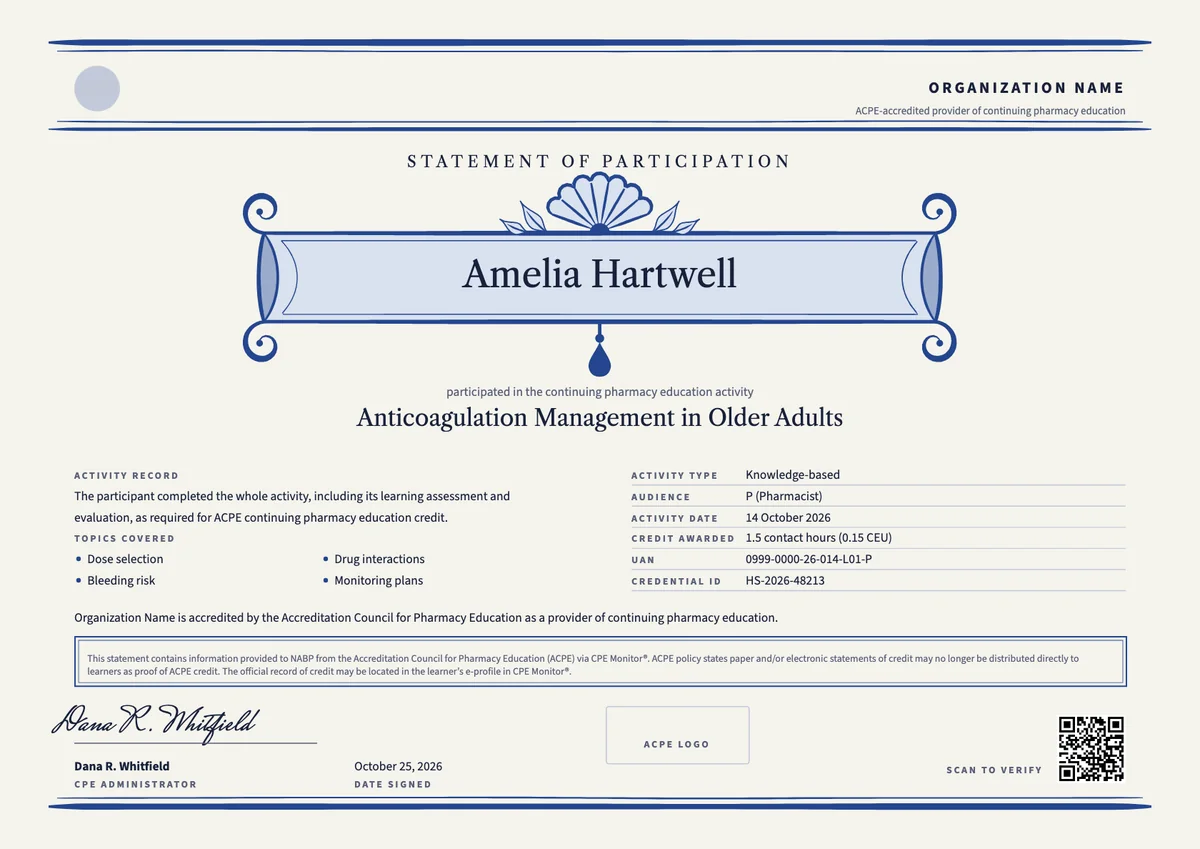
ACPE Pharmacy CPE
3 templates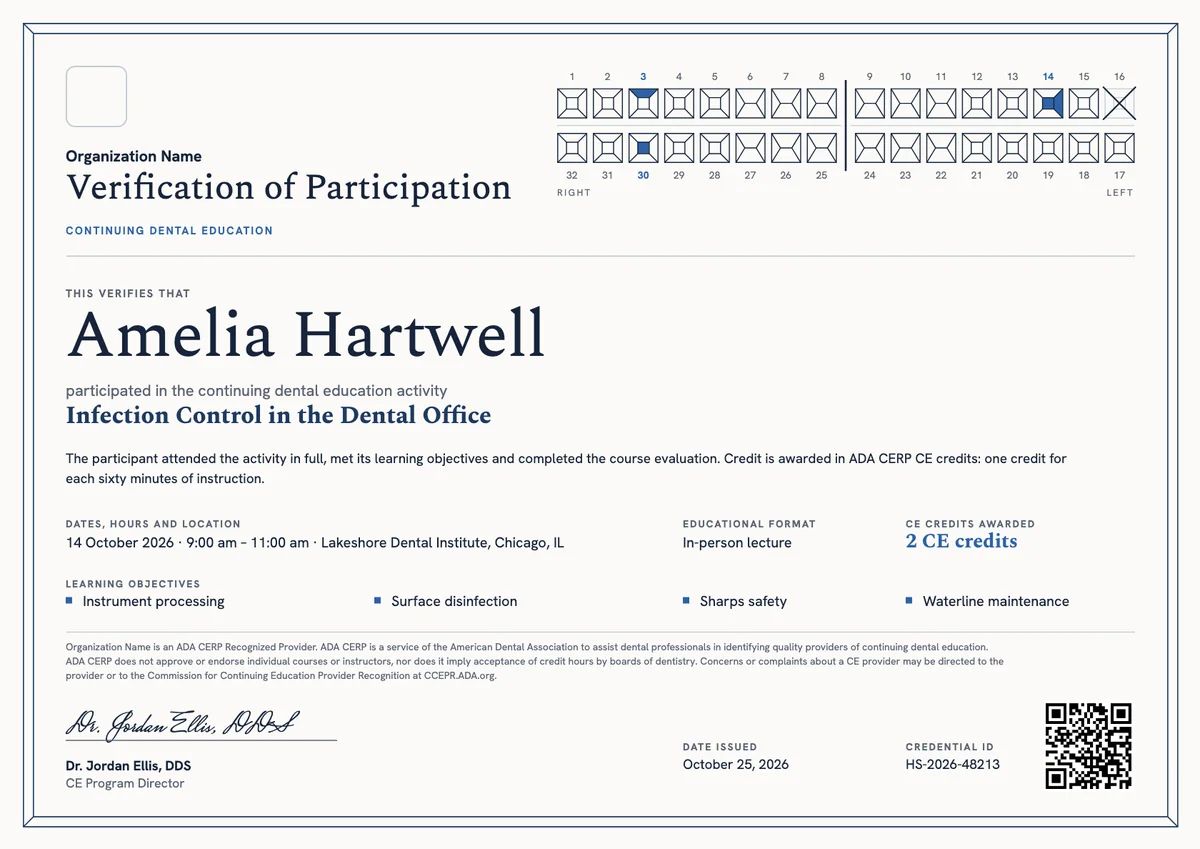
ADA CERP Dental CE
3 templates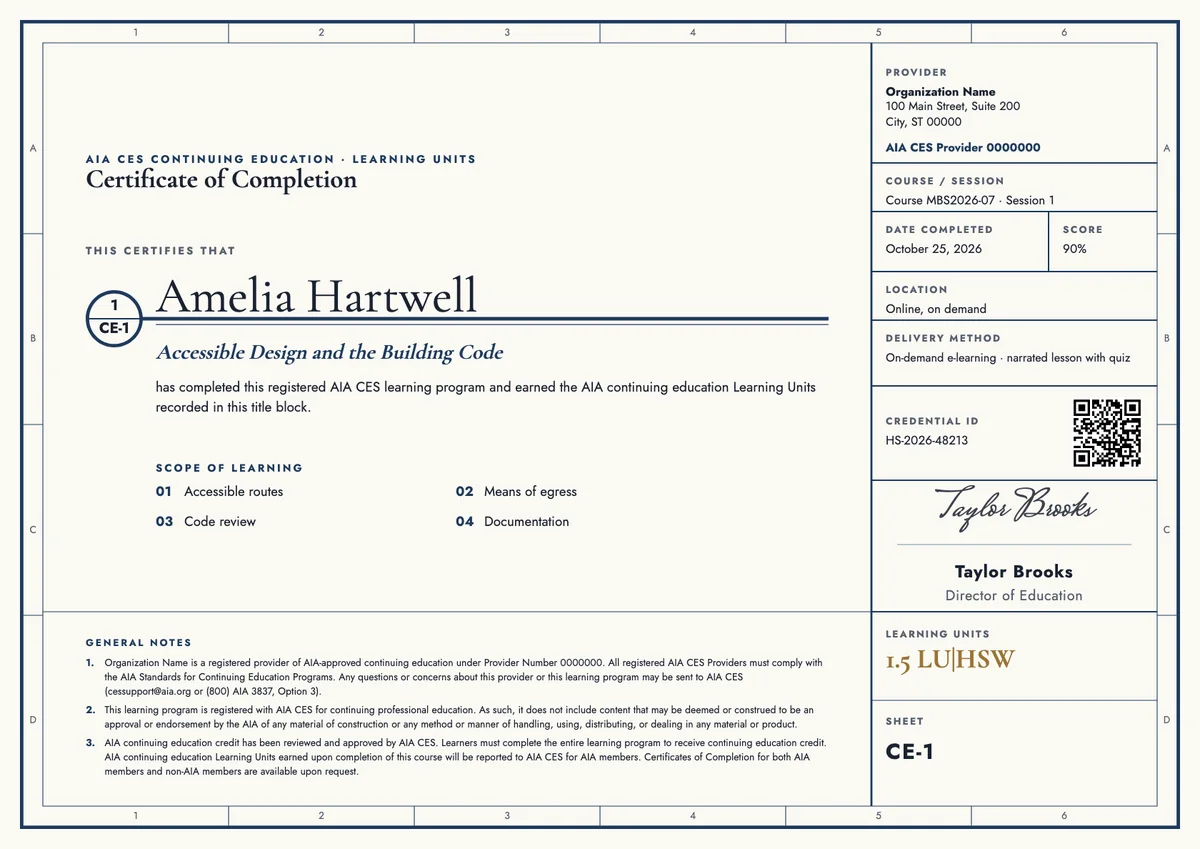
AIA CES Architect CE
3 templates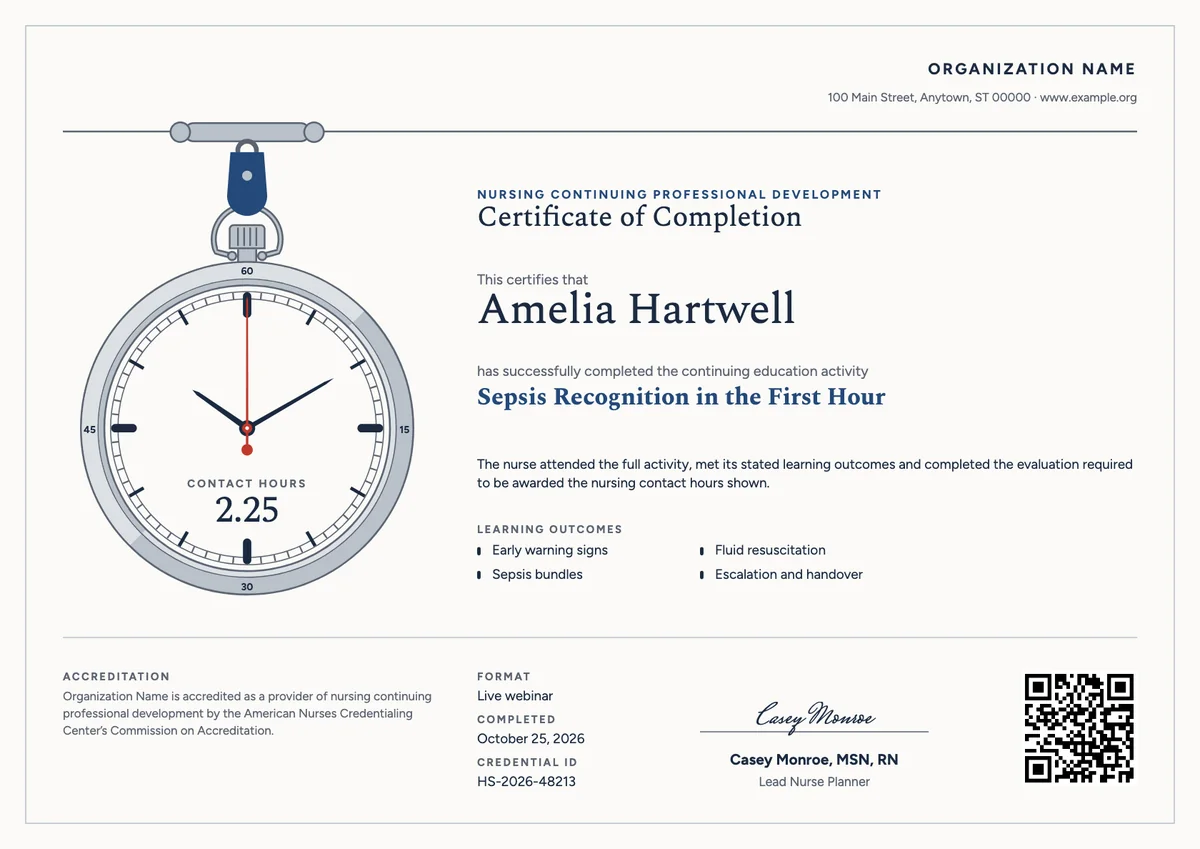
ANCC Nursing CE (NCPD)
3 templates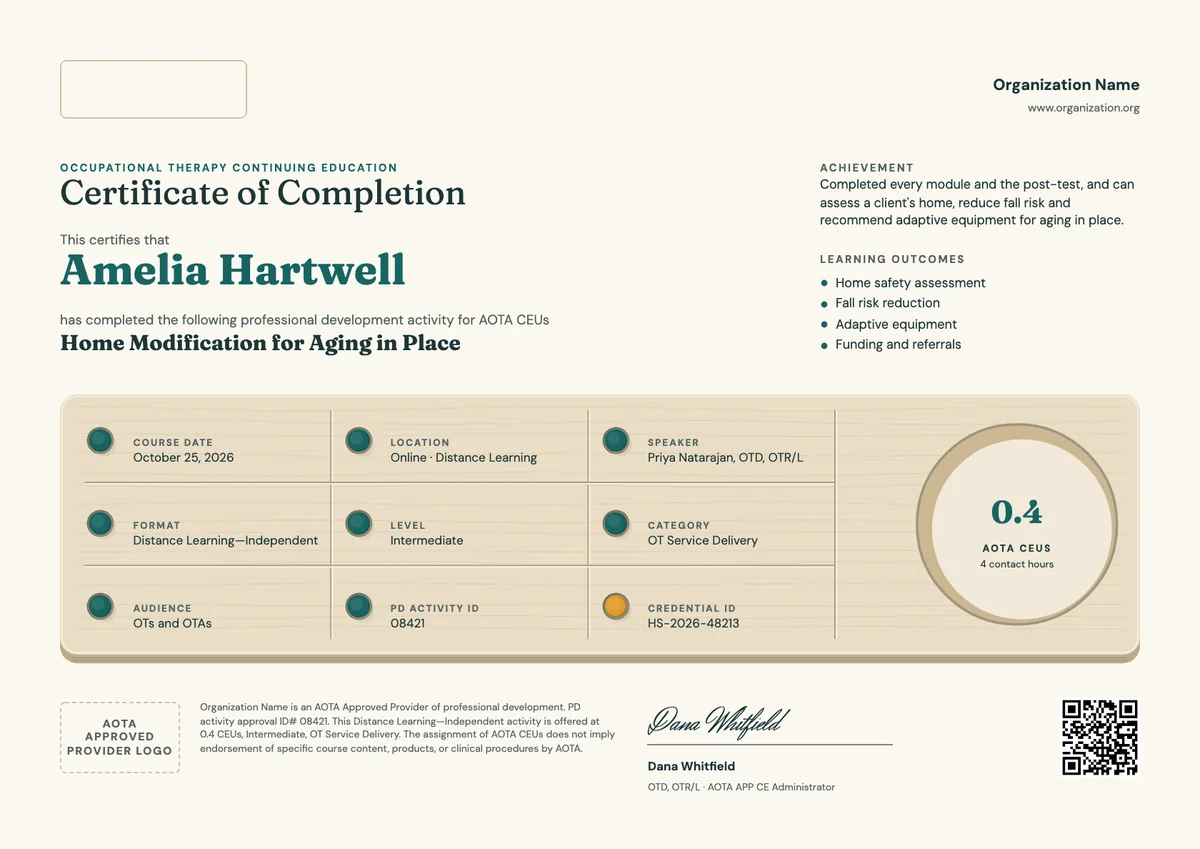
AOTA Occupational Therapy CE
3 templatesYour next cohort deserves better than a PDF
Set up in minutes, send your first credentials today, and only pay once you grow past 20 recipients a year.
Or open a live sample credential