Sunday School certificate templates and badges
3 free designs. A set is one design as a badge, a landscape or a portrait certificate, or all three.
Free for up to 20 recipients a year
Year Bar Pin set
Badge · Landscape · Portrait
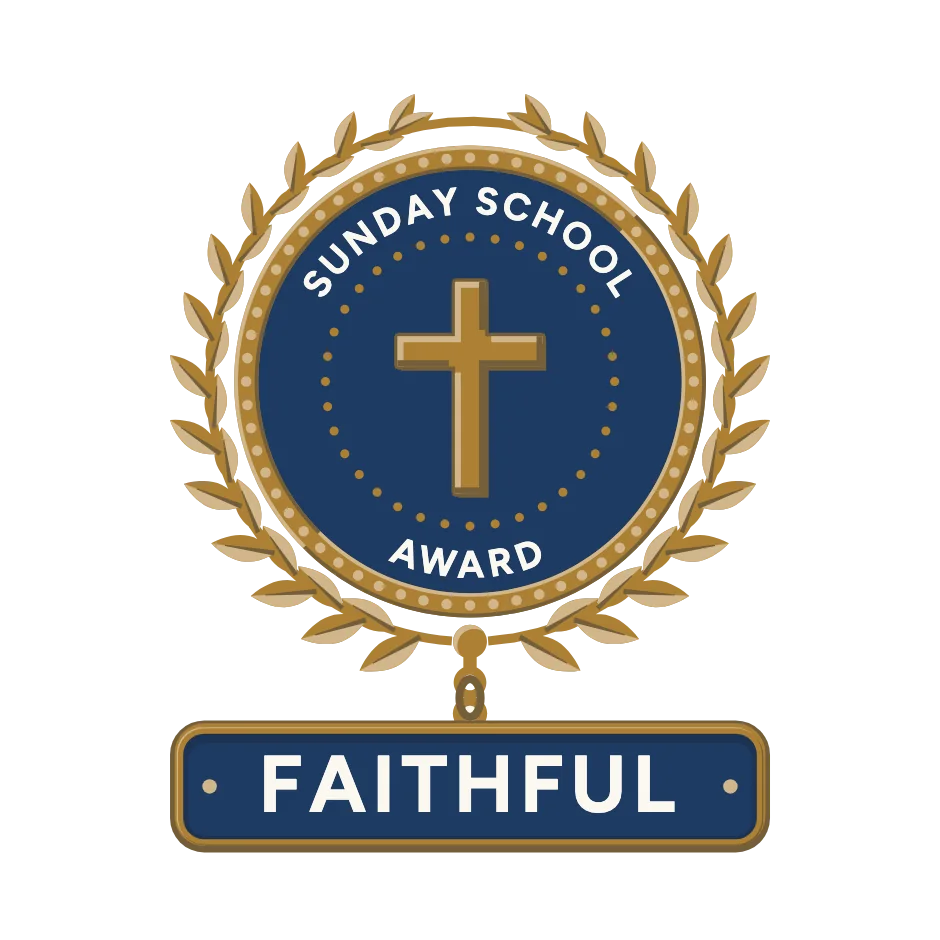
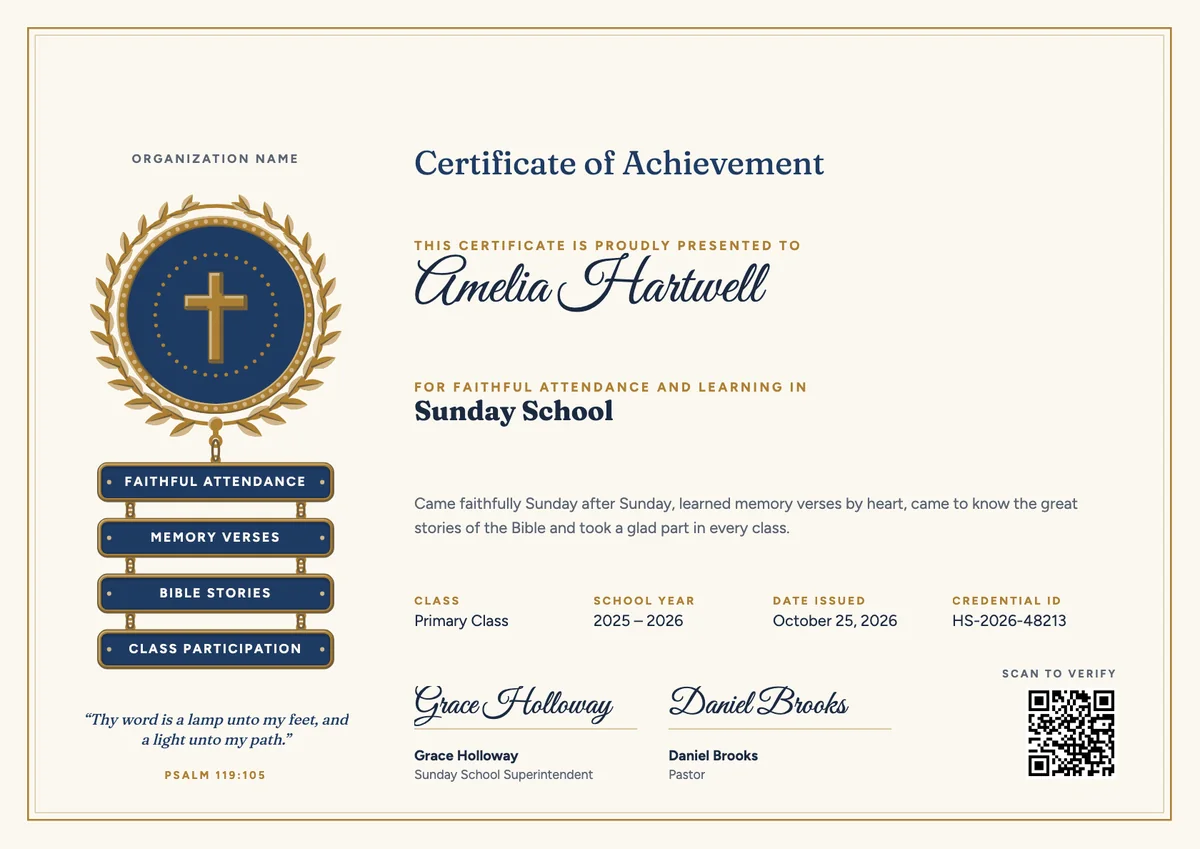
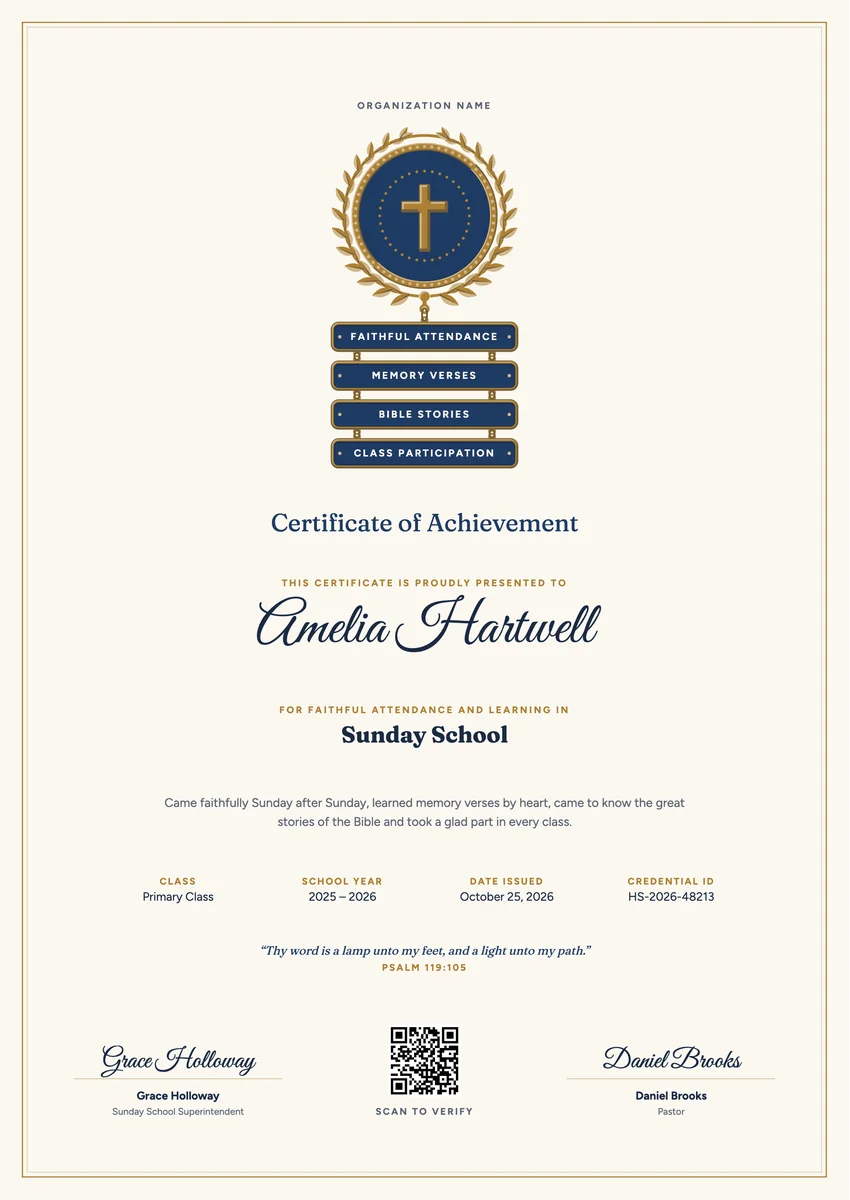
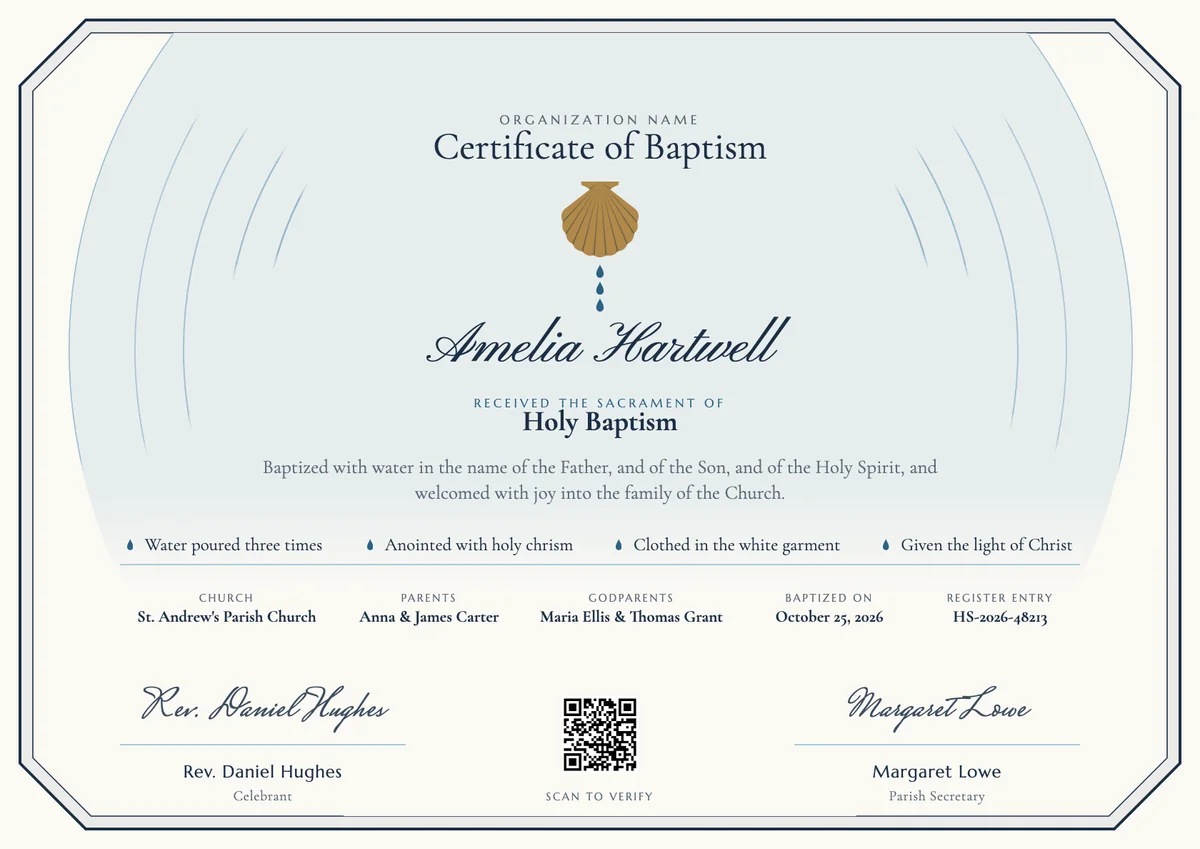
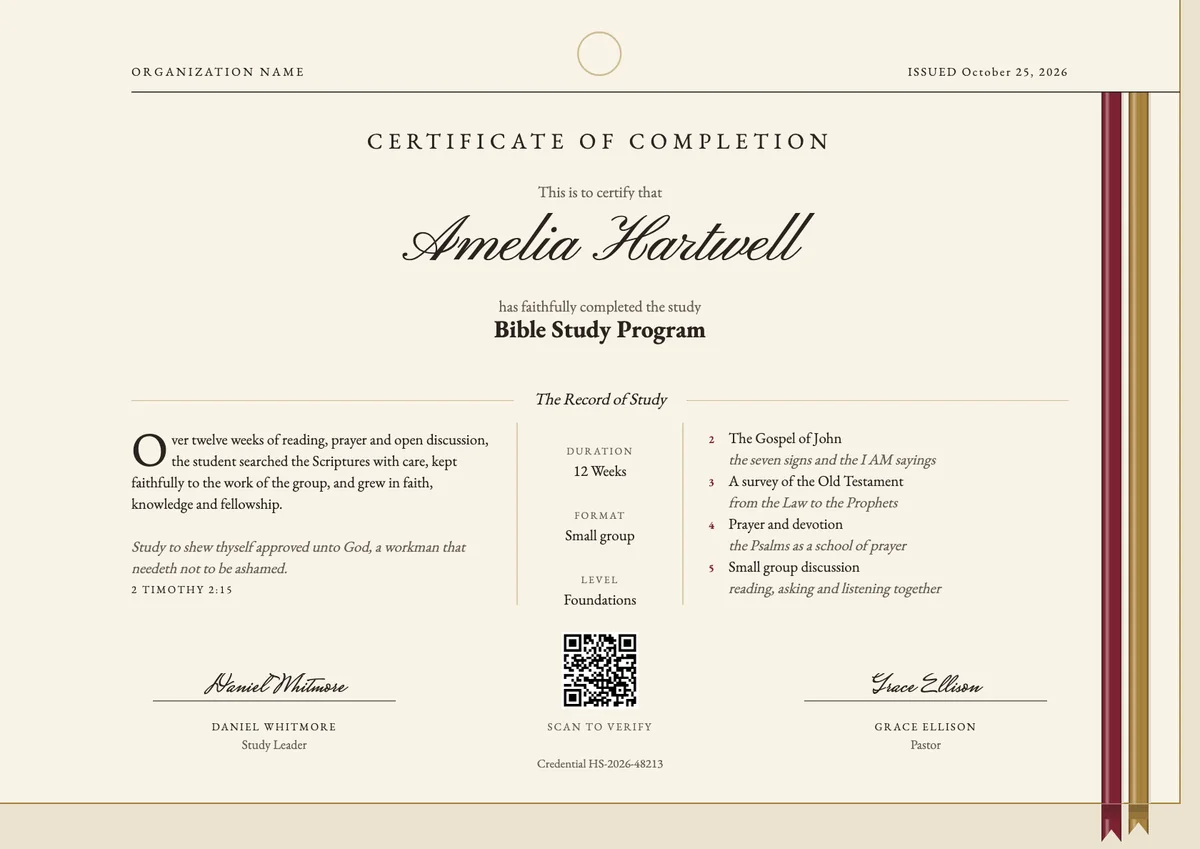
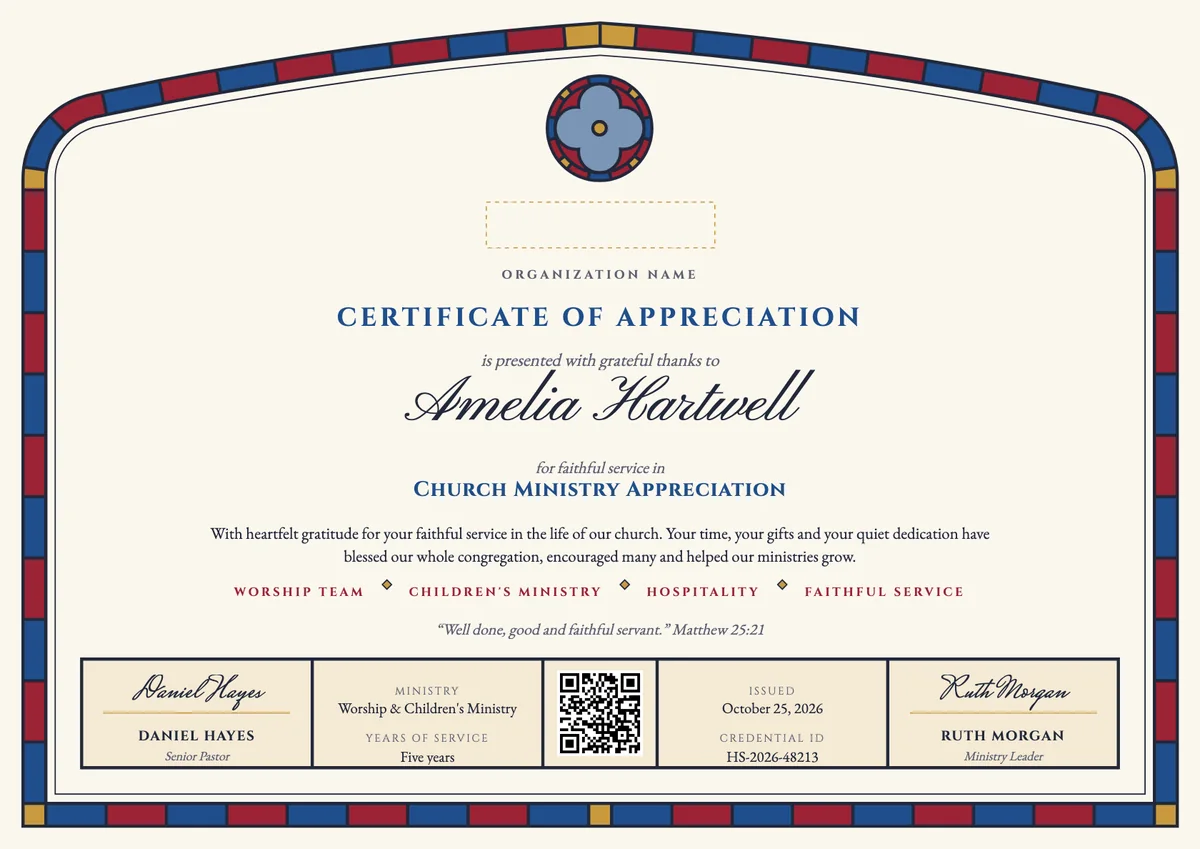
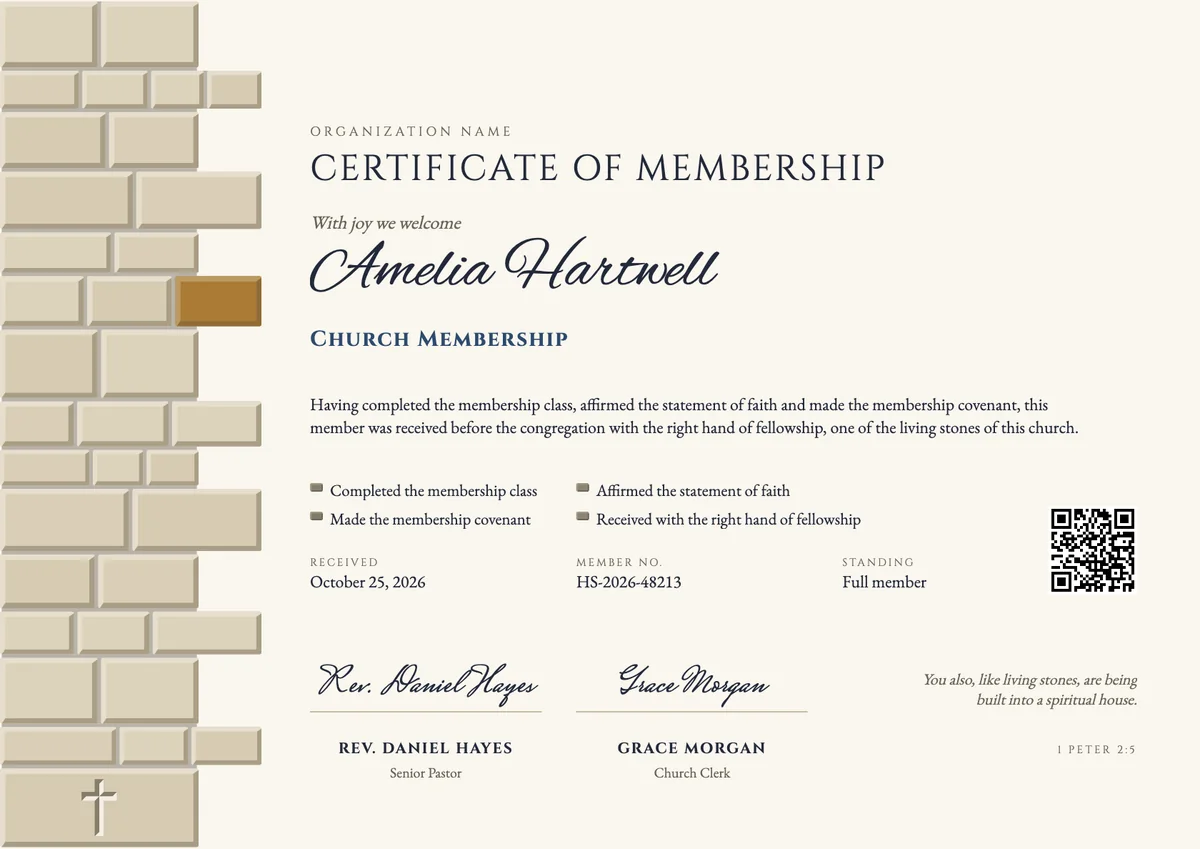
A Sunday School certificate template helps a church thank the children, teens and adults who came to class through the year. Superintendents and teachers usually hand out these Sunday School awards for kids on the last Sunday before summer, on promotion Sunday when pupils move up a class, or at a small graduation for those leaving the children's program.
A good certificate names the pupil and the class, says what they kept up (coming each week, learning memory verses, knowing the Bible stories, joining in), and carries the date and the signatures of the teacher, the superintendent or the pastor. A short Bible verse is a common touch.
The designs come as printable Sunday School award certificates in A4 and US Letter and as digital badges, so a family can put the paper on the fridge and share the award with grandparents.
Wording
What to write on a sunday school certificate
Use these lines as they are, or as a start for your own. Every template comes with wording you can change in the studio.
Wording for a Sunday School attendance award
- “For faithful attendance at Sunday School throughout the year.”
- “With thanks for coming Sunday after Sunday with a happy heart.”
- “Awarded for perfect attendance in the Primary Class this school year.”
Sunday School award wording for memory verses and learning
- “For learning every memory verse by heart this year.”
- “In recognition of a growing love for God's Word and the stories of the Bible.”
- “For listening well, asking good questions and taking part in every class.”
Wording for a Sunday School graduation or promotion
- “Has completed the children's Sunday School program and moves up to the youth class.”
- “Promoted with joy to the next class on Promotion Sunday.”
Short lines for the badge or the email
- “Faithful all year. Well done!”
- “A year of learning and growing in faith.”
Why send it with Hyperstack
More than a PDF
Customize the template free. When it is ready, send it to everyone at once.
One design, every name
Upload a spreadsheet and Hyperstack makes a certificate of achievement for each person on it, in one go.
Sent by email
Each recipient gets their own email and link. You see who opened it, downloaded it and shared it.
Anyone can verify it
The QR code opens a page that proves the certificate is real. Recipients add it to LinkedIn in one click.
FAQ
Questions, answered
Most give them once a year: on the last Sunday before the summer break, on Promotion Sunday when pupils move up a class, or at a short program after the morning service. Some churches also mark the end of each term.
The class teacher and the Sunday School superintendent usually sign. Many churches add the pastor's signature as well, which makes the award feel special to the child and to the family.
Many churches give every pupil a certificate for taking part and add separate awards for perfect attendance or for memory verses. That way no child goes home empty-handed, and steady effort is still honoured.
Short, familiar verses work best for children. Psalm 119:105 ("Thy word is a lamp unto my feet"), Proverbs 22:6 and 2 Timothy 2:15 are common choices, and some classes use the year's theme verse.
In the traditional attendance award, a pupil receives a pin for the first year of regular attendance and then a bar for each further year, hung below the pin. The year bar pin designs borrow that idea and show one achievement on each bar.
Your next cohort deserves better than a PDF
Set up in minutes, send your first credentials today, and only pay once you grow past 20 recipients a year.
Or open a live sample credential