Time Management certificate templates and badges
3 free designs. A set is one design as a badge, a landscape or a portrait certificate, or all three.
Free for up to 20 recipients a year
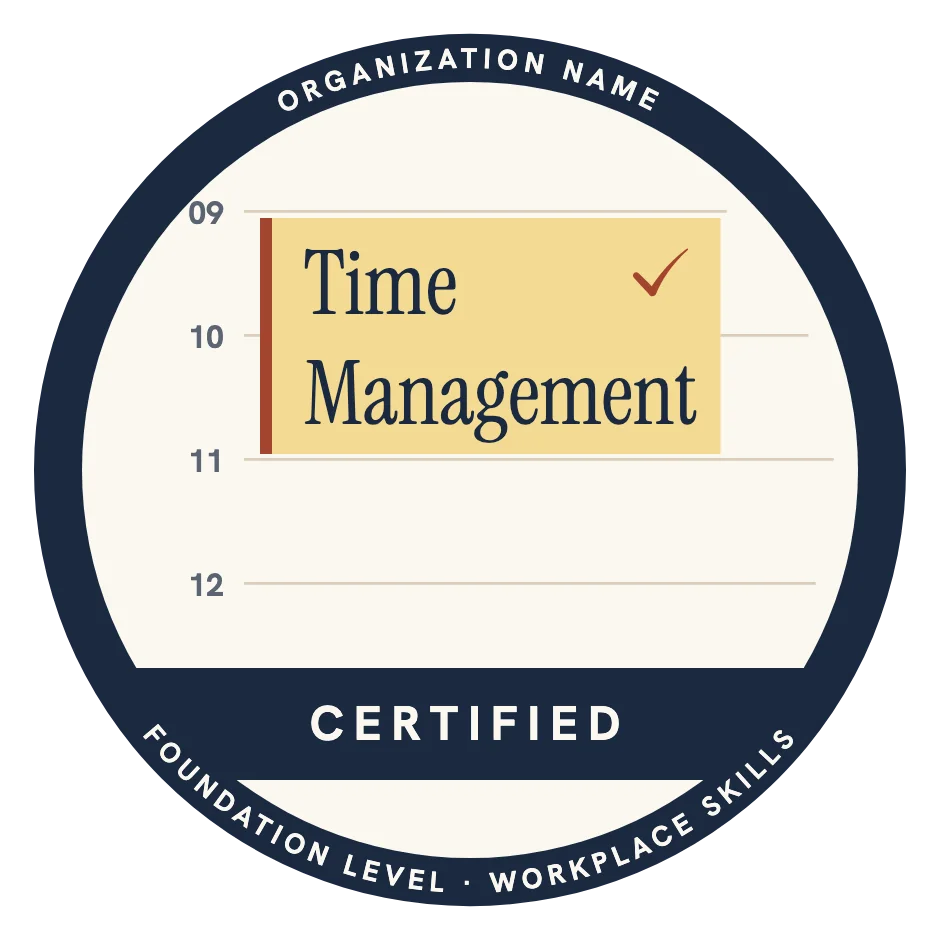
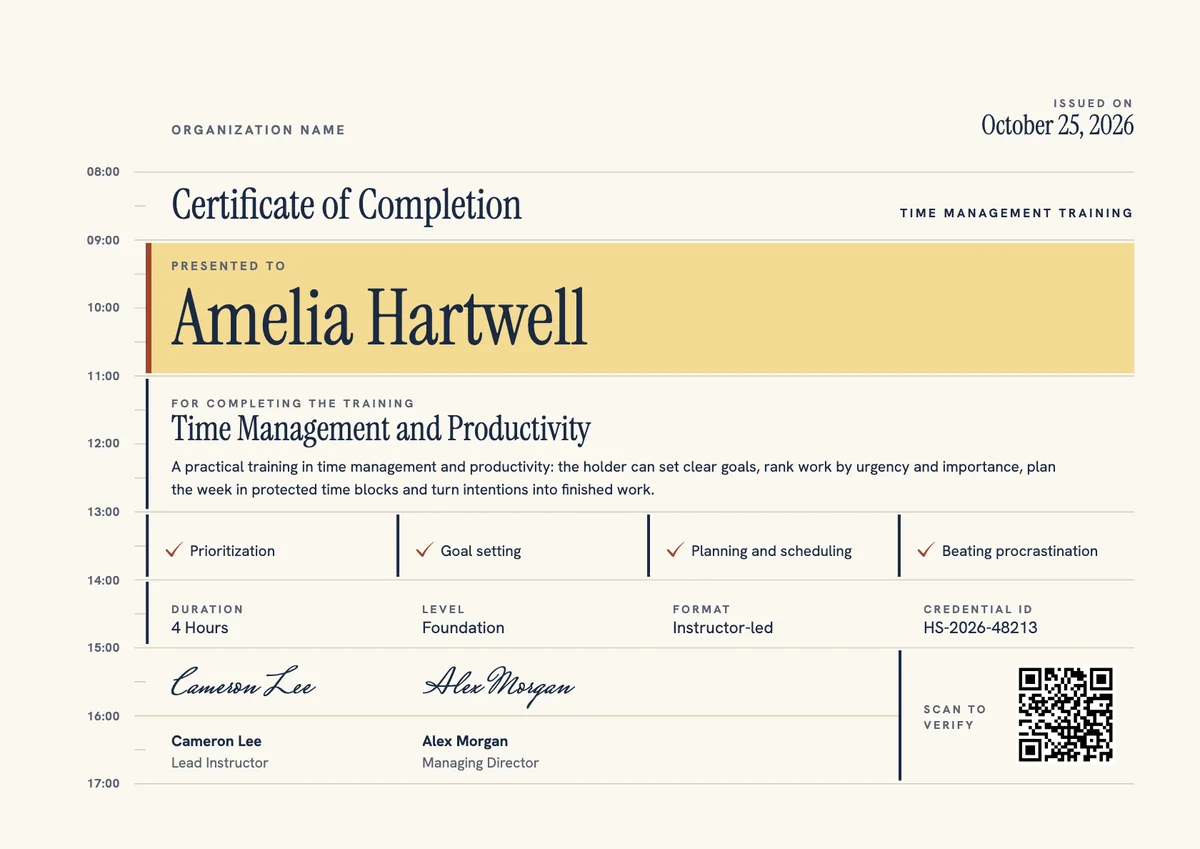
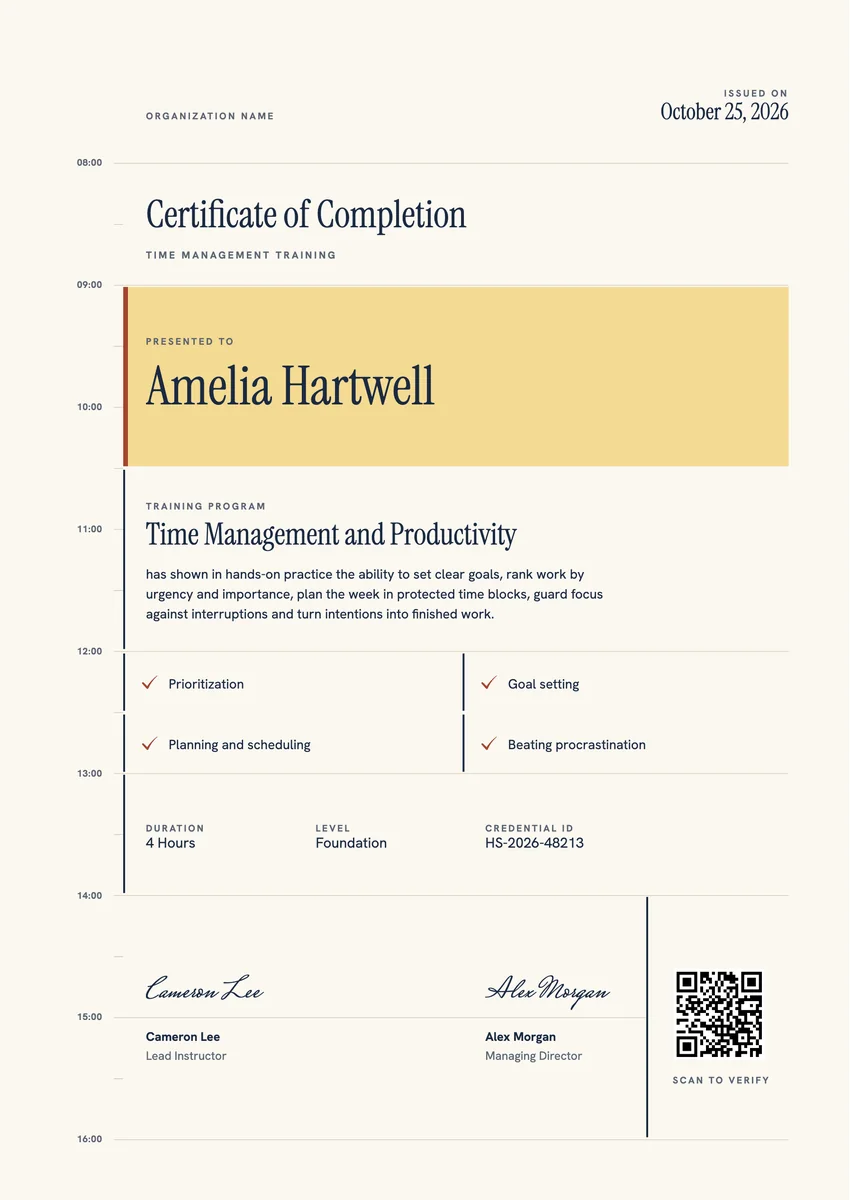
A time management certificate template gives you a ready record for people who finish a course on planning their work: a half-day workshop for new managers, an online productivity module for all staff, or a study skills class at a college. HR and learning teams, training firms and coaches give it at the end of the session or when the last assignment is in.
A good time management course certificate names the program, says what the learner can now do (set priorities, plan the week, protect focus time), lists the skills covered and carries the date, a credential ID and the trainer's signature. A certificate for time management also works well as proof of a soft skill in a review or a job application.
The designs come as certificates in A4 and US Letter and as badges. Print the certificate for a file or a wall, and send the same award by email so the learner can verify it and share it on LinkedIn.
Wording
What to write on a time management certificate
Use these lines as they are, or as a start for your own. Every template comes with wording you can change in the studio.
Wording for a time management course certificate
- “For completing the Time Management and Productivity training.”
- “Has shown the ability to set clear goals, rank tasks by urgency and importance, and plan the week in protected time blocks.”
- “In recognition of finishing the Managing Your Time workshop with full attendance.”
Lines that describe the skills learned
- “Prioritization, goal setting, planning and scheduling, and beating procrastination.”
- “Plans each day around a few clear priorities and keeps time free for focused work.”
- “Uses a weekly review to turn intentions into finished work.”
Short lines for the badge or the email
- “Time Management: Certified.”
- “Planned, prioritized, done.”
Why send it with Hyperstack
More than a PDF
Customize the template free. When it is ready, send it to everyone at once.
One design, every name
Upload a spreadsheet and Hyperstack makes a training certificate for each person on it, in one go.
Sent by email
Each recipient gets their own email and link. You see who opened it, downloaded it and shared it.
Anyone can verify it
The QR code opens a page that proves the certificate is real. Recipients add it to LinkedIn in one click.
FAQ
Questions, answered
Name the methods the course really taught, for example time blocking, the urgent and important matrix, the Pomodoro technique or a weekly review. Listing two or three of them tells a reader more than the word productivity alone.
It helps most when it backs a claim. List it under training, and in the cover letter or interview give one example of how you plan your week or meet deadlines since the course.
Ideally just before or in the first weeks of a new role, when the workload and the number of meetings grow. A short course then, with a certificate on file, gives new team leads a shared way to plan and prioritize.
For a short workshop, completion is normal. For a longer program, ask for a small task, such as a planned week or a priority list, and state on the certificate that the learner showed the skill in practice.
Yes. Many companies put a short productivity module in the first month for new hires or new managers, and give the certificate when it is done so it sits with the other onboarding records.
More certificate templates
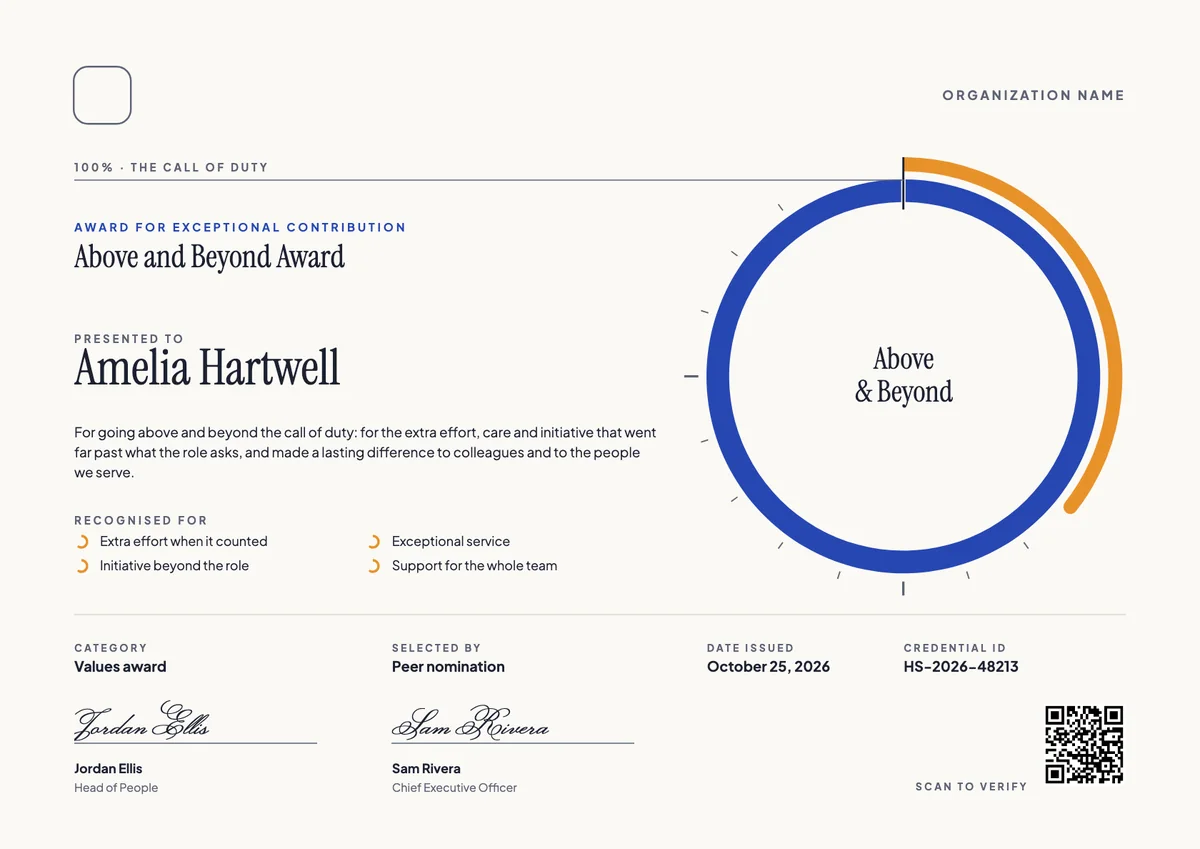
Your next cohort deserves better than a PDF
Set up in minutes, send your first credentials today, and only pay once you grow past 20 recipients a year.
Or open a live sample credential