AI Literacy certificate templates and badges
3 free designs. A set is one design as a badge, a landscape or a portrait certificate, or all three.
Free for up to 20 recipients a year
Fact Checked set
Badge · Landscape · Portrait
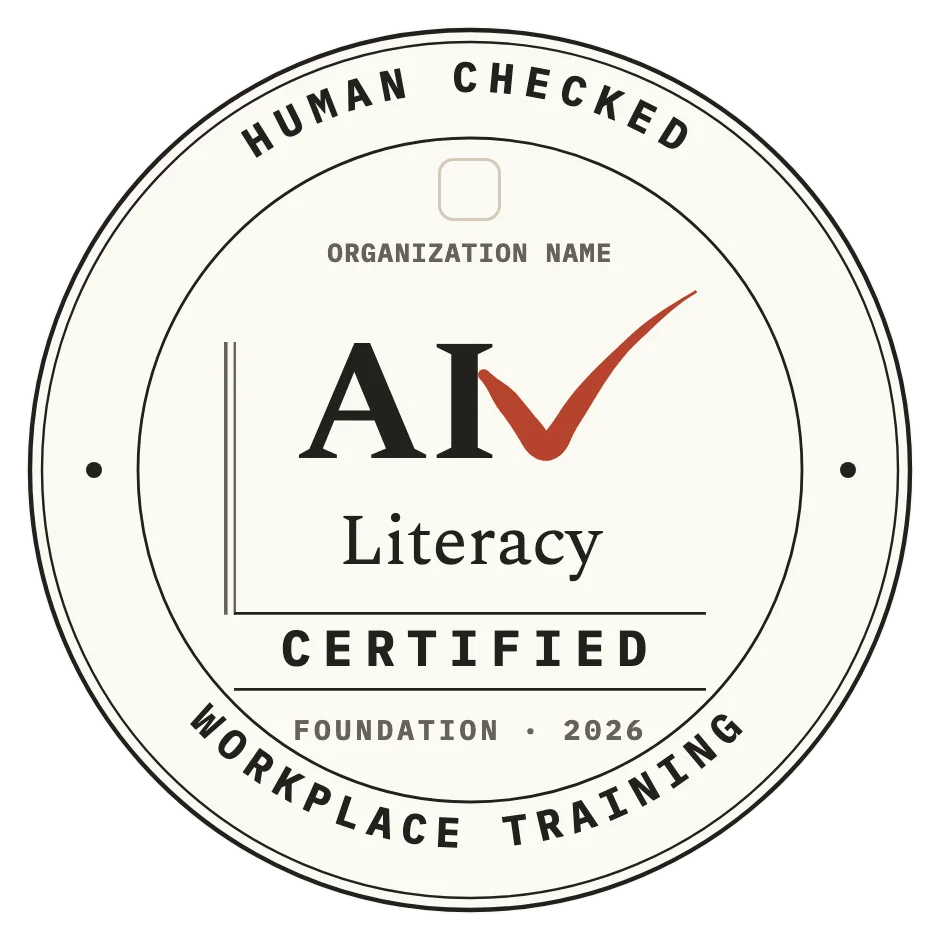
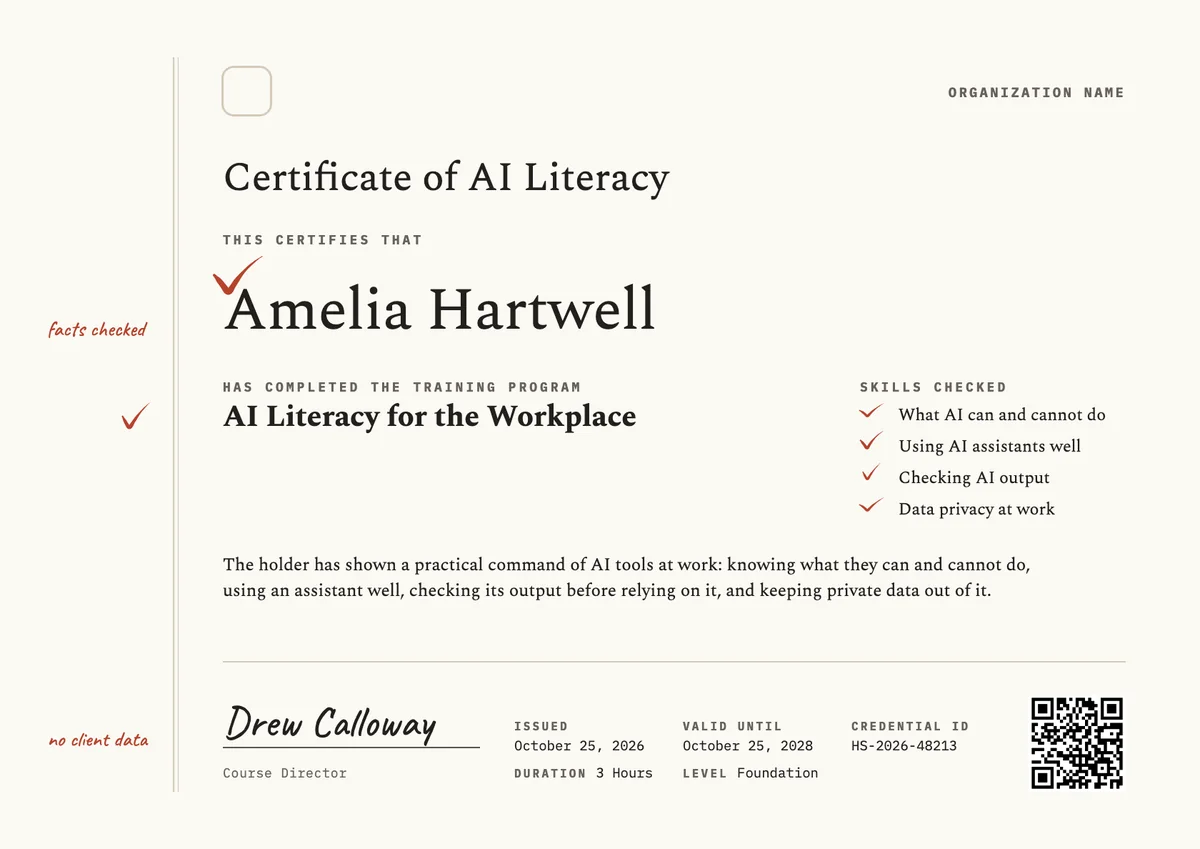
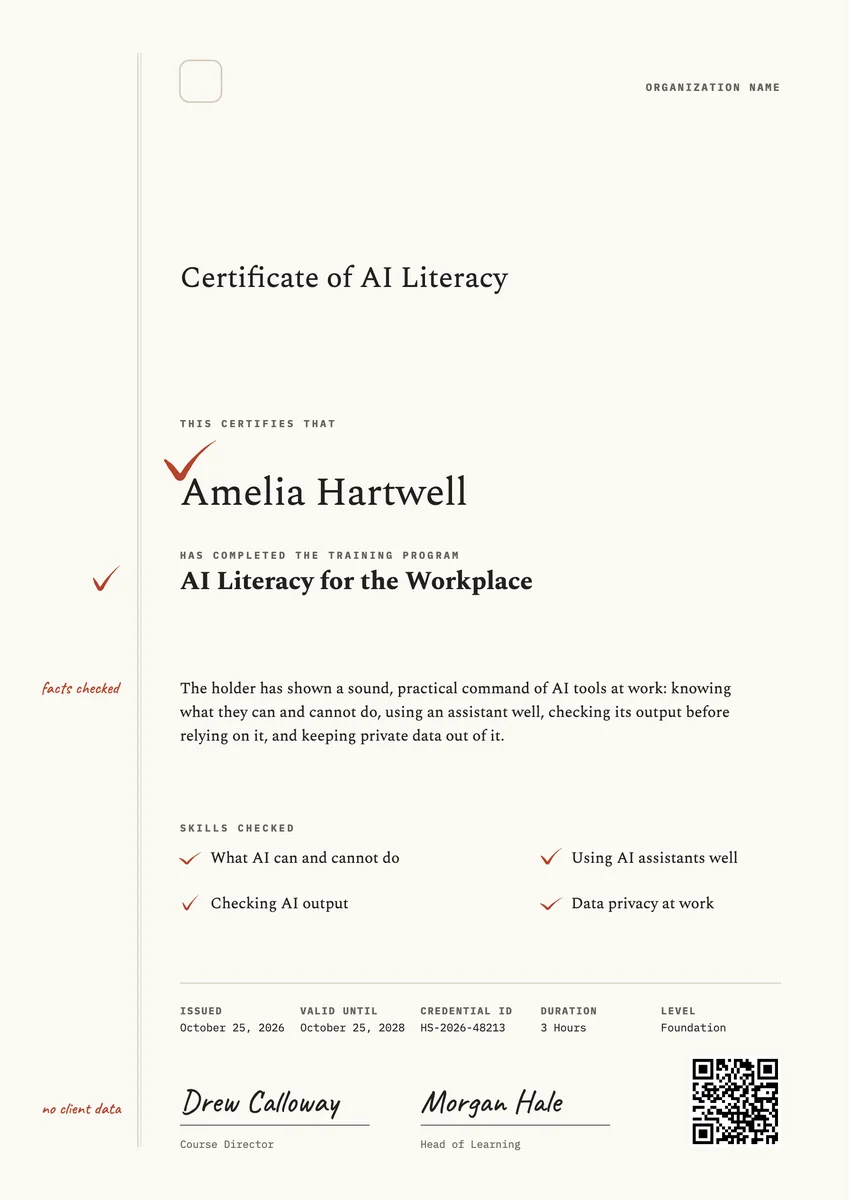
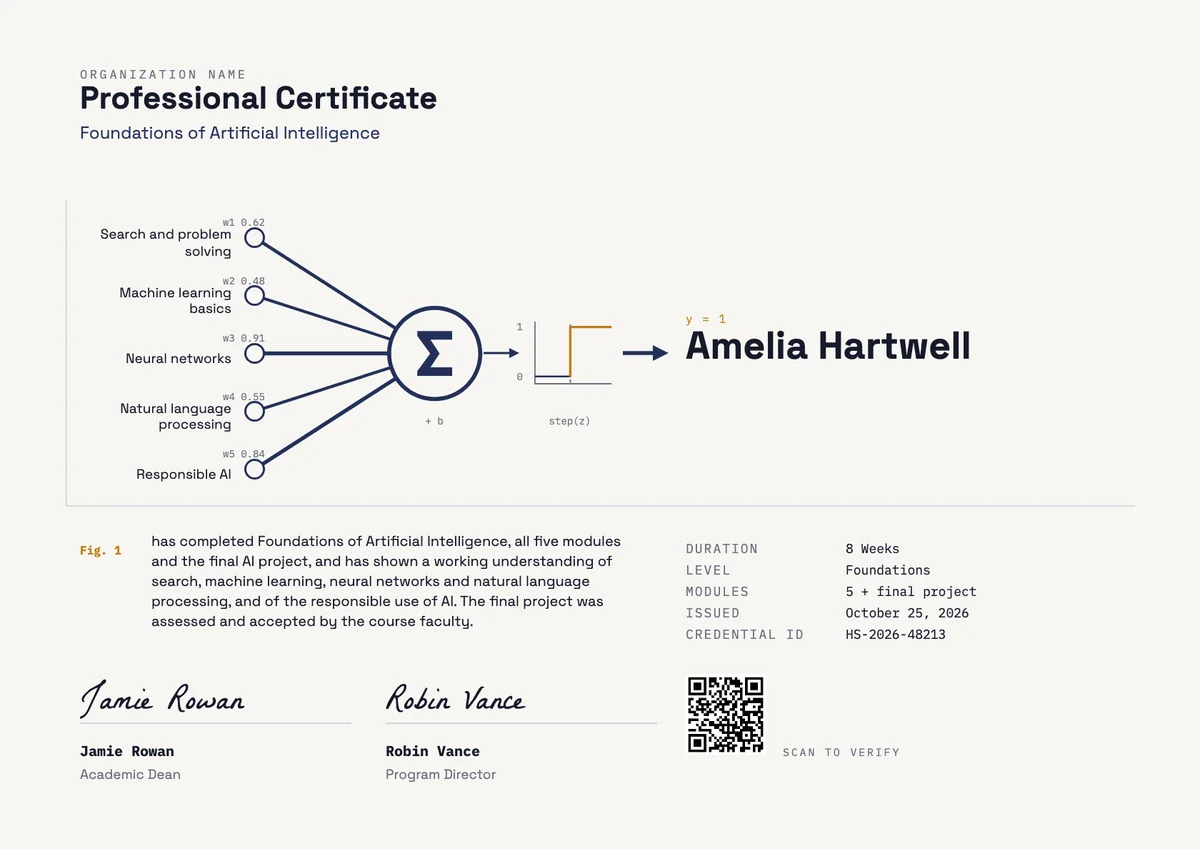
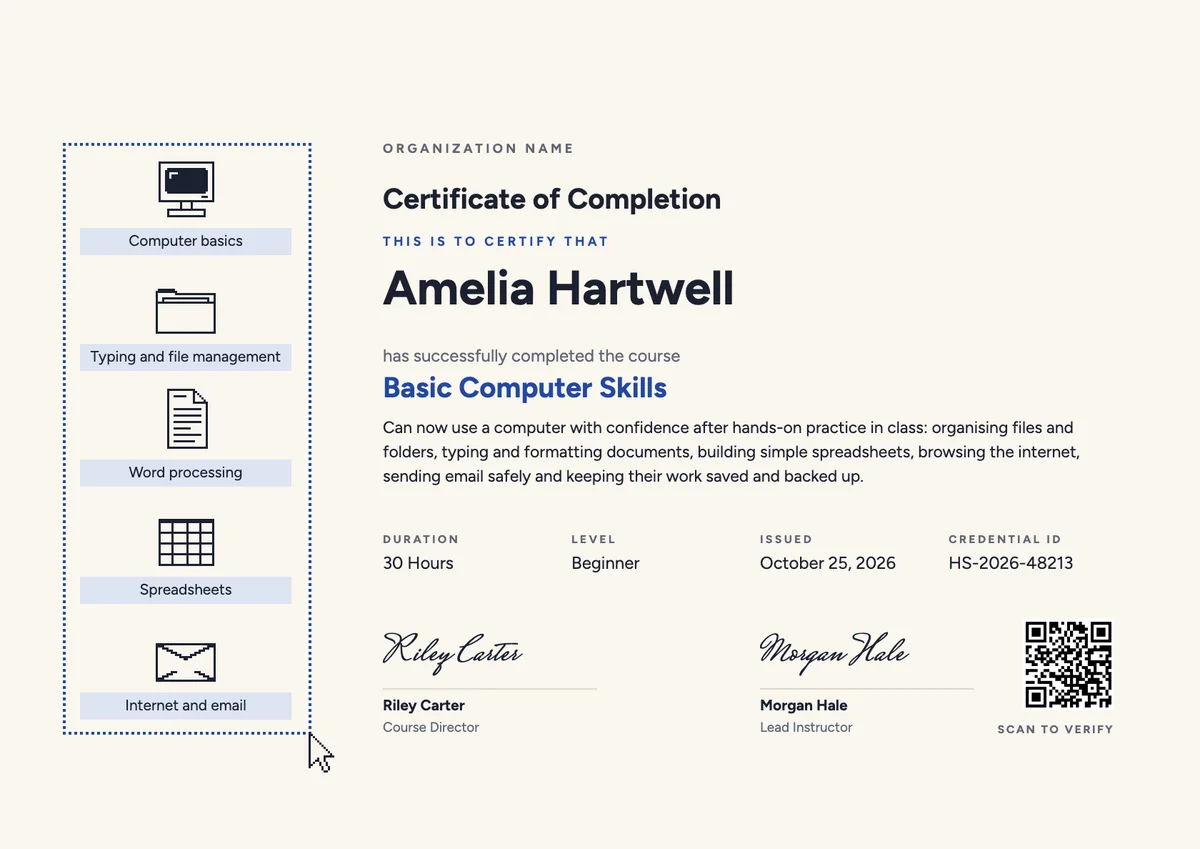
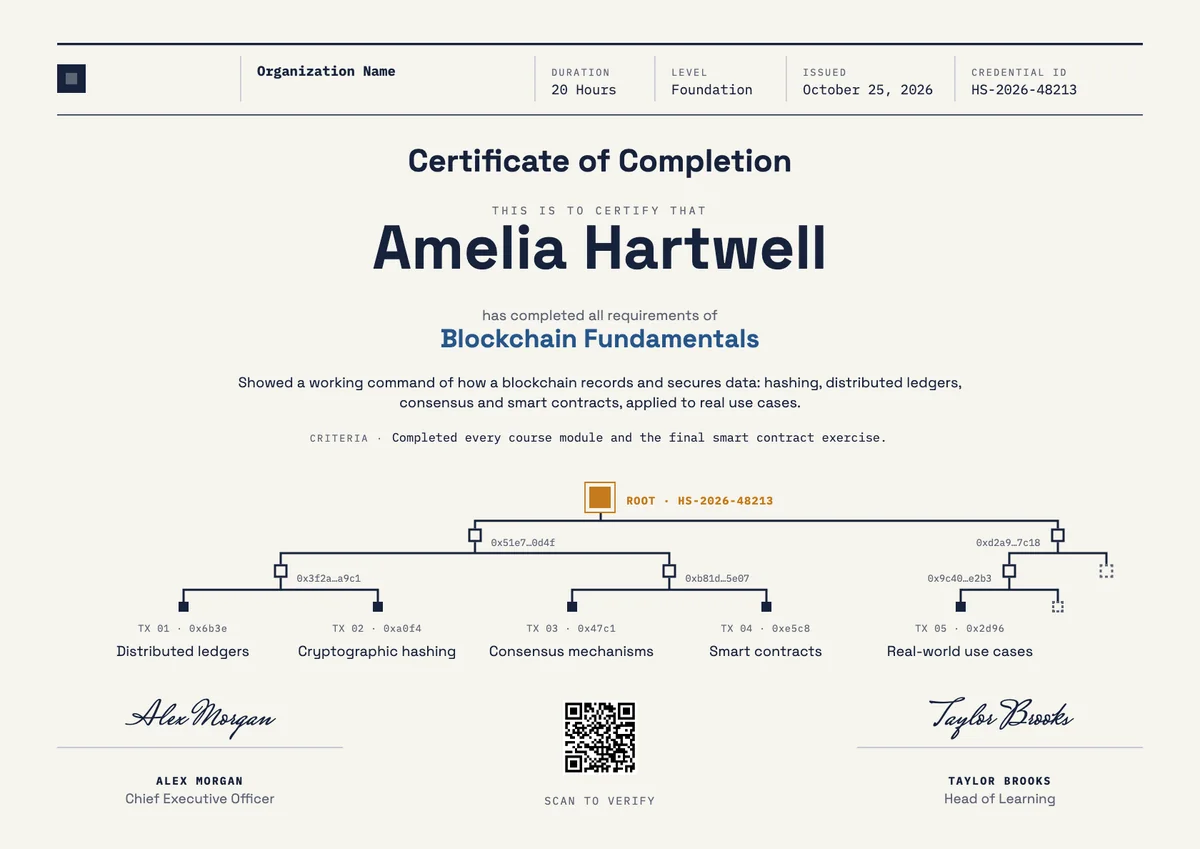
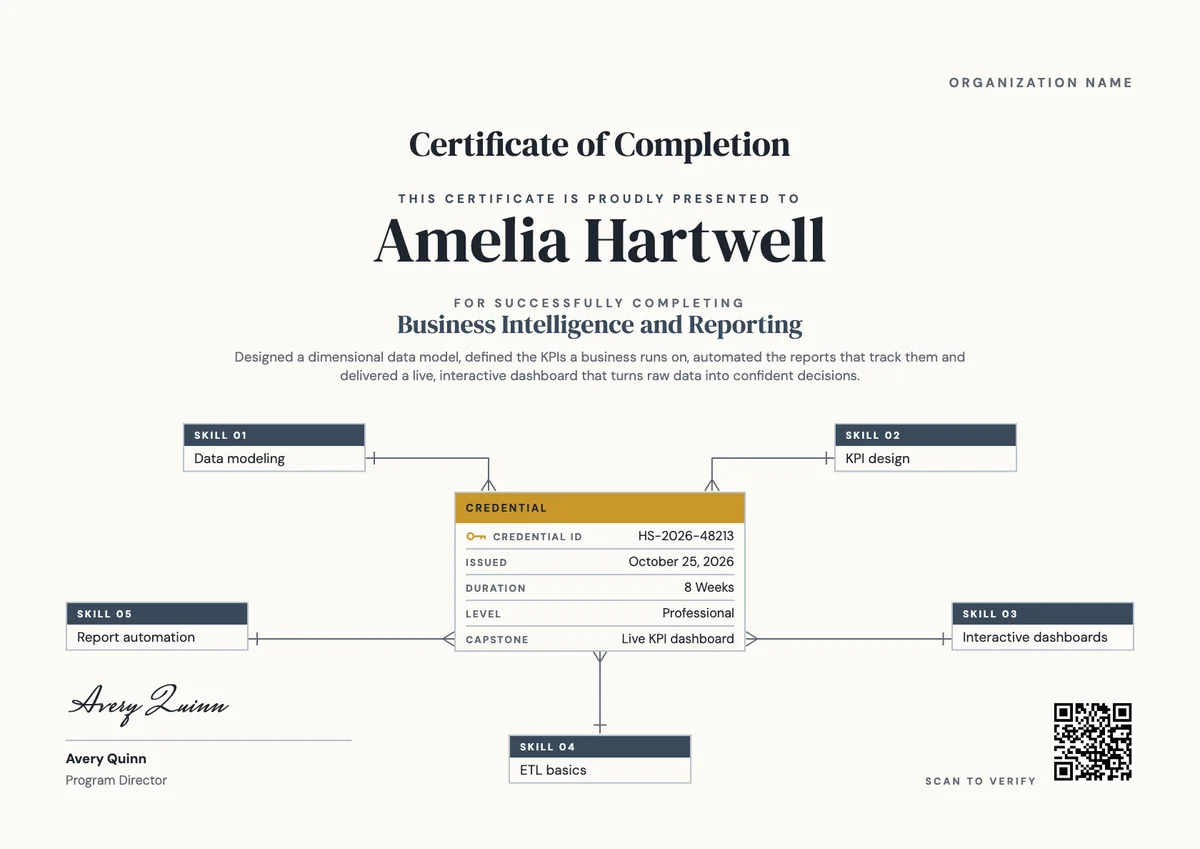
An AI training certificate template helps you record that a person has learned to use AI tools with care. Employers give an AI literacy certificate when staff finish an internal course, and training providers, colleges and professional bodies give one at the end of a short program or workshop.
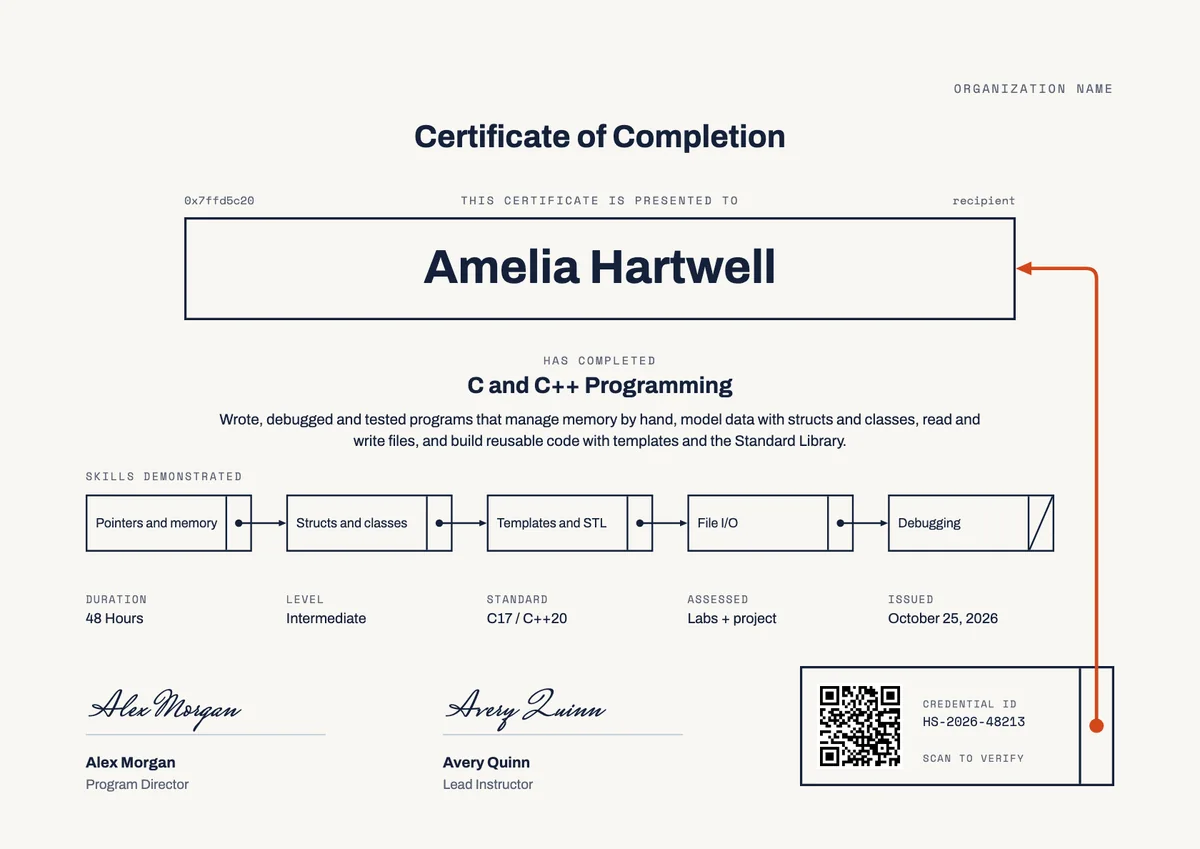
A good certificate in AI literacy shows what the person can now do: explain what AI can and cannot do, give an assistant a clear request, check its output before relying on it, and keep personal and client data out of it. It also gives the hours, the level, the issue date, a credential ID and a signature from the person who ran the training.
The designs here come as certificates (A4 and US Letter) and badges, so the same award can be printed, emailed, verified online and shared on LinkedIn.
Wording
What to write on a ai literacy certificate
Use these lines as they are, or as a start for your own. Every template comes with wording you can change in the studio.
Wording for an AI literacy certificate
- “Has completed AI Literacy for the Workplace and shown a practical, careful use of AI tools at work.”
- “For completing three hours of training on what AI can and cannot do, checking AI output and protecting data.”
- “In recognition of learning to use AI assistants well and to verify their answers before acting on them.”
Wording for company-wide AI training
- “For completing our AI literacy program and understanding the company's rules for the use of AI.”
- “Has shown that they know which information may and may not be shared with an AI tool.”
- “In recognition of completing the foundation course in responsible AI use for all staff.”
Short lines for the badge or the email
- “AI literate: human checked.”
- “Ready to work with AI, and to check it.”
Why send it with Hyperstack
More than a PDF
Customize the template free. When it is ready, send it to everyone at once.
One design, every name
Upload a spreadsheet and Hyperstack makes a training certificate for each person on it, in one go.
Sent by email
Each recipient gets their own email and link. You see who opened it, downloaded it and shared it.
Anyone can verify it
The QR code opens a page that proves the certificate is real. Recipients add it to LinkedIn in one click.
FAQ
Questions, answered
Most workplace courses cover how AI tools produce their answers, where they make mistakes, how to write a clear request, how to check the output against a trusted source and which data must stay out of them. Many also explain the company's own AI policy and who to ask when in doubt.
No. Article 4 of the EU AI Act asks providers and deployers of AI systems to take measures for a sufficient level of AI literacy among their staff, but it does not ask for a certificate. A dated record of who completed which training is a simple way to show the measures you took.
It helps for company-wide programs. The course director or head of learning signs for the training, and a second signature from the person who owns the AI policy, such as a data protection officer or a chief technology officer, shows that the course matches the company's own rules.
Yes. A short list of three to five skills, such as checking AI output or protecting data at work, tells a manager more than the course title alone. Keep the list to what the training really taught and tested.
Often, yes. AI tools and company rules change quickly, so many employers ask staff to take a short refresher every one or two years and put that valid-until date on the certificate. A general course with no policy content can stay without an end date.
More certificate templates
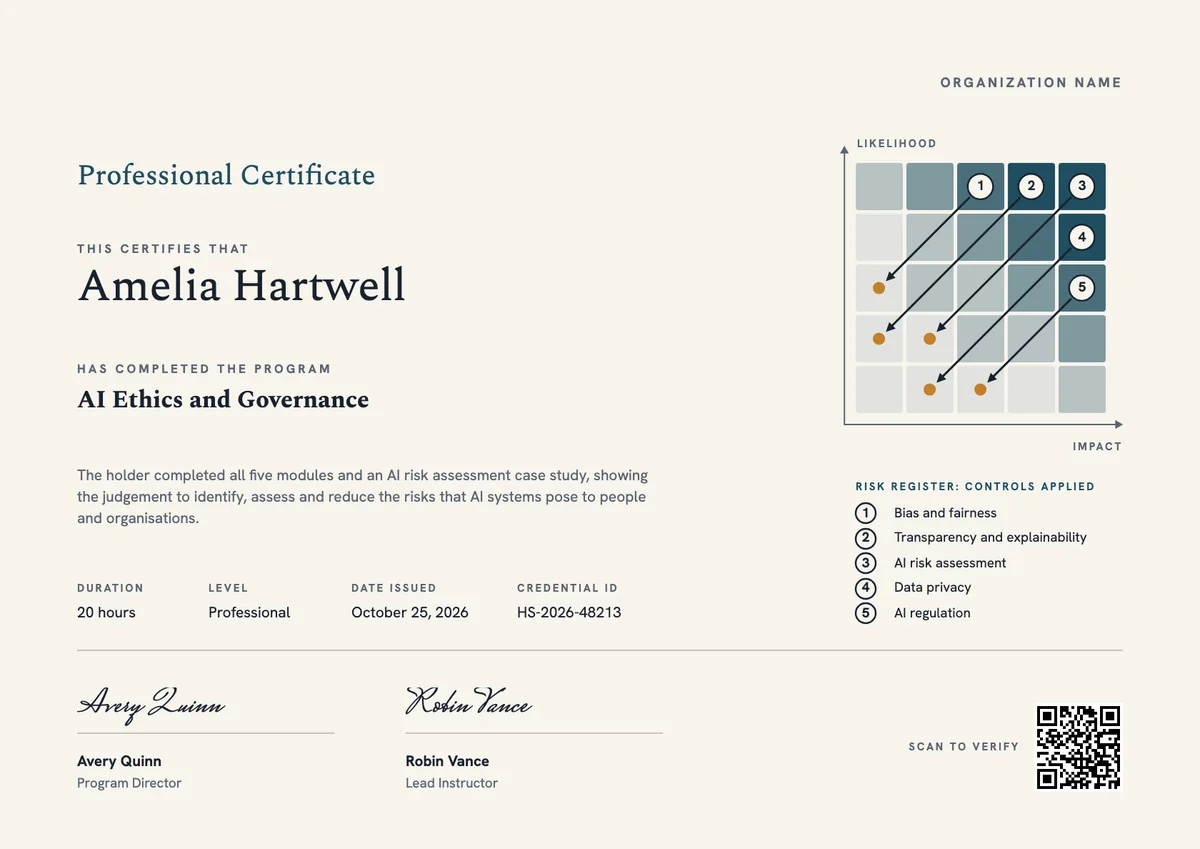
Your next cohort deserves better than a PDF
Set up in minutes, send your first credentials today, and only pay once you grow past 20 recipients a year.
Or open a live sample credential