Artificial Intelligence certificate templates and badges
3 free designs. A set is one design as a badge, a landscape or a portrait certificate, or all three.
Free for up to 20 recipients a year
Perceptron set
Badge · Landscape · Portrait
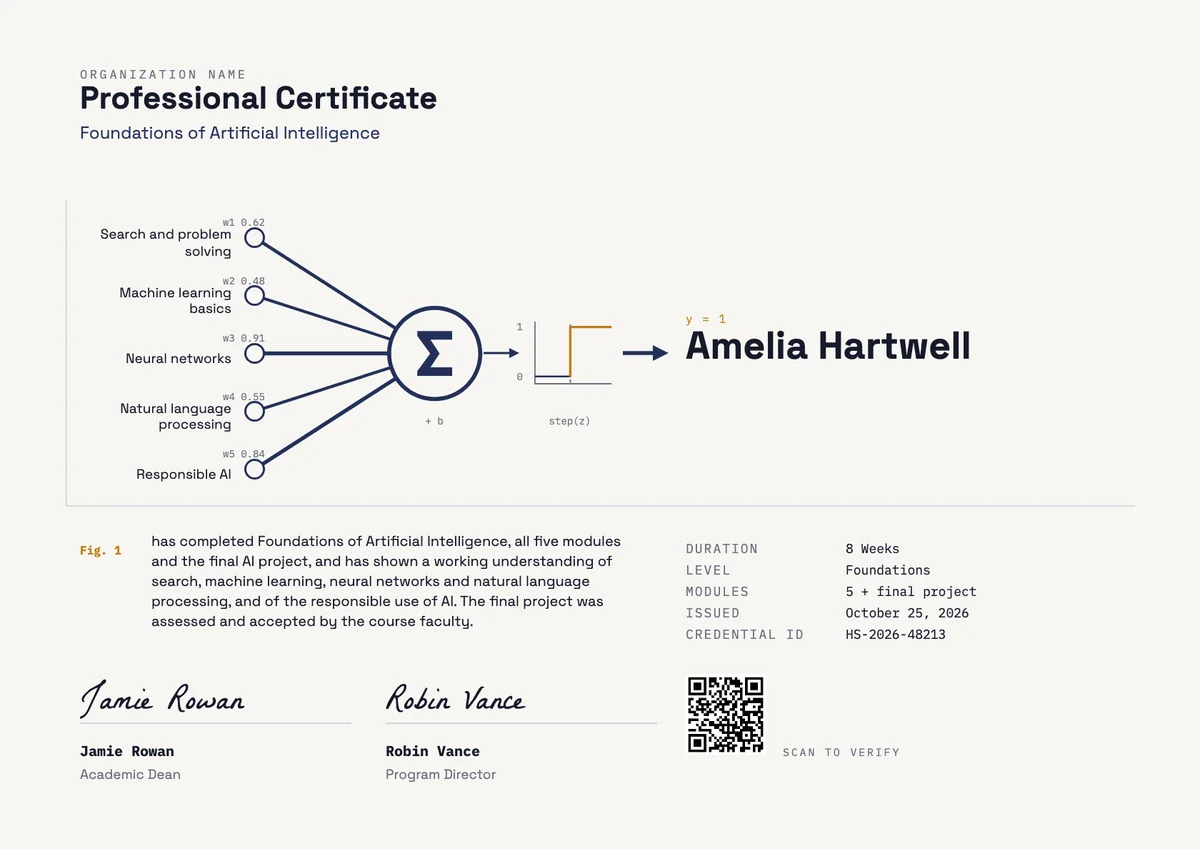
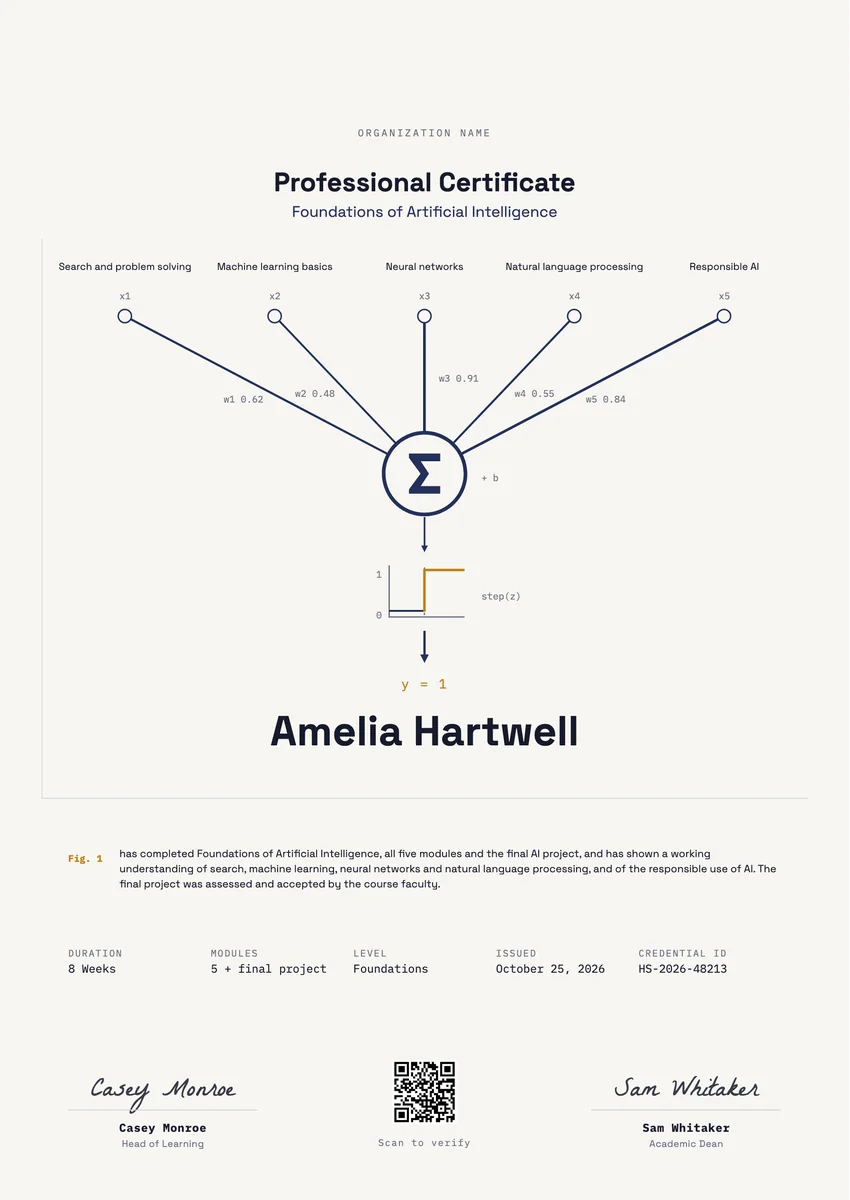
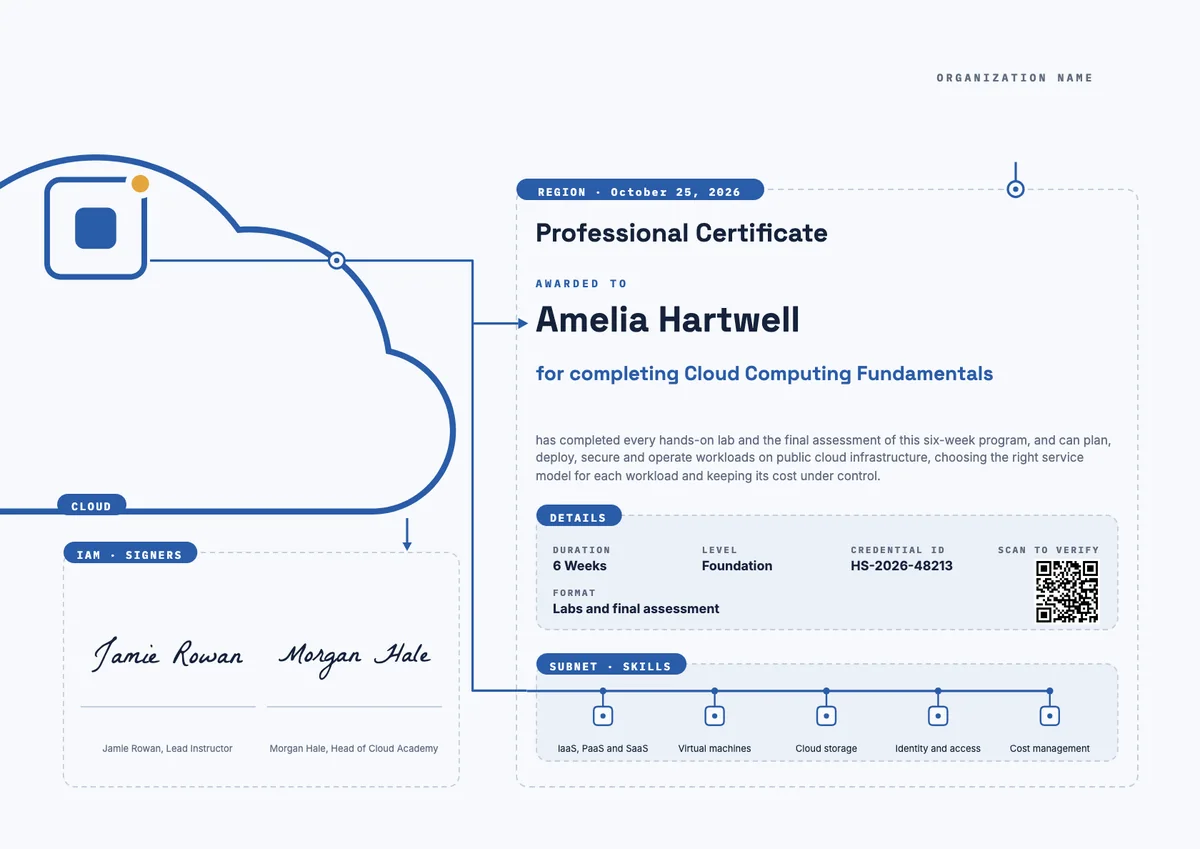
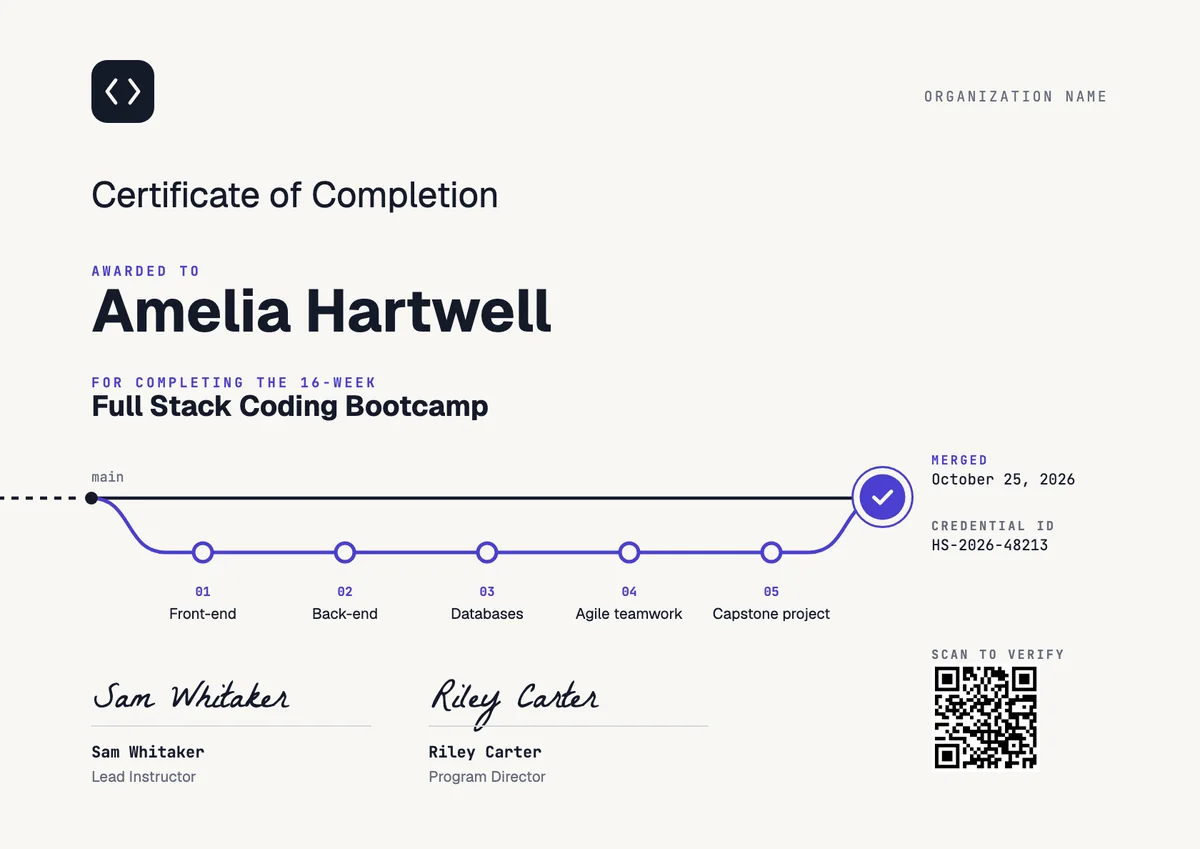
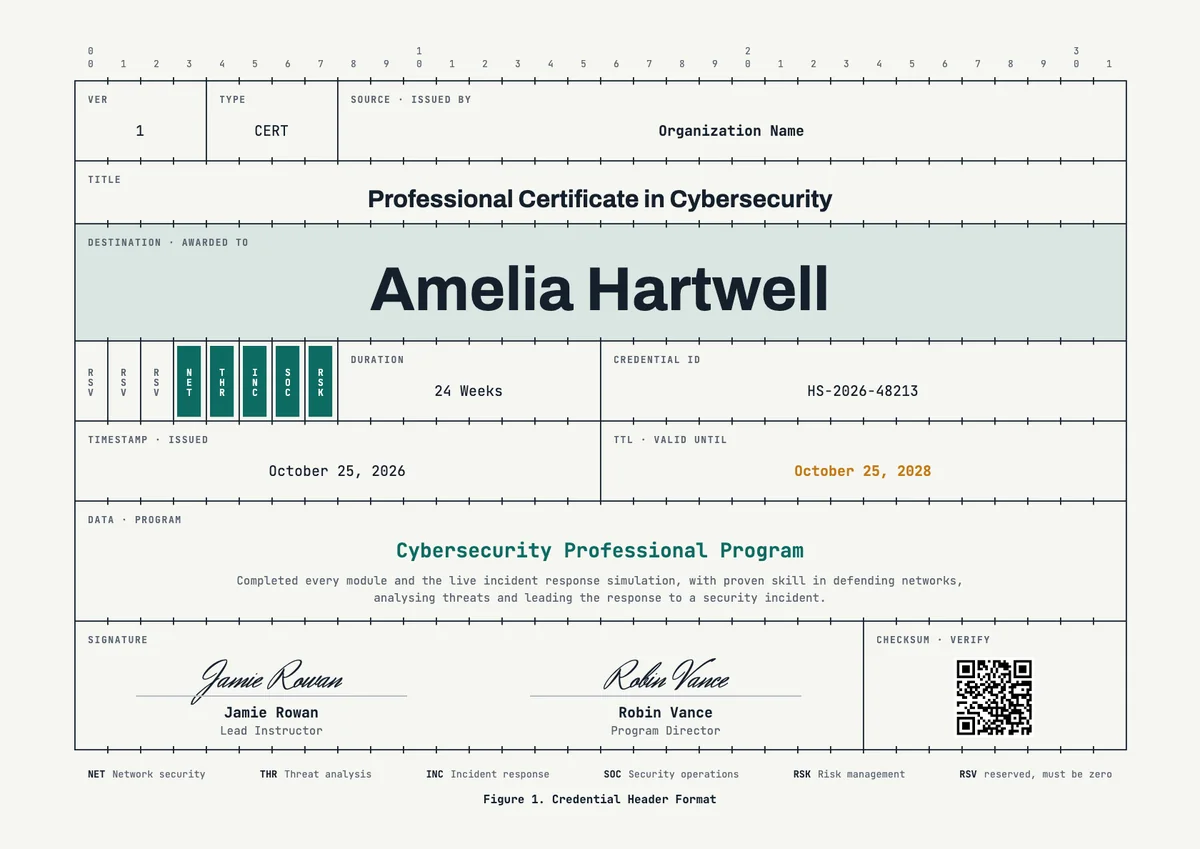
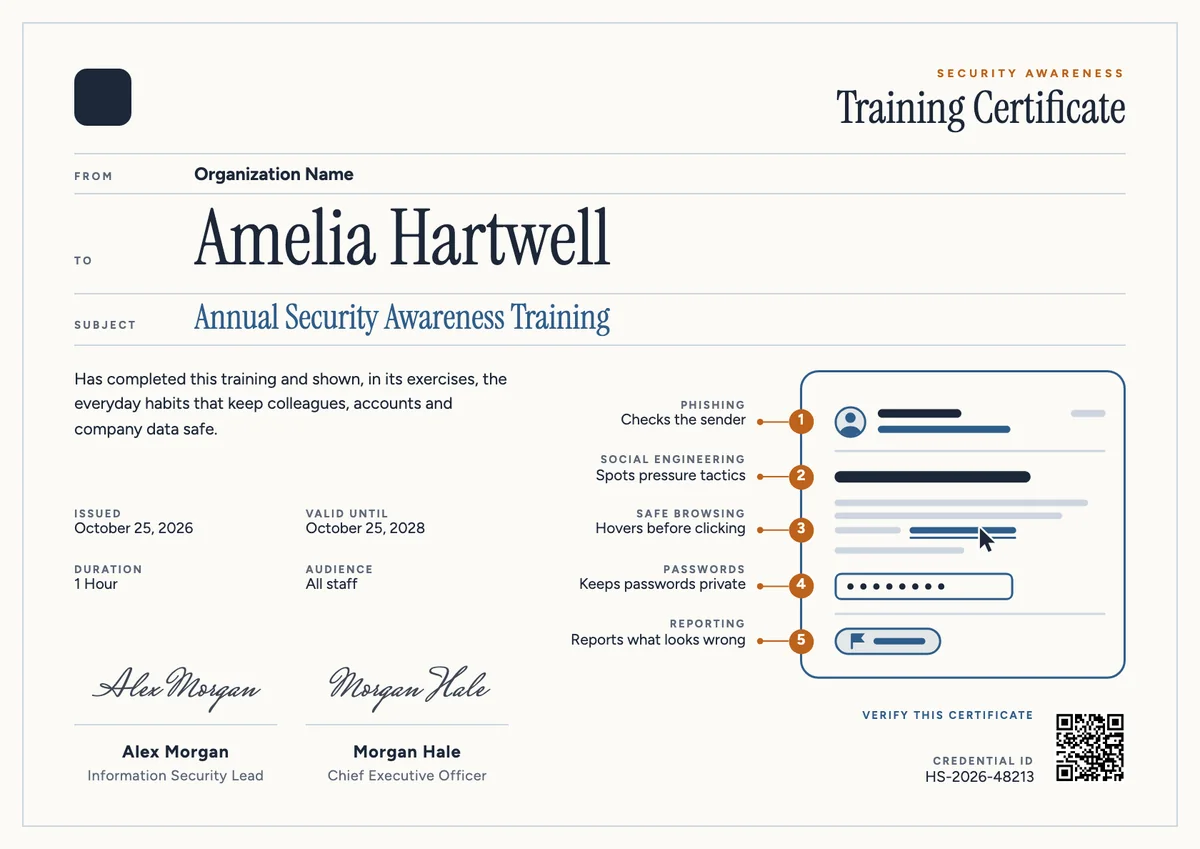
An AI course certificate template gives you a ready layout for recognising people who finished an AI course. Universities, bootcamps, corporate learning teams and professional associations award them at the end of a foundations course, a machine learning module, a workshop series or a final project, to learners, from complete beginners to teachers, who want a clear record of what they learned.
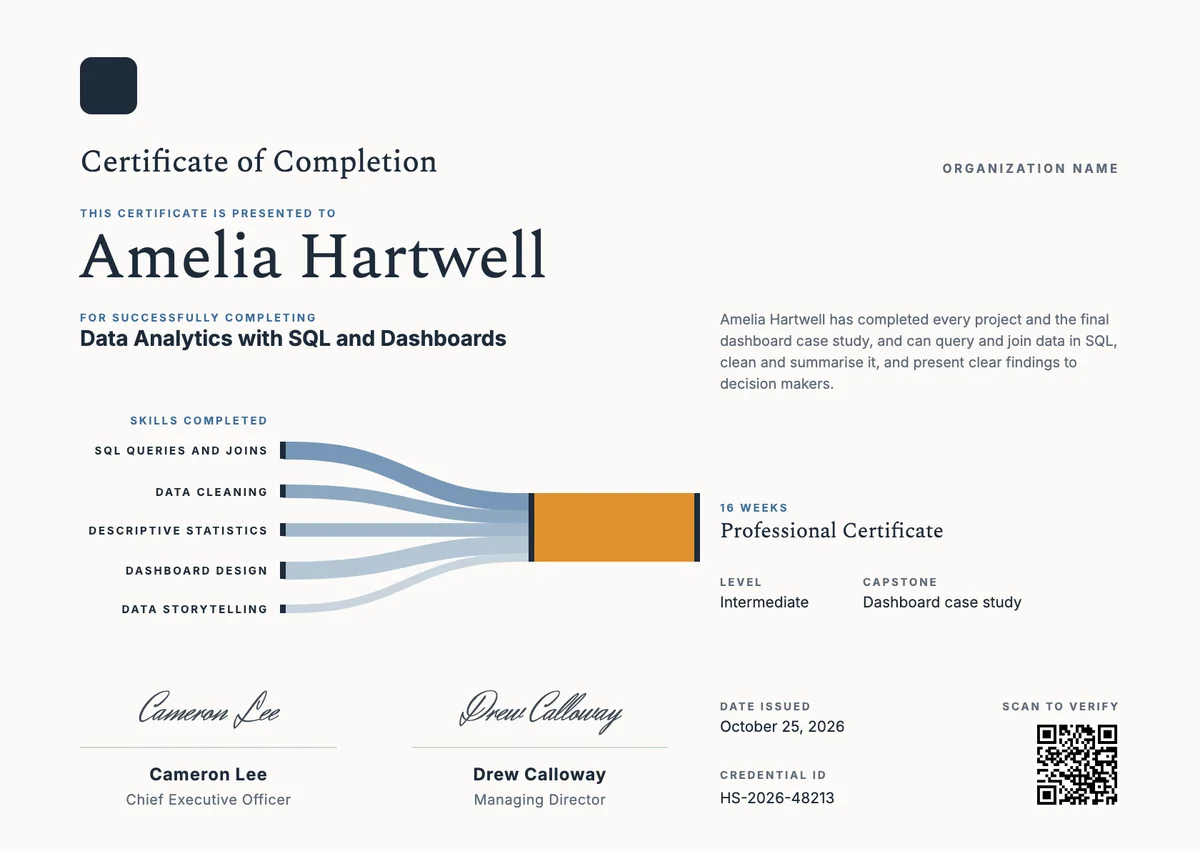
A good artificial intelligence certificate names the program, says which topics were covered, such as search, machine learning, neural networks, language processing and responsible use, and shows the date, a credential ID and a signature from the person who taught or approved the course. The designs here come as certificates (A4 and US Letter) and badges. The same award can be printed, emailed and verified online, and the badge goes straight onto a LinkedIn profile.
Wording
What to write on a artificial intelligence certificate
Use these lines as they are, or as a start for your own. Every template comes with wording you can change in the studio.
Wording for an AI course completion certificate
- “Has successfully completed Foundations of Artificial Intelligence, including the final project.”
- “For completing all modules and showing a working understanding of machine learning and neural networks.”
- “In recognition of completing the course and applying AI methods to a real project.”
Wording for a responsible AI or workshop certificate
- “For completing training in the responsible and ethical use of artificial intelligence.”
- “Has attended the AI for Educators workshop and can apply AI tools safely in the classroom.”
- “For showing good judgement about bias, privacy and the limits of AI systems.”
Short lines for the badge or the email
- “Certified in Artificial Intelligence.”
- “AI foundations, completed.”
Why send it with Hyperstack
More than a PDF
Customize the template free. When it is ready, send it to everyone at once.
One design, every name
Upload a spreadsheet and Hyperstack makes a professional certificate for each person on it, in one go.
Sent by email
Each recipient gets their own email and link. You see who opened it, downloaded it and shared it.
Anyone can verify it
The QR code opens a page that proves the certificate is real. Recipients add it to LinkedIn in one click.
FAQ
Questions, answered
The learner's name, the name of the course, a short statement of what they achieved, the topics covered, the course length, the date and a signature with its role. A credential ID and a QR code let anyone check it.
Universities and colleges, coding bootcamps, online course providers, employers running internal training and professional associations. Name the issuer clearly, so a reader knows who stands behind the award.
Yes, when it states what the workshop covered and how long it took. A short, honest record is more useful to the learner than a vague one, and it can be added to a LinkedIn profile.
Yes. Learners and employers want to know whether a course taught search, machine learning, neural networks or responsible use, so list the main topics. The badge stays short and carries the award name only.
An AI certificate often does not expire, because they record a course that was finished. Fast-moving topics are sometimes given a valid-until date so the holder refreshes their skills. Hyperstack lets you add an expiry date when you want one.
Yes. Send Hyperstack a sheet of names and email addresses, and it issues a personal certificate and badge to each learner and emails it for you.
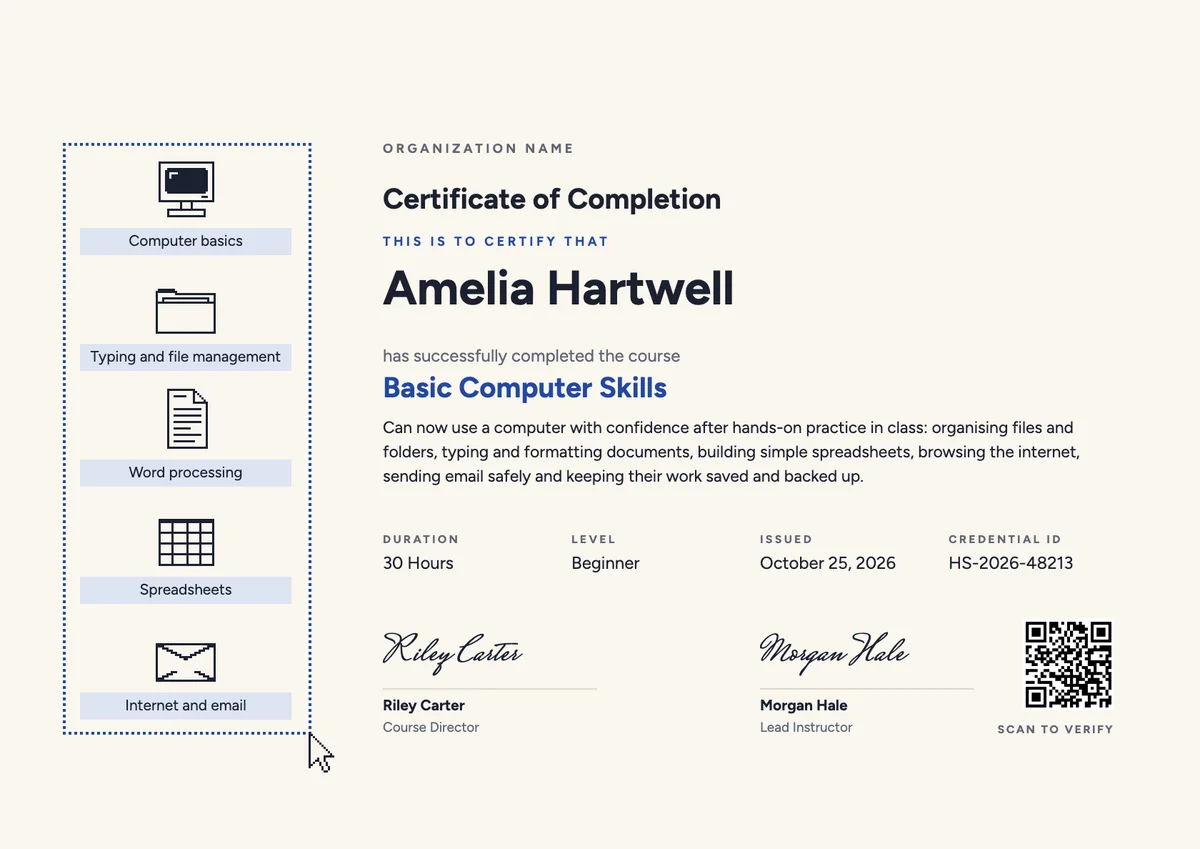
Your next cohort deserves better than a PDF
Set up in minutes, send your first credentials today, and only pay once you grow past 20 recipients a year.
Or open a live sample credential