Continuing Legal Education (CLE) certificate templates and badges
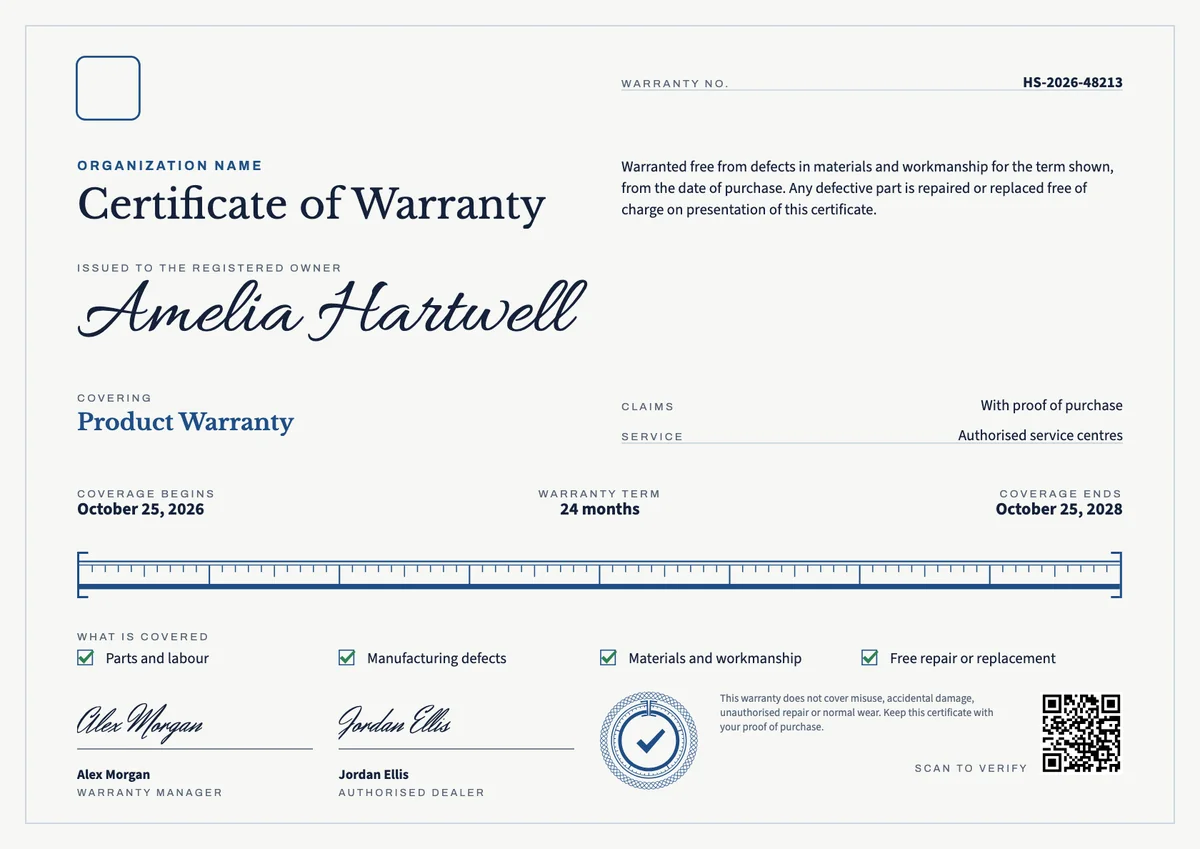
3 free designs. A set is one design as a badge, a landscape or a portrait certificate, or all three.
Free for up to 20 recipients a year
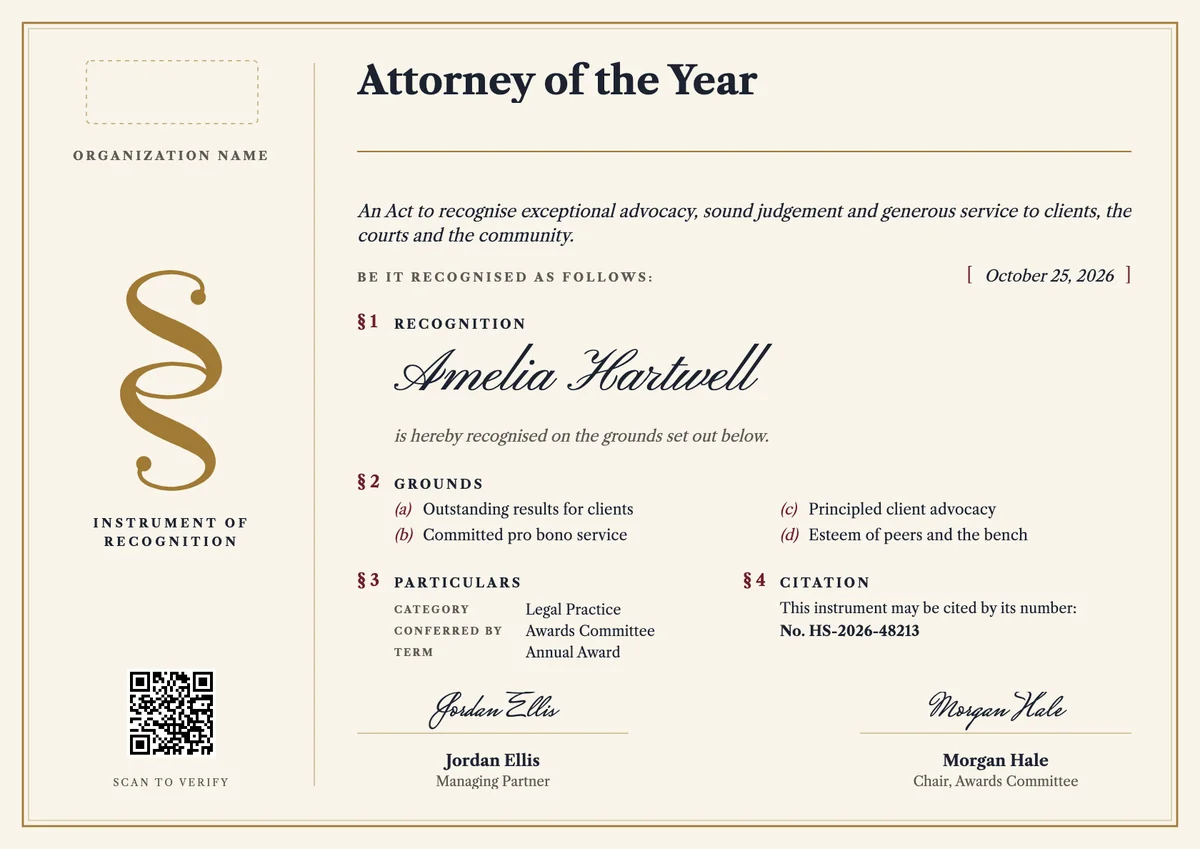
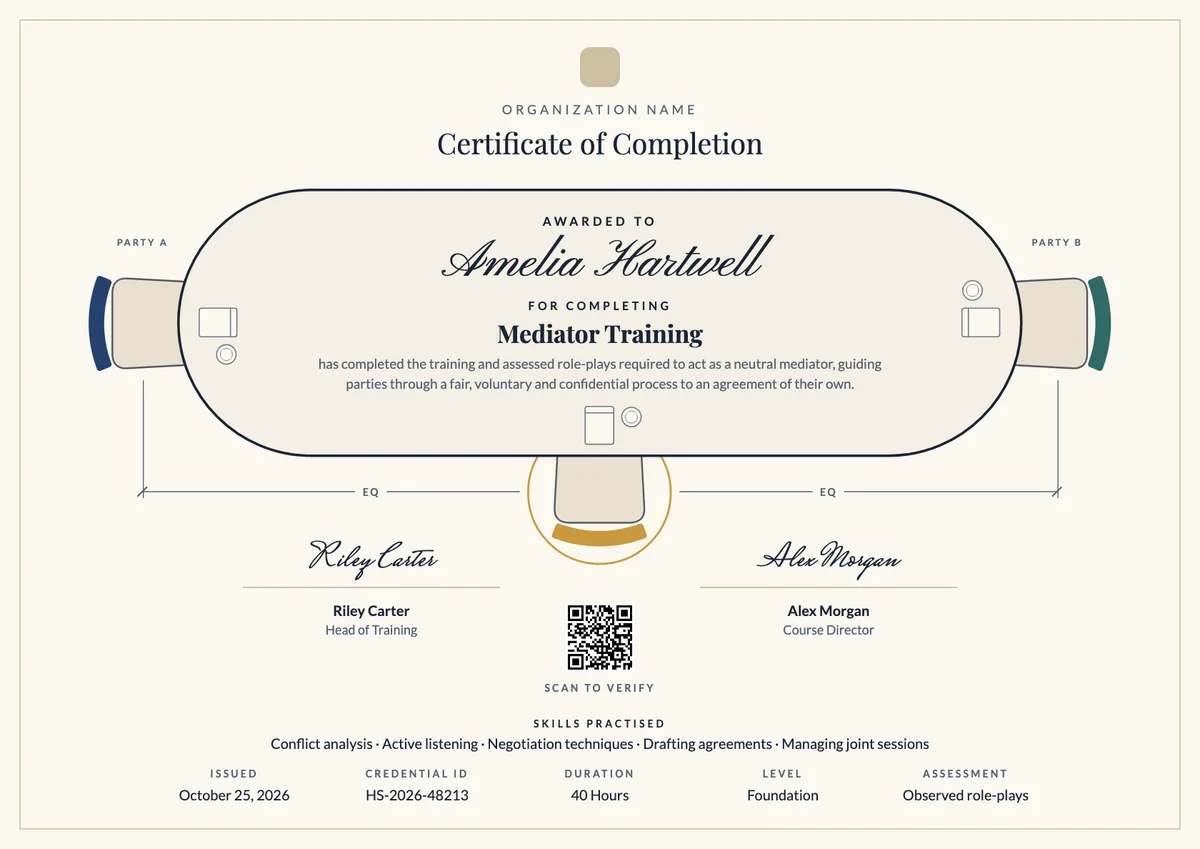
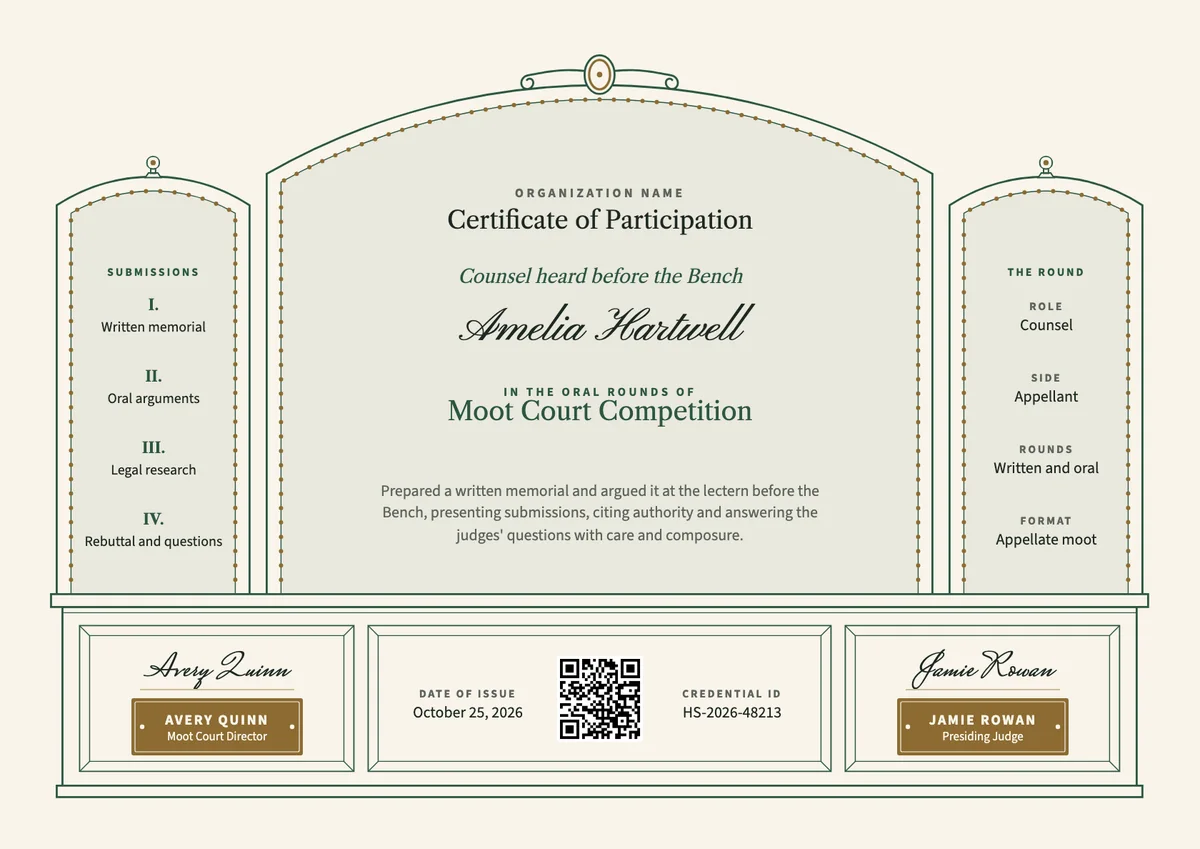
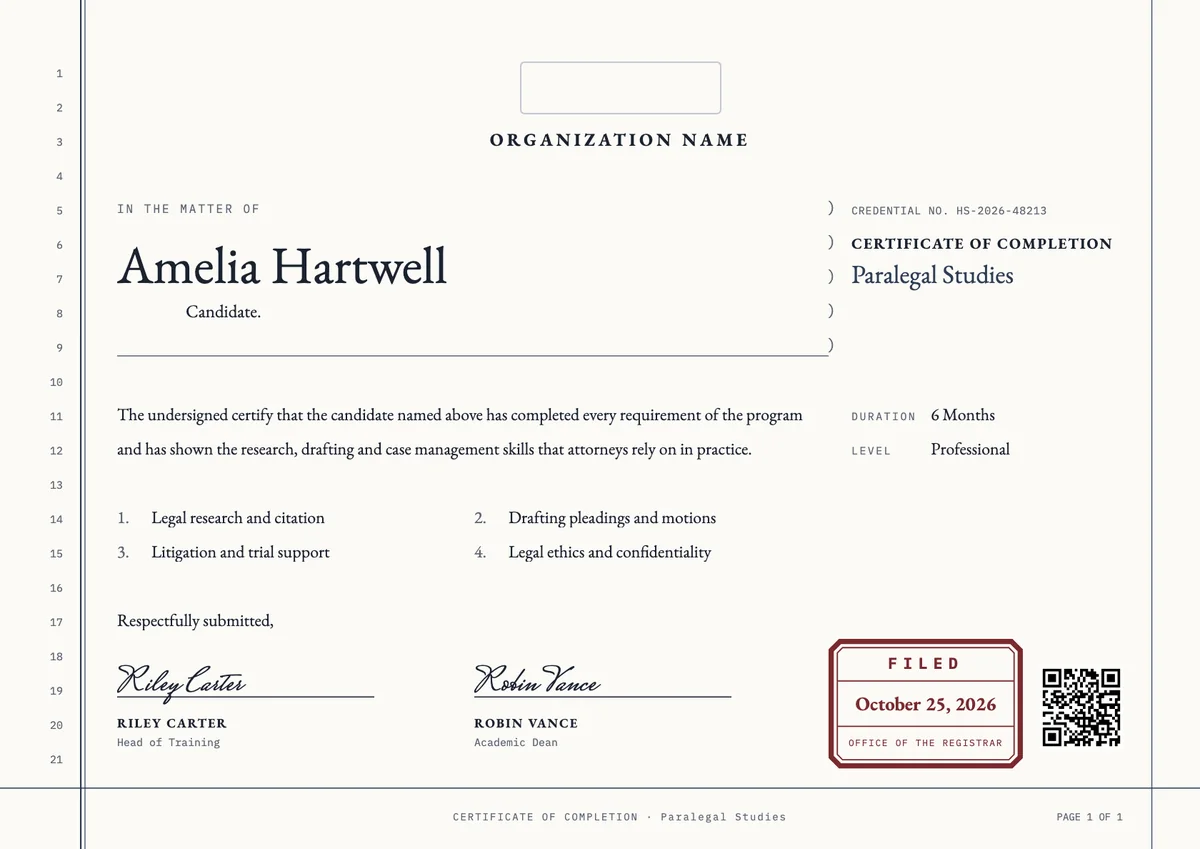
Bound Volume set
Badge · Landscape · Portrait
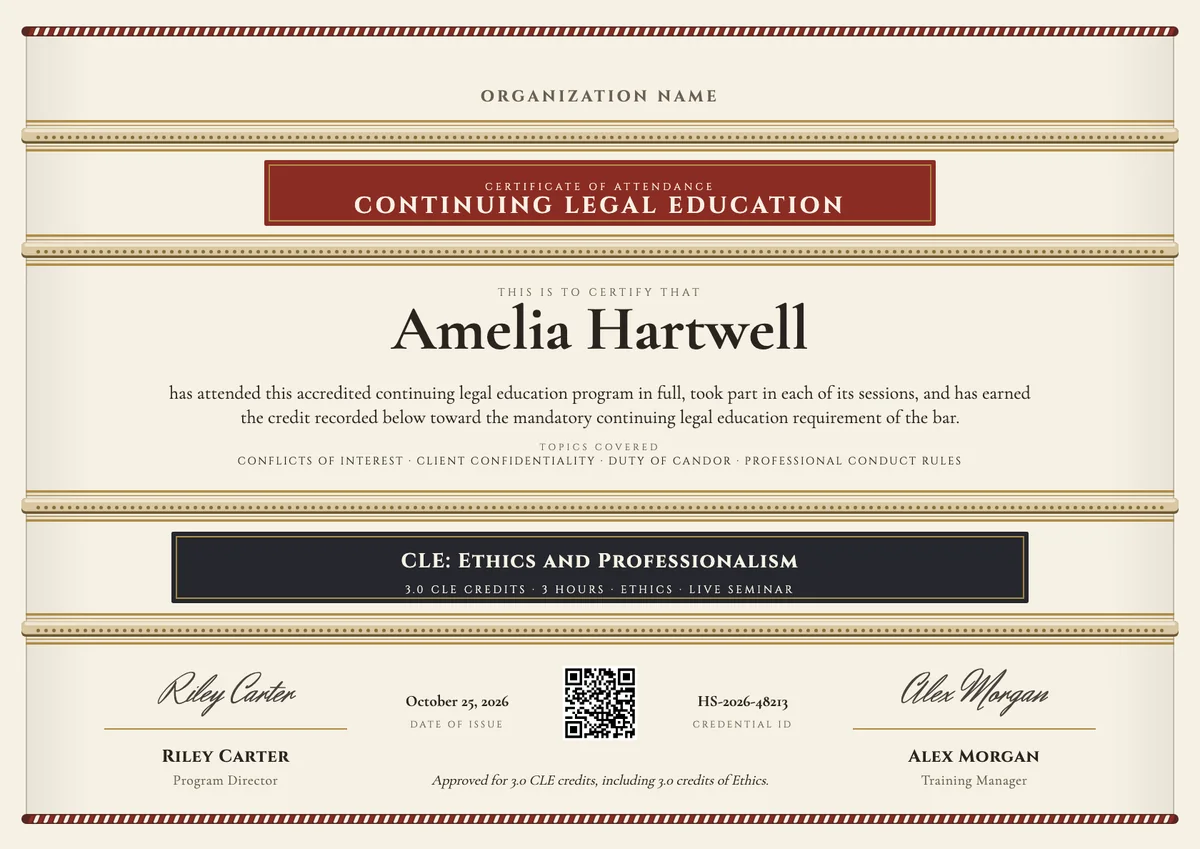
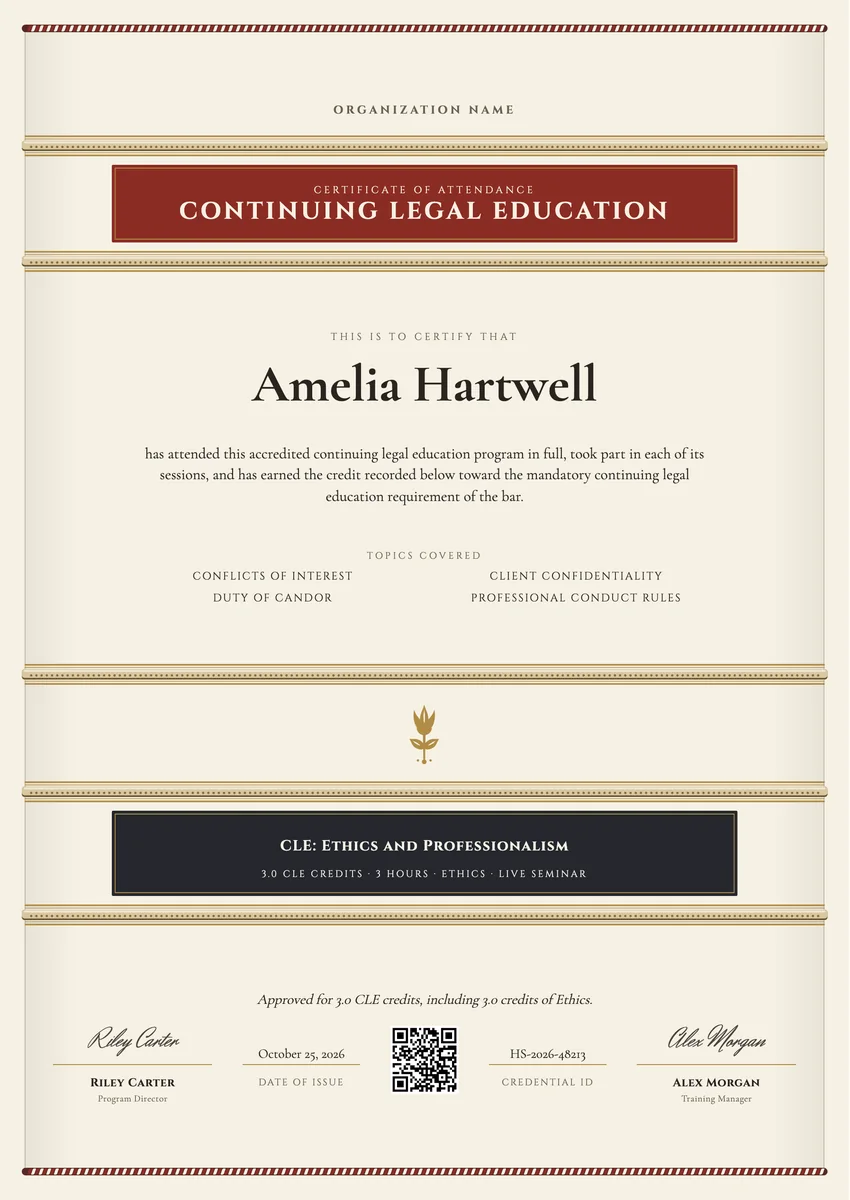
A CLE certificate template gives a continuing legal education provider a ready record to hand each attorney after an accredited program. Bar associations, law schools, law firms with in-house training, legal publishers and seminar companies issue one after a live seminar, a webinar or an on-demand course, so the lawyer can report the credit to the state bar and keep proof in case of an audit.
A good continuing legal education certificate is exact rather than decorative. It names the attorney, the course title, the provider, the date and the format, and it lists the credit hours by category, such as general, ethics or professional responsibility. A signature from the program director and a credential ID make it easy to check.
The designs come as certificates in A4 and US Letter and as digital badges that attorneys can add to a profile.
Wording
What to write on a continuing legal education (cle) certificate
Use these lines as they are, or as a start for your own. Every template comes with wording you can change in the studio.
Wording for a certificate of CLE attendance
- “has attended this accredited continuing legal education program in full and has earned the credit shown below.”
- “is awarded 3.0 CLE credits, including 1.0 credit in ethics and professionalism.”
- “attended the live seminar and took part in each session for the full credit time.”
Approval and credit lines
- “This program has been approved for CLE credit by the state continuing legal education board.”
- “Credit is shown as approved for this program; check your own jurisdiction's rules before you report it.”
- “Please keep this certificate with your CLE records for the reporting period.”
Short lines for the badge or the email
- “CLE credit earned.”
- “Ethics and professionalism, 3.0 CLE credits.”
Why send it with Hyperstack
More than a PDF
Customize the template free. When it is ready, send it to everyone at once.
One design, every name
Upload a spreadsheet and Hyperstack makes a cle certificate for each person on it, in one go.
Sent by email
Each recipient gets their own email and link. You see who opened it, downloaded it and shared it.
Anyone can verify it
The QR code opens a page that proves the certificate is real. Recipients add it to LinkedIn in one click.
FAQ
Questions, answered
Most state bars expect the attorney's name, the course title, the provider, the date and place or format of the program, and the credit hours by category. Many also want a signature from the provider and an approval or course number when the state assigns one.
Both, as a rule. The attorney keeps it to support the hours reported to the bar, and the provider keeps attendance records in case the board asks. How long records must be kept depends on the state.
Yes. List the total credit first and then each category, for example 3.0 credits including 1.0 in ethics. Use the category names your state uses, since they differ between bars.
They can use the same design, but say the format on the certificate. Some states cap the hours an attorney may claim from self-study or recorded programs, so the format matters when the lawyer reports it.
Usually the program director or the CLE coordinator of the provider. A bar association may add its education chair, and a firm running an in-house program often has the training partner sign.
Your next cohort deserves better than a PDF
Set up in minutes, send your first credentials today, and only pay once you grow past 20 recipients a year.
Or open a live sample credential