Fitness Challenge certificate templates and badges
3 free designs. A set is one design as a badge, a landscape or a portrait certificate, or all three.
Free for up to 20 recipients a year
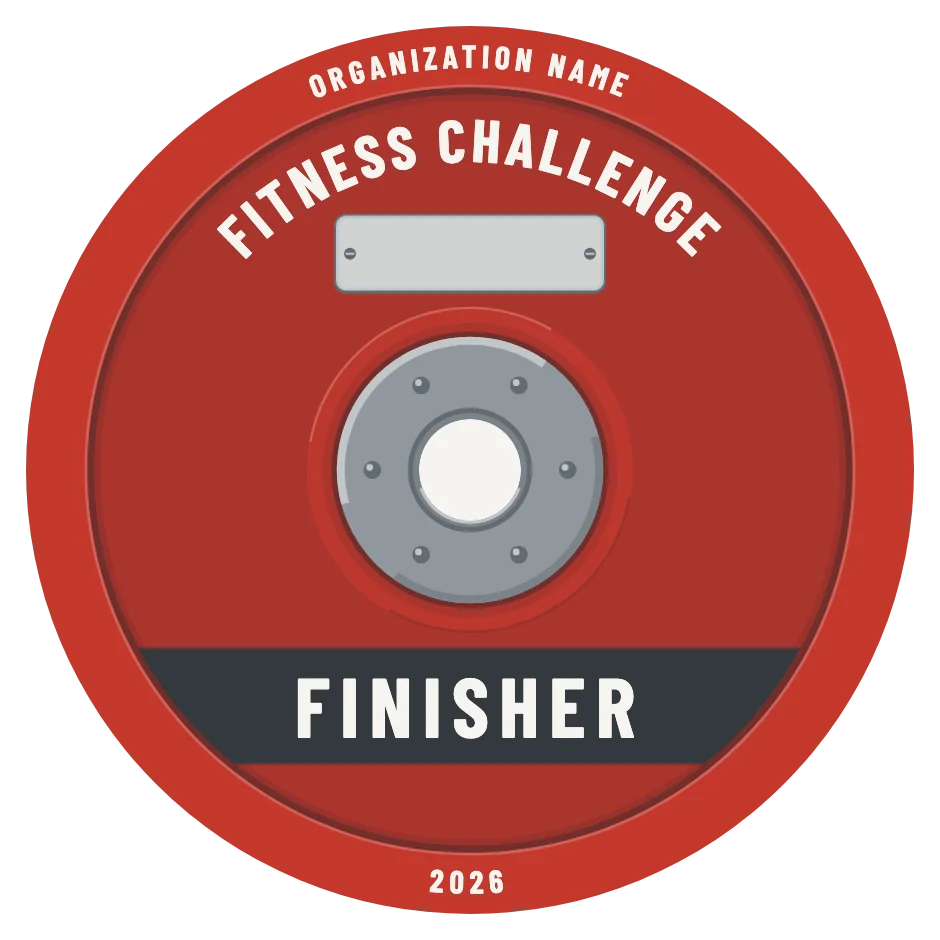
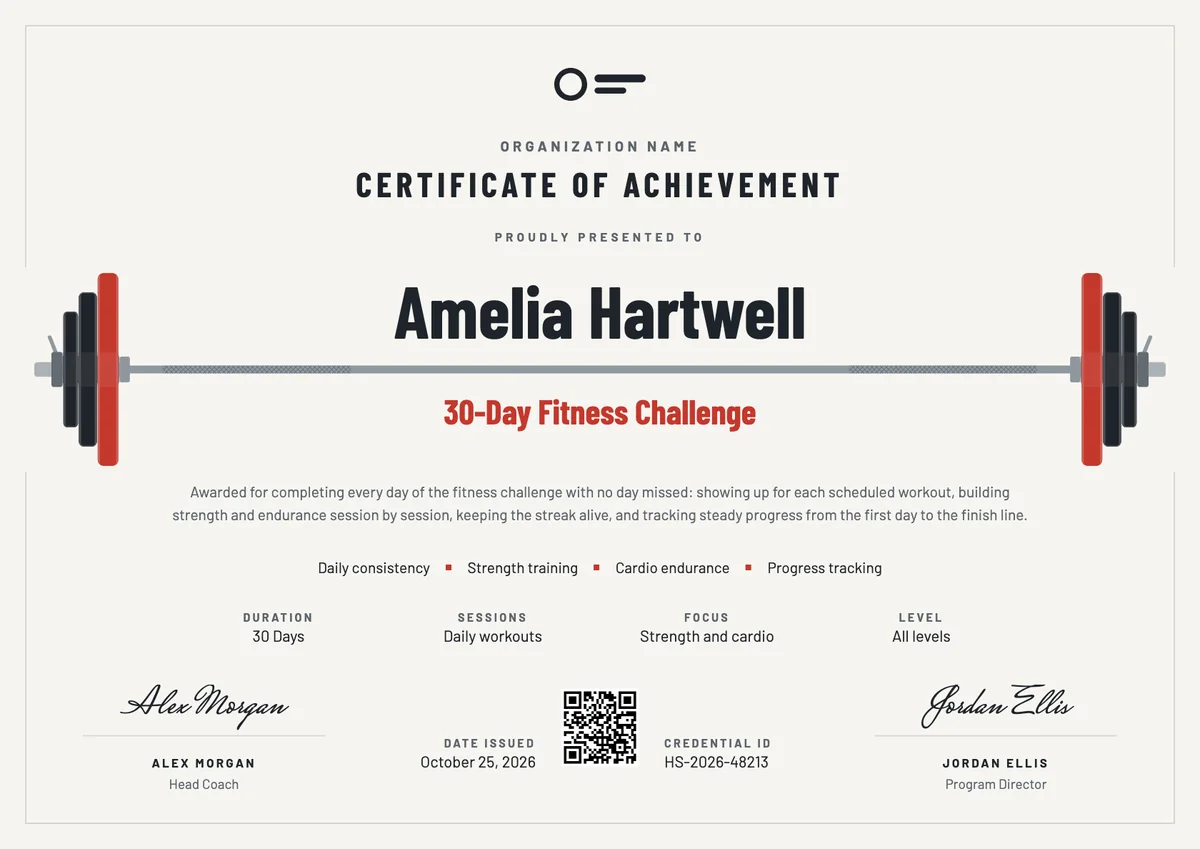
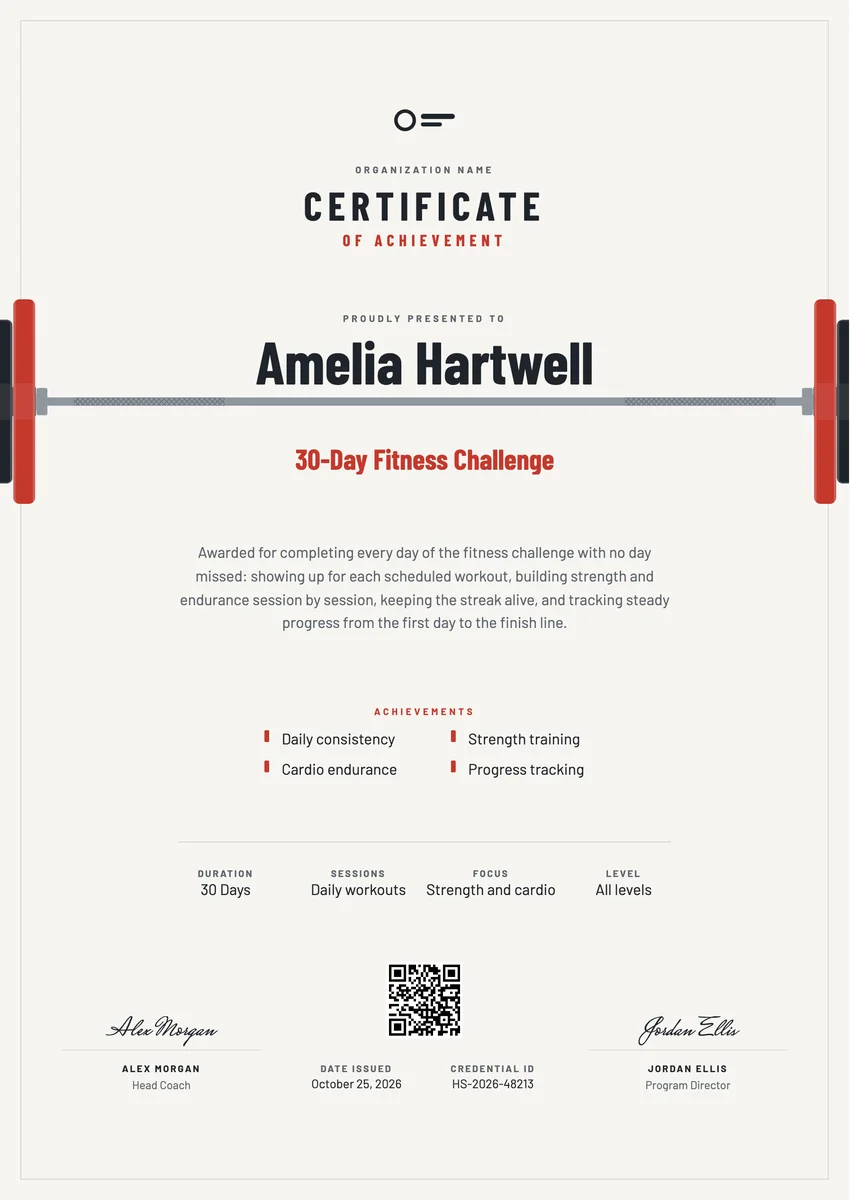
A fitness certificate template gives gyms, studios, personal trainers and workplace wellness teams a ready way to mark the end of a challenge: thirty days of workouts in a row, a six-week strength block, a step target or a team cardio goal. It goes to the members and staff who showed up to the last session, usually on the final day or at a small celebration after it.
A good fitness challenge certificate template names the challenge and its length, says in a line what the person kept up, lists the goals they met, and carries a date and a coach's signature. The designs here come as certificates in A4 and US Letter and as digital badges, so you can print one for the gym wall and send the same award by email, where the recipient can verify it and share it on LinkedIn.
Wording
What to write on a fitness challenge certificate
Use these lines as they are, or as a start for your own. Every template comes with wording you can change in the studio.
Wording for a 30-day fitness challenge certificate
- “For completing every day of the 30-Day Fitness Challenge without missing a workout.”
- “Awarded for thirty days of training, discipline and steady progress.”
- “In recognition of a month of daily effort, from the first session to the last.”
Wording for a gym award or an employee wellness certificate
- “For outstanding commitment to the Spring Strength Challenge at our gym.”
- “Presented for leading the team step challenge and inspiring colleagues to move more.”
- “With thanks for making wellness part of every working week.”
Short lines for the badge or the email
- “Challenge finished. Every rep counted.”
- “You showed up every day. Well done.”
Why send it with Hyperstack
More than a PDF
Customize the template free. When it is ready, send it to everyone at once.
One design, every name
Upload a spreadsheet and Hyperstack makes a certificate of achievement for each person on it, in one go.
Sent by email
Each recipient gets their own email and link. You see who opened it, downloaded it and shared it.
Anyone can verify it
The QR code opens a page that proves the certificate is real. Recipients add it to LinkedIn in one click.
FAQ
Questions, answered
Use the record you already keep: class check-ins, a shared workout log, a fitness app or a step tracker export. Agree the rule before the start, such as all 30 sessions logged or a missed day made up within the week, so the list of finishers is fair and clear.
That is your call, but say it at the start. Many gyms allow one or two make-up sessions, and some give a separate completion award for people who finished most of the program, so a sick day does not cancel weeks of work.
Usually not. Weight and measurements are personal health data, and a certificate is often shared in public. Keep it to the effort and the results people are glad to show, such as sessions completed, a new personal best or a distance covered.
Small things that fit the habit work best: a branded water bottle or towel, a free class or personal training session, or a place on a finishers' board at the gym. In a workplace program, a team breakfast or an extra wellness hour often means more than a prize.
No. The designs do not print a fixed number of days, so the same template works for a 21-day, 30-day, 6-week or 90-day challenge. Change the program name and the duration field, and the certificate fits.
More certificate templates
Your next cohort deserves better than a PDF
Set up in minutes, send your first credentials today, and only pay once you grow past 20 recipients a year.
Or open a live sample credential