Nonprofit certificate templates and badges
3 free designs. A set is one design as a badge, a landscape or a portrait certificate, or all three.
Free for up to 20 recipients a year

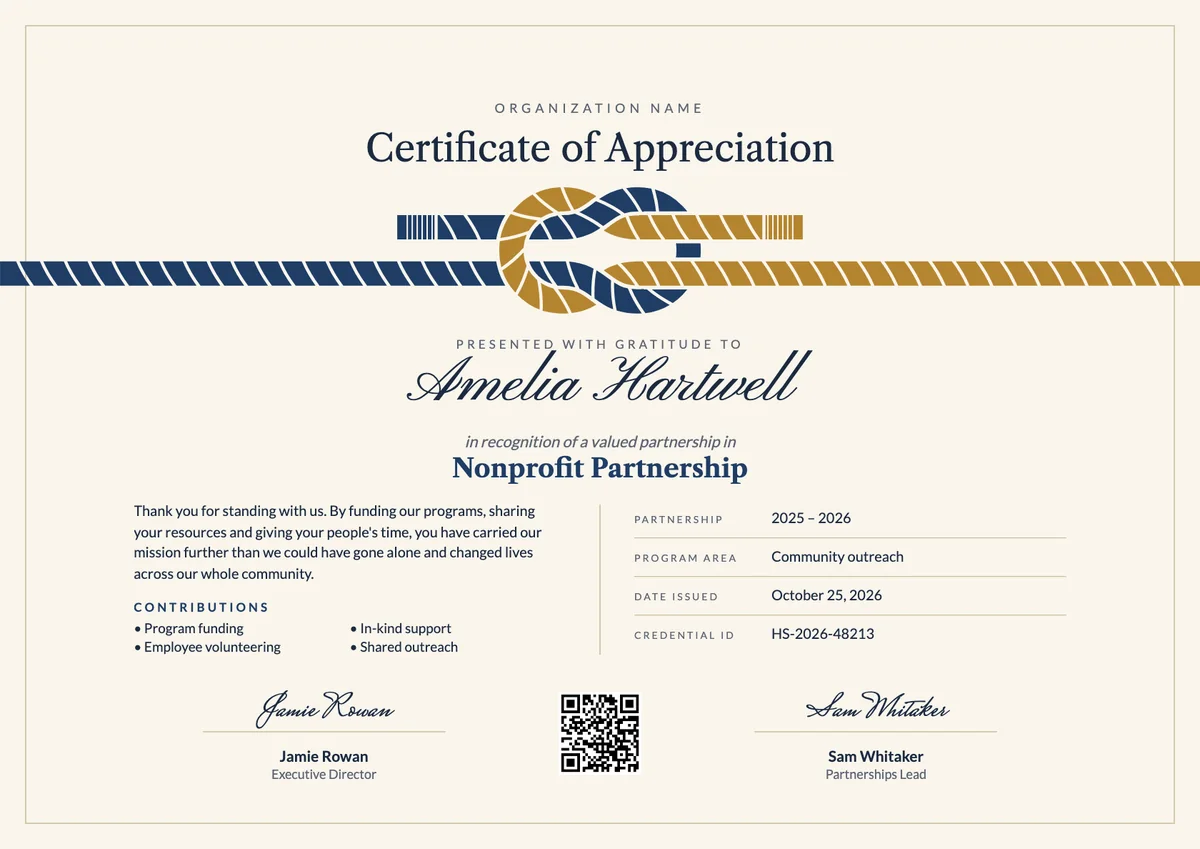
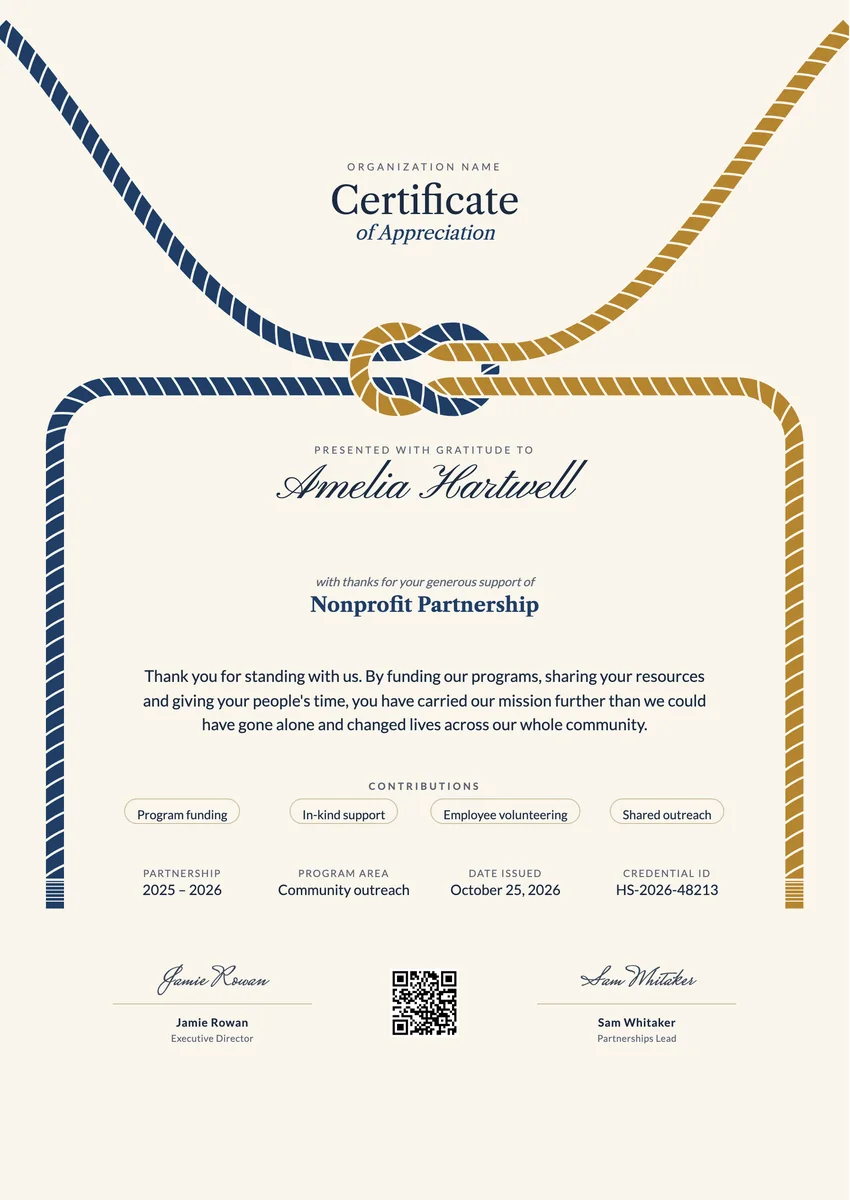
A nonprofit certificate template helps a charity, NGO or community foundation thank the people and organisations that make its work possible: corporate sponsors, grant makers, local businesses that donate goods, and partner groups that run programs alongside it. Most nonprofits send them at the end of a campaign or financial year, at an annual gala, or when a partnership is renewed.
A good one names the partner, the program they supported and what they gave, whether funding, in-kind support, staff volunteering or shared outreach. It carries the period of the partnership, a date and the signature of the executive director or board chair, so it reads as a real record and not a form letter.
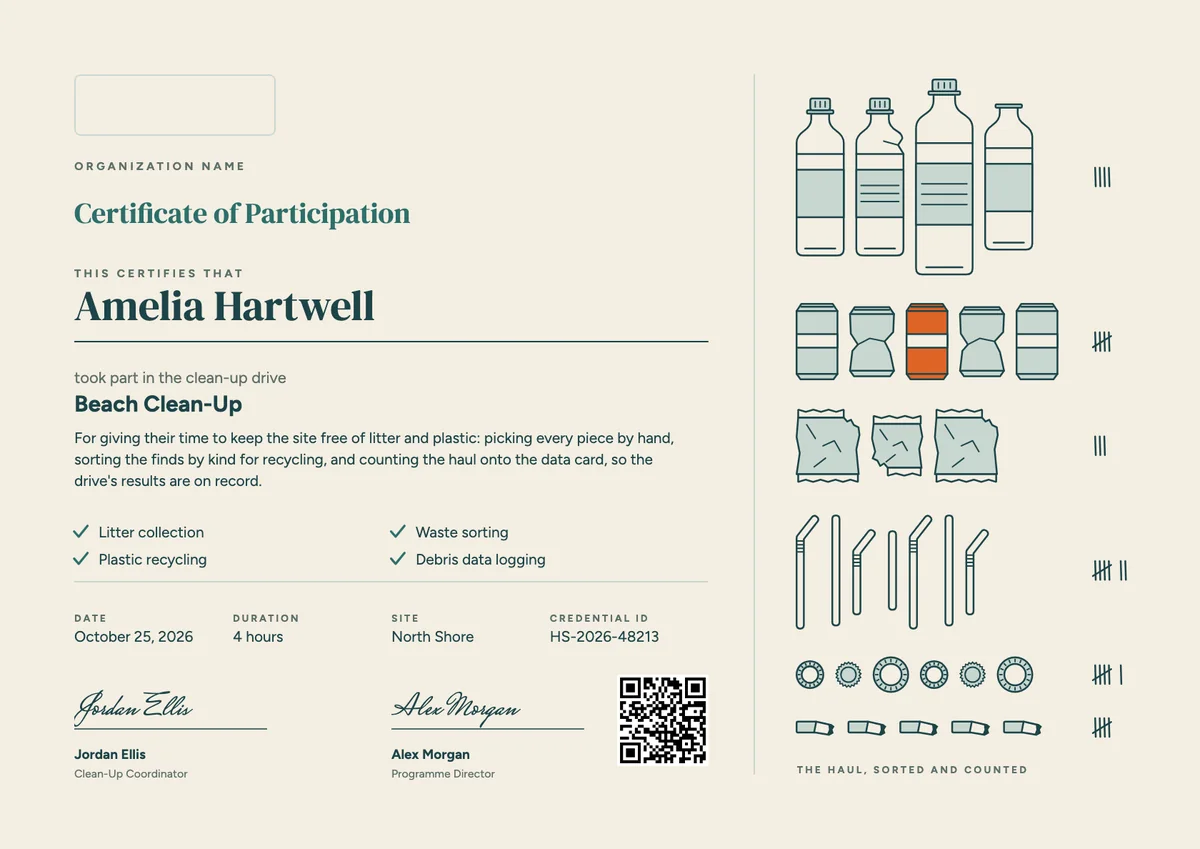
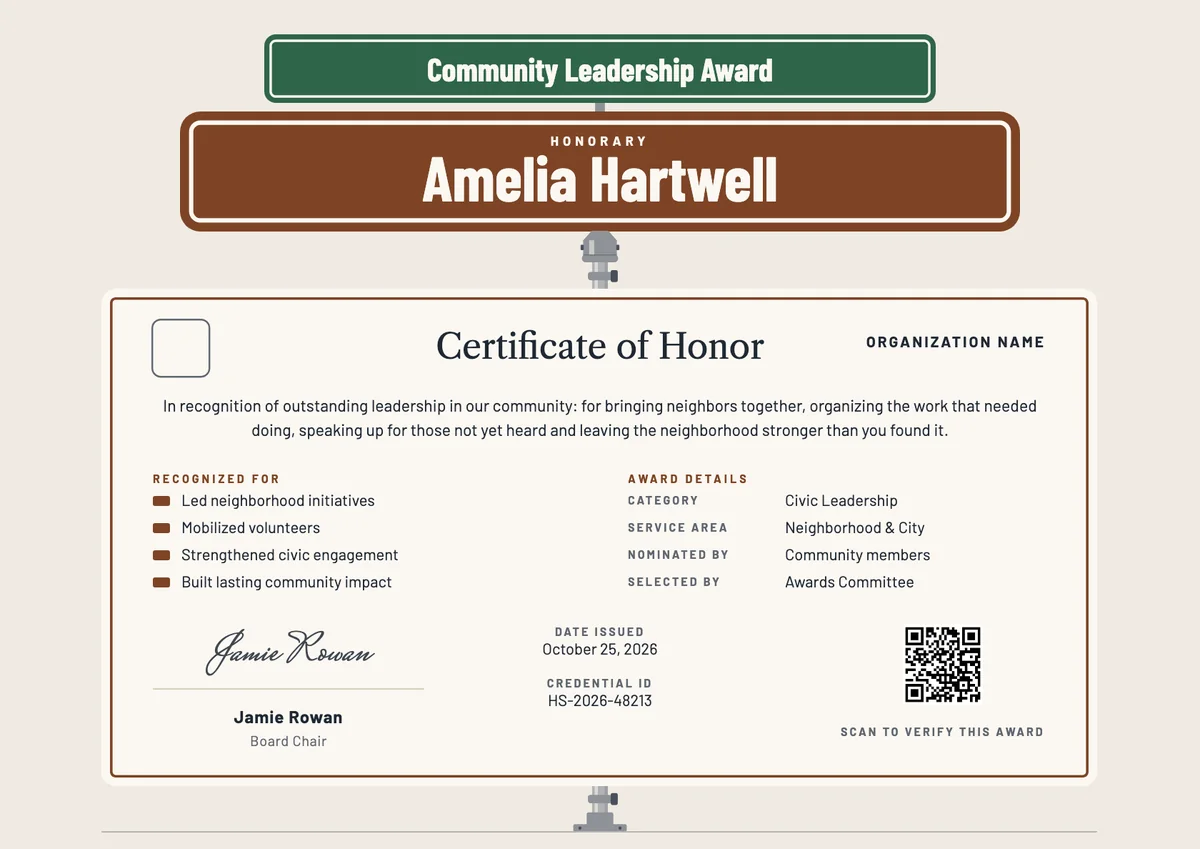
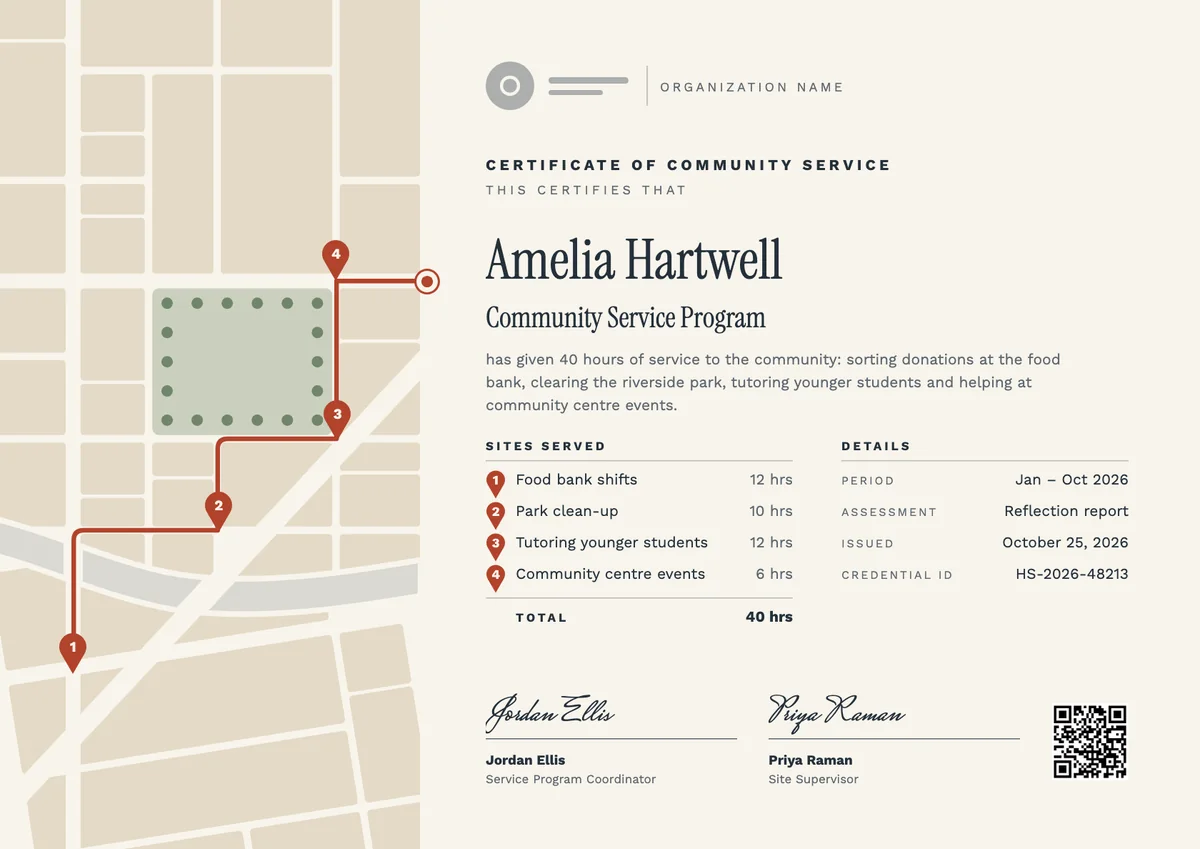
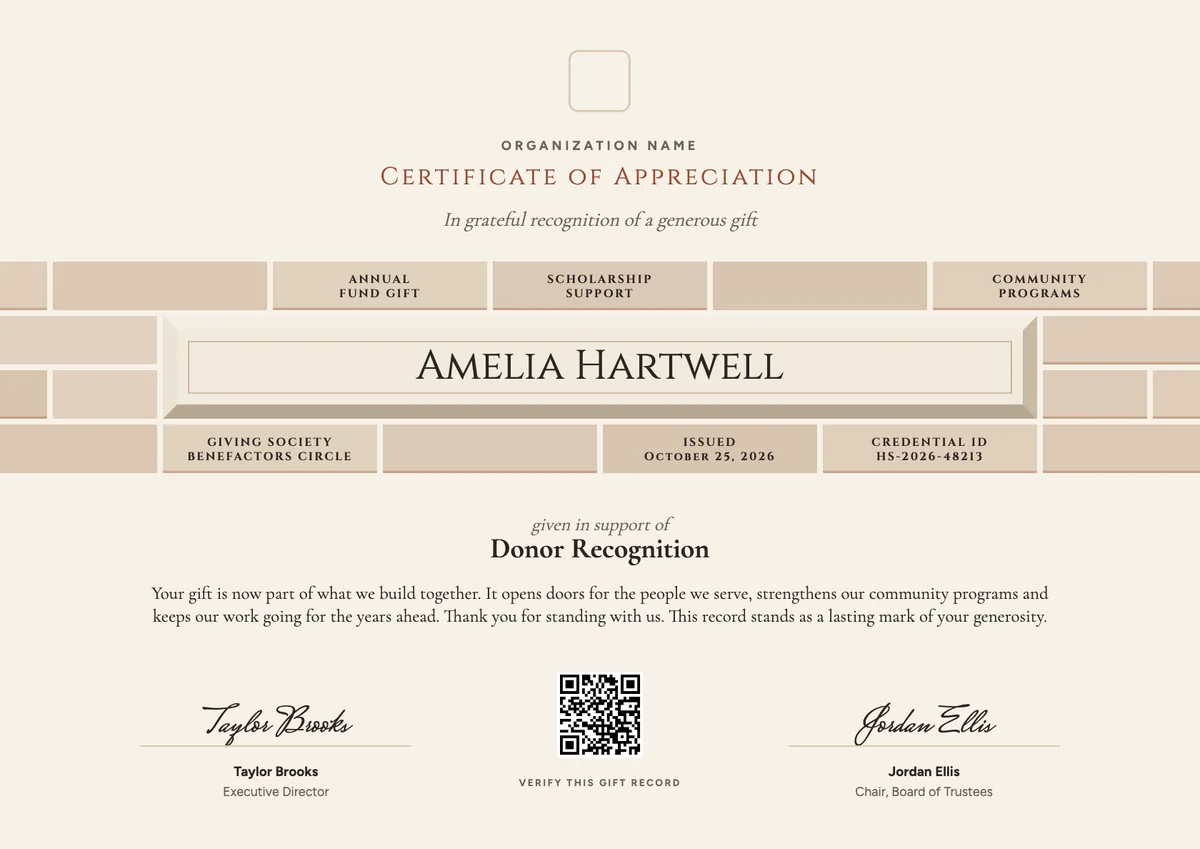
The designs here come as certificates in A4 and US Letter and as digital badges that a partner can show on its website or social profiles. The same layouts also work as an NGO certificate for students and volunteers who served with your programs.
Wording
What to write on a nonprofit certificate
Use these lines as they are, or as a start for your own. Every template comes with wording you can change in the studio.
Wording for a nonprofit partner certificate of appreciation
- “In grateful recognition of a valued partnership in service of our mission.”
- “With thanks for your generous support of our programs throughout 2026.”
- “Your funding, time and expertise helped us reach more families than ever before.”
NGO certificate wording for sponsors and donors of goods
- “In appreciation of your in-kind gifts, which kept our shelves full all year.”
- “Thank you for sponsoring our community outreach and standing with us from the start.”
- “Presented to our corporate partner for the volunteer hours given by your team.”
Short lines for the badge or the email
- “Valued partner. With thanks.”
- “Proud partner of our mission, 2026.”
Why send it with Hyperstack
More than a PDF
Customize the template free. When it is ready, send it to everyone at once.
One design, every name
Upload a spreadsheet and Hyperstack makes a certificate of appreciation for each person on it, in one go.
Sent by email
Each recipient gets their own email and link. You see who opened it, downloaded it and shared it.
Anyone can verify it
The QR code opens a page that proves the certificate is real. Recipients add it to LinkedIn in one click.
FAQ
Questions, answered
Any organisation that helped the mission in a real way during the year: sponsors and grant makers, businesses that gave goods or services, employers that sent volunteer teams, and other nonprofits you ran programs with. Individual donors are usually thanked with a letter or a donor wall instead.
Name the program they supported and say in one or two sentences what their support made possible, such as meals served or classes run. List what they gave, whether funding, in-kind support, staff volunteering or shared outreach, and add the years of the partnership. A signature from the executive director or board chair completes it.
Yes. Many NGOs give students a certificate that records the program, the dates and the hours or tasks they helped with. Schools and universities often accept it as proof of community service, so state the facts plainly and include a contact or credential ID that can be checked.
Both work well together. Present a printed certificate on stage or at a partner breakfast for the photo, then email the digital version so the partner can share it with staff and customers. Partners who could not attend still receive it on the same day.
No. It is a thank-you and a public record of the partnership. Donation receipts and grant reports are separate documents and follow the rules of your country and of the funder.
Your next cohort deserves better than a PDF
Set up in minutes, send your first credentials today, and only pay once you grow past 20 recipients a year.
Or open a live sample credential