Security Guard Training certificate templates and badges
3 free designs. A set is one design as a badge, a landscape or a portrait certificate, or all three.
Free for up to 20 recipients a year
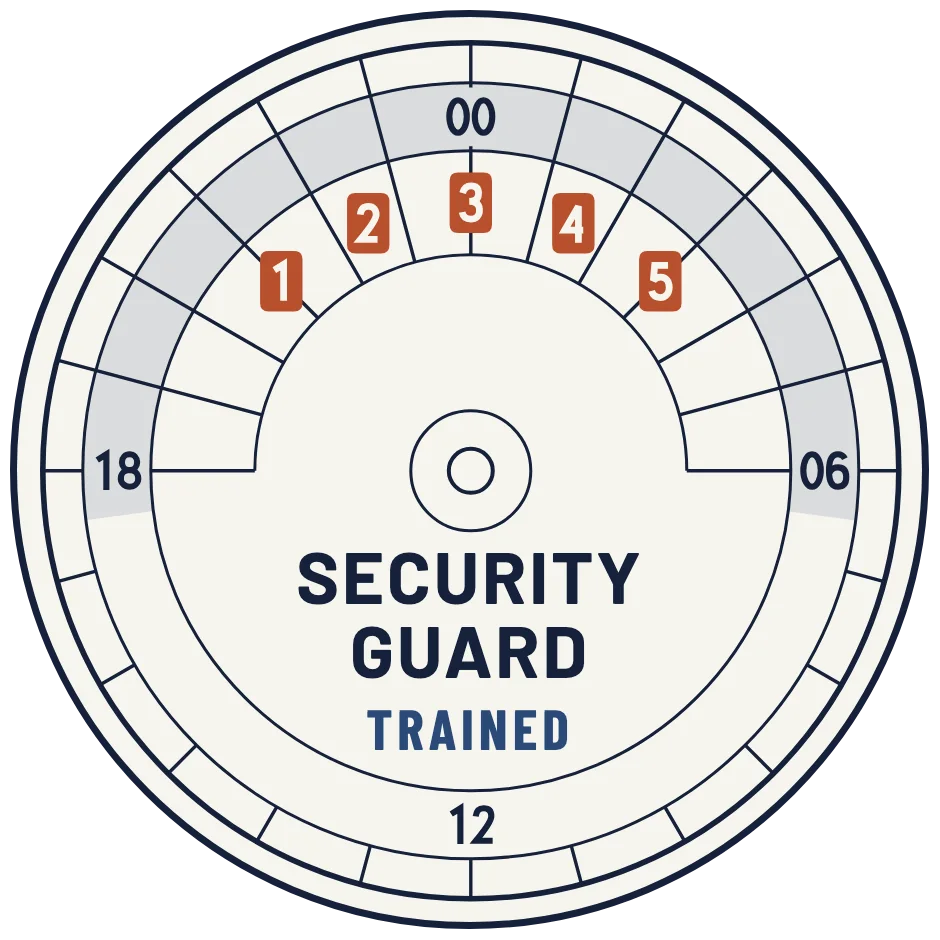
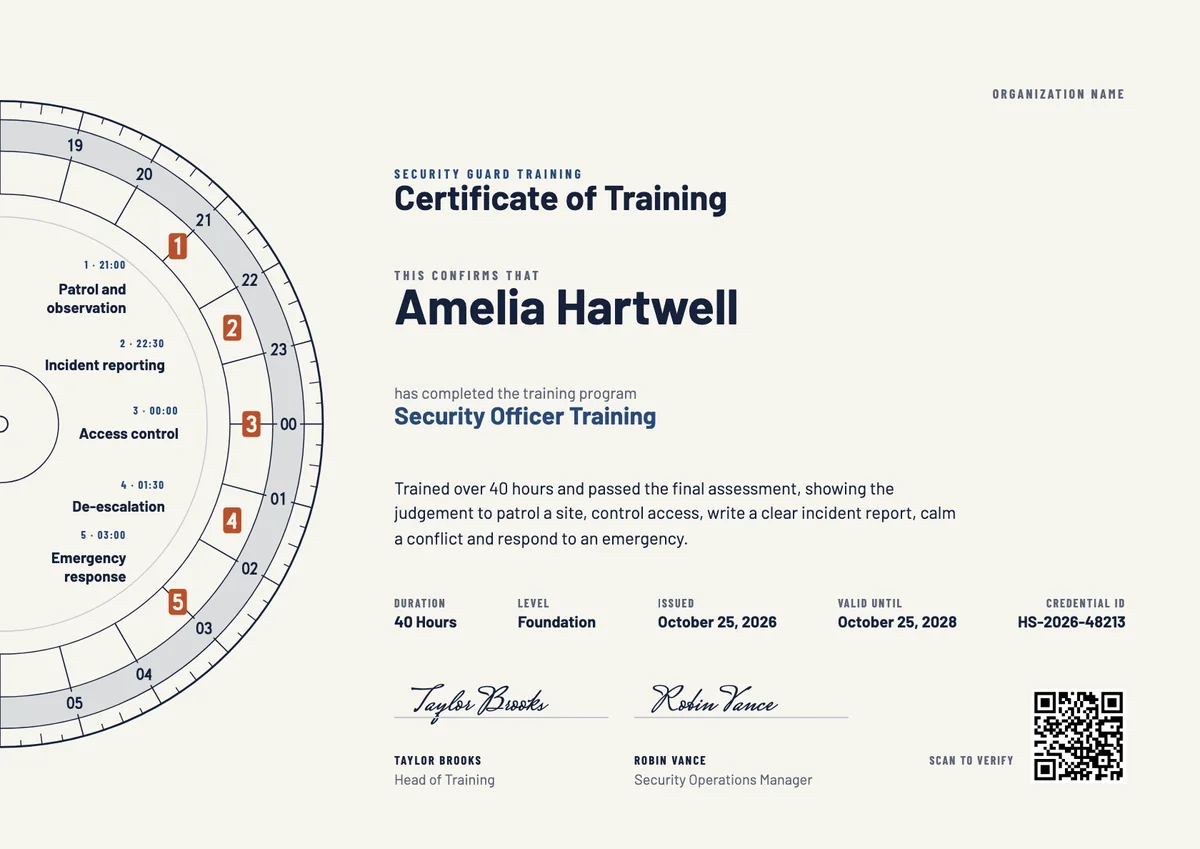
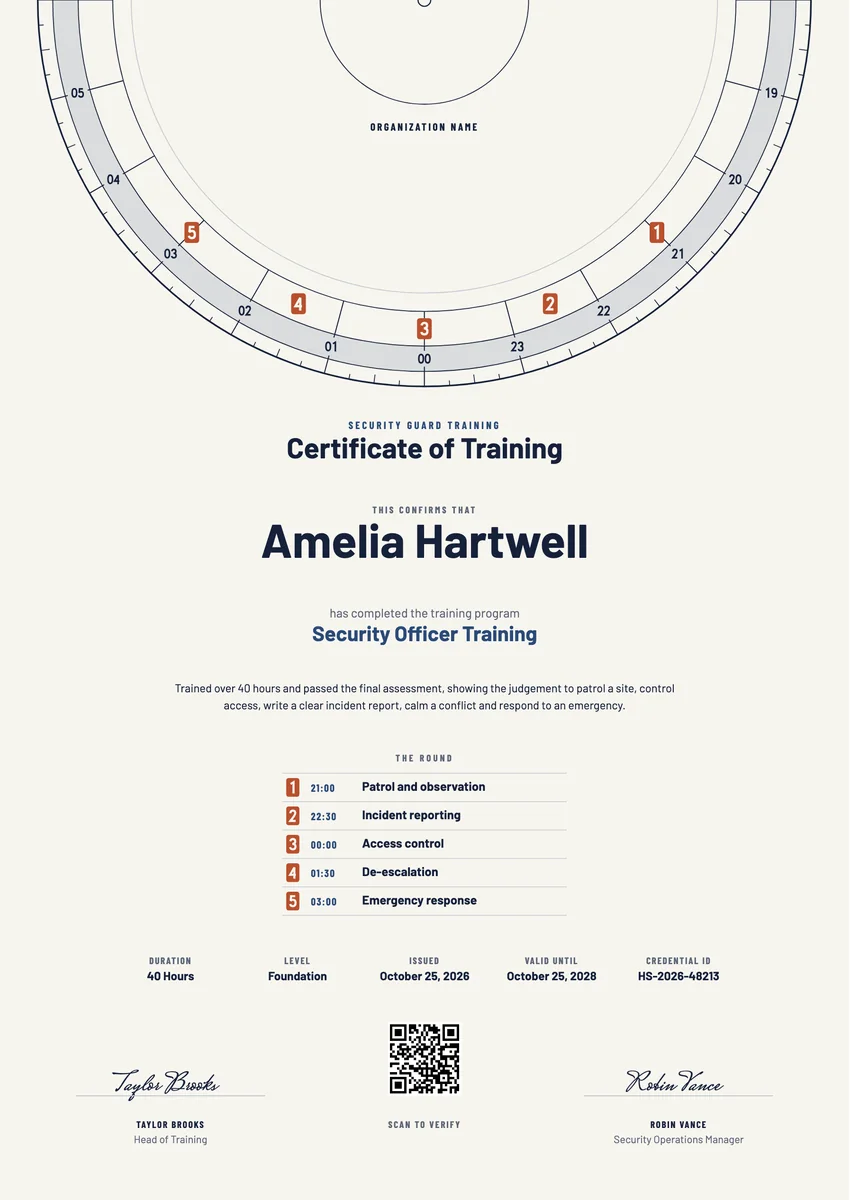
A security guard certificate template gives guarding companies, training schools and in-house security teams a ready record for the end of a course. It goes to new officers who finish their initial training, to experienced guards after a refresher course, and to staff who complete a site induction before they work a post.
A good security training certificate names the guard and the course and lists what it covered: patrol and observation, report writing, access control, de-escalation and emergency response. It gives the hours, the date and, where the training must be repeated, a valid-until date, and it is signed by the trainer or the operations manager.
The designs come as certificates in A4 and US Letter and as badges. Print a certificate for the guard's file and send the same award by email, where a supervisor or a client can verify it with the QR code.
Wording
What to write on a security guard training certificate
Use these lines as they are, or as a start for your own. Every template comes with wording you can change in the studio.
Wording for a security guard training certificate
- “has completed 40 hours of security officer training and passed the final assessment.”
- “For completing initial training in patrol, observation, access control and incident reporting.”
- “has shown sound judgement in patrol, reporting, conflict management and emergency response.”
Refresher and site induction wording
- “For completing the annual refresher course in conflict management and emergency procedures.”
- “has completed site induction, including patrol routes, access points and alarm response.”
- “For completing event security training in crowd management and safe evacuation.”
Short lines for a security guard badge
- “Security Guard Trained”
- “Patrol, report, respond: training complete.”
Why send it with Hyperstack
More than a PDF
Customize the template free. When it is ready, send it to everyone at once.
One design, every name
Upload a spreadsheet and Hyperstack makes a training certificate for each person on it, in one go.
Sent by email
Each recipient gets their own email and link. You see who opened it, downloaded it and shared it.
Anyone can verify it
The QR code opens a page that proves the certificate is real. Recipients add it to LinkedIn in one click.
FAQ
Questions, answered
No. A training certificate records that a person finished a course with your organisation and what it covered. Where guards need a licence or registration to work, the licensing authority issues it under its own rules, and a course certificate does not replace it. Word the certificate as a training record, not as a permit to work.
List the parts of the course the guard was assessed on, in plain words: for example patrol and observation, incident reporting, access control, de-escalation and emergency response. Add the hours and the level, so a supervisor can see at a glance what the training covered.
The trainer who ran the course, often with the training manager or the security operations manager. For an in-house team, the site's security manager may sign as well.
Many employers and clients ask guards to repeat parts of their training, such as first aid, fire safety or conflict management, at set intervals. If yours does, add a valid-until date so a supervisor can see when the refresher is due; leave it out for a one-off course.
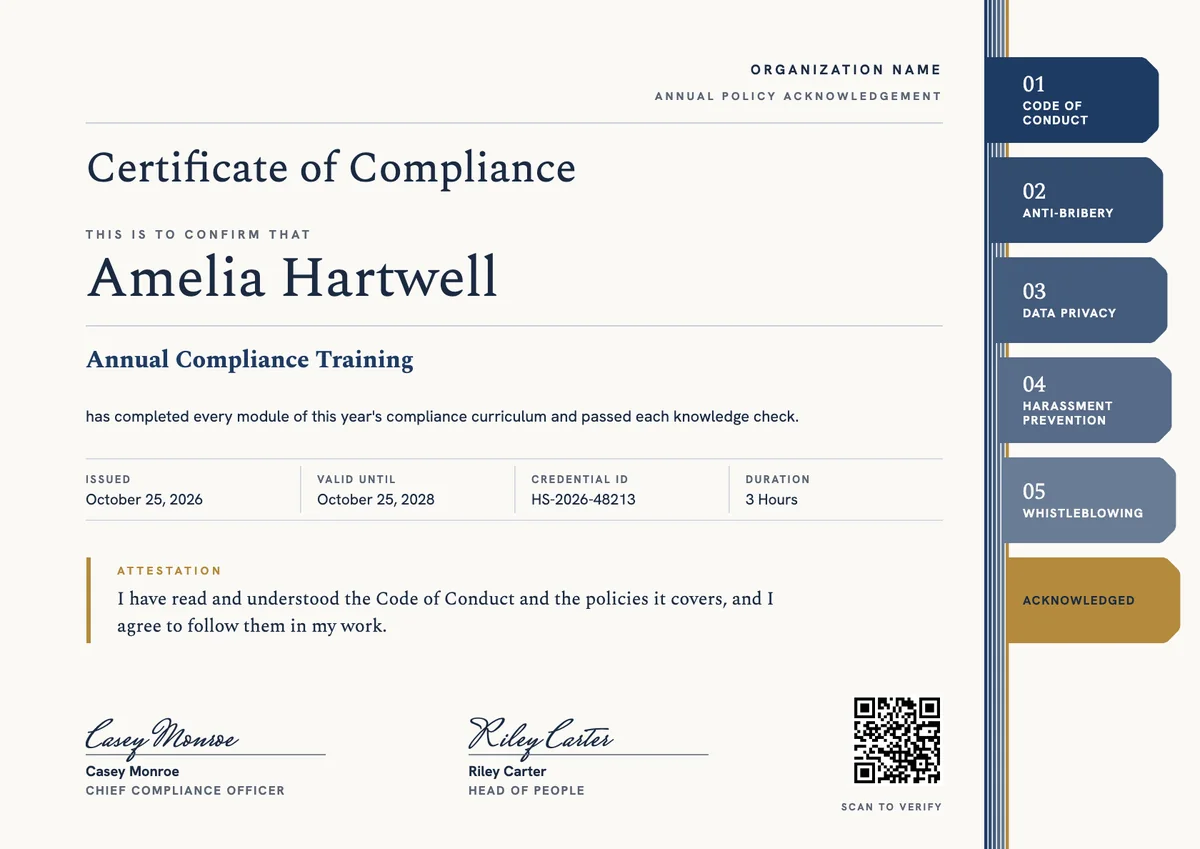
It is drawn from a guard tour chart. Older watchman's clocks recorded each patrol on a paper dial: at every checkpoint a numbered key marked the time on the chart, and the supervisor read the round in the morning. The five tags stand for the five skills of the course.
Yes. Upload a spreadsheet with each guard's name, email and course, and Hyperstack issues each of them a personal certificate and badge and emails it to them.
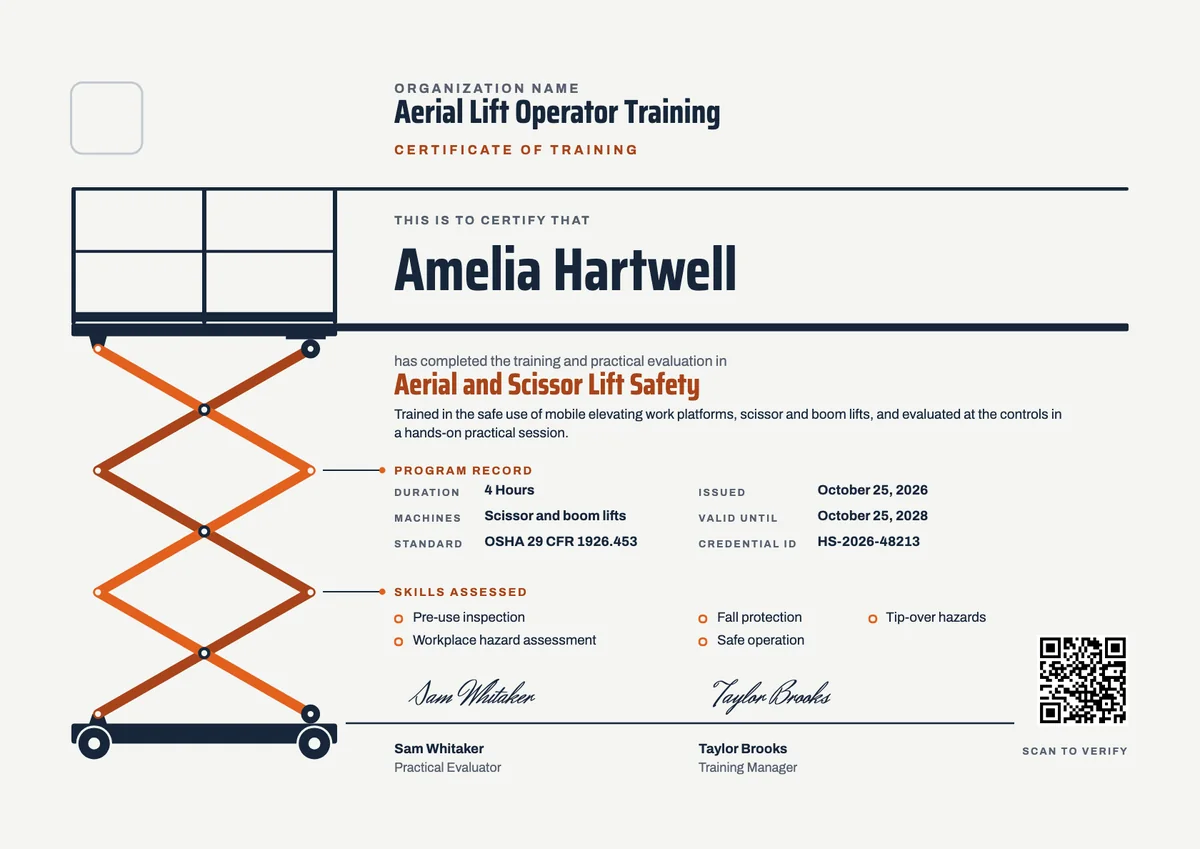
Your next cohort deserves better than a PDF
Set up in minutes, send your first credentials today, and only pay once you grow past 20 recipients a year.
Or open a live sample credential