Tree Planting certificate templates and badges
3 free designs. A set is one design as a badge, a landscape or a portrait certificate, or all three.
Free for up to 20 recipients a year
Growth Ruler set
Badge · Landscape · Portrait
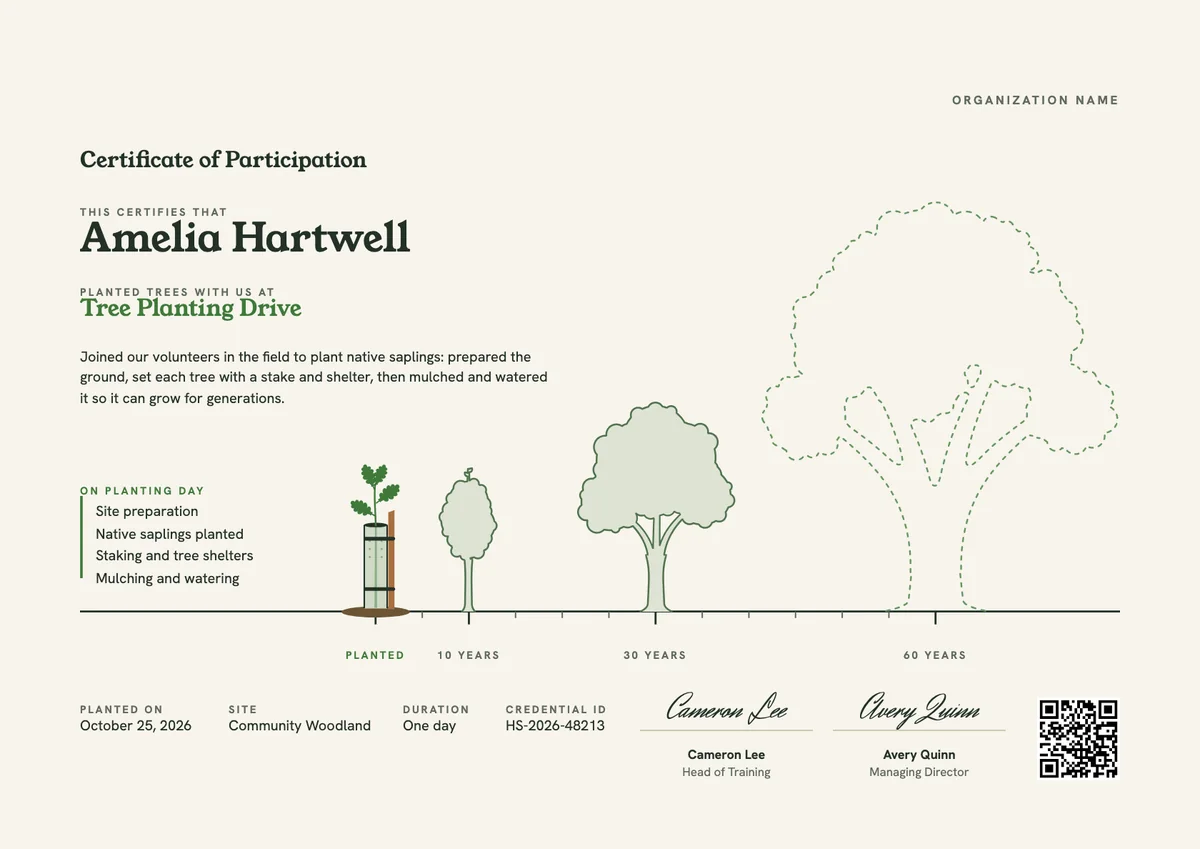
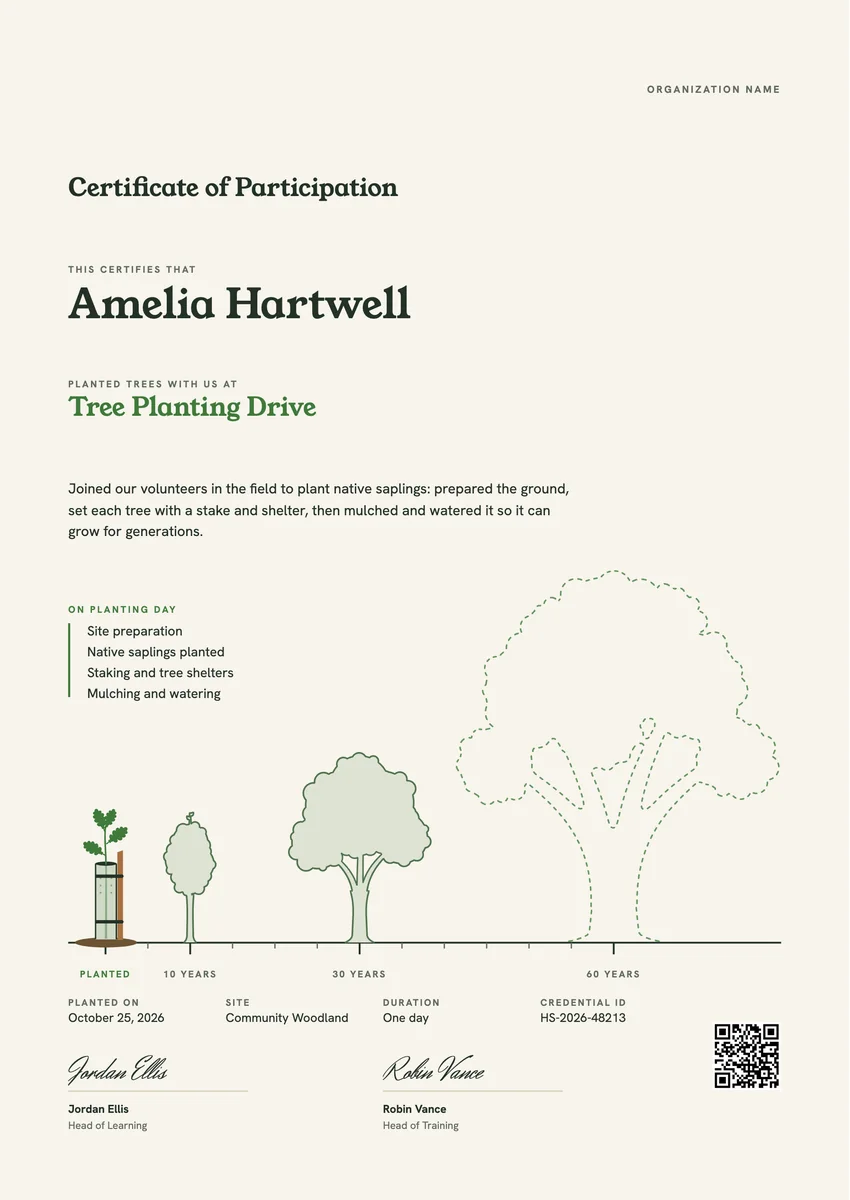
A tree planting certificate template helps you thank the people who turn up with spades: employees on a CSR or ESG volunteer day, students in an eco club, scout and rotary groups, and families at a council or charity planting drive. Organisers usually hand it out at the end of the morning or send it by email in the days after.
A good certificate for tree planting names the volunteer and the drive, says what they did (preparing the ground, planting native saplings, staking, mulching and watering), and records the date and the site so the trees can be found again. A signature from the organiser or project lead makes it feel official.
The designs come as certificates in A4 and US Letter and as round badges for profiles and email signatures.
Wording
What to write on a tree planting certificate
Use these lines as they are, or as a start for your own. Every template comes with wording you can change in the studio.
Wording for a certificate of participation in tree planting
- “For joining our tree planting drive and helping native trees take root in our community.”
- “In recognition of your time and effort in planting, staking and mulching new trees at Riverside Park.”
- “Thank you for giving a morning to plant the woodland our children will walk in.”
Appreciation tree planting certificate wording for staff and partners
- “With thanks for leading our team at the company volunteer planting day.”
- “In appreciation of your support for our reforestation project this season.”
- “For helping us plant 500 native saplings along the river corridor.”
Short lines for the badge or the email
- “Planted today, growing for decades.”
- “One more tree in the ground. Thank you.”
Why send it with Hyperstack
More than a PDF
Customize the template free. When it is ready, send it to everyone at once.
One design, every name
Upload a spreadsheet and Hyperstack makes a certificate of participation for each person on it, in one go.
Sent by email
Each recipient gets their own email and link. You see who opened it, downloaded it and shared it.
Anyone can verify it
The QR code opens a page that proves the certificate is real. Recipients add it to LinkedIn in one click.
FAQ
Questions, answered
Both work. Printing them on the day means volunteers need their names in advance, so many organisers send a digital certificate by email a day or two later, once the sign-in sheet is checked, and invite people to print it at home.
Name the site and the date on the certificate, and, if your project maps its plantings, add the plot or row reference. That lets volunteers come back years later and find the trees they put in the ground.
Only if you counted them. A number per volunteer or for the whole group is a nice touch, but a false figure undermines the record. If you are unsure, describe the work and the site instead.
It can serve as evidence, but the school, award scheme or employer decides what counts. Put the date and the duration of the session on the certificate so the hours are easy to verify.
No. A dedication or memorial tree certificate is usually given to someone who paid for a tree in another person's name. A tree planting certificate thanks a person who did the planting work themselves.
Your next cohort deserves better than a PDF
Set up in minutes, send your first credentials today, and only pay once you grow past 20 recipients a year.
Or open a live sample credential