Video Editing certificate templates and badges
3 free designs. A set is one design as a badge, a landscape or a portrait certificate, or all three.
Free for up to 20 recipients a year
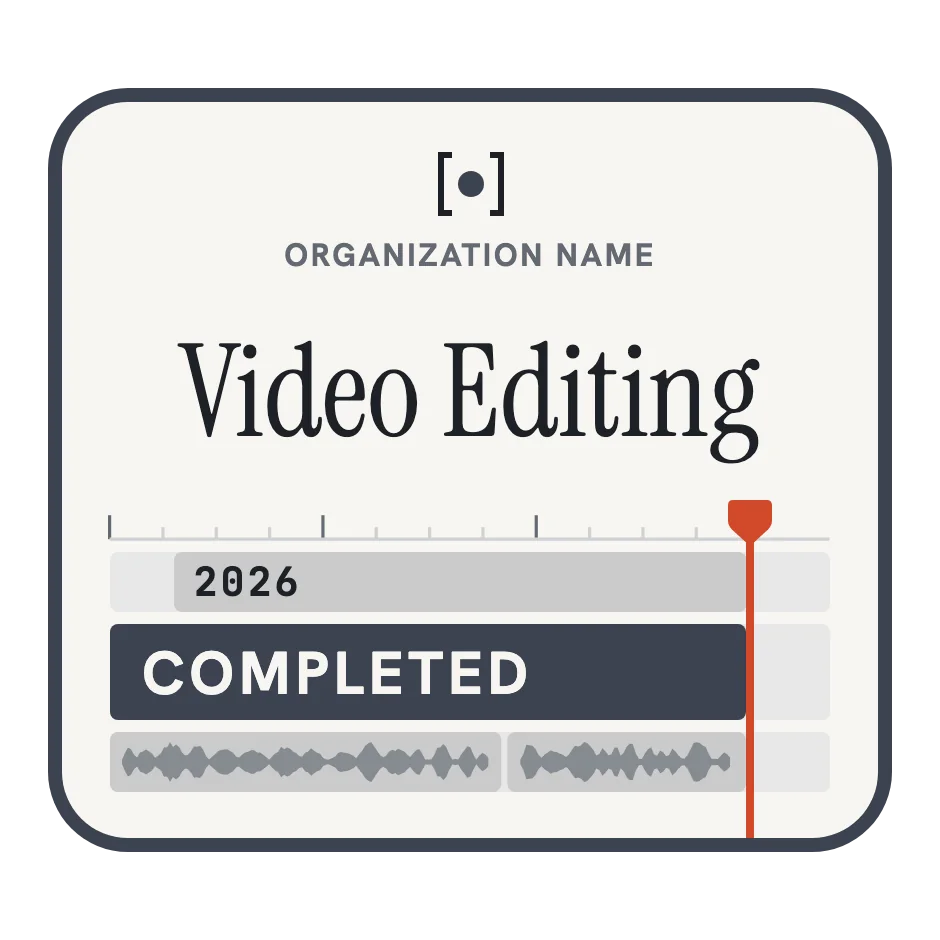
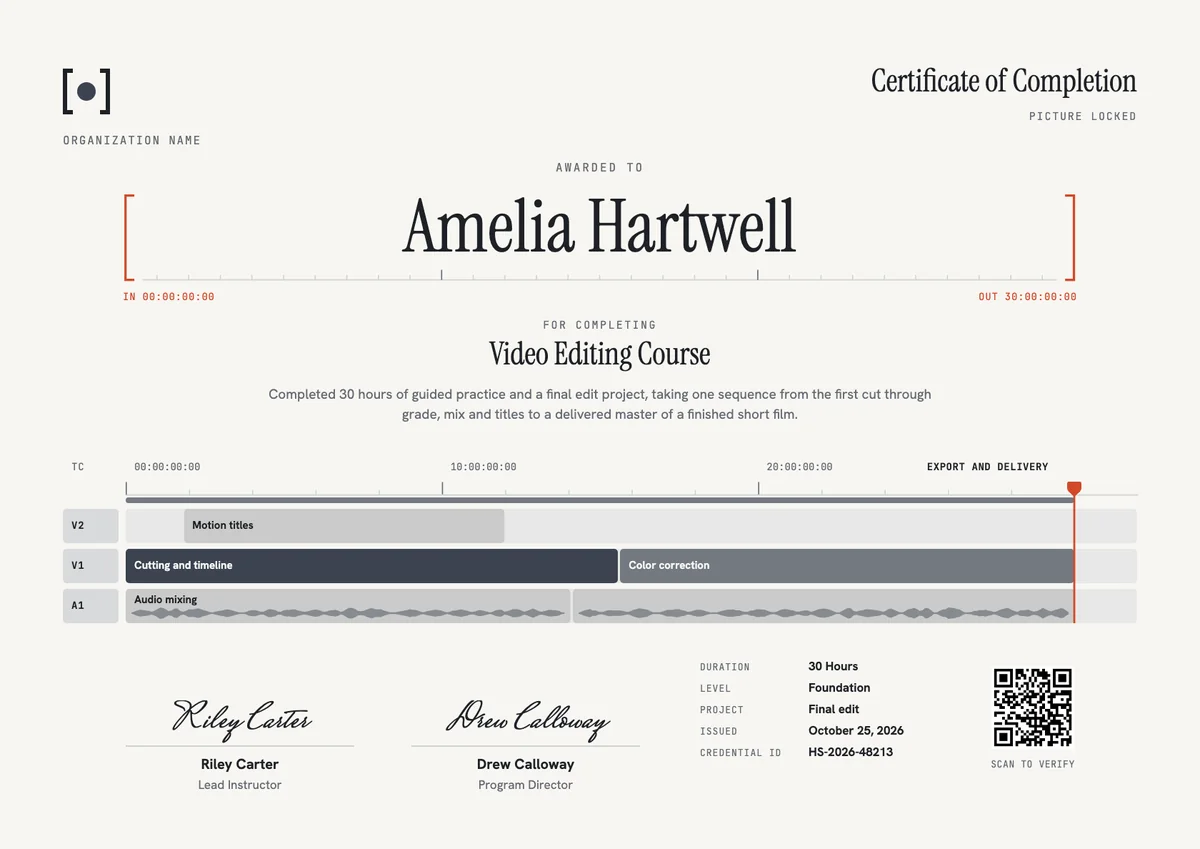
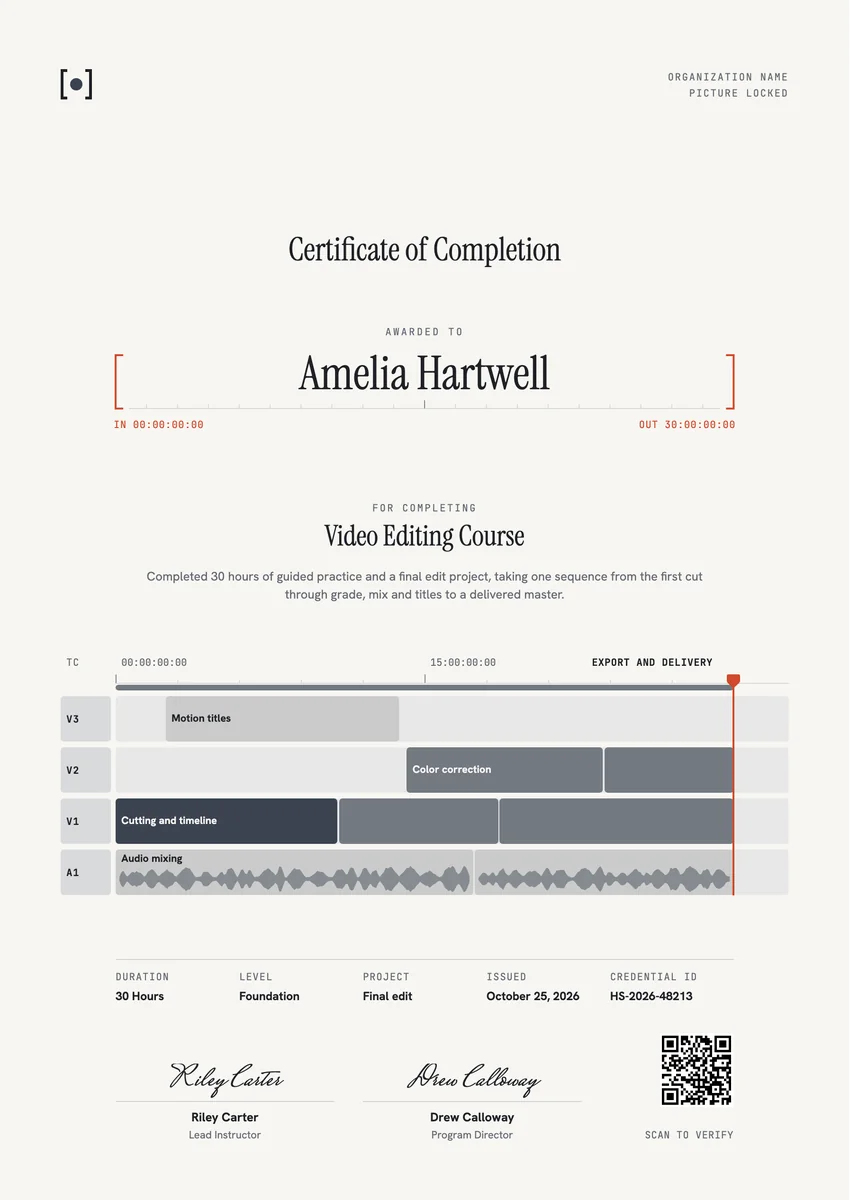
A video editing certificate template gives film schools, media academies, online course platforms and creator bootcamps a ready way to mark the end of an editing course. Learners earn a video editing course certificate when they finish the lessons and hand in a final edit, and they show it to clients, employers and admissions teams next to their reel.
A good certificate for video editing is a record of the craft, not only a name. It says what the course covered, such as cutting on the timeline, colour correction, audio mixing, motion titles and export, how many hours it took and what the final project was. It carries the issue date, a credential ID and the signature of the lead instructor or program director.
The designs come as certificates in A4 and US Letter and as digital badges that learners can add to LinkedIn or a portfolio site.
Wording
What to write on a video editing certificate
Use these lines as they are, or as a start for your own. Every template comes with wording you can change in the studio.
Wording for a video editing course certificate
- “For completing 30 hours of video editing training and a final edit project.”
- “Has completed the Video Editing Course, from the first cut through grade, mix and titles to a delivered master.”
- “In recognition of a finished short film, cut, graded, mixed and exported to a broadcast-ready master.”
Skills to list on a film editing certificate
- “Cutting and timeline, colour correction, audio mixing, motion titles, export and delivery.”
- “Story structure, pacing and continuity editing.”
- “Media management, proxies and project organisation.”
Short lines for the badge or the email
- “Picture locked. Course complete.”
- “Video Editing: completed.”
Why send it with Hyperstack
More than a PDF
Customize the template free. When it is ready, send it to everyone at once.
One design, every name
Upload a spreadsheet and Hyperstack makes a certificate of completion for each person on it, in one go.
Sent by email
Each recipient gets their own email and link. You see who opened it, downloaded it and shared it.
Anyone can verify it
The QR code opens a page that proves the certificate is real. Recipients add it to LinkedIn in one click.
FAQ
Questions, answered
There is no fixed rule. Short introductions run a few hours, while a course that covers cutting, colour, sound, titles and export with a final project often takes 20 to 40 hours or more. Put the real number of hours on the certificate.
List what the course taught in practice, in the order an editor works: cutting and assembling on the timeline, colour correction and grading, audio mixing, titles and motion graphics, and export to the right delivery format. Four to six skills read well.
Only if the course teaches one program in depth. Put the software in the program name or the statement, for example Video Editing with DaVinci Resolve. The editing skills on the certificate stay the same in any software.
A short piece the learner takes through the whole post-production path: a short film, a music video, a documentary scene or a brand video, cut, graded, mixed, titled and exported to a set delivery spec. Name the project on the certificate.
Yes. A focused workshop can award a certificate that names that one skill, its hours and the exercise the learner finished. Keep the wording clear that it covers one part of editing, not the full course.
Picture lock is the point in post-production when the editor and director agree that the cut will not change, so sound, colour and finishing work can begin. It is a natural image for the end of an editing course.
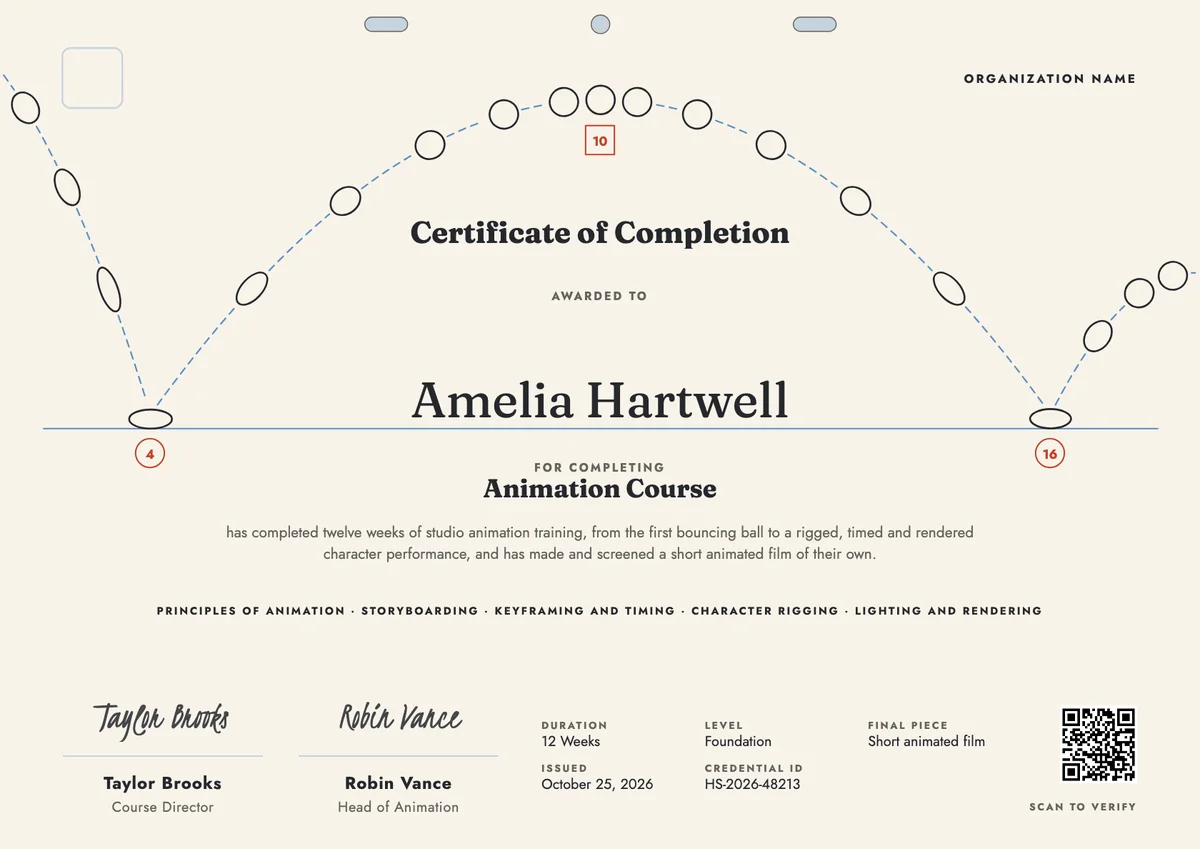
Your next cohort deserves better than a PDF
Set up in minutes, send your first credentials today, and only pay once you grow past 20 recipients a year.
Or open a live sample credential