Digital badge maker
Badge maker for badges people can verify
A digital badge is a small image of an achievement that links to proof of who earned it and who gave it. Design yours in the Hyperstack Studio, issue it to your whole list, and each person adds it to LinkedIn.
Free for up to 20 recipients a year. No credit card. Sign up to open the Studio.
Start from a template
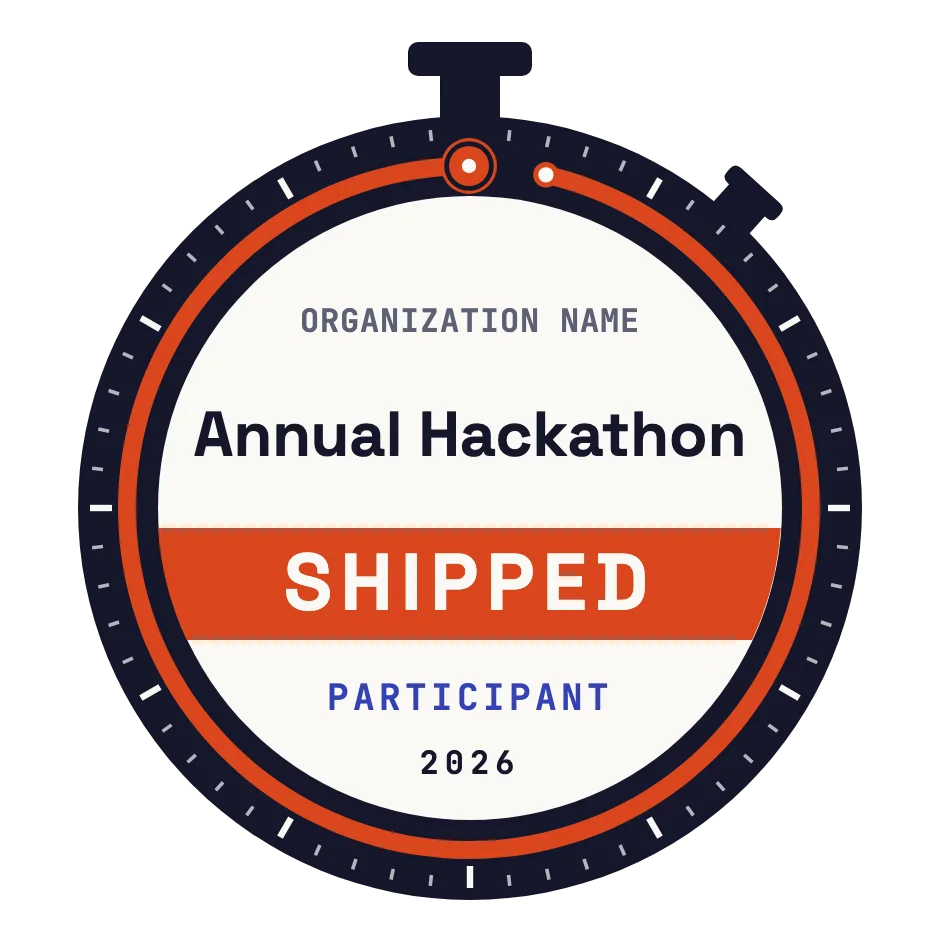
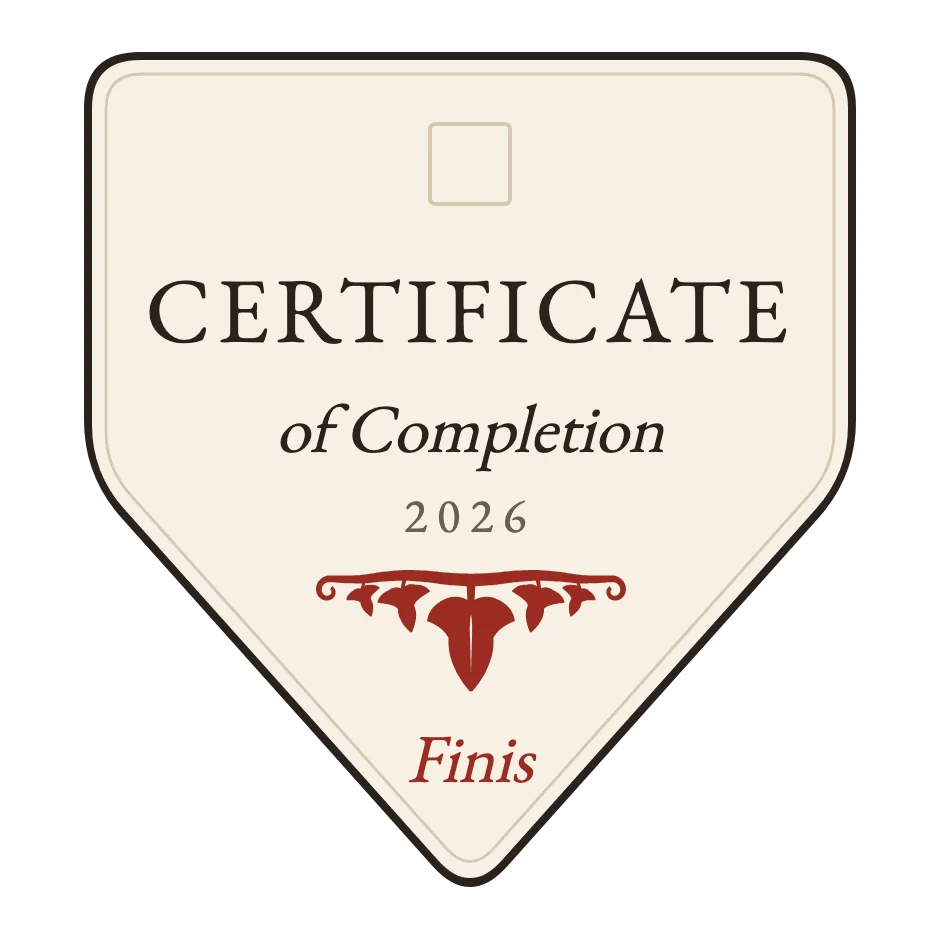
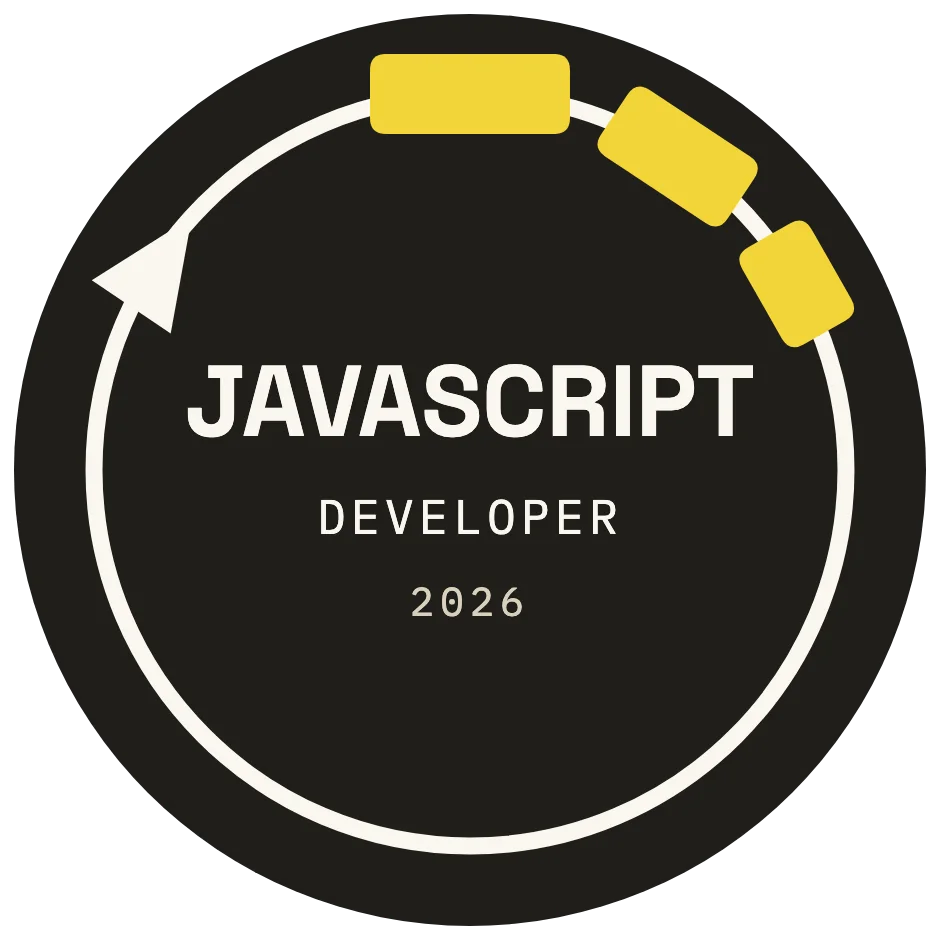
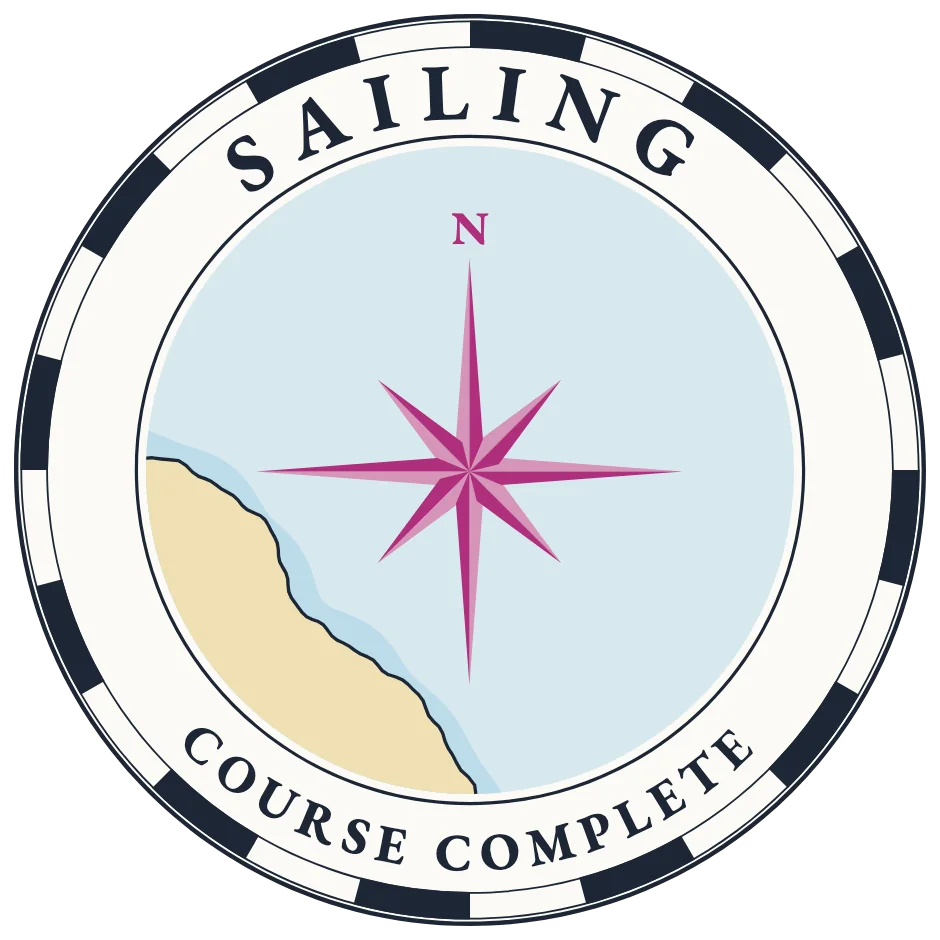
Badge templates, ready to change
How it works
How to make a badge, in four steps
- 01
Pick a template or start blank
Open a badge template and change it, or start from a blank board with shapes, ribbons and curved text made for badges.
- 02
Add your logo and words
Put on your logo, the badge name and your colours. Write what the badge is for and the skills it stands for; they show on each person’s badge page.
- 03
Issue it to your list
Upload a CSV or Excel sheet of names and emails, or add people by hand. Hyperstack makes one badge for each person and emails them in one go.
- 04
They share it, anyone checks it
Each person gets their own badge page. They add it to LinkedIn in one click, and anyone who opens the link sees who earned it, who issued it and when.
More than a picture
What makes it a real credential, not just an image
Anyone can draw a badge. A credential carries its proof with it, so the person who sees it can check it.
Open Badges 2.0
Every badge carries its record in the open standard, so other badge wallets and platforms can read it. Signed Open Badges 3.0 is on selected plans.
Every plan
A verification page
Each badge has its own page that shows the person, the issuer and the date, so a recruiter checks it in one click without calling you.
Every plan
Add to LinkedIn
Recipients add the badge to their LinkedIn profile in one click, or share it to Facebook and X, with a link back to the proof.
Every plan
Expiry dates
Give a badge an end date for a licence or a yearly training, and renew it when the person qualifies again.
Premium and Enterprise
Suspend and revoke
Suspend a badge while you check something, and its verification shows it as suspended. Revoke it, and it stops being valid for good.
Premium and Enterprise
Blockchain record
A fingerprint of each badge goes on the Hedera public ledger, so it can be proven unchanged even without Hyperstack.
Selected plans
Already issue badges somewhere else? Check one with the free Open Badges validator, or read more about digital badges on Hyperstack.
Printable or digital?
Print it if you like. The proof stays online.
A digital badge
- Lives at a link: on LinkedIn, in an email signature, on a website
- Opens a page that shows who earned it, who issued it and when
- Each person can download it as a PNG and print it, for a wall, a card or a sticker
- A printed copy is only a picture; the badge link is the proof
An award on paper
- Send a matching certificate with the badge; most badge templates have one
- Each certificate comes as a print-ready PDF in A4 or US Letter
- A QR code on the design keeps the printed copy verifiable
- Looking for name tags or staff ID cards? Hyperstack makes badges for achievements, not those
FAQ
Badge maker questions, answered
See every plan and what it includes on the pricing page.
Yes, to start. Sign up for a free Hyperstack account, no credit card. The free plan covers up to 20 recipients a year, each of whom can get any number of badges and certificates, and it includes the Design Studio, bulk issuing, Open Badges 2.0 and sharing to LinkedIn. Paid plans start at $11.03 a month for 250 recipients.
Yes. The badge maker is the Design Studio inside Hyperstack, so you sign up first, free. Your recipients do not need an account: their badge works from its link.
Yes. Each recipient can download their badge as a PNG image from their badge page and print it. The printed copy is a picture; the proof stays at the badge link. Hyperstack makes badges for achievements, not name tags or staff ID cards.
Yes. Every badge Hyperstack issues follows Open Badges 2.0, on every plan, and selected plans also issue signed Open Badges 3.0. You can check any badge with the free Open Badges validator on this site.
Yes. From their badge page, recipients add it to their LinkedIn profile in one click or share it as a post. Anyone who clicks it sees the verified record.
Yes. Upload a CSV or Excel sheet with a name and an email on each row. Hyperstack makes one badge for each person and emails everyone their own link. Built-in integrations and Zapier, to issue from your LMS or forms, are on Premium and Enterprise.
No install is needed. The Studio runs in the browser on any computer. Recipients keep their badges in a free wallet at hyperstack.id, and they never pay.
Your next cohort deserves better than a PDF
Set up in minutes, send your first credentials today, and only pay once you grow past 20 recipients a year.
Or open a live sample credential