Certificate maker
Certificate maker for one person or a whole class
Pick a template or start blank, add your logo and fields, then upload a spreadsheet. Hyperstack makes a certificate for every row and emails each person their own, ready to download as a PDF and verify by QR code.
Free for up to 20 recipients a year. Sign up to open the design studio in your browser.
How it works
How to make certificates online, in four steps
- 01
Pick a template, or start blank
Start from a certificate template for a course, award, event or training, draw your own in the design studio, or upload a design you already have.
- 02
Add your logo and fields
Drop in your logo and signatures, then place fields such as the name, date and course. Each one fills in for every person. A QR code goes on the design too.
- 03
Upload your sheet
Upload a CSV or Excel file and match its columns to your fields. Hyperstack makes one certificate per row, hundreds at once, and keeps them in review until you publish.
- 04
Everyone gets their own
Each person gets an email with a link to their certificate page. There they download the PDF, add it to LinkedIn, and anyone can verify it from the QR code.
Templates
Start from a certificate template, or a blank page
Every template comes in A4 and US Letter, with a spot for your logo. Change any colour, font or line of text in the design studio.
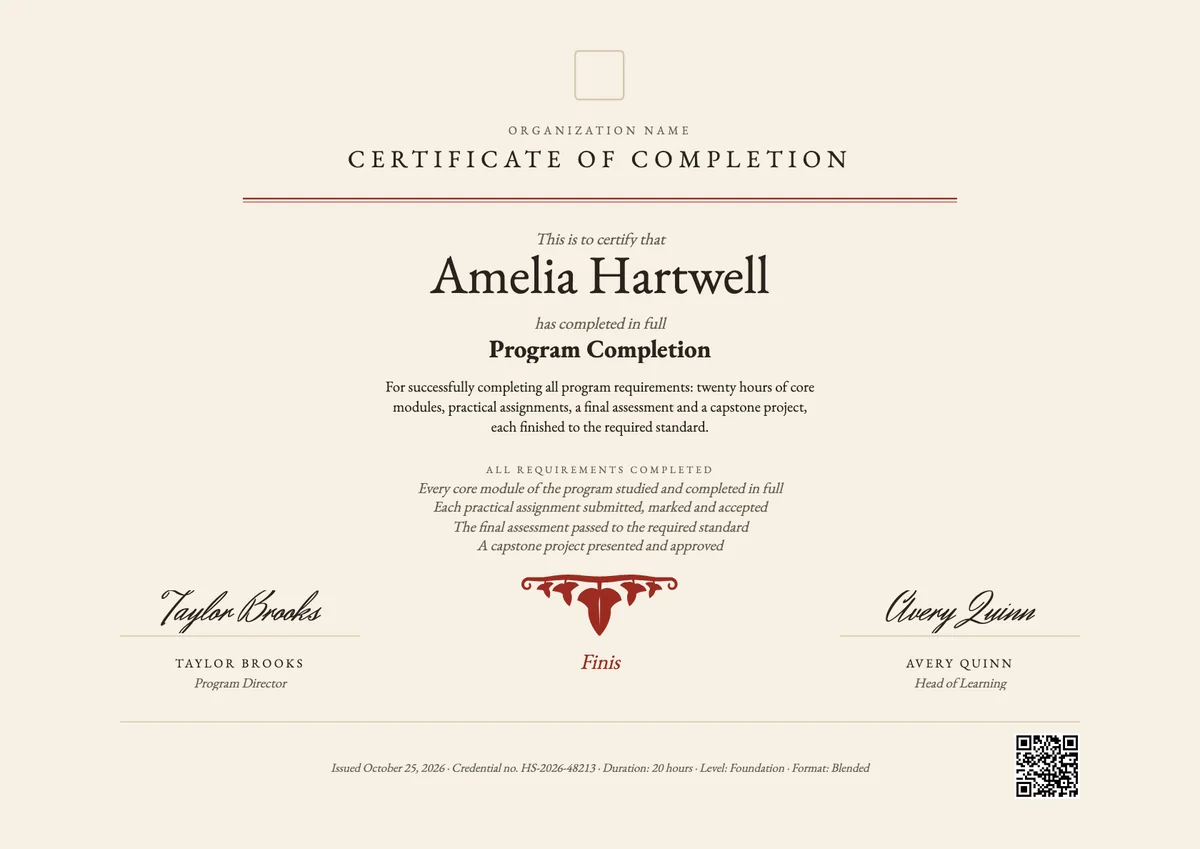
Landscape certificate · A4 + US Letter
Finis Completion Certificate, Landscape
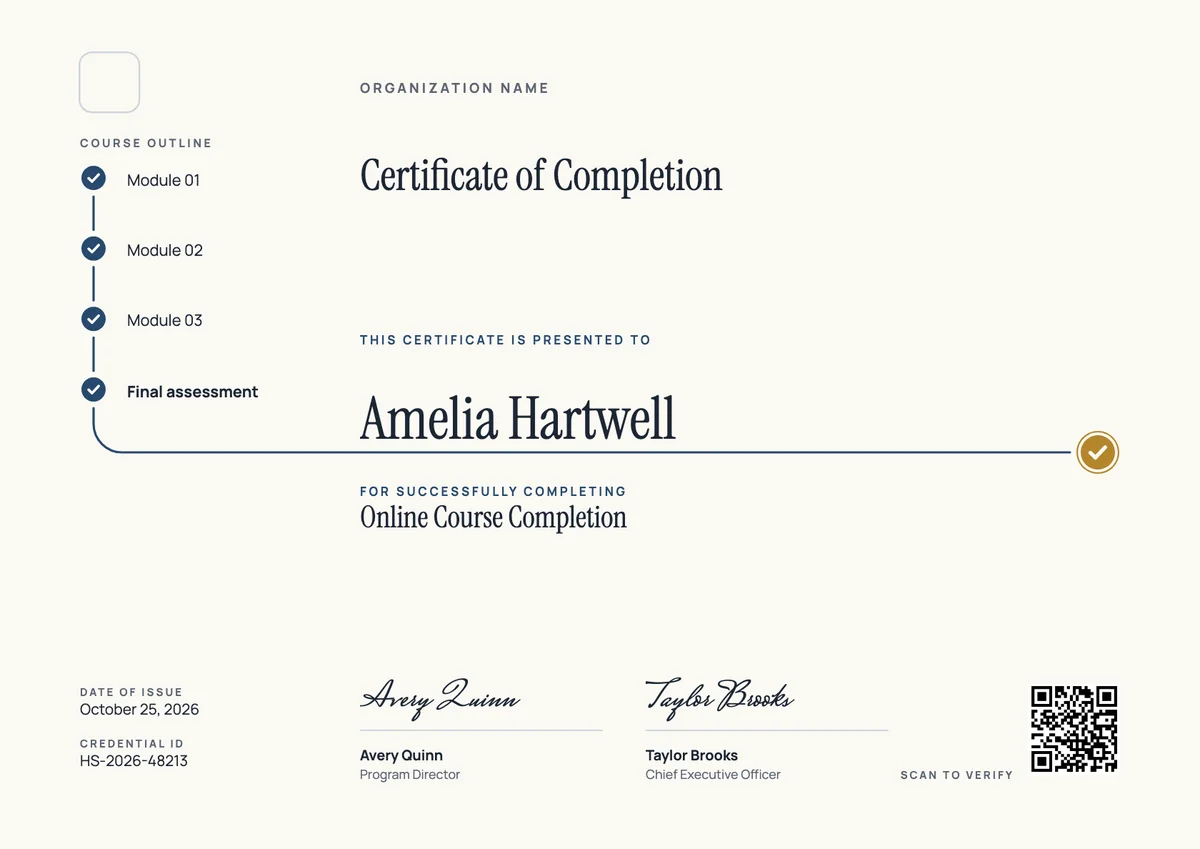
Landscape certificate · A4 + US Letter
Course Completion Certificate
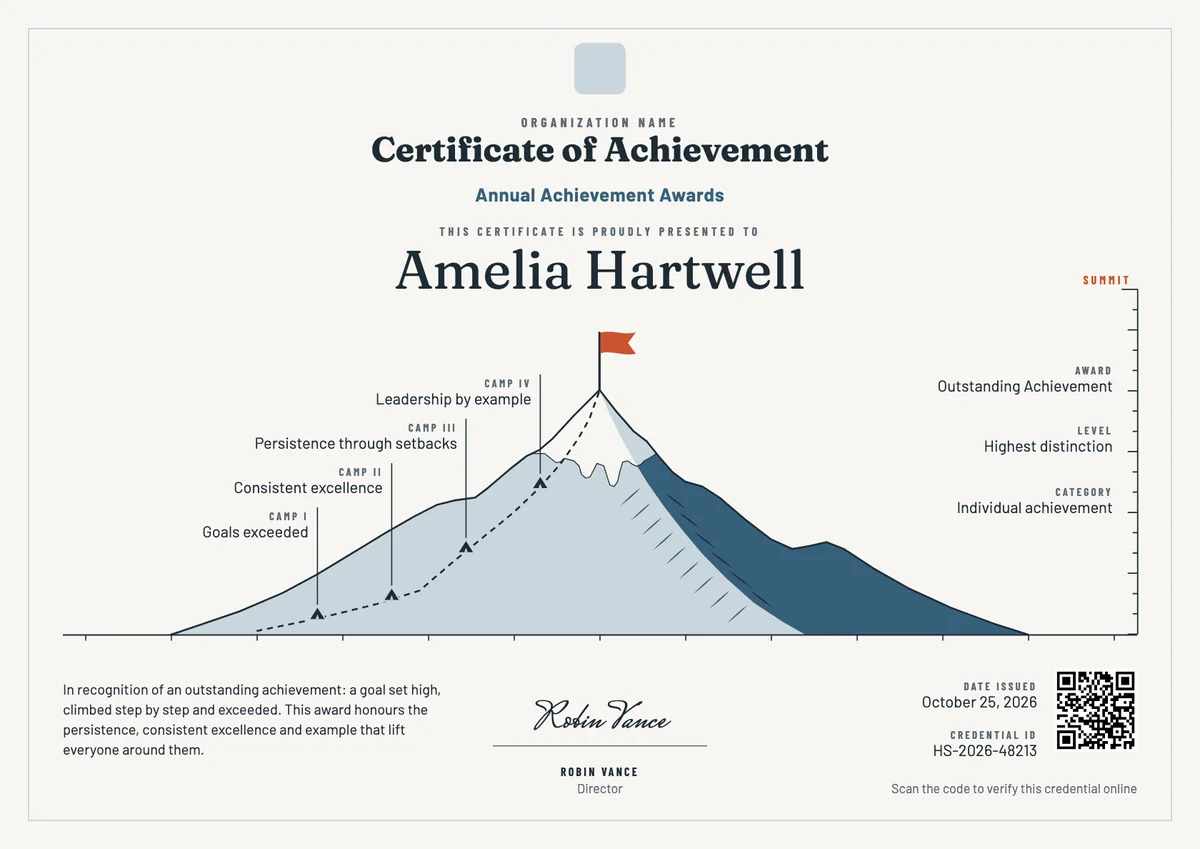
Landscape certificate · A4 + US Letter
Summit Achievement Certificate Landscape
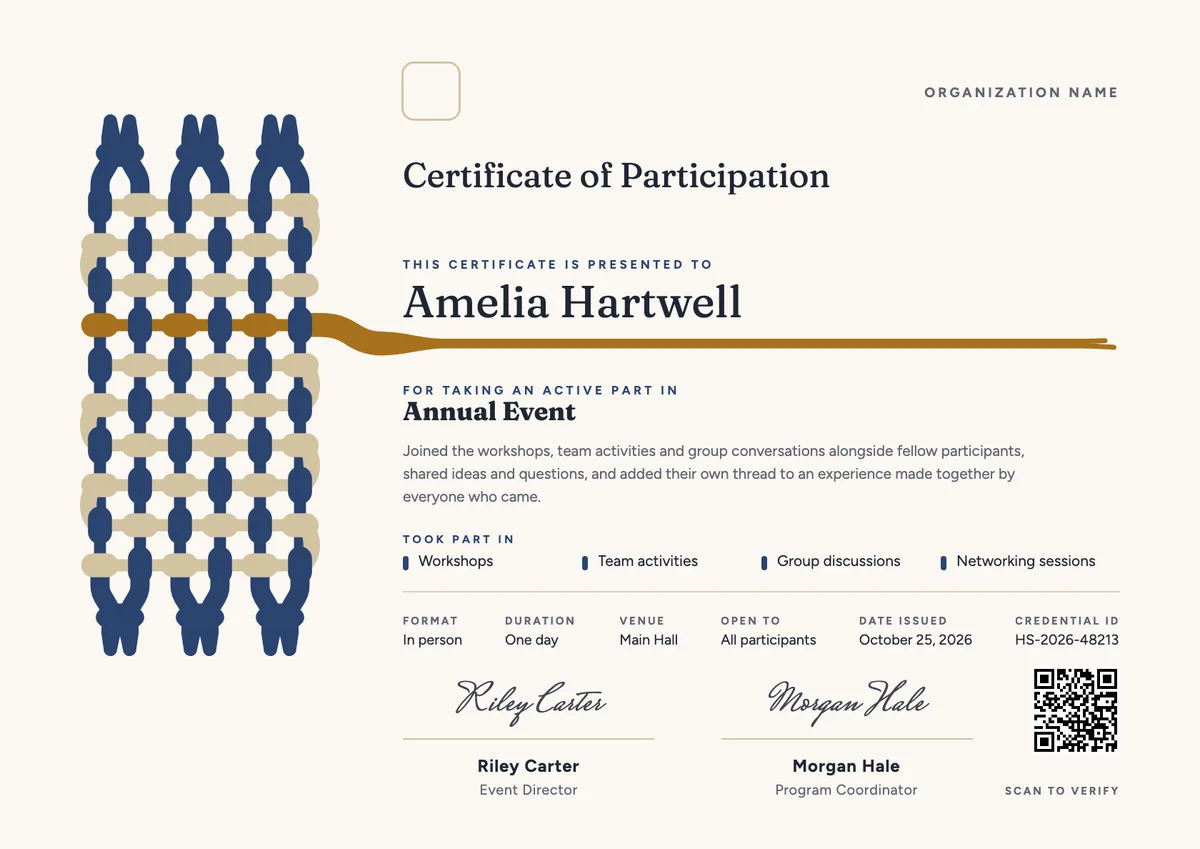
Landscape certificate · A4 + US Letter
Golden Weft Participation, Landscape
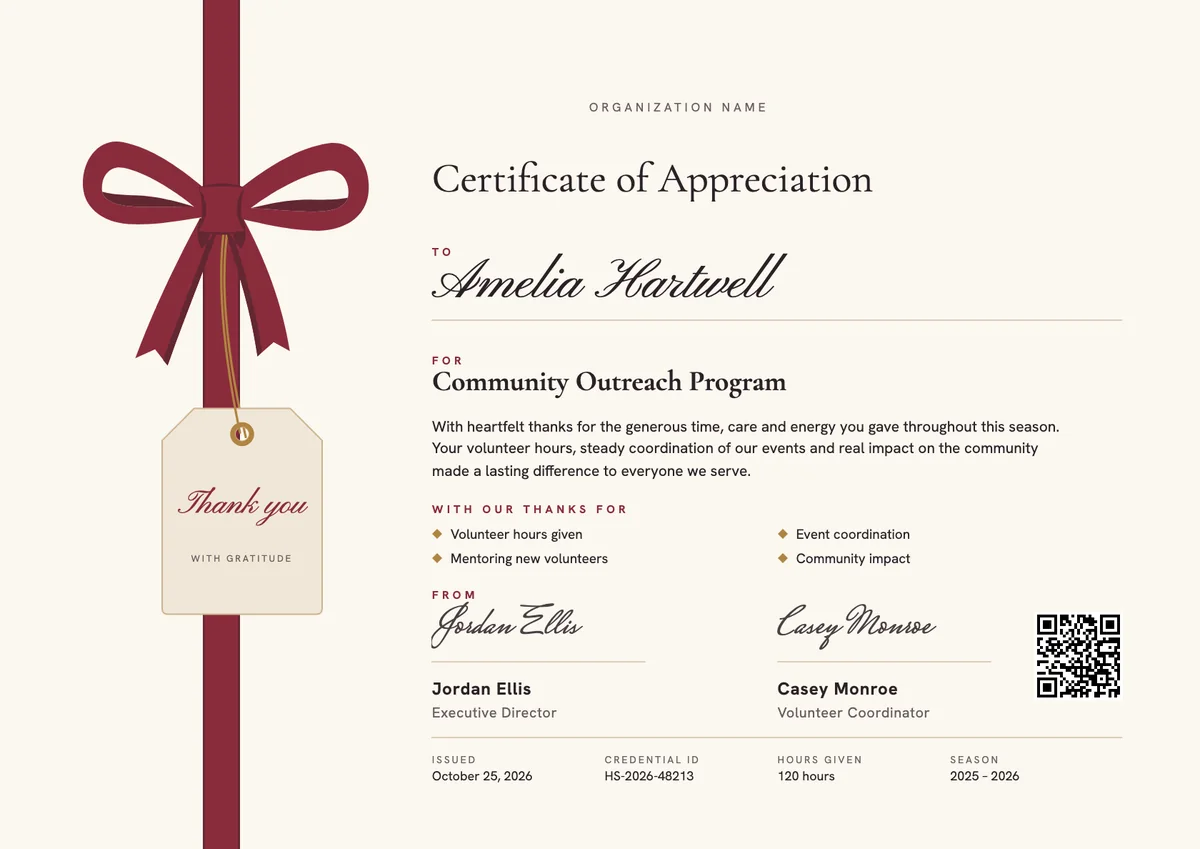
Landscape certificate · A4 + US Letter
Certificate of Appreciation, Landscape
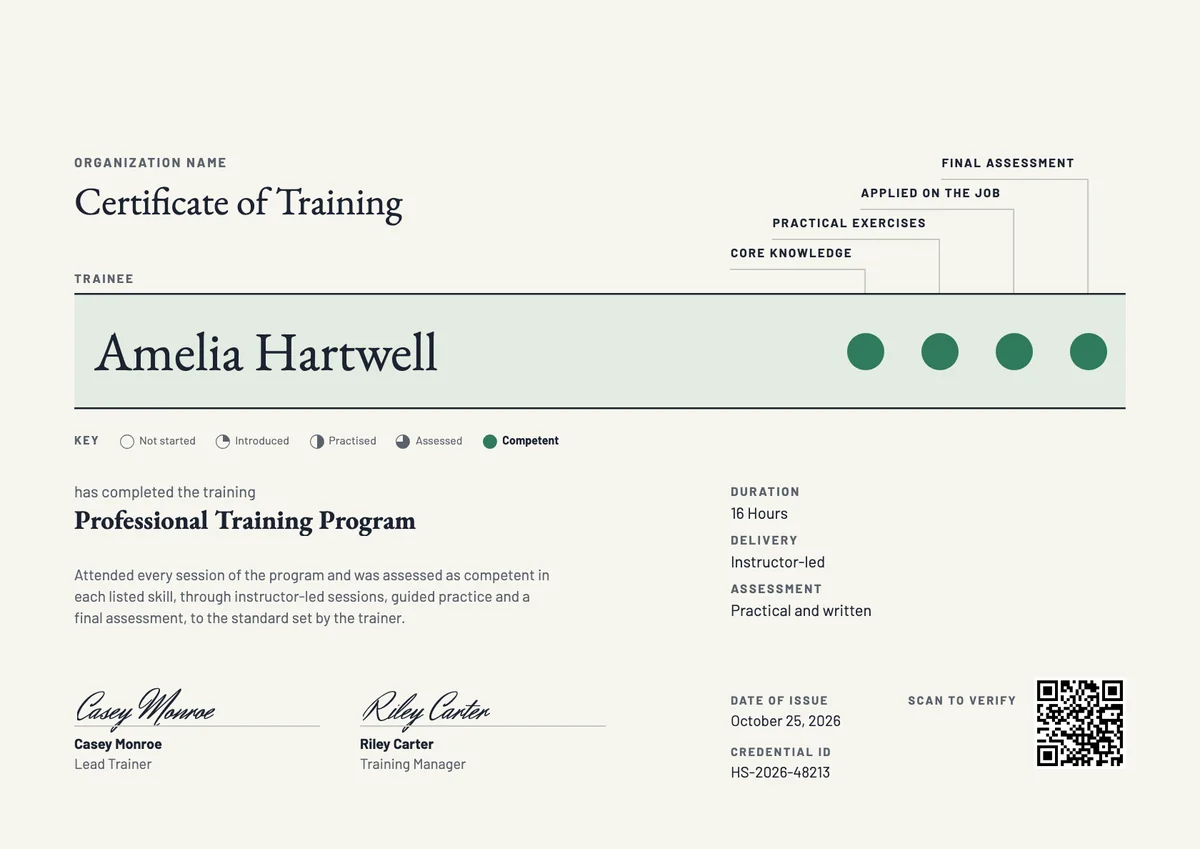
Landscape certificate · A4 + US Letter
Training Completion Certificate
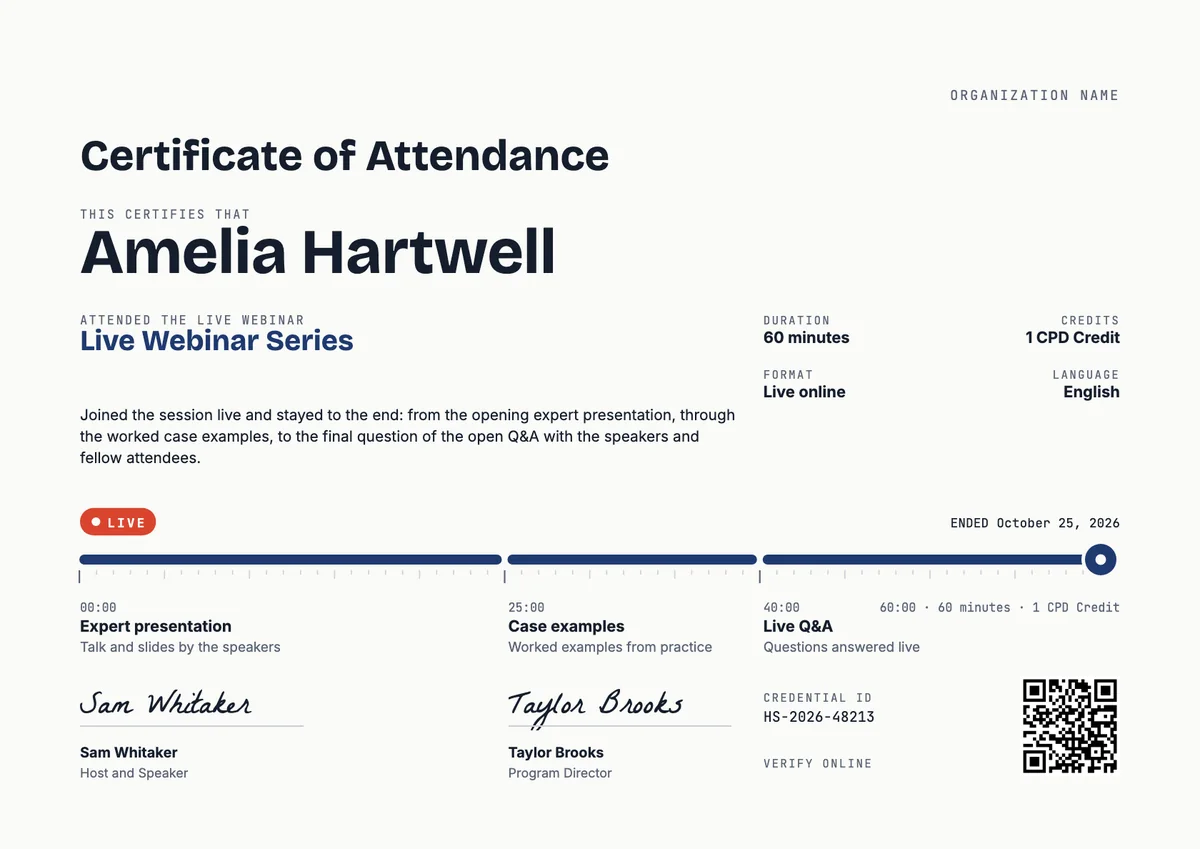
Landscape certificate · A4 + US Letter
Webinar Certificate, Landscape
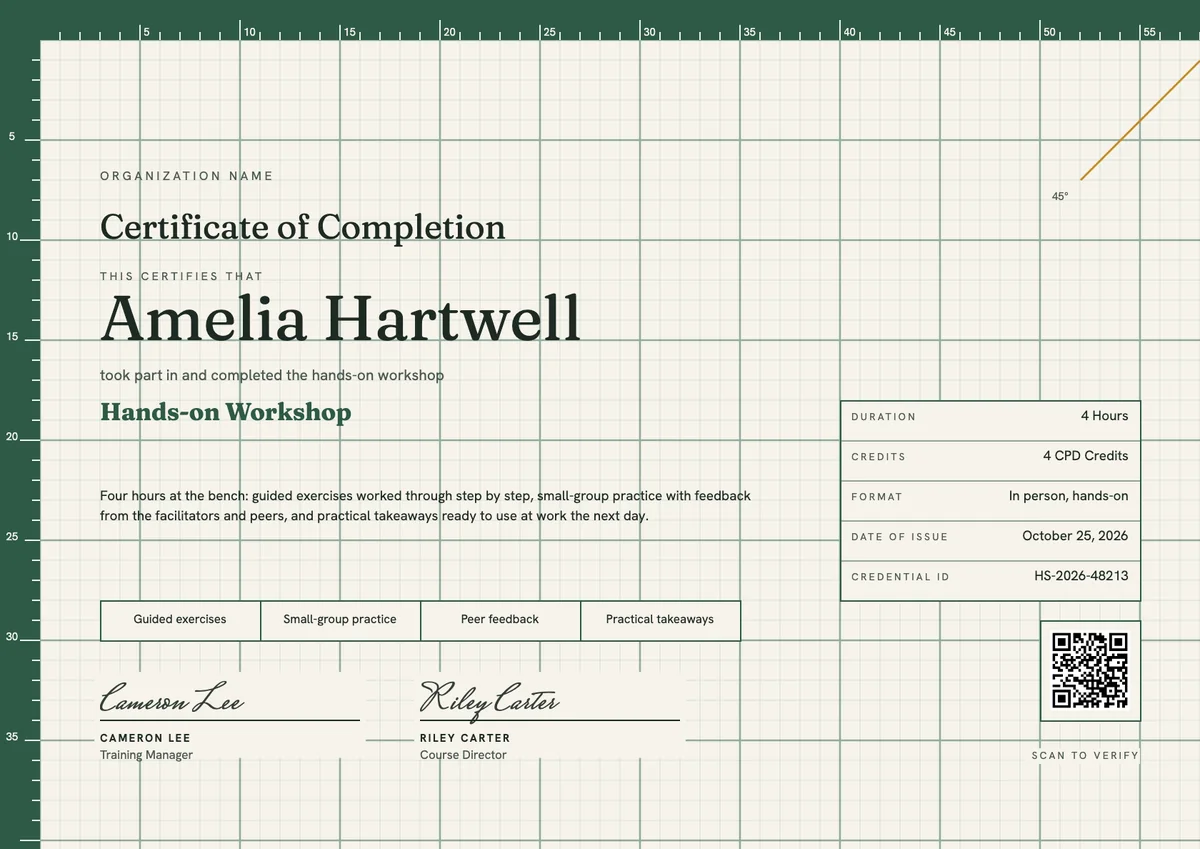
Landscape certificate · A4 + US Letter
Workshop Completion Certificate
Bulk certificate generator
A certificate generator that sends them too
A design app gives you a file. Hyperstack makes every certificate from one sheet, emails each person, and keeps each one checkable.
01From a spreadsheet
Hundreds of certificates from one sheet, no mail merge
Upload the list from Excel or Google Sheets, one row per person. Hyperstack fills in the name, date, course and any field you add, makes every certificate in one go, and emails each person their own.
- CSV, Excel (.xlsx) and older Excel (.xls) files
- A sheet template with your own columns, ready to fill in
- Match each column to a field on the certificate
- Check every certificate in review, then send them all at once
- Resend to anyone who lost their email
02Verification
A QR code on every certificate, and a page that proves it
Each certificate has its own verification page. An employer scans the QR code or opens the link and sees that it is real, without emailing you to ask.
- A QR code and a link on every certificate
- The page shows who issued it, to whom and when
- Revoked or expired certificates show as not valid
- A record on the Hedera public ledger on selected plans
03PDF and print
A PDF to download and print
Recipients download their certificate as a PDF from their certificate page and print it at home, or share the link and add it to LinkedIn.
- A PDF for every person, in A4 or US Letter
- Landscape or portrait, as you designed it
- The QR code keeps the printed copy verifiable
Integrations
No sheet? Issue from the tools you use
Send a certificate when someone submits a form, attends a Zoom or Webex session, or finishes a course in your LMS.
 Google Forms
- Typeform
- Tally
- Jotform
 Zoom
 Webex
 Moodle
 Canvas
 Google Sheets
- and 5,000+ more apps via Zapier
FAQ
Certificate maker questions, answered
Free for up to 20 recipients a year, each with their own email and a link anyone can verify. The plans and limits are on the pricing page.
See digital certificatesYes, to start. Create a free Hyperstack account to use the design studio and send certificates. The free plan covers up to 20 recipients a year, and each recipient can get any number of certificates. Paid plans start at $11.03 a month for 250 recipients a year.
Yes. Upload a CSV, .xlsx or .xls file with one row per person, match the columns to the fields on your certificate, and Hyperstack makes a certificate for every row. From Google Sheets, download the sheet as CSV or Excel and upload it, or connect Google Sheets through Zapier on the Premium and Enterprise plans.
It does the same job and the sending too. A mail merge gives you a folder of files you still have to email one by one. Hyperstack fills each certificate from your sheet and emails every person their own link in one go.
Yes. Each recipient gets their own certificate page, where they download a PDF in the paper size you chose, A4 or US Letter. They can also share the link or add the certificate to LinkedIn.
Every certificate has a QR code and a link to its own verification page. Scanning the code shows who issued the certificate, to whom and when, and whether it is still valid.
Yes. The PDF is made for print in A4 or US Letter, landscape or portrait. The QR code prints with it, so a paper copy can still be checked.
No. The certificate maker is the Hyperstack design studio, and it runs in your web browser. Recipients need nothing either: their certificate opens from the link in their email.
Yes. Upload a design you already have, or bring one in from Canva, and place the name, date and other fields on top of it.
Your next cohort deserves better than a PDF
Set up in minutes, send your first credentials today, and only pay once you grow past 20 recipients a year.
Or open a live sample credential