Cybersecurity Awareness Training certificate templates and badges
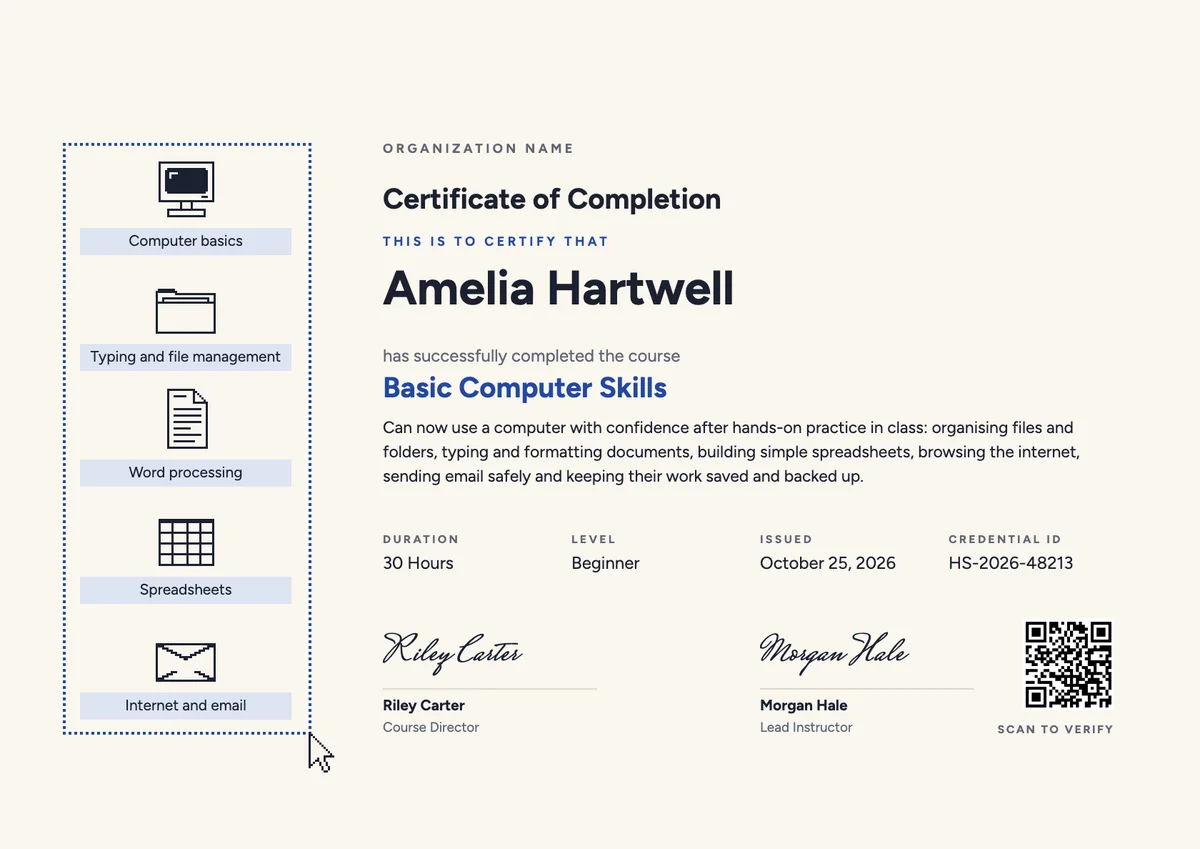
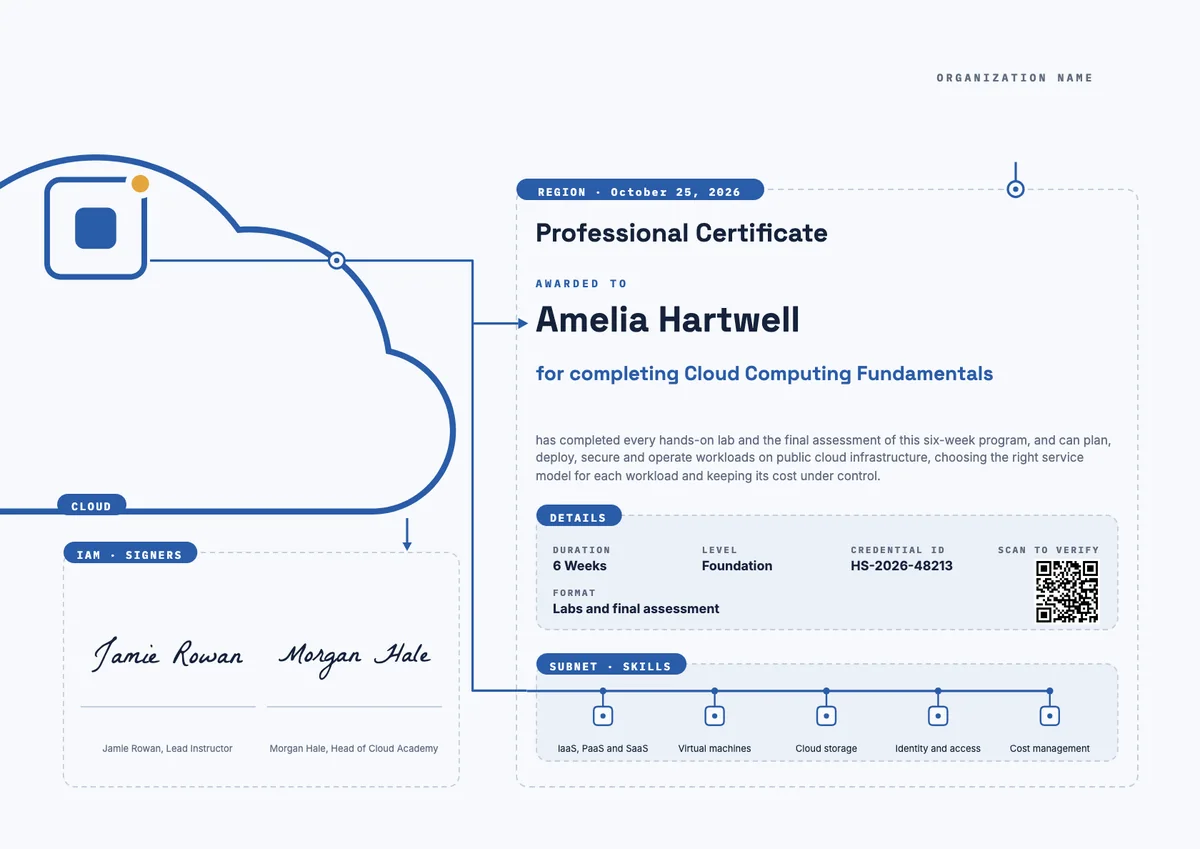
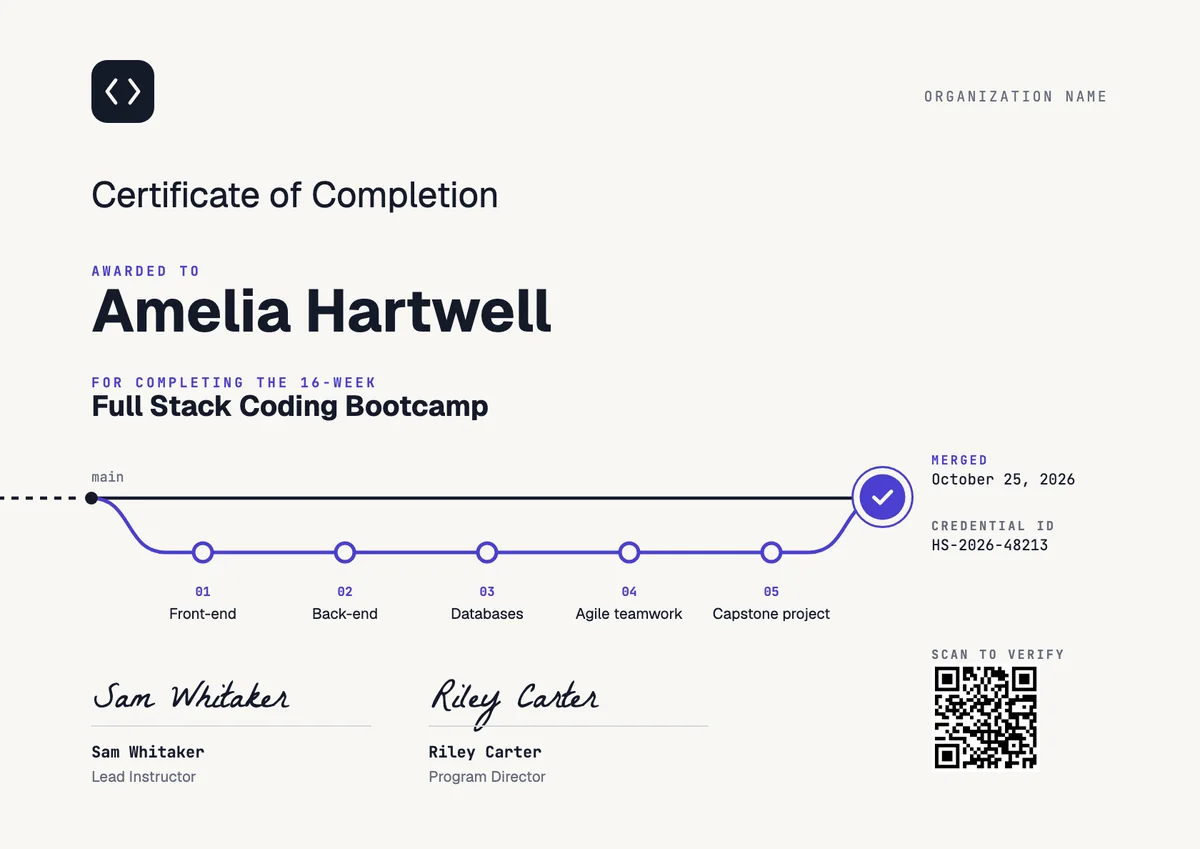
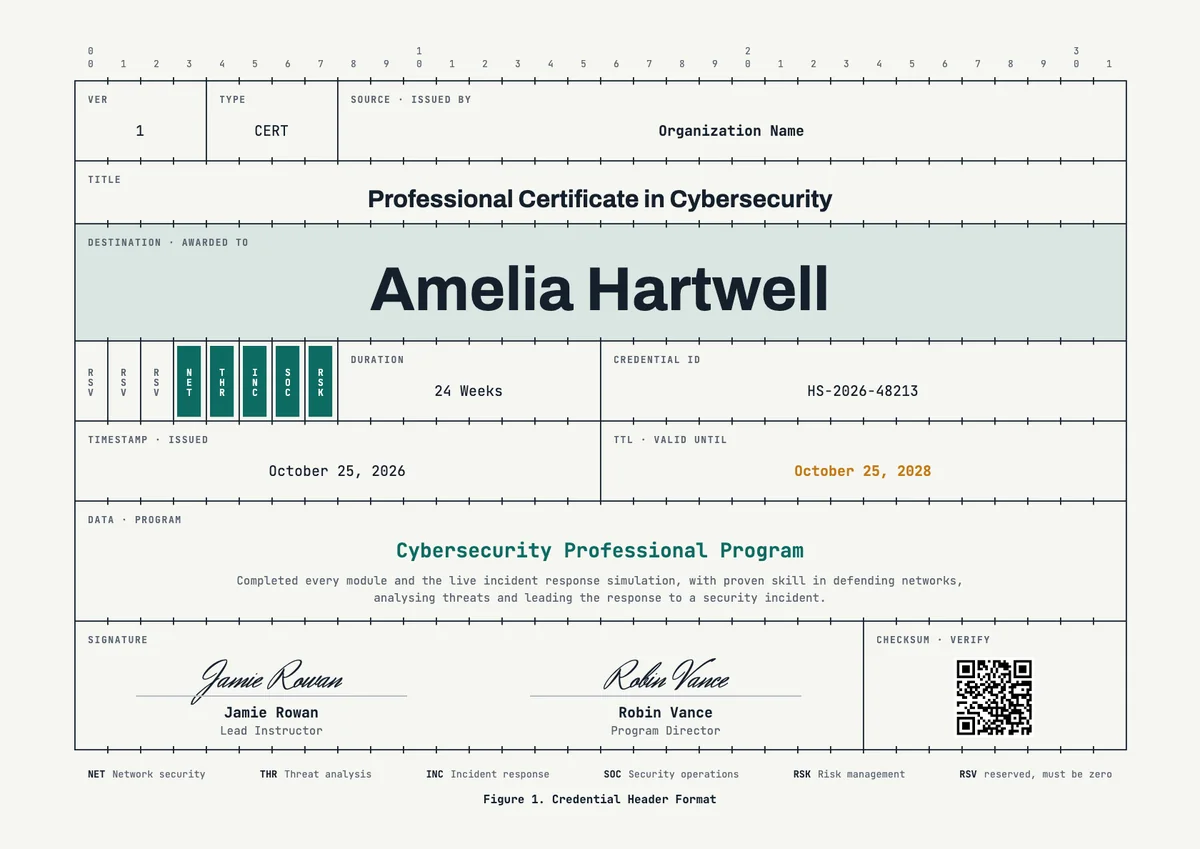
3 free designs. A set is one design as a badge, a landscape or a portrait certificate, or all three.
Free for up to 20 recipients a year
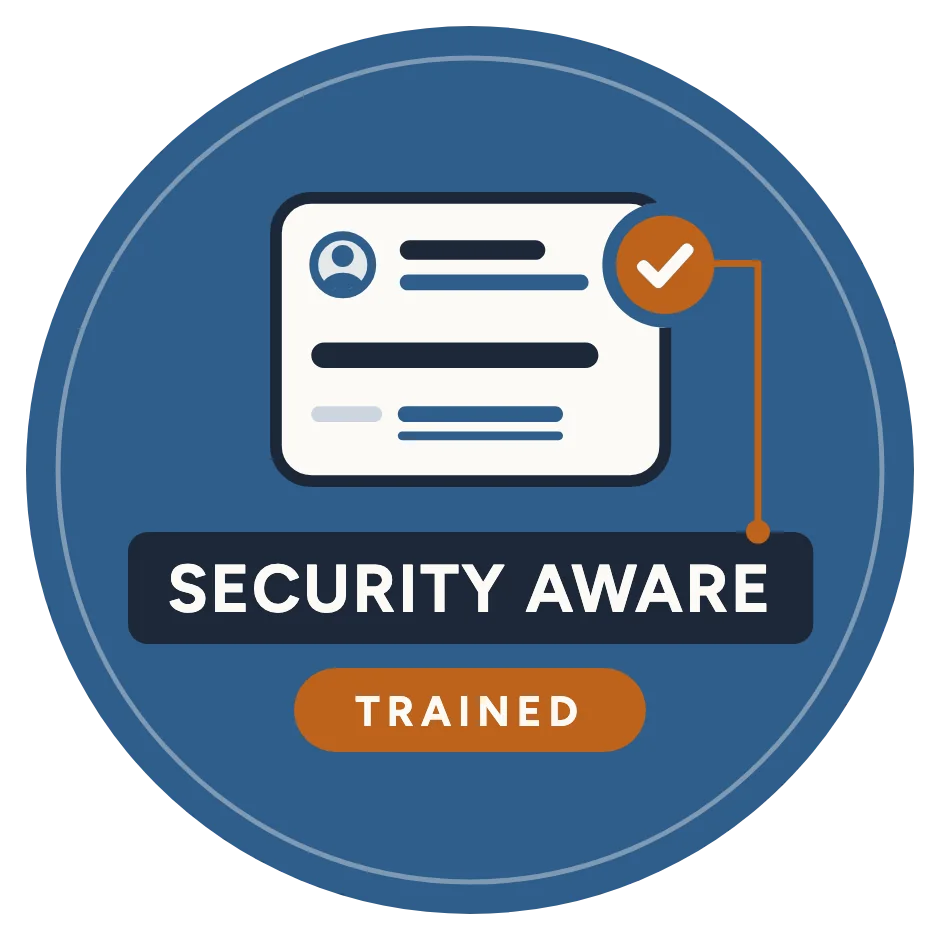
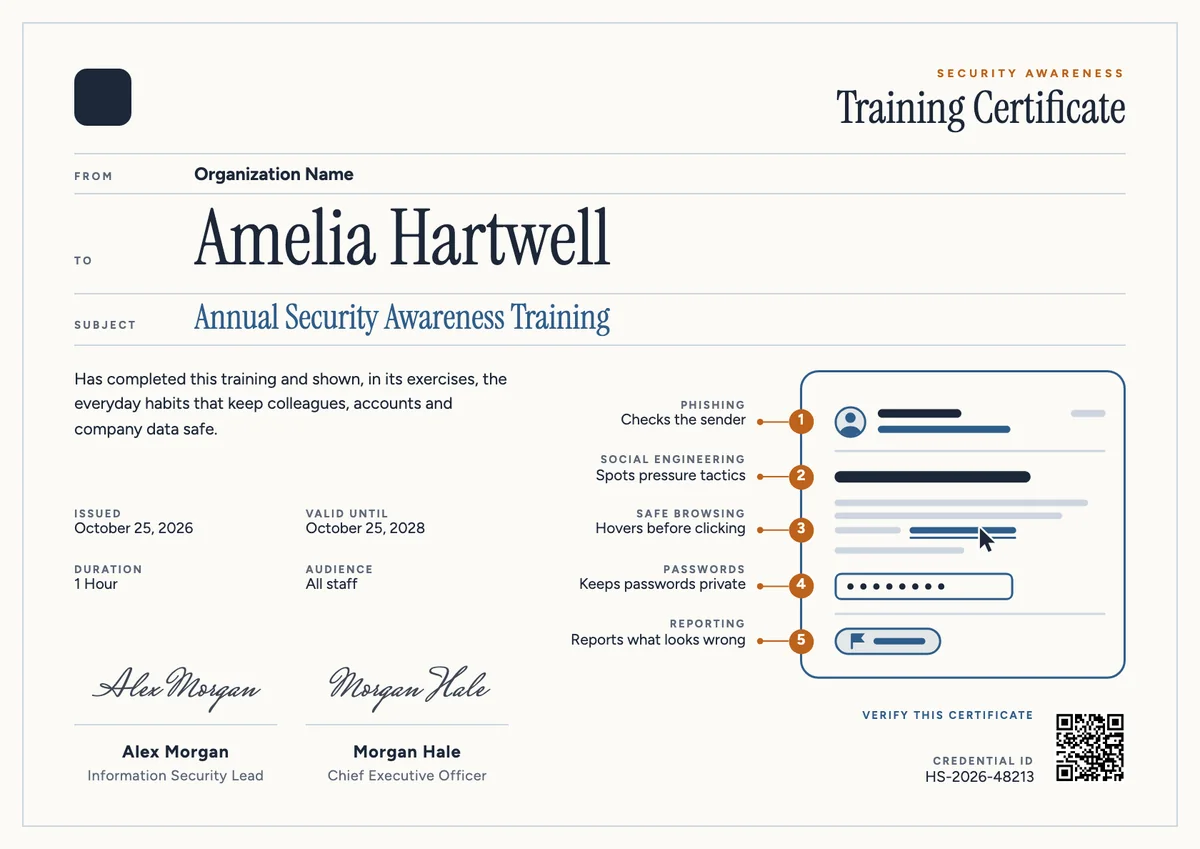
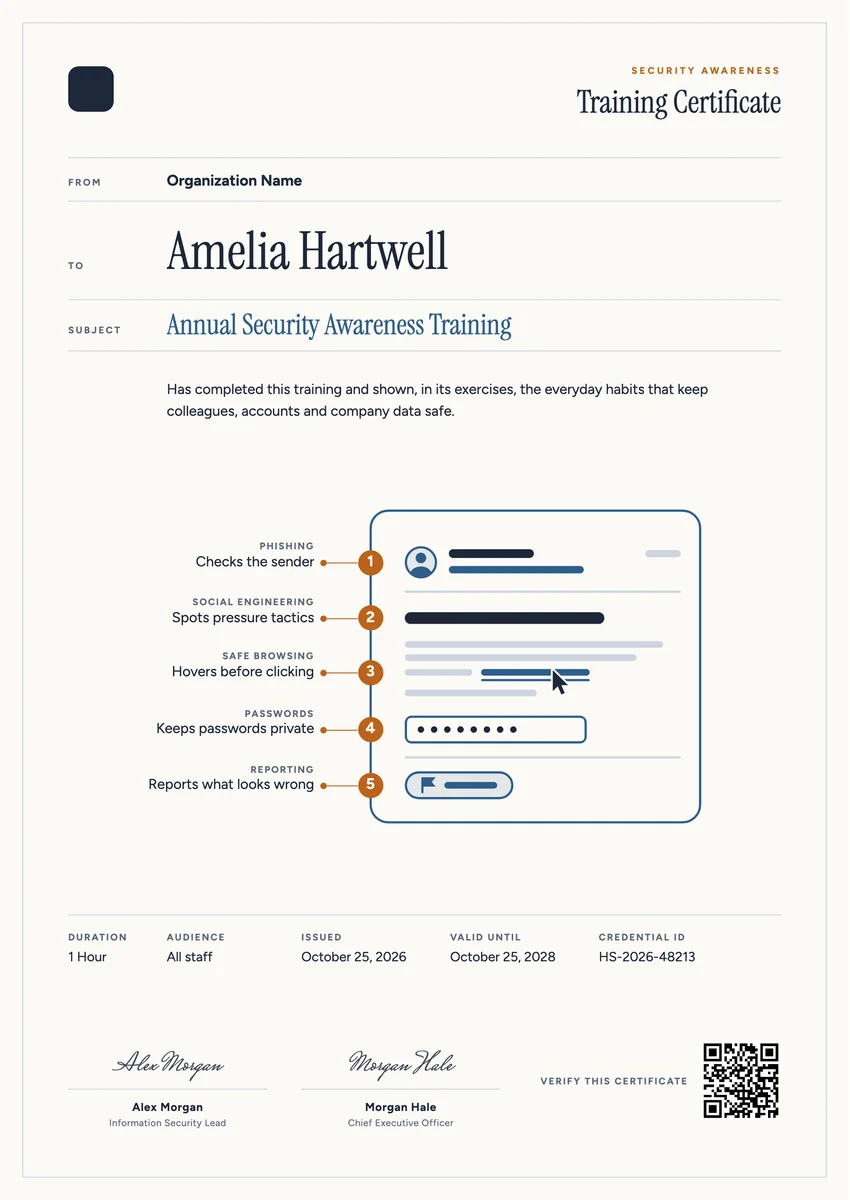
A cyber security awareness certificate template is for the whole workforce, not the security team. Companies, schools, hospitals and public bodies run security awareness training once a year, and often again at onboarding, so that every person can recognise a phishing message, resist pressure from a stranger on the phone, browse with care, protect their passwords and report what looks wrong. The certificate goes to each employee who finishes the course and its short exercises.
A good one is short and factual: the course name and year, a sentence on the habits the person now practises, the duration, the date of completion and a renewal date, because the training repeats. A credential ID and a signature from the information security lead, often with HR or the chief executive, make it a record the compliance team can file for an audit or a cyber insurance questionnaire.
The designs here come as printable certificates in A4 and US Letter and as digital badges for profiles and email signatures.
Wording
What to write on a cybersecurity awareness training certificate
Use these lines as they are, or as a start for your own. Every template comes with wording you can change in the studio.
Wording for a security awareness training certificate
- “Has completed the annual security awareness training and its phishing exercises.”
- “For learning to spot suspicious messages, protect company accounts and report incidents promptly.”
- “Has shown the everyday habits that keep colleagues, customers and company data safe.”
Lines for new starters and refreshers
- “Has completed security awareness training as part of onboarding.”
- “Refresher completed for this year; next training due in twelve months.”
- “Has completed the phishing awareness module and passed the follow-up quiz.”
Short lines for the badge or a team shout-out
- “Security aware: trained this year.”
- “Spots the signs, reports the rest.”
- “Our whole team finished security awareness training on time.”
Why send it with Hyperstack
More than a PDF
Customize the template free. When it is ready, send it to everyone at once.
One design, every name
Upload a spreadsheet and Hyperstack makes a training certificate for each person on it, in one go.
Sent by email
Each recipient gets their own email and link. You see who opened it, downloaded it and shared it.
Anyone can verify it
The QR code opens a page that proves the certificate is real. Recipients add it to LinkedIn in one click.
FAQ
Questions, answered
Most organisations run it once a year for everyone and at onboarding for new starters, with short refreshers or simulated phishing tests in between. Frameworks such as ISO/IEC 27001 and PCI DSS expect awareness training to be ongoing and recorded, so a renewal date on the certificate helps.
Usually the person who owns the training, such as the information security lead or the IT manager. Many companies add a second signer from HR or the leadership team to show that security is everyone's job, not only the IT department's.
List the topics your course really taught, in plain words a non-technical reader understands: recognising phishing, spotting social engineering, safe browsing, password and multi-factor habits, and how to report an incident. Three to six items are enough.
It can support the evidence. Auditors and insurers usually ask for training records that show who completed the course and when. A certificate with the employee's name, the completion date and a unique ID that links to a verified record makes those records easy to produce, alongside your training system's report.
The certificate records completion of the training, not a perfect score. Most teams issue it once the course is finished and handle a clicked test link with a short follow-up lesson, which keeps people willing to report mistakes instead of hiding them.
Your next cohort deserves better than a PDF
Set up in minutes, send your first credentials today, and only pay once you grow past 20 recipients a year.
Or open a live sample credential