Event Attendee Badge certificate templates and badges
3 free designs. A set is one design as a badge, a landscape or a portrait certificate, or all three.
Free for up to 20 recipients a year
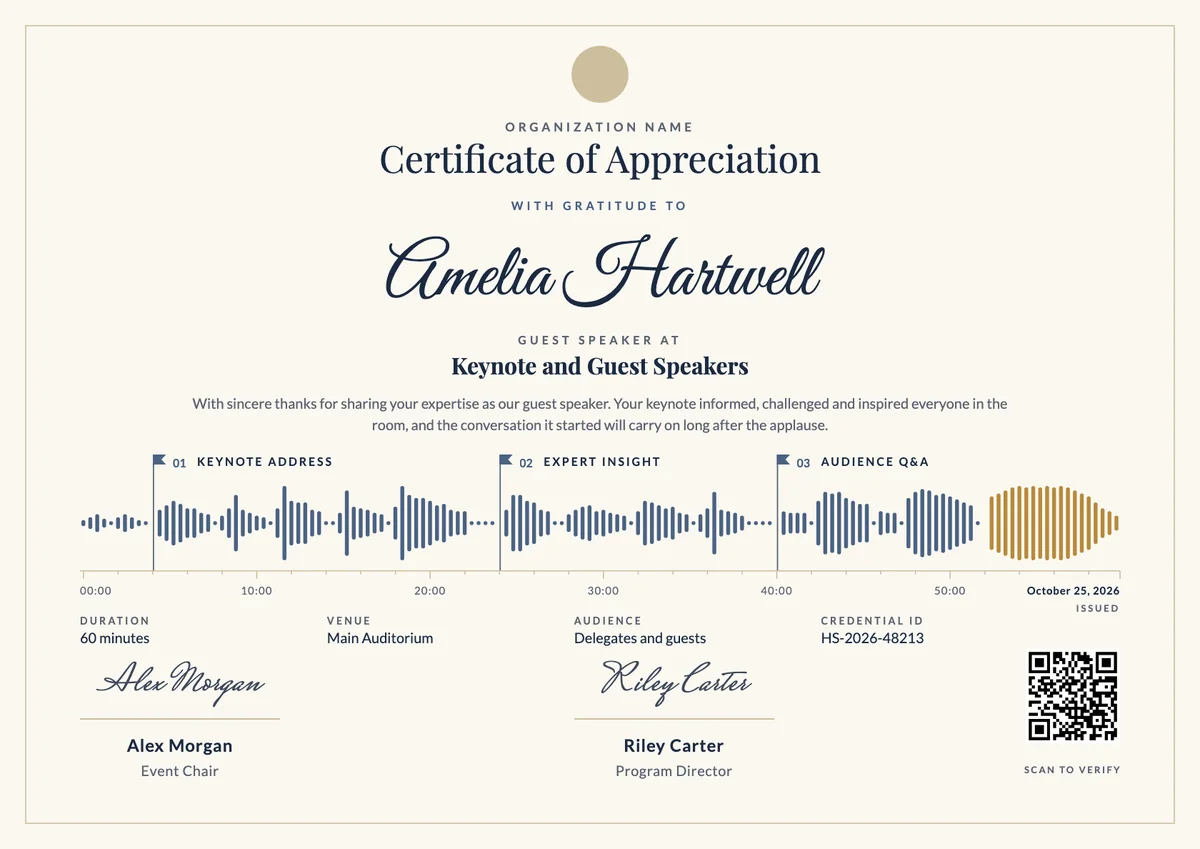
Ribbon Stack set
Badge · Landscape · Portrait
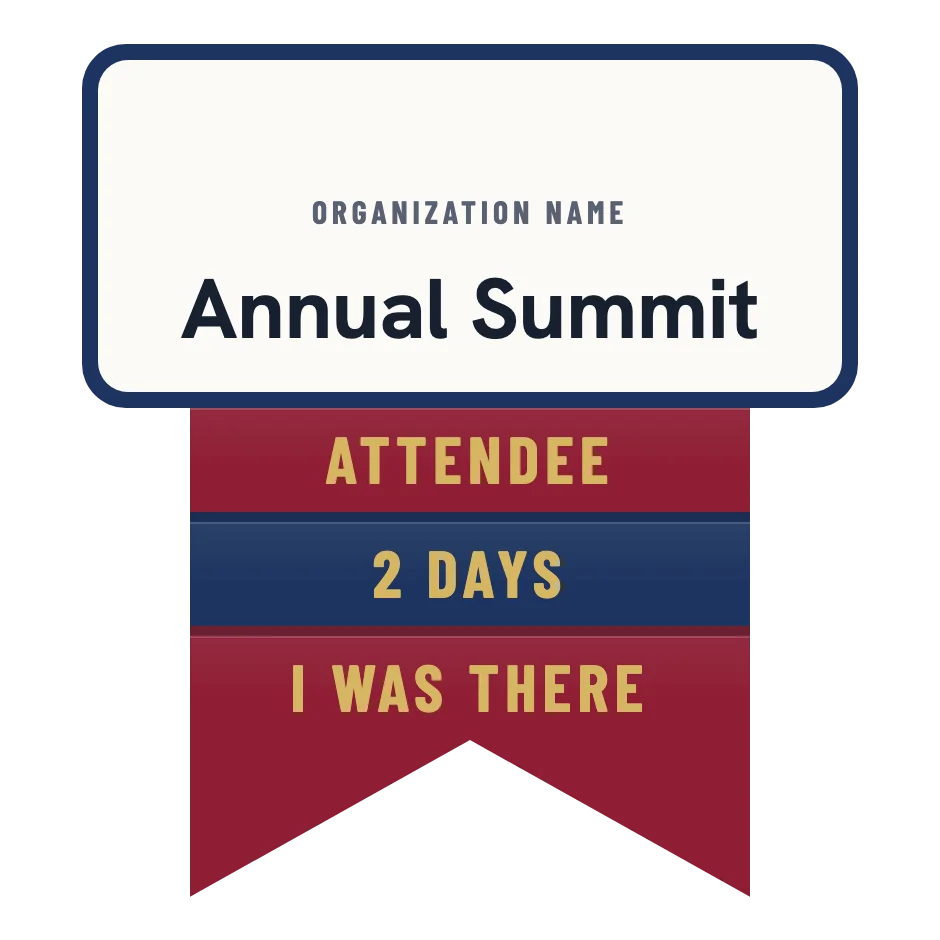
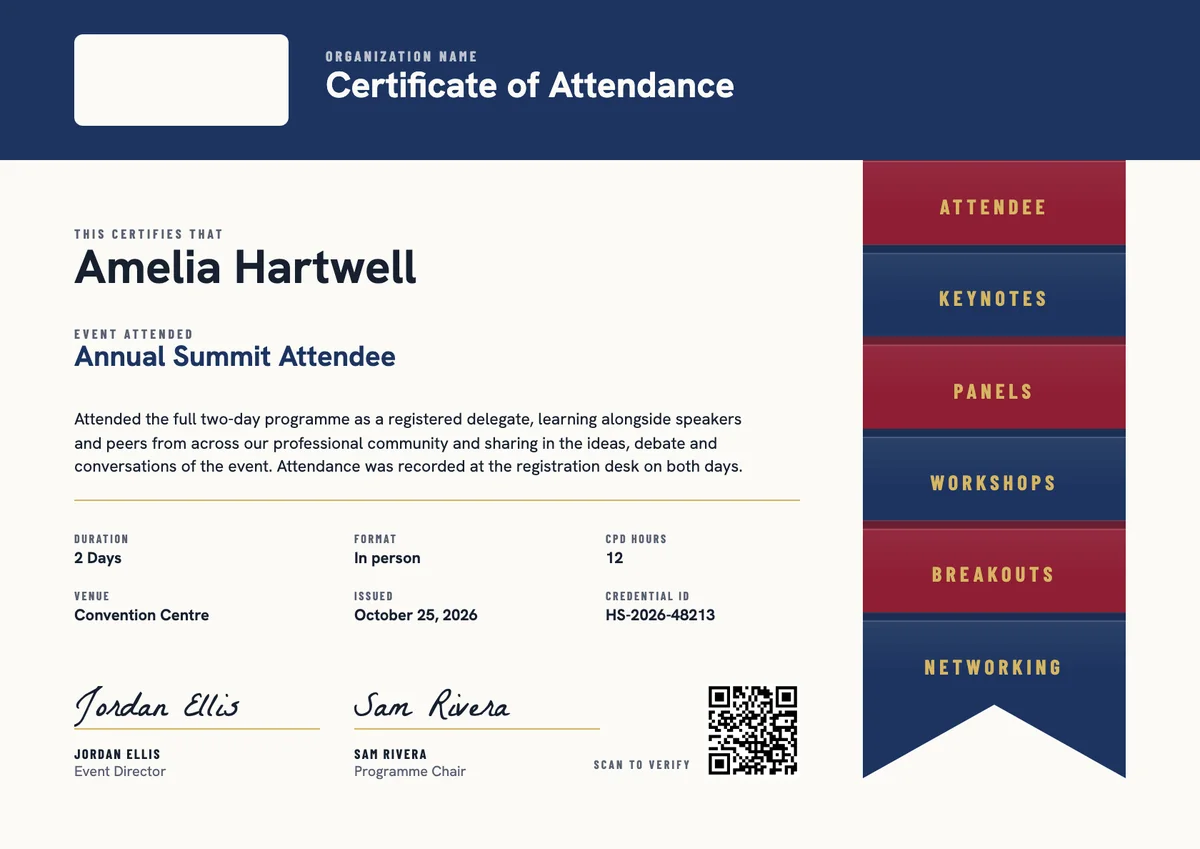
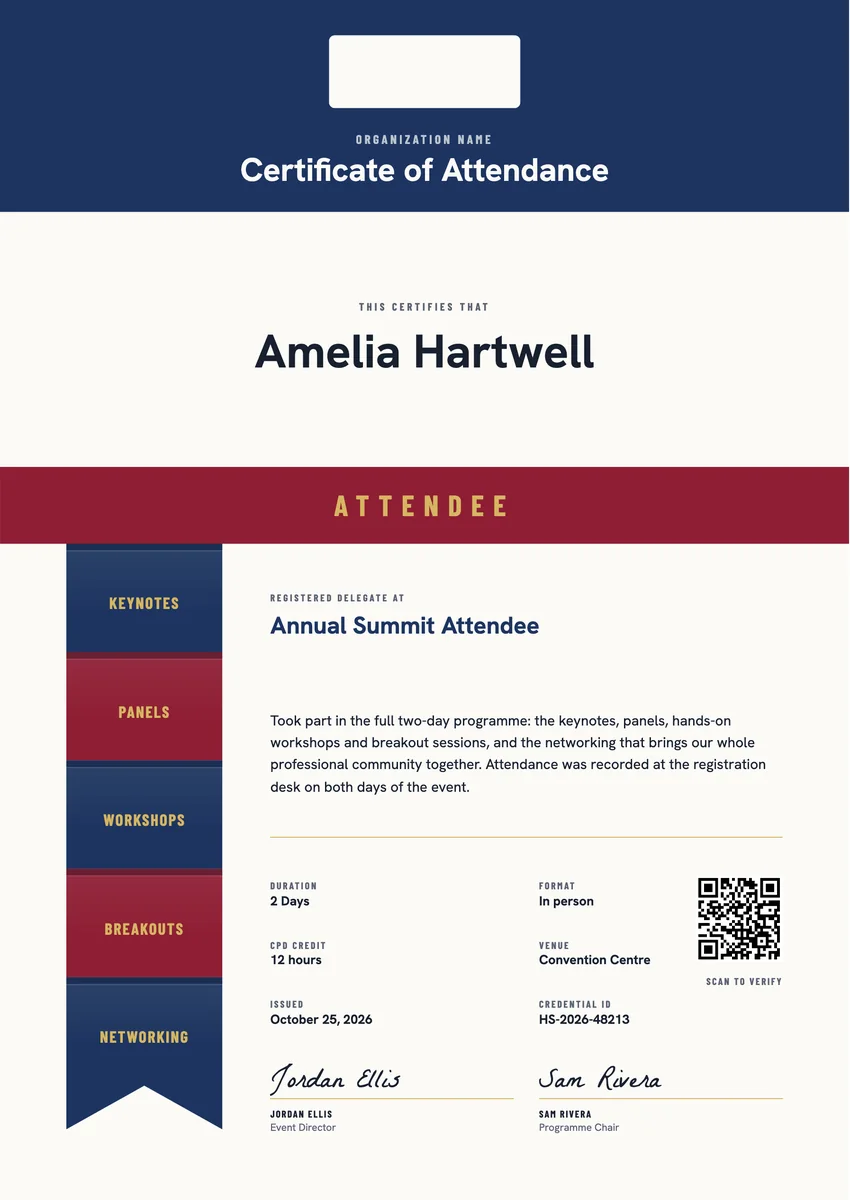
An attendee badge template gives event organisers a quick way to recognise everyone who came: the delegates at a company summit, the members at an association's annual conference, the visitors at a trade show or the regulars at a community meetup. Most organisers send attendee badges in the days after the closing session, once the registration desk has confirmed who checked in.
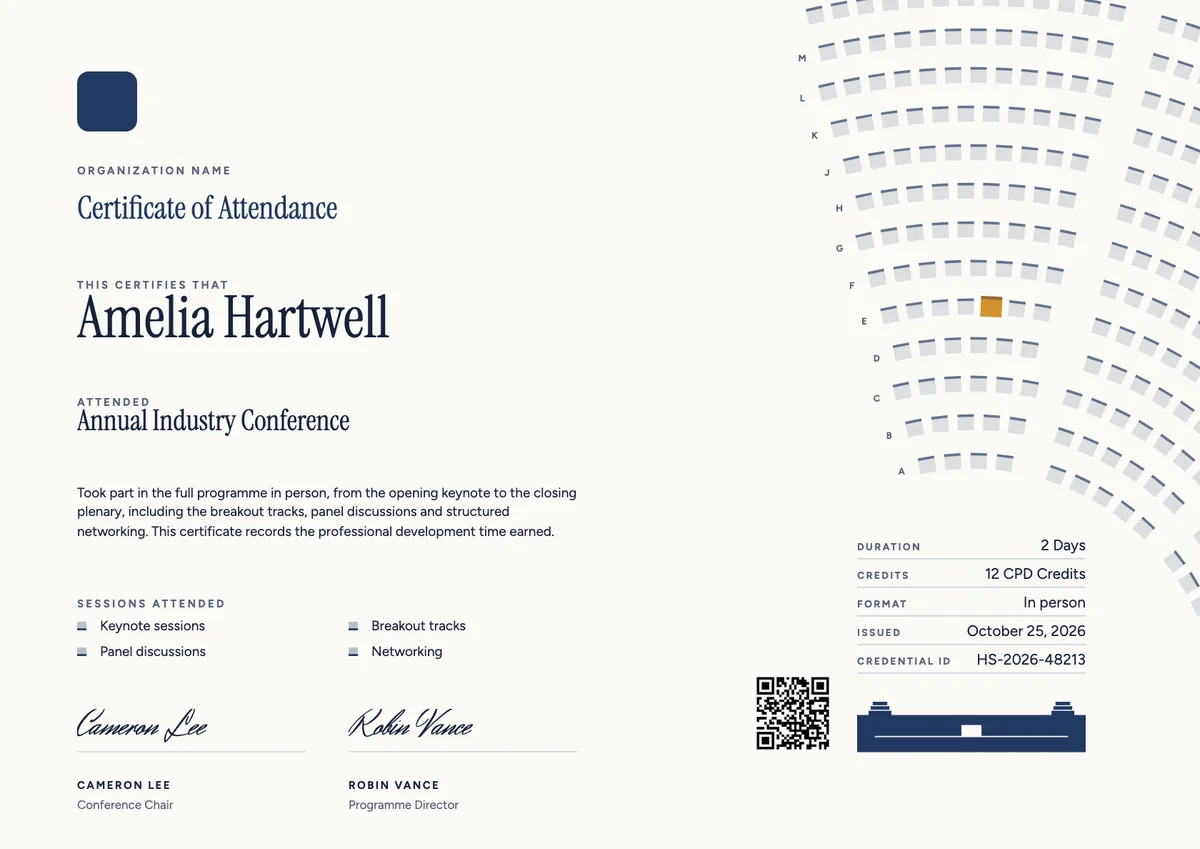
A good event badge names the event and says the person was there, in words short enough to read in a social feed. The matching attendee certificate goes further: it records the dates, the sessions or tracks the delegate followed, any CPD hours they can claim, and a signature from the event director or programme chair.
The designs here come as printable certificates in A4 and US Letter and as digital badges, so delegates can file a record for their employer and share their place in the room online.
Wording
What to write on a event attendee badge certificate
Use these lines as they are, or as a start for your own. Every template comes with wording you can change in the studio.
Wording for an attendee certificate
- “Attended the full two-day programme as a registered delegate.”
- “Took part in the keynotes, panel discussions and workshops of our annual summit.”
- “Attendance was confirmed at the registration desk on each day of the event.”
Short lines for a conference badge
- “Attendee, Annual Summit.”
- “I was there.”
- “Delegate, two days of ideas and conversations.”
Lines that add CPD or learning credit
- “This event counts for 12 hours of continuing professional development.”
- “Sessions attended: keynotes, breakouts and hands-on workshops.”
- “Issued to delegates who attended at least one full day of the programme.”
Why send it with Hyperstack
More than a PDF
Customize the template free. When it is ready, send it to everyone at once.
One design, every name
Upload a spreadsheet and Hyperstack makes a badge for each person on it, in one go.
Sent by email
Each recipient gets their own email and link. You see who opened it, downloaded it and shared it.
Anyone can verify it
The QR code opens a page that proves the certificate is real. Recipients add it to LinkedIn in one click.
FAQ
Questions, answered
Most organisers give a badge to every registered person who checked in, and show the days or hours on the certificate. If the event awards CPD credit, record the actual hours each delegate attended rather than the full programme length.
Keep it to the event name, the role and one or two short lines, such as the number of days or a tagline. Badges are seen small in feeds and profiles, so the longer record of sessions, hours and dates belongs on the certificate.
Pick the people delegates know: usually the event director and the programme chair. For events that award professional credit, the accrediting association's representative often signs as well.
The usual source is the check-in record at the registration desk, a scanned name badge or session sign-in sheets. For a virtual event, organisers use the platform's join log and set a minimum time watched.
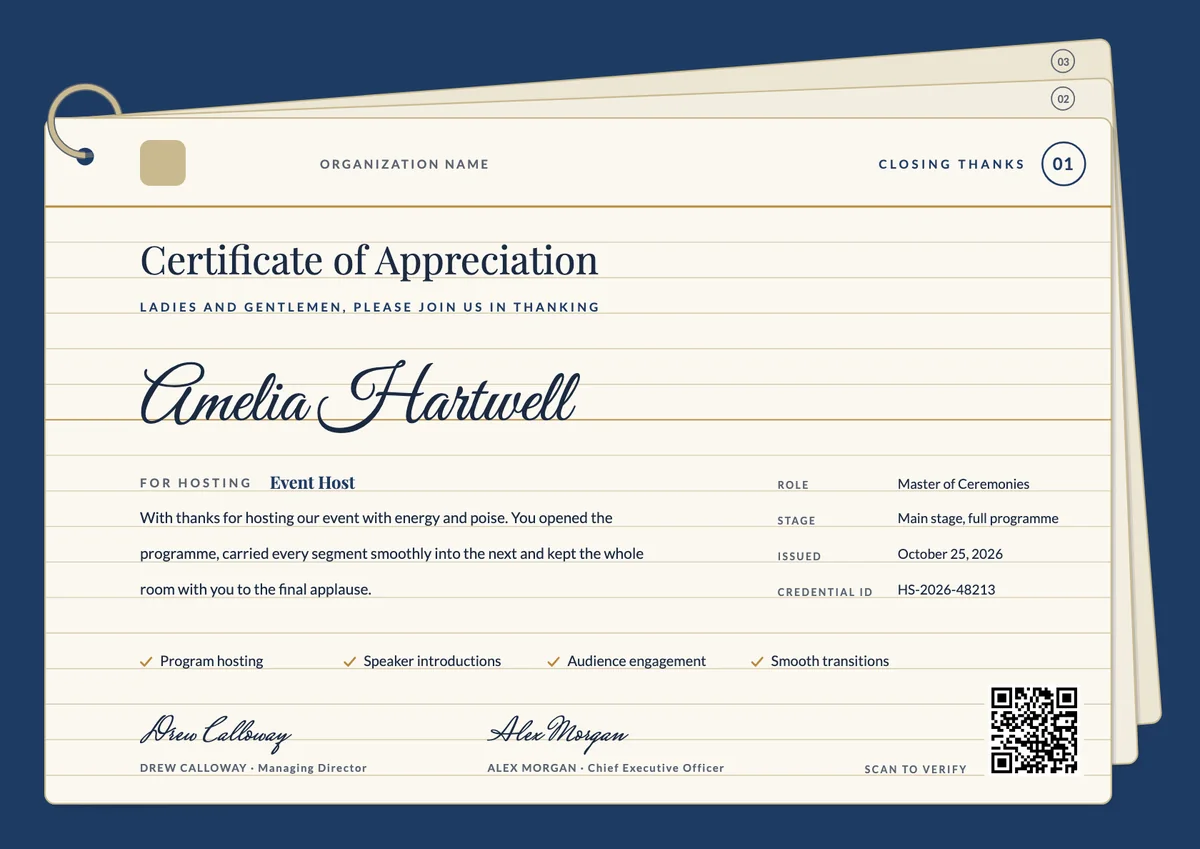
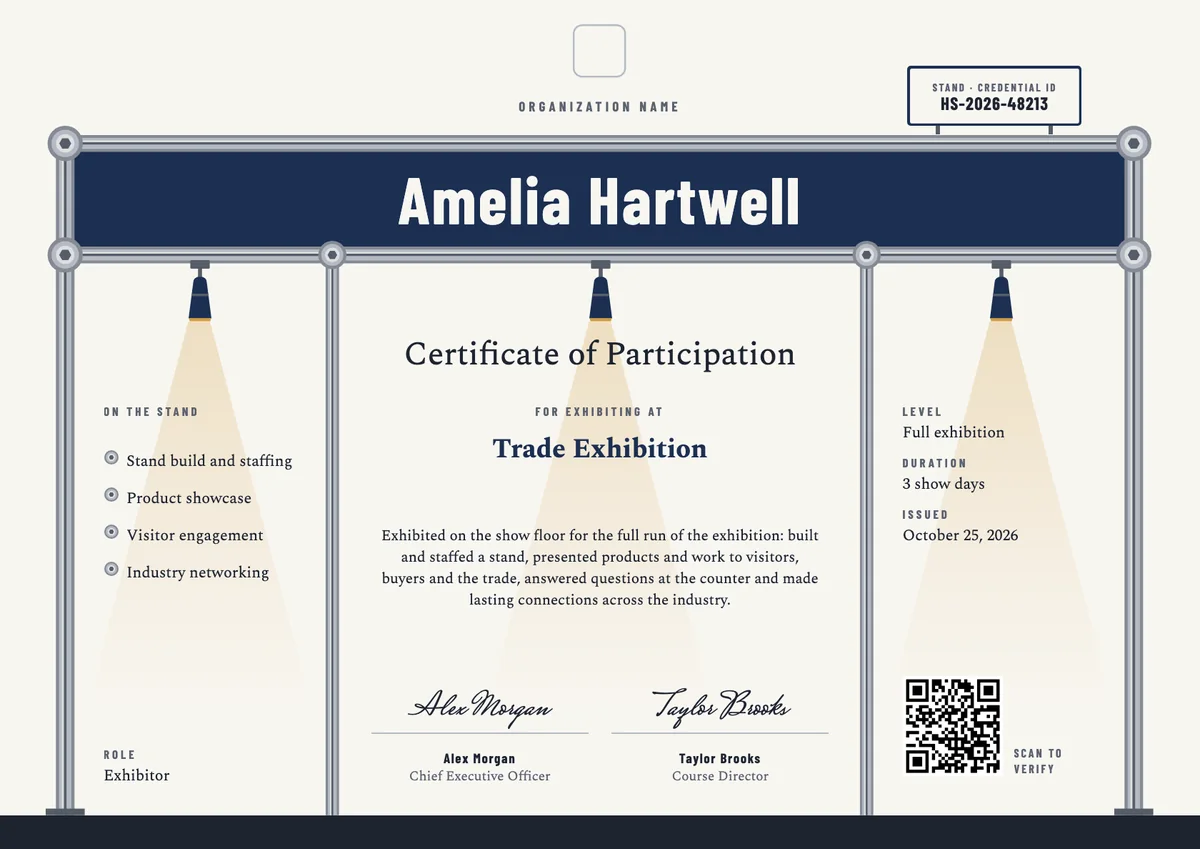
Yes, and it is common. Many events keep the same design and change only the role word, such as SPEAKER, VOLUNTEER or EXHIBITOR, so everyone's badge belongs to the same event but says what they did there.
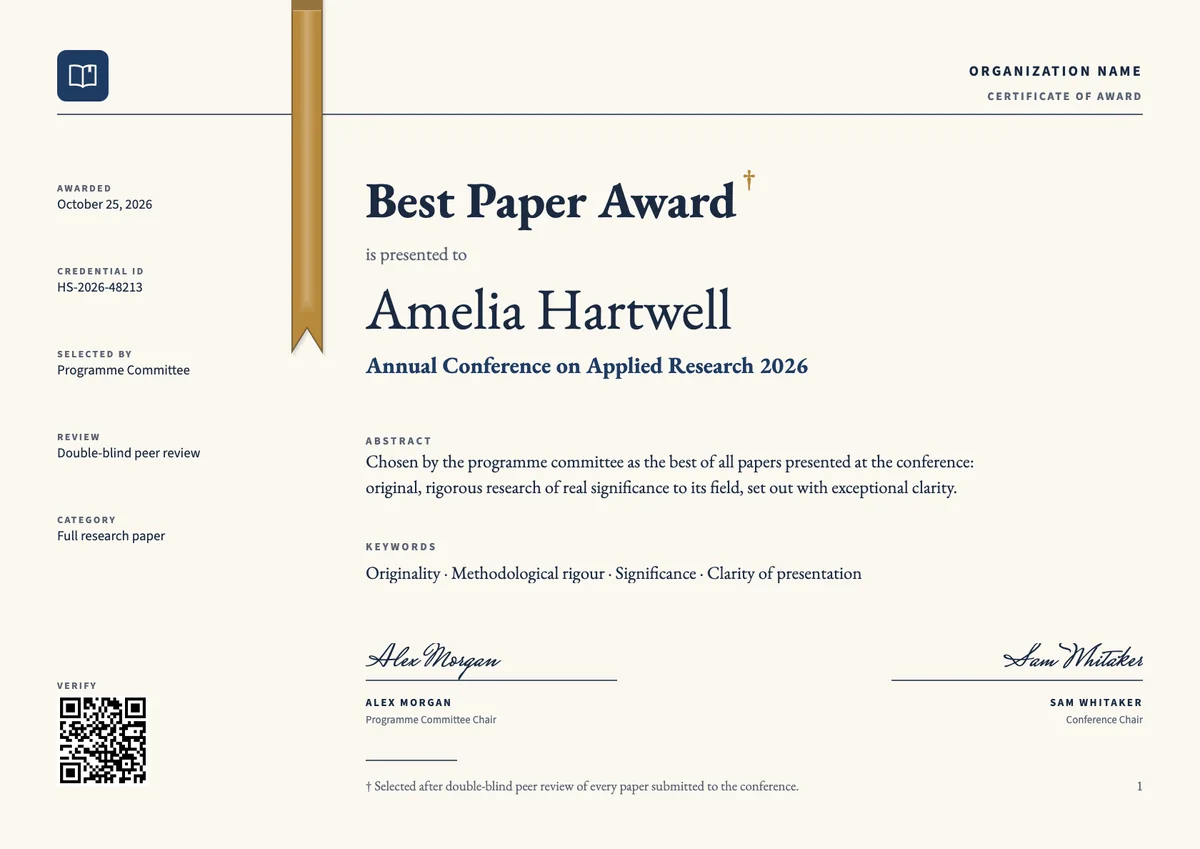
Your next cohort deserves better than a PDF
Set up in minutes, send your first credentials today, and only pay once you grow past 20 recipients a year.
Or open a live sample credential