Excel Training certificate templates and badges
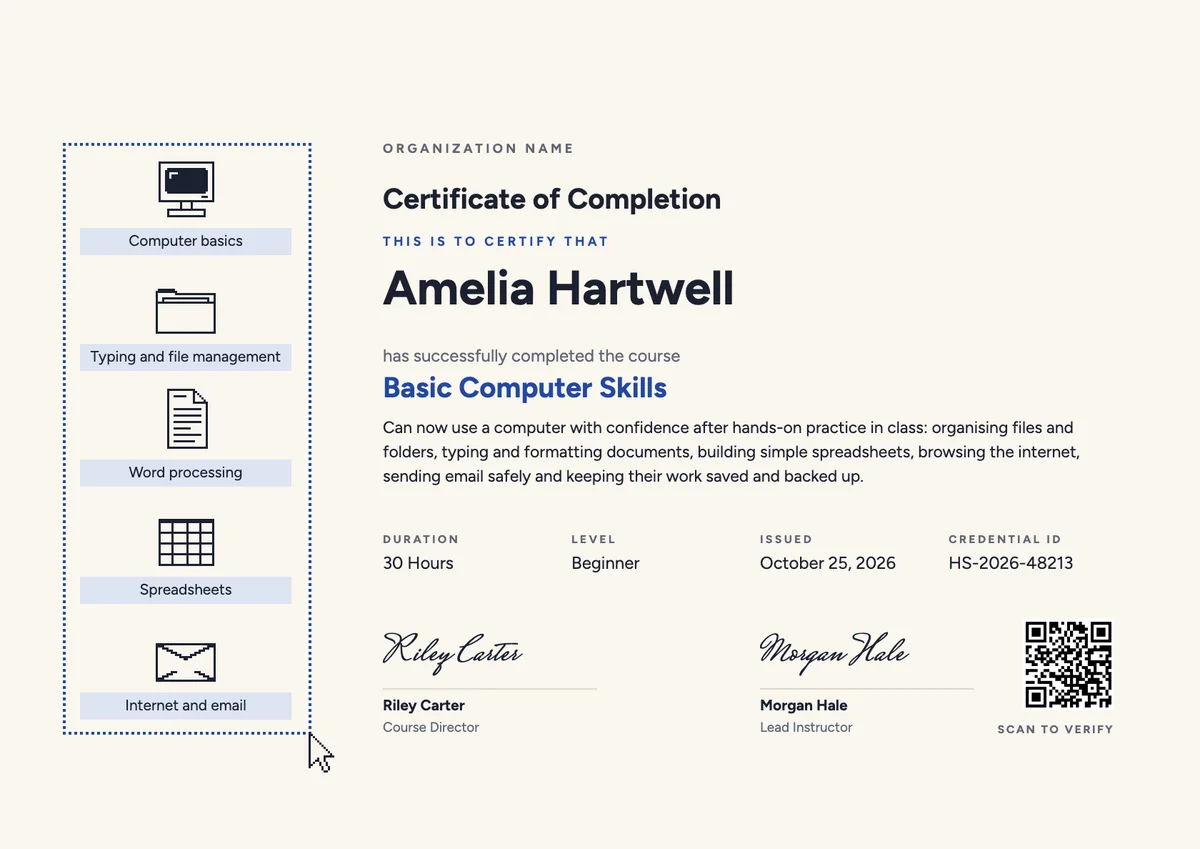
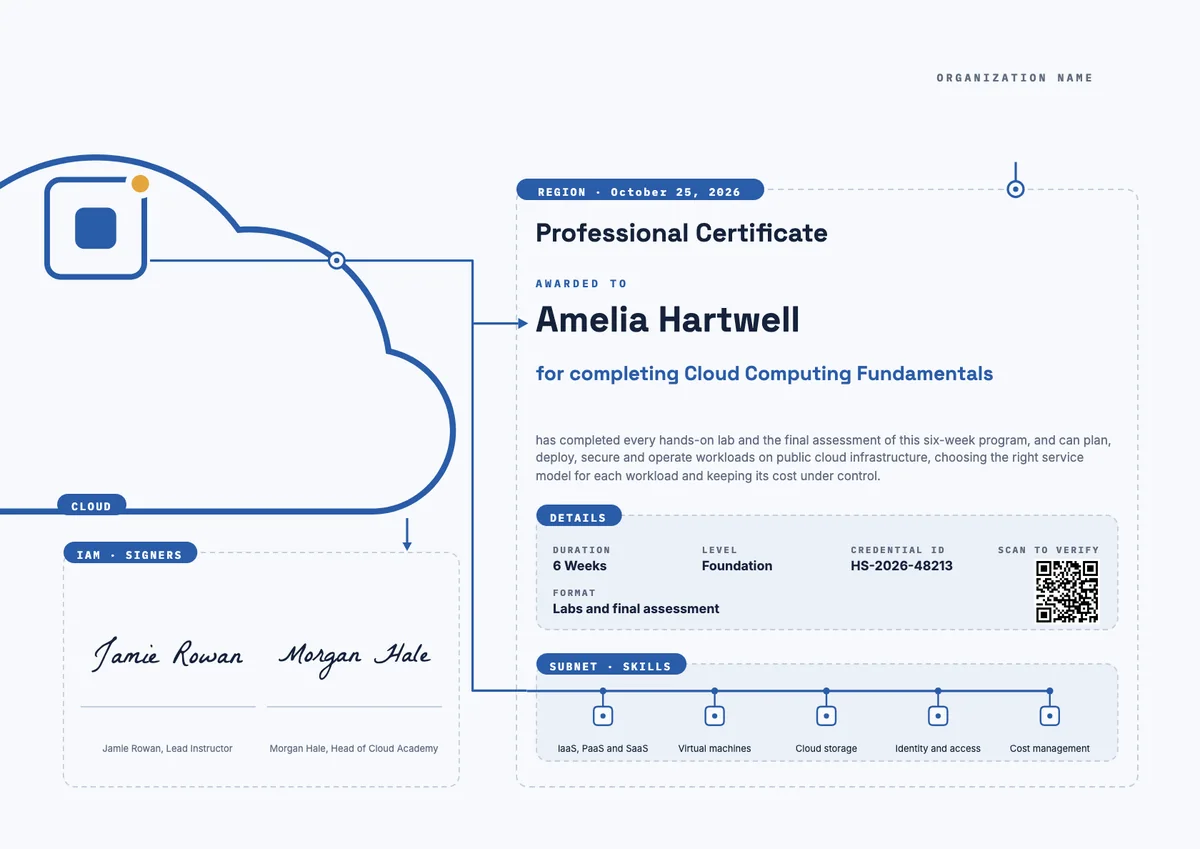
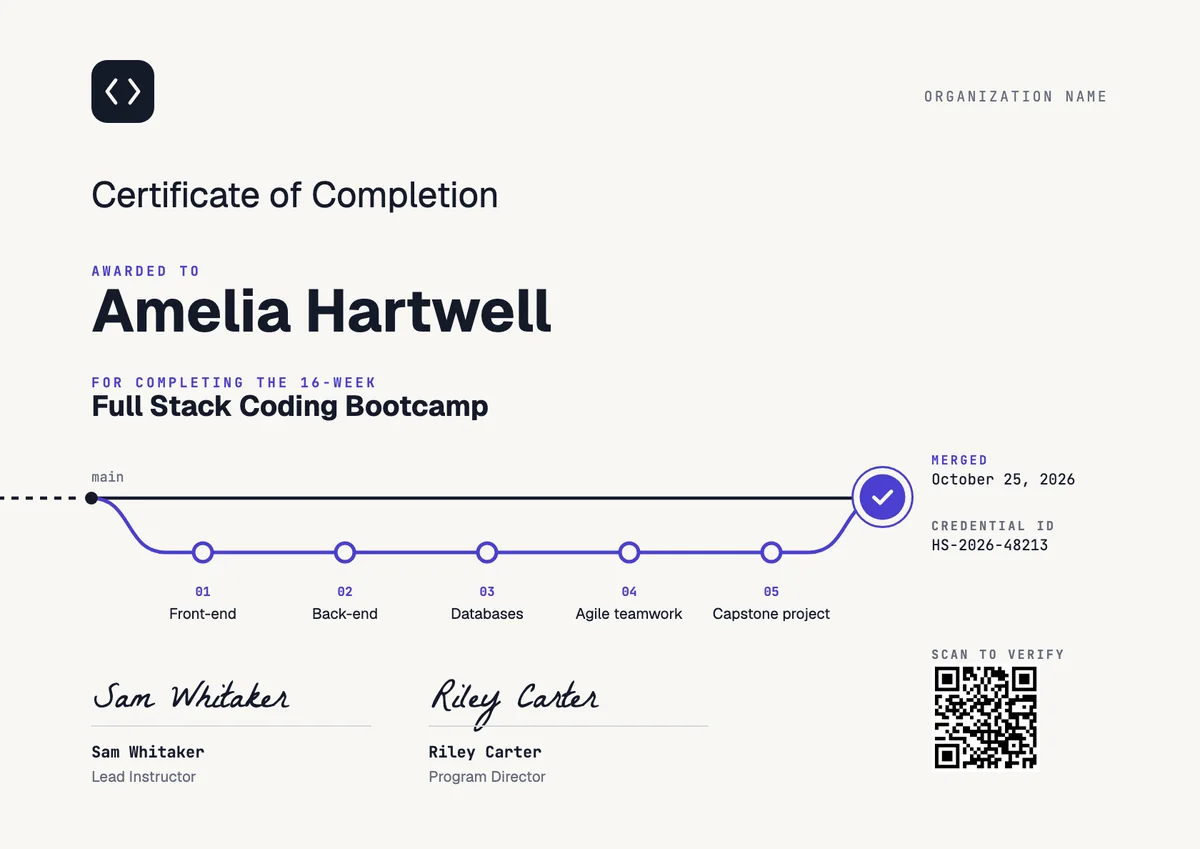
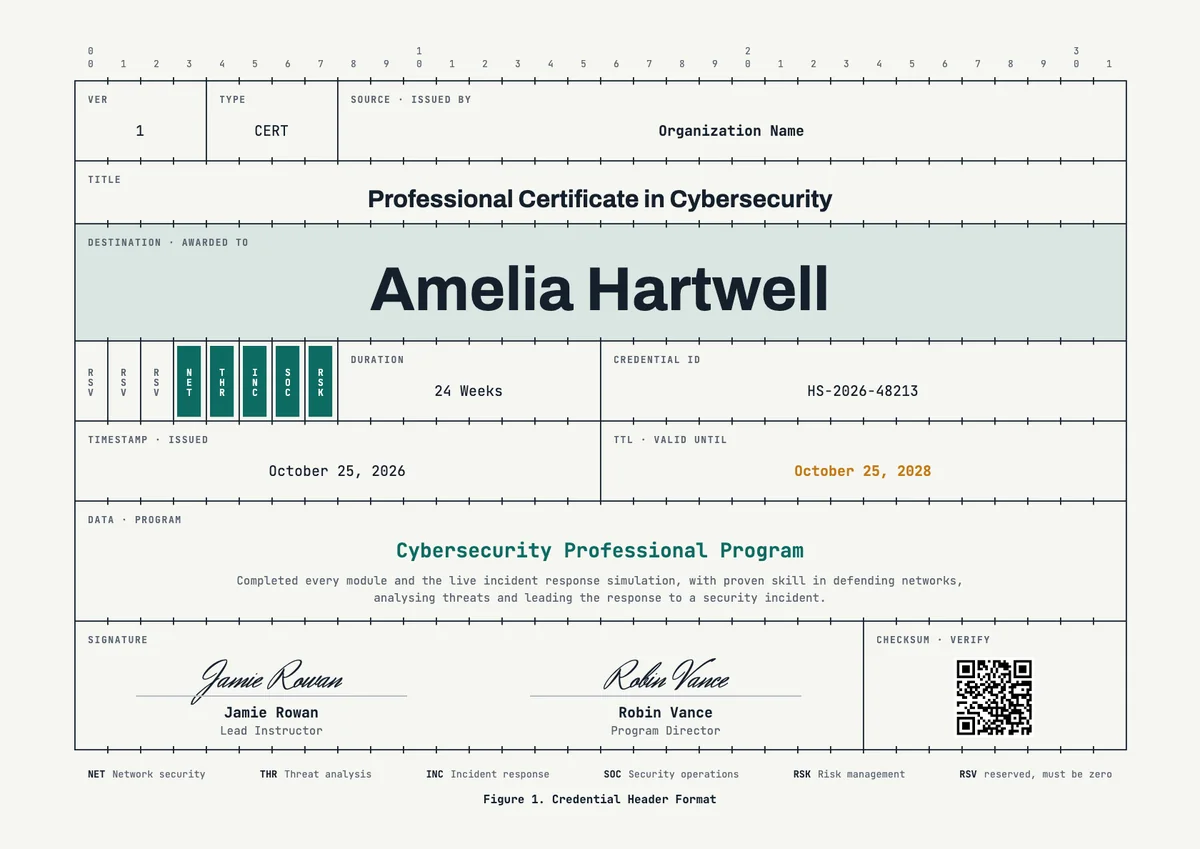
3 free designs. A set is one design as a badge, a landscape or a portrait certificate, or all three.
Free for up to 20 recipients a year
Worksheet set
Badge · Landscape · Portrait
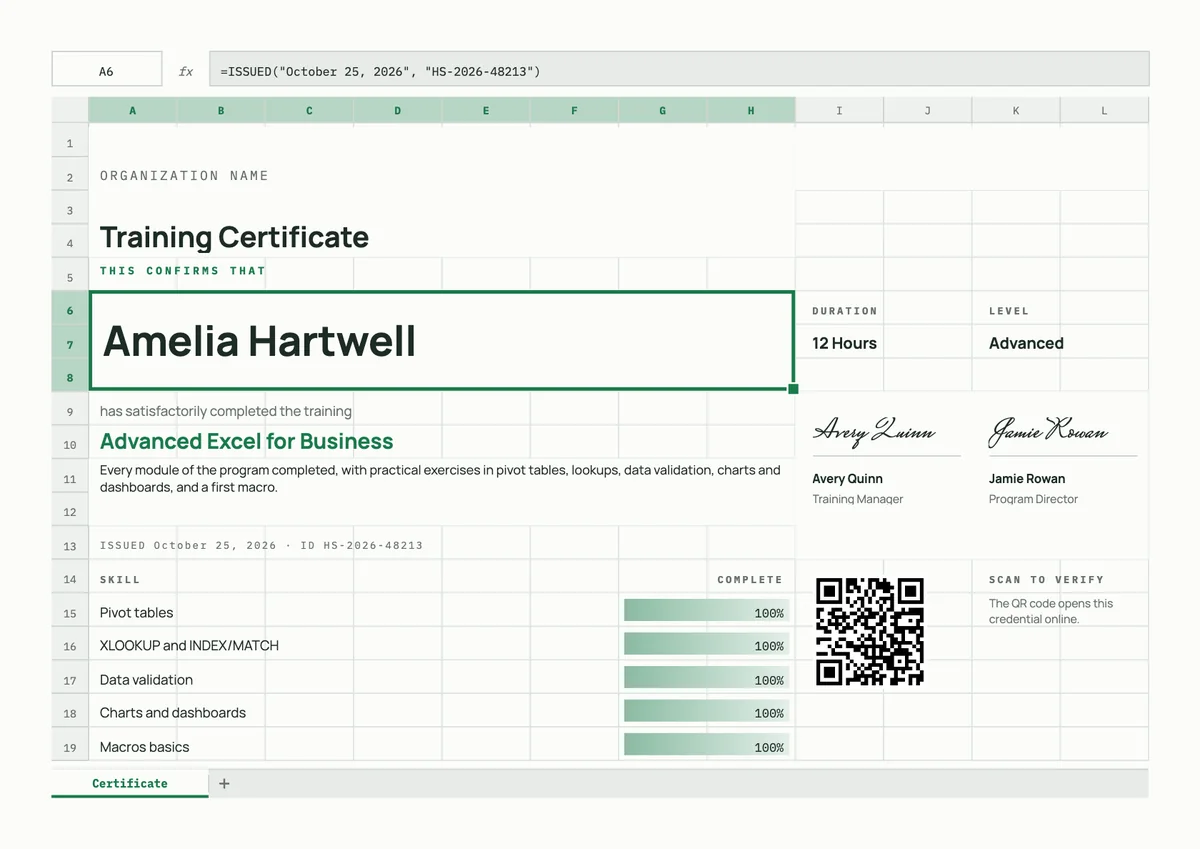
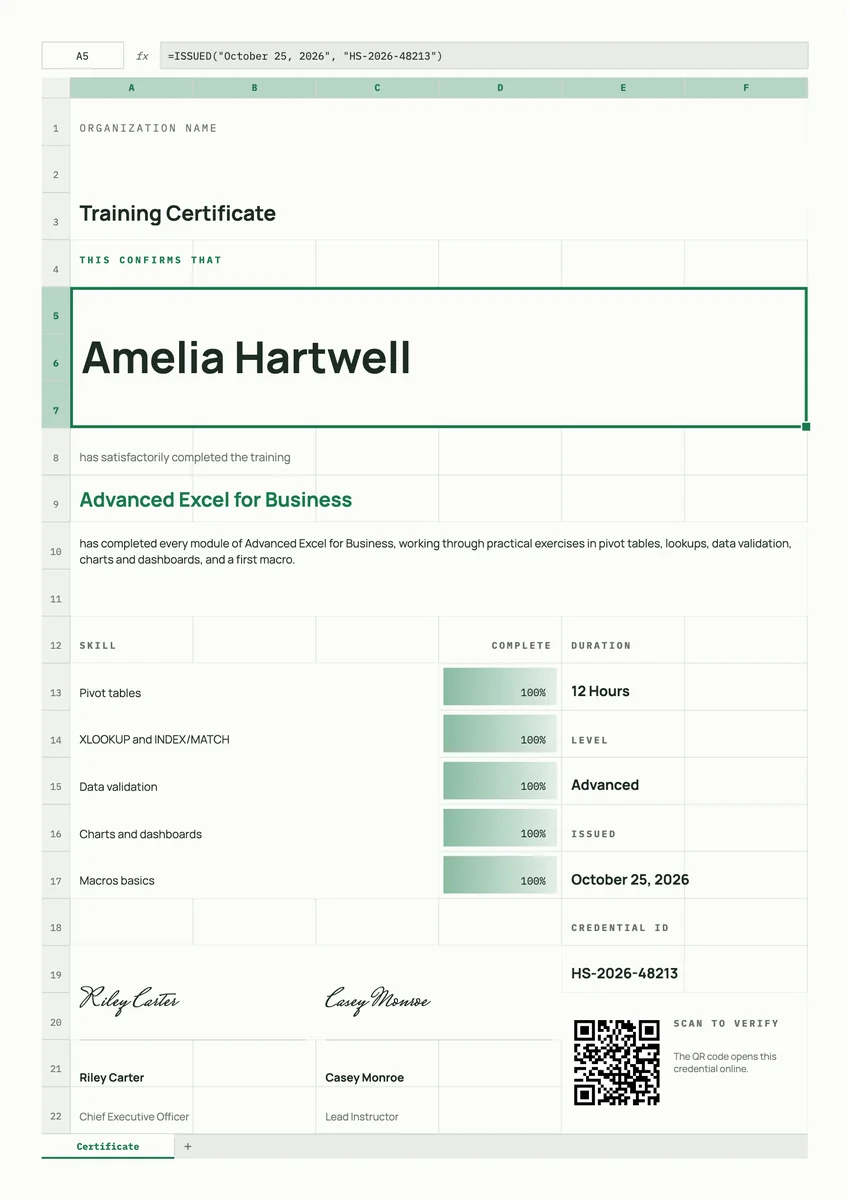
An Excel training certificate template gives trainers a ready page to award after a spreadsheet course. Colleges, company learning teams, finance departments and online academies hand them out when a learner finishes a beginner class, an advanced Excel for business programme or a short workshop on pivot tables or lookups.
A good one names the course, says what the person can now do, and states the hours and level. It carries a date, a credential ID and a signature from the trainer. The designs here come as certificates (A4 and US Letter) and badges, so you can print one for the file and send the same award by email, where it can be verified and added to LinkedIn.
Wording
What to write on a excel training certificate
Use these lines as they are, or as a start for your own. Every template comes with wording you can change in the studio.
Wording for an Excel training certificate
- “Has completed Advanced Excel for Business, with practical exercises in pivot tables, lookups and dashboards.”
- “For finishing 12 hours of hands-on Excel training and passing the final exercise.”
- “Awarded for building and presenting a working spreadsheet model.”
Skills to list on an advanced Excel certificate
- “Pivot tables and summary reports”
- “XLOOKUP and INDEX/MATCH”
- “Data validation and error checks”
- “Charts, dashboards and a first macro”
Short lines for the badge or the email
- “Excel trained. Ready for real data.”
- “Advanced Excel: certified.”
Why send it with Hyperstack
More than a PDF
Customize the template free. When it is ready, send it to everyone at once.
One design, every name
Upload a spreadsheet and Hyperstack makes a training certificate for each person on it, in one go.
Sent by email
Each recipient gets their own email and link. You see who opened it, downloaded it and shared it.
Anyone can verify it
The QR code opens a page that proves the certificate is real. Recipients add it to LinkedIn in one click.
FAQ
Questions, answered
The person's name, the course title, a line on what they learned, the hours or level, the date and a signature with its role. Listing skills such as pivot tables or XLOOKUP tells an employer what the person can do.
Yes. Excel courses differ a lot, from basic formulas to macros. A short list of skills makes the certificate more useful than a title alone.
The trainer or instructor, often with a programme director or the head of learning and development. Two signatures make a company course feel official.
Yes. Many teams certify a half-day or one-day workshop. State the hours honestly, and use a badge when the session is too short for a full certificate.
No. Microsoft runs its own exams. A certificate from your course shows that someone completed your training, so word it as completion of your programme and do not imply a Microsoft credential.
Send your class list with names and emails in one file. Hyperstack then makes a personal certificate and badge for each learner and emails it to them.
Your next cohort deserves better than a PDF
Set up in minutes, send your first credentials today, and only pay once you grow past 20 recipients a year.
Or open a live sample credential