HIPAA Training certificate templates and badges
3 free designs. A set is one design as a badge, a landscape or a portrait certificate, or all three.
Free for up to 20 recipients a year
Released Record set
Badge · Landscape · Portrait
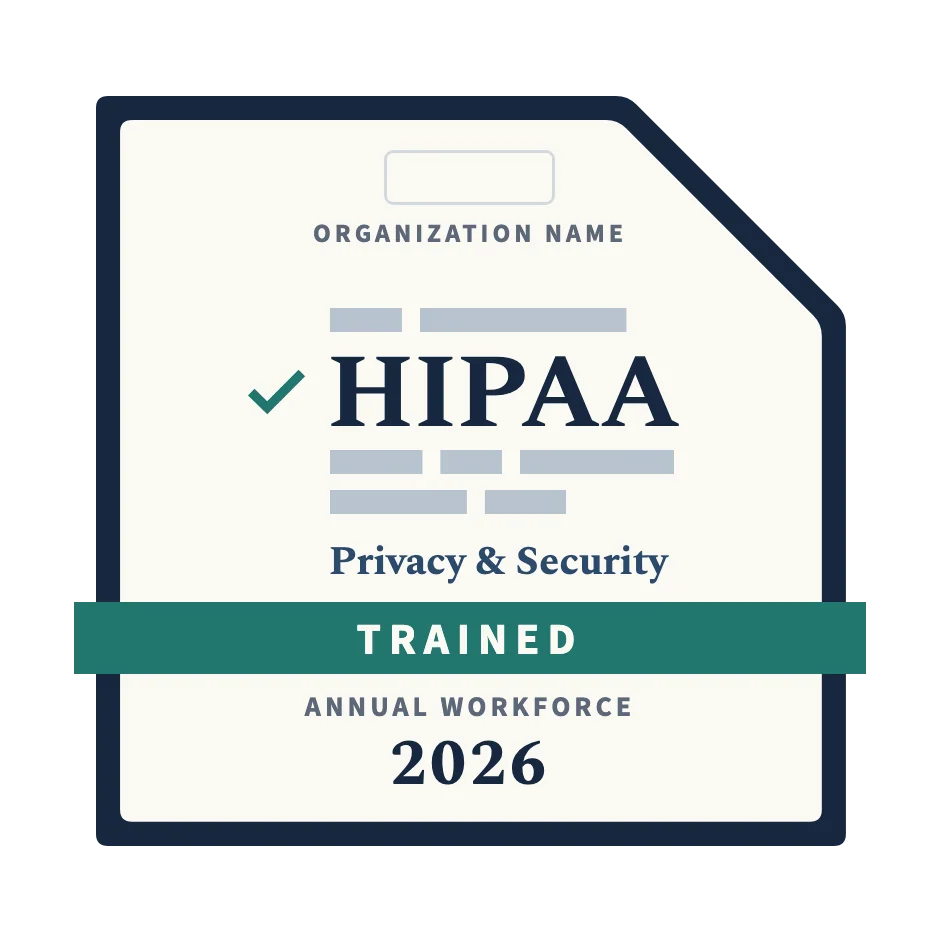
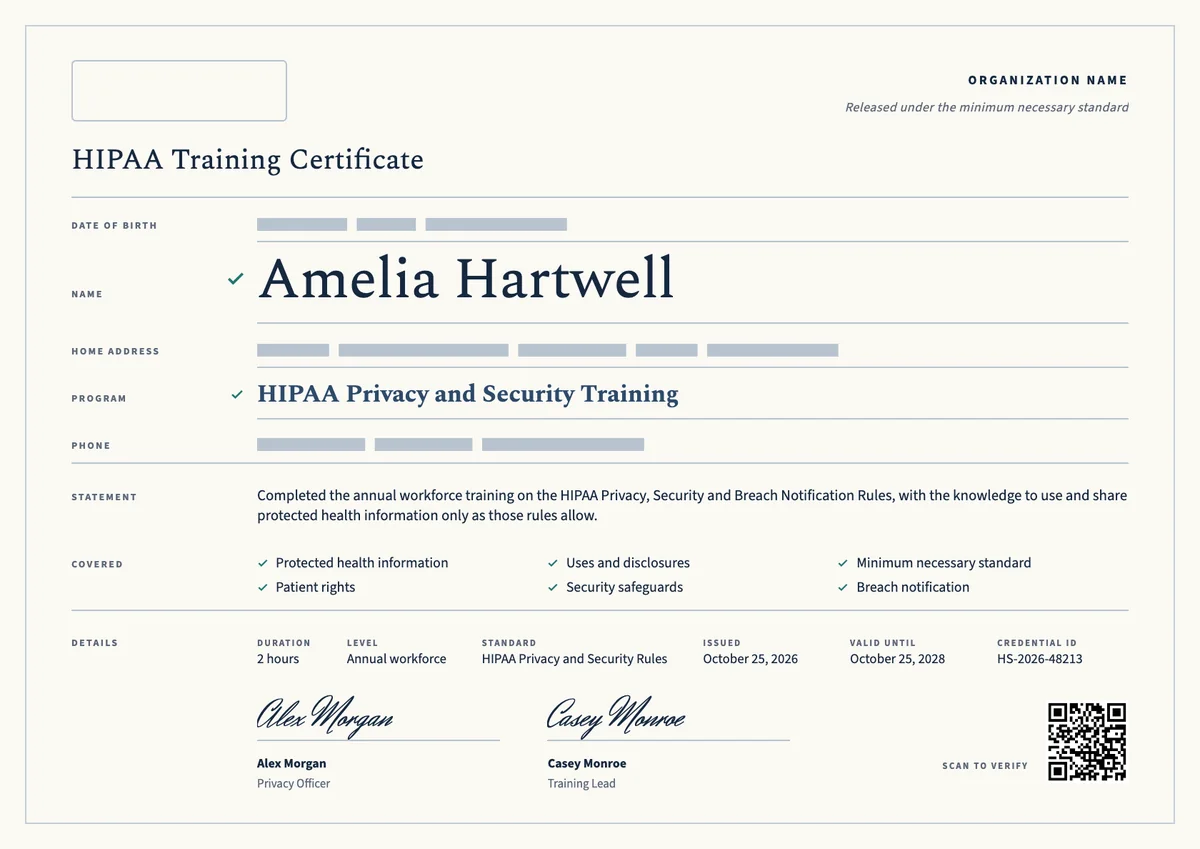
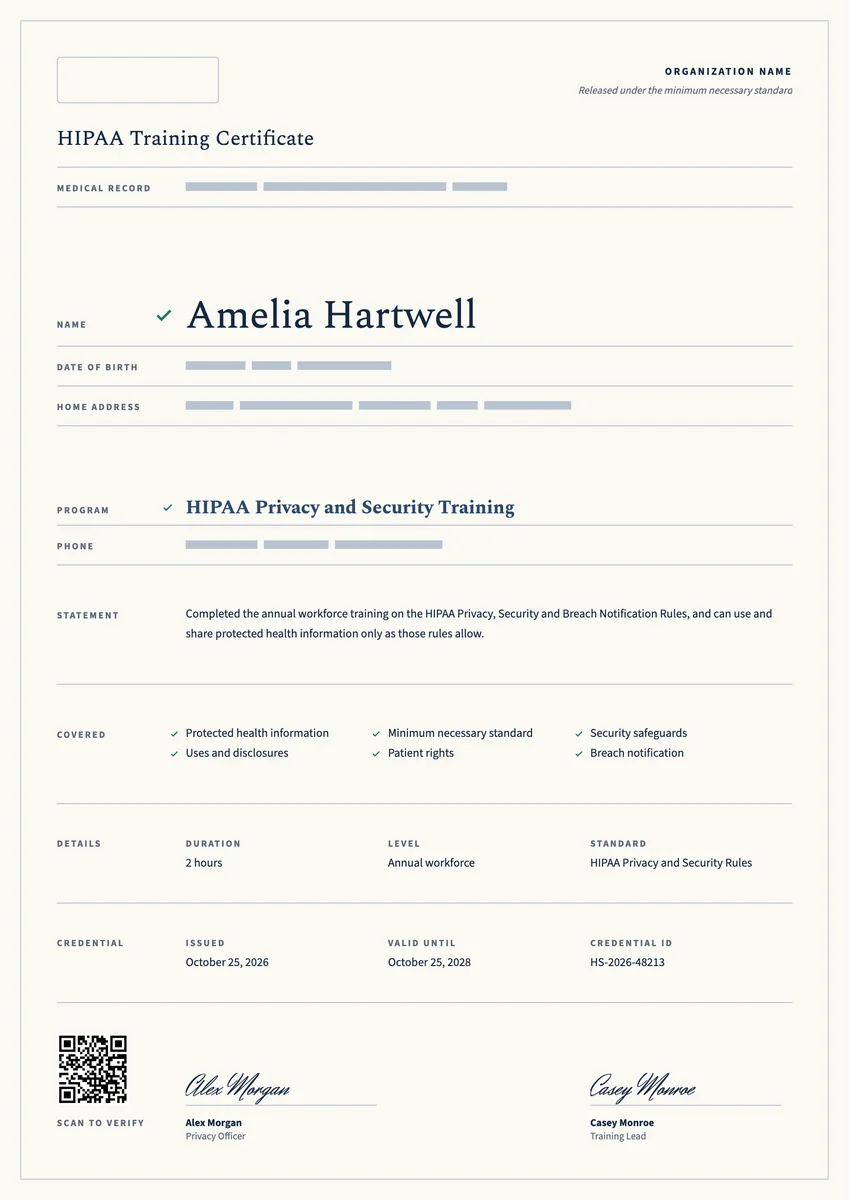
A HIPAA certificate template gives you a ready record for the people who finish privacy and security training in your organization. Hospitals, clinics, dental and therapy practices, health plans, billing companies and IT vendors that handle patient data give one to new hires after onboarding and to every staff member after the yearly refresher.
The HIPAA Privacy and Security Rules ask covered entities and business associates to train their workforce and to keep proof that they did. A good certificate shows who completed the course, which topics it covered, how long it took, when it was issued and when the next one is due, with a signature from the privacy or security officer.
The designs here come as certificates in A4 and US Letter and as digital badges that staff can share and anyone can verify.
Wording
What to write on a hipaa training certificate
Use these lines as they are, or as a start for your own. Every template comes with wording you can change in the studio.
Wording for a HIPAA training certificate
- “Has completed annual training on the HIPAA Privacy, Security and Breach Notification Rules.”
- “For completing HIPAA privacy and security awareness training as a member of our workforce.”
- “Has shown the knowledge to use and share protected health information only as the HIPAA rules allow.”
Lines for new hire and business associate training
- “Has completed HIPAA orientation training before receiving access to patient information.”
- “For completing HIPAA training as required by our business associate agreement.”
- “Trained in safeguards for electronic protected health information and how to report a security incident.”
Short lines for the badge or the email
- “HIPAA trained for this year.”
- “Privacy and security training complete.”
Why send it with Hyperstack
More than a PDF
Customize the template free. When it is ready, send it to everyone at once.
One design, every name
Upload a spreadsheet and Hyperstack makes a training certificate for each person on it, in one go.
Sent by email
Each recipient gets their own email and link. You see who opened it, downloaded it and shared it.
Anyone can verify it
The QR code opens a page that proves the certificate is real. Recipients add it to LinkedIn in one click.
FAQ
Questions, answered
The rules ask for training within a reasonable time after someone joins and again when policies or procedures change in a way that affects their work. The Security Rule also expects ongoing security awareness. Most organizations meet both with a yearly refresher, so a valid-until date one year after the issue date is common.
No. The Department of Health and Human Services does not certify people or approve courses. The certificate is your organization's own record that a person completed its training, which you keep as evidence for audits and investigations.
No. Training is one required part of compliance, next to risk analysis, written policies, safeguards and business associate agreements. The certificate is the proof that the training part was done, with the topics, the date and a credential ID an auditor can check.
Every member of the workforce of a covered entity who may see protected health information: clinicians, front desk and billing staff, volunteers, students and trainees. Business associates, such as IT, billing and transcription vendors, must train their own staff as well.
HIPAA asks for required documentation to be kept for six years from the date it was created or last in effect. Keep each certificate with the training date and the course content for at least that long.
They can be one course or two. The Privacy Rule covers how protected health information may be used and shared, and the Security Rule adds security awareness, such as passwords, phishing and reporting incidents. Many organizations teach both in one session and list both rules on a single certificate, signed by the privacy or security officer.
More certificate templates
Your next cohort deserves better than a PDF
Set up in minutes, send your first credentials today, and only pay once you grow past 20 recipients a year.
Or open a live sample credential