IT Support certificate templates and badges
3 free designs. A set is one design as a badge, a landscape or a portrait certificate, or all three.
Free for up to 20 recipients a year
Resolved Flowchart set
Badge · Landscape · Portrait

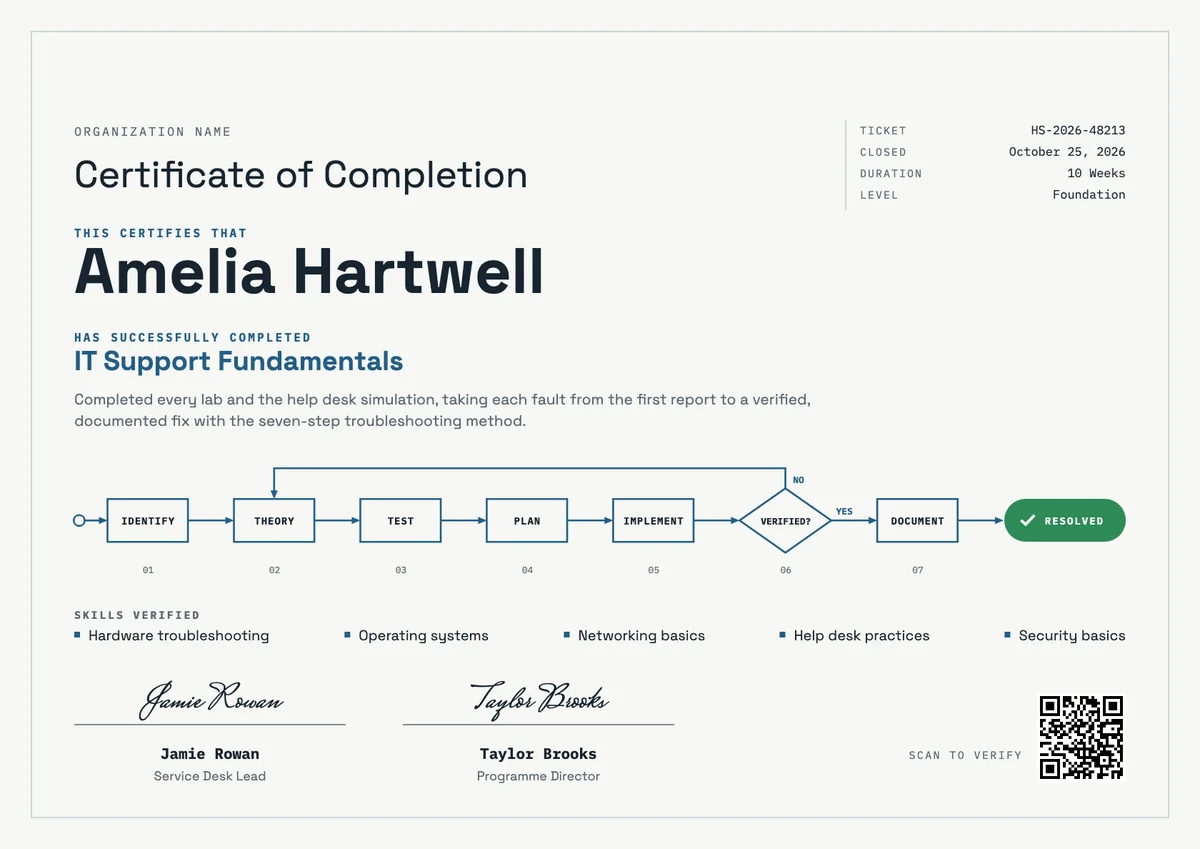
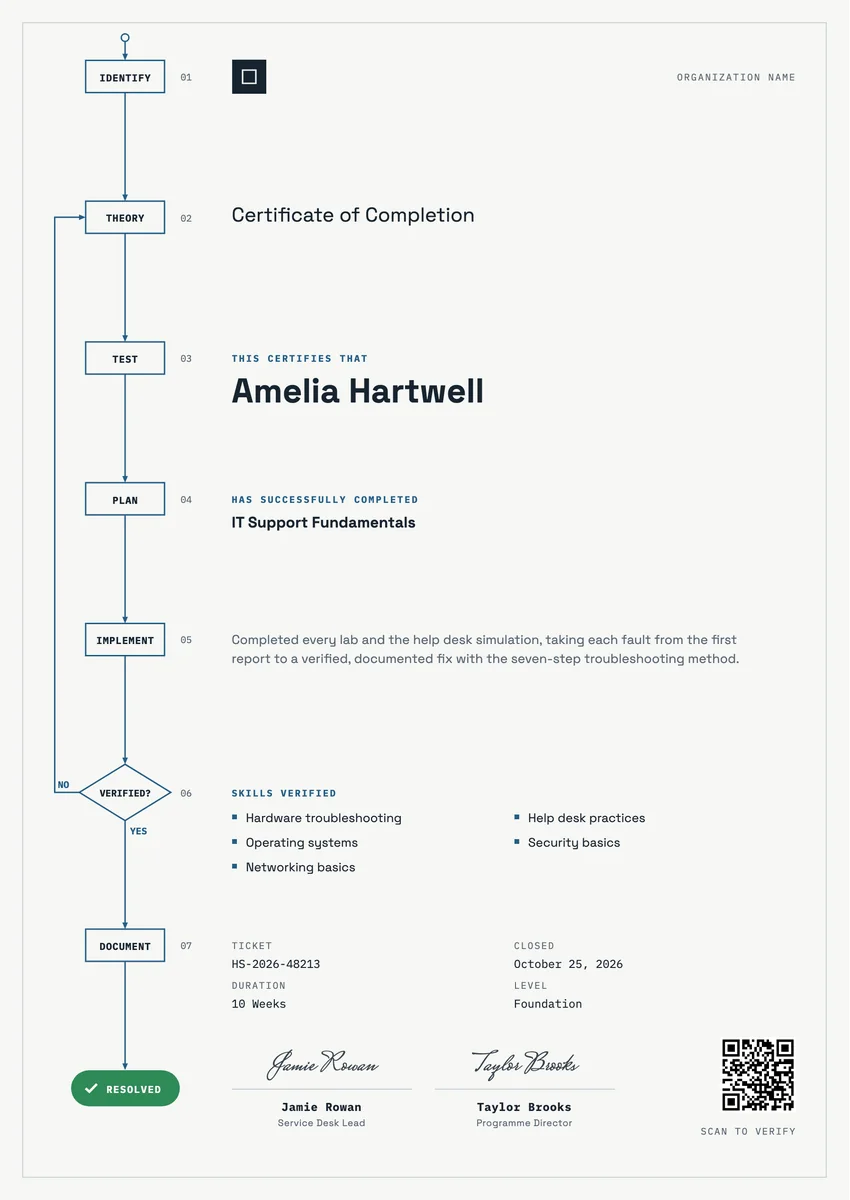
An IT support certificate template gives training providers a ready record for the moment a learner can fix things for other people. Colleges, bootcamps, apprenticeship schemes and company IT academies award it when someone finishes an IT support or help desk course: hardware and operating system faults, networking basics, security habits and the way a service desk logs and closes a ticket.
A good help desk certificate names the program, says what the learner proved (labs passed, a help desk simulation, tickets taken to a verified fix), lists the main skills and carries the date, a credential ID and the signature of the instructor or service desk lead. Employers read it as evidence of practical skill, so plain, exact wording works better than praise.
The designs here come as certificates in A4 and US Letter and as digital badges for LinkedIn and email signatures.
Wording
What to write on a it support certificate
Use these lines as they are, or as a start for your own. Every template comes with wording you can change in the studio.
Wording for a certificate for IT support training
- “Completed every lab and the help desk simulation, taking each fault from the first report to a verified, documented fix.”
- “For completing IT Support Fundamentals: hardware, operating systems, networking basics and security.”
- “Has shown the skills to diagnose, resolve and document first-line support requests.”
Help desk certificate wording for apprentices and new technicians
- “In recognition of a successful first-line support placement on our service desk.”
- “For resolving real user requests with care, patience and clear notes on every ticket.”
- “Awarded on completion of the help desk apprenticeship programme.”
Short lines for the badge or the email
- “Ticket closed: IT support skills verified.”
- “Ready for the service desk.”
Why send it with Hyperstack
More than a PDF
Customize the template free. When it is ready, send it to everyone at once.
One design, every name
Upload a spreadsheet and Hyperstack makes a certificate of completion for each person on it, in one go.
Sent by email
Each recipient gets their own email and link. You see who opened it, downloaded it and shared it.
Anyone can verify it
The QR code opens a page that proves the certificate is real. Recipients add it to LinkedIn in one click.
FAQ
Questions, answered
Name the practical work on the certificate itself, for example the labs completed and a help desk simulation with real tickets. Add the course length and the skills practised, plus a credential ID or QR code so an employer can confirm the record.
It helps. The instructor or programme director confirms the training, and a service desk lead or IT manager adds the view of someone who runs a real help desk. In a company academy or apprenticeship, two signatures like these carry weight with employers.
No. A completion certificate shows that a learner finished your training. Vendor and industry certifications are earned by passing their own exams. Say clearly what your certificate covers, and if the course prepares for an exam, name it as preparation, not as the certification itself.
List the areas the learner actually practised, such as hardware troubleshooting, operating systems, networking basics, help desk practices and security basics. Four to six short items read better than a long list of tools.
Right after the final assessment or simulation is marked, while the learner is applying for jobs or starting on the service desk. A digital certificate can go out the same day, and they can add it to a CV or job application at once.
More certificate templates
Your next cohort deserves better than a PDF
Set up in minutes, send your first credentials today, and only pay once you grow past 20 recipients a year.
Or open a live sample credential