Mobile App Development certificate templates and badges
3 free designs. A set is one design as a badge, a landscape or a portrait certificate, or all three.
Free for up to 20 recipients a year
Finished Screen set
Badge · Landscape · Portrait
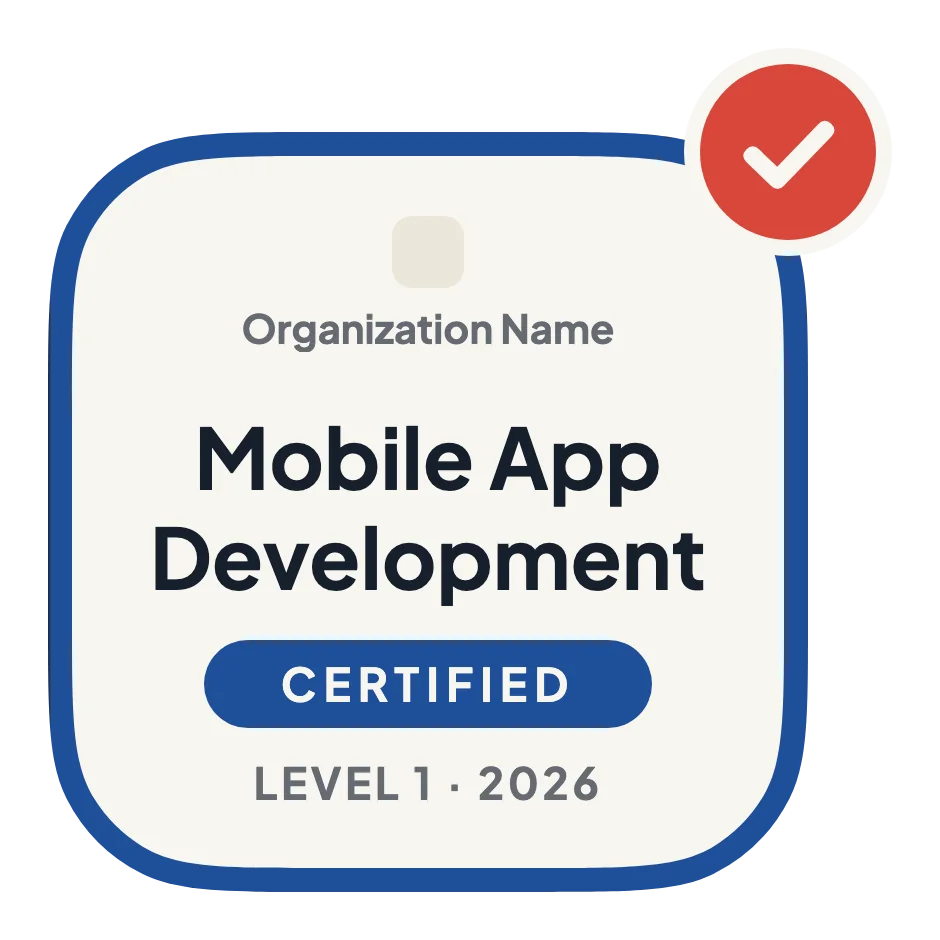
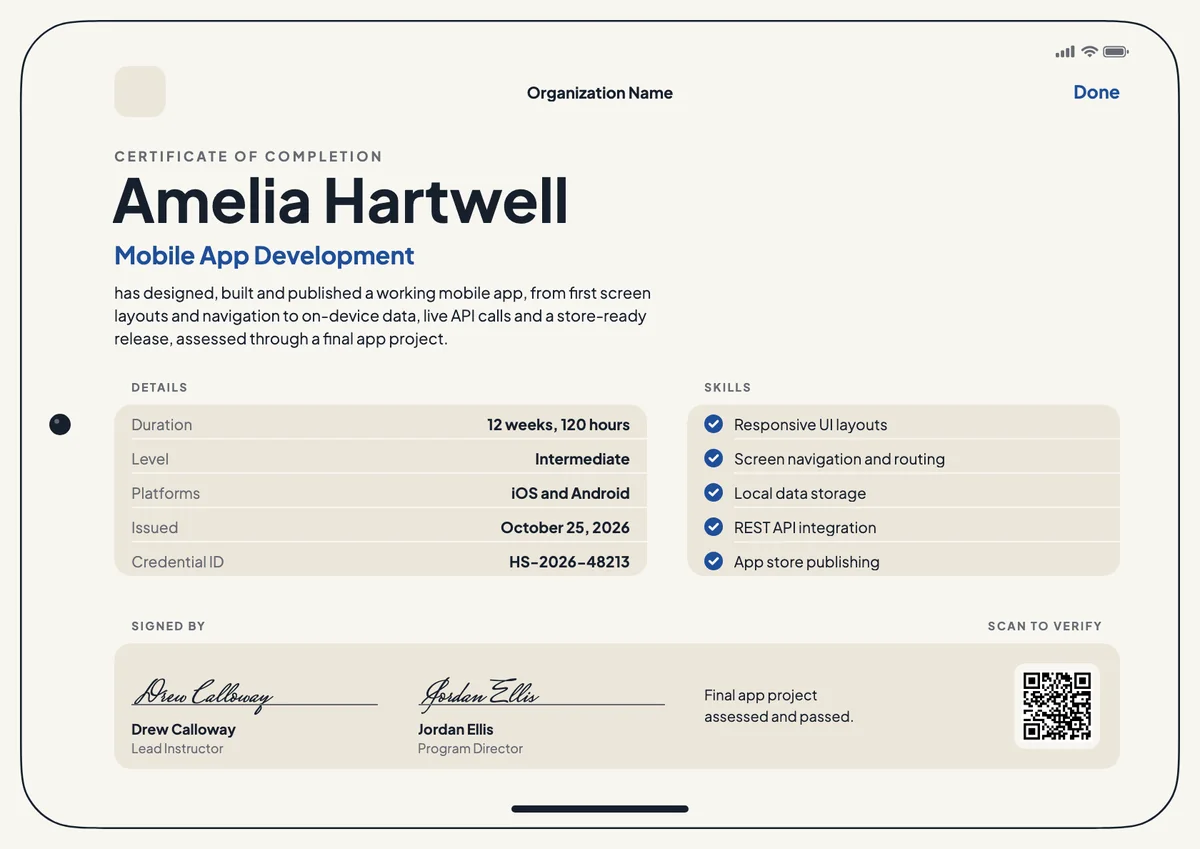
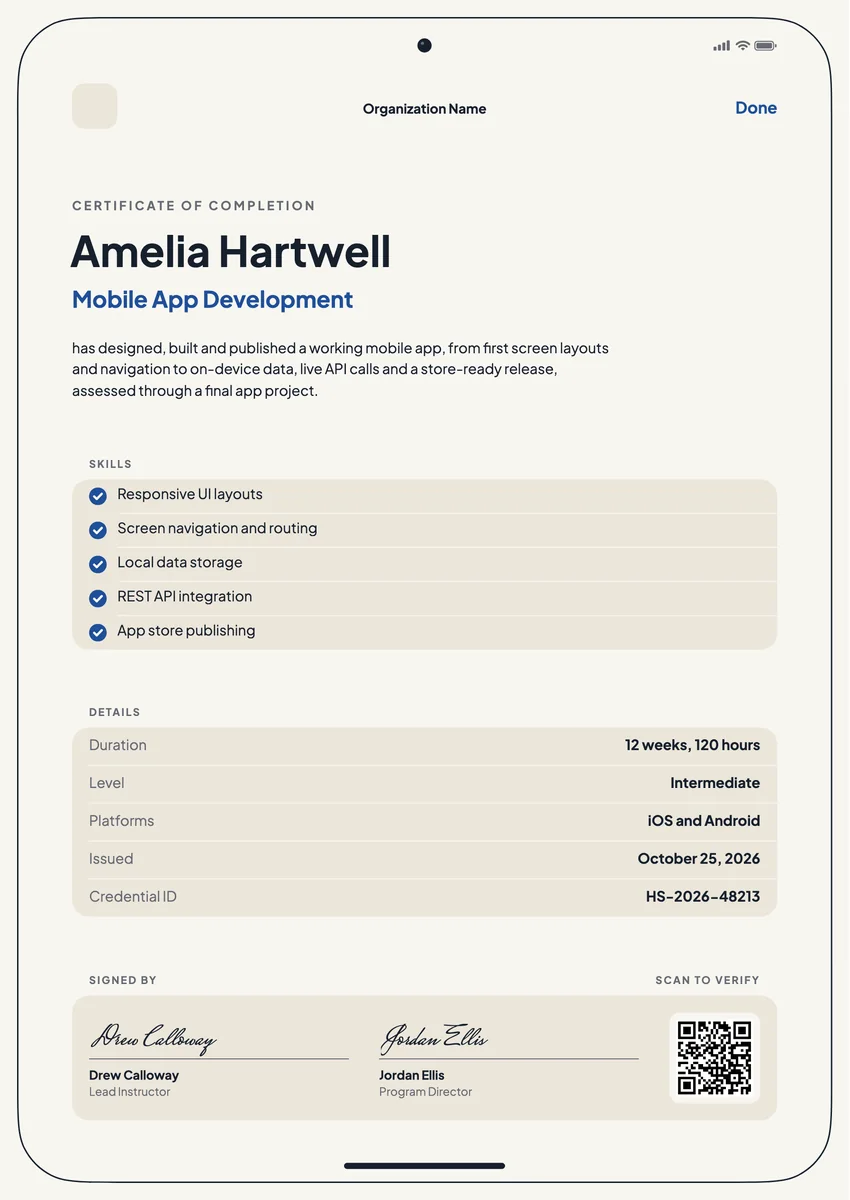
An app development certificate template helps a course mark the moment a learner ships a working app. Coding schools, colleges, online academies and company training teams give it to people who finished a mobile app development course, whether the track was native iOS with Swift, Android with Kotlin, or a cross-platform framework such as Flutter or React Native.
A good mobile app development certificate says more than the course name. It lists what the person can now do, such as screen layouts, navigation, local storage, API calls and publishing to the stores, and gives the length, the level and the date, with a signature from the lead instructor or program director.
The designs come as printable certificates in A4 and US Letter and as digital badges that graduates add to LinkedIn, a portfolio or a developer profile.
Wording
What to write on a mobile app development certificate
Use these lines as they are, or as a start for your own. Every template comes with wording you can change in the studio.
Wording for an Android app development certificate or an iOS course
- “For designing, building and publishing a working mobile app over twelve weeks of project-based study.”
- “Awarded for completing the Android App Development course and its final app project.”
- “In recognition of shipping a cross-platform app from first wireframe to store-ready release.”
Lines that list app development skills
- “Responsive UI layouts, screen navigation, local data storage and REST API integration.”
- “Built a native iOS app in Swift and prepared it for App Store review.”
- “Covered app architecture, testing on real devices and publishing to Google Play.”
Short lines for the badge or the email
- “App built. App shipped.”
- “Mobile App Developer, class of 2026.”
Why send it with Hyperstack
More than a PDF
Customize the template free. When it is ready, send it to everyone at once.
One design, every name
Upload a spreadsheet and Hyperstack makes a certificate of completion for each person on it, in one go.
Sent by email
Each recipient gets their own email and link. You see who opened it, downloaded it and shared it.
Anyone can verify it
The QR code opens a page that proves the certificate is real. Recipients add it to LinkedIn in one click.
FAQ
Questions, answered
Yes, when the course taught one platform or framework. Employers look for the stack, so a line such as "iOS and Android" or "Flutter" in the details tells them more than the course title alone.
Most courses ask for a store-ready build, not a live listing, because store review and developer accounts are outside the learner's control. Say on the certificate what was assessed, for example a final app project reviewed by instructors.
List the four to six skills the course really assessed, such as UI layouts, navigation, local storage, API integration, testing and store publishing. A short, true list reads better than every module name, and the full syllabus can go in the credential's description.
No. A course certificate shows that the person completed your training. Certifications from a platform owner are separate exams with their own rules, so do not word the course certificate as if it were one.
Usually the lead instructor and the program director or head of the school. For company academies, the engineering manager who sponsored the training often signs as well.
Add a link to the app's store page, a demo video or the code repository in the credential's evidence or description, so anyone who opens the credential can see the work behind it.
More certificate templates
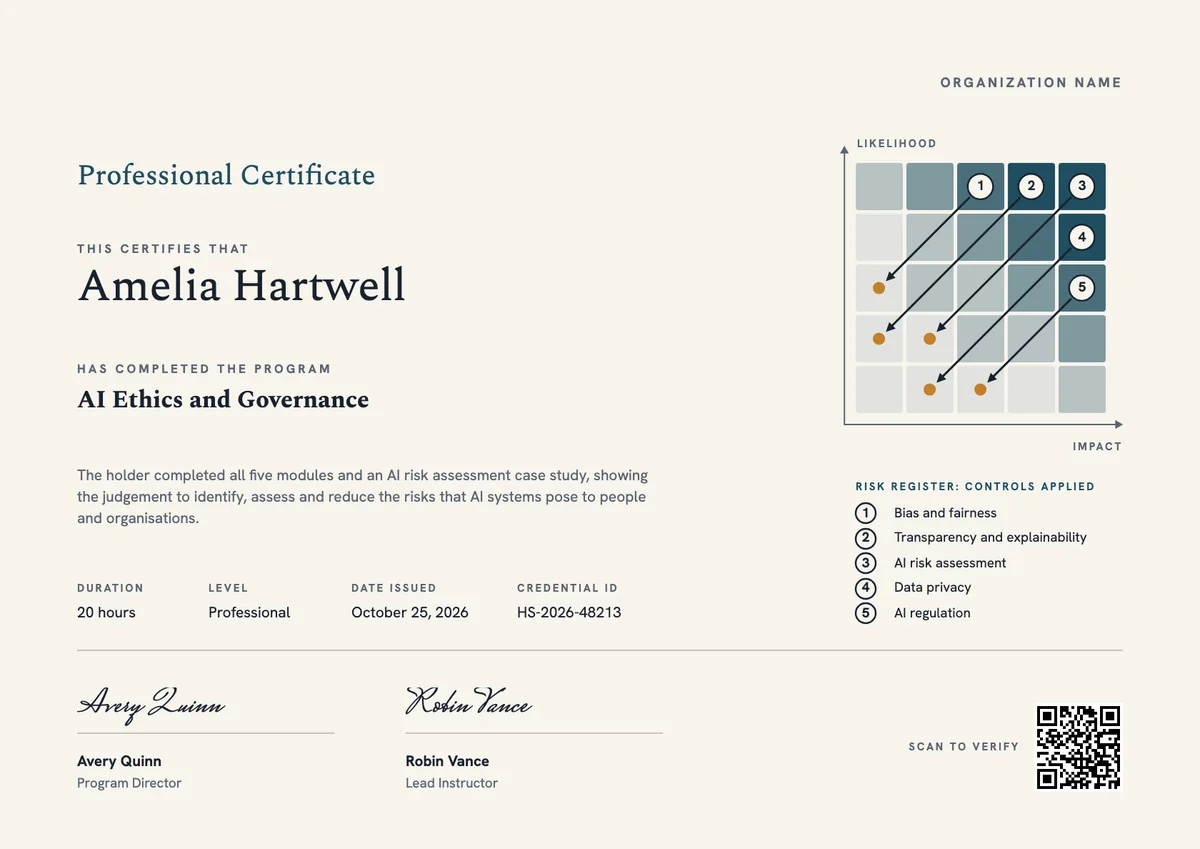
Your next cohort deserves better than a PDF
Set up in minutes, send your first credentials today, and only pay once you grow past 20 recipients a year.
Or open a live sample credential