UI/UX Design certificate templates and badges
3 free designs. A set is one design as a badge, a landscape or a portrait certificate, or all three.
Free for up to 20 recipients a year
Selected Layer set
Badge · Landscape · Portrait
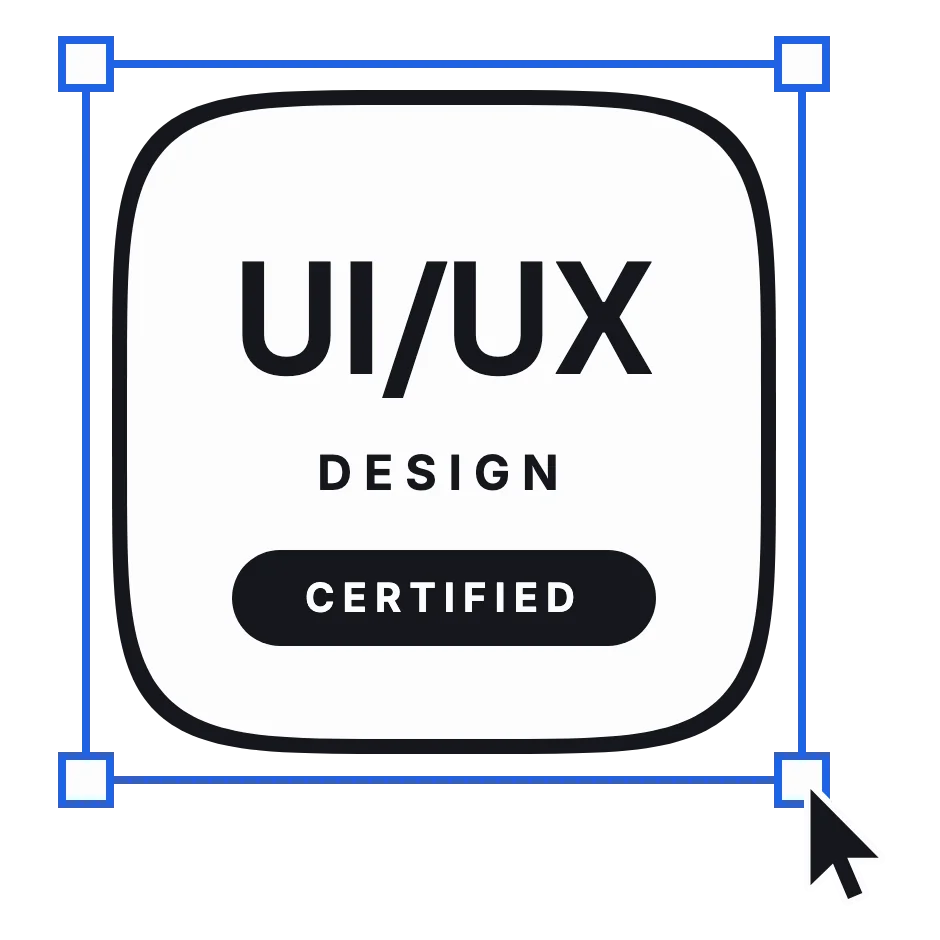
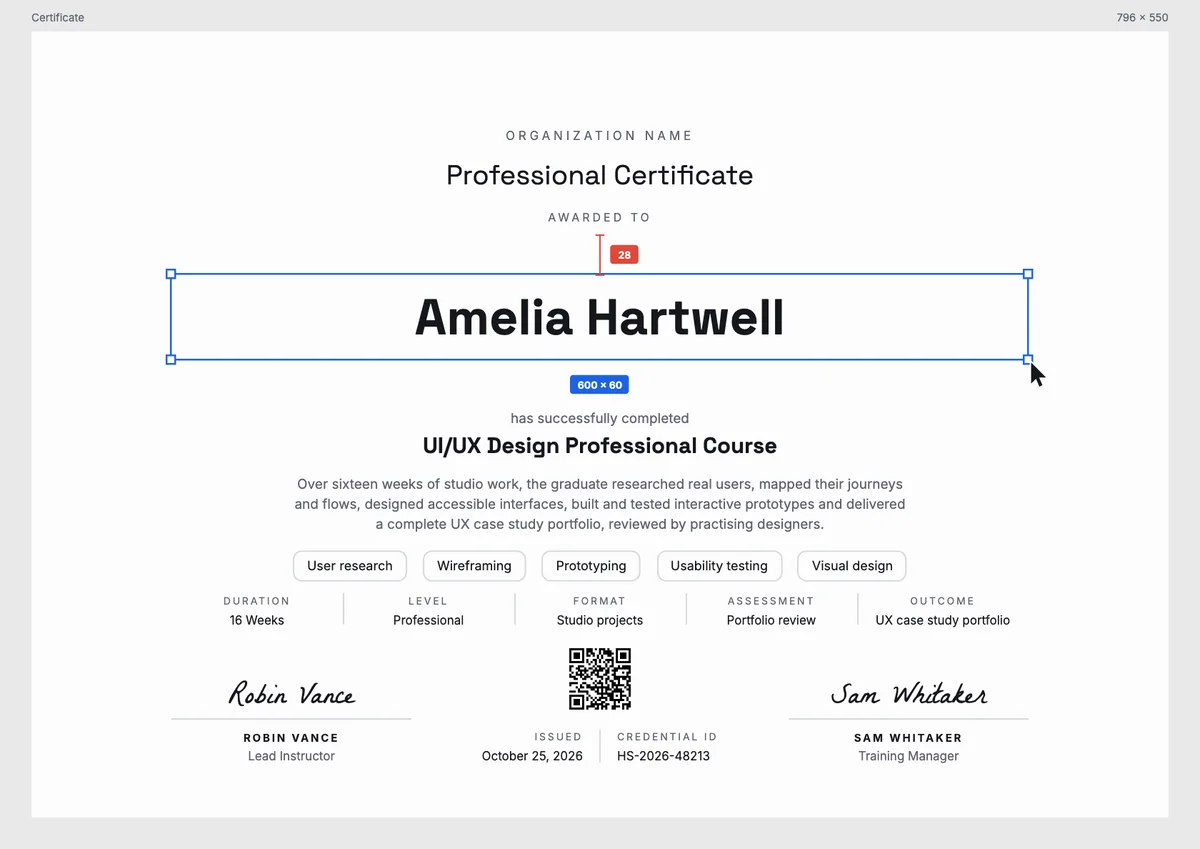
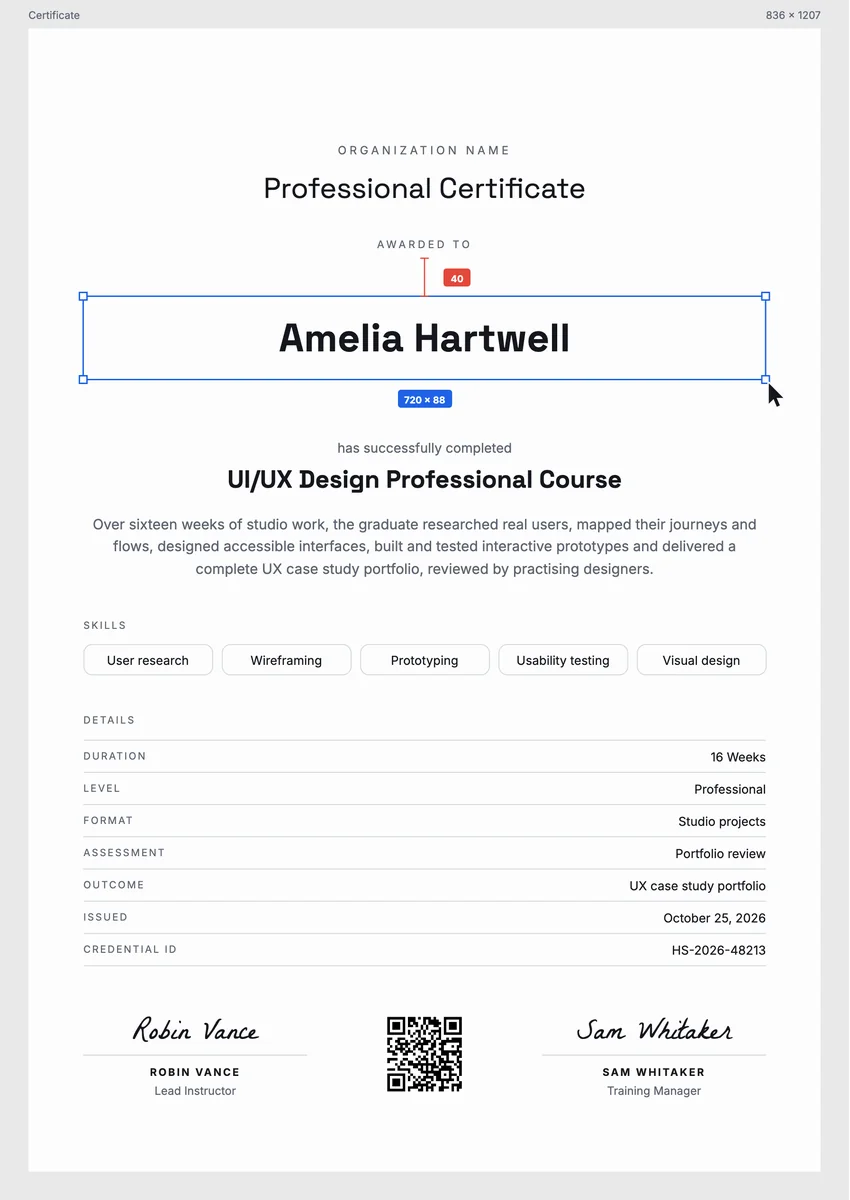
A UX design certificate template gives design schools, bootcamps, universities and in-house training teams a ready record for people who finish a UI/UX course. It is usually awarded at the end of the program, once the learner has presented a case study: the research, the user flows, the wireframes, the prototype and what changed after usability testing.
A good UI/UX design certificate says more than the course name. It lists the skills practised, the length and format of the program, how the work was assessed, the issue date and a credential ID, and it is signed by the lead instructor or the head of the program.
The designs here come as certificates in A4 and US Letter and as digital badges that graduates can add to a portfolio site or a LinkedIn profile.
Wording
What to write on a ui/ux design certificate
Use these lines as they are, or as a start for your own. Every template comes with wording you can change in the studio.
Wording for a UI/UX design course certificate
- “For completing sixteen weeks of studio work in user research, interaction design and usability testing.”
- “Awarded for researching real users, designing accessible interfaces and testing interactive prototypes.”
- “In recognition of a complete UX case study portfolio, reviewed by practising designers.”
Statements for a UX research or bootcamp certificate
- “For planning and running user interviews and turning the findings into clear design decisions.”
- “Awarded on completion of an intensive UI/UX bootcamp and a final product design project.”
- “For mapping user journeys, building wireframes and validating a prototype with real users.”
Short lines for a UI/UX badge
- “Certified in UI/UX design.”
- “Research, wireframes, prototypes, tested.”
Why send it with Hyperstack
More than a PDF
Customize the template free. When it is ready, send it to everyone at once.
One design, every name
Upload a spreadsheet and Hyperstack makes a professional certificate for each person on it, in one go.
Sent by email
Each recipient gets their own email and link. You see who opened it, downloaded it and shared it.
Anyone can verify it
The QR code opens a page that proves the certificate is real. Recipients add it to LinkedIn in one click.
FAQ
Questions, answered
After the final review of the learner's case study, not only at the end of the lessons. Tying the certificate to a reviewed portfolio project makes it show real skill, which is what hiring managers look for.
Five or six specific ones read better than a long general list. Name what the learner actually practised, such as user research, information architecture, wireframing, prototyping, usability testing, visual design or accessibility.
One signature works, but two read as more official. Pair the lead instructor with the head of the program or the training manager; for a company course, a design lead or head of design is a good second signer.
Yes. Design hiring depends on portfolios, so naming the case study as the outcome tells a reader that the graduate produced finished, reviewed work and did not only attend classes.
It draws the certificate as a frame on a design canvas, with the graduate's name selected like a layer: a blue box with handles, its size and a spacing redline. Designers recognise it at once from the tools they use every day.
More certificate templates
Your next cohort deserves better than a PDF
Set up in minutes, send your first credentials today, and only pay once you grow past 20 recipients a year.
Or open a live sample credential