Webinar certificate templates and badges
3 free designs. A set is one design as a badge, a landscape or a portrait certificate, or all three.
Free for up to 20 recipients a year
Session Scrubber set
Badge · Landscape · Portrait
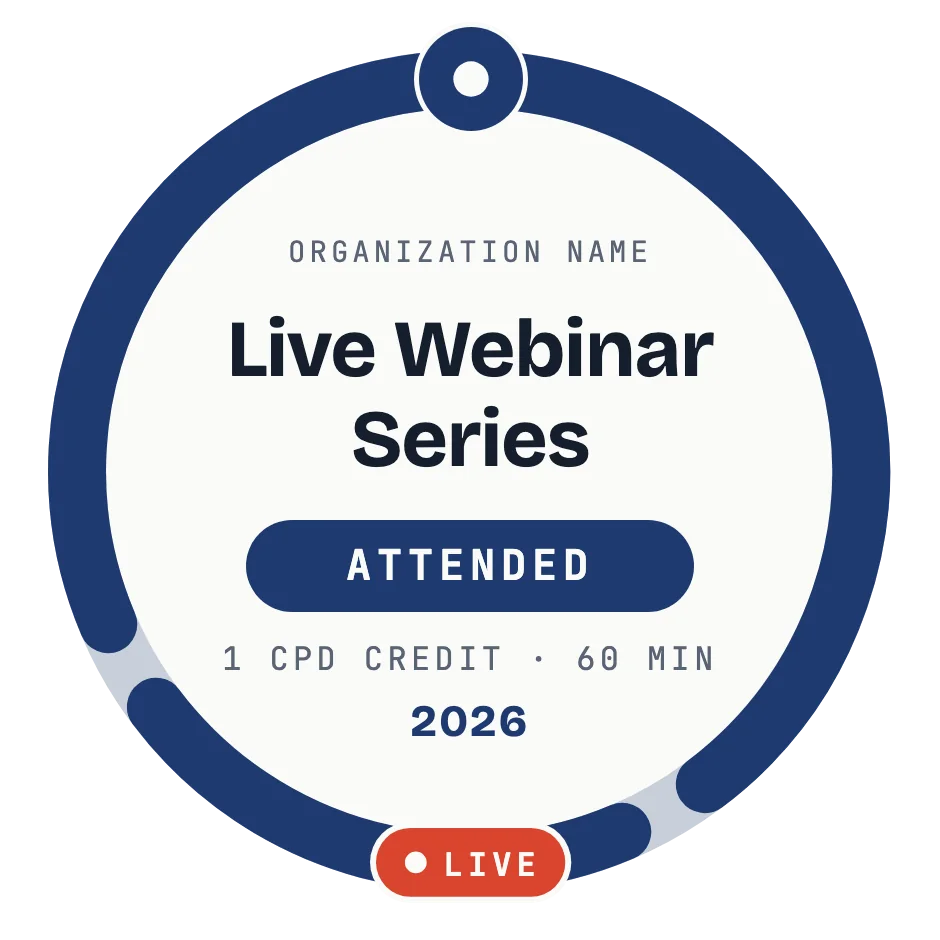
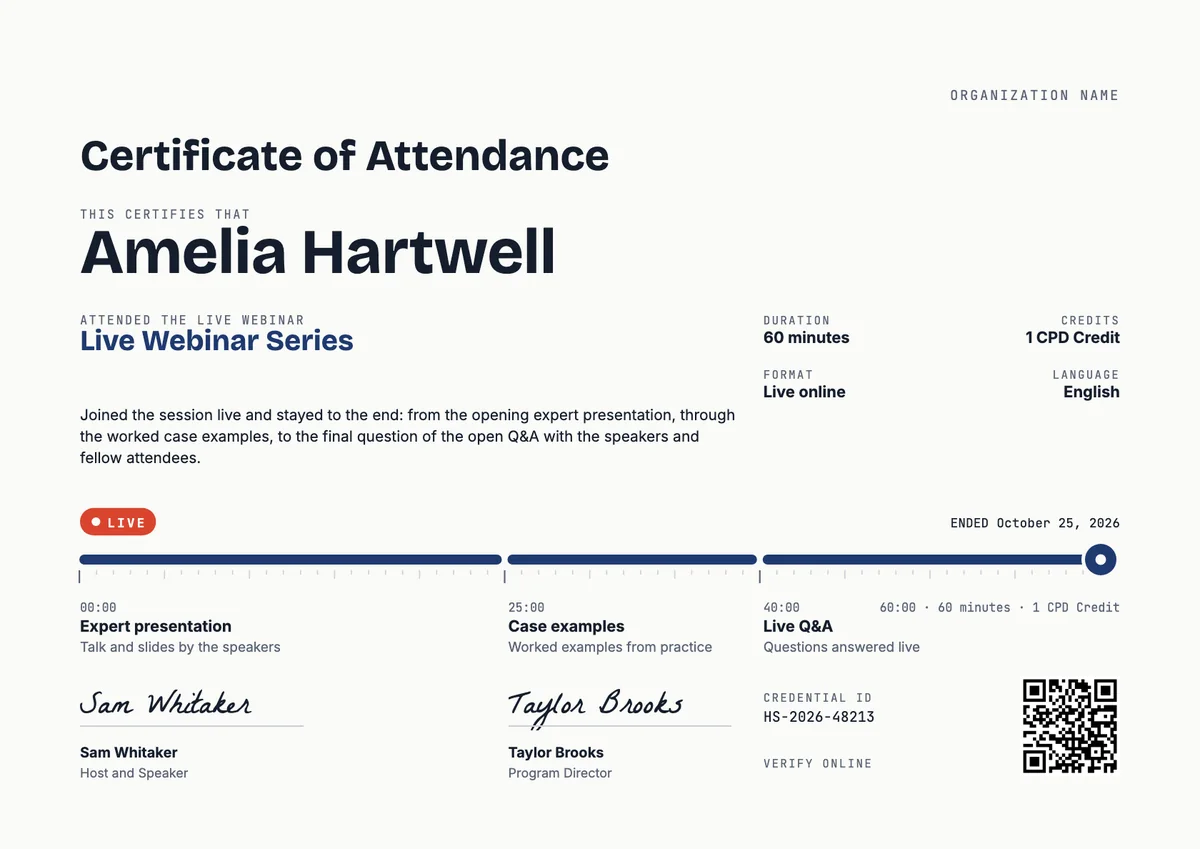
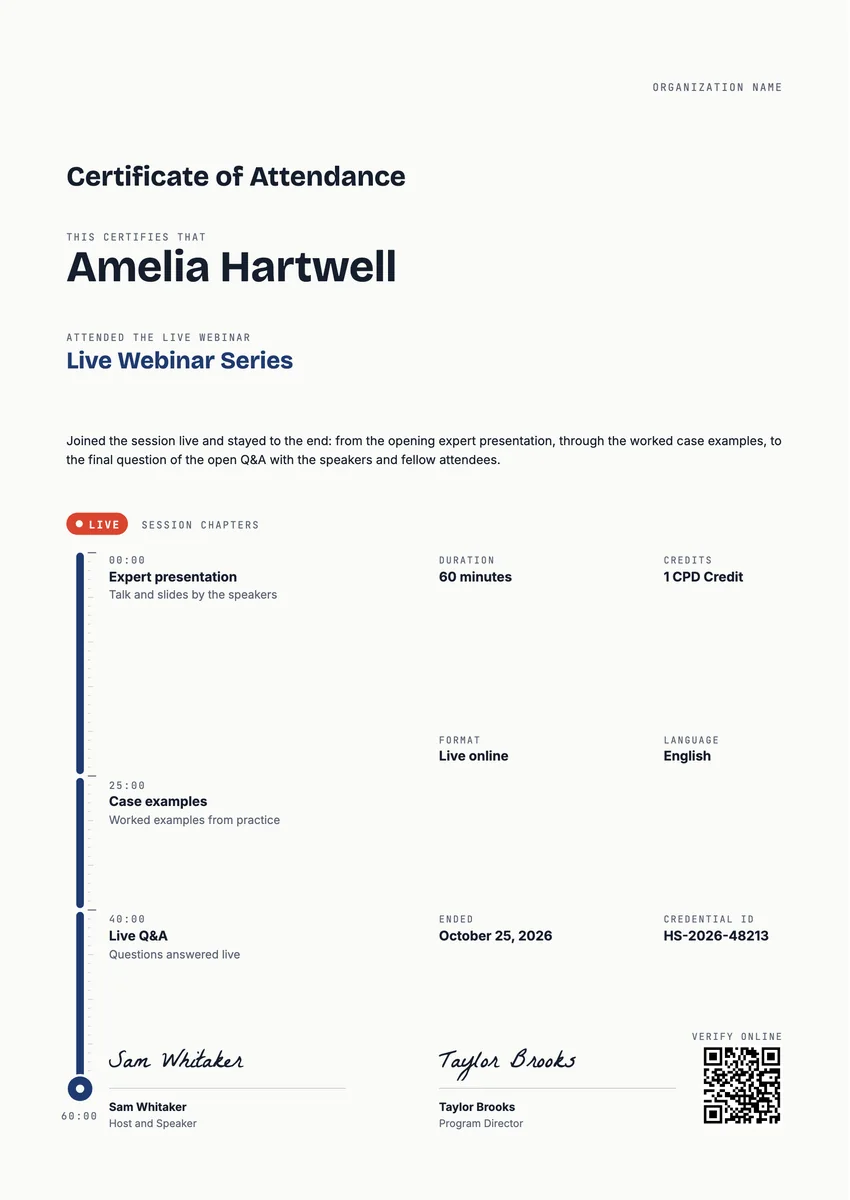
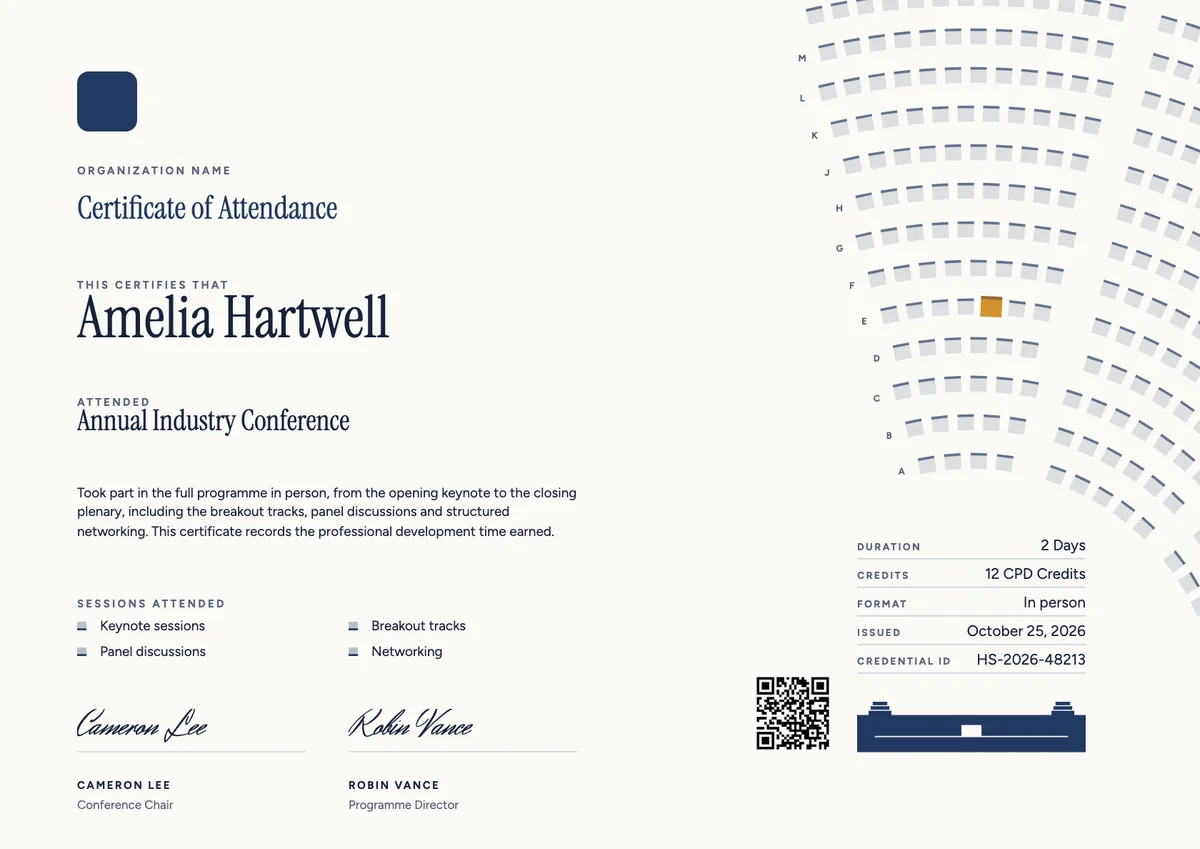
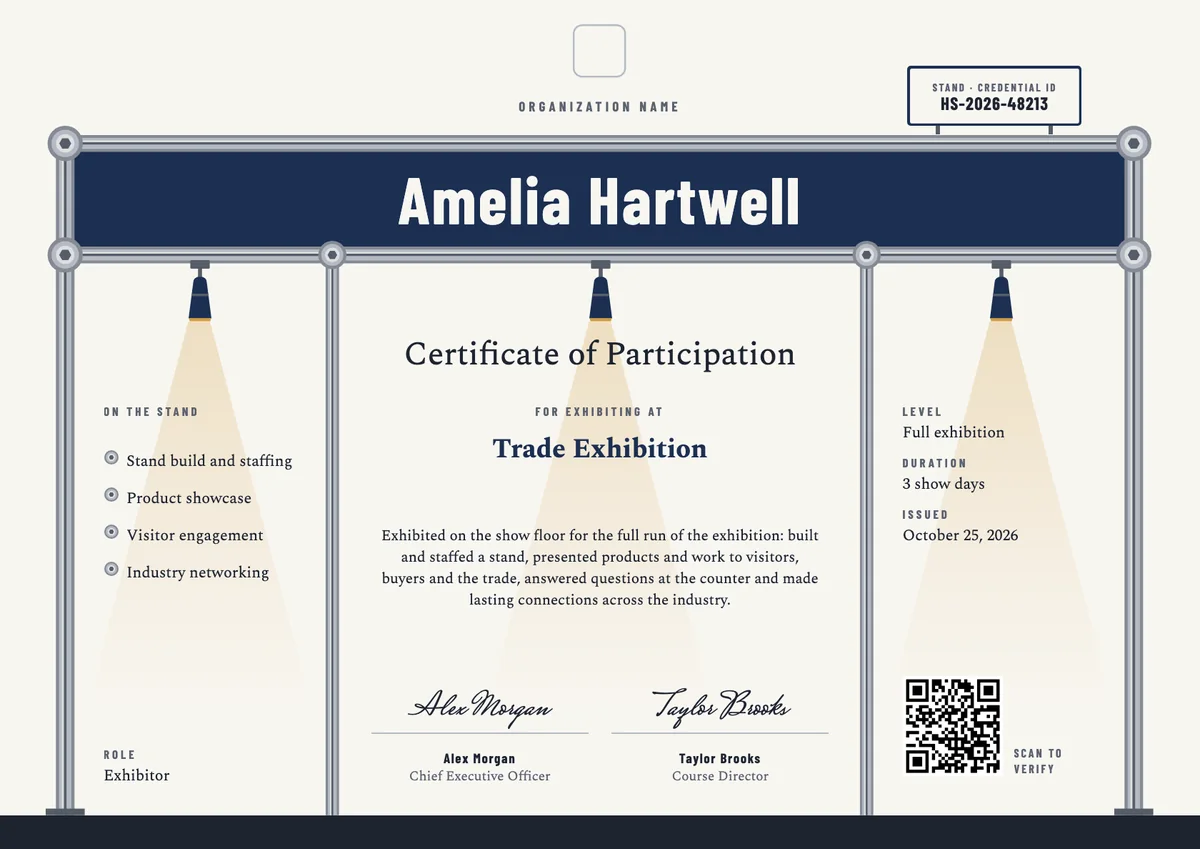
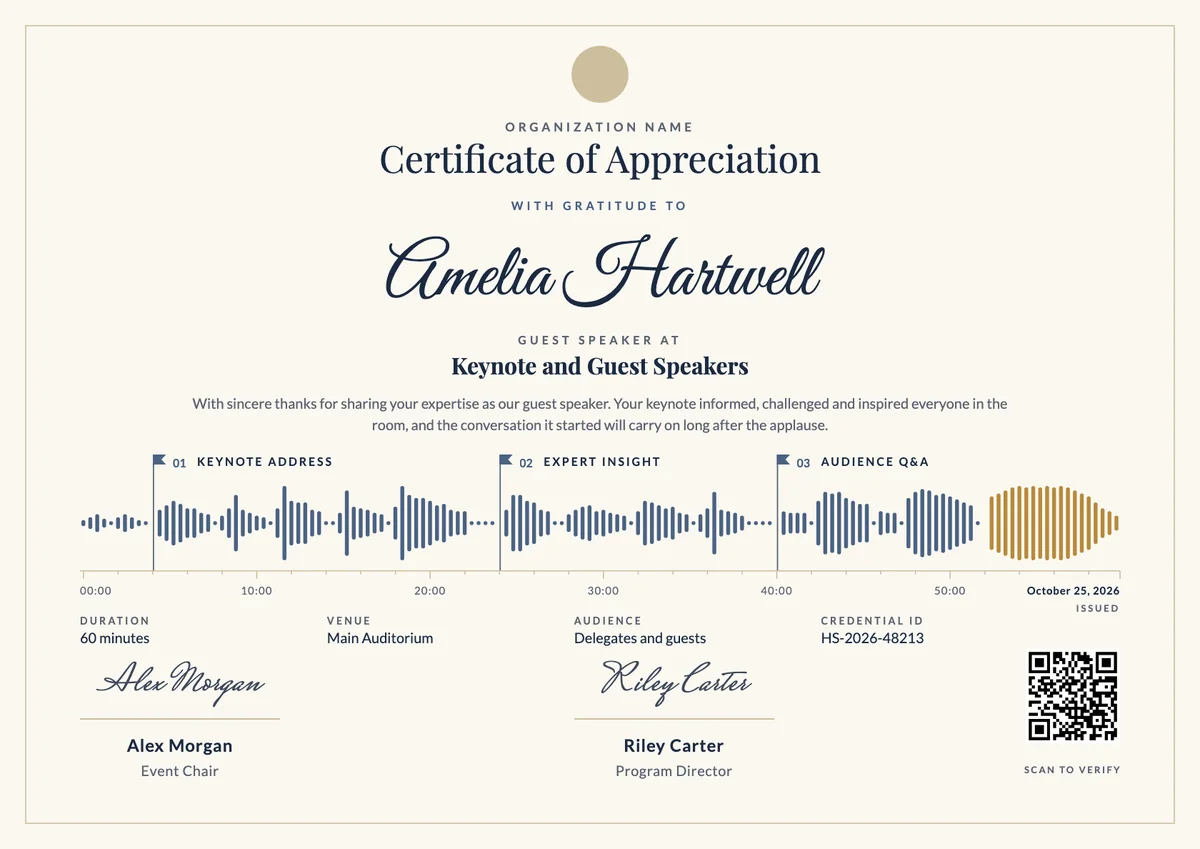
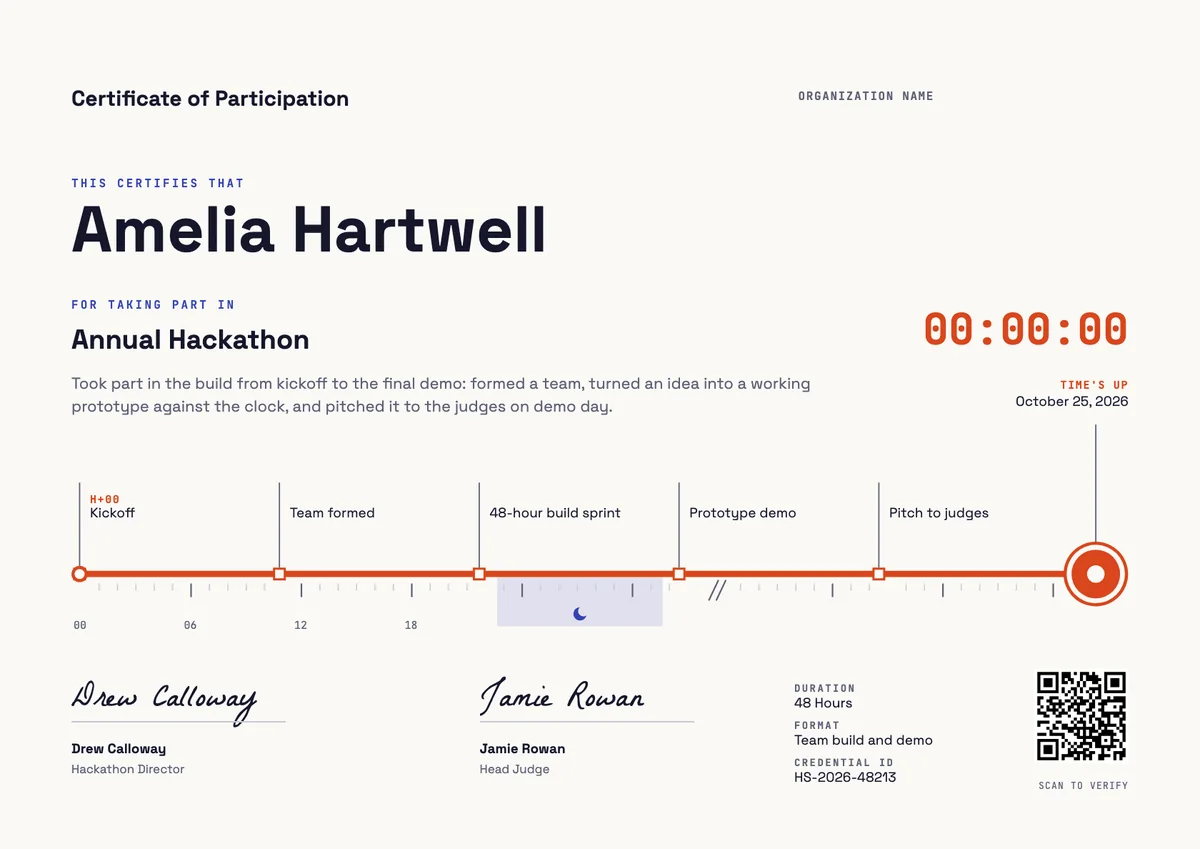
When a live online session ends, many attendees want something to show for the hour they gave it. A webinar certificate template lets a training company, a professional association, a university, a school network or a software vendor send every attendee a record of the session the same day, whether it was a one-off talk or one episode of a long series.
A good certificate of webinar attendance names the session and its host, the date it ran, how long it lasted and what it covered, and is signed by the presenter or the program lead. Teachers and other professionals often file it in a CPD log or an appraisal folder, so state credits or hours only when the accrediting body has approved them.
The designs here come as certificates in A4 and US Letter and as digital badges that attendees can add to a profile or an email signature.
Wording
What to write on a webinar certificate
Use these lines as they are, or as a start for your own. Every template comes with wording you can change in the studio.
Wording for a certificate of webinar attendance
- “For attending the live webinar Classroom Assessment That Works, presented on 14 March 2026.”
- “Joined the session live and stayed for the full presentation and the open Q&A.”
- “In recognition of one hour of professional learning in our Live Webinar Series.”
Wording for a webinar series or a CPD session
- “Completed all six sessions of the Spring Webinar Series for school leaders.”
- “Attended a 60-minute online session on data protection for small businesses, worth 1 CPD hour.”
- “For taking part in the monthly product briefing and its live demonstration.”
Short lines for the badge or the email
- “Attended live. Thank you for joining us.”
- “One hour well spent: webinar attended.”
Why send it with Hyperstack
More than a PDF
Customize the template free. When it is ready, send it to everyone at once.
One design, every name
Upload a spreadsheet and Hyperstack makes a certificate of attendance for each person on it, in one go.
Sent by email
Each recipient gets their own email and link. You see who opened it, downloaded it and shared it.
Anyone can verify it
The QR code opens a page that proves the certificate is real. Recipients add it to LinkedIn in one click.
FAQ
Questions, answered
That is the host's choice, but say it clearly. Many hosts keep the certificate for webinar attendees who joined live, and give people who watched the full recording and answered a short quiz a separate certificate of completion.
Most webinar platforms export an attendance report with join and leave times. Set a minimum, for example 45 minutes of a 60-minute session, and issue certificates only to the people on the report who meet it.
Often yes, but the rules belong to the employer, the school system or the licensing body, not to the host. Put the session title, the date and the length on the certificate so the teacher can log it, and add credit hours only when an approved provider awarded them.
Use the date the session ran in the host's time zone, and add the time zone if the session crossed midnight for some attendees. For an on-demand replay, use the date the person finished watching it.
Both work. A certificate per session gives attendees a record straight away; a single certificate at the end of the series rewards people who came to every session. Some hosts do both, with a badge for the full series.
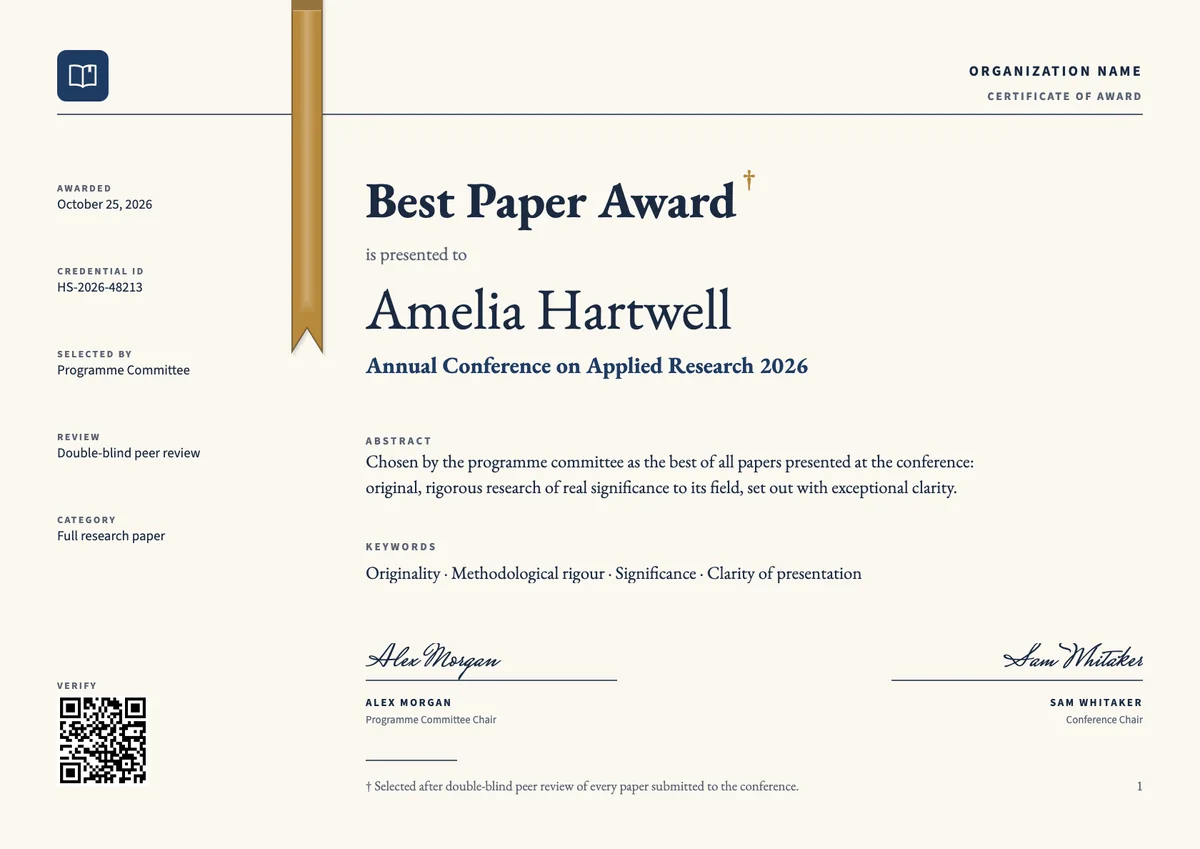
Your next cohort deserves better than a PDF
Set up in minutes, send your first credentials today, and only pay once you grow past 20 recipients a year.
Or open a live sample credential