Work Experience certificate templates and badges
3 free designs. A set is one design as a badge, a landscape or a portrait certificate, or all three.
Free for up to 20 recipients a year
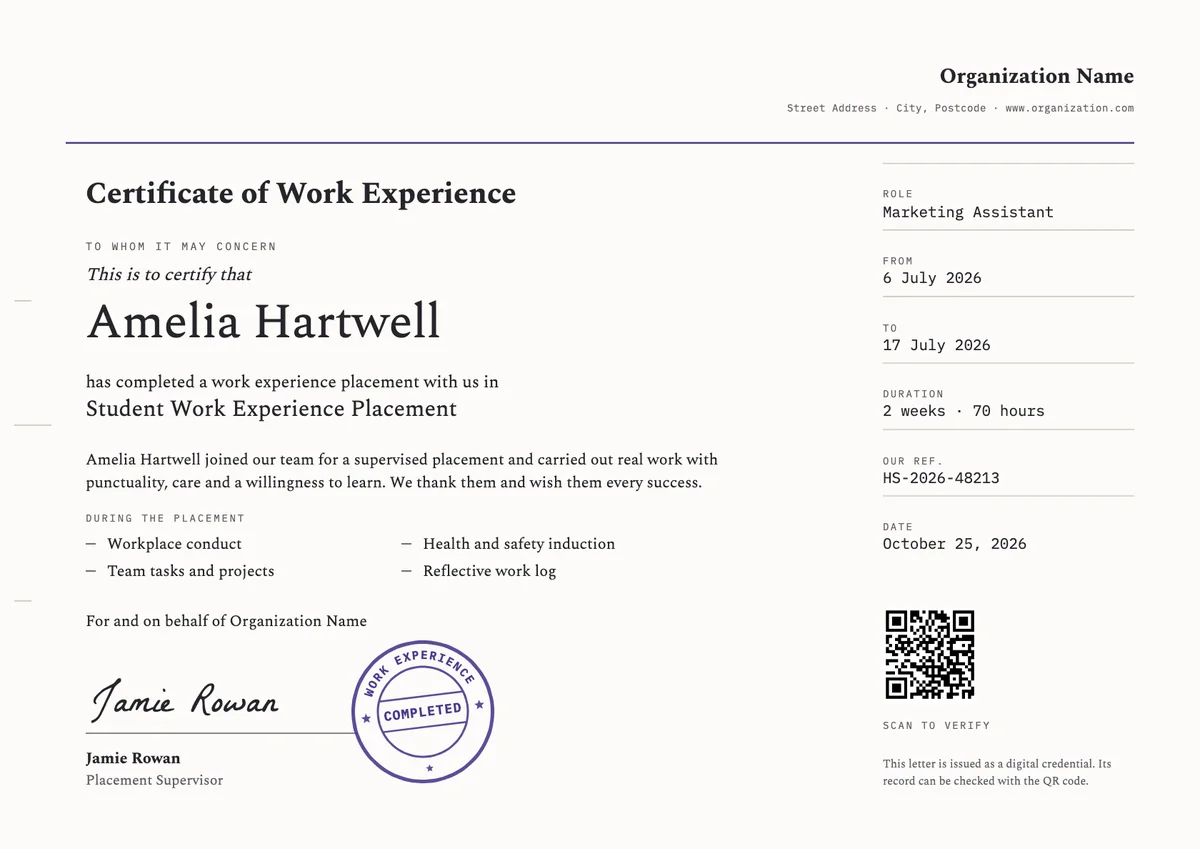
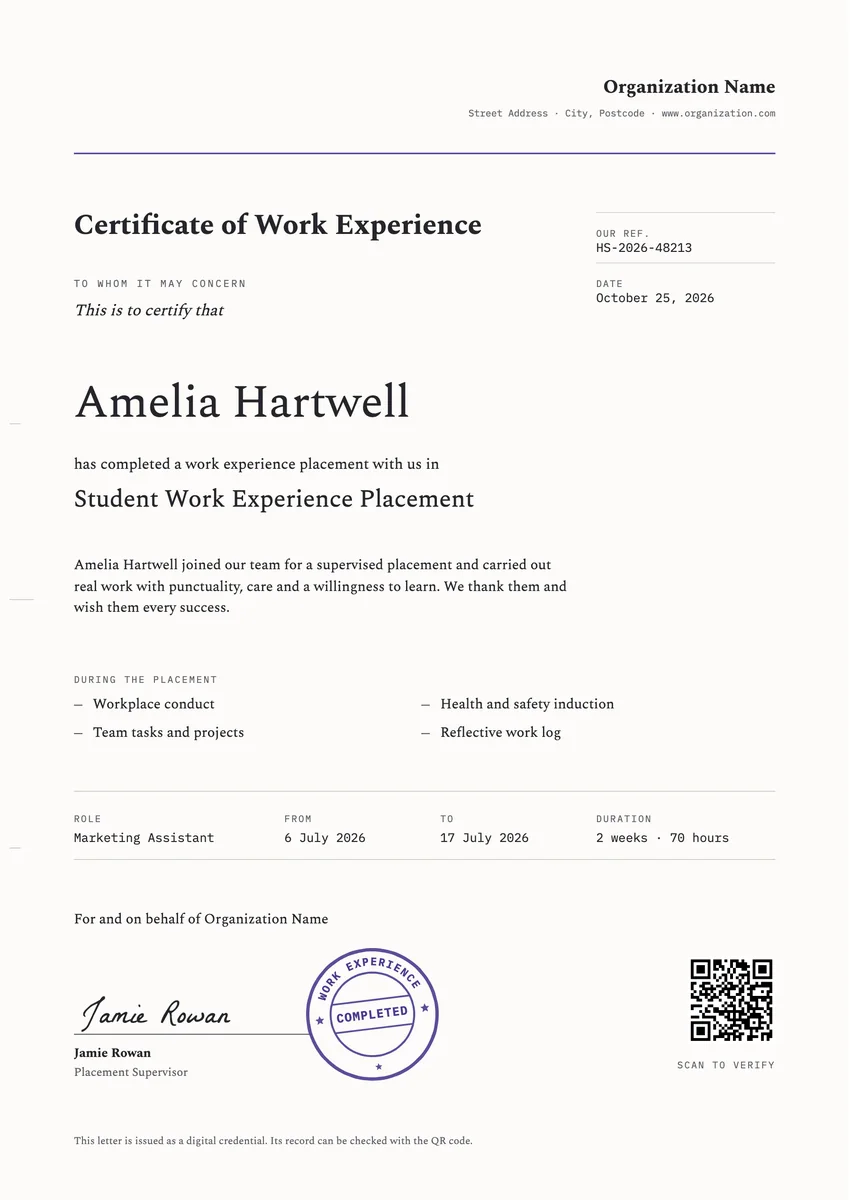
A work experience certificate template gives a host employer a quick, proper way to record a placement: a week in an office for a school student, a fortnight on a hospital ward for a college learner, or a few months of supported work for an adult returning to a job. Schools, colleges, councils and employers hand it over on the last day, and the student keeps it in a portfolio or a record of achievement.
A good one reads like a reference. It names the person, the host organisation, the role, the start and end dates and the hours, lists the tasks they did, and carries the signature of the supervisor who saw the work.
The designs come as certificates in A4 and US Letter, and as digital badges the student can add to a CV, a college application or a first LinkedIn profile.
Wording
What to write on a work experience certificate
Use these lines as they are, or as a start for your own. Every template comes with wording you can change in the studio.
Wording for a school work experience certificate
- “This is to certify that [name] completed a one-week work experience placement with our team in the marketing department.”
- “In recognition of a work placement completed with punctuality, care and a willingness to learn.”
- “Thank you for joining us for two weeks of work experience. You were a real help to the team.”
Lines for a certificate of work experience for adults
- “This certificate confirms that [name] worked with us as a Customer Service Assistant from 3 March to 28 March, 16 hours a week.”
- “For completing a supported work placement and taking on real responsibility in the role.”
- “Awarded on completion of a supervised placement, including a health and safety induction and team tasks.”
Short lines for the badge or the email
- “Placement complete. Well done.”
- “Your first steps into the world of work.”
Why send it with Hyperstack
More than a PDF
Customize the template free. When it is ready, send it to everyone at once.
One design, every name
Upload a spreadsheet and Hyperstack makes a certificate of completion for each person on it, in one go.
Sent by email
Each recipient gets their own email and link. You see who opened it, downloaded it and shared it.
Anyone can verify it
The QR code opens a page that proves the certificate is real. Recipients add it to LinkedIn in one click.
FAQ
Questions, answered
The student's name, the host organisation, the role or department, the start and end dates, the total hours or days, a short list of the tasks done, the date it was issued and the supervisor's signature with their job title. A reference number helps if a college or employer wants to check it later.
The person who supervised the student day to day, such as a team leader or department manager. Some schools also ask for a signature from the placement coordinator. A named signer with a role is what makes the certificate useful as a reference.
Not quite. The certificate confirms the facts of the placement: who, where, when and what tasks. A reference letter gives an opinion on the person's character and ability. Many hosts give the certificate to every student and write a reference only when asked.
Yes. For a school student, even a one-week placement is often their first entry on a CV, and a signed record of it helps in sixth-form, college and apprenticeship applications. Keep the wording honest about the length and the tasks.
On the last day of the placement or within a few days of it, while the supervisor still remembers the details. Giving it in person at a short end-of-placement chat makes it feel earned.
More certificate templates
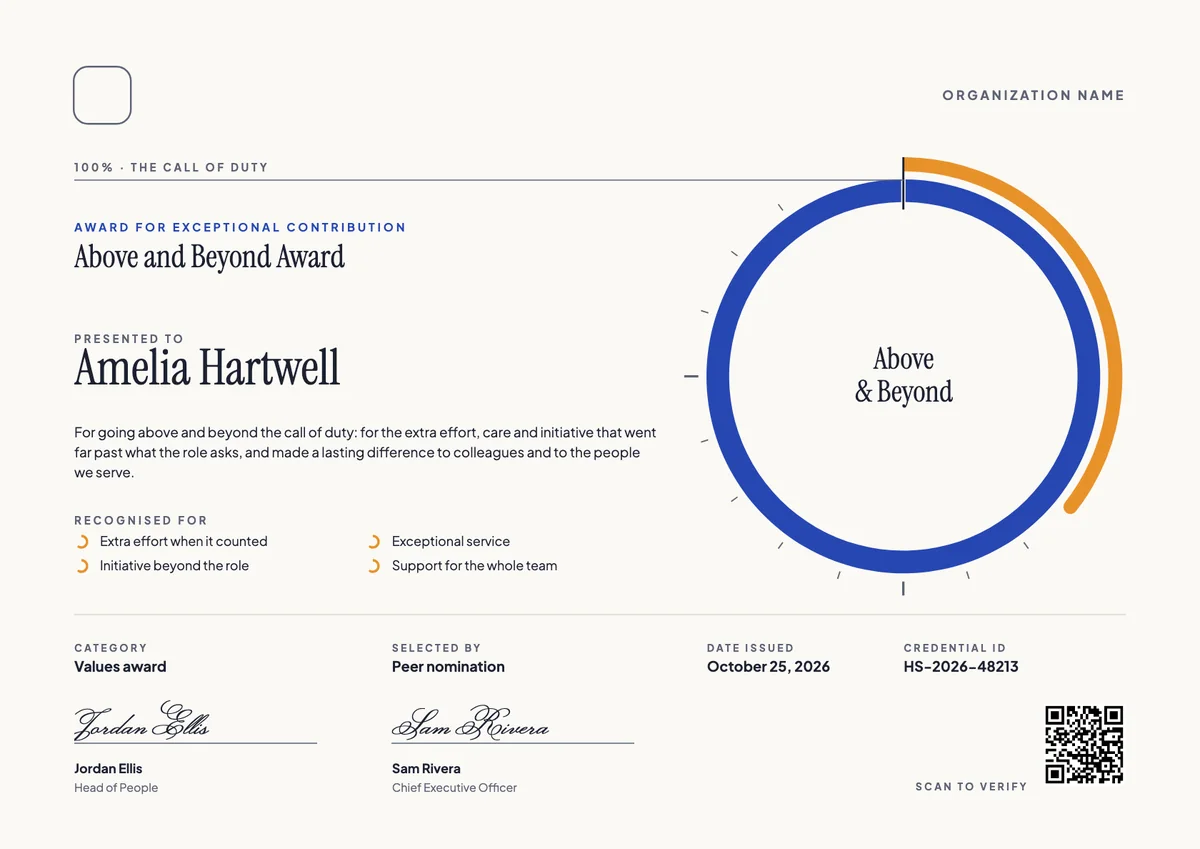
Your next cohort deserves better than a PDF
Set up in minutes, send your first credentials today, and only pay once you grow past 20 recipients a year.
Or open a live sample credential