Course Completion Badge certificate templates and badges
3 free designs. A set is one design as a badge, a landscape or a portrait certificate, or all three.
Free for up to 20 recipients a year
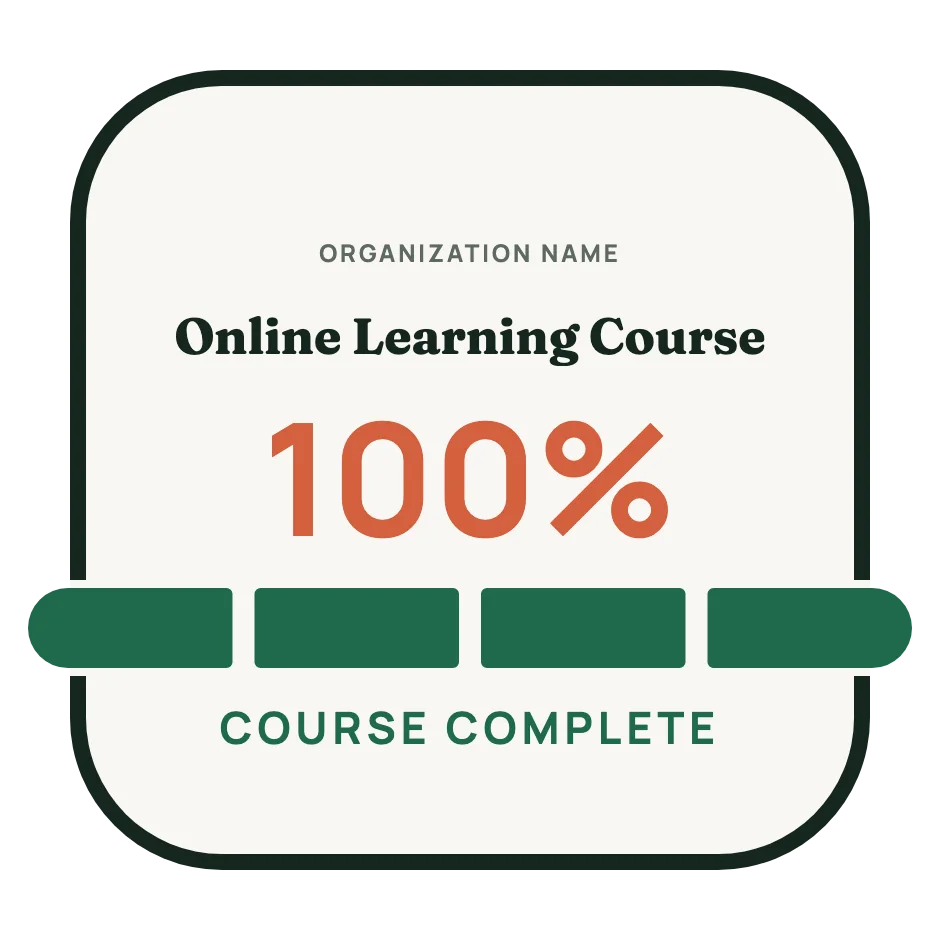
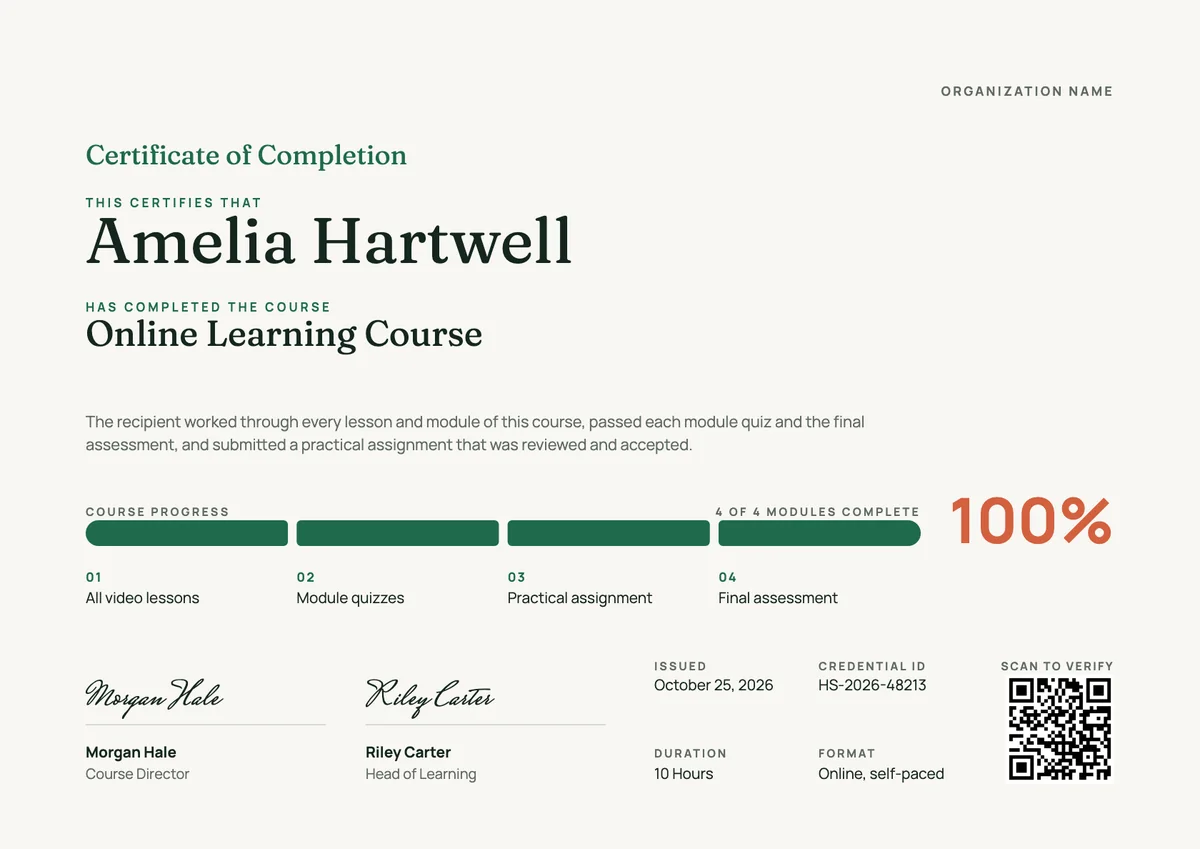
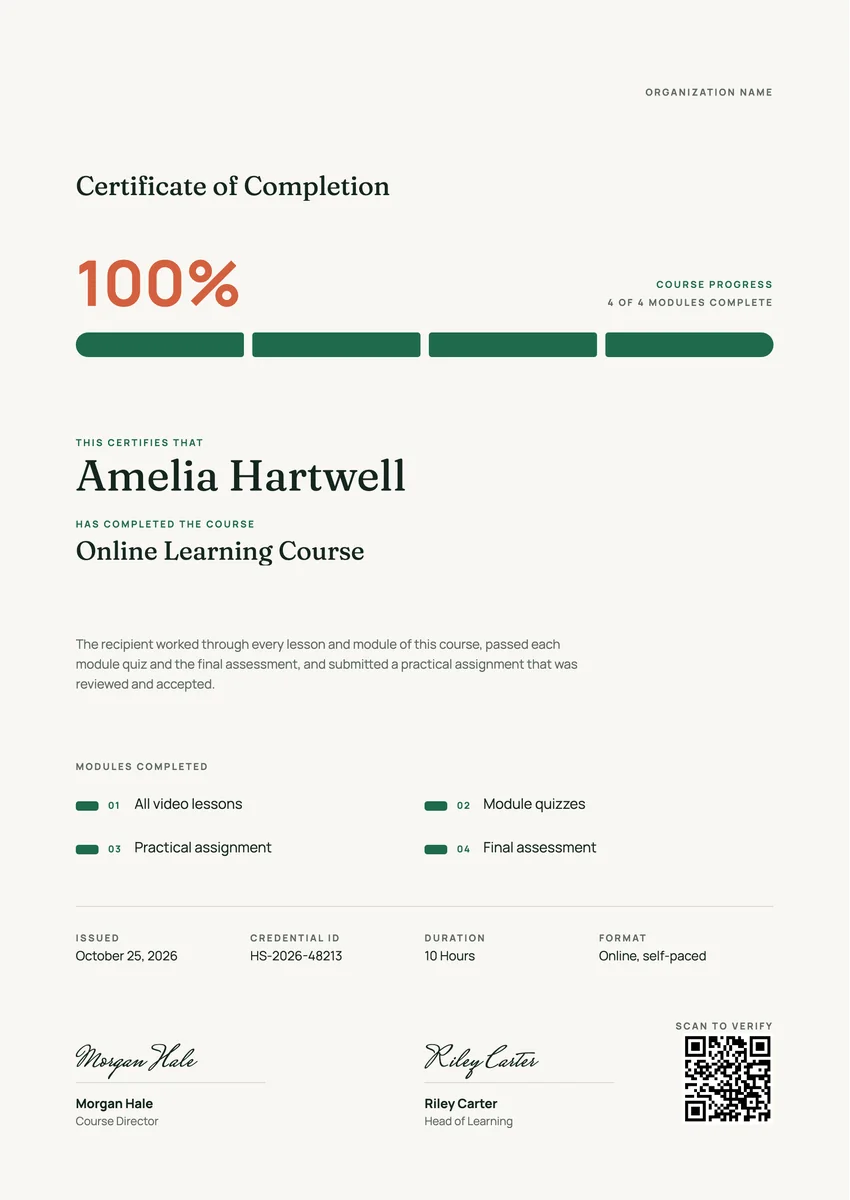
A course completion badge template gives you a ready design for the small digital award a learner gets the moment a course is done. Online course platforms, training providers, company academies and universities with short courses issue these badges after the last module and the final assessment, so the learner has something to show on a LinkedIn profile, in an email signature or in a digital portfolio.
A good completion badge is simple enough to read at thumbnail size: the course name, the issuer and a clear sign that the course is finished. Behind the image, a digital badge carries the details a reader needs to trust it: who issued it, what the learner had to do, and the date. Many providers also give a full course completion certificate with the hours, the modules and a signature.
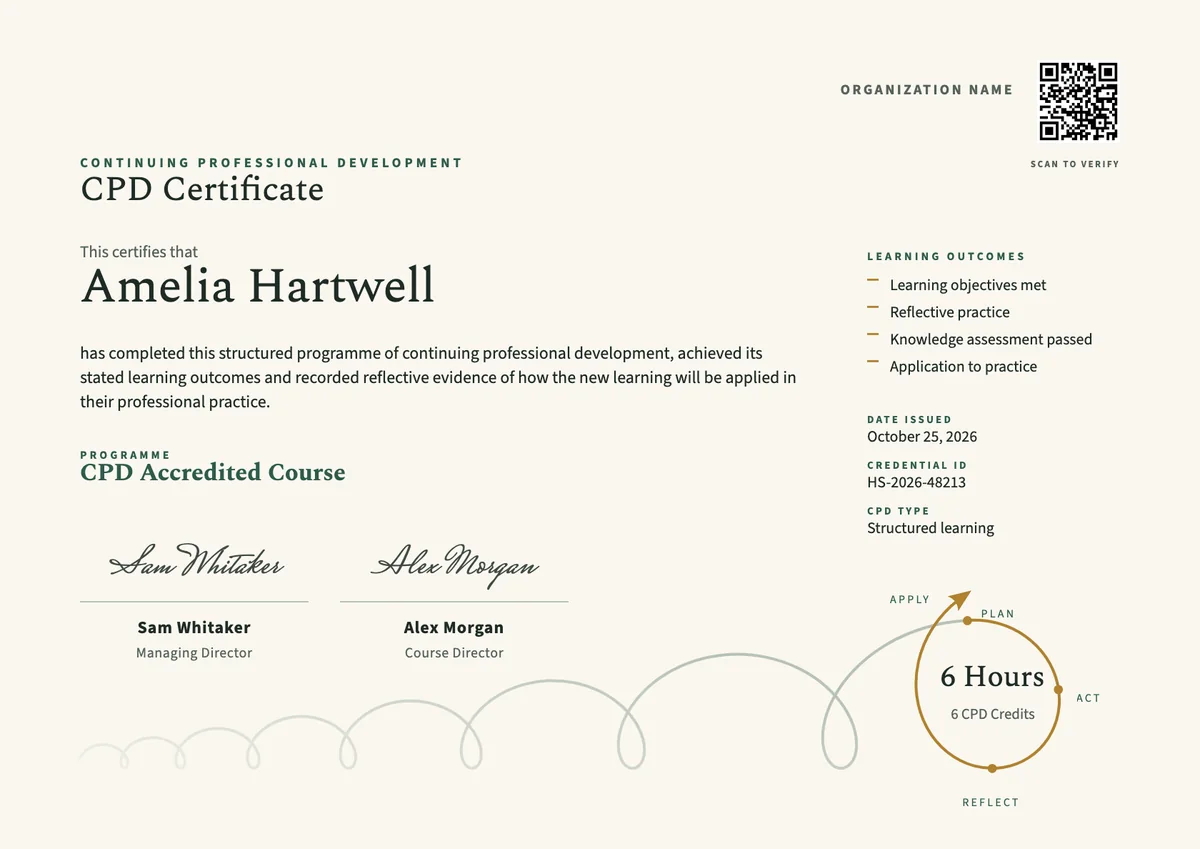
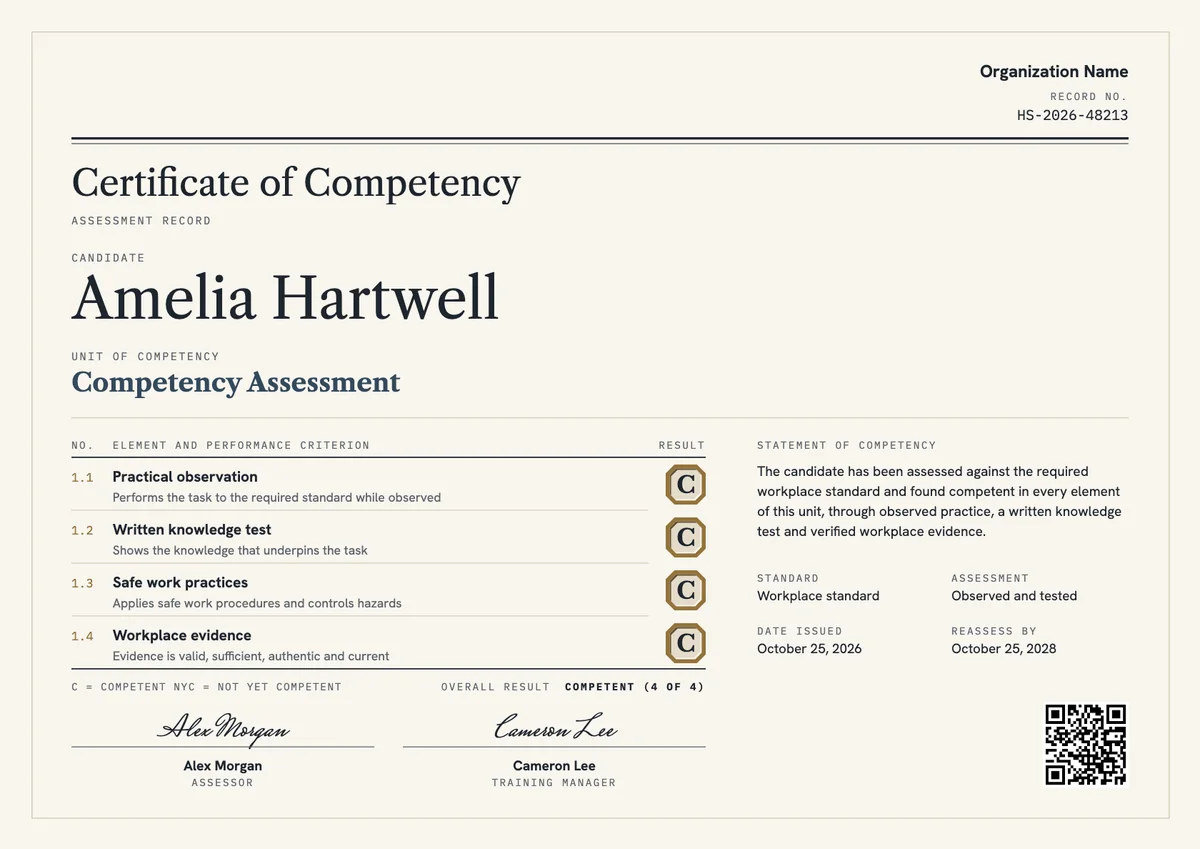
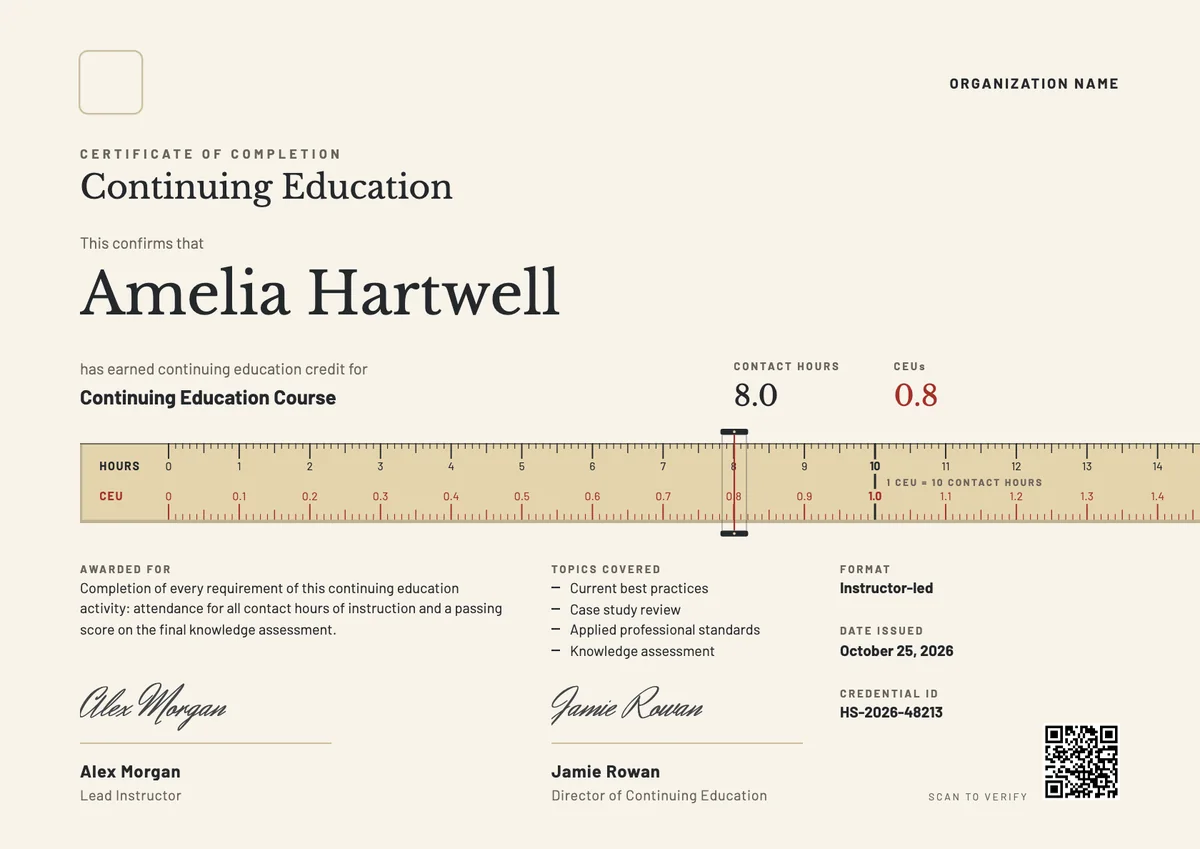
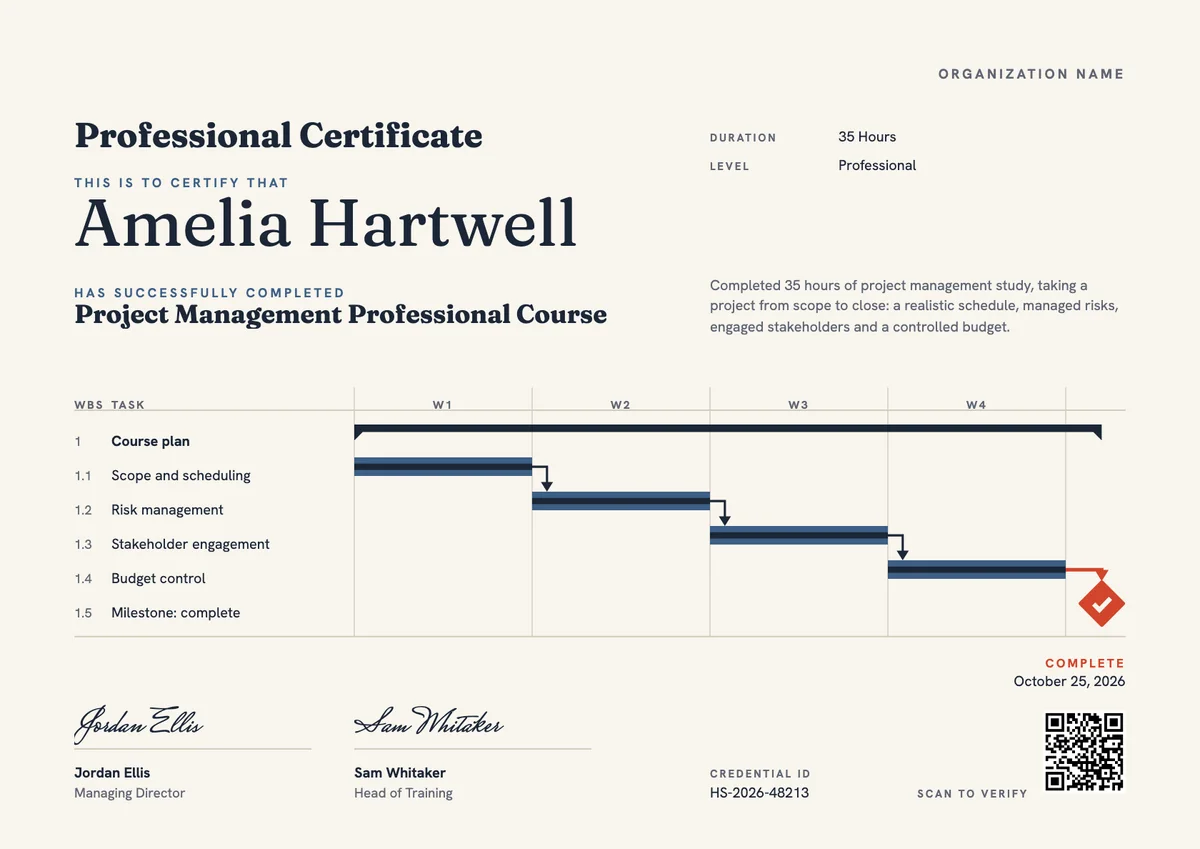
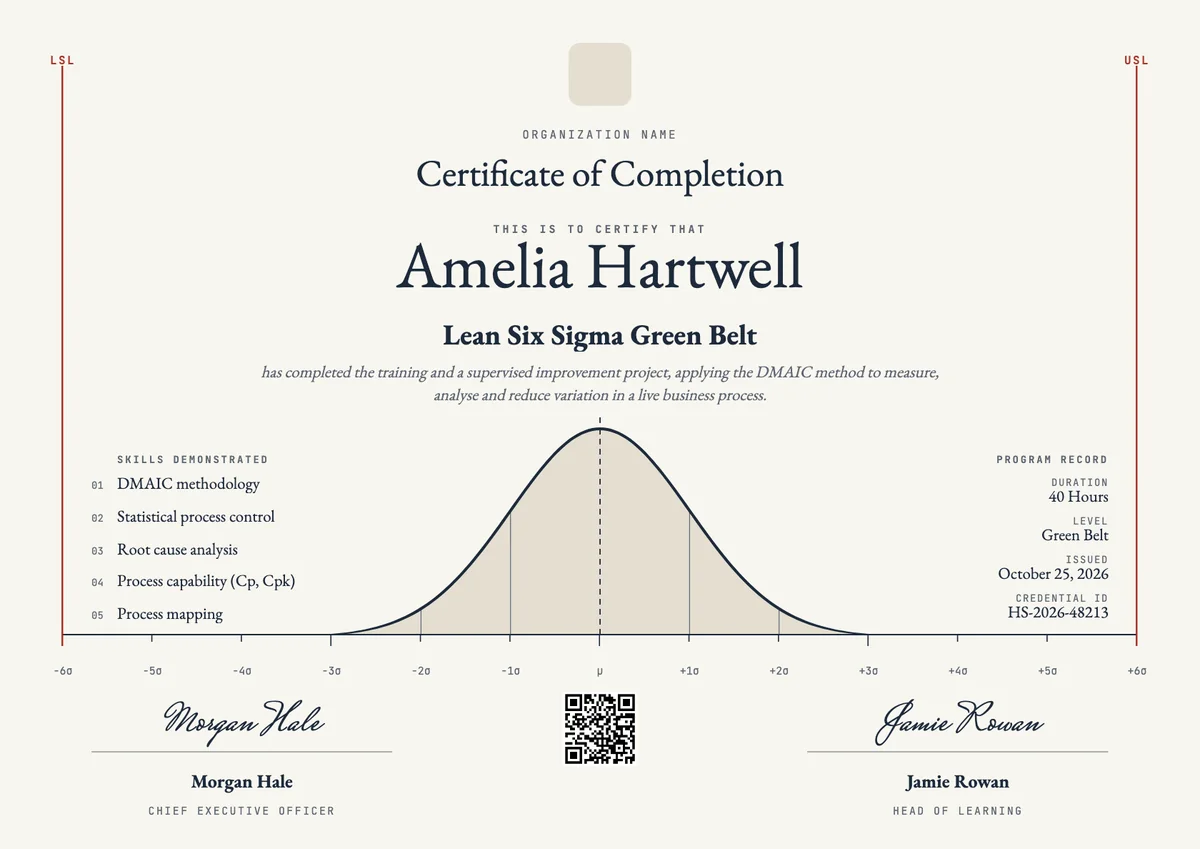
The designs here come as badges and as certificates in A4 and US Letter, so you can issue a matching pair from one course.
Wording
What to write on a course completion badge certificate
Use these lines as they are, or as a start for your own. Every template comes with wording you can change in the studio.
Short lines for a course completion badge
- “Course complete”
- “All modules finished”
- “Completed with final assessment”
Badge description and earning criteria
- “Awarded to learners who complete every module of the course and pass the final quiz.”
- “Earned by finishing all lessons, the module checks and the practical assignment.”
- “Shows that the holder completed 10 hours of guided online learning on this subject.”
Wording for the matching completion certificate
- “This certifies that the learner has completed the course and met all of its requirements.”
- “For completing every module of the course and passing the final assessment.”
Why send it with Hyperstack
More than a PDF
Customize the template free. When it is ready, send it to everyone at once.
One design, every name
Upload a spreadsheet and Hyperstack makes a badge for each person on it, in one go.
Sent by email
Each recipient gets their own email and link. You see who opened it, downloaded it and shared it.
Anyone can verify it
The QR code opens a page that proves the certificate is real. Recipients add it to LinkedIn in one click.
FAQ
Questions, answered
It depends on who will read it. The badge is made to be shared online, on a profile or in a signature. A full certificate page with the hours, modules, signature and credential ID is easier to print or attach to an application, so many providers issue both for the same course.
State exactly what the learner did: for example, completed all six modules, passed the final quiz with 70% or more, and submitted the practical assignment. Clear criteria let an employer understand the badge without contacting you.
Not always. Many providers use one design for all courses and change only the course name, so their badges look like a family. A flagship program or a course series can have its own design to stand out.
Most add it to the Licenses and Certifications section of LinkedIn, an email signature, a CV or an online portfolio. Each place links back to the badge's page, where anyone can see the issuer and check that it is real.
Yes. Providers often group short courses into a learning path: each course earns its own badge, and a learner who collects all of them receives a higher badge or certificate for the full path.
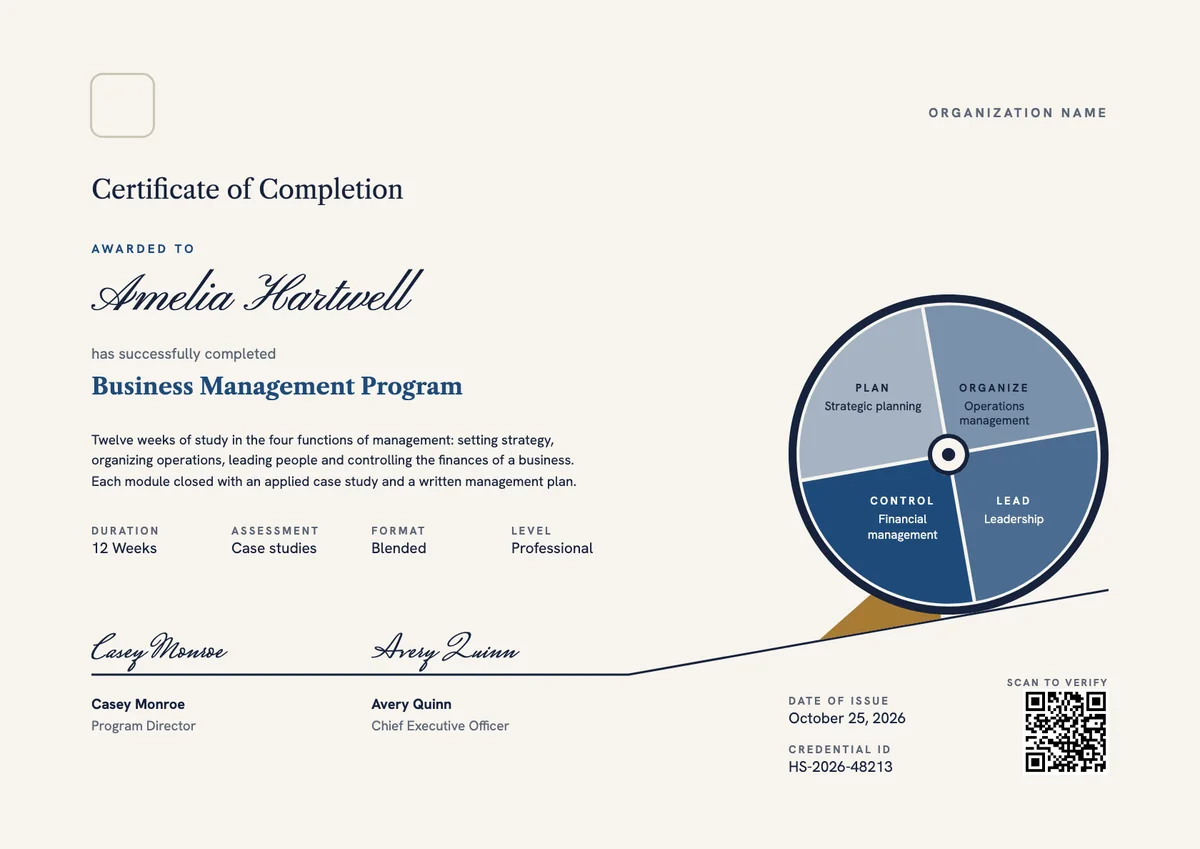
Your next cohort deserves better than a PDF
Set up in minutes, send your first credentials today, and only pay once you grow past 20 recipients a year.
Or open a live sample credential