Progress Bar Course Completion Badge Badge
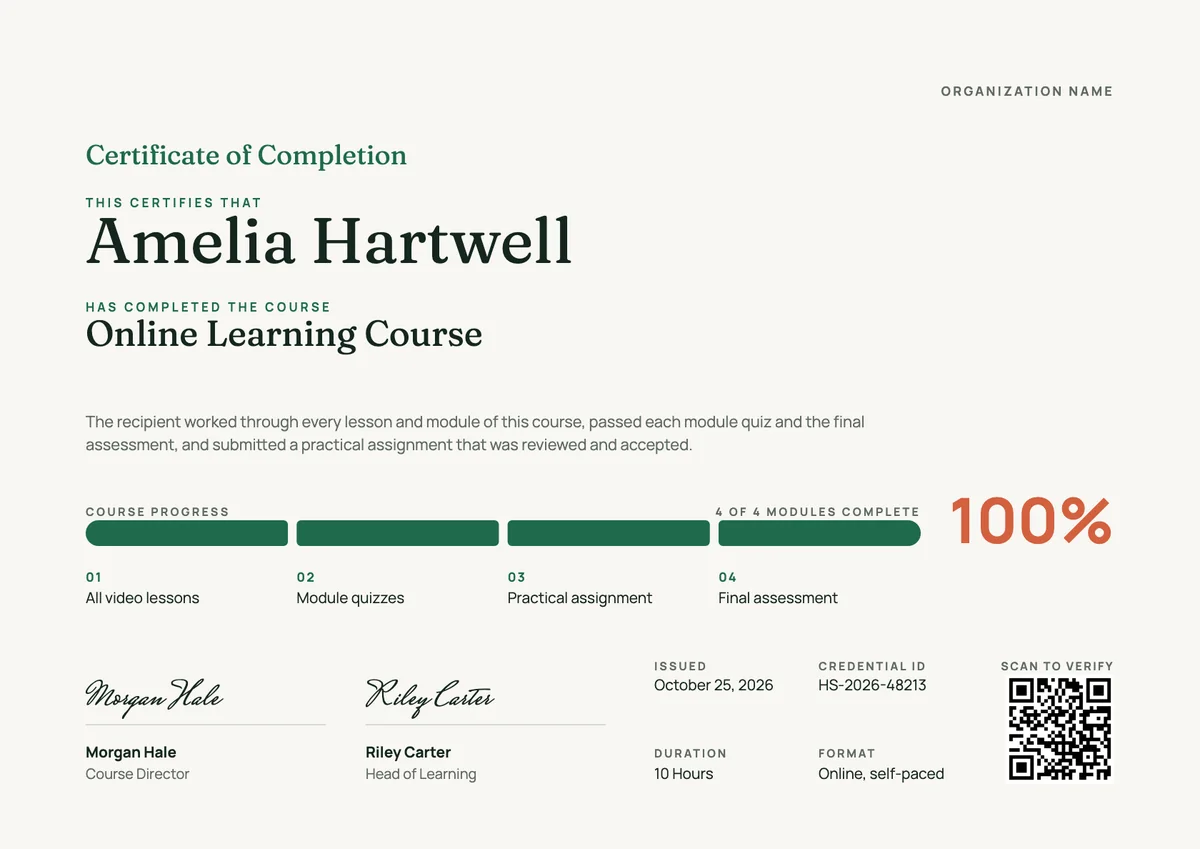
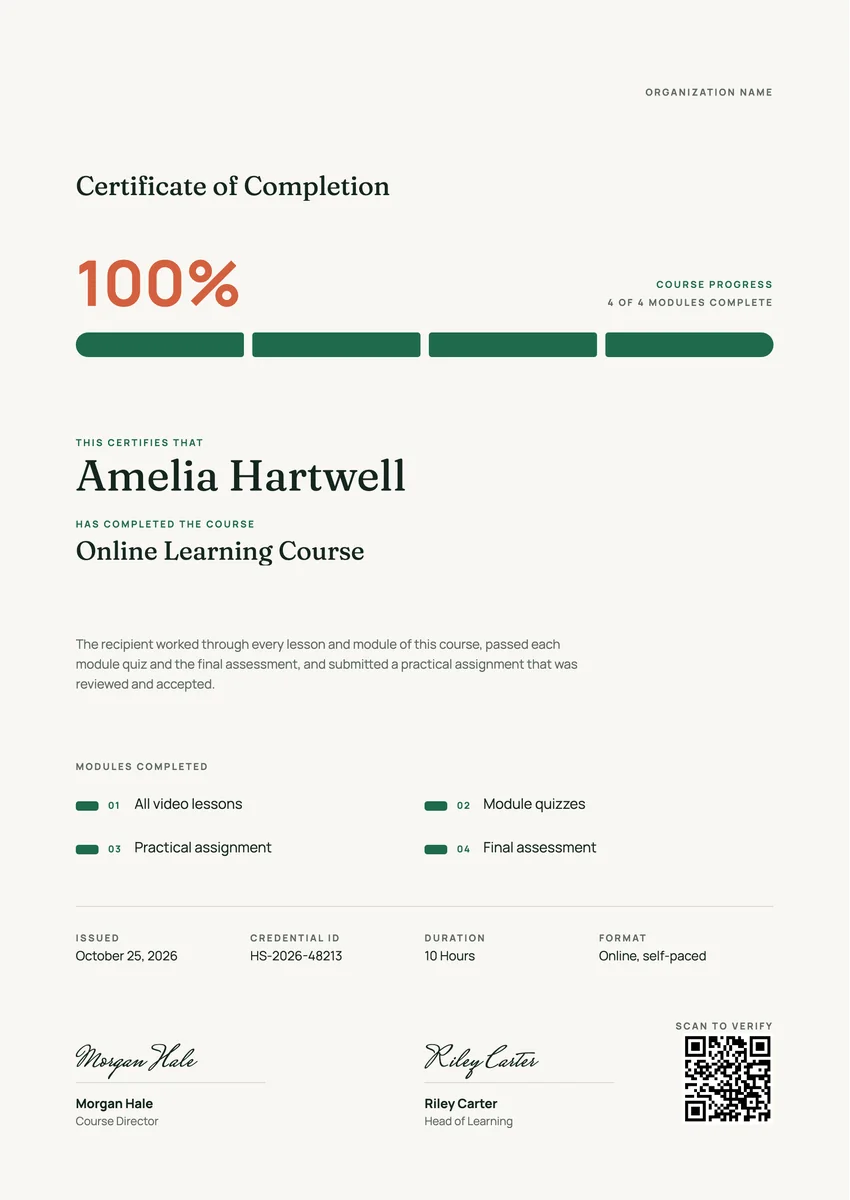
Matching certificates
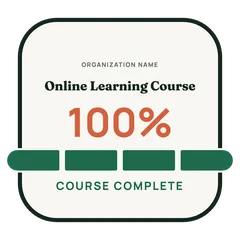
A course completion badge for online courses and academies: a rounded tile crossed by a full four-part progress bar under a large 100%.
Use this design
Add your logo and wording, then send it to everyone at once, each with a link anyone can verify.
Start freeFree for up to 20 recipients a year
Share this design
- Round badge, readable at profile-picture size
- Your logo, colours and wording
- Each badge links to a verified record
- Matching certificates in the same design
Updated 6 November 2026 · Designed by the Hyperstack studio
See it where it lives
Drawn to read at small sizes
A badge is mostly seen small. These are its real sizes on screen.
On a profile
120 px
In a list of badges
64 px
In an email signature
40 px
What is on it
A badge people are proud to show
You write once
The same for everyone. Keep the template’s words or change them.
- Badge words
- Online Learning Course
Filled in for each person
Hyperstack fills these from your list when you send.
- The recipient’s name and the award, in the badge’s verified record
- The issue date and a credential ID
- A link anyone can click to verify it
Specifications
Sizes, fonts and colours
Sizes
- Badge
- 470 × 470 px, round · Reads at 120 px on a profile
Colours
- Paper#f8f7f2
- Ink#15261f
- Accent#1e6a4c
- Second accent#d4603f
- Muted text#5e6a64
Change any colour in the studio.
Design notes
This badge is a rounded square tile, like an app icon, crossed by a thick green progress bar in four filled segments that runs out past the rim on both sides. A large coral 100% sits above the bar and COURSE COMPLETE under it, with your logo, the organization name and the course name at the top. At 120 px the tile, the full bar and the number still read at once, which suits course platforms and online academies.
About
Course Completion Badge Template, Full Progress Bar
Online courses end on a screen, so the proof of finishing often lives on a screen too. A course completion badge is the small image a learner receives when the last module is done. E-learning platforms, training providers, company academies and universities with short online courses issue it so the learner can pin it to a LinkedIn profile, a CV or an email signature. It tells a reader that the learner did the whole course, not only signed up, and it links back to a record anyone can check.
More wording ideas for course completion badge certificatesWords that go with it
The email and the post, written for you
Email to send with it
Subject: name, you finished the course: your badge is ready
Hi name,
You made it to 100%. Every module is done and the final assessment is passed, and we are glad to award you your course completion badge.
Open it to see your badge and the record behind it. You can download it, print the matching certificate, or add the badge to your LinkedIn profile so others can see what you learned.
Thank you for learning with us, and good luck putting the new skills to work.
Hyperstack fills in each person’s name and link when it sends.
Post for the recipient to share
I just earned my course completion badge. It took a few weeks of evenings to work through every module, the quizzes and the final assignment, and I am glad I stayed with it to the end. The practical part was the most useful: I already use it at work. On to the next course. #OnlineLearning #ContinuousLearning
Recipients share it with one click from their credential page, with the badge attached.
Certificate or badge?
Send both. They do different jobs.
Certificate
- A full record: name, statement, skills, dates and signatures
- Printed and framed, or kept as a PDF
- Opens to a page anyone can verify
Digital badge
- A small image people put on LinkedIn and in email signatures
- Carries the verified details inside it (Open Badges 2.0)
- One click shows who earned it and who issued it
How to send it
From template to everyone’s inbox
- 01
Make it yours
Open the template, add your logo and change any colour or word.
- 02
Add your people
Upload a spreadsheet, or connect your LMS, HR tool or form.
- 03
Send it
Each person gets an email and their own credential page, in one go.
- 04
They share it
Recipients add it to LinkedIn; anyone can verify it from the QR code.
The badge is a round image on a 470 × 470 px board, drawn to stay readable at 120 px, the size of a profile picture.
Fraunces (title, recipient name), Manrope (text, labels). All are Google Fonts, free for personal and commercial use, and you can swap any of them in the studio.
Yes. Every text, colour and drawing is its own layer in the studio. Add your logo in the logo spot; the design keeps its balance with a wide or a square logo.
Each person gets the badge with their own verified record. They add it to LinkedIn or an email signature, and anyone who clicks it sees who earned it and who issued it.
Yes. This design is part of a set: Progress Bar Course Completion Badge Certificate and Progress Bar Course Completion Badge Certificate, Portrait. Issue them together so the certificate and the badge read as one award for course completion badge.
More certificate templates
All badge templates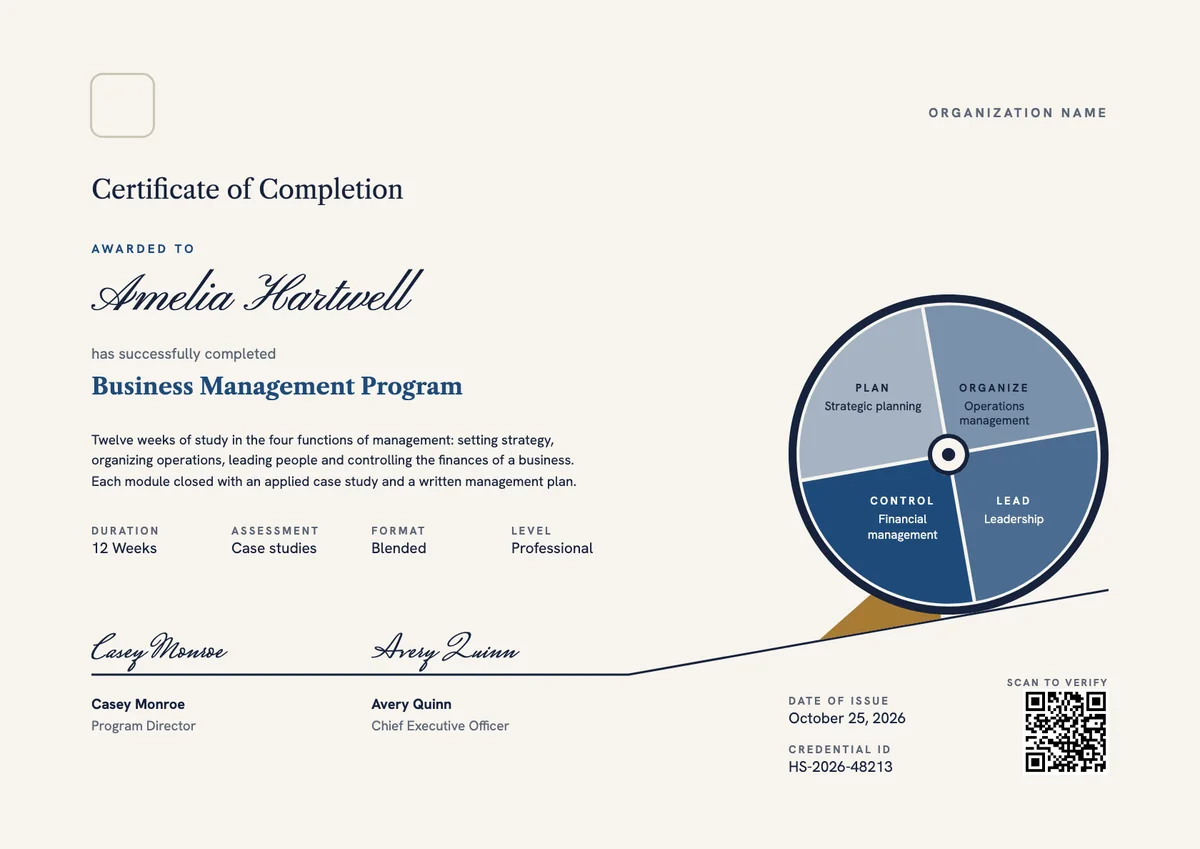
Landscape certificate · A4 + US Letter
Business Management Certificate
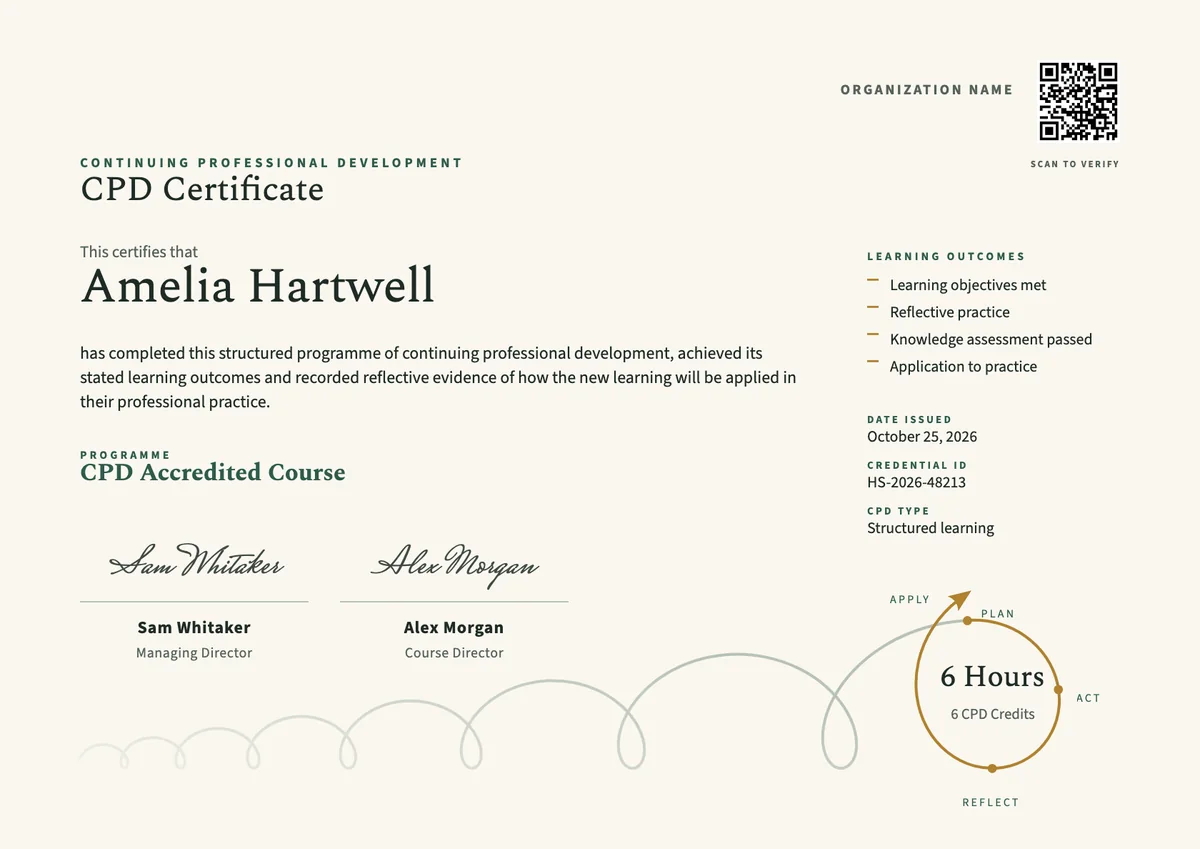
Landscape certificate · A4 + US Letter
CPD Certificate, Landscape
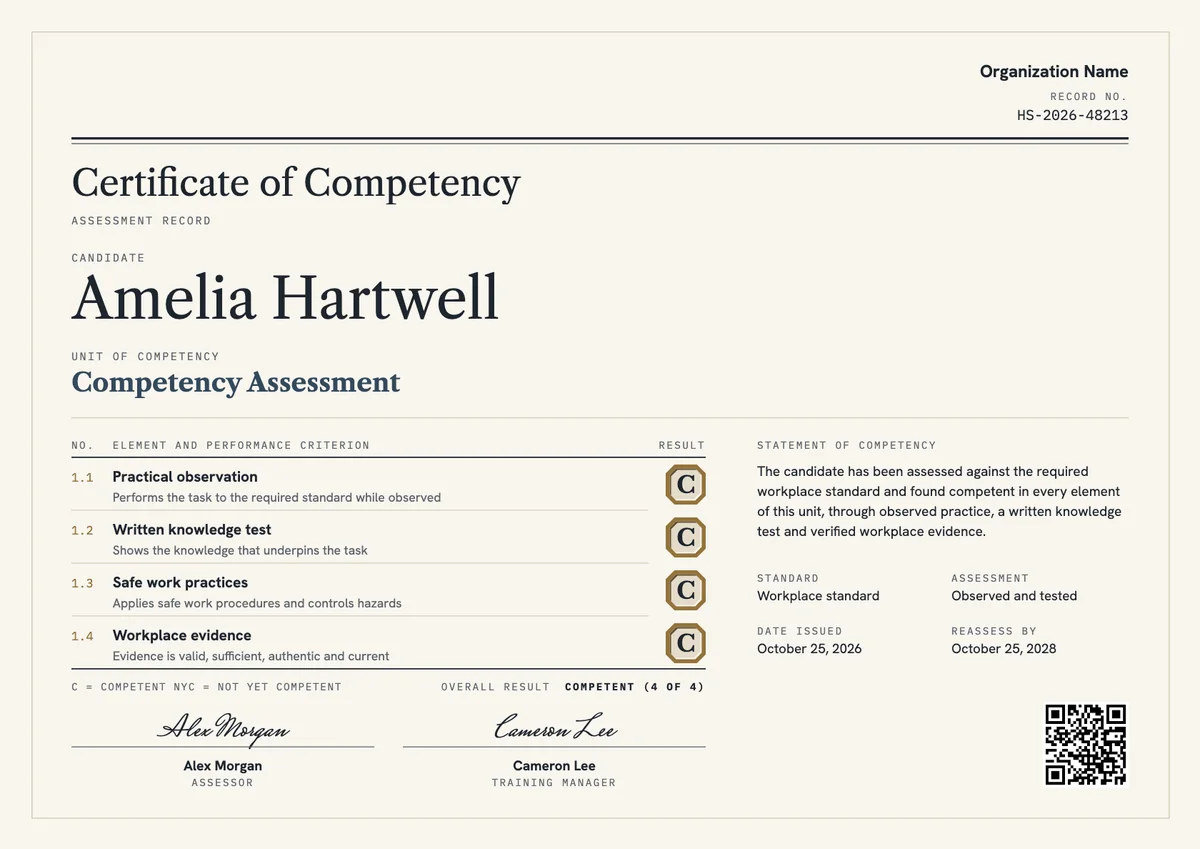
Landscape certificate · A4 + US Letter
Certificate of Competency, Landscape
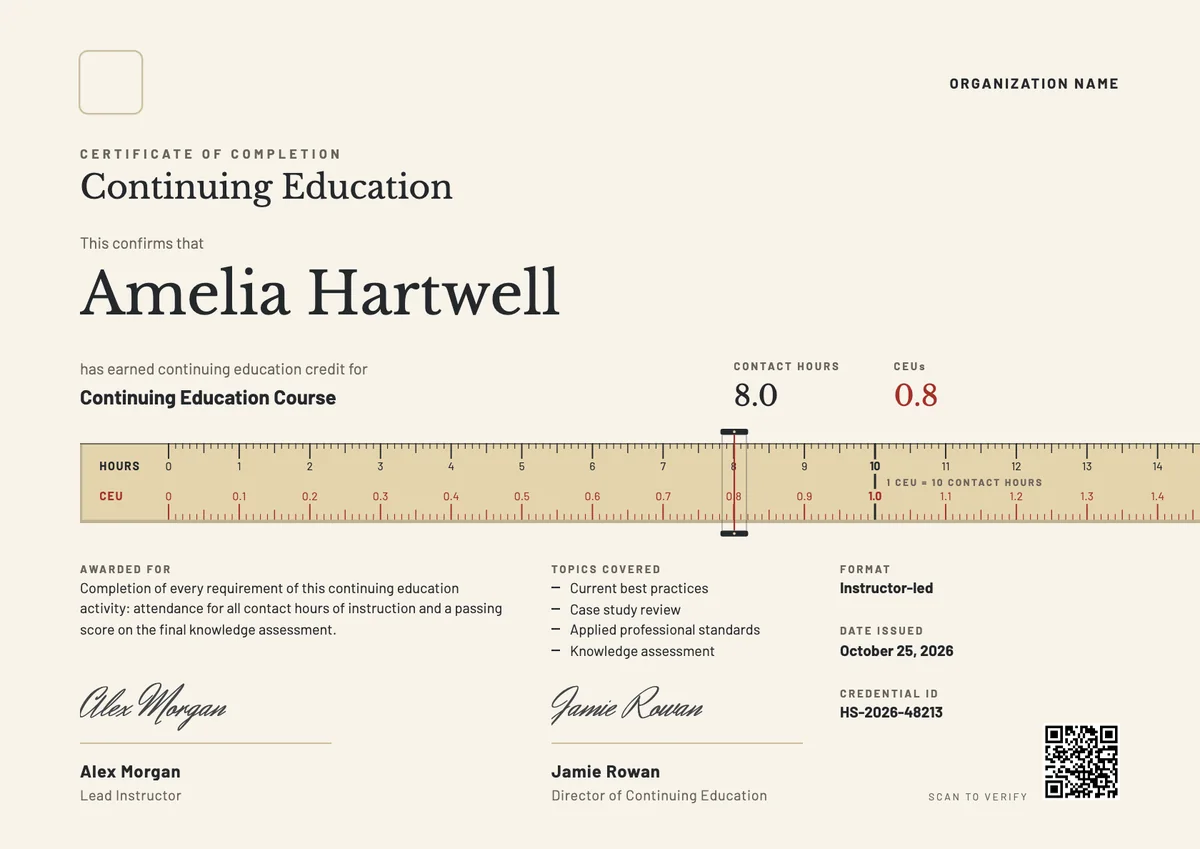
Landscape certificate · A4 + US Letter
CE Certificate, Landscape
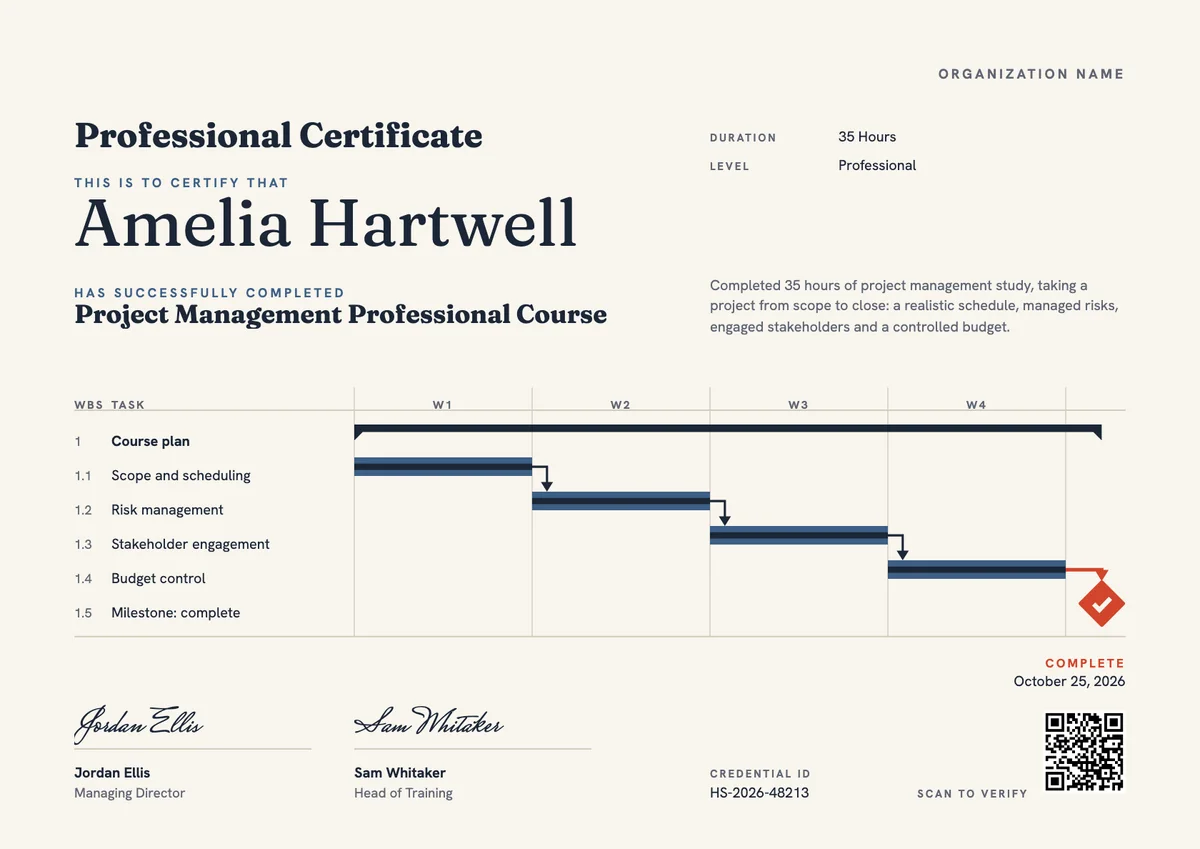
Landscape certificate · A4 + US Letter
Project Manager Certificate, Landscape
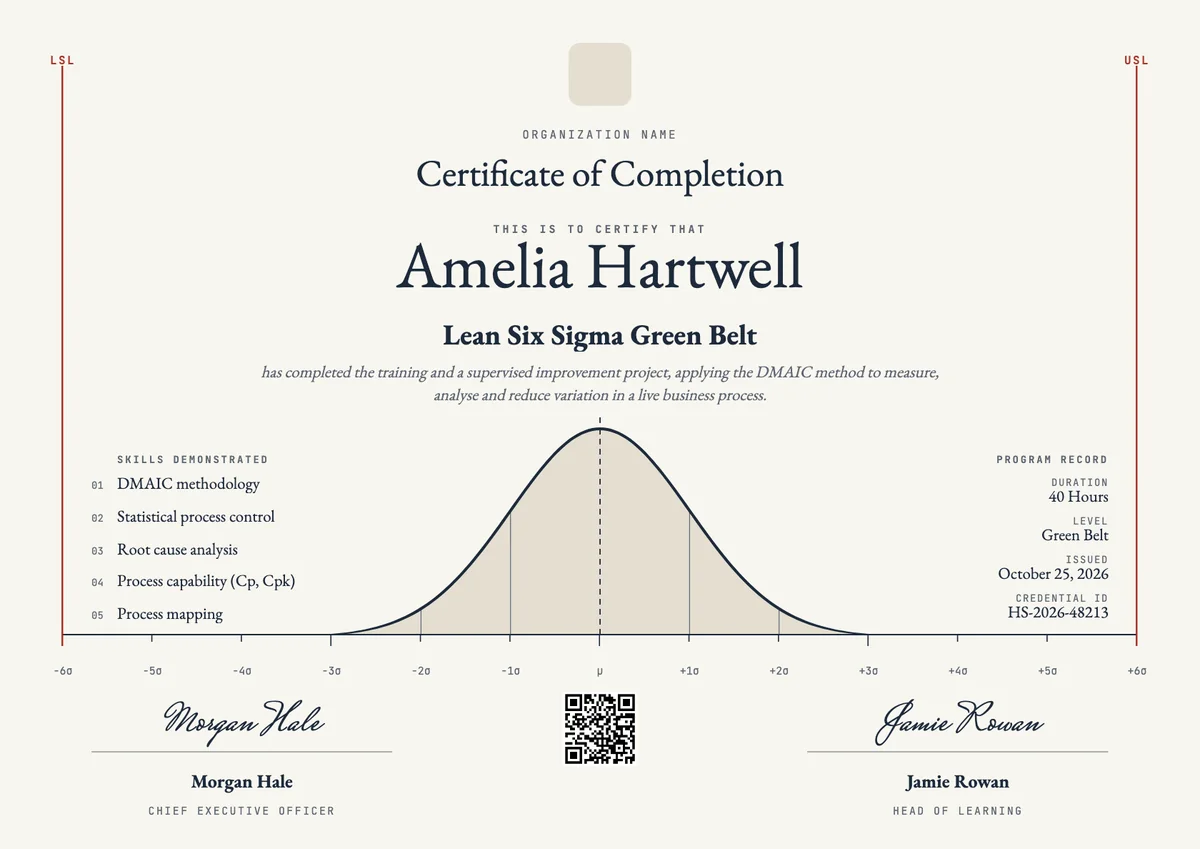
Landscape certificate · A4 + US Letter
Six Sigma Certificate, Landscape
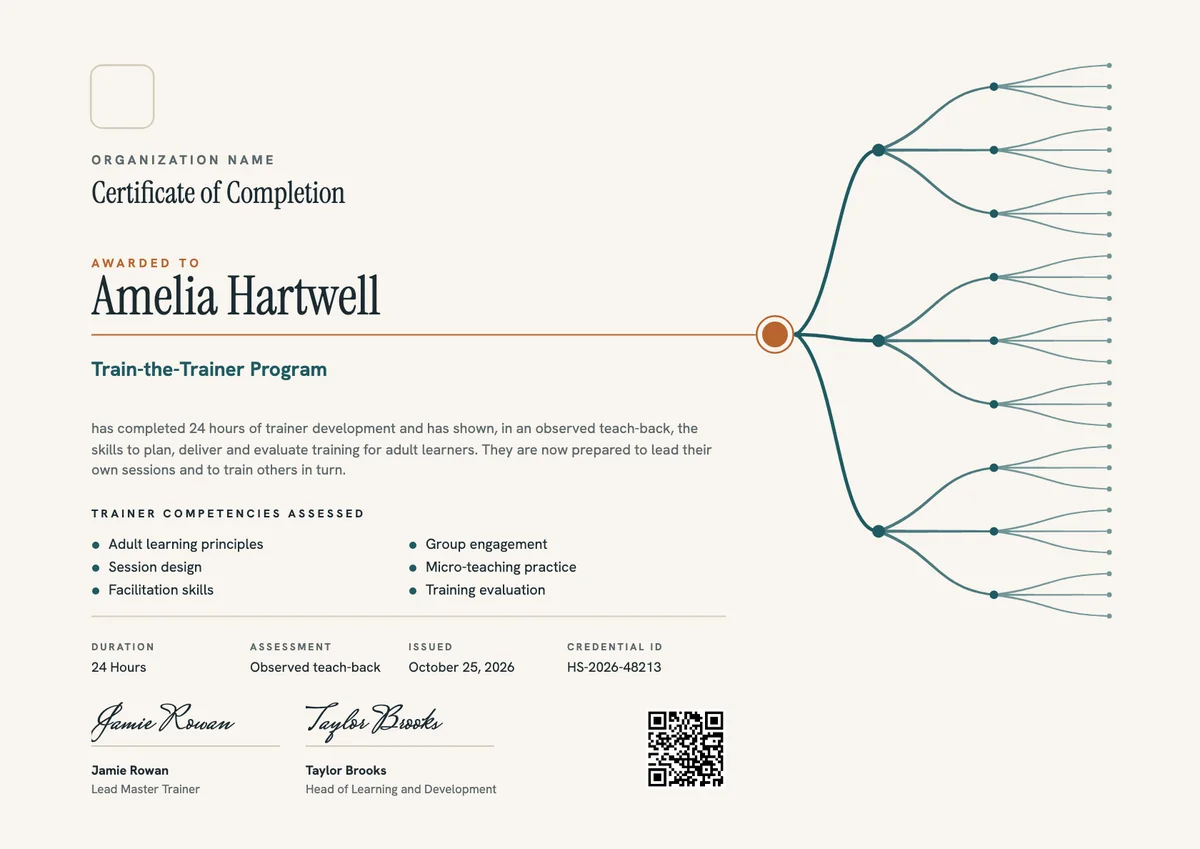
Landscape certificate · A4 + US Letter
Train the Trainer Certificate
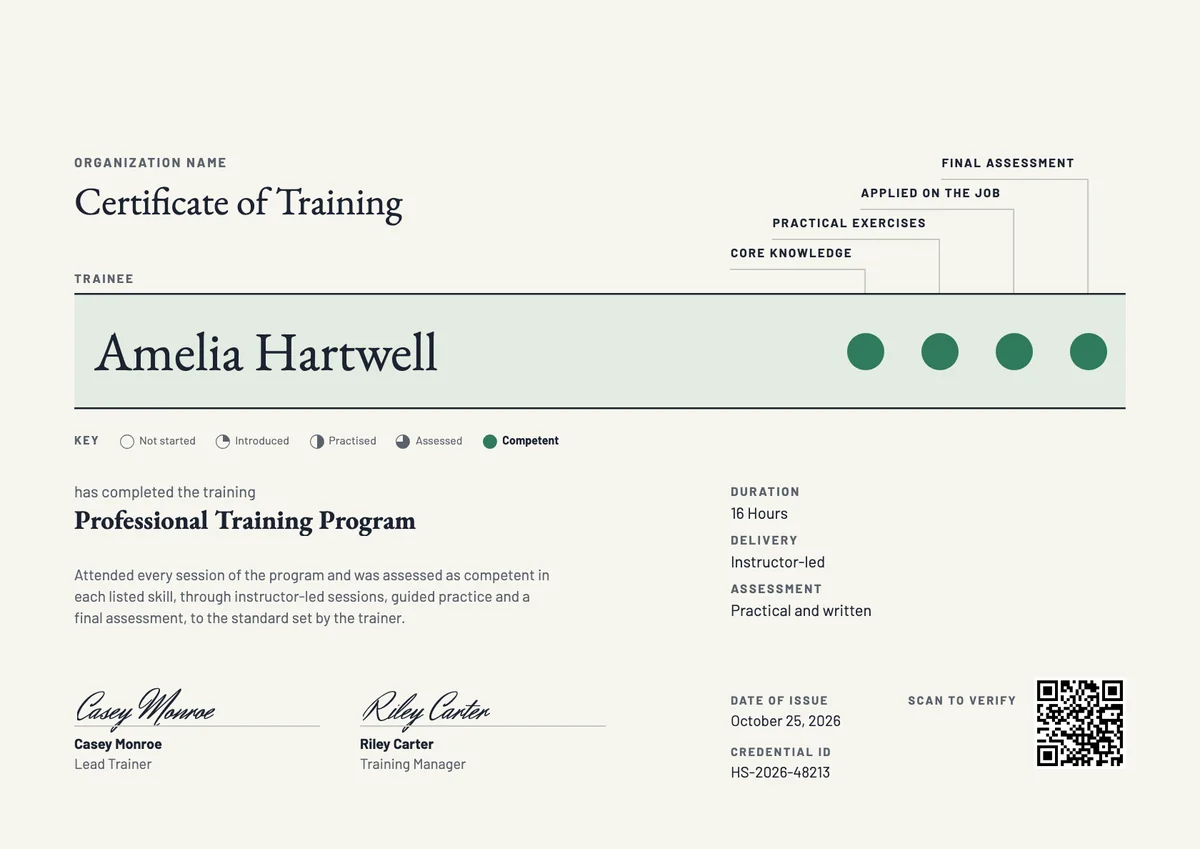
Landscape certificate · A4 + US Letter
Training Completion Certificate
Browse by topic
Trusted by universities, enterprises and certification bodies worldwide






Your next cohort deserves better than a PDF
Set up in minutes, send your first credentials today, and only pay once you grow past 20 recipients a year.
Or open a live sample credential