Web Development certificate templates and badges
3 free designs. A set is one design as a badge, a landscape or a portrait certificate, or all three.
Free for up to 20 recipients a year
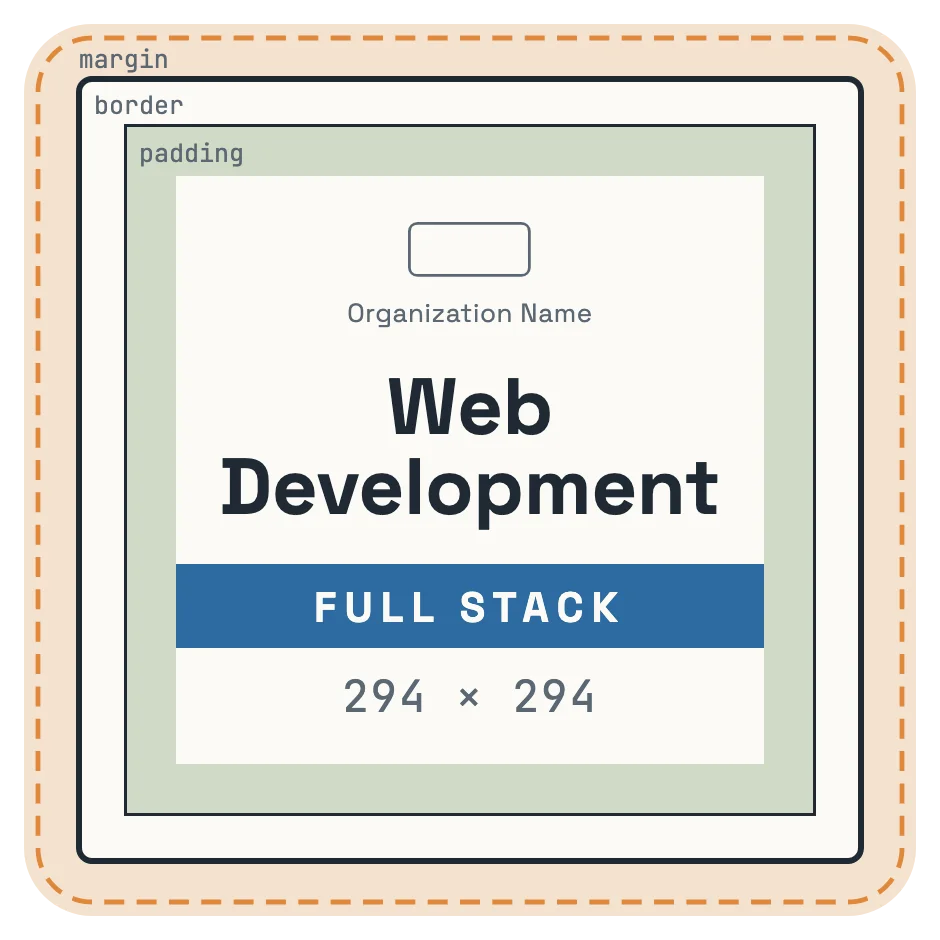
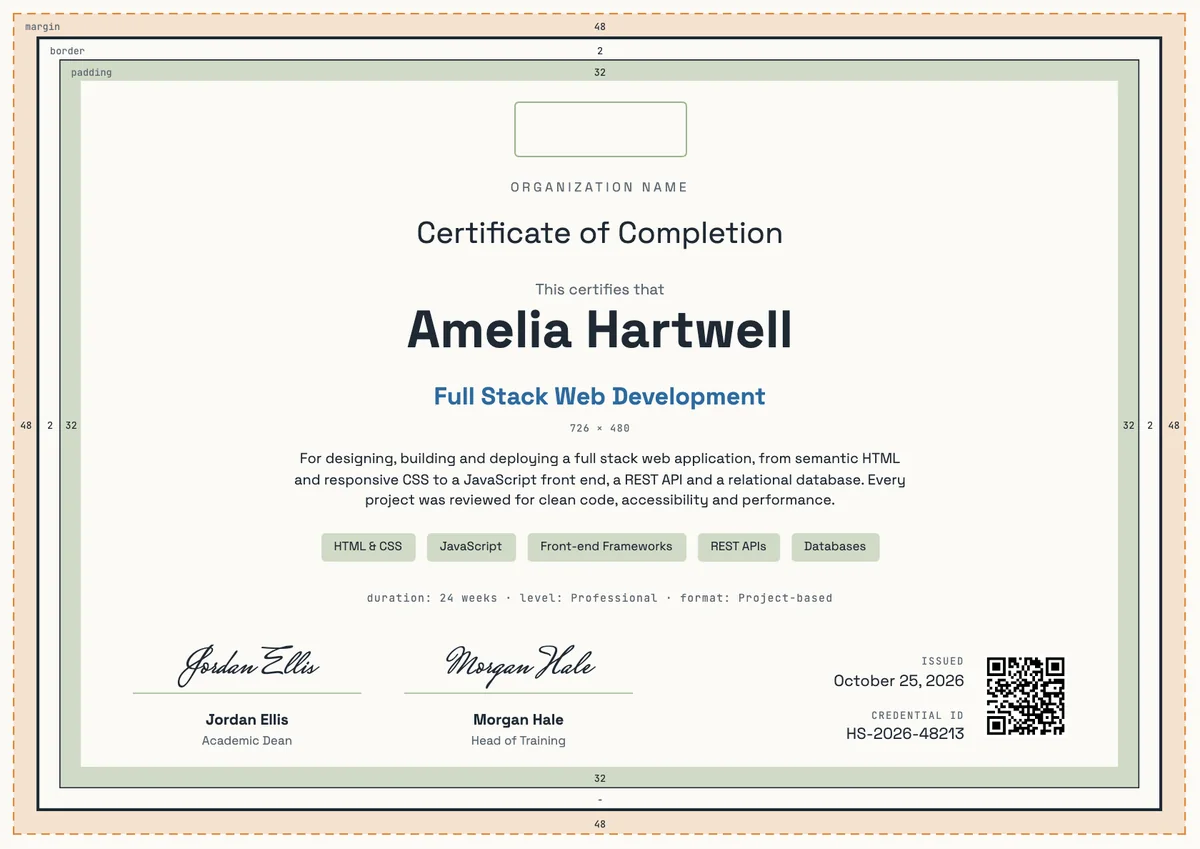
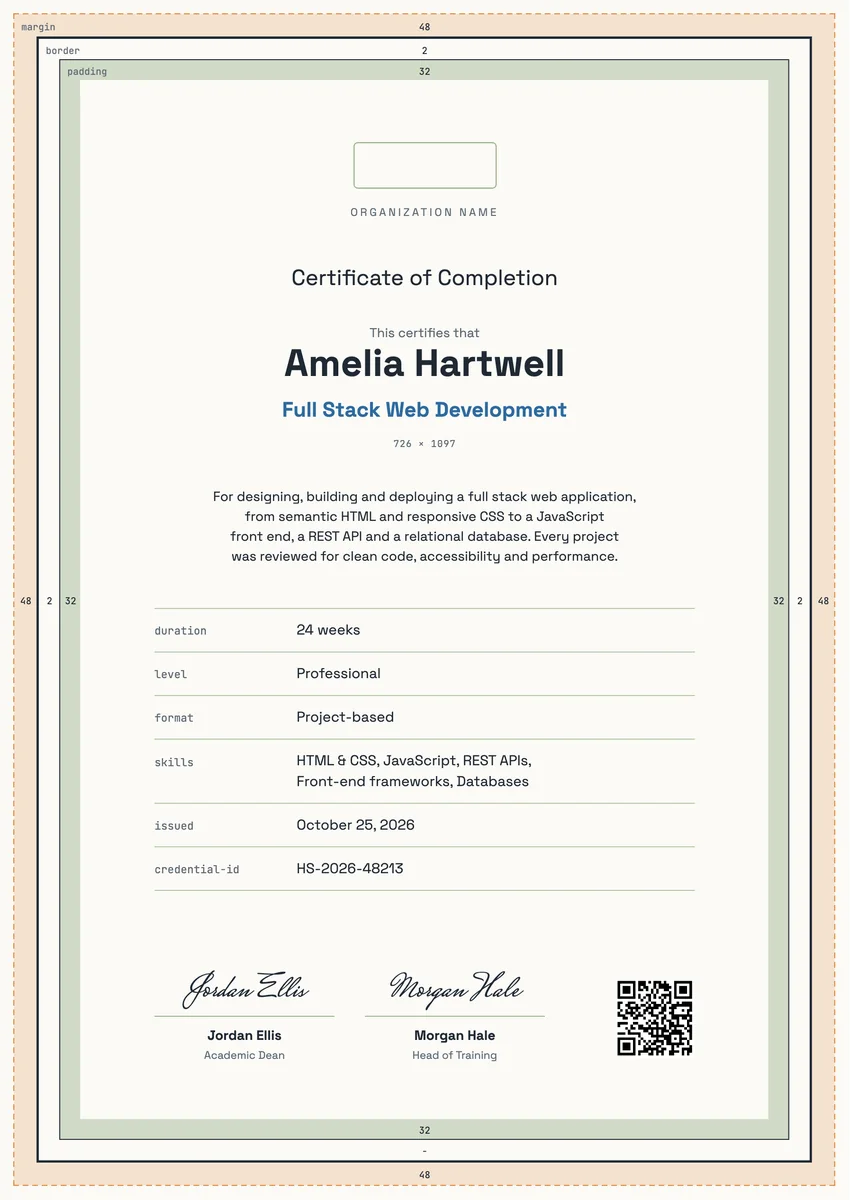
A web development certificate template gives coding schools, bootcamps, colleges and company academies a ready layout for the day a cohort finishes. Learners get it after they have built and shipped real work: pages in HTML and CSS, interactive features in JavaScript, and often a full stack app with an API and a database behind it.
A good certificate reads like a short record of the course. It names the program, says what the person built, lists the skills covered, and gives the length of study, the date and a signature from the lead instructor or head of training. A credential ID and a QR code let an employer check it in seconds.
The designs come as certificates in A4 and US Letter and as digital badges that graduates can add to LinkedIn, a GitHub profile or a portfolio site.
Wording
What to write on a web development certificate
Use these lines as they are, or as a start for your own. Every template comes with wording you can change in the studio.
Wording for a web development certificate of completion
- “For successfully completing the Full Stack Web Development program and deploying a working web application.”
- “In recognition of completing 24 weeks of project-based training in front-end and back-end web development.”
- “For designing, building and testing a responsive website with semantic HTML, modern CSS and JavaScript.”
HTML CSS certificate template wording for beginner courses
- “For completing Introduction to HTML and CSS and publishing a first personal website.”
- “Awarded for mastering page structure, layout with Flexbox and Grid, and responsive design.”
- “For building accessible, mobile-friendly web pages from a design brief.”
Short lines for the badge or the email
- “Full stack developer: course complete.”
- “Shipped it. Web Development, done.”
Why send it with Hyperstack
More than a PDF
Customize the template free. When it is ready, send it to everyone at once.
One design, every name
Upload a spreadsheet and Hyperstack makes a certificate of completion for each person on it, in one go.
Sent by email
Each recipient gets their own email and link. You see who opened it, downloaded it and shared it.
Anyone can verify it
The QR code opens a page that proves the certificate is real. Recipients add it to LinkedIn in one click.
FAQ
Questions, answered
Yes, if the course assessed them. Employers search for named tools, so list four to six real skills, for example HTML and CSS, JavaScript, React, Node.js with REST APIs and a SQL database. Keep the list honest: name only what the final project used, and add the course length, the date and a credential ID that an employer can check.
Yes, when it shows what you can do. Employers hiring junior developers look at your projects first, so list the certificate with the skills it covered and a link to the app you built during the course.
Usually the lead instructor and the director of the school or the head of the training team. For an employer academy, the engineering manager who ran the program is a good second signer.
A certificate for web design covers layout, typography, colour, user experience and tools such as Figma. A certificate for web development covers the code that makes the site work: HTML, CSS, JavaScript, back-end languages and databases. Many courses teach both, so name the focus in the program title.
Many schools give a badge for each module, such as HTML and CSS, JavaScript or back-end, and a full certificate when the whole program is done. Learners can then show progress as they go and the final award stays special.
More certificate templates
Your next cohort deserves better than a PDF
Set up in minutes, send your first credentials today, and only pay once you grow past 20 recipients a year.
Or open a live sample credential