Box Model Web Development Badge
Matching certificates
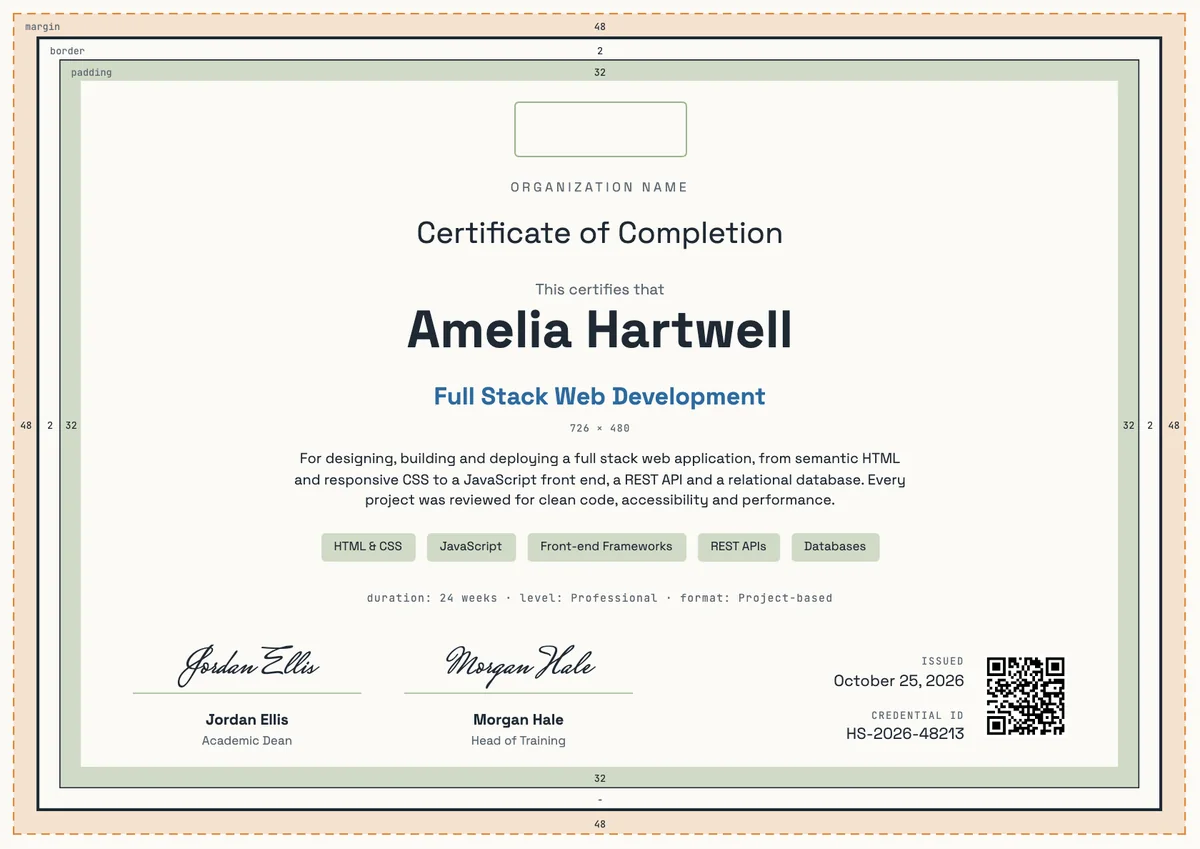
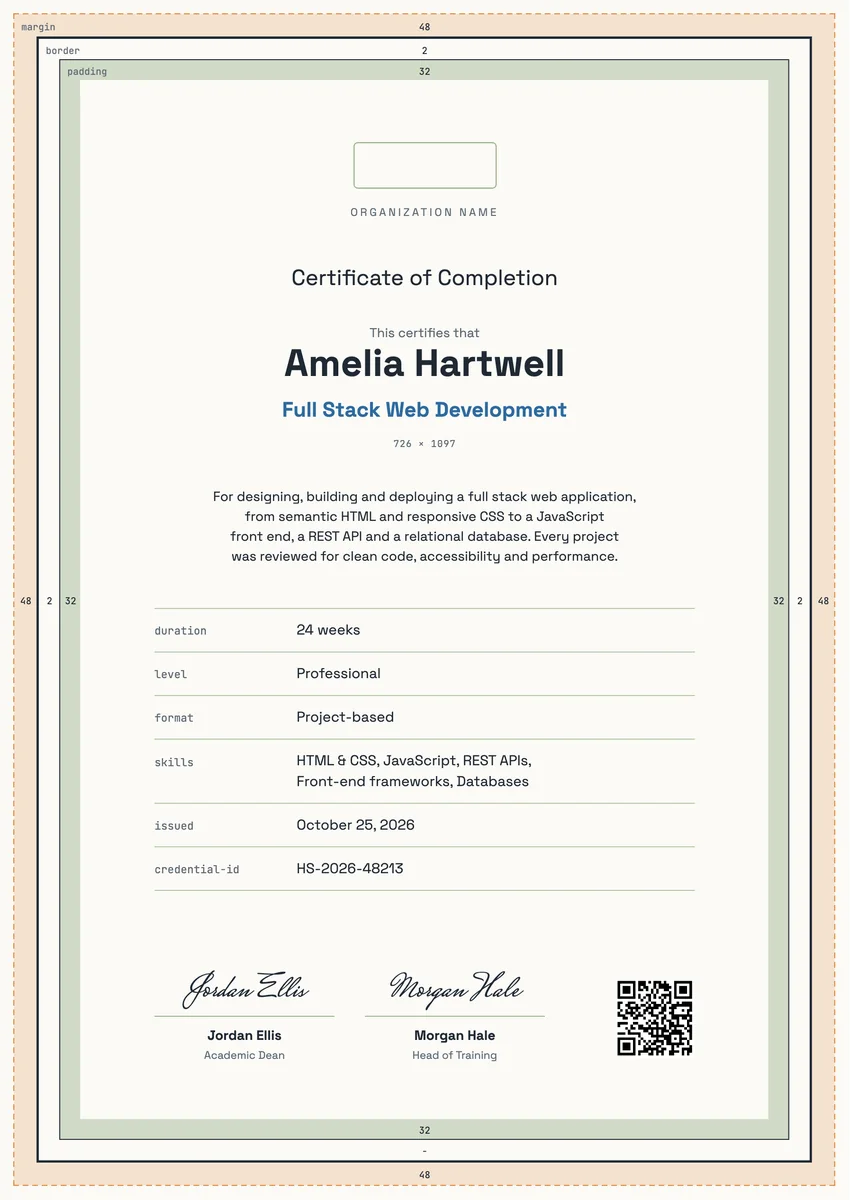
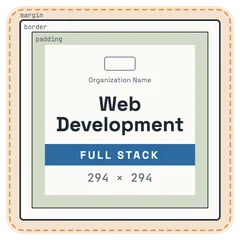
A web development digital badge drawn as the CSS box model, with margin, border and padding zones and a Full Stack bar. Made for coding courses and bootcamps.
Use this design
Add your logo and wording, then send it to everyone at once, each with a link anyone can verify.
Start freeFree for up to 20 recipients a year
Share this design
- Round badge, readable at profile-picture size
- Your logo, colours and wording
- Each badge links to a verified record
- Matching certificates in the same design
Updated 12 November 2026 · Designed by the Hyperstack studio
More designs like this
See it where it lives
Drawn to read at small sizes
A badge is mostly seen small. These are its real sizes on screen.
On a profile
120 px
In a list of badges
64 px
In an email signature
40 px
What is on it
A badge people are proud to show
You write once
The same for everyone. Keep the template’s words or change them.
- Badge words
- Web Development
Filled in for each person
Hyperstack fills these from your list when you send.
- The recipient’s name and the award, in the badge’s verified record
- The issue date and a credential ID
- A link anyone can click to verify it
Specifications
Sizes, fonts and colours
Sizes
- Badge
- 470 × 470 px, round · Reads at 120 px on a profile
Fonts
- Space Grotesk
- Title, Text, Recipient name
- JetBrains Mono
- Labels
Google Fonts, free for commercial use.
Colours
- Paper#fbfaf6
- Ink#1f2933
- Accent#2d6a9f
- Second accent#e0883a
- Muted text#5c6873
Change any colour in the studio.
Design notes
The badge is the box model that every front-end developer knows from the browser's inspector. A dashed orange margin, a dark border line and a sage padding zone, each with its small mono label, frame a pale content box that holds the issuer's logo and name, Web Development in a bold grotesque and a blue FULL STACK bar. The content size readout sits underneath, as the dev tools show it. It suits front-end, back-end and full stack programs.
About
Web Development Badge Template, CSS Box Model
A web development badge marks the moment a learner can build a working site or app on their own. Coding schools, bootcamps, colleges and company academies issue it when a full stack course ends, after the student has shipped a project with HTML, CSS, JavaScript, an API and a database. Graduates add it to LinkedIn, a GitHub profile or a portfolio, where it signals practical skills to recruiters.
More wording ideas for web development certificatesWords that go with it
The email and the post, written for you
Email to send with it
Subject: name, your web development certificate is ready
Hi name,
Congratulations on finishing the course. Over the past weeks you went from first lines of HTML to a working web application, and your final project showed real skill.
Your certificate is ready. Open it to see the full record, download a copy to print, or add it to your LinkedIn profile and portfolio so recruiters can see what you have built.
We can't wait to see what you build next. Happy coding.
Hyperstack fills in each person’s name and link when it sends.
Post for the recipient to share
I just finished my full stack web development course and received my certificate. Over the past months I built and deployed a complete web app, from responsive HTML and CSS to a JavaScript front end, a REST API and a database. Thanks to my instructors and my cohort for every code review. Now I'm looking for my first developer role. #WebDevelopment #FullStack #Coding
Recipients share it with one click from their credential page, with the badge attached.
Certificate or badge?
Send both. They do different jobs.
Certificate
- A full record: name, statement, skills, dates and signatures
- Printed and framed, or kept as a PDF
- Opens to a page anyone can verify
Digital badge
- A small image people put on LinkedIn and in email signatures
- Carries the verified details inside it (Open Badges 2.0)
- One click shows who earned it and who issued it
How to send it
From template to everyone’s inbox
- 01
Make it yours
Open the template, add your logo and change any colour or word.
- 02
Add your people
Upload a spreadsheet, or connect your LMS, HR tool or form.
- 03
Send it
Each person gets an email and their own credential page, in one go.
- 04
They share it
Recipients add it to LinkedIn; anyone can verify it from the QR code.
Free for up to 20 recipients a year
The badge is a round image on a 470 × 470 px board, drawn to stay readable at 120 px, the size of a profile picture.
Space Grotesk (title, text, recipient name), JetBrains Mono (labels). All are Google Fonts, free for personal and commercial use, and you can swap any of them in the studio.
Yes. Every text, colour and drawing is its own layer in the studio. Add your logo in the logo spot; the design keeps its balance with a wide or a square logo.
Each person gets the badge with their own verified record. They add it to LinkedIn or an email signature, and anyone who clicks it sees who earned it and who issued it.
Yes. This design is part of a set: Box Model Web Development Certificate and Box Model Web Development Certificate, Portrait. Issue them together so the certificate and the badge read as one award for web development.
More certificate templates
All badge templates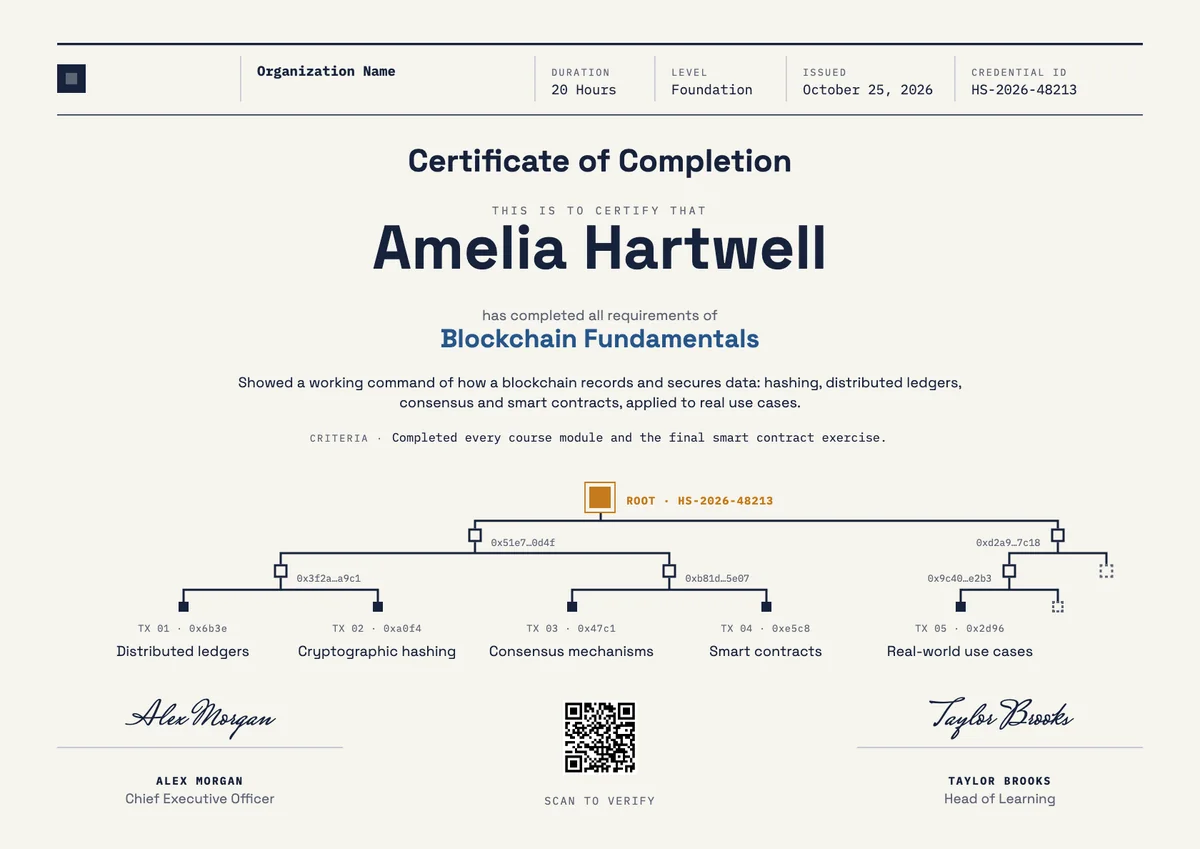
Landscape certificate · A4 + US Letter
Blockchain Certificate, Landscape
Landscape certificate · A4 + US Letter
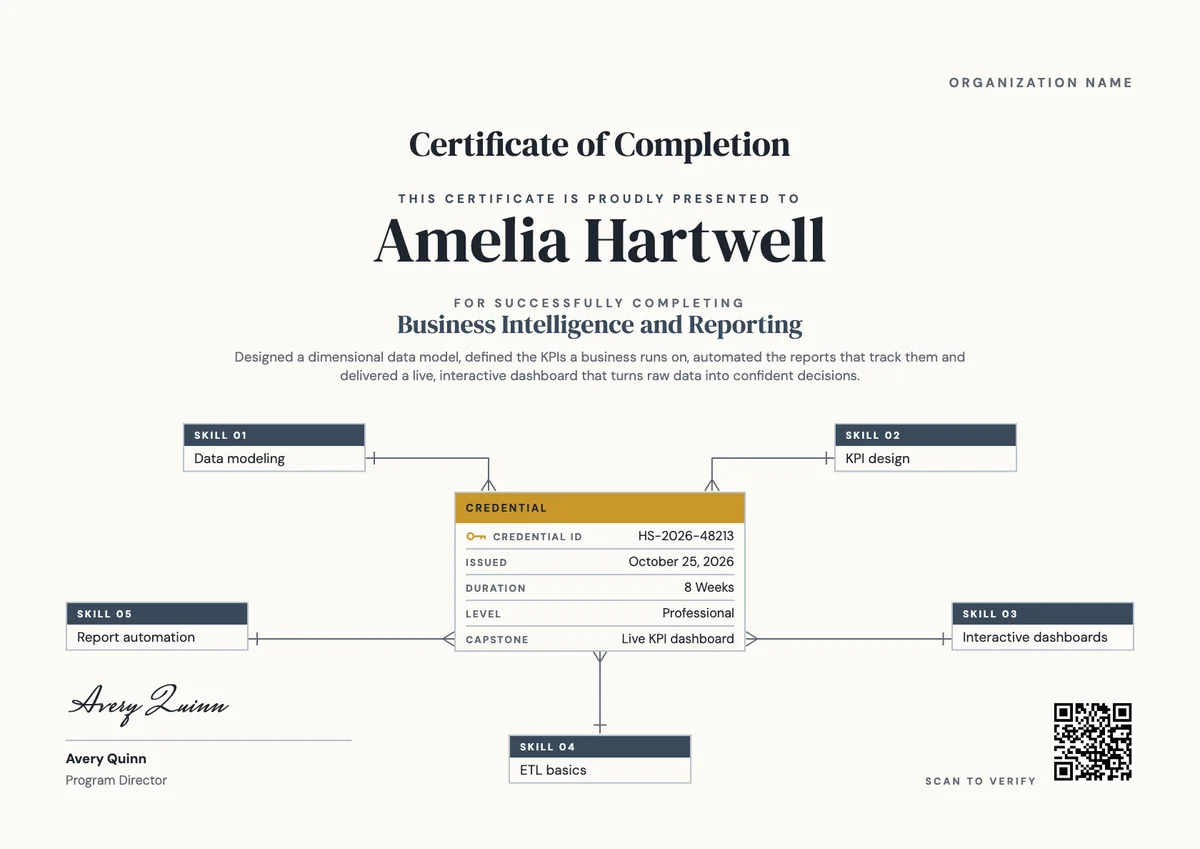
Business Intelligence Certificate
Landscape certificate · A4 + US Letter
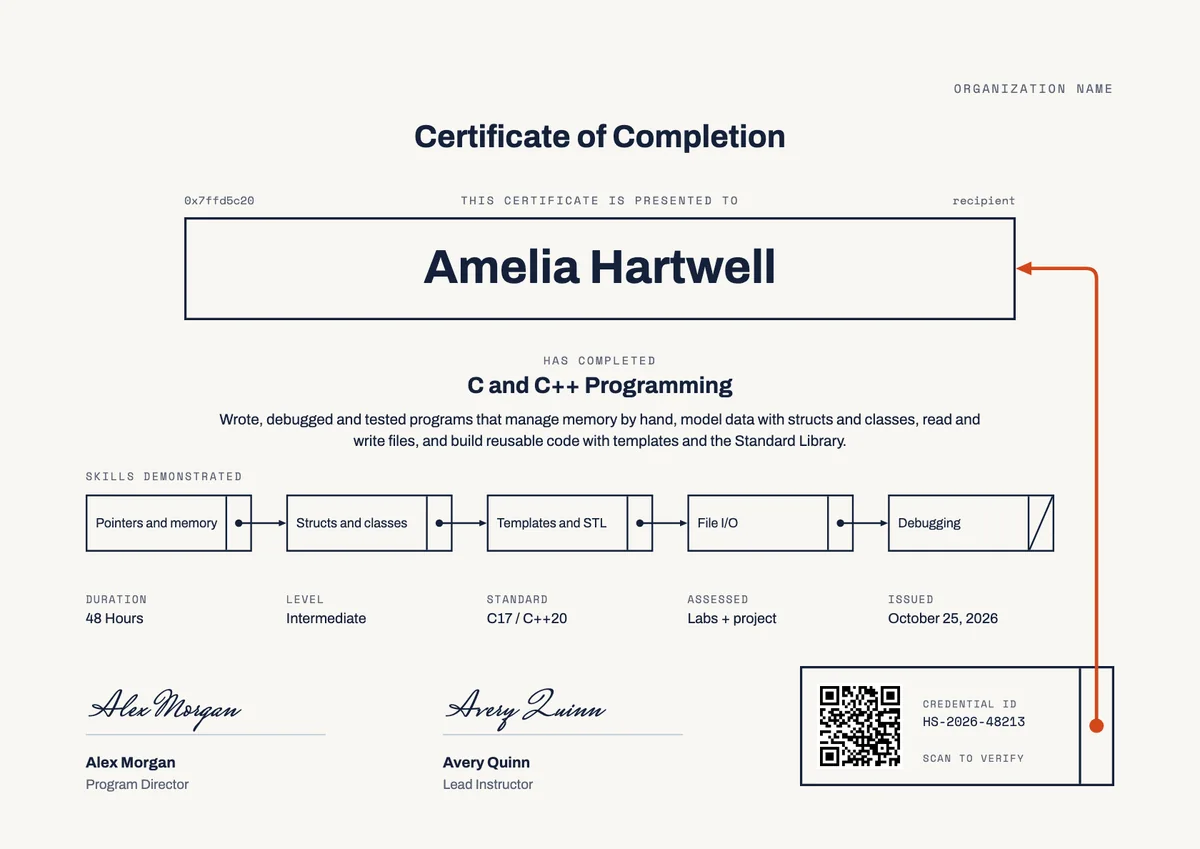
C and C++ Certificate of Completion
Landscape certificate · A4 + US Letter
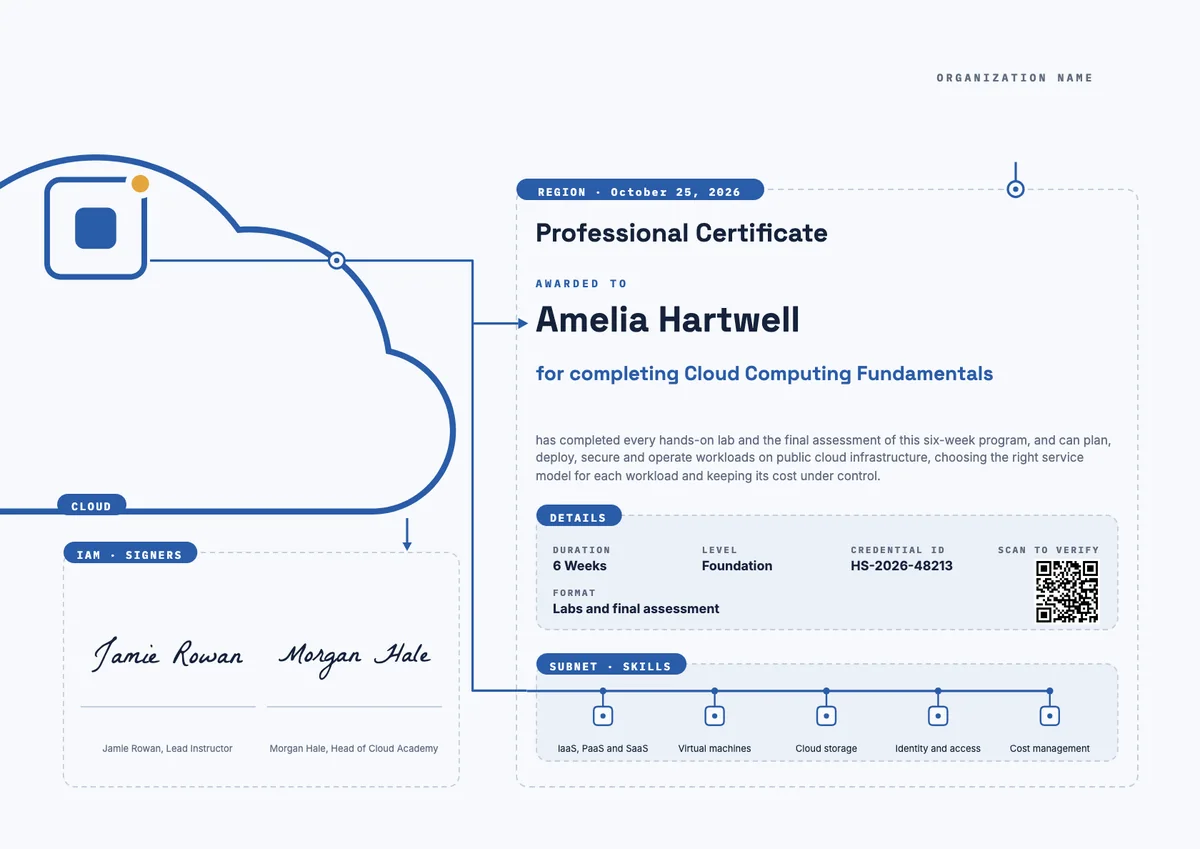
Cloud Computing Landscape Certificate
Landscape certificate
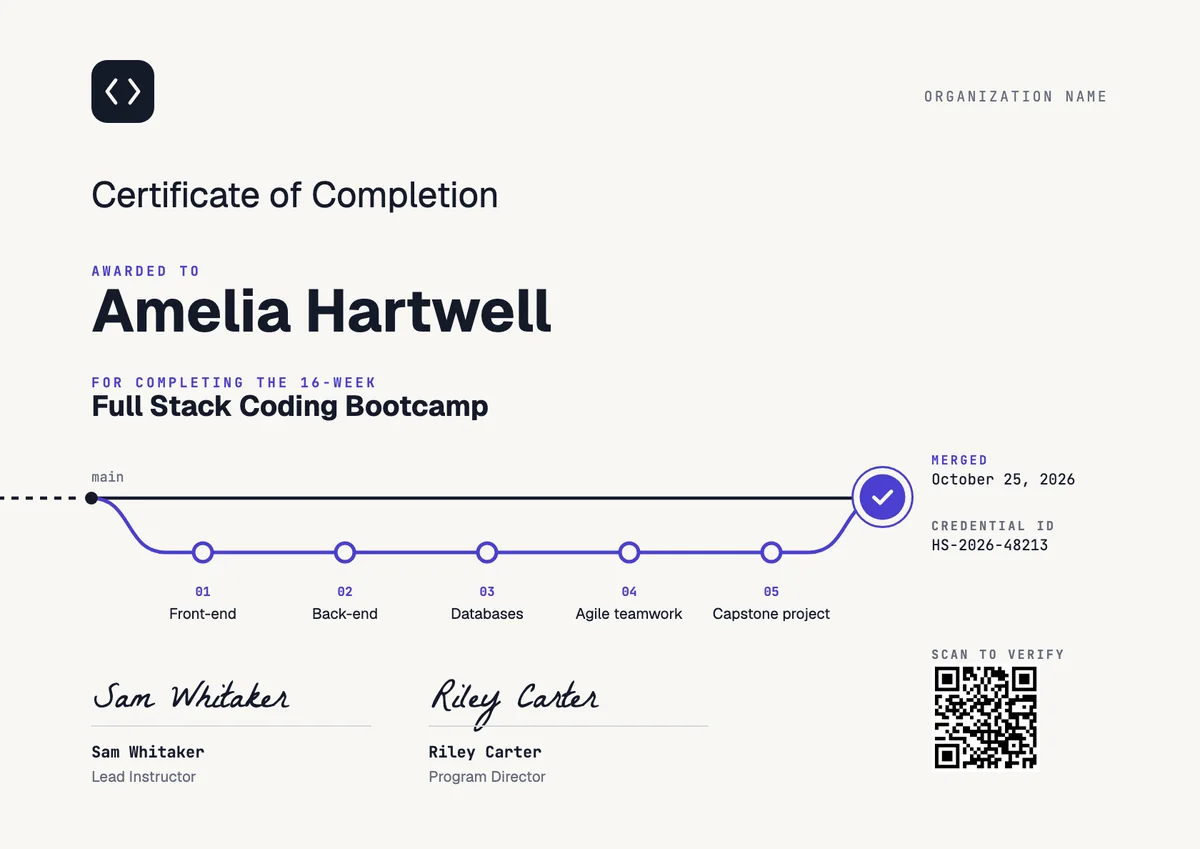
Coding Bootcamp Certificate
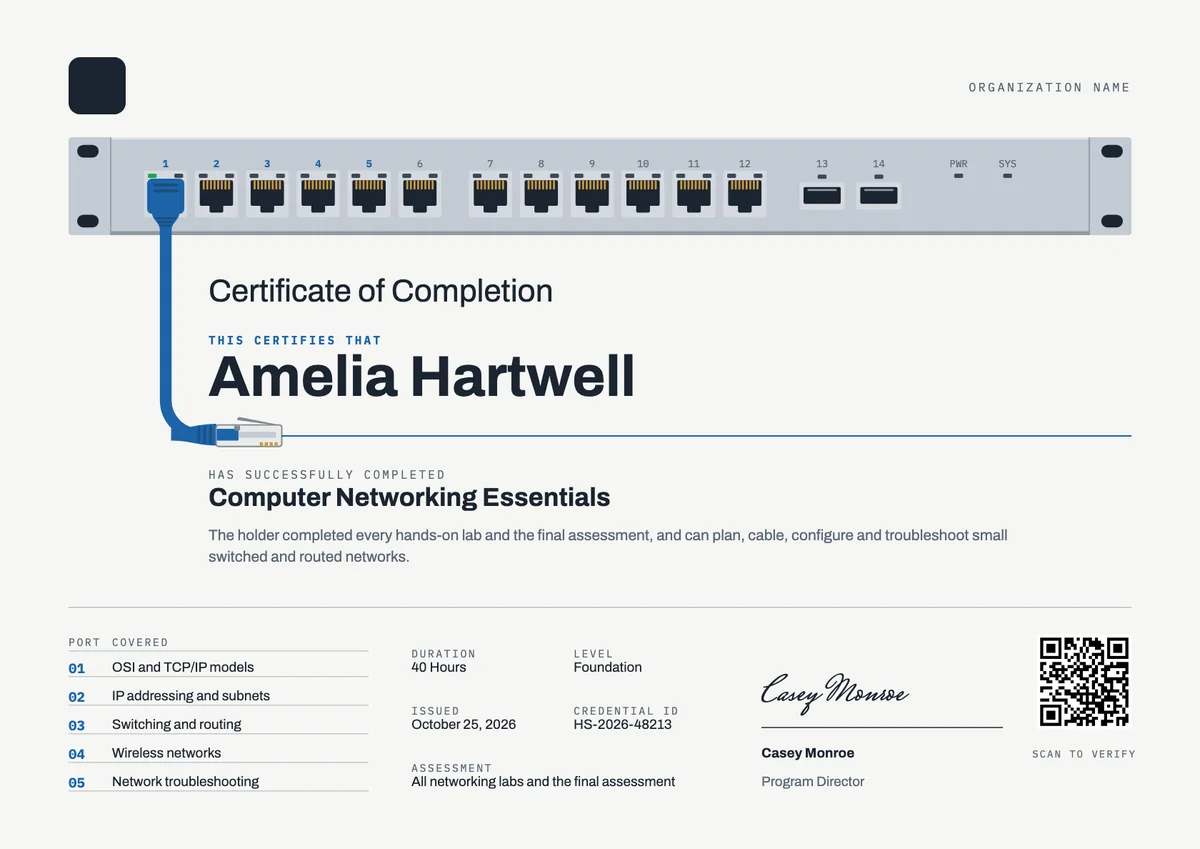
Landscape certificate · A4 + US Letter
Computer Networking Certificate
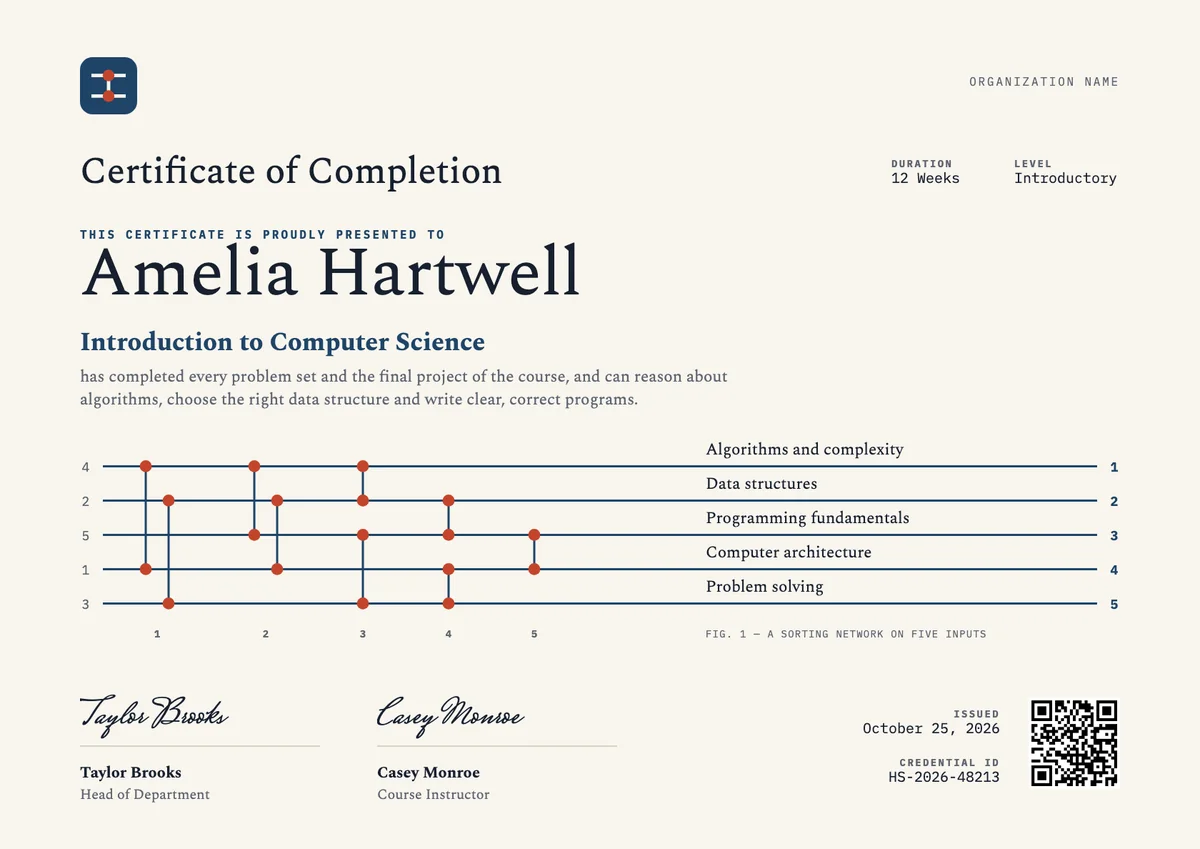
Landscape certificate · A4 + US Letter
Computer Science Certificate, Landscape
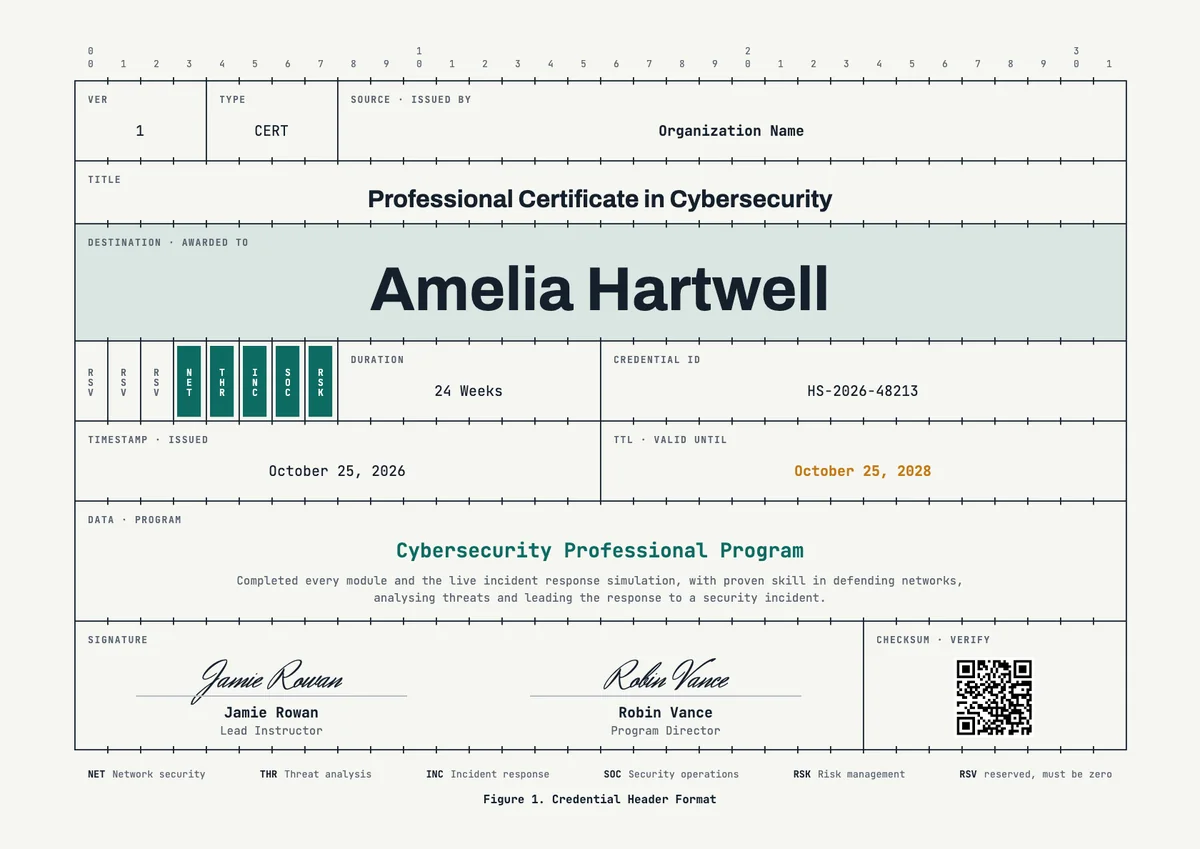
Landscape certificate · A4 + US Letter
Cybersecurity Landscape Certificate
Browse by topic
Trusted by universities, enterprises and certification bodies worldwide







Your next cohort deserves better than a PDF
Set up in minutes, send your first credentials today, and only pay once you grow past 20 recipients a year.
Or open a live sample credential