First Place certificate templates and badges
3 free designs. A set is one design as a badge, a landscape or a portrait certificate, or all three.
Free for up to 20 recipients a year

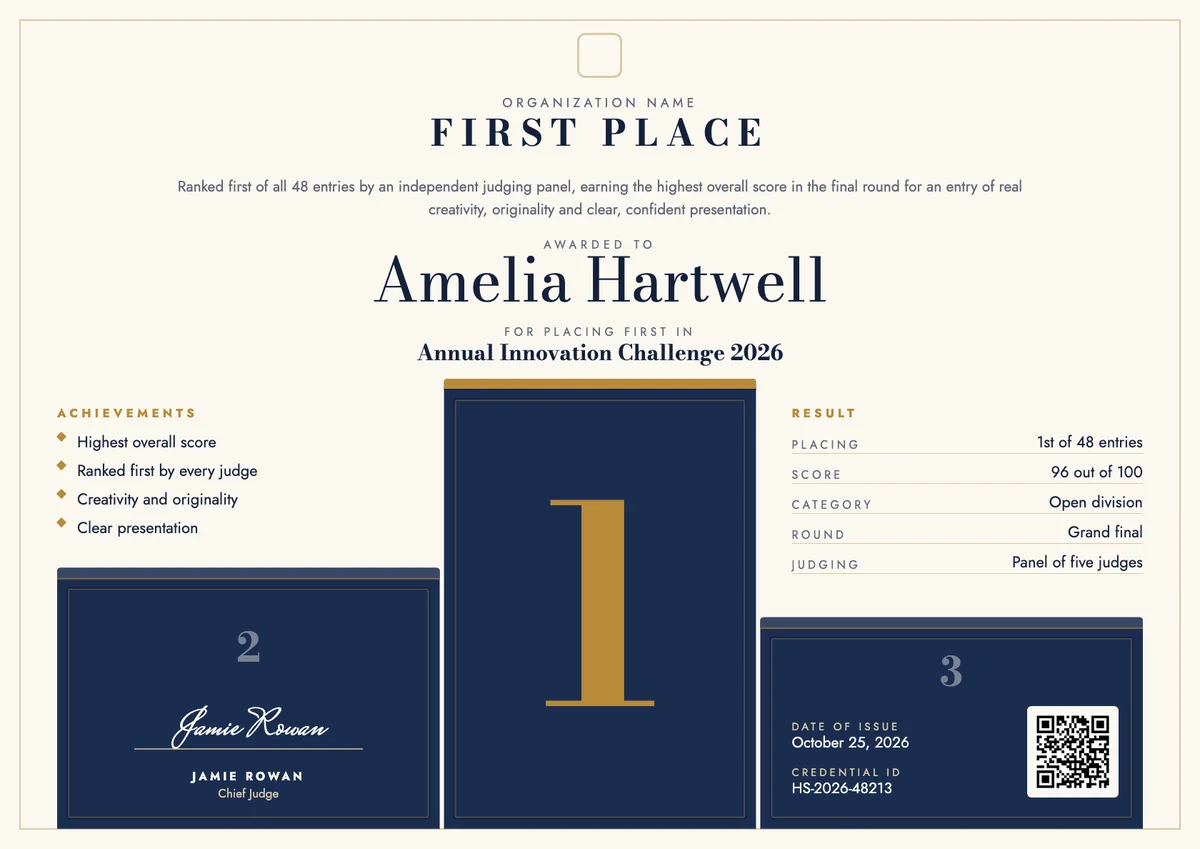
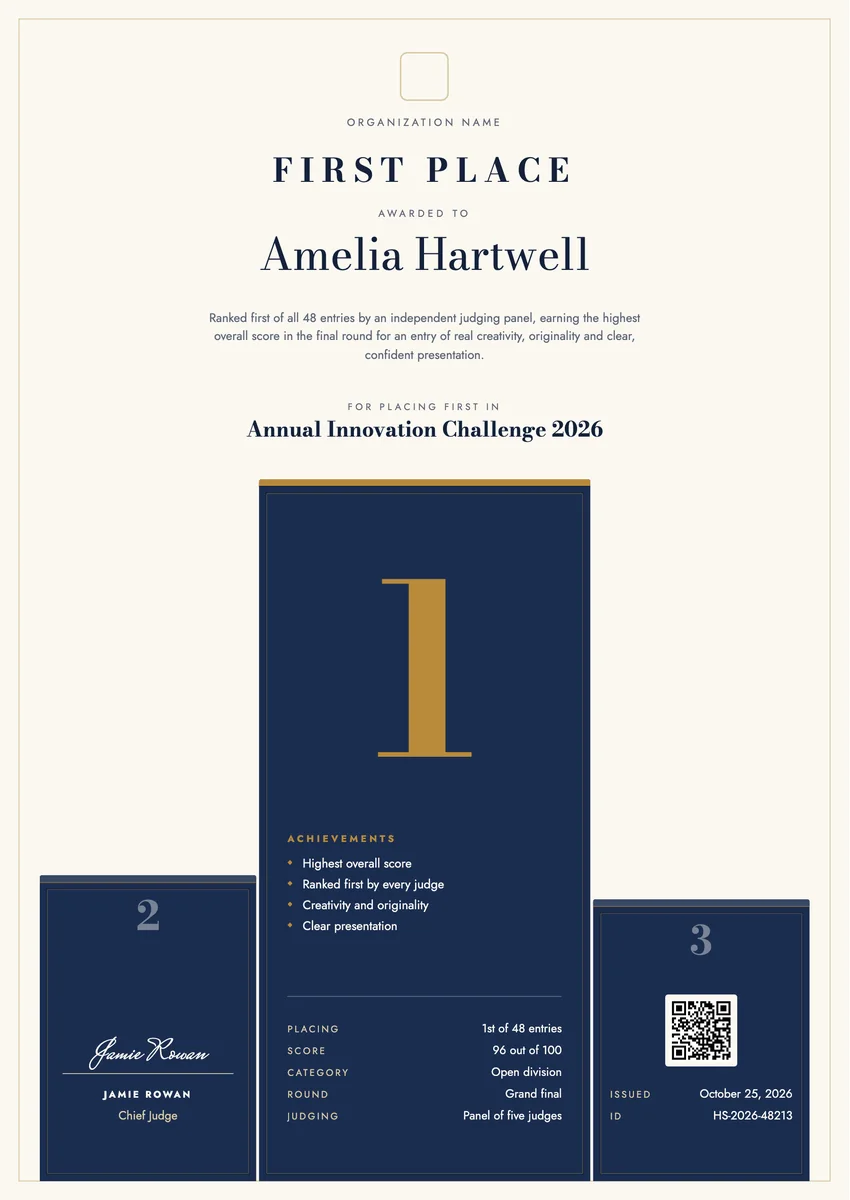
A first place certificate template gives you a ready layout for the one entry that finished at the top of the results: the winning project at a science fair, the best essay, the fastest time on sports day, the team that won the hackathon or the seller who topped the quarter. Schools, clubs, companies and event organisers present it at the prize-giving, right after the placings are read out.
A good one says more than the rank. It names the event and its year, how many entries took part, how the result was decided (a judging panel, a score, a final round), and it carries the date and the signature of the chief judge or the organiser. That record is what keeps the placing meaningful long after the day.
The designs come as certificates in A4 and US Letter and as digital badges, so you can print the award for the wall and send a verifiable copy the recipient can share online.
Wording
What to write on a first place certificate
Use these lines as they are, or as a start for your own. Every template comes with wording you can change in the studio.
Wording for a 1st place certificate
- “Awarded first place in the Annual Science Fair 2026, ranked first of 48 entries by an independent judging panel.”
- “For placing first in the senior division, with the highest overall score in the final round.”
- “In recognition of a first place finish for an entry of real originality and clear presentation.”
First place award wording for workplace contests
- “First place in the Q3 sales challenge, with the highest new revenue of any team.”
- “Awarded first place at the 2026 internal hackathon for a prototype the judges ranked first on every criterion.”
- “For finishing first in this year's safety ideas contest.”
Short lines for the badge or the email
- “First place, 2026.”
- “Top of the results: congratulations on 1st place.”
Why send it with Hyperstack
More than a PDF
Customize the template free. When it is ready, send it to everyone at once.
One design, every name
Upload a spreadsheet and Hyperstack makes a award for each person on it, in one go.
Sent by email
Each recipient gets their own email and link. You see who opened it, downloaded it and shared it.
Anyone can verify it
The QR code opens a page that proves the certificate is real. Recipients add it to LinkedIn in one click.
FAQ
Questions, answered
The event and its year, the division or category, the placing (for example 1st of 48 entries), the score or the deciding round when there is one, the date and a signature. A short line on why the entry won makes the award specific to the person.
Many organisers give one to each placing so every podium finisher has a record. Use one design for all three places with only the rank and wording changed, so first place still stands out and the set looks consistent at the ceremony.
Usually the head judge or the chair of the judging panel, often with the organiser, the head teacher or the competition director. When results were decided by a panel, naming the panel on the certificate adds weight.
Say it plainly, for example "Joint first place" or "First place (tied)", and give each winner their own certificate with the same wording, date and score. Do not name the other winner on each page unless they were one team.
Most contests announce the placings at the prize-giving and send the certificate the same day. When scores can be appealed or checked, wait until the results are final, then issue it with the date the results were confirmed.
More certificate templates
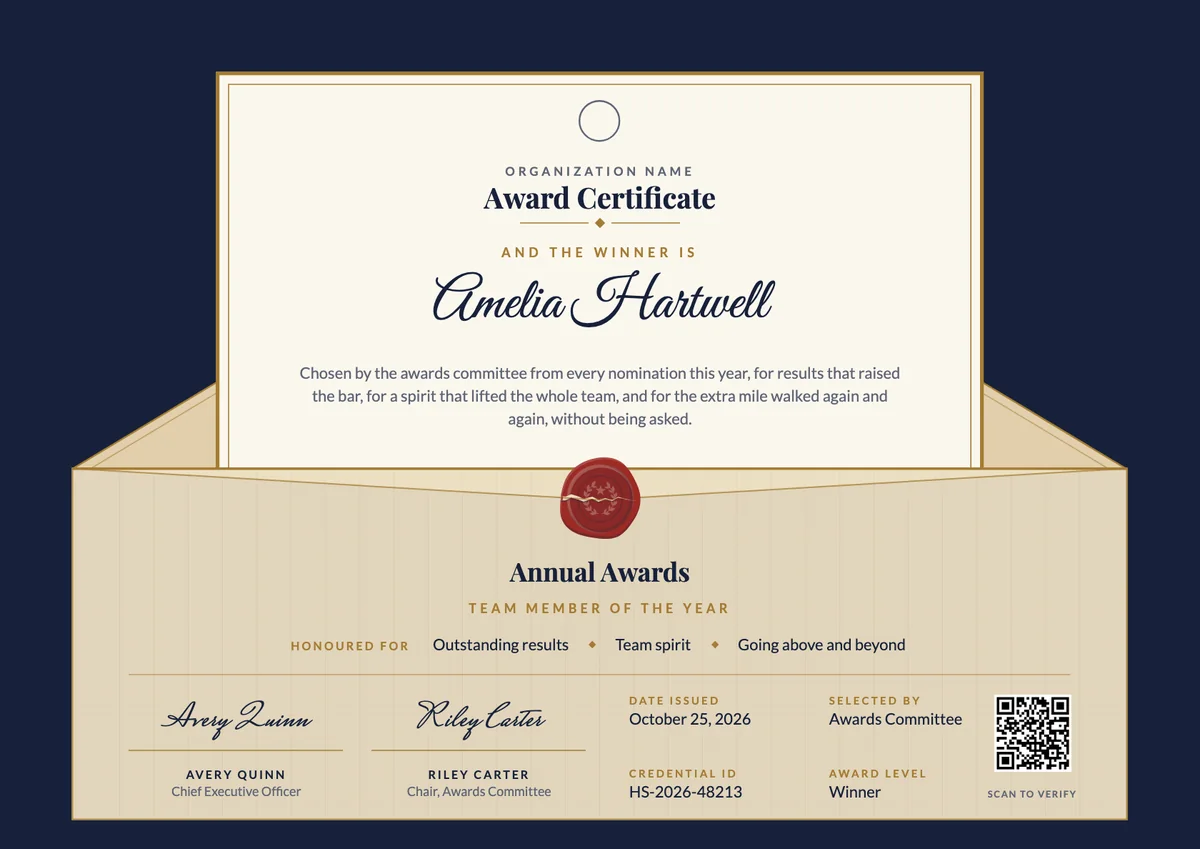
Award Certificate
3 templates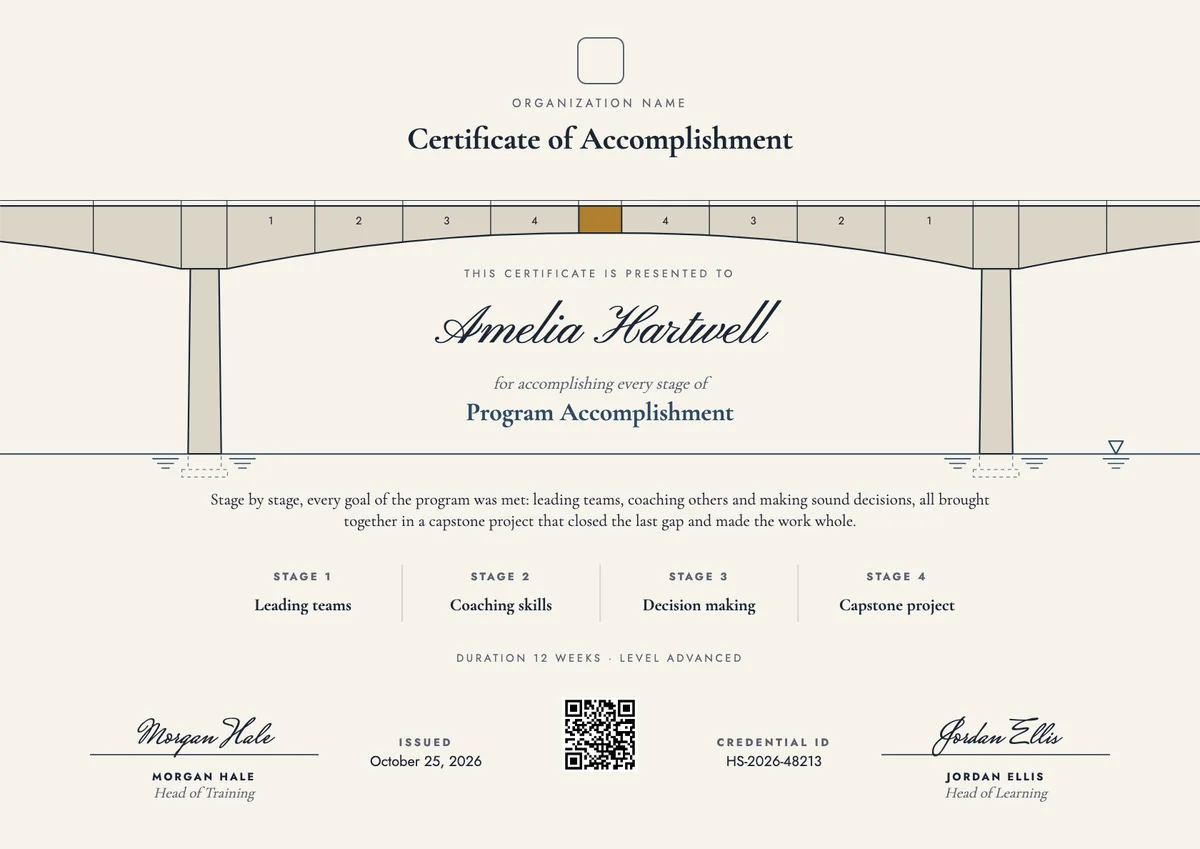
Certificate of Accomplishment
3 templates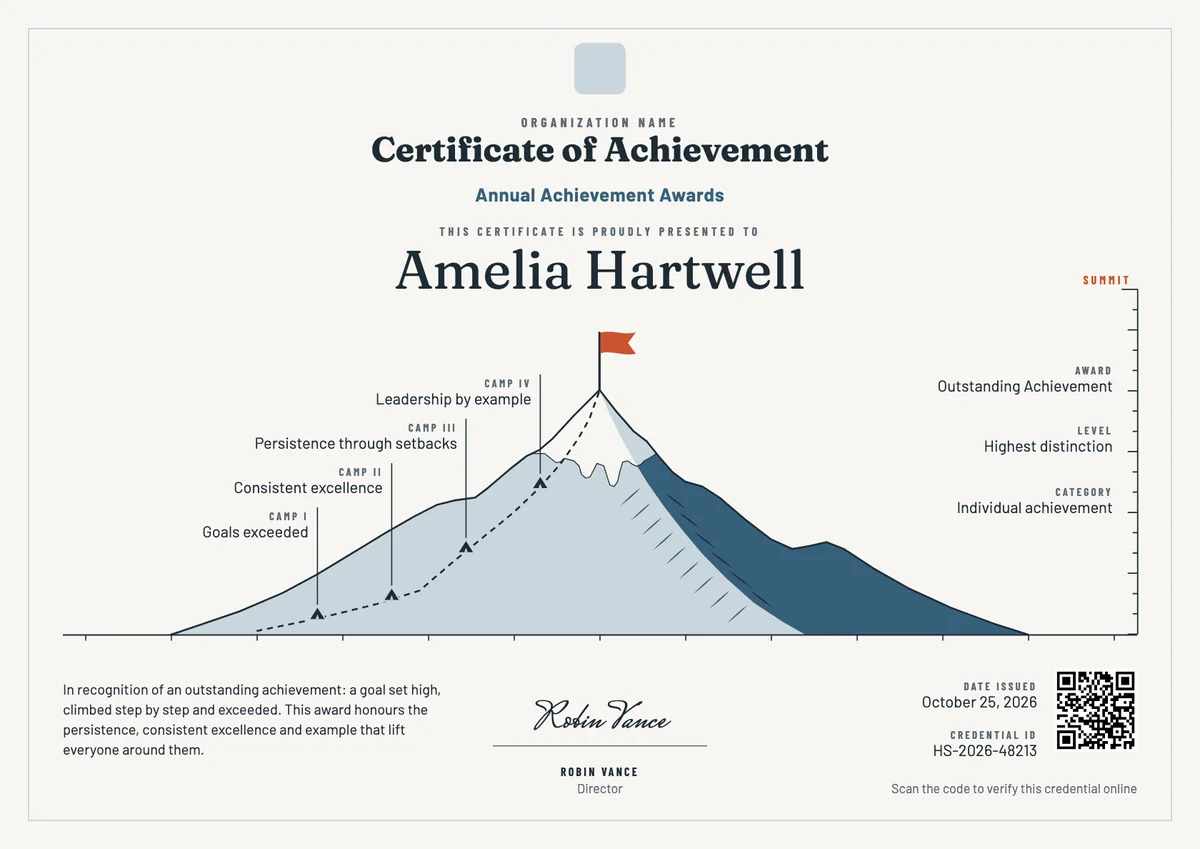
Certificate of Achievement
3 templates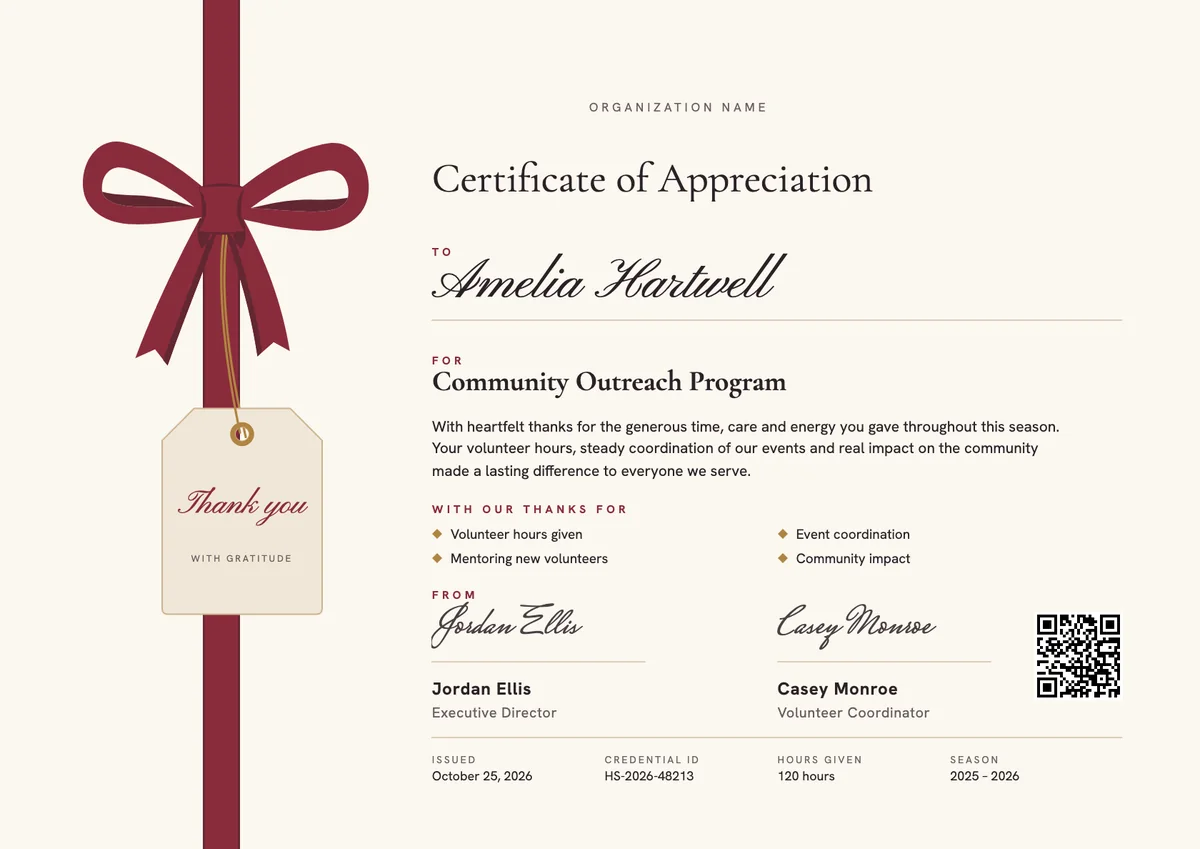
Certificate of Appreciation
3 templates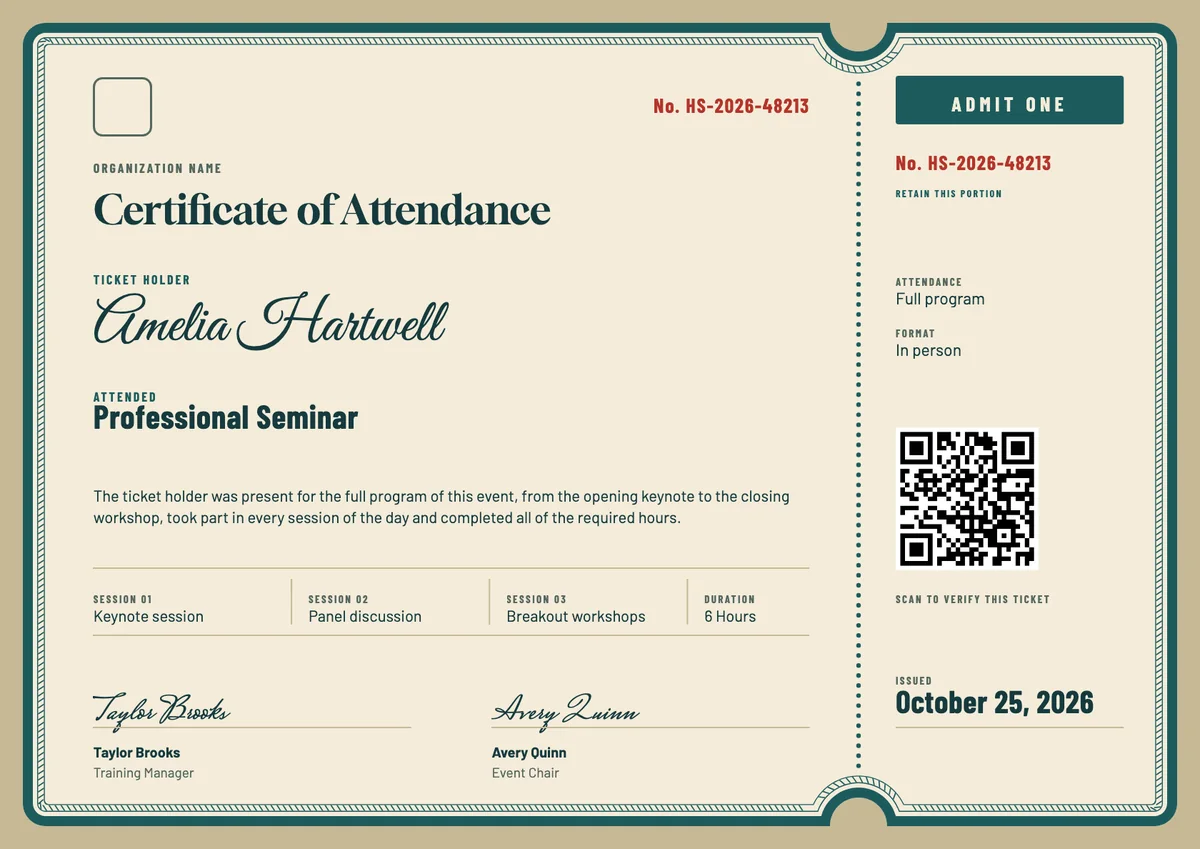
Certificate of Attendance
3 templates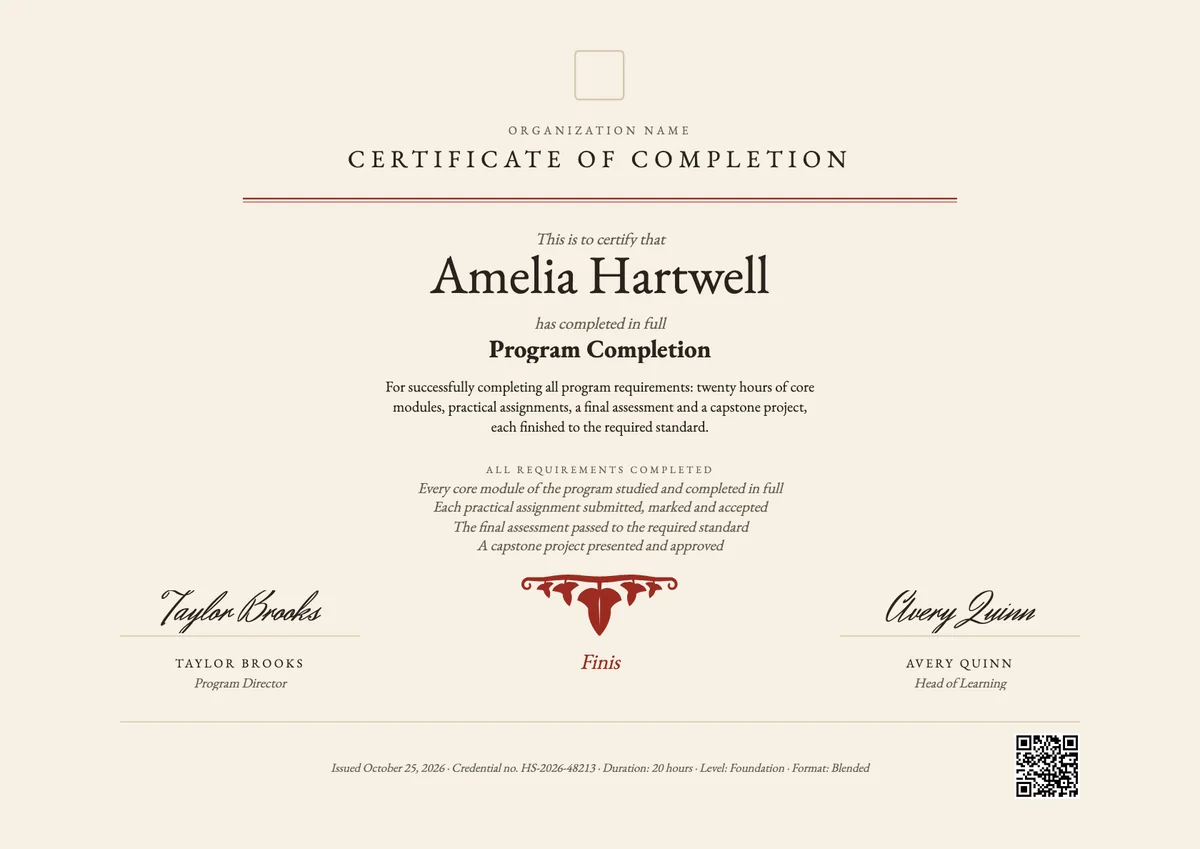
Certificate of Completion
3 templatesYour next cohort deserves better than a PDF
Set up in minutes, send your first credentials today, and only pay once you grow past 20 recipients a year.
Or open a live sample credential