Montessori Teacher Training certificate templates and badges
3 free designs. A set is one design as a badge, a landscape or a portrait certificate, or all three.
Free for up to 20 recipients a year
Grammar Symbols set
Badge · Landscape · Portrait
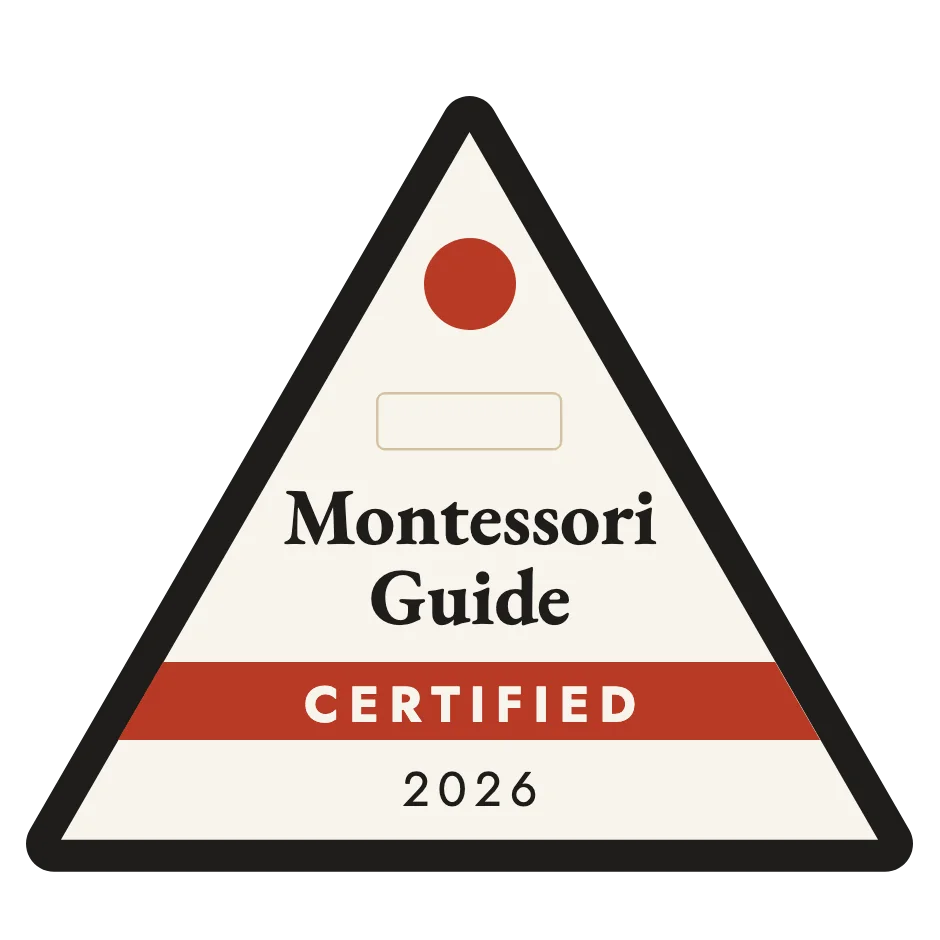
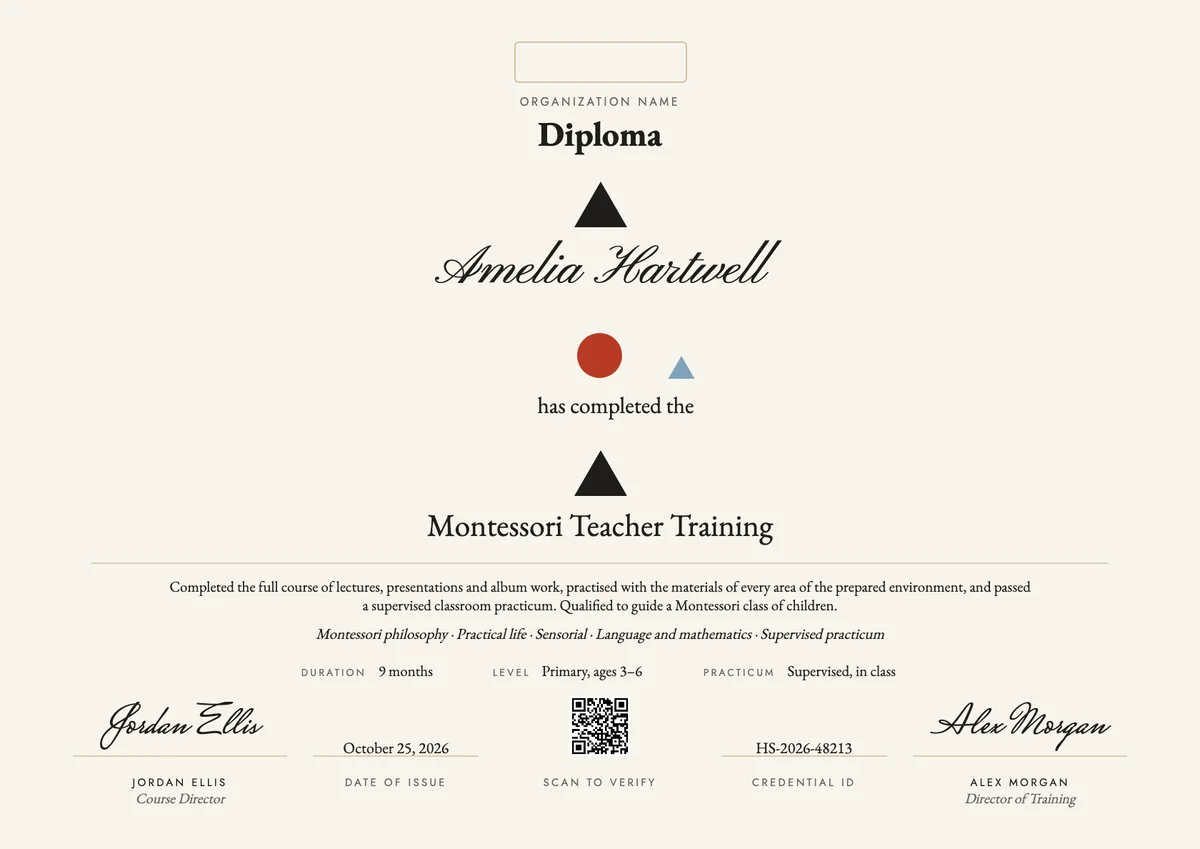
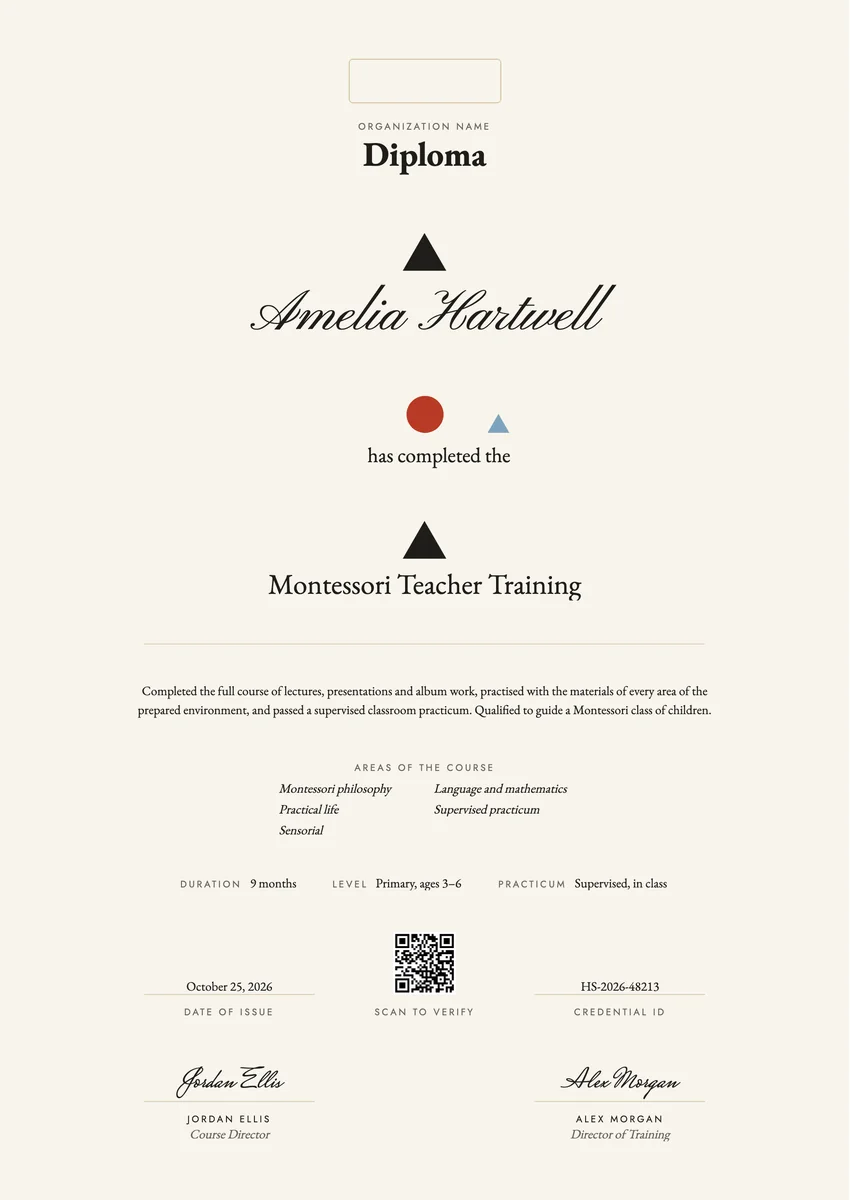
A Montessori teacher certificate template gives training centres a ready layout for the moment a trainee becomes a guide. Montessori institutes, teacher training colleges and school groups that run their own courses award it when an adult finishes training for one age level, such as infants and toddlers, children aged 3 to 6, or the elementary years.
A good one says what the course covered and how the trainee proved it: the lectures and the albums written for each area, the observation hours, the supervised practicum in a real classroom and the final assessment. It names the age level, the length of the course, the date and the people who sign for the centre.
The designs come as printable certificates in A4 and US Letter and as digital badges. Issued online, the diploma can be verified by a school that is hiring, and the new guide can add it to LinkedIn.
Wording
What to write on a montessori teacher training certificate
Use these lines as they are, or as a start for your own. Every template comes with wording you can change in the studio.
Wording for a diploma in Montessori teacher training
- “Has completed the full course of Montessori teacher training for children aged 3 to 6, including a supervised classroom practicum.”
- “Is qualified to guide a Montessori class of children at the primary level.”
- “Has completed the lectures, albums, observation hours and practicum of the Montessori elementary course.”
Lines for a Montessori certificate for an assistant or short course
- “Has completed the Montessori classroom assistant course in practical life and sensorial work.”
- “For completing an introduction to Montessori philosophy and the prepared environment.”
Short lines for the badge or the email
- “Certified Montessori guide, primary level.”
- “Montessori trained: ready for the classroom.”
Why send it with Hyperstack
More than a PDF
Customize the template free. When it is ready, send it to everyone at once.
One design, every name
Upload a spreadsheet and Hyperstack makes a diploma for each person on it, in one go.
Sent by email
Each recipient gets their own email and link. You see who opened it, downloaded it and shared it.
Anyone can verify it
The QR code opens a page that proves the certificate is real. Recipients add it to LinkedIn in one click.
FAQ
Questions, answered
The graduate's name, the course and its age level, a statement of what was completed, the main areas studied, the course length, the practicum, the date and at least one signature from the course director or director of training. A credential ID lets a school check it.
Usually the director of training and the course director or lead trainer. Where an outside examiner assessed the trainee, centres often add that person's signature too.
Centres use the words differently, but a diploma usually marks a full course for one age level with a practicum, while a certificate often marks an assistant course, a short course or a workshop. Use the word your centre and its accrediting body use.
Yes. Montessori training is given for a specific age range, such as 0 to 3, 3 to 6 or 6 to 12, and schools hire guides for that level. Put it in the program name or in the details row.
They are Montessori grammar symbols: a black triangle for a noun, a red circle for a verb and a small light-blue triangle for an article. On the design they stand over the words of the certificate's own sentence, as children place them in grammar work.
After the final assessment, when the practicum report and the albums have been accepted. Many centres hand it out at a closing ceremony at the end of the course and send the digital version the same day.
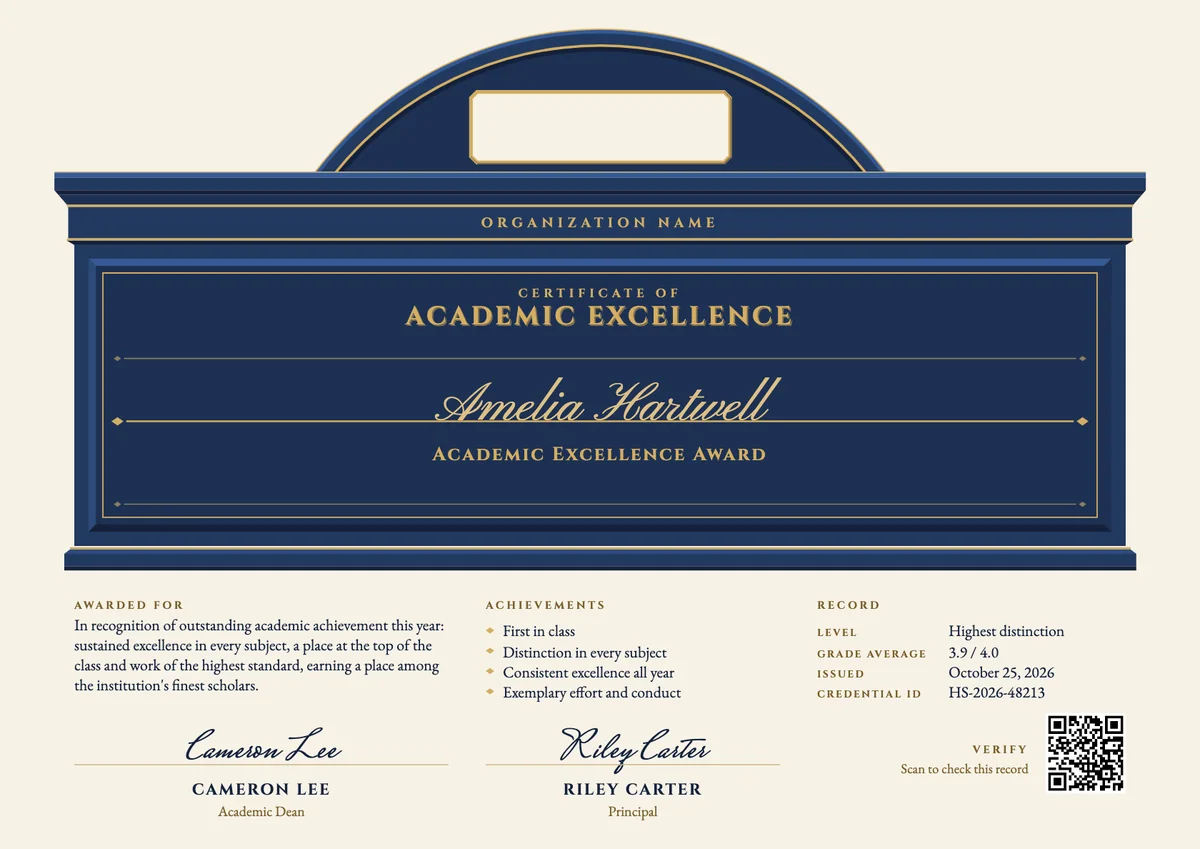
Your next cohort deserves better than a PDF
Set up in minutes, send your first credentials today, and only pay once you grow past 20 recipients a year.
Or open a live sample credential