Volunteer certificate templates and badges
3 free designs. A set is one design as a badge, a landscape or a portrait certificate, or all three.
Free for up to 20 recipients a year
Sign Up Sheet set
Badge · Landscape · Portrait
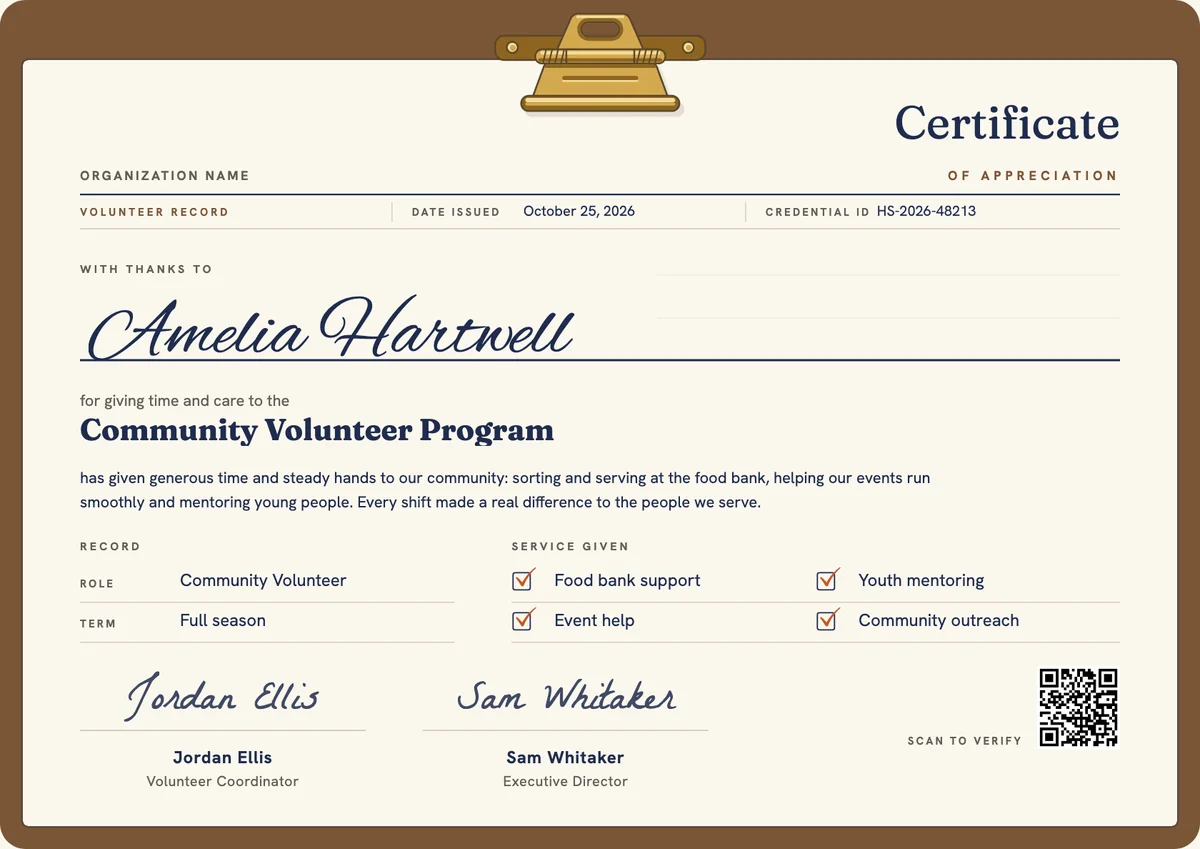
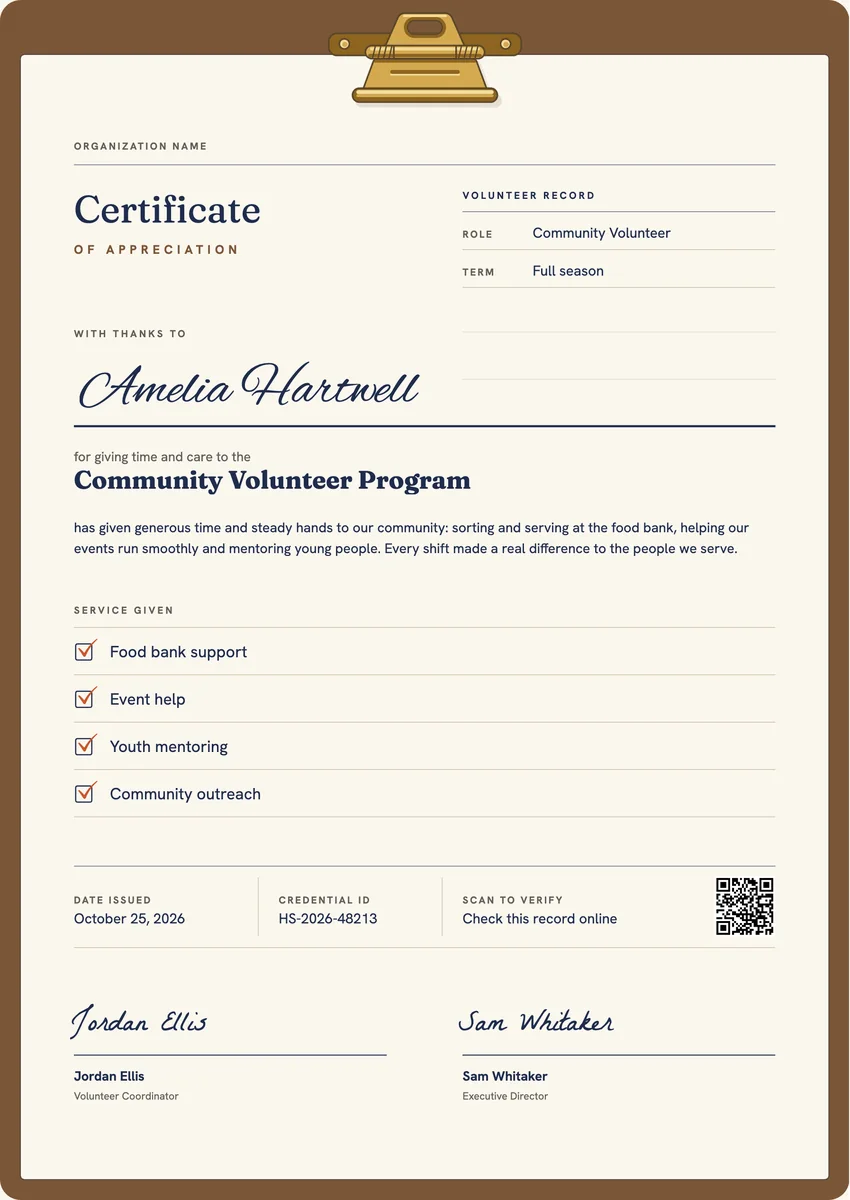
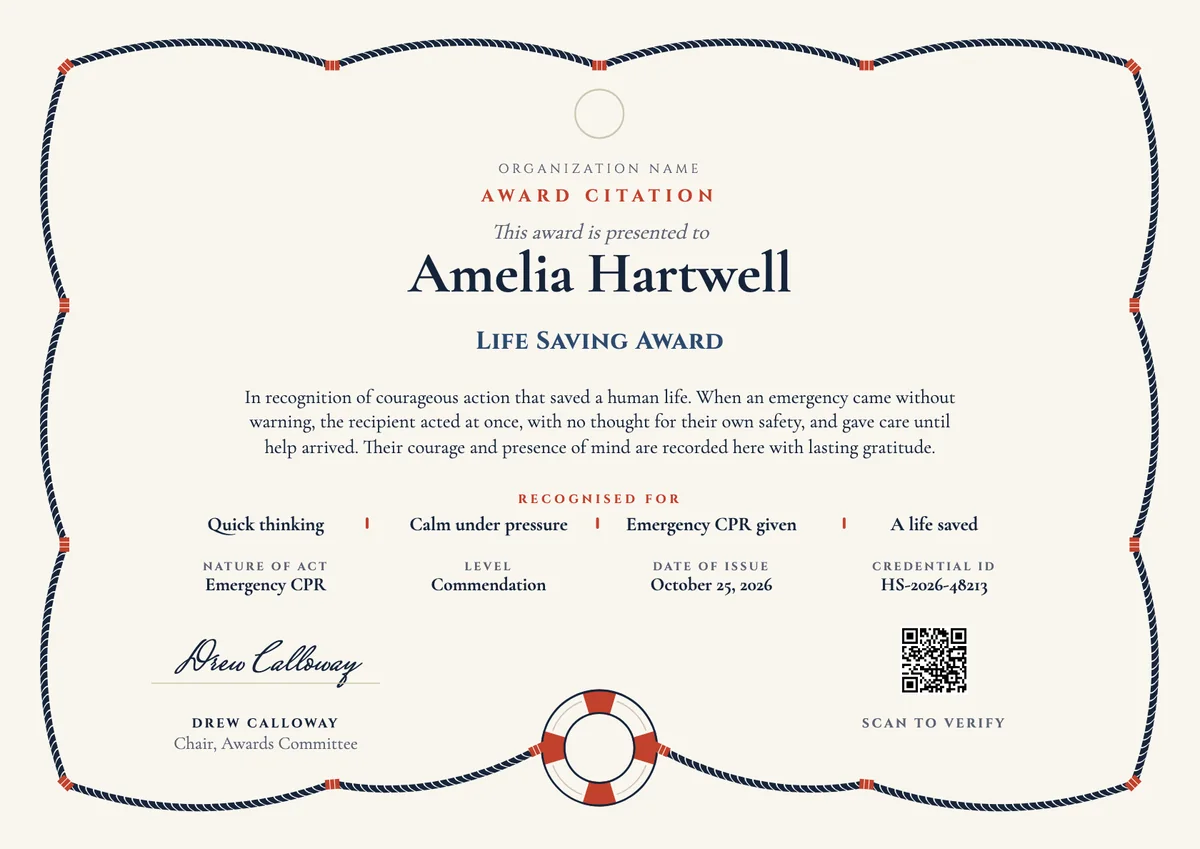
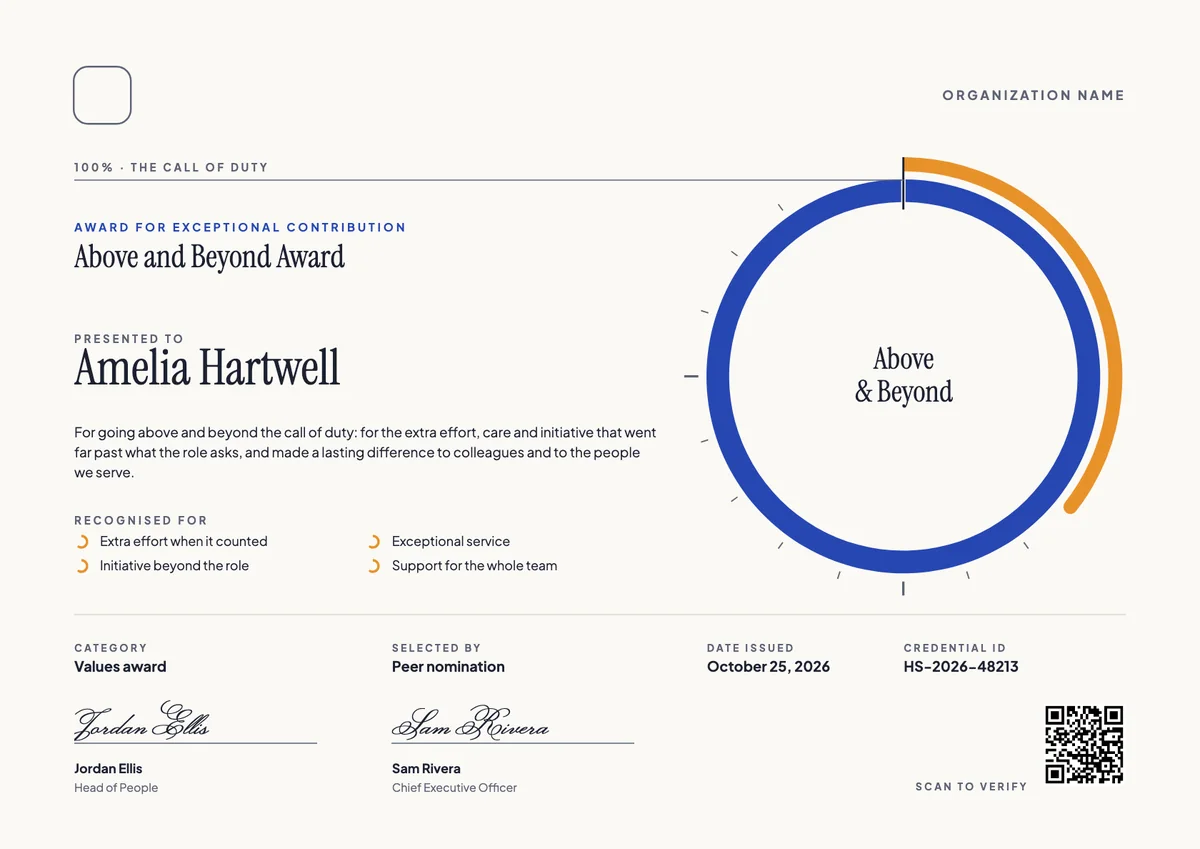
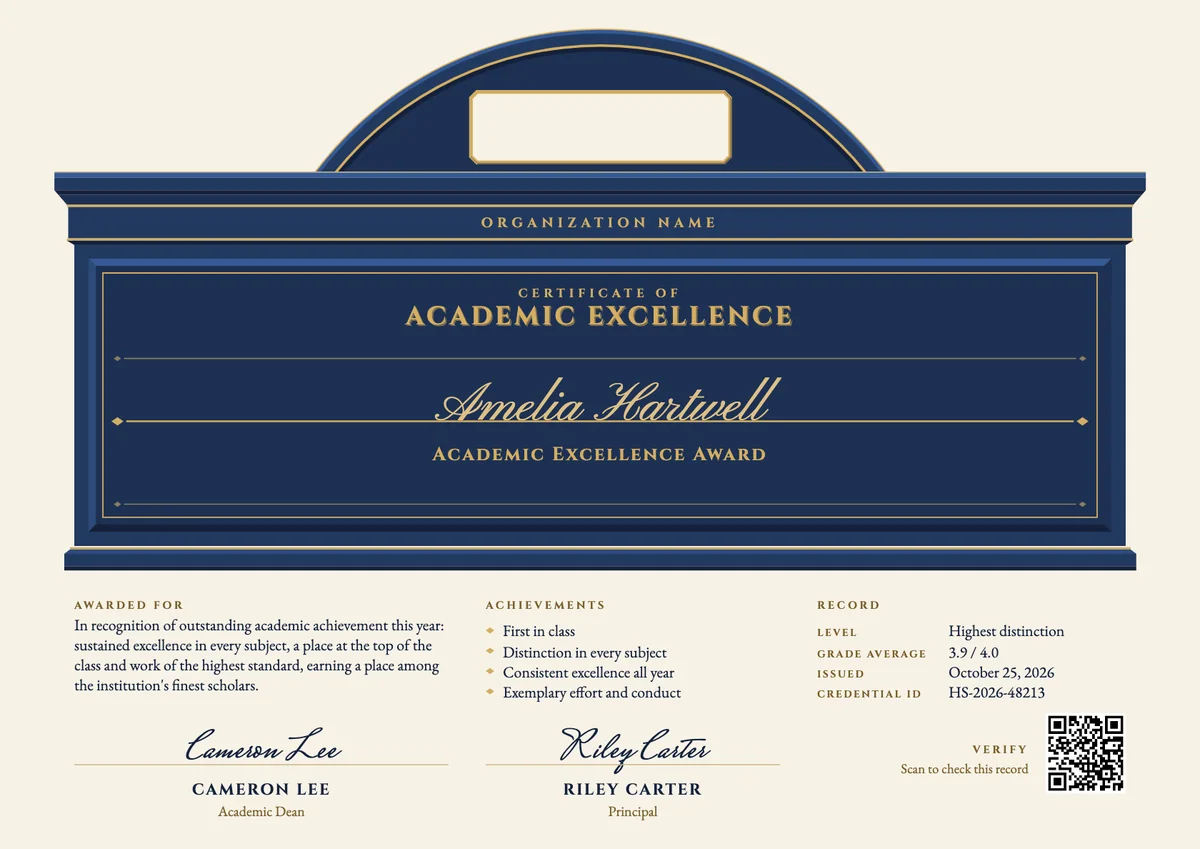
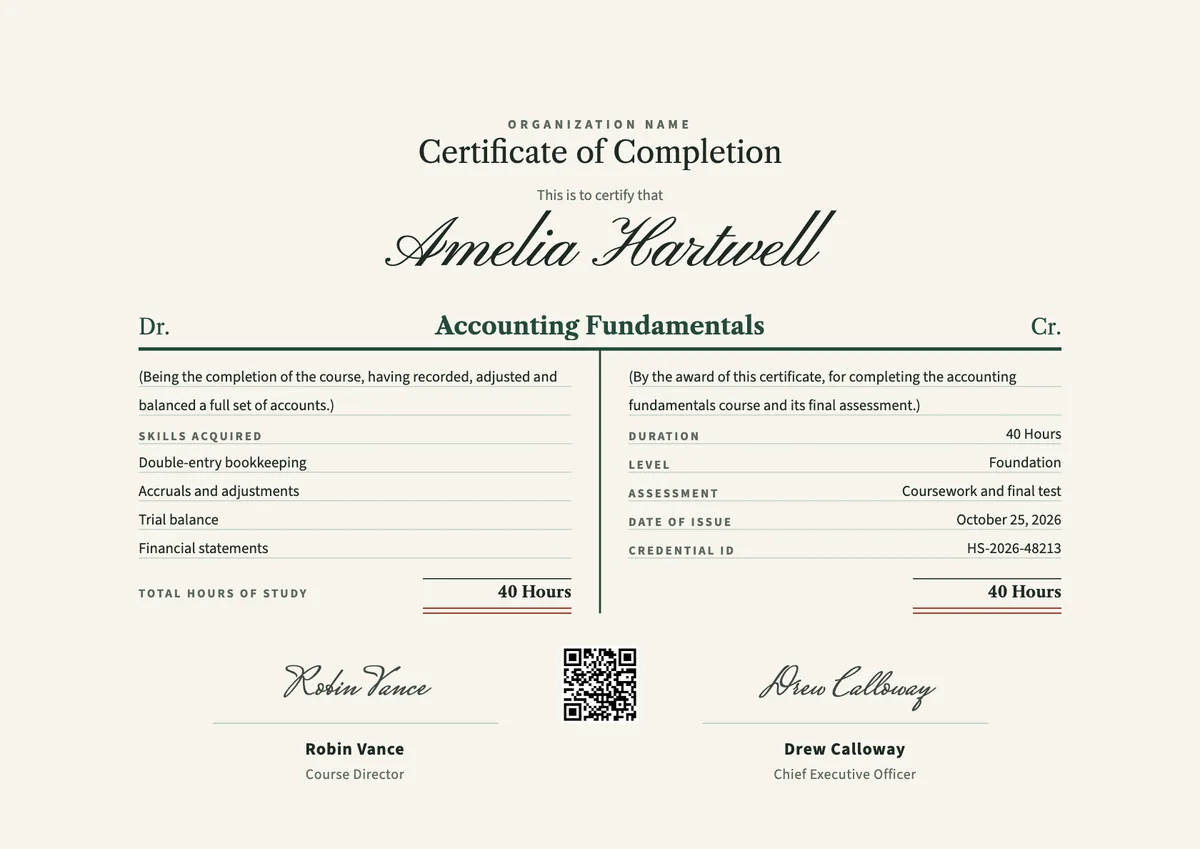
A volunteer certificate template gives charities, food banks, hospitals, schools and community groups a quick way to thank the people who give their time. Coordinators usually hand them out at the end of a season, a drive or a big event, or at a thank-you evening during volunteer week.
A good certificate of appreciation does more than say thanks. It names the volunteer, the program or organisation, the role they held and the kind of help they gave, and it carries the date and a signature from the volunteer coordinator or a director. For students, it is also a record of service they can show to a school, a college or an employer.
The designs come as printable certificates in A4 and US Letter and as digital badges that volunteers can add to their profiles and share.
Wording
What to write on a volunteer certificate
Use these lines as they are, or as a start for your own. Every template comes with wording you can change in the studio.
Volunteer appreciation certificate wording
- “With heartfelt thanks for your time, energy and care for our community.”
- “In appreciation of your generous service at the food bank this season.”
- “For every shift you gave, and every person you helped along the way.”
- “Thank you for showing up, week after week, for the people we serve.”
Wording for a volunteering certificate for students
- “In recognition of community service completed as part of the school's service-learning program.”
- “Awarded for volunteering at our summer reading program with patience and enthusiasm.”
- “With thanks for helping to plan and run our community clean-up day.”
Short lines for the badge or the email
- “Thank you for giving your time.”
- “Volunteer of our community, with thanks.”
Why send it with Hyperstack
More than a PDF
Customize the template free. When it is ready, send it to everyone at once.
One design, every name
Upload a spreadsheet and Hyperstack makes a certificate of appreciation for each person on it, in one go.
Sent by email
Each recipient gets their own email and link. You see who opened it, downloaded it and shared it.
Anyone can verify it
The QR code opens a page that proves the certificate is real. Recipients add it to LinkedIn in one click.
FAQ
Questions, answered
The volunteer's name, the organisation and program, a line of thanks, the role they held, the kinds of tasks they did and the dates or season of service. Add the issue date and at least one signature with its role, so the certificate can be trusted as a record.
Usually the volunteer coordinator, who knows the person's work best. Many organisations add a second signature from the executive director, the chair of the board or the head teacher, which makes the thanks feel more official.
Only if you track hours reliably. Schools and service-learning programs often need an hours figure, so state it and keep your sign-in records. If you do not track hours, describe the role and the season of service instead of guessing a number.
At the end of a season, a project or a fundraising drive, at an annual volunteer thank-you event, or during National Volunteer Week. A certificate that arrives soon after the work is done feels more personal than one sent months later.
Yes. Students often attach volunteer certificates to college, scholarship and job applications as evidence of community service. A certificate with a credential ID or QR code lets the reader confirm that the service really took place.
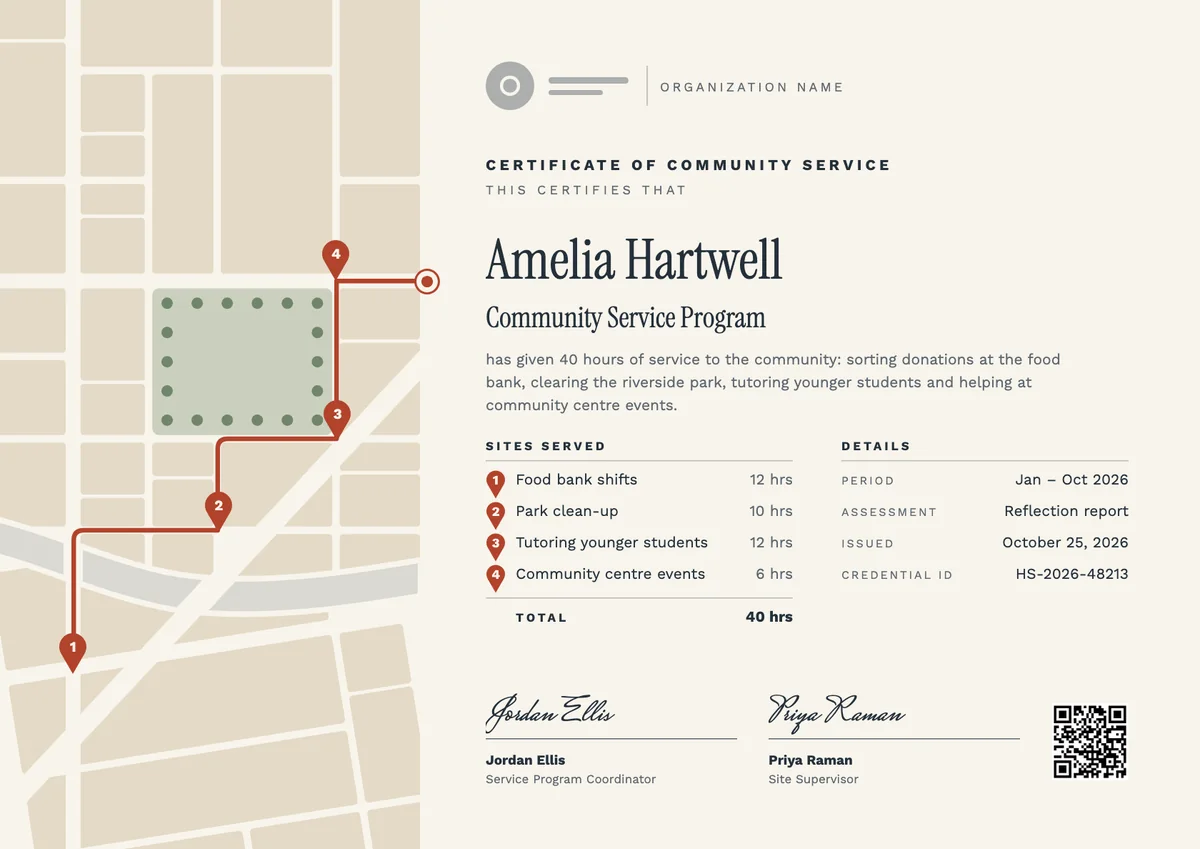
Your next cohort deserves better than a PDF
Set up in minutes, send your first credentials today, and only pay once you grow past 20 recipients a year.
Or open a live sample credential