Sign Up Sheet Volunteer Badge
Matching certificates
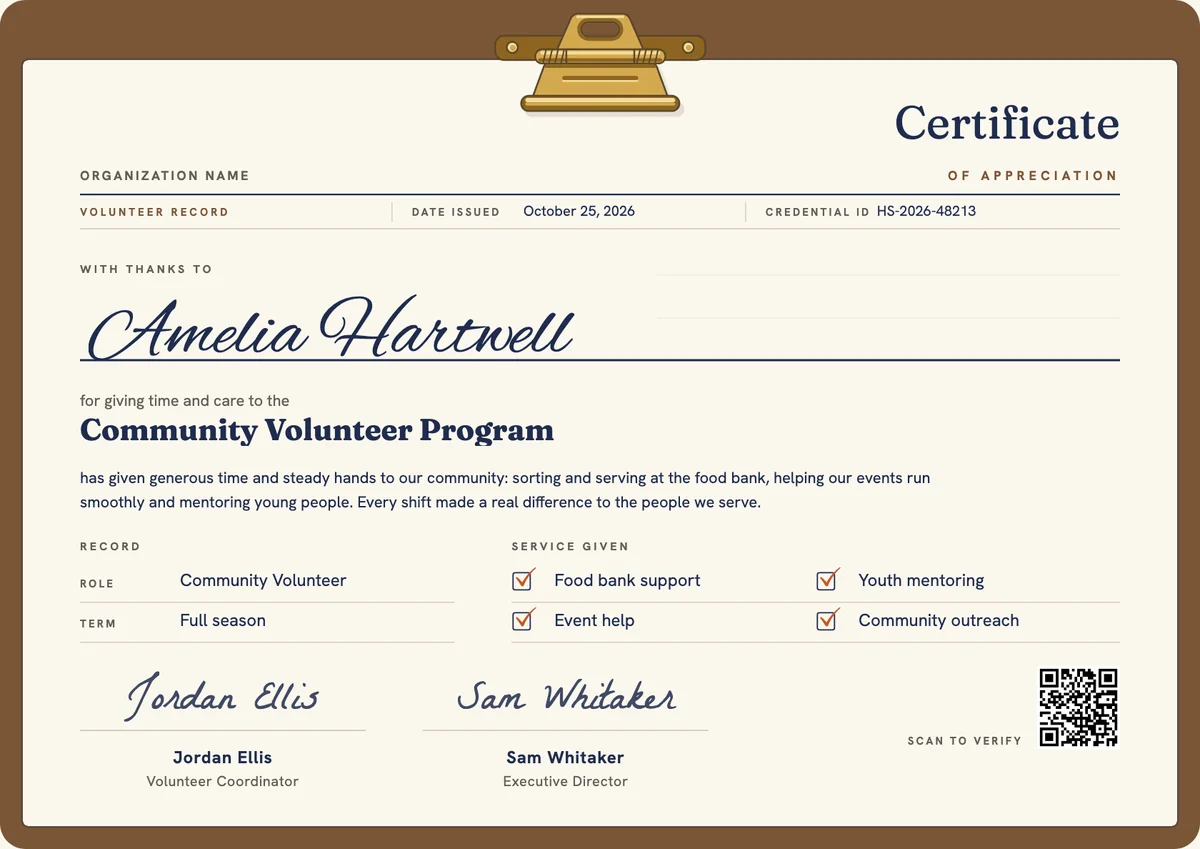
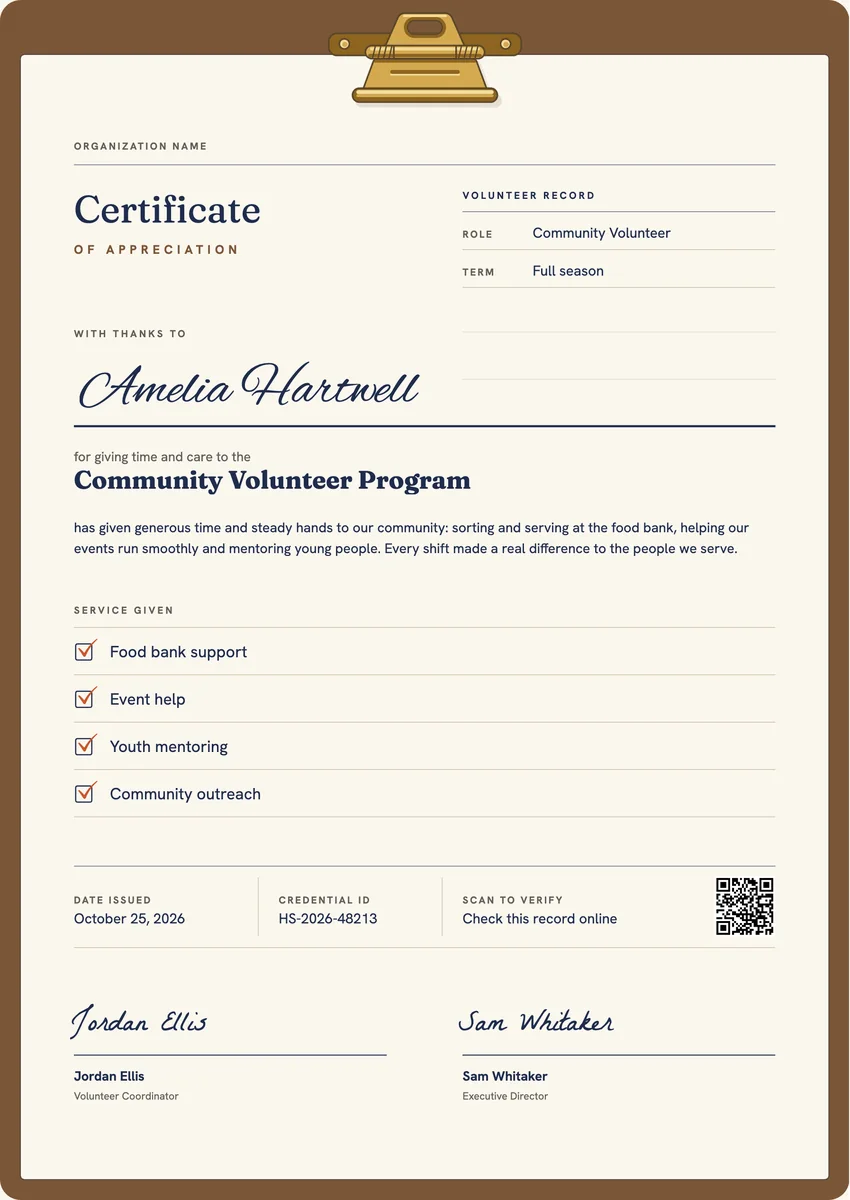
A volunteer appreciation badge drawn as a small clipboard with a brass clip, a ticked line reading With thanks and the year, clear even as a profile icon.
Use this design
Add your logo and wording, then send it to everyone at once, each with a link anyone can verify.
Start freeFree for up to 20 recipients a year
Share this design
- Round badge, readable at profile-picture size
- Your logo, colours and wording
- Each badge links to a verified record
- Matching certificates in the same design
Updated 3 November 2026 · Designed by the Hyperstack studio
See it where it lives
Drawn to read at small sizes
A badge is mostly seen small. These are its real sizes on screen.
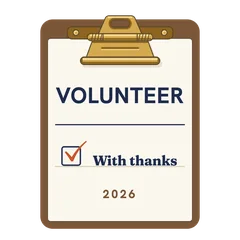
On a profile
120 px
In a list of badges
64 px
In an email signature
40 px
What is on it
A badge people are proud to show
You write once
The same for everyone. Keep the template’s words or change them.
- Badge words
- Volunteer
Filled in for each person
Hyperstack fills these from your list when you send.
- The recipient’s name and the award, in the badge’s verified record
- The issue date and a credential ID
- A link anyone can click to verify it
Specifications
Sizes, fonts and colours
Sizes
- Badge
- 470 × 470 px, round · Reads at 120 px on a profile
Colours
- Paper#fbf7ee
- Ink#1f2c4d
- Accent#7b5638
- Second accent#c9572a
- Muted text#625e58
Change any colour in the studio.
Design notes
The badge is a whole clipboard in miniature: a brown hardboard, a brass spring clip standing above the top edge and a cream sheet with VOLUNTEER set large across it. One printed box ticked in orange pen sits beside the words With thanks, and the year closes the sheet. The shapes are simple and bold, so the clipboard still reads at small sizes. It works for any community program that wants a friendly, recognisable mark of service rather than a medal or a seal.
About
Volunteer Badge Template, Sign-Up Clipboard
A digital badge lets a volunteer show their service where it is seen: on a LinkedIn profile, in an email signature or on a college or job application. Nonprofits and volunteer centres give one at the end of a season or a drive, often alongside a certificate, so the thanks travels with the person and links back to a record of what they gave.
More wording ideas for volunteer certificatesWords that go with it
The email and the post, written for you
Email to send with it
Subject: Thank you for volunteering with us, name
Hi name,
Thank you for the time and care you gave as a volunteer this season. Every shift you covered and every person you helped made a real difference to our community, and we noticed.
Your certificate of appreciation is ready. Open it to see it, download a copy to print, or share it on LinkedIn so others can see the service you gave.
With warm thanks from the whole team.
Hyperstack fills in each person’s name and link when it sends.
Post for the recipient to share
This season I volunteered with a local community program, helping at the food bank, at events and with younger students. Today I received a certificate of appreciation, and it reminded me how much I learned from the people I worked beside. Thank you to our volunteer coordinator and the whole team for making every shift count. #Volunteering #CommunityService
Recipients share it with one click from their credential page, with the badge attached.
Certificate or badge?
Send both. They do different jobs.
Certificate
- A full record: name, statement, skills, dates and signatures
- Printed and framed, or kept as a PDF
- Opens to a page anyone can verify
Digital badge
- A small image people put on LinkedIn and in email signatures
- Carries the verified details inside it (Open Badges 2.0)
- One click shows who earned it and who issued it
How to send it
From template to everyone’s inbox
- 01
Make it yours
Open the template, add your logo and change any colour or word.
- 02
Add your people
Upload a spreadsheet, or connect your LMS, HR tool or form.
- 03
Send it
Each person gets an email and their own credential page, in one go.
- 04
They share it
Recipients add it to LinkedIn; anyone can verify it from the QR code.
The badge is a round image on a 470 × 470 px board, drawn to stay readable at 120 px, the size of a profile picture.
Fraunces (title), Hanken Grotesk (text, labels). All are Google Fonts, free for personal and commercial use, and you can swap any of them in the studio.
Yes. Every text, colour and drawing is its own layer in the studio. Add your logo in the logo spot; the design keeps its balance with a wide or a square logo.
Each person gets the badge with their own verified record. They add it to LinkedIn or an email signature, and anyone who clicks it sees who earned it and who issued it.
Yes. This design is part of a set: Sign Up Sheet Volunteer Certificate and Sign Up Sheet Volunteer Certificate, Portrait. Issue them together so the certificate and the badge read as one award for volunteer.
More certificate templates
All badge templates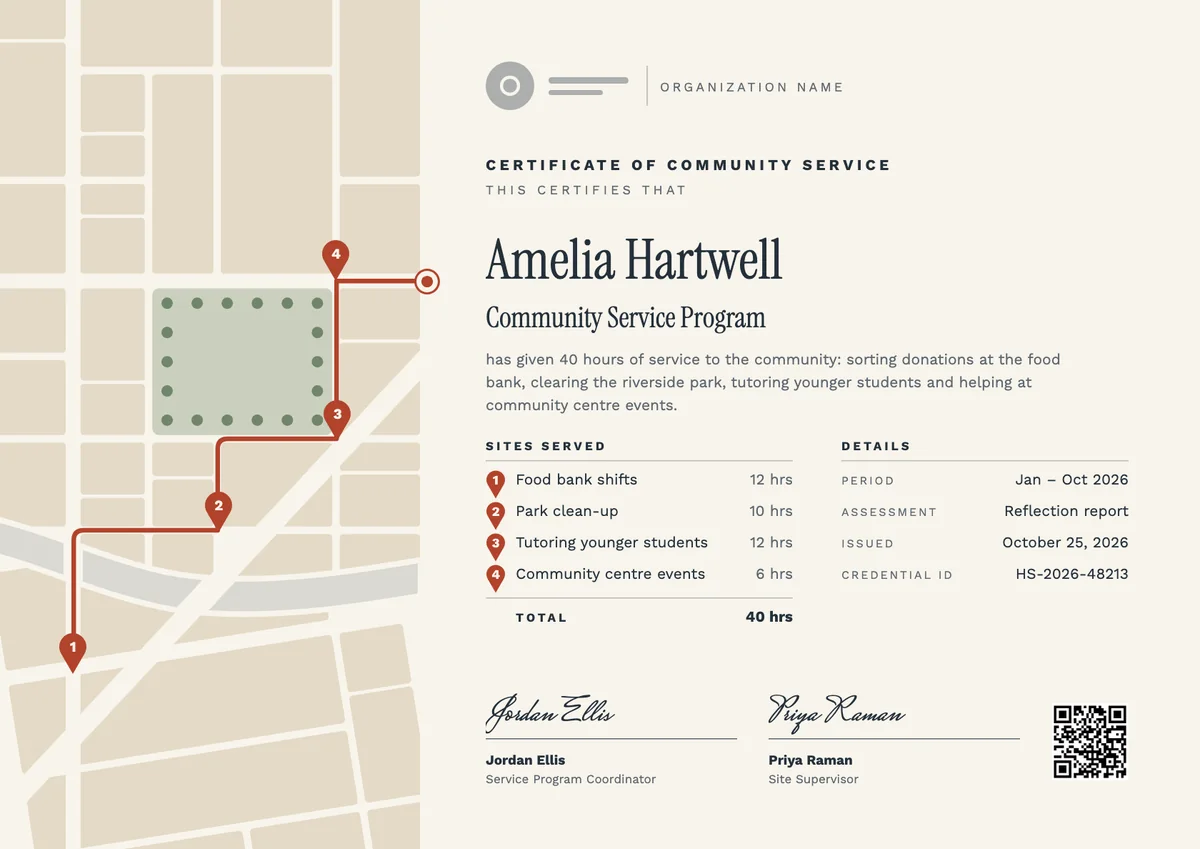
Landscape certificate · A4 + US Letter
Community Service Certificate, Landscape
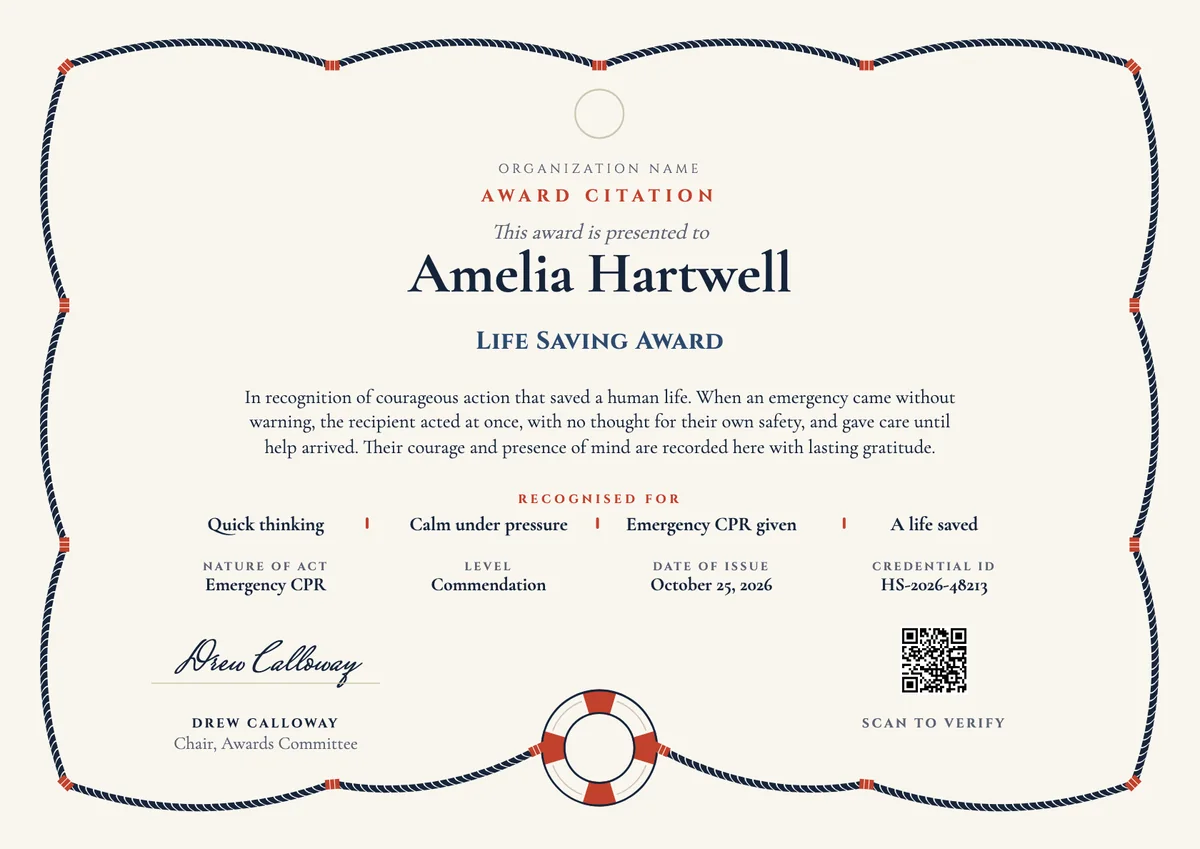
Landscape certificate · A4 + US Letter
Life Saving Award Certificate, Landscape
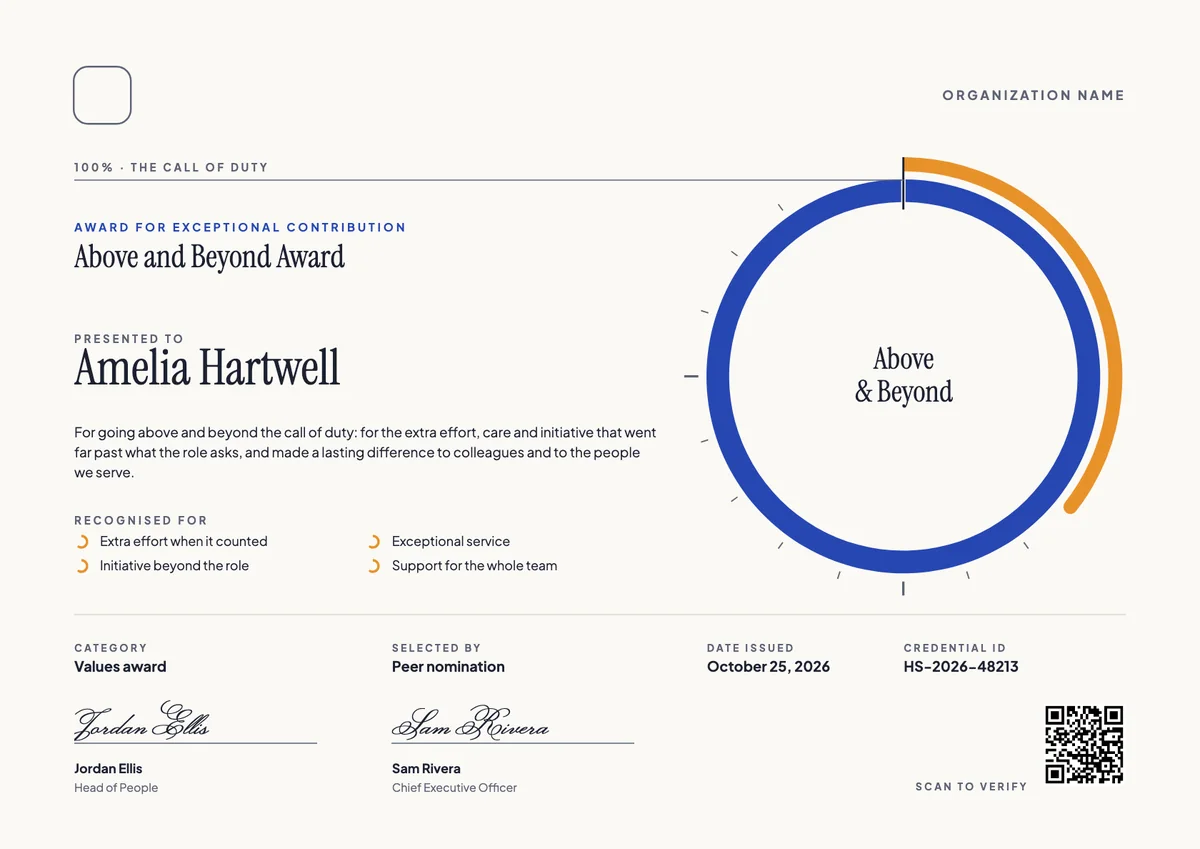
Landscape certificate · A4 + US Letter
Above and Beyond Certificate, Landscape
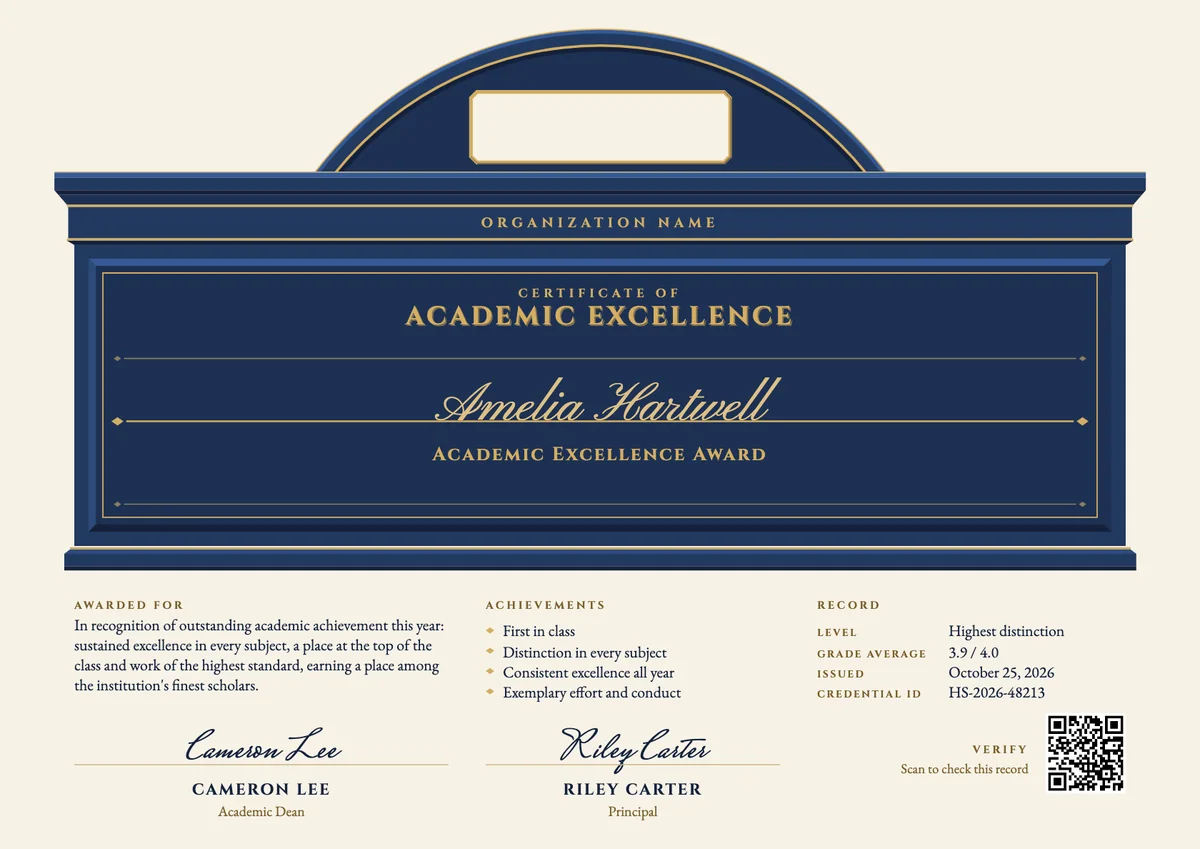
Landscape certificate · A4 + US Letter
Academic Excellence Certificate
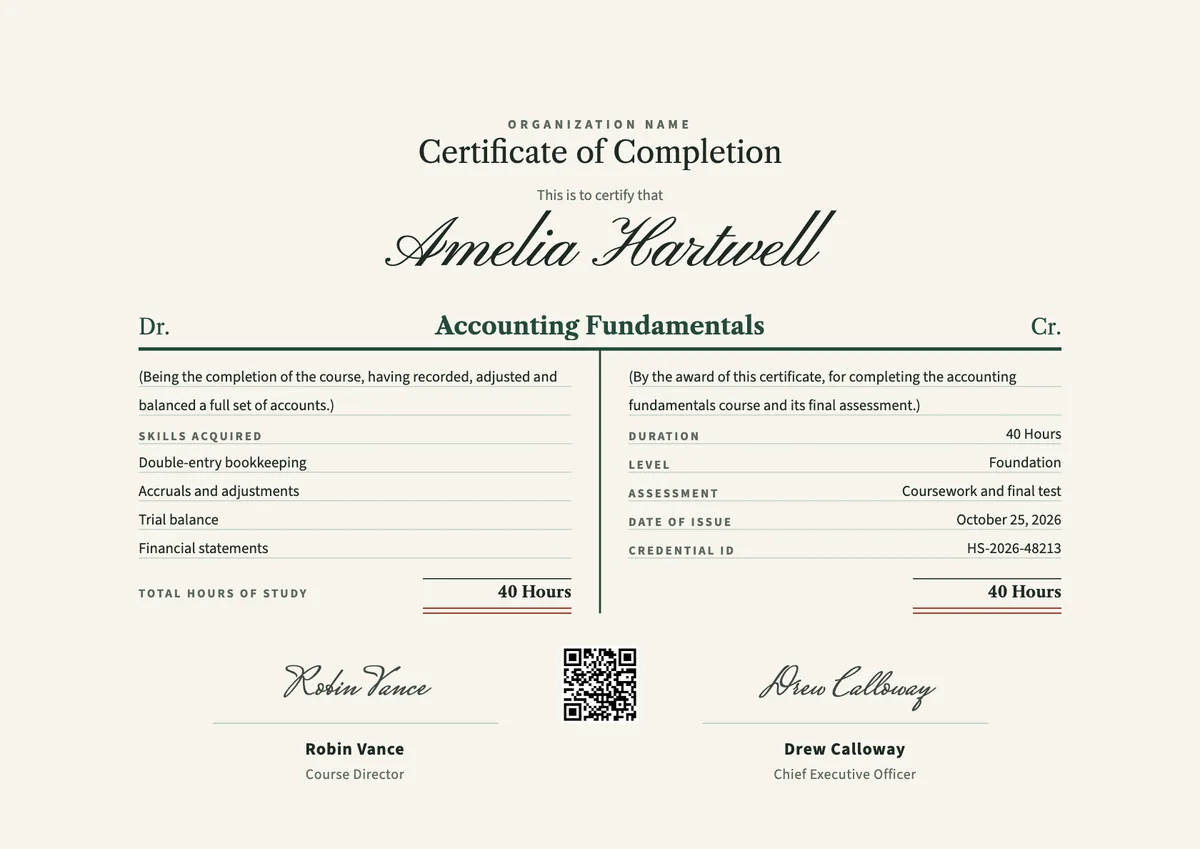
Landscape certificate · A4 + US Letter
Accounting Course Certificate, Landscape
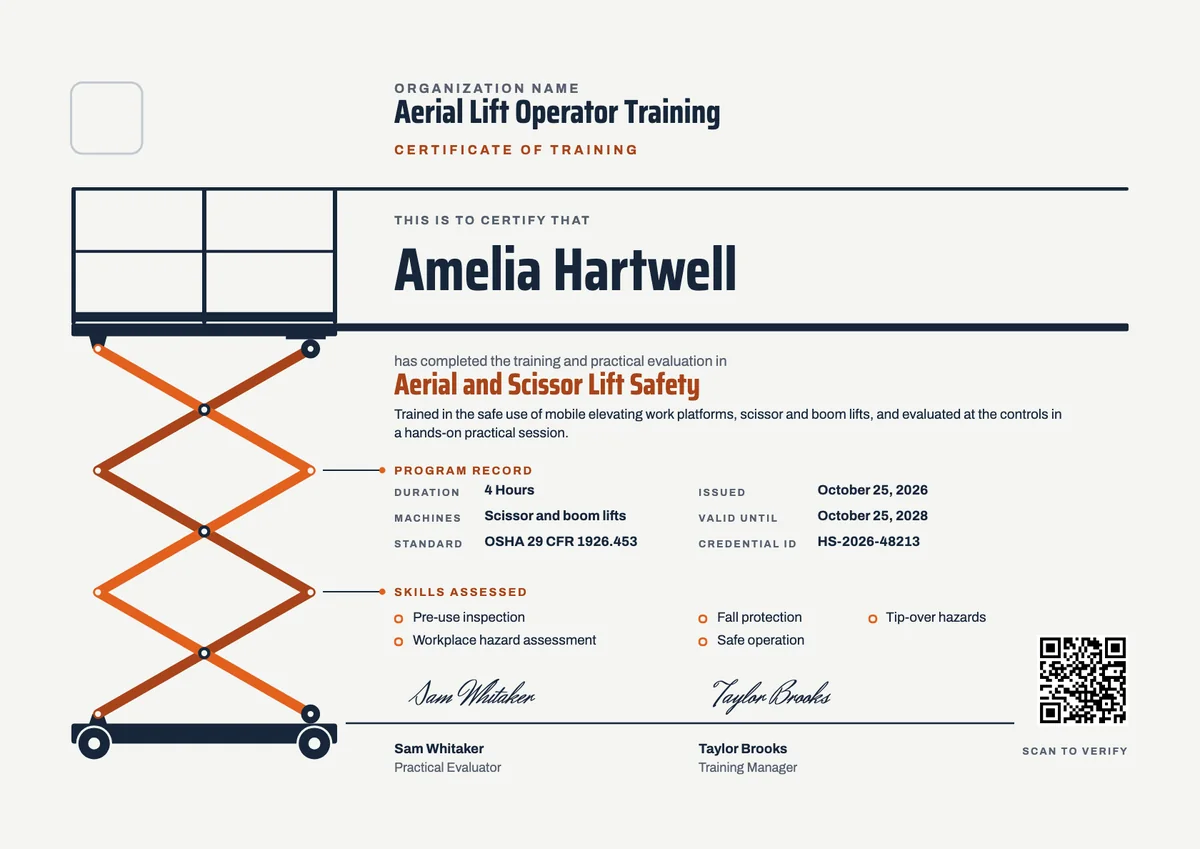
Landscape certificate · A4 + US Letter
Aerial Lift Training Certificate
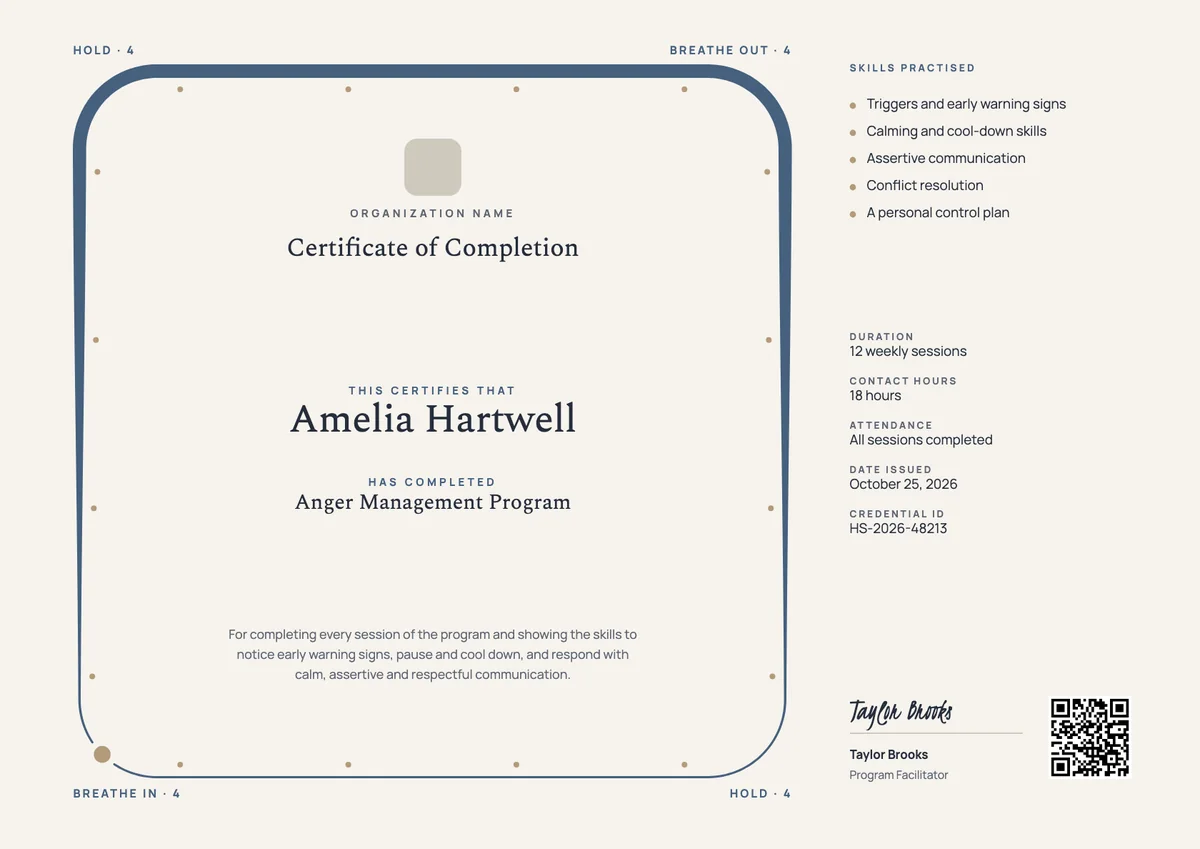
Landscape certificate · A4 + US Letter
Anger Management Certificate
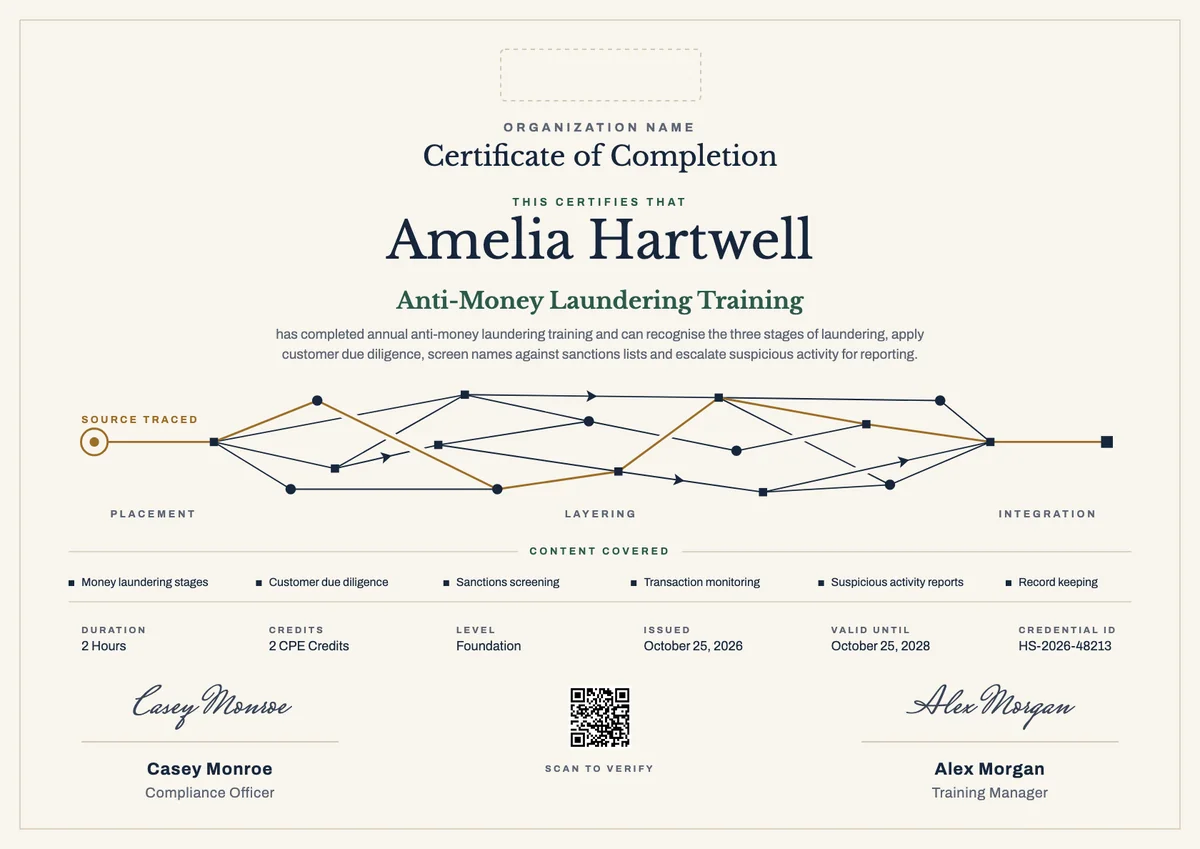
Landscape certificate · A4 + US Letter
AML Training Certificate, Landscape
Browse by topic
Trusted by universities, enterprises and certification bodies worldwide









Your next cohort deserves better than a PDF
Set up in minutes, send your first credentials today, and only pay once you grow past 20 recipients a year.
Or open a live sample credential