Winner certificate templates and badges
3 free designs. A set is one design as a badge, a landscape or a portrait certificate, or all three.
Free for up to 20 recipients a year
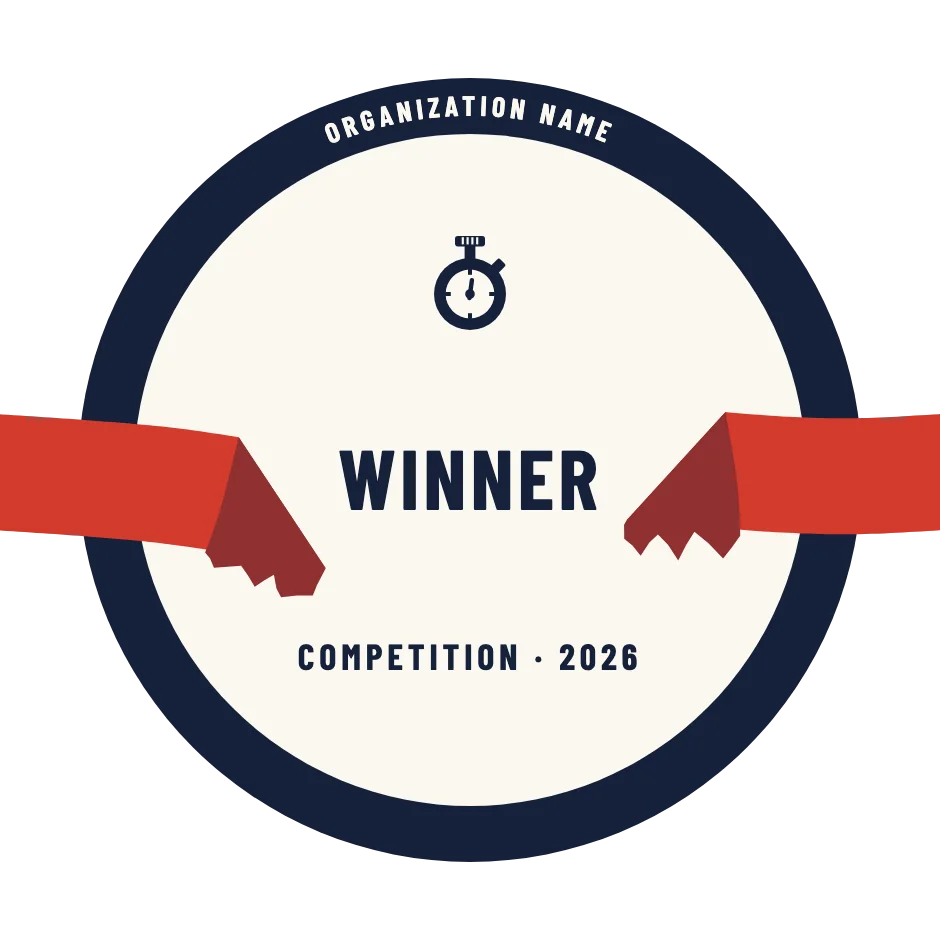
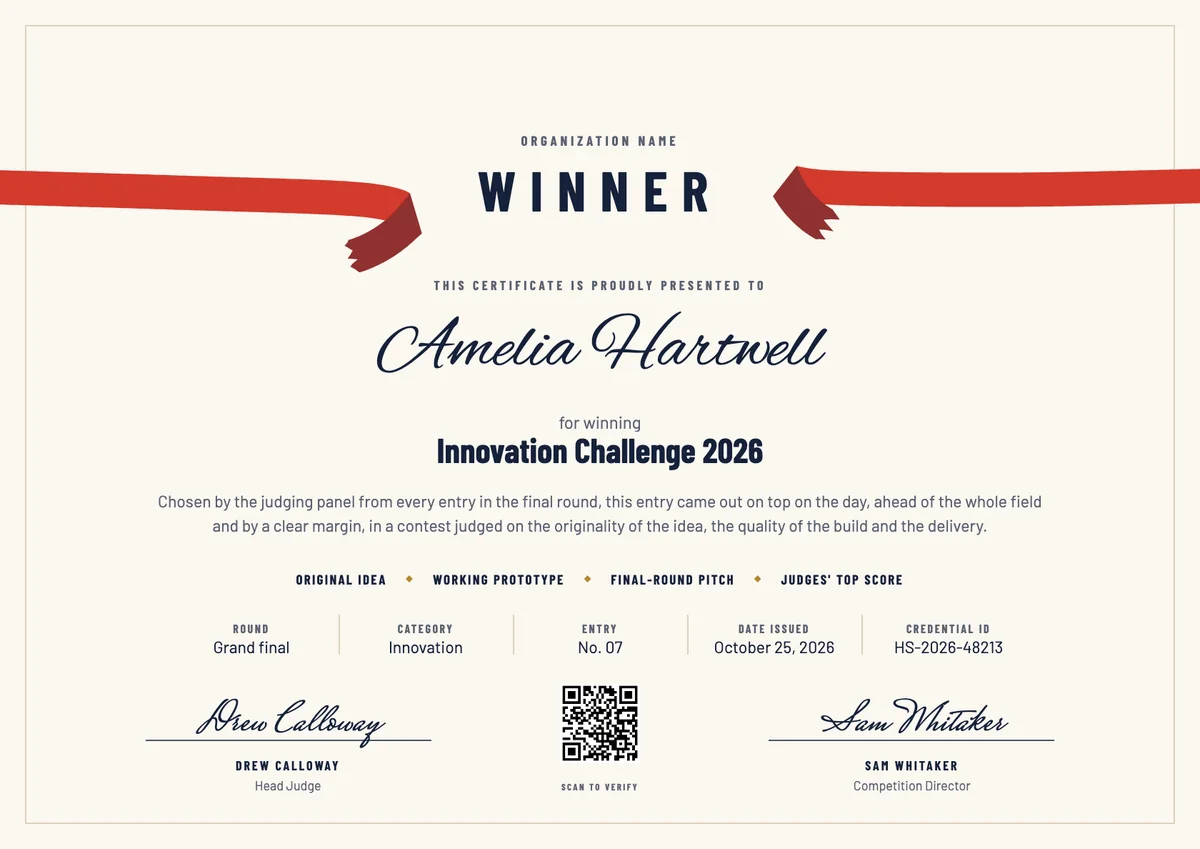
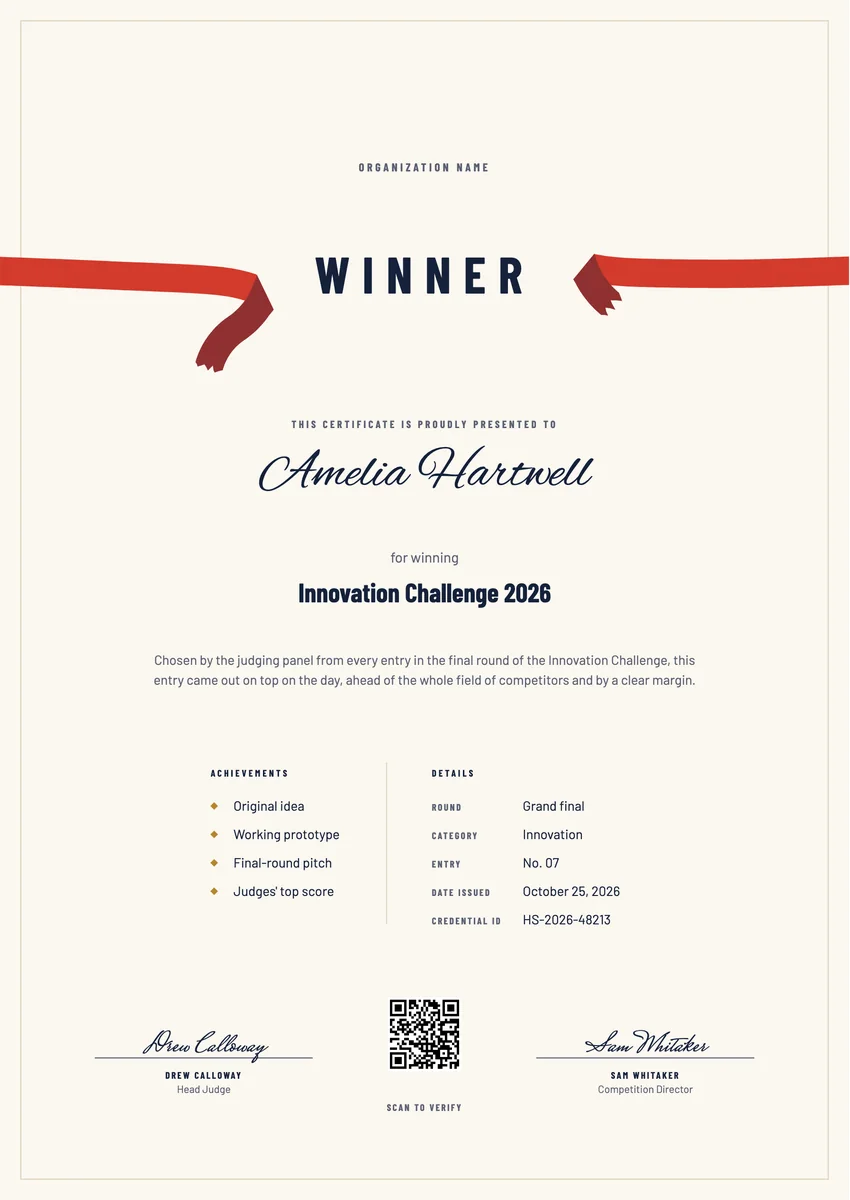
A winner certificate template is a ready layout for the person or team that won: the best entry at an innovation challenge, the hackathon team the judges picked, the pupil who won the class reading contest, or the department that won a company challenge. Organisers present it at the prize-giving or the closing session, right after the result is announced.
A good winner certificate names the contest and its year, says what the entry was judged on and which round decided it, and carries the issue date and the signature of the head judge or the organiser. A sentence on why this entry won turns a general award into a personal record.
The designs come as certificates in A4 and US Letter and as digital badges, so the winner can frame a printed copy and share a verifiable one online.
Wording
What to write on a winner certificate
Use these lines as they are, or as a start for your own. Every template comes with wording you can change in the studio.
Wording for a winner award at a judged contest
- “Winner of the Innovation Challenge 2026, chosen by the judging panel from every entry in the final round.”
- “For winning the 2026 hackathon with a working prototype the judges rated highest for originality and build quality.”
- “Awarded to the winner of the spring photography contest for the image that best captured this year's theme.”
Wording for a winner certificate for kids
- “You won! Congratulations on winning the class reading challenge this term.”
- “Winner of the school poster contest, for bright ideas and a lot of hard work.”
- “For winning the junior science fair with a clever, well-tested experiment.”
Short lines for the badge or the announcement
- “Winner, Innovation Challenge 2026.”
- “Congratulations to this year's winner.”
Why send it with Hyperstack
More than a PDF
Customize the template free. When it is ready, send it to everyone at once.
One design, every name
Upload a spreadsheet and Hyperstack makes a winner certificate for each person on it, in one go.
Sent by email
Each recipient gets their own email and link. You see who opened it, downloaded it and shared it.
Anyone can verify it
The QR code opens a page that proves the certificate is real. Recipients add it to LinkedIn in one click.
FAQ
Questions, answered
When a contest names one winner and does not rank the others, as at a pitch day or a poster competition, "winner" is the clearer word. Keep "first place" for events that also rank second and third, and use the same word the announcement used on the day.
One or two sentences is enough: what the entry was judged on (originality, build quality, delivery) and which round decided it. Add the contest name, its year, the issue date and the head judge's signature, and the award stays meaningful years later.
Usually yes. Name the team on the main line, for example "Team Northwind, winner of the 2026 hackathon", and give each member a personal copy with their own name, so everyone has a record to keep and share.
Many contests give a certificate of participation to everyone who entered and keep the winner certificate for the winner alone. That keeps the win distinct while still thanking every entrant for taking part.
It is better to wait. When scores can be checked or appealed, announce the winner at the ceremony, confirm the result, then issue the certificate with the date the result became final.
More certificate templates
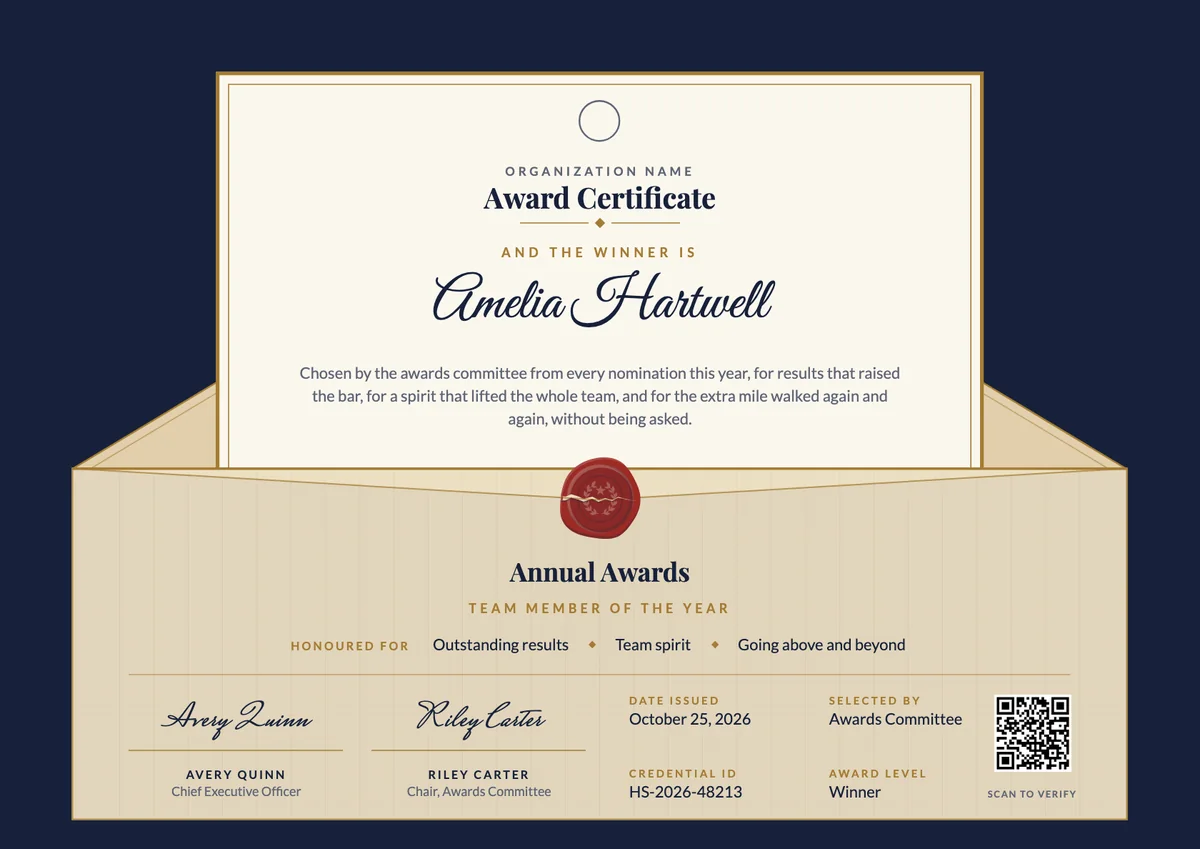
Award Certificate
3 templates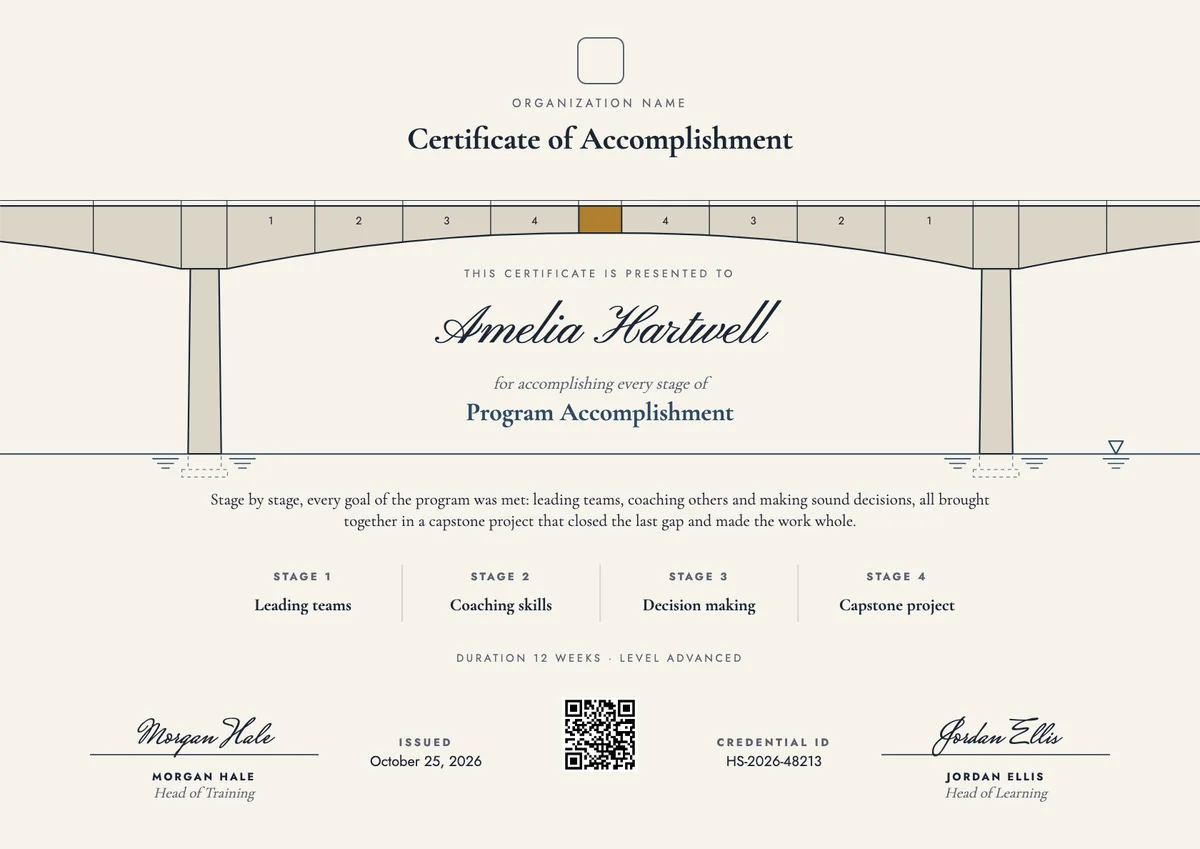
Certificate of Accomplishment
3 templates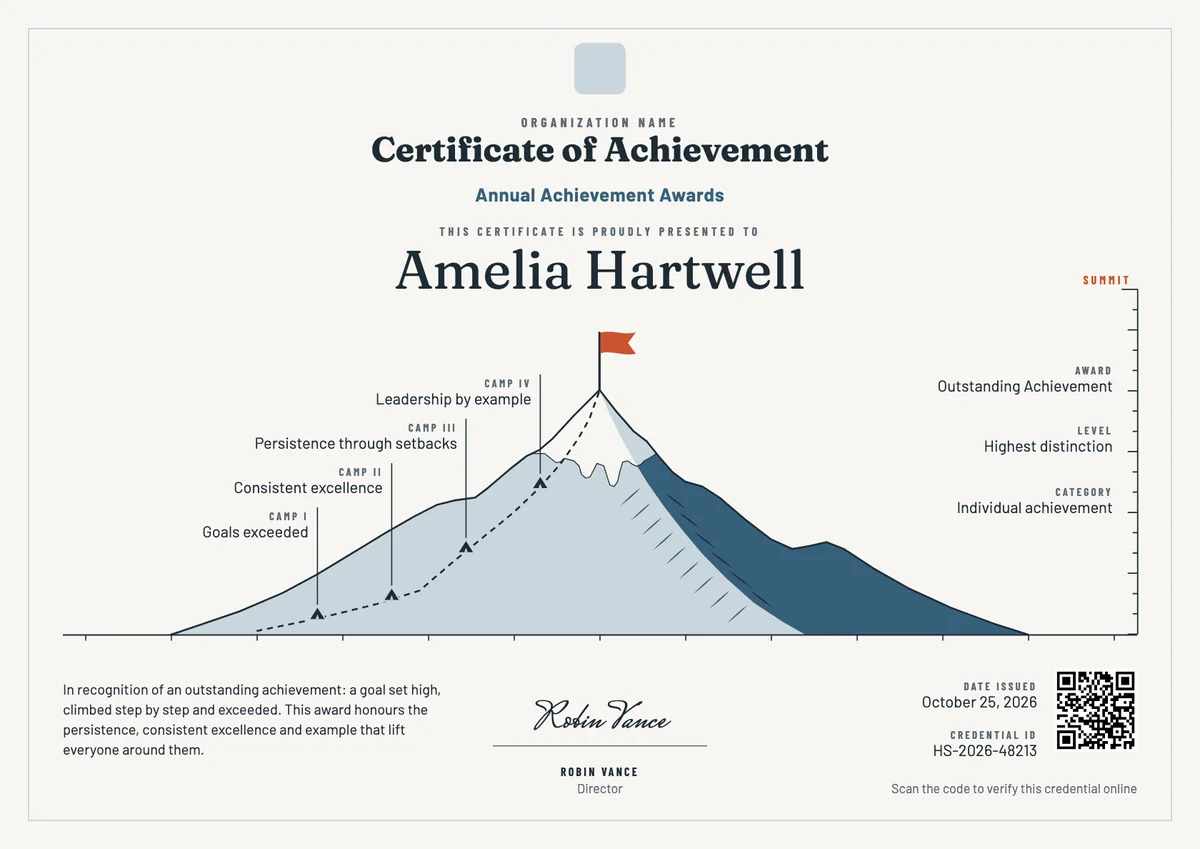
Certificate of Achievement
3 templates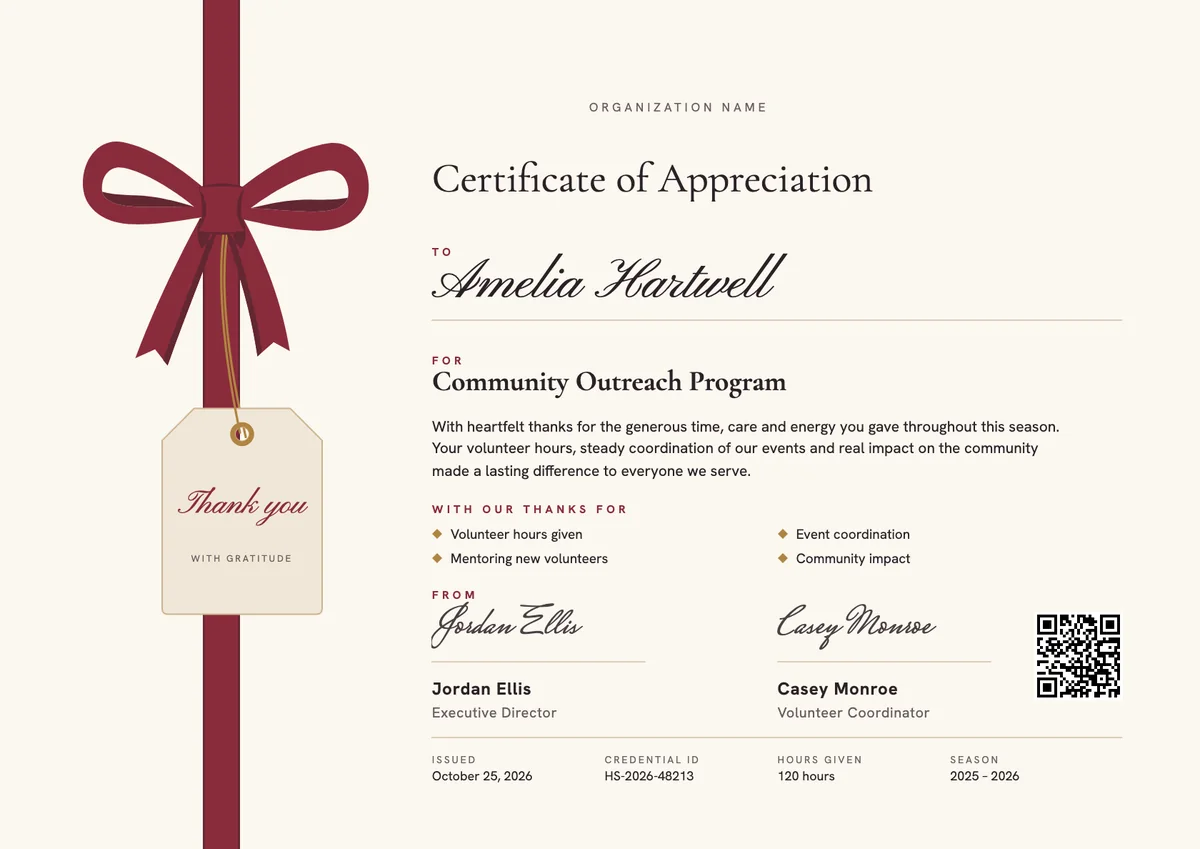
Certificate of Appreciation
3 templates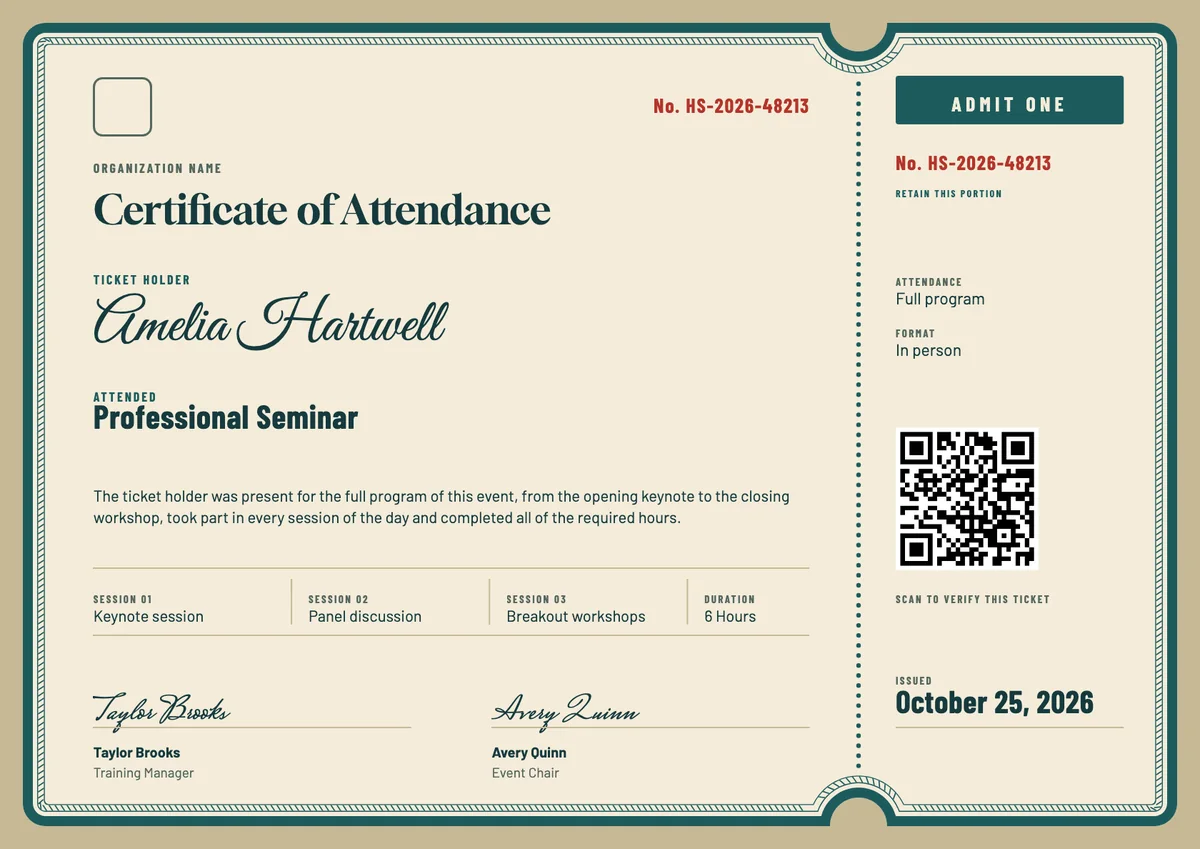
Certificate of Attendance
3 templates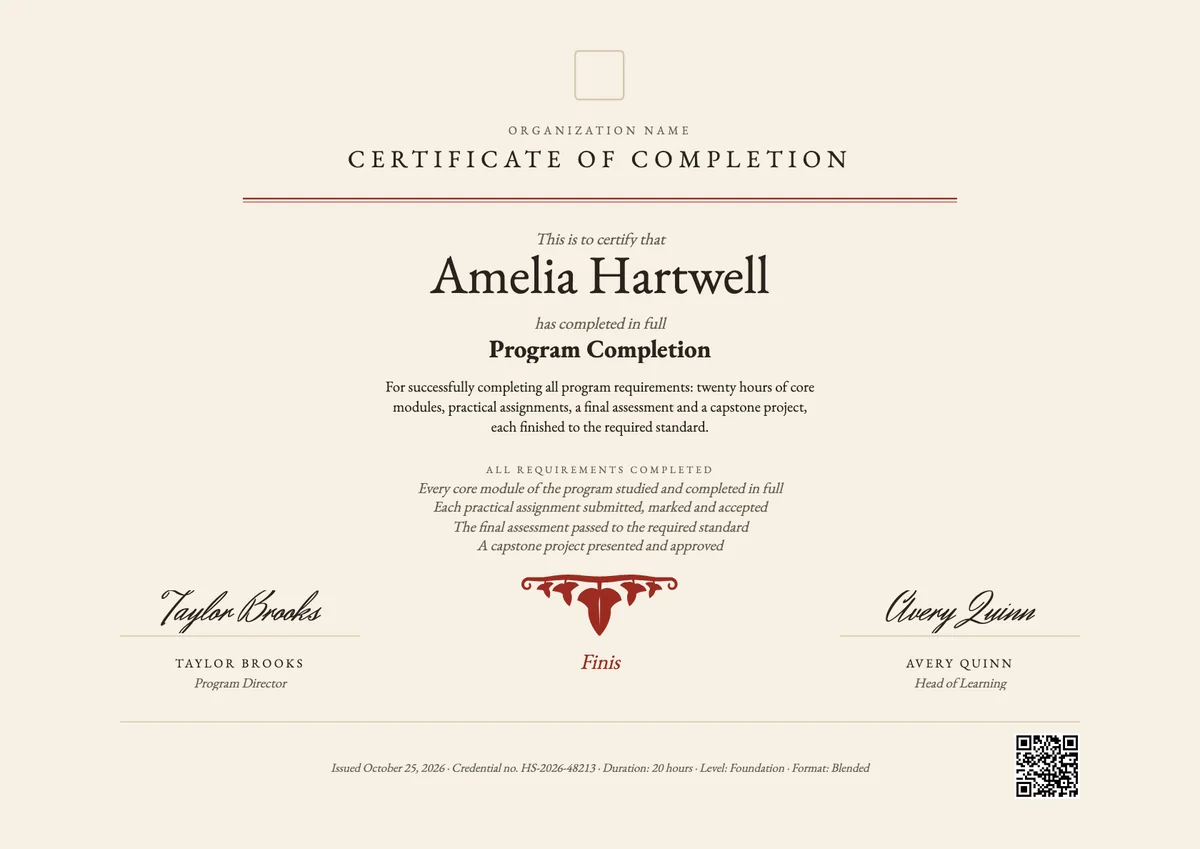
Certificate of Completion
3 templatesYour next cohort deserves better than a PDF
Set up in minutes, send your first credentials today, and only pay once you grow past 20 recipients a year.
Or open a live sample credential