Volunteer Hours certificate templates and badges
3 free designs. A set is one design as a badge, a landscape or a portrait certificate, or all three.
Free for up to 20 recipients a year
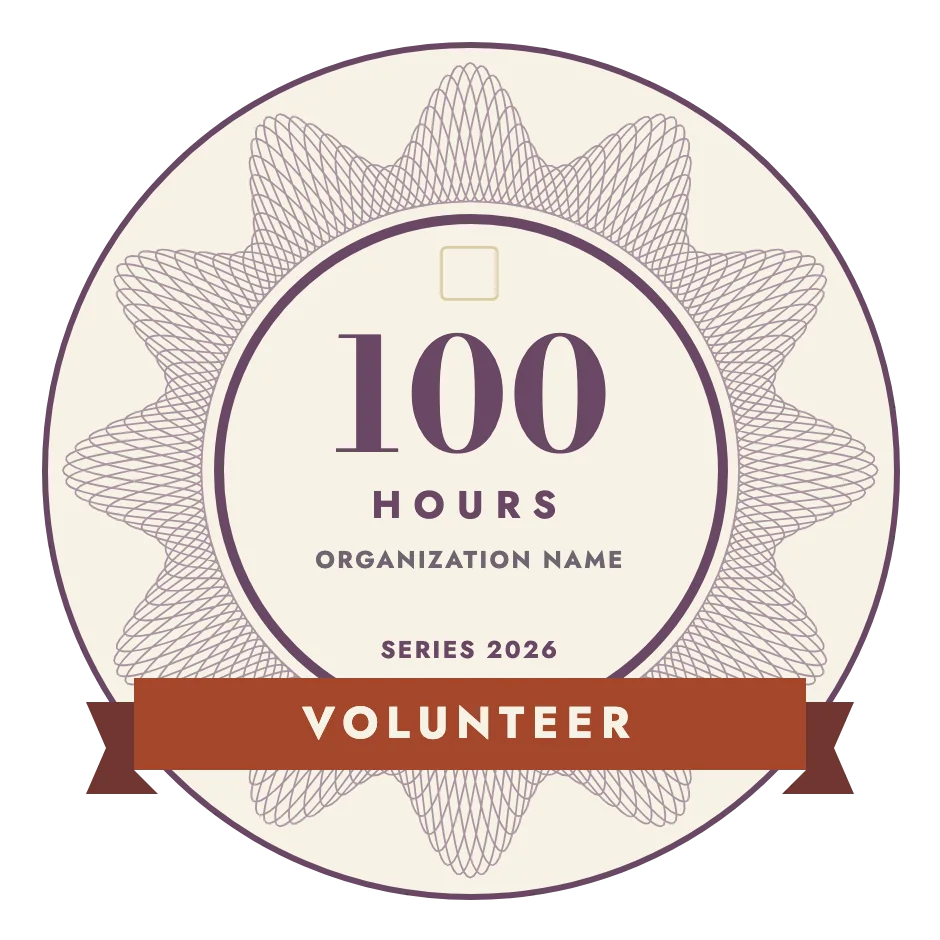
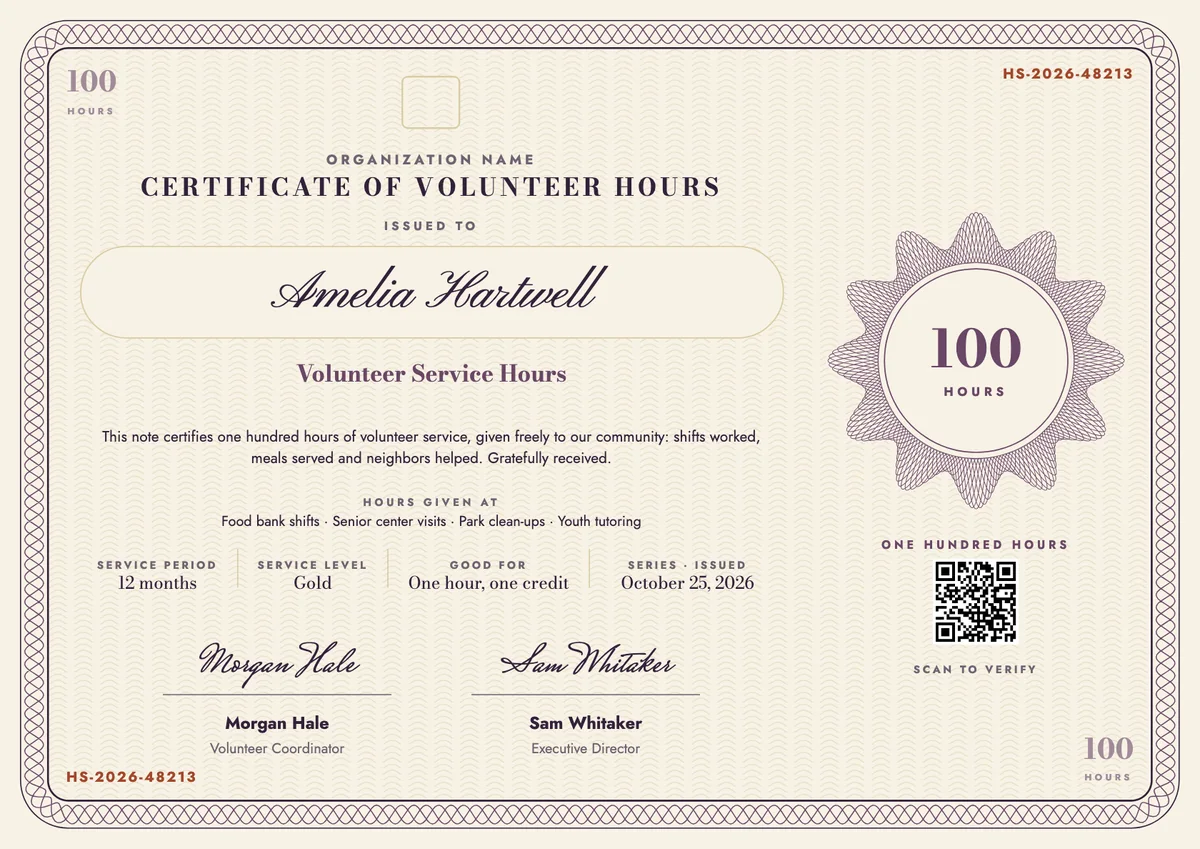
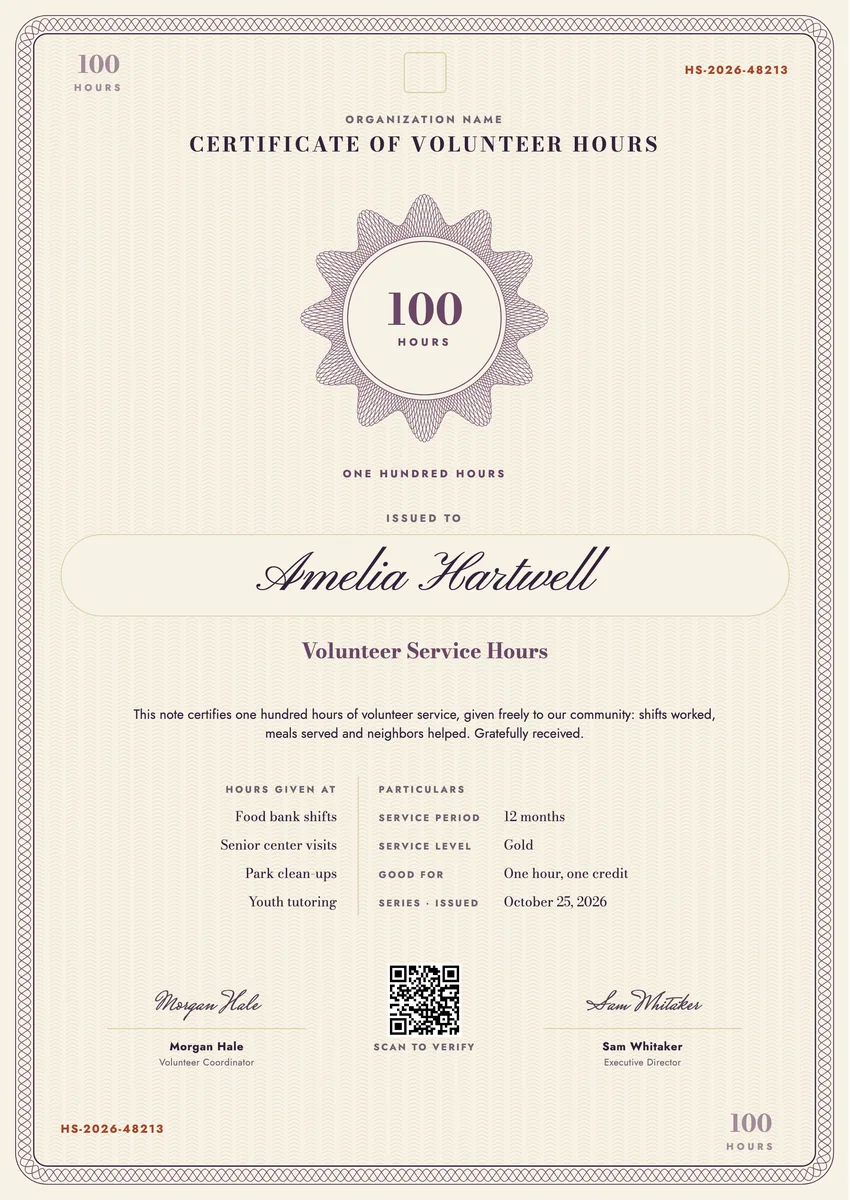
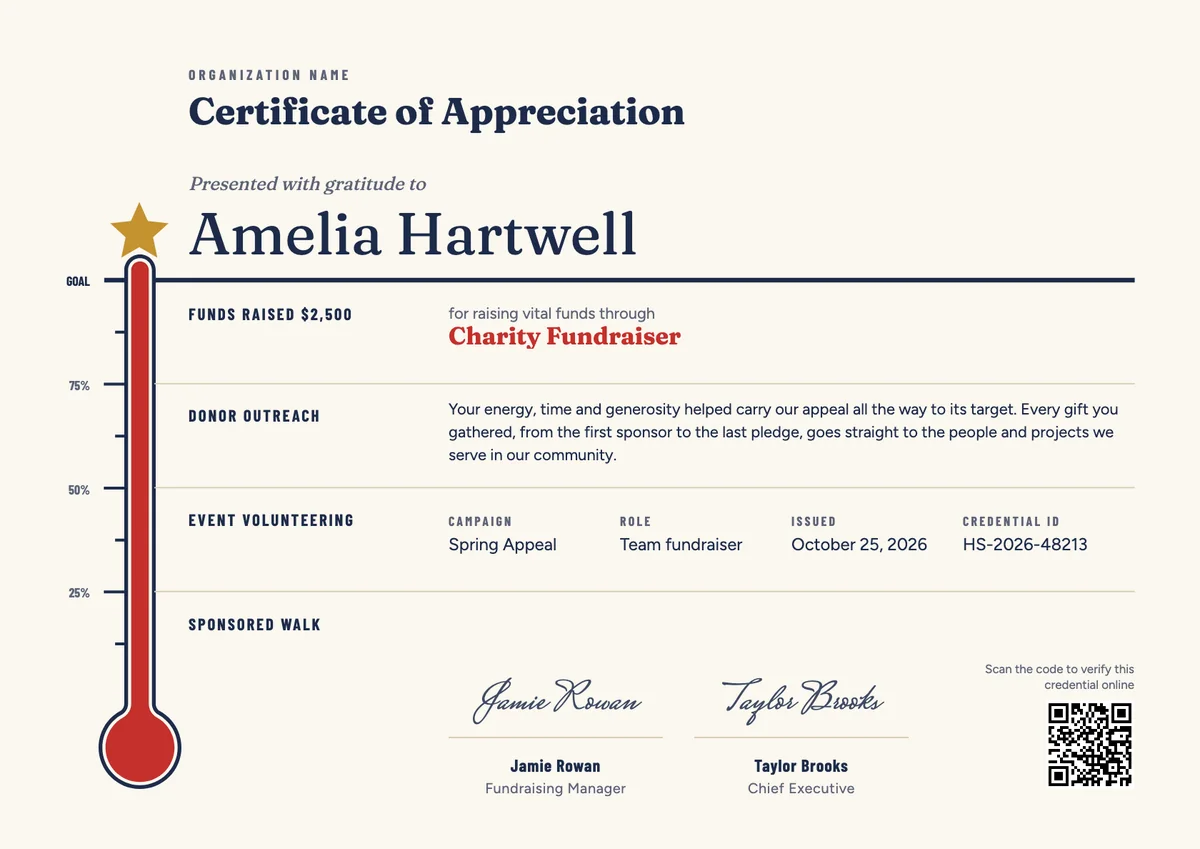
A volunteer hours certificate template helps food banks, hospitals, animal shelters, schools and community groups confirm how much time a volunteer has given. Coordinators issue one when someone reaches a milestone such as 50 or 100 hours, finishes a school service requirement or completes a year of regular shifts.
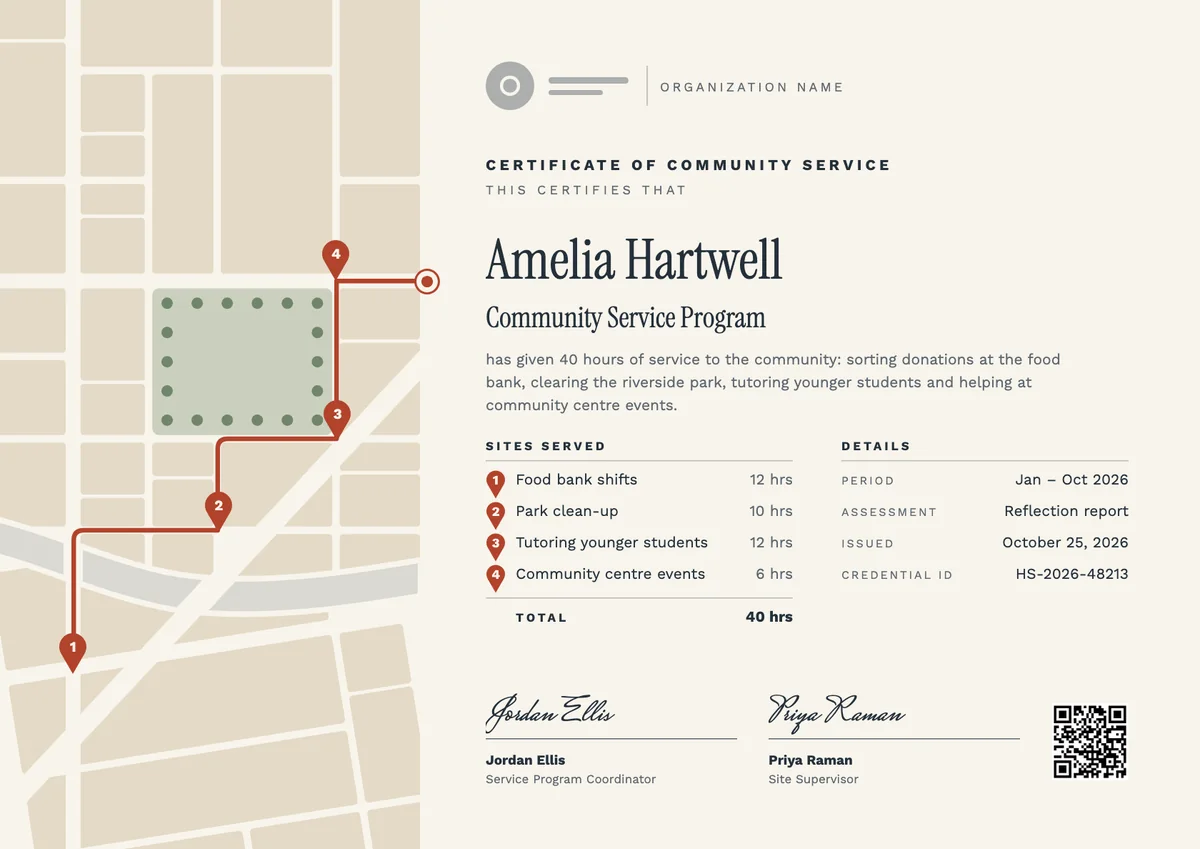
A good certificate of volunteer hours is a record, not only a thank-you. It states the total hours, the period they cover, where or how the time was given and the date it was issued, and it is signed by the coordinator who kept the sign-in log. Students, job seekers and scholarship applicants often need exactly this proof.
The designs come as printable volunteer service certificates in A4 and US Letter and as digital badges that a volunteer can share.
Wording
What to write on a volunteer hours certificate
Use these lines as they are, or as a start for your own. Every template comes with wording you can change in the studio.
Wording for a certificate of volunteer hours
- “This certifies that the volunteer named above gave 100 hours of service to our community between January and December.”
- “In recognition of 50 hours of volunteer service at the food bank, the senior center and our park clean-ups.”
- “For completing the community service hours required by the high school service-learning program.”
- “Hours confirmed from our volunteer sign-in records by the volunteer coordinator.”
Wording for a volunteer service milestone
- “Your first 100 hours: thank you for every shift.”
- “Five hundred hours given, and counted with gratitude.”
- “One hour of your time, one hour of help for a neighbor.”
Short lines for the badge
- “100 hours of service”
- “Volunteer hours milestone”
Why send it with Hyperstack
More than a PDF
Customize the template free. When it is ready, send it to everyone at once.
One design, every name
Upload a spreadsheet and Hyperstack makes a certificate of service for each person on it, in one go.
Sent by email
Each recipient gets their own email and link. You see who opened it, downloaded it and shared it.
Anyone can verify it
The QR code opens a page that proves the certificate is real. Recipients add it to LinkedIn in one click.
FAQ
Questions, answered
Use a sign-in sheet, a volunteer app or a coordinator's log that records each shift's date and length. Count only time spent serving, including training if your program counts it, and keep the records so you can confirm the total if a school or employer asks.
The person who supervised the service and can vouch for the hours, usually the volunteer coordinator or program manager. A second signature from a director adds weight when the certificate will be used for school credit or an application.
Often, yes, but the school sets the rules. Many ask for the organisation's name and contact, the dates, the total hours, a short description of the work and a supervisor's signature, so check their form and include each of those details.
Common steps are 25, 50, 100, 250 and 500 hours, with lifetime totals such as 1,000 hours for long-serving volunteers. Pick steps that match how often your volunteers serve, so the first milestone is reachable within a season.
Yes, when the volunteer served in more than one place or role. Listing the activities, such as food bank shifts or tutoring, makes the total believable and helps the reader see what kind of service it was.
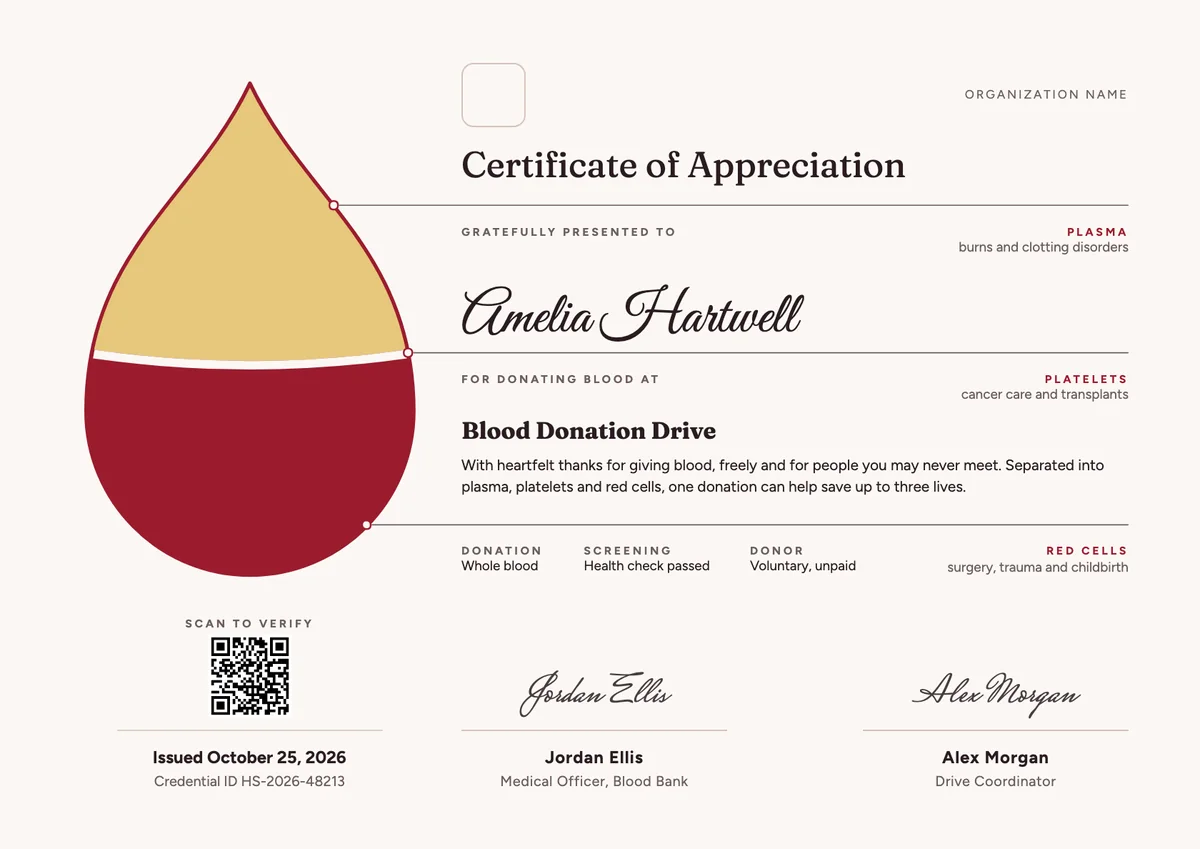
Your next cohort deserves better than a PDF
Set up in minutes, send your first credentials today, and only pay once you grow past 20 recipients a year.
Or open a live sample credential