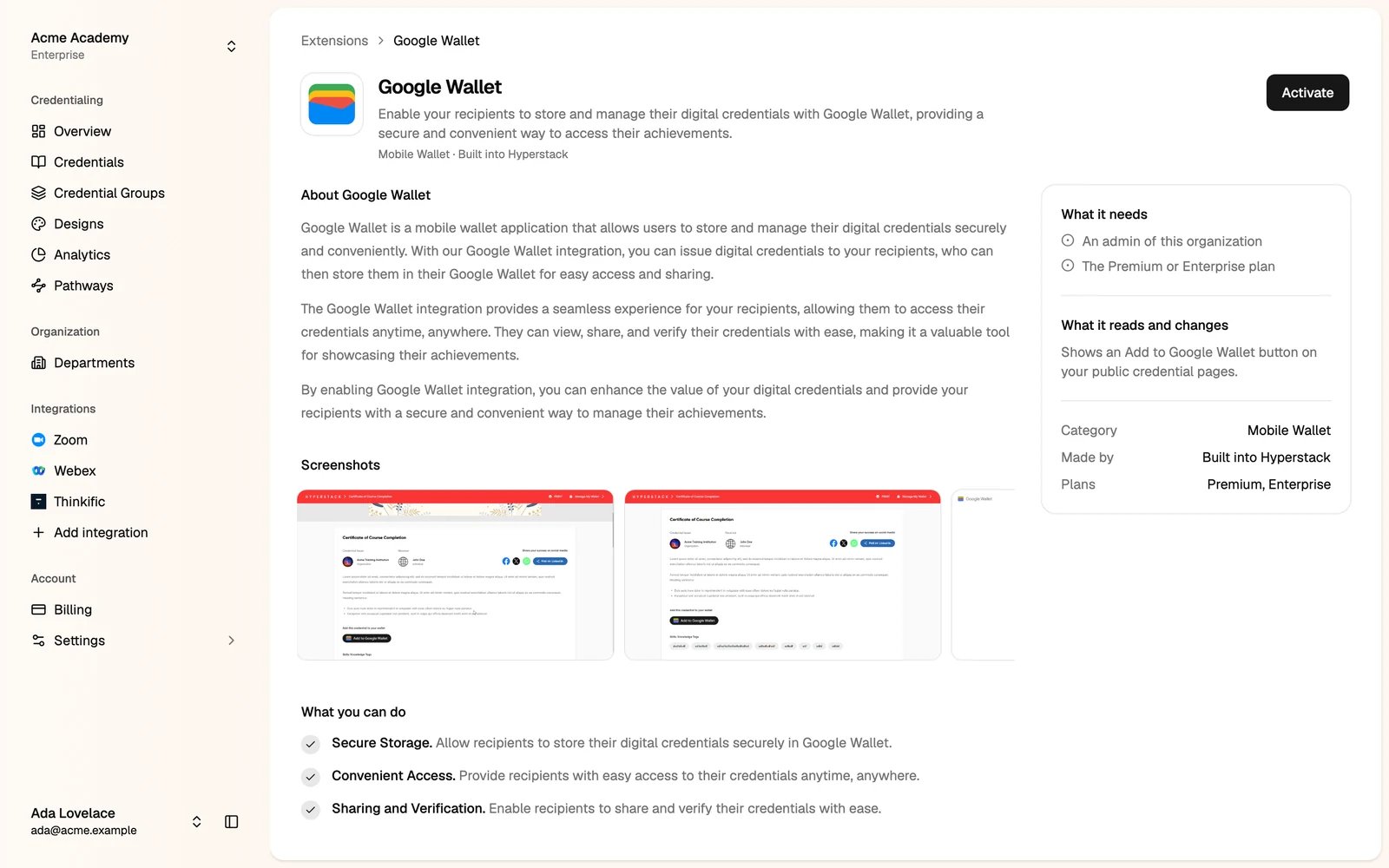
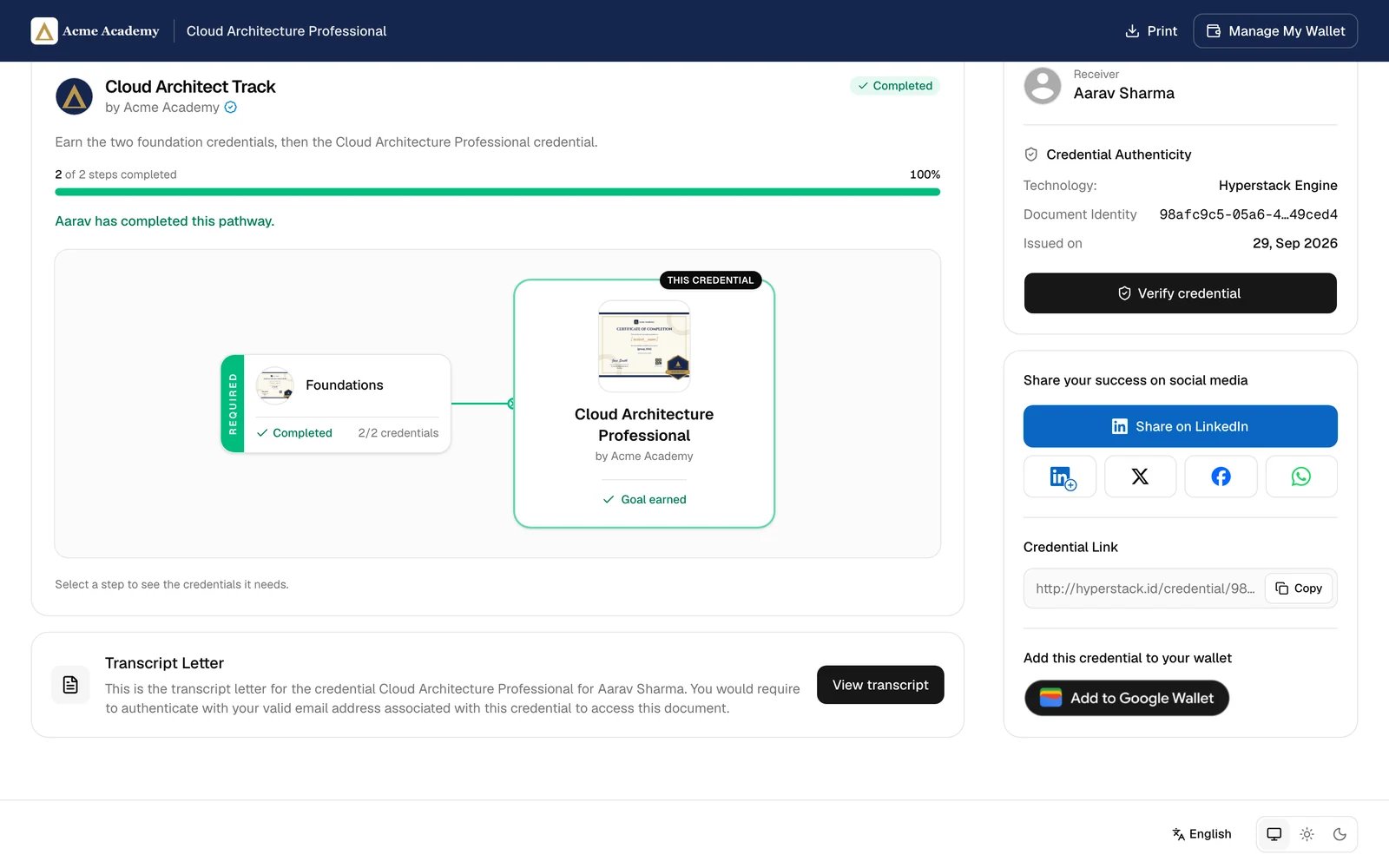
With the Google Wallet extension, every credential page shows an Add to Google Wallet button. Recipients save the credential as a pass in Google Wallet on their phone, so they can show it at any time.
Google Wallet is on the Premium and Enterprise plans. Only administrators can turn it on.
Turn on Google Wallet
In the Studio, click Add integration, then Google Wallet
Turn it off
Open Google Wallet from Add integration and click Remove. The button leaves your credential pages. Passes already saved stay in recipients’ wallets. Last modified on October 20, 2026