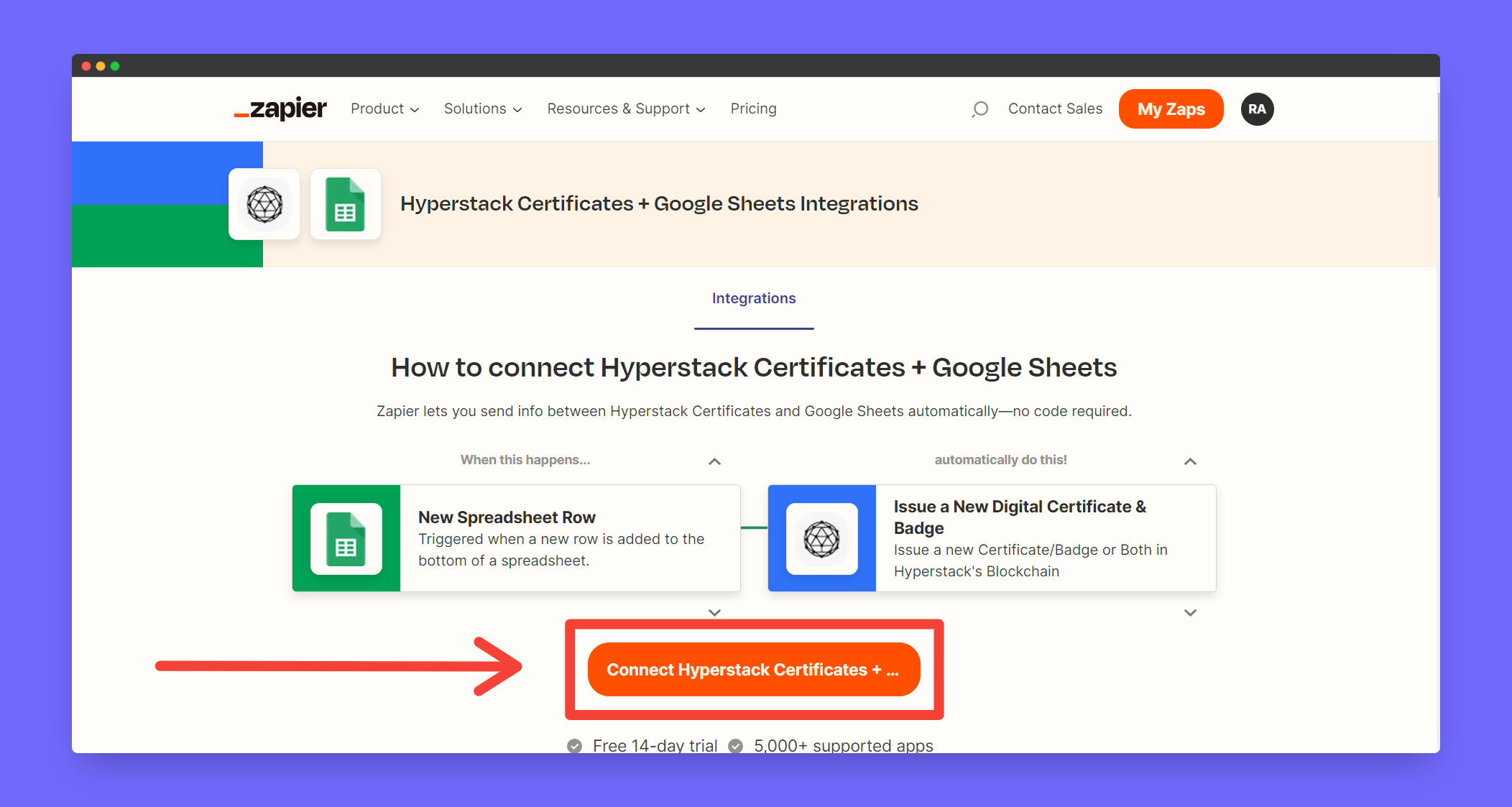
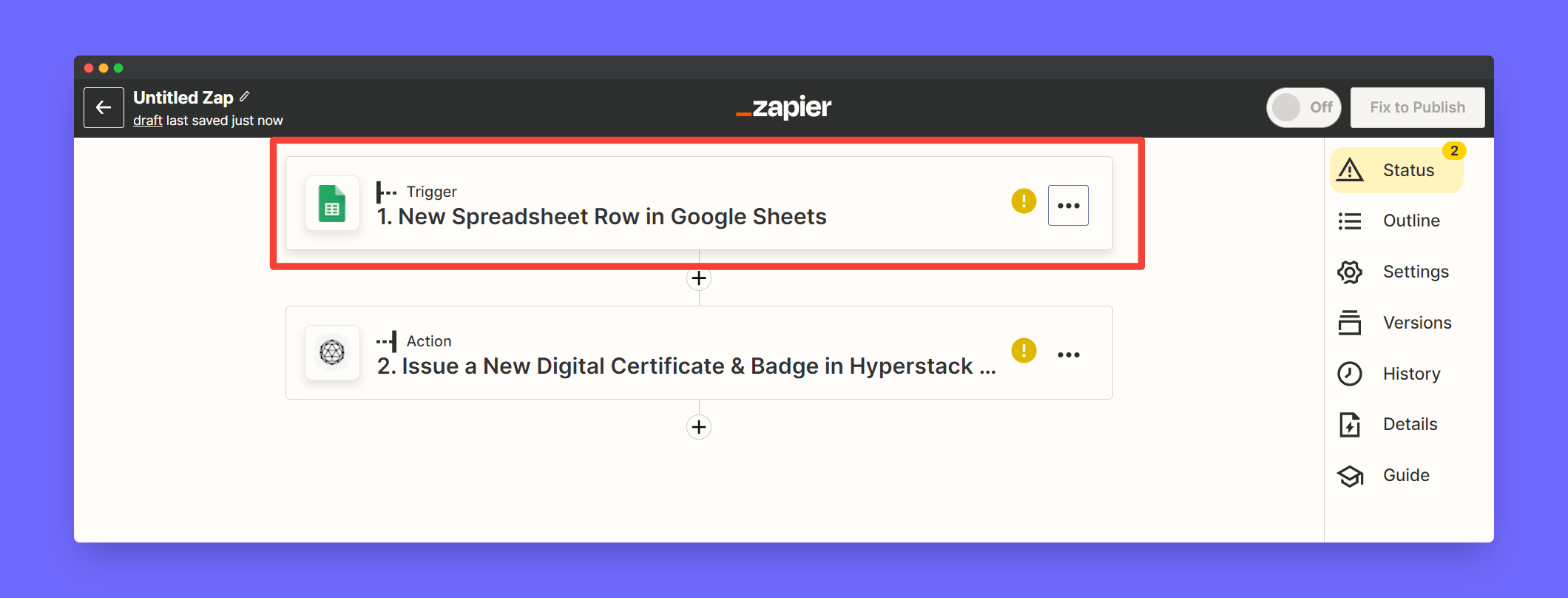
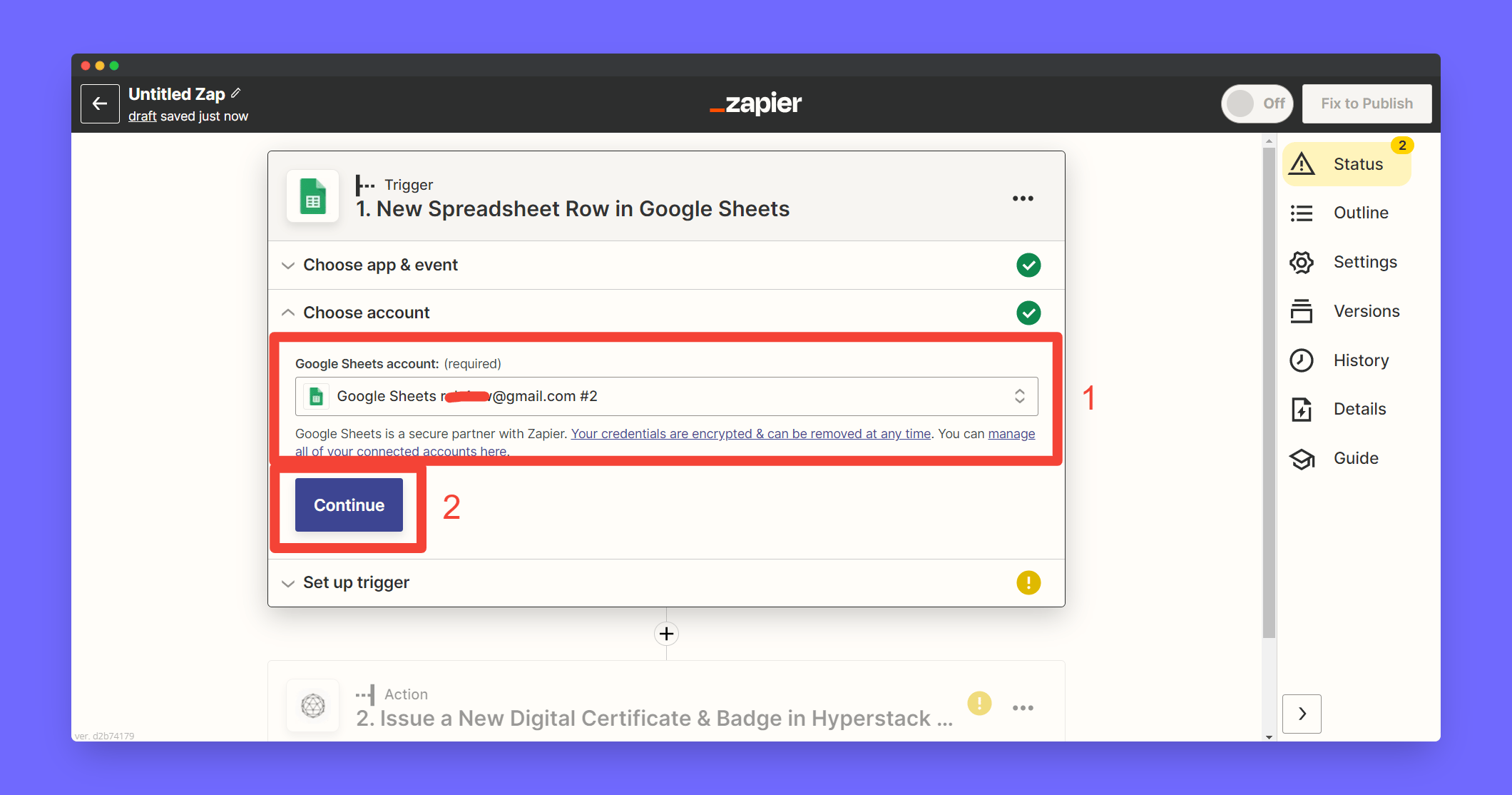
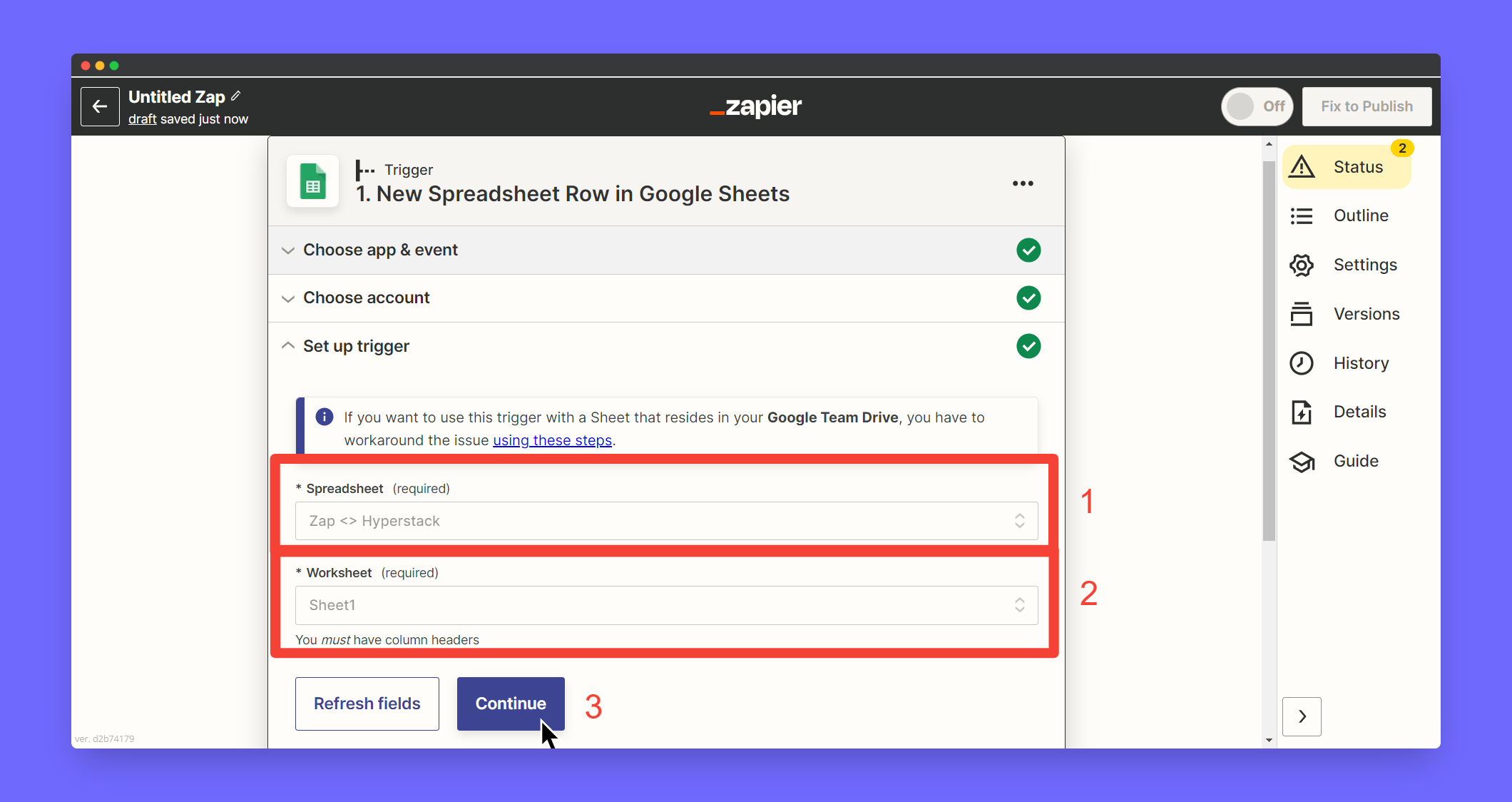
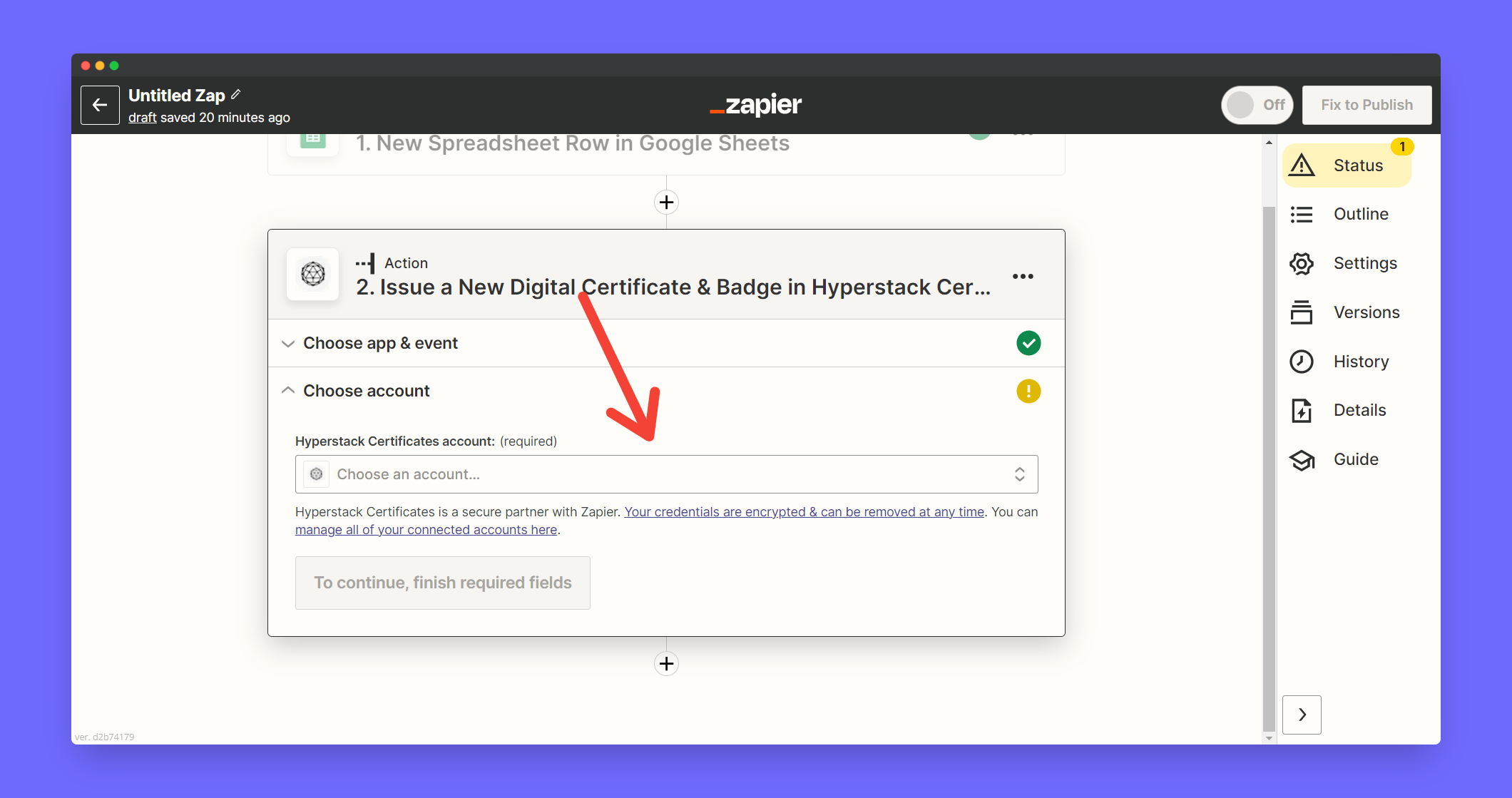
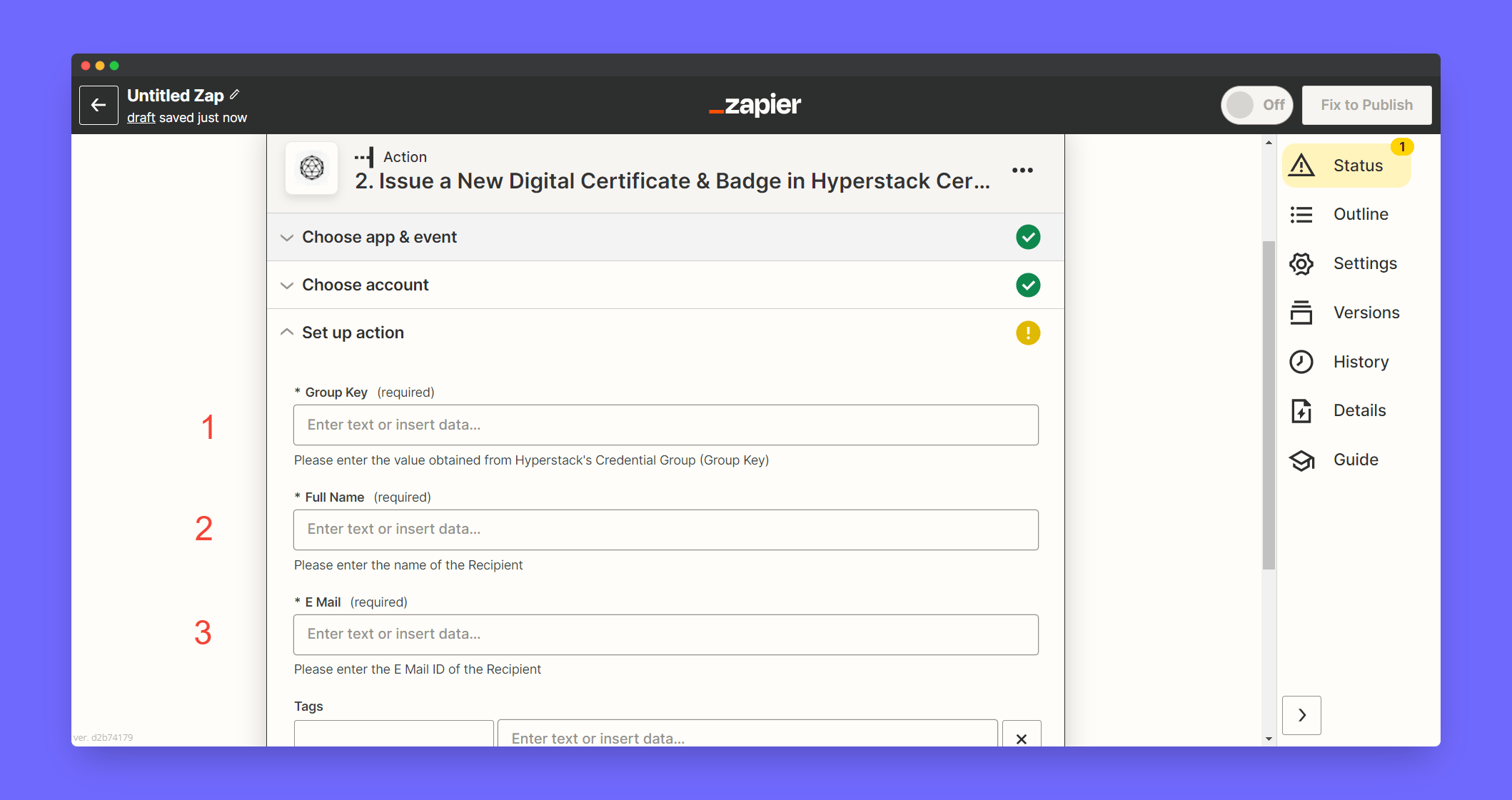
Associate the Hyperstack account to your zap. Click Choose Account
2
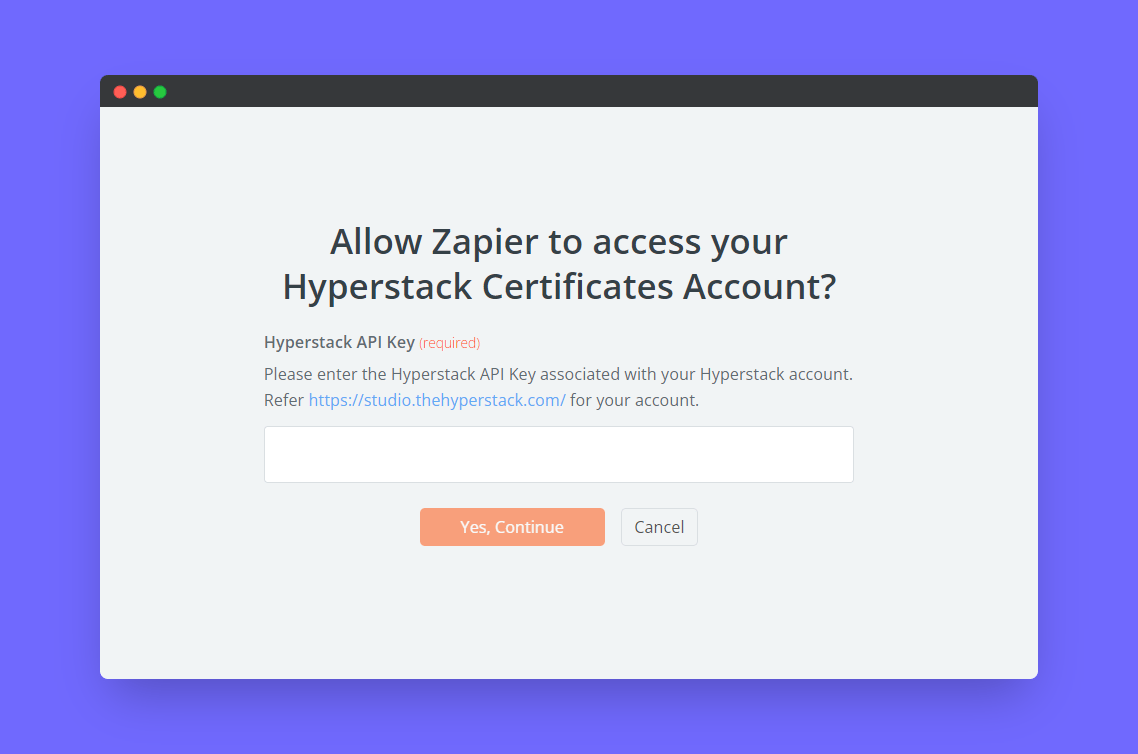
Enter your Hyperstack API key and click Continue
To obtain your API key: Go to Hyperstack Home > Settings > API Access.
3
Add Group Key by manually entering the field
Learn how to get your Group Key
4
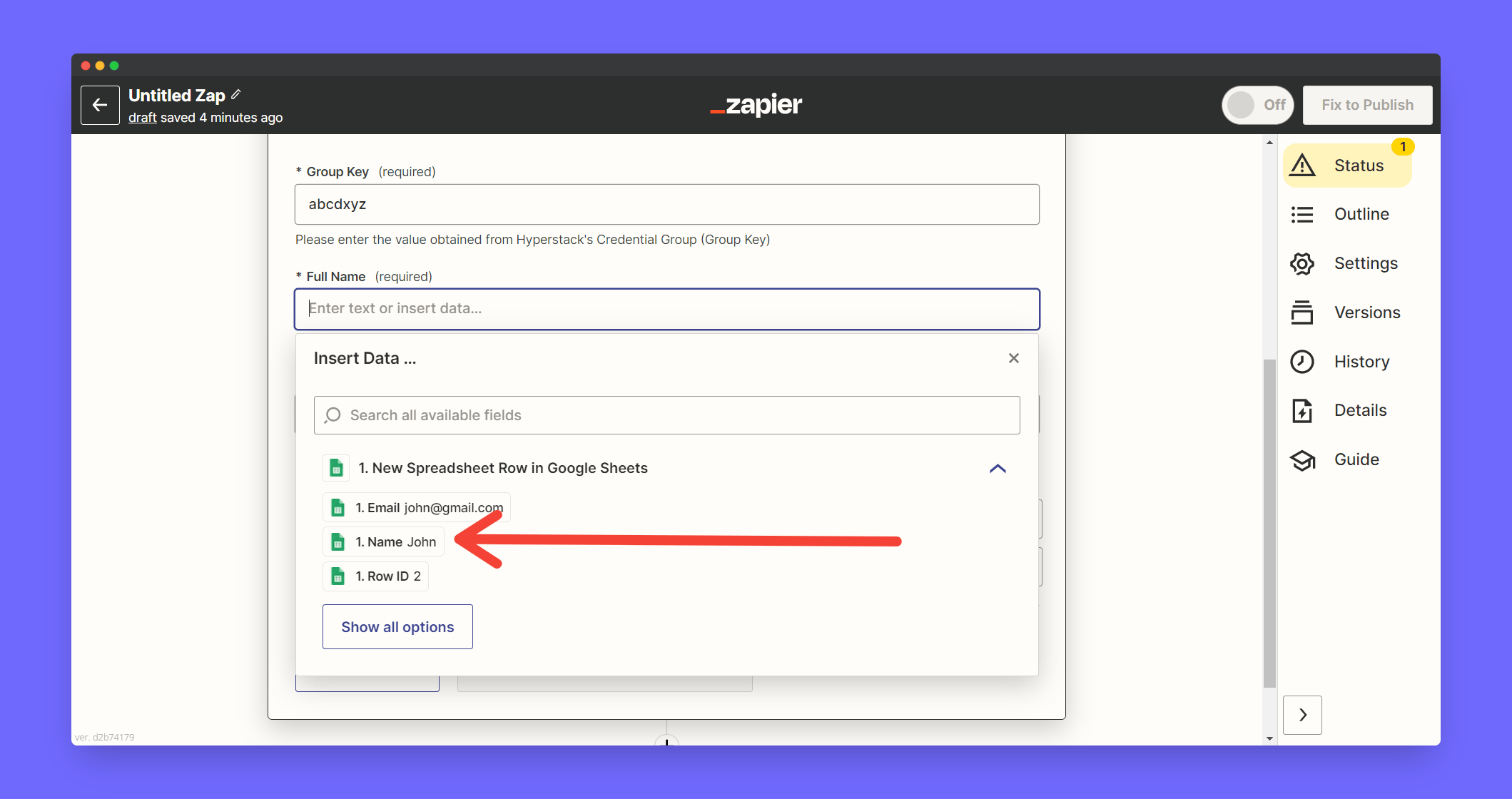
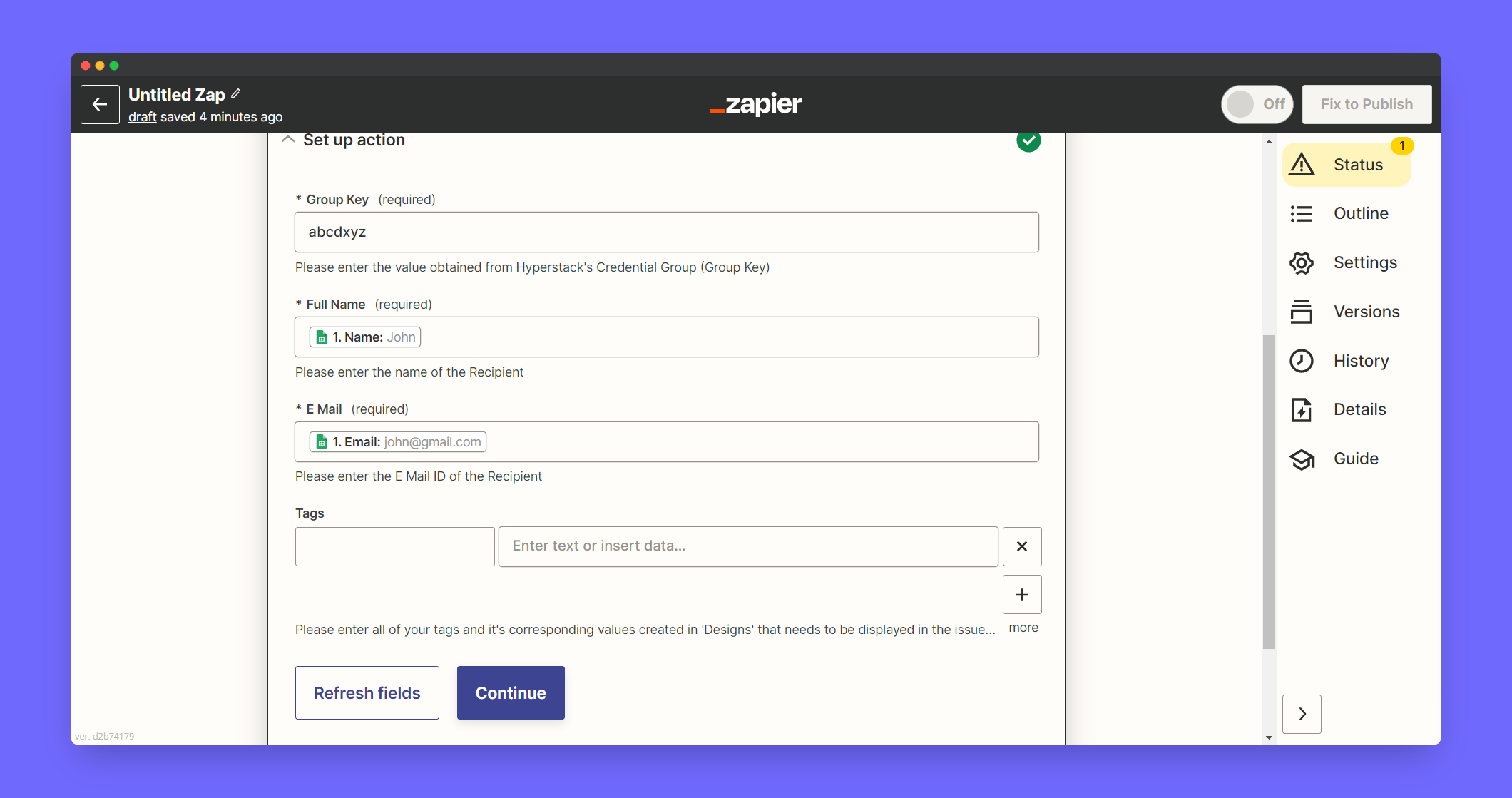
Map the Name Google Sheet Column in the Full Name field
5
Click Continue
6
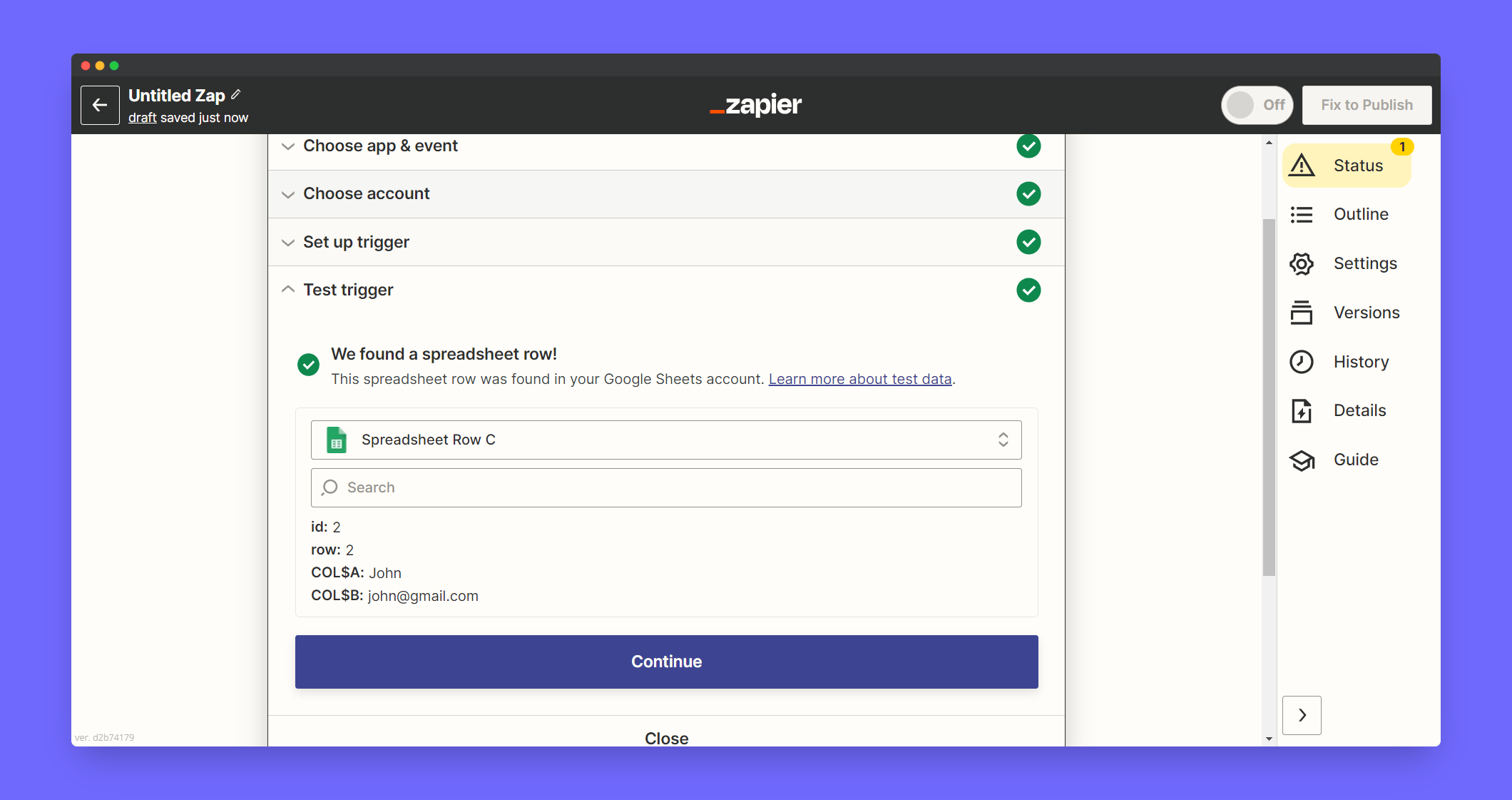
Now test a trigger and click Publish to live
This zap will automatically publish certificates to participants when ever a new row gets added. Approximately it will take 1 to 5 mins for each trigger.