How to duplicate certificate design?
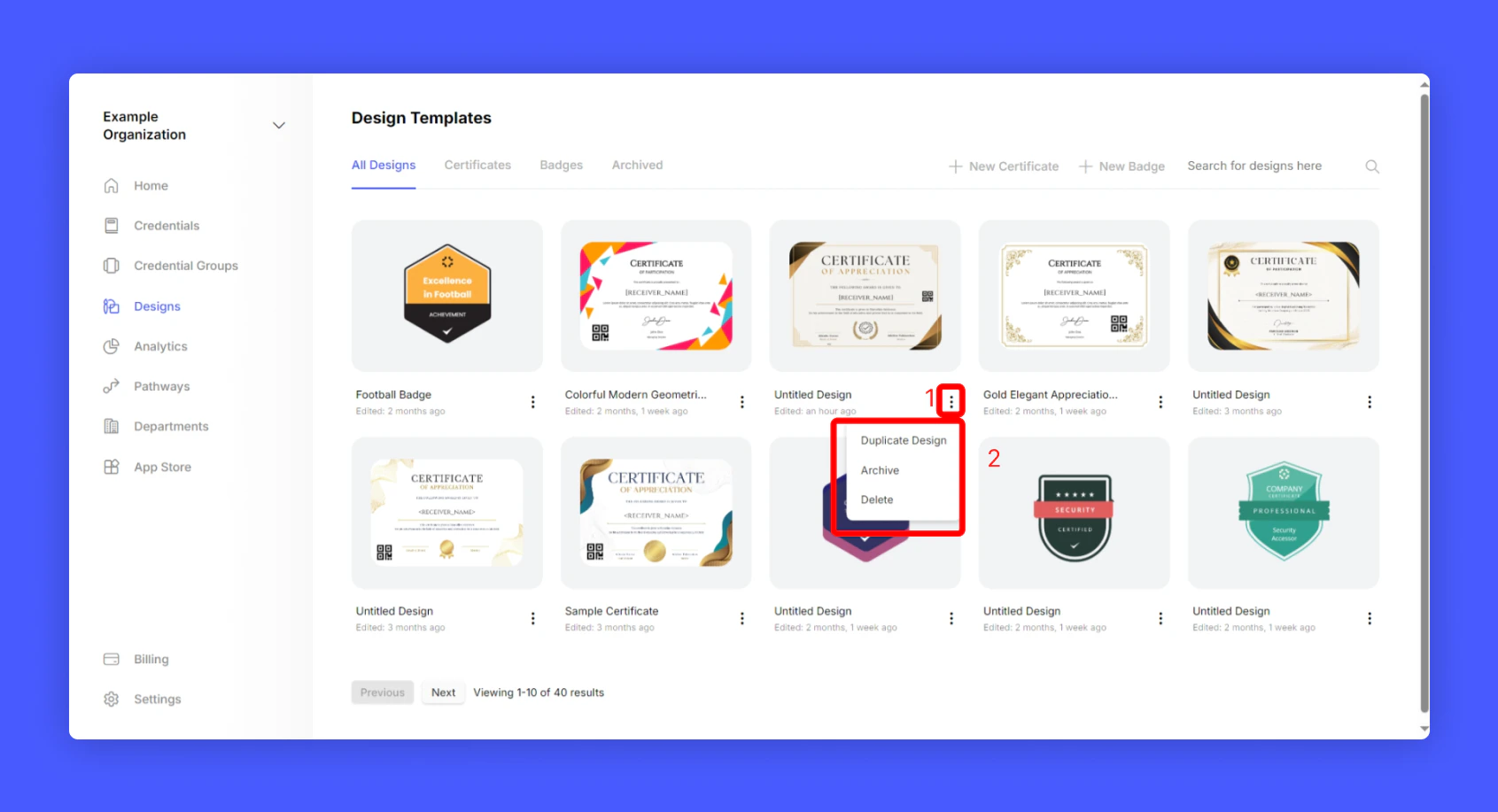
To duplicate a certificate design, follow the steps below.1
Go to Hyperstack Home > Designs
2
Choose the design you want to duplicate and click 3 dots to get additional options
3
Click Duplicate to duplicate the design