Pathways are on the Enterprise plan. Only administrators can manage them.
Turn on pathways
1
Go to Add integration
It is in the Integrations part of the sidebar.
2
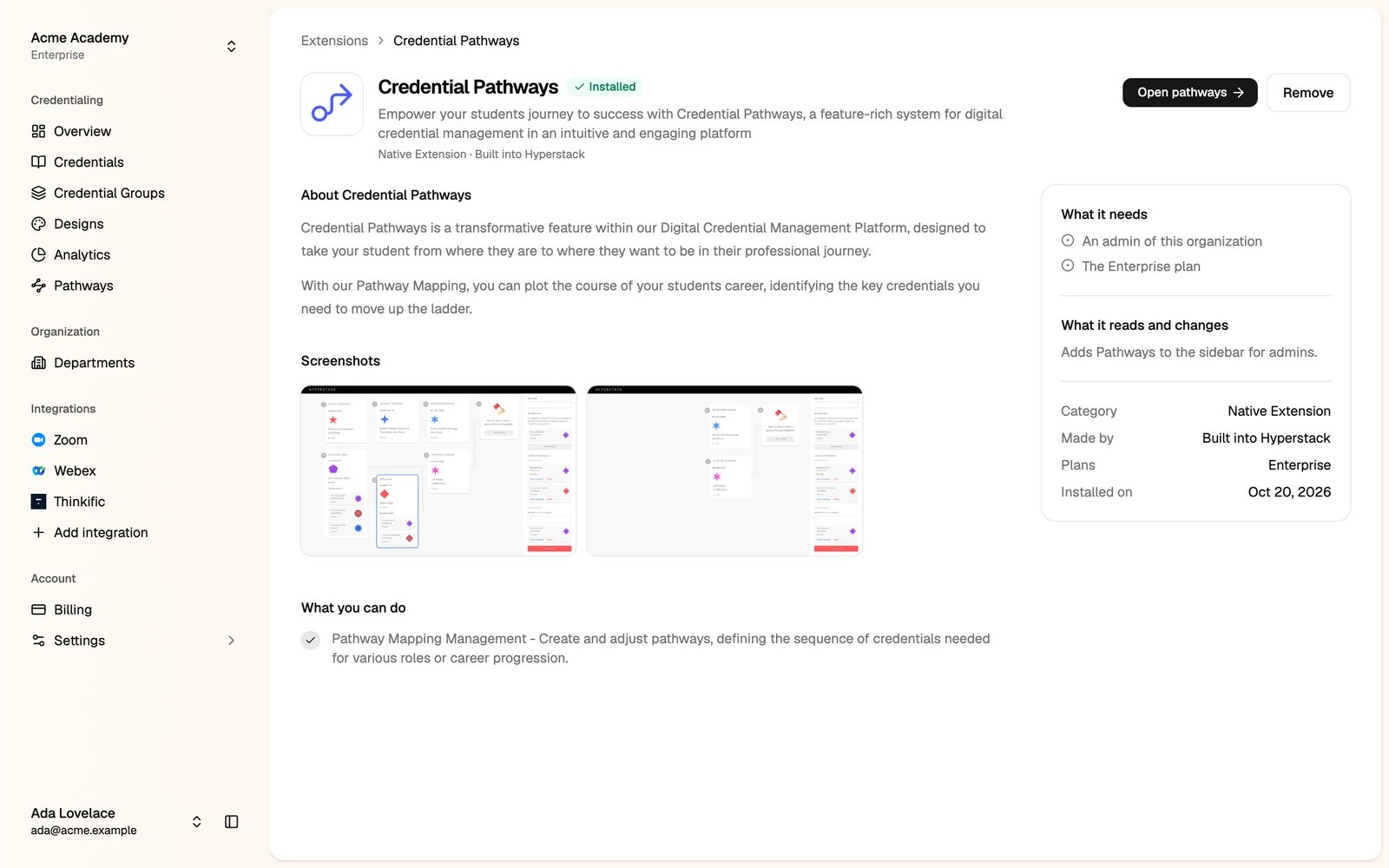
Open Credential Pathways and install it
Build a pathway
You build a pathway from the goal back.1
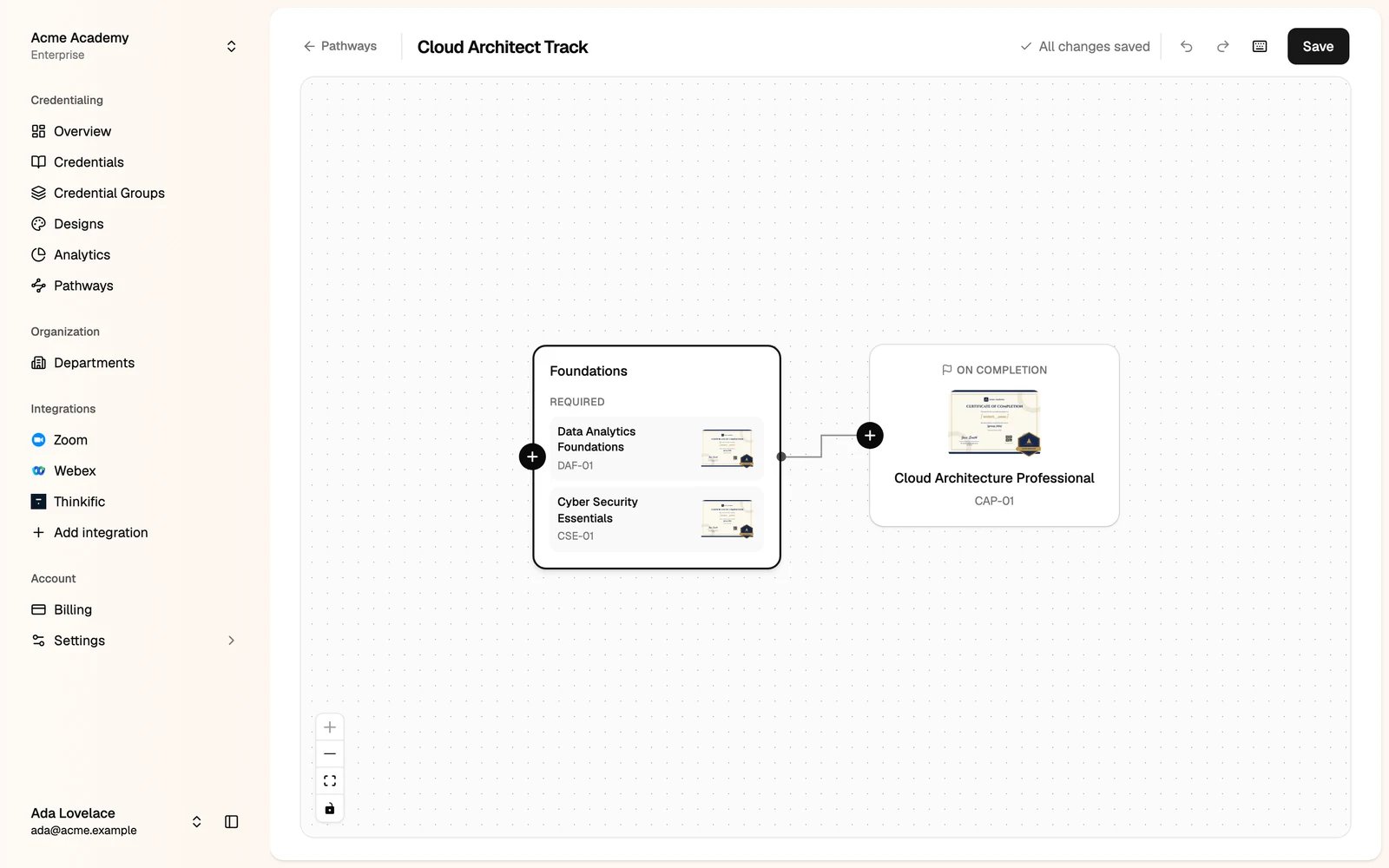
Go to Pathways and click Create pathway
2
Pick the goal
Click the goal block, then Select credential, and pick the credential group earned at the end.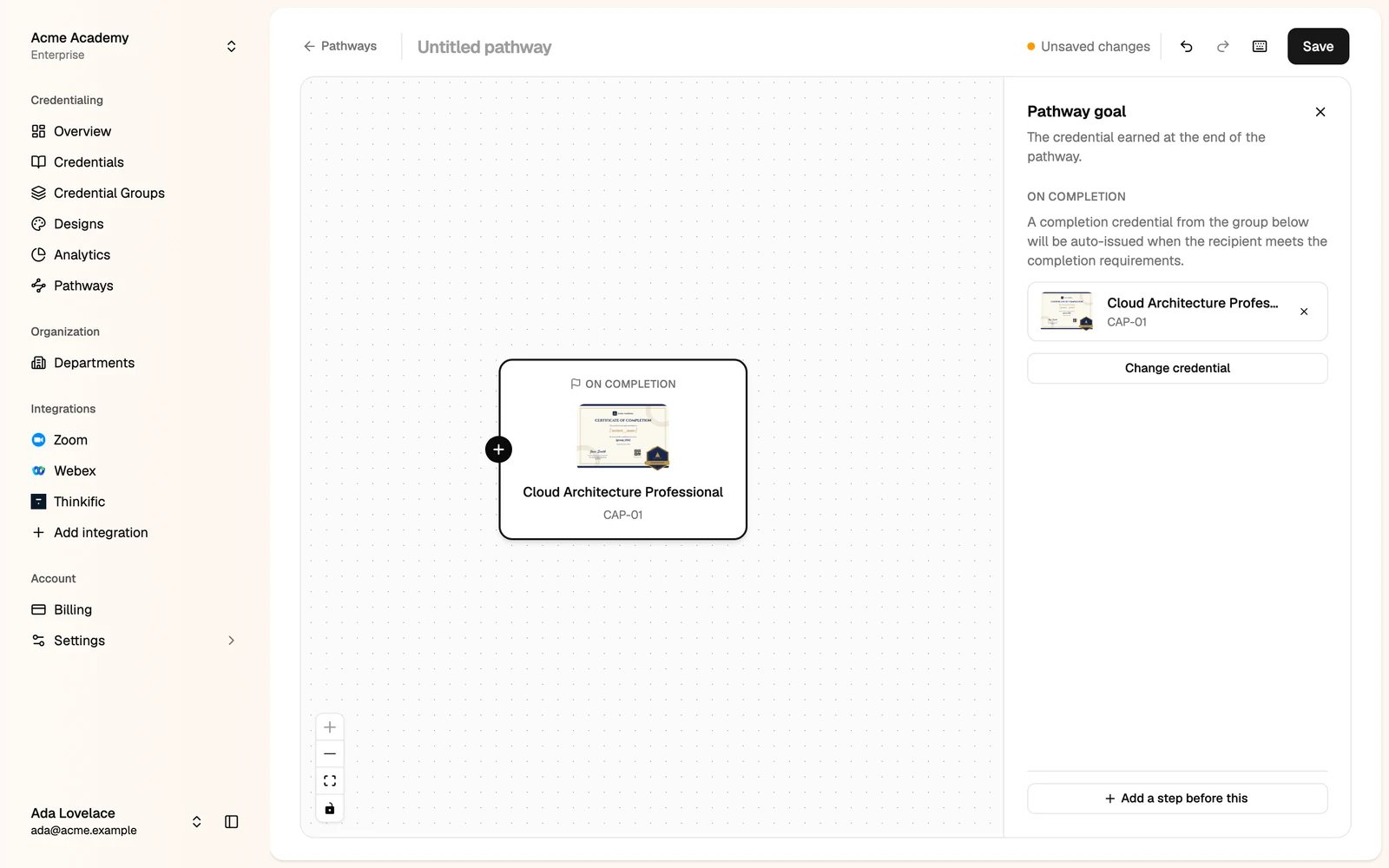
3
Add a step
Click + on a block, or Add a step before this. Click the new step to set it up: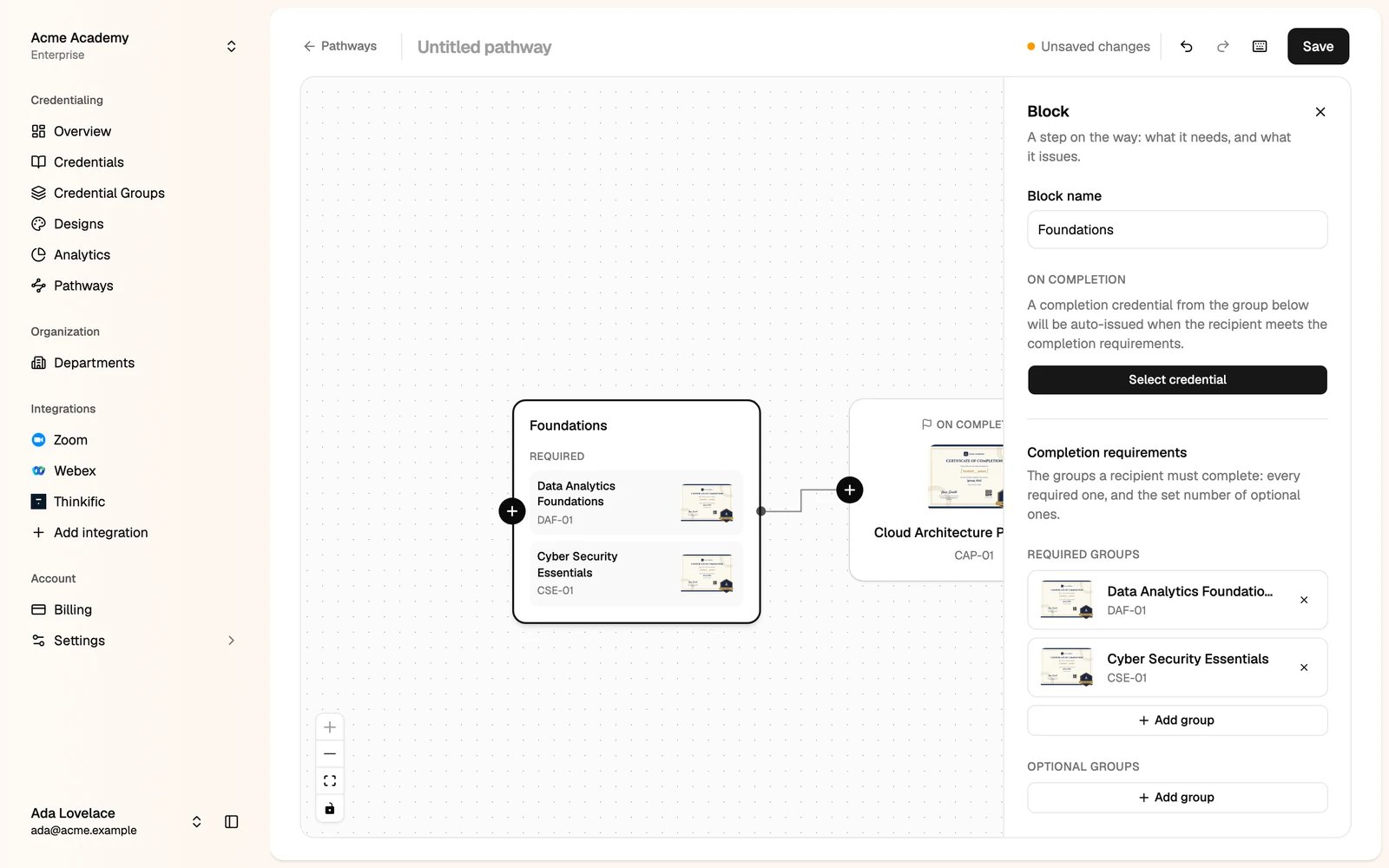
- Block name, for example Foundations.
- Required groups: the recipient must complete all of them.
- Optional groups: the recipient must complete the number you set.
- On completion: the credential issued when the step is complete, if any.
4
Name the pathway and click Save
Click Untitled pathway at the top to name it.
Manage pathways
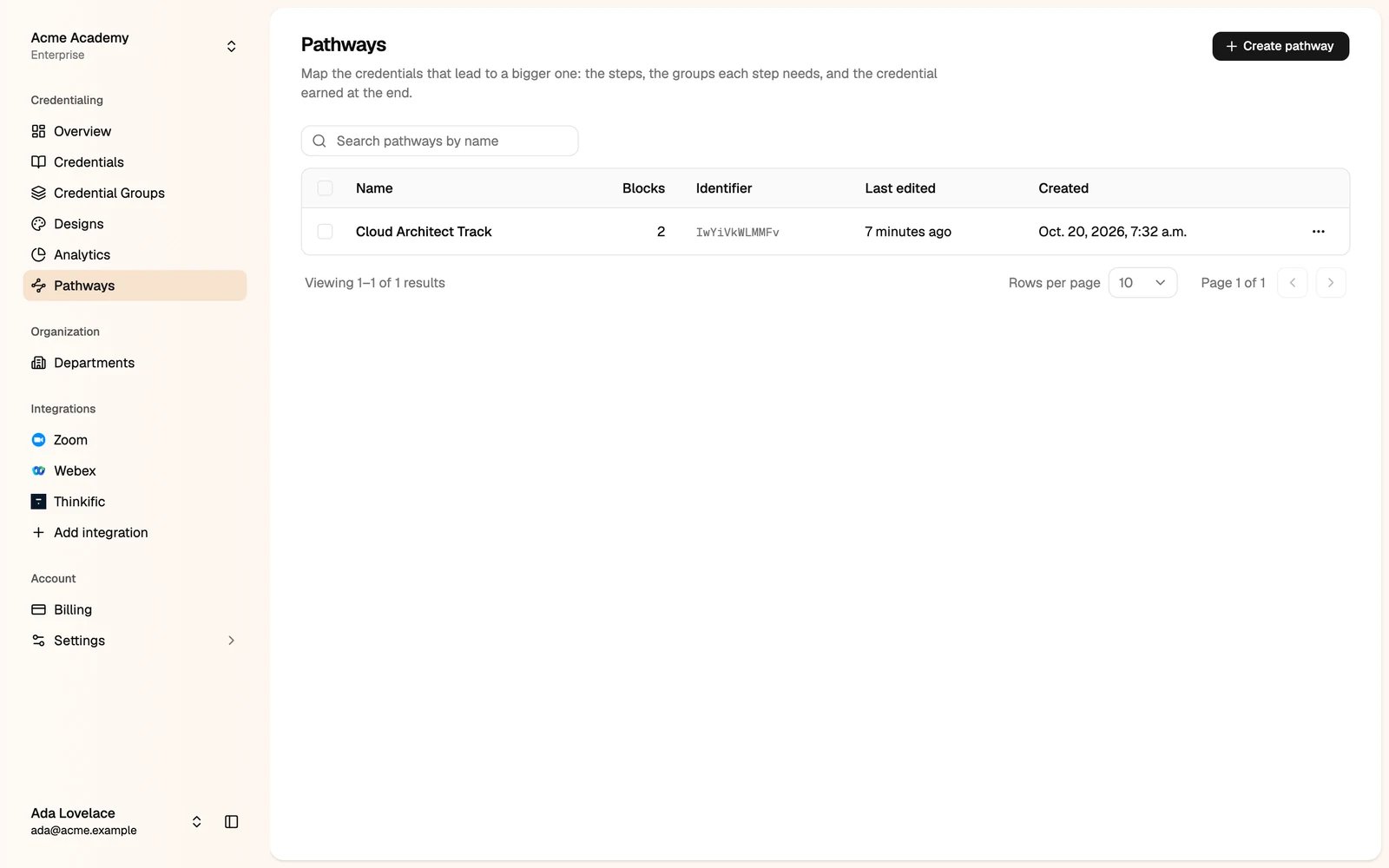
Go to Pathways to see your pathways, with their number of blocks. Click a pathway to change it. Use the menu on a row to delete it. Deleting a pathway doesn’t change the credentials already issued.