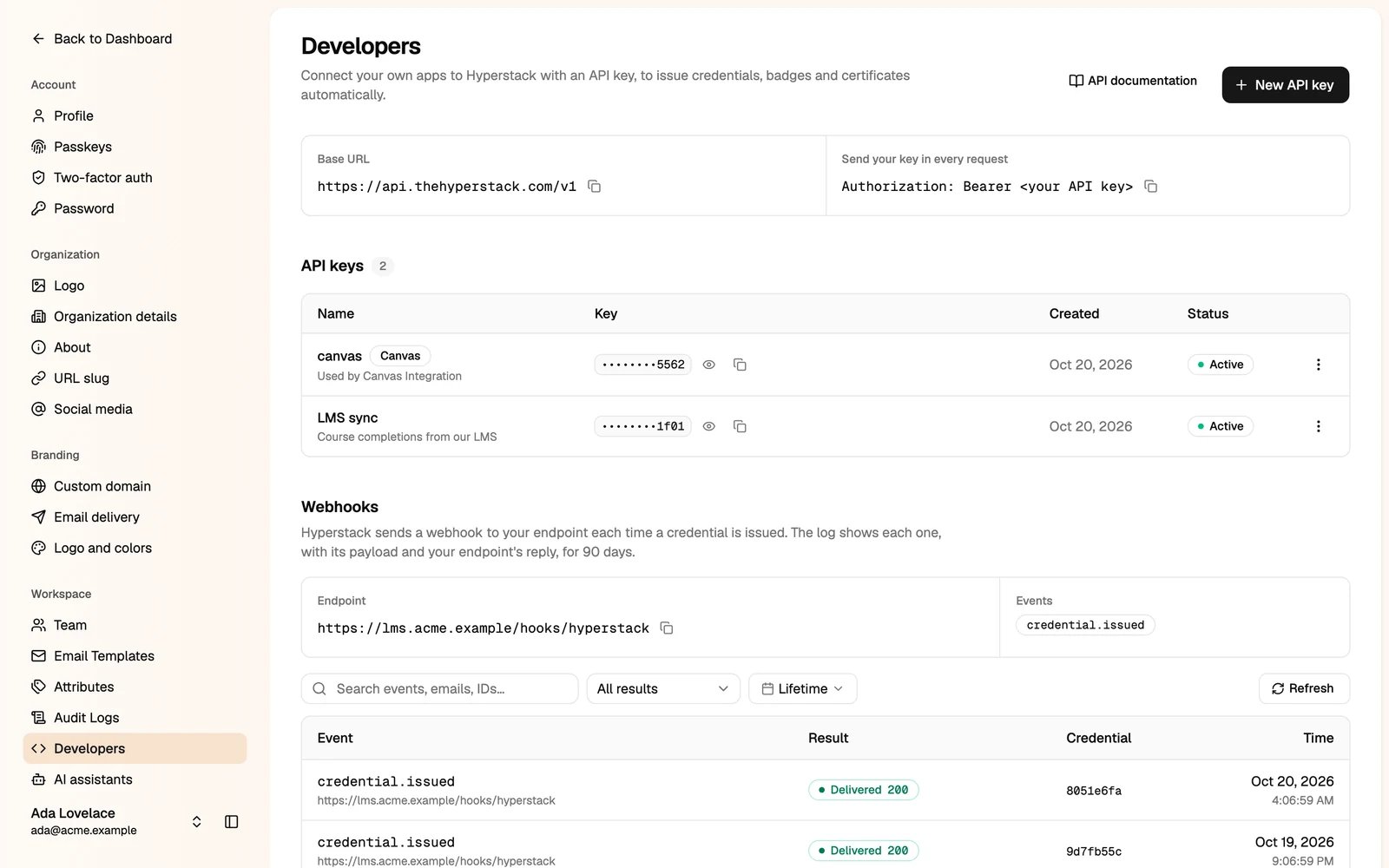
Only administrators can manage API keys. API access depends on your plan.
Create an API key
1
Click New API key
2
Name the key
Use one key per app or integration, so you can revoke one without breaking the others. You can also say how you will use it. This helps our team support you.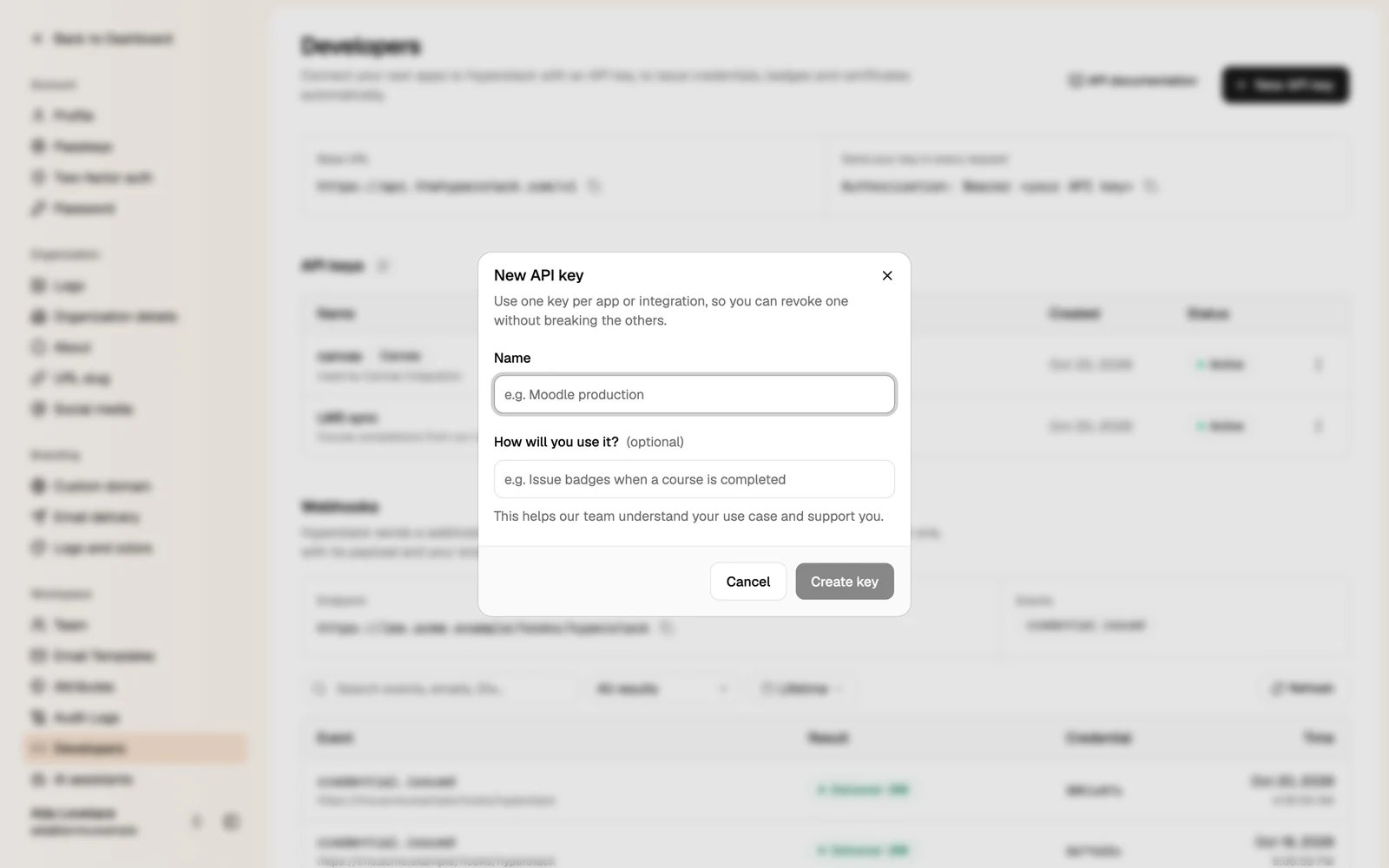
3
Click Create key, then copy it
Send the key in the
Authorization header of every request:Webhooks
Hyperstack can call your endpoint each time a credential is issued. To set up the endpoint, call Subscribe to webhook with your URL and thecredential.issued event.
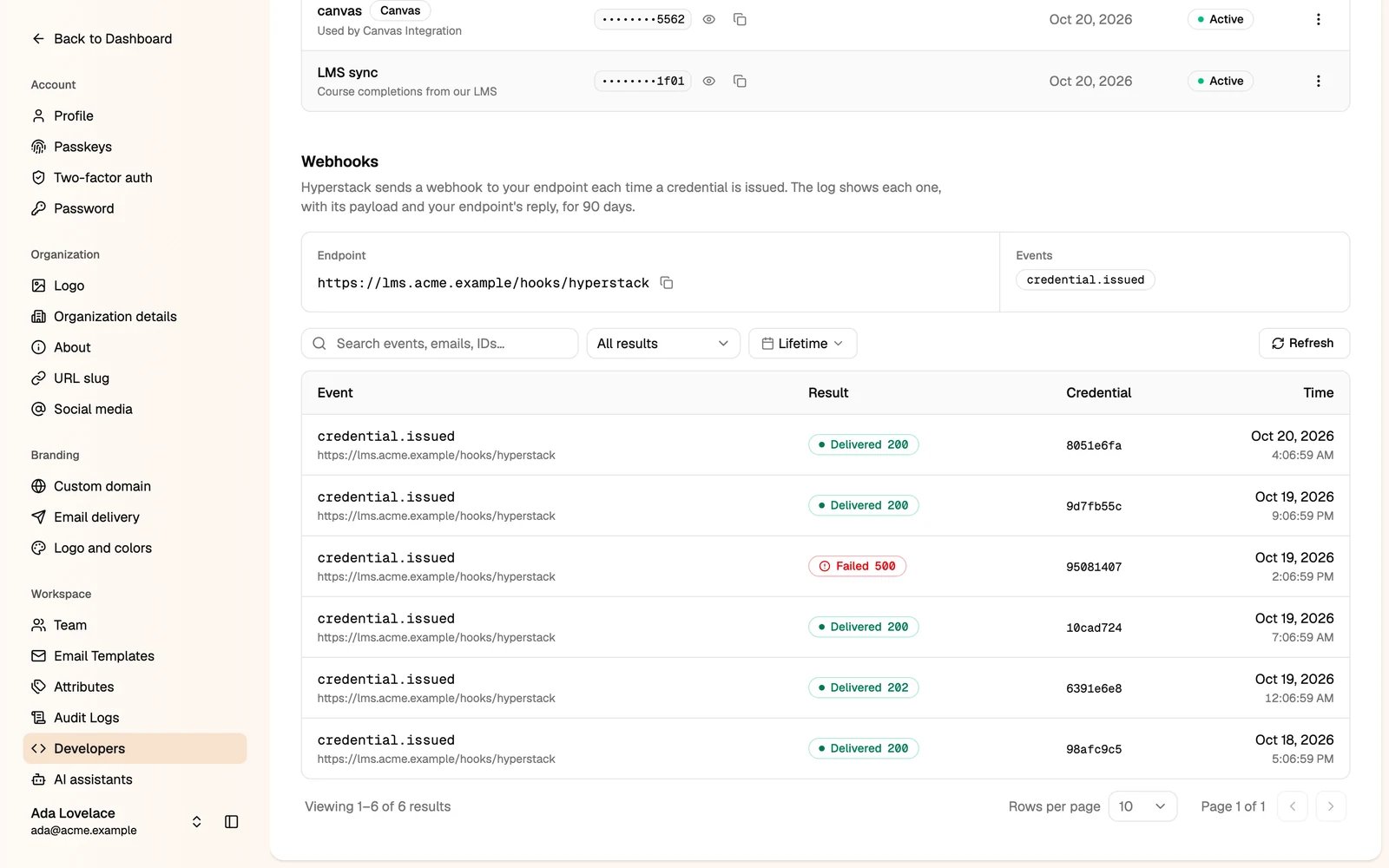
The Webhooks section then shows your endpoint and a log of every webhook sent in the last 90 days, with its payload and your endpoint’s reply. Use it to find out why a webhook failed.