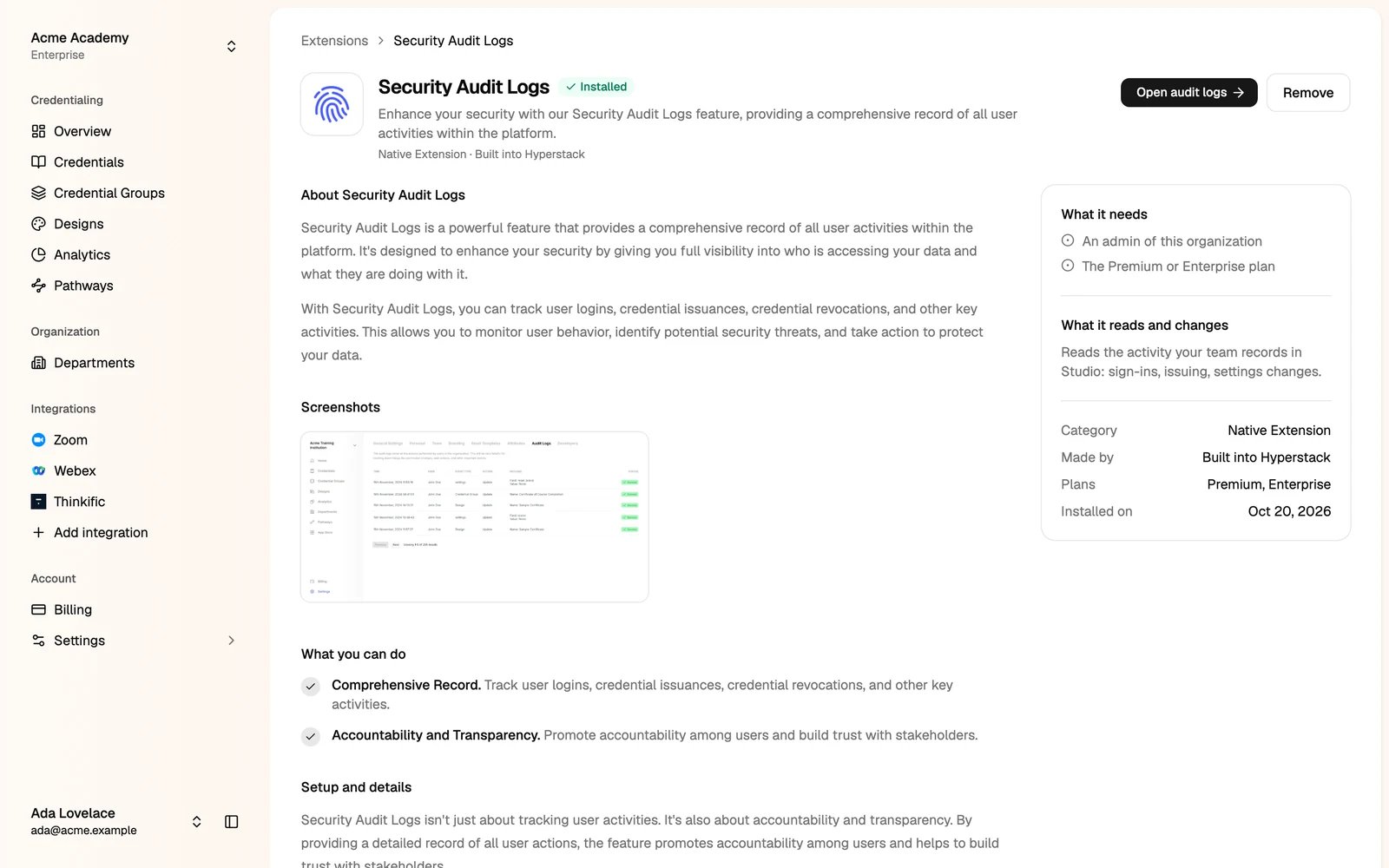
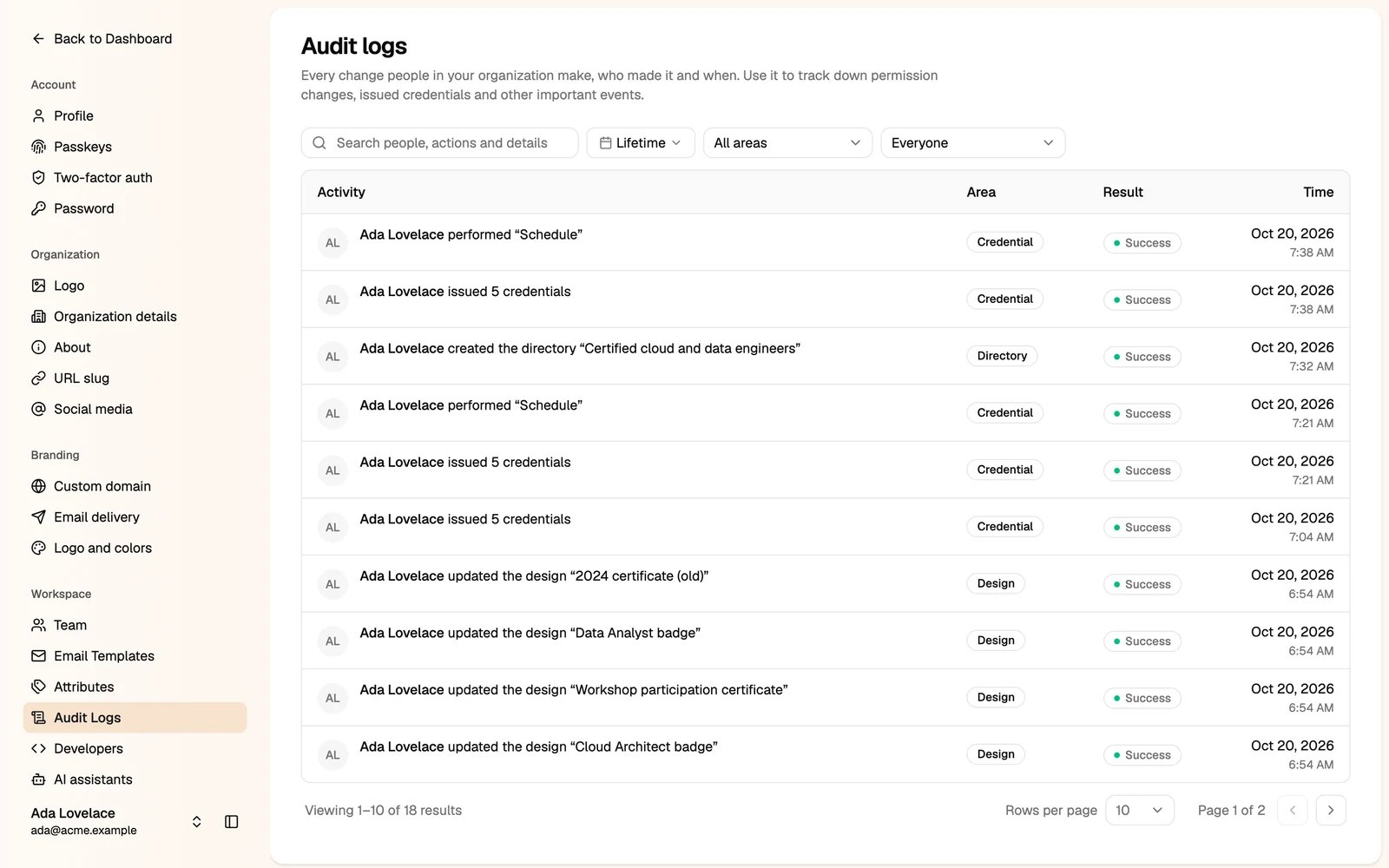
Audit logs record the changes in your organization: issued and changed credentials, design and group changes, team and permission changes, and other important events.
Audit logs are on the Premium and Enterprise plans. Only administrators can see them.
Turn on audit logs
Go to Add integration, open Security Audit Logs, and install it.
Read the logs
Go to Settings → Audit Logs.
Each row shows the activity, the area (such as Credential or Design), the result and the time. Search for people, actions and details, and filter by date, area and person.
Last modified on October 20, 2026