You need the Marketing manager or Administrator role to see analytics. Analytics depend on your plan.
General
Pick a date range and, if you like, one credential group.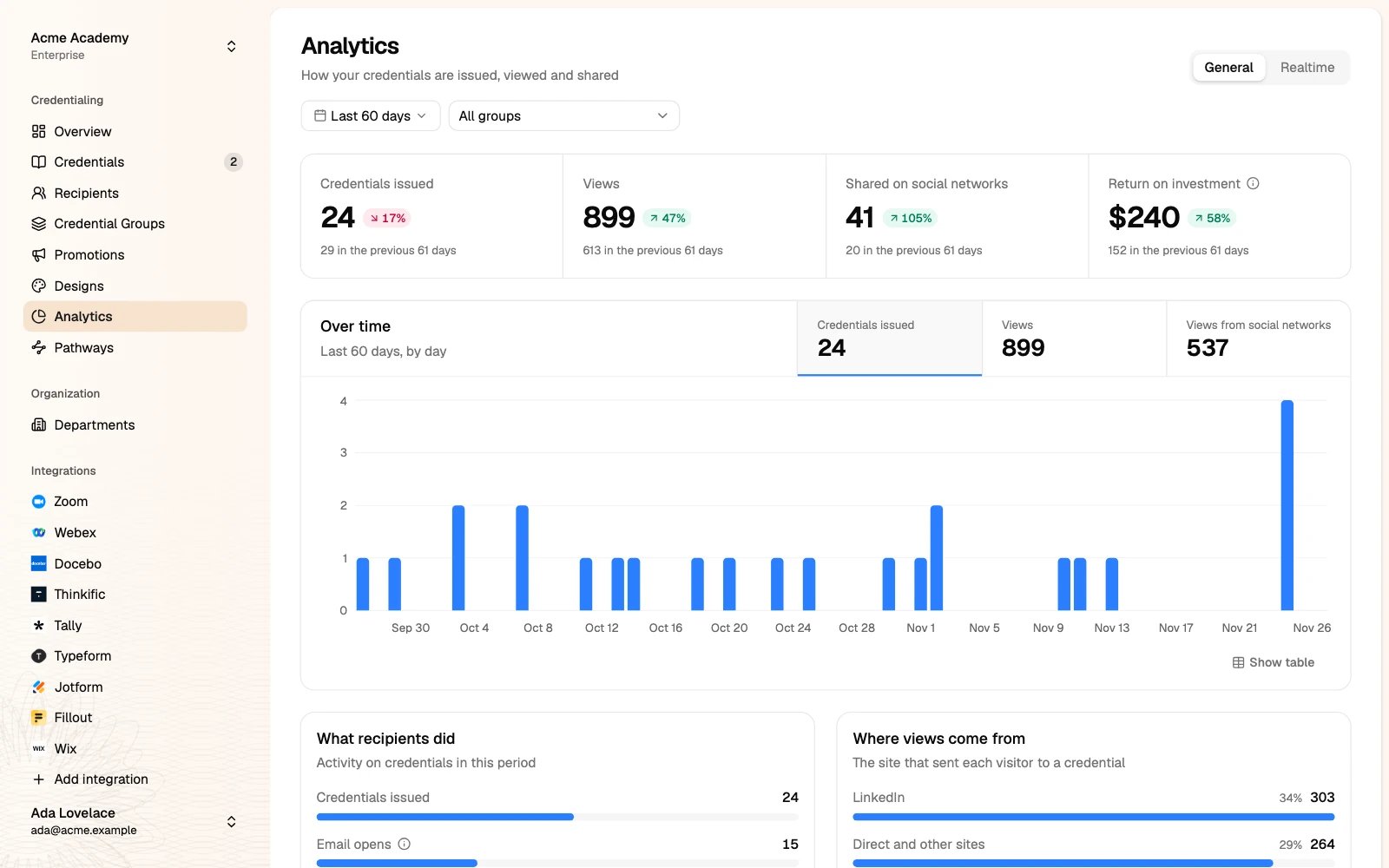
- Credentials issued, Views, Shared on social networks and Return on investment, each compared with the previous period.
- Over time: credentials issued, views and views from social networks, by day.
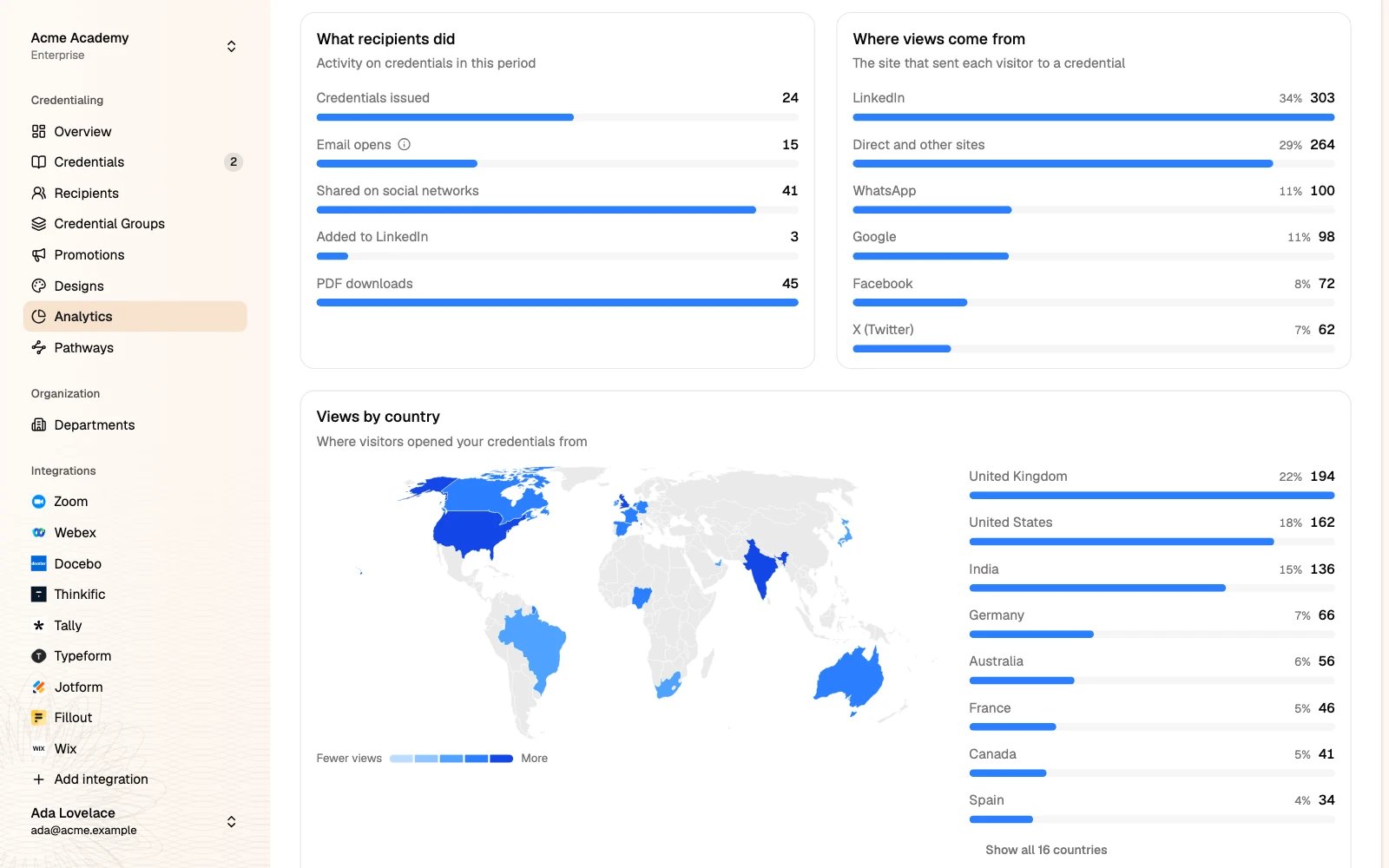
- What recipients did: email opens, social shares, LinkedIn additions and PDF downloads.
- Where views come from: LinkedIn, direct, email, Google and other sites.
- Views by country: a map and a list of the countries your viewers are in.
Promotions
If you use promotions, the Promotions block lists each promotion with its views, clicks and CTR in the dates you picked. Click a promotion to open its stats. These clicks are not counted in CTA clicks or Return on investment. The block shows only when no credential group is picked.All figures
All figures lists the totals for the period, such as recipients, CTA clicks, bounces and complaints, credential groups, designs and expired credentials.Realtime
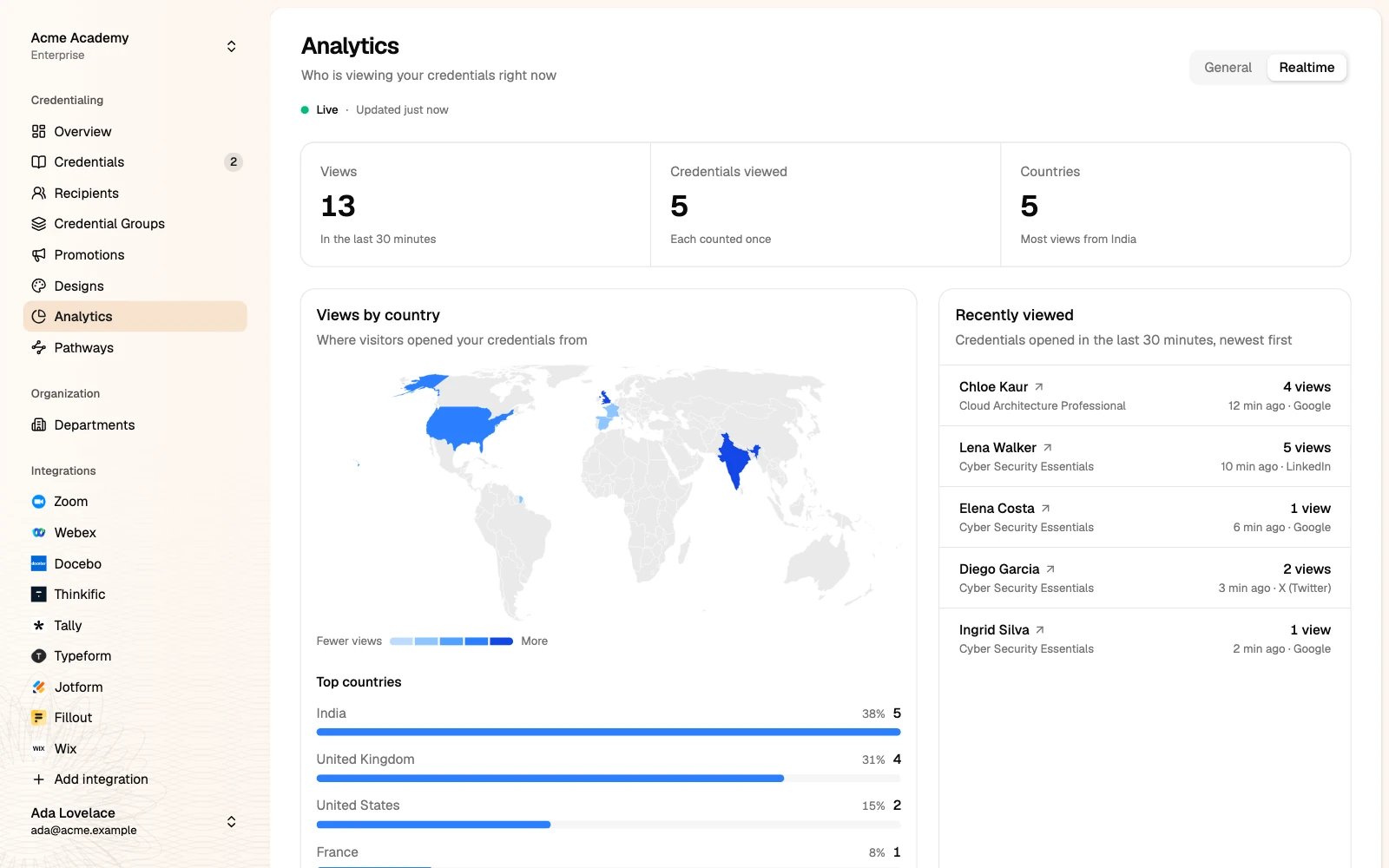
Realtime shows who is viewing your credentials right now: the views in the last 30 minutes, the countries they come from, and the credentials opened, newest first.