Tag Blocks Prompt Engineering Certificate
Get the matching set
Award a prompt engineering course with a landscape certificate laid out as a prompt, with skills, course details, two signatures and a QR code.
Use this design
Add your logo and wording, then send it to everyone at once, each with a link anyone can verify.
Start freeFree for up to 20 recipients a year
Share this design
- A4 and US Letter, composed for each
- Your logo, colours and wording
- A QR code on every copy that proves it is real
- Matching digital badge in the same design
Updated 12 November 2026 · Designed by the Hyperstack studio
More designs like this
What is on it
A complete record, not just a name
You write once
The same for everyone. Keep the template’s words or change them.
- Title
- Certificate of Completion
- Statement
- A line of thanks or achievement, written for this topic
- Skills
- Prompt structure, Few-shot examples, Chain-of-thought prompting, Output formatting and Evaluating responses
- Details
- duration, level and format
- Signatures
- Academic Dean and Training Manager
Filled in for each person
Hyperstack fills these from your list when you send.
- Recipient name
- Program or award name
- Issue date
- Credential ID
- QR code to the verification page
Specifications
Sizes, fonts and colours
Sizes
- A4
- 297 × 210 mm · 11.69 × 8.27 in
- US Letter
- 11 × 8.5 in · 279 × 216 mm
Fonts
- Instrument Serif
- Title, Recipient name
- Hanken Grotesk
- Text
- JetBrains Mono
- Labels
- Mrs Saint Delafield
- Signatures
Google Fonts, free for commercial use.
Colours
- Paper#f7f5f0
- Ink#1c1f26
- Accent#17595c
- Second accent#d4512a
- Muted text#646a73
Change any colour in the studio.
Design notes
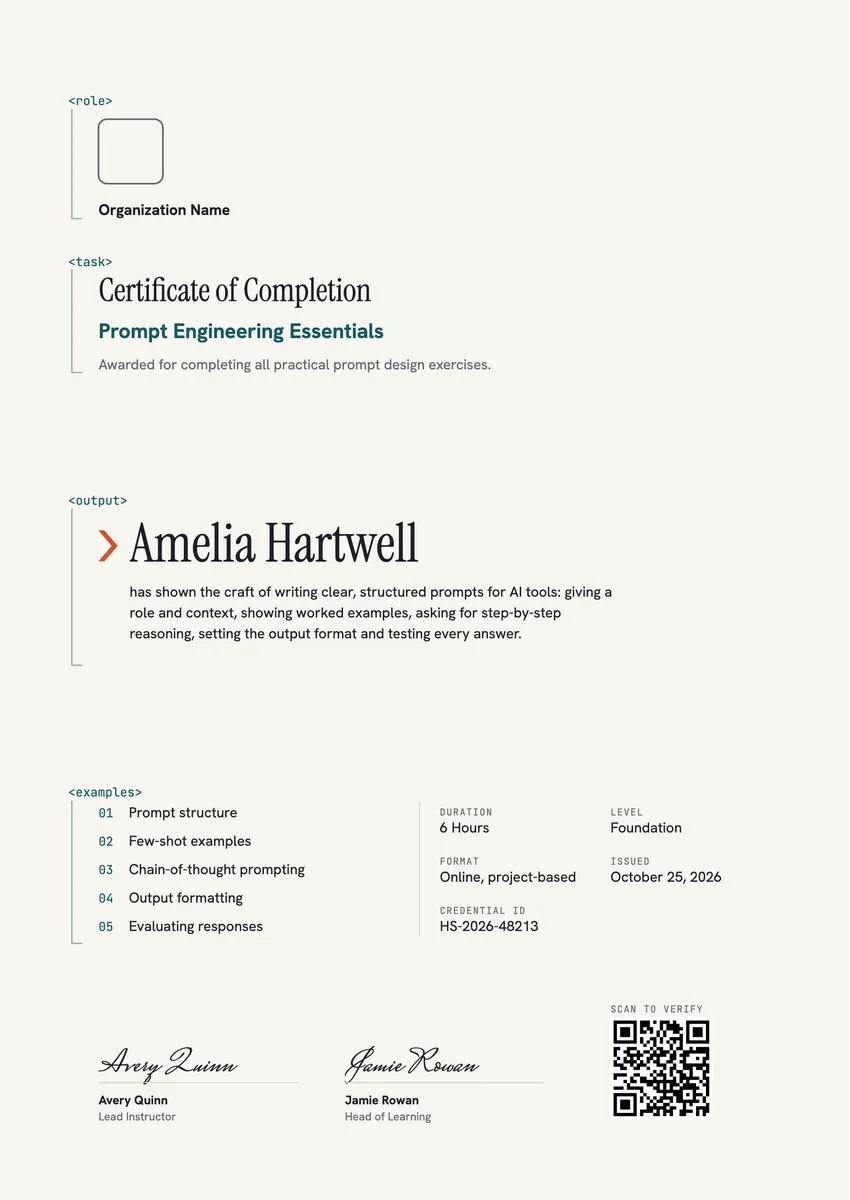
The landscape page reads like a well-made prompt. Four lowercase mono tags, role, task, output and examples, open the blocks for the organisation, the certificate title and program, the recipient's name with a short statement, and five numbered skills, each block held by a thin teal guide line. A small vermilion chevron points at the name. A right column lists duration, level, format, issue date and credential ID, then two signatures and a QR code for verification.
About
Prompt Engineering Certificate Template, Prompt Blocks
A prompt engineering course teaches people to get reliable answers from AI tools: give the model a role and context, state the task, show worked examples, ask for step-by-step reasoning, set the output format and then test what comes back. Marketers, analysts, writers, developers and support leads take these short practical programs from online academies, university continuing-education units and in-house learning teams, and this certificate of completion records that they did the exercises, not just watched the videos.
Wording on the template“has shown the craft of writing clear, structured prompts for AI tools: giving a role and context, showing worked examples, asking for step-by-step reasoning, setting the output format and testing every answer.”More wording ideas for prompt engineering certificates
Words that go with it
The email and the post, written for you
Email to send with it
Subject: name, your prompt engineering certificate is ready
Hi name,
Congratulations on completing the prompt engineering course. You practised structuring prompts, giving examples, asking for step-by-step reasoning, setting the output format and testing every answer, and you finished all the exercises.
Your certificate is ready. Open it to see your record, download a copy to print, or share it on LinkedIn so colleagues and clients can verify it.
We hope your new prompts save you time every day.
Hyperstack fills in each person’s name and link when it sends.
Post for the recipient to share
I have completed a course in prompt engineering. The most useful lesson was simple: a clear role, a few good examples and a fixed output format change the answers an AI tool gives more than any clever trick. Thank you to the instructors for all the hands-on exercises. #PromptEngineering #GenerativeAI
Recipients share it with one click from their credential page, with the badge attached.
Printing
Printing it well
Print at actual size
Choose “Actual size” or 100% in the print dialog, not “Fit to page”, so the margins and the QR code keep their size.
Use card, not paper
A matte or silk card of 200–300 gsm (about 80–110 lb cover) feels like an award and does not curl in a frame.
Frame it
A4 fits a standard 21 × 29.7 cm frame; US Letter fits an 8.5 × 11 in frame, or an 11 × 14 in frame with a mat. Hang it on its side, as designed.
Mind the edges
Most home printers leave a thin white border. For a design that runs to the edge, use a print shop or your printer’s borderless setting.
Certificate or badge?
Send both. They do different jobs.
Certificate
- A full record: name, statement, skills, dates and signatures
- Printed and framed, or kept as a PDF
- Opens to a page anyone can verify
Digital badge
- A small image people put on LinkedIn and in email signatures
- Carries the verified details inside it (Open Badges 2.0)
- One click shows who earned it and who issued it
How to send it
From template to everyone’s inbox
- 01
Make it yours
Open the template, add your logo and change any colour or word.
- 02
Add your people
Upload a spreadsheet, or connect your LMS, HR tool or form.
- 03
Send it
Each person gets an email and their own credential page, in one go.
- 04
They share it
Recipients add it to LinkedIn; anyone can verify it from the QR code.
Free for up to 20 recipients a year
It comes in A4 (297 × 210 mm) and US Letter (11 × 8.5 in). Pick the paper in the studio; the layout is composed for each one, not stretched.
Instrument Serif (title, recipient name), Hanken Grotesk (text), JetBrains Mono (labels), Mrs Saint Delafield (signatures). All are Google Fonts, free for personal and commercial use, and you can swap any of them in the studio.
Yes. Every text, colour and drawing is its own layer in the studio. Add your logo in the logo spot; the design keeps its balance with a wide or a square logo.
Yes. Each recipient gets their own credential page, where they download a PDF in the paper size you chose, or share a link that anyone can verify.
Yes. This design is part of a set: Tag Blocks Prompt Engineering Badge and Tag Blocks Prompt Engineering Certificate, Portrait. Issue them together so the certificate and the badge read as one award for prompt engineering.
More certificate templates
All certificate templates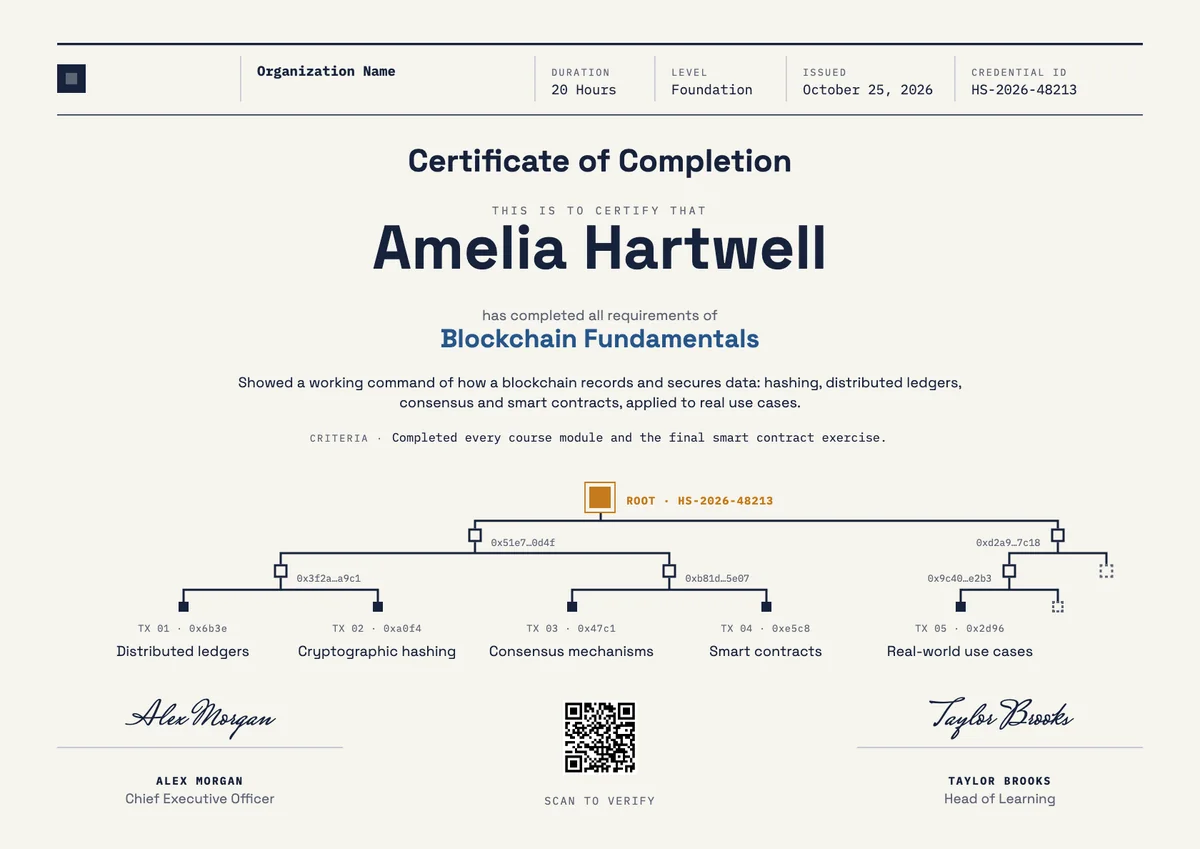
Landscape certificate · A4 + US Letter
Blockchain Certificate, Landscape
Landscape certificate · A4 + US Letter
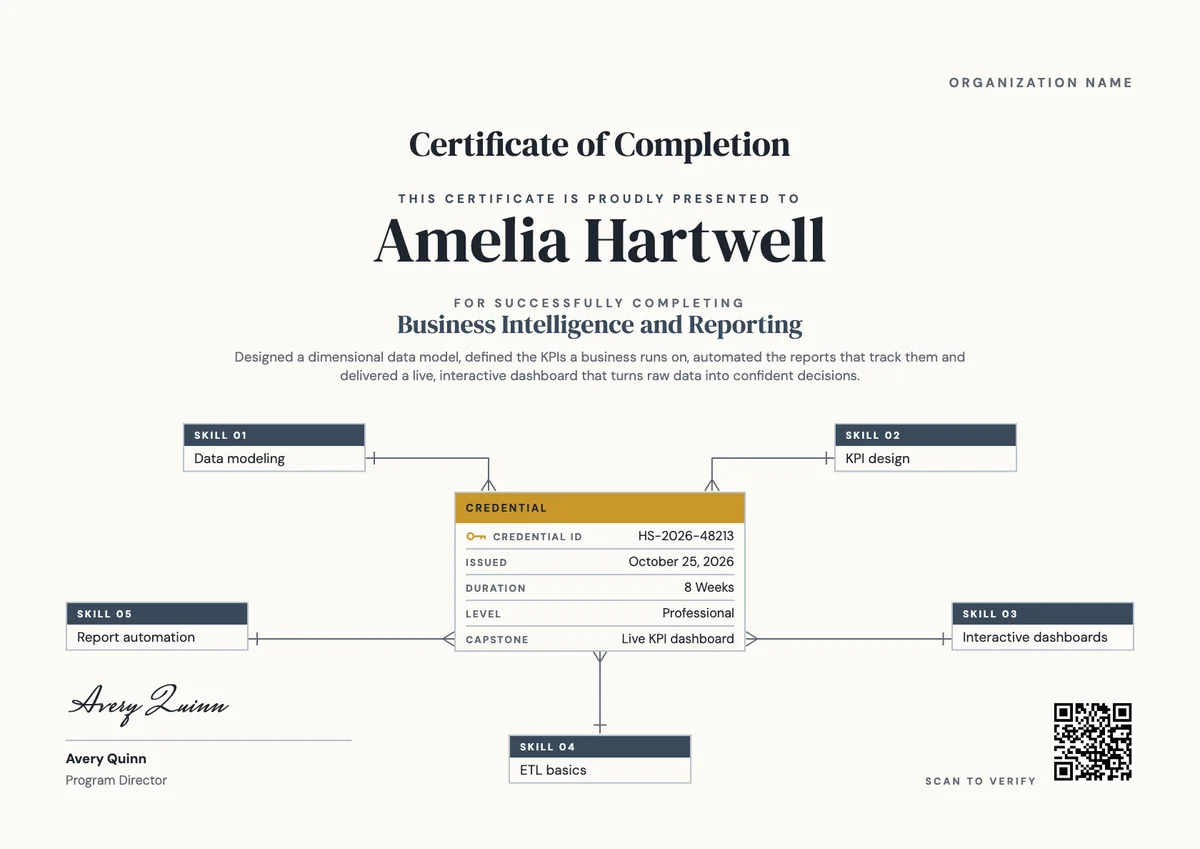
Business Intelligence Certificate
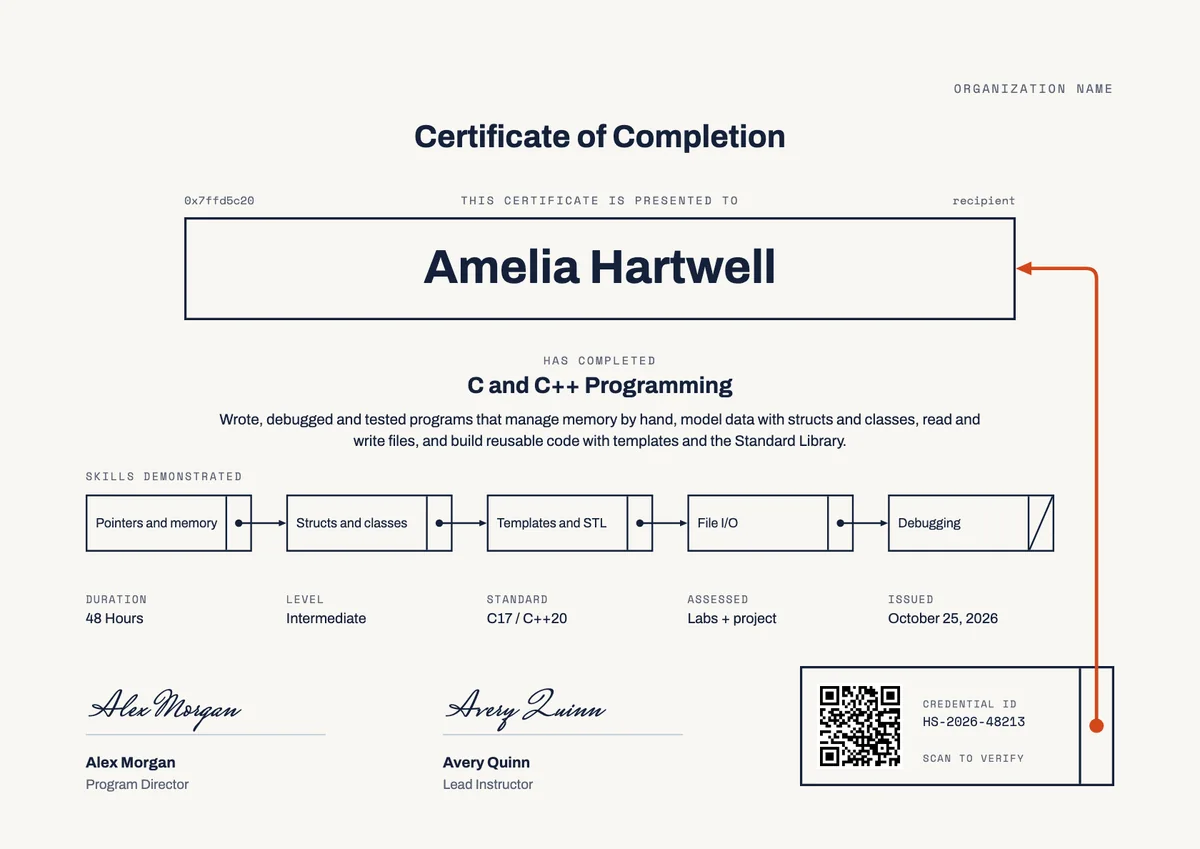
Landscape certificate · A4 + US Letter
C and C++ Certificate of Completion
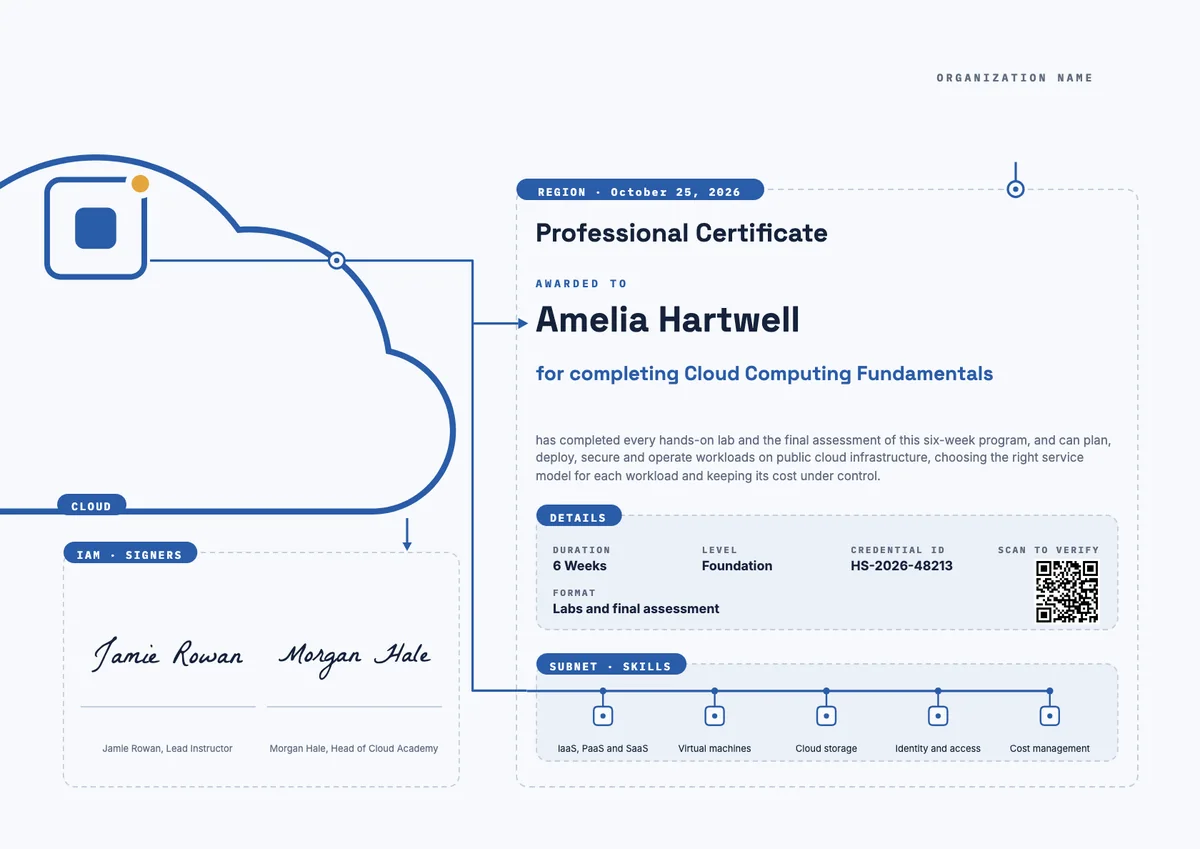
Landscape certificate · A4 + US Letter
Cloud Computing Landscape Certificate
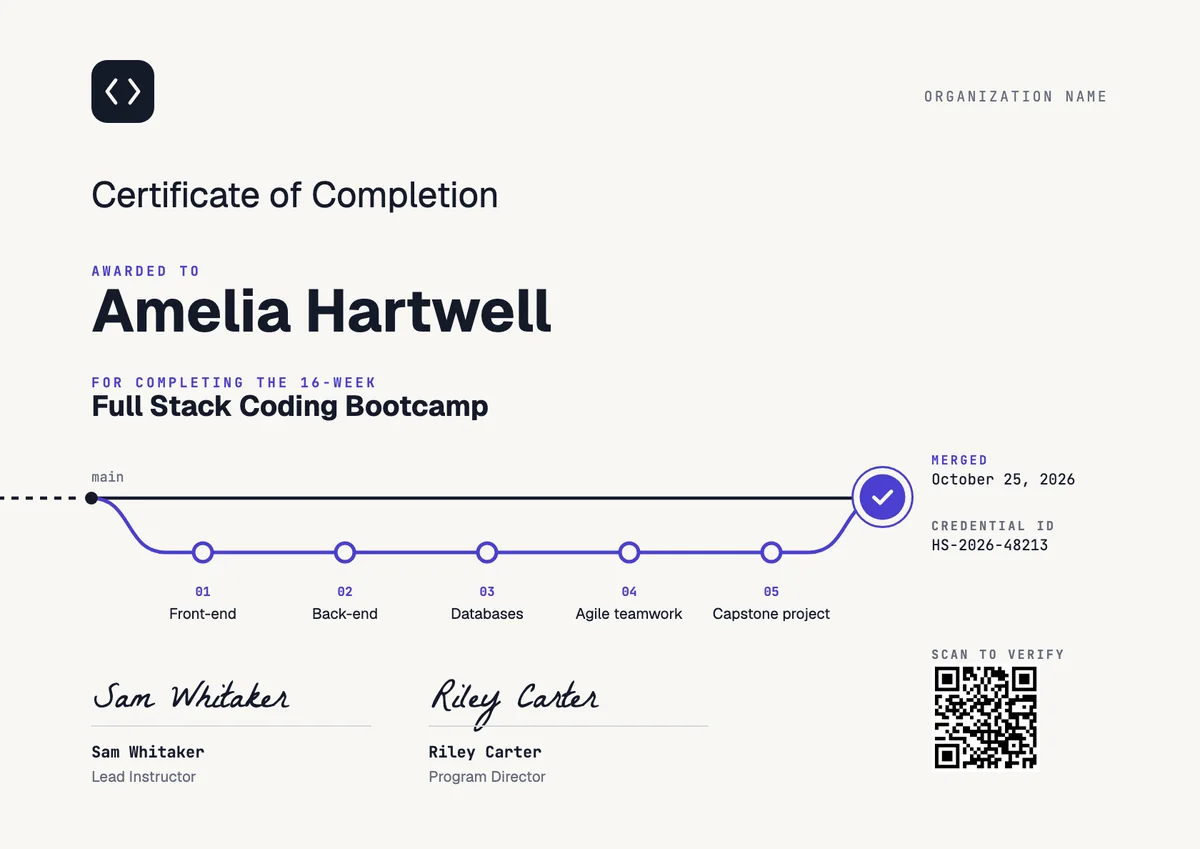
Landscape certificate
Coding Bootcamp Certificate
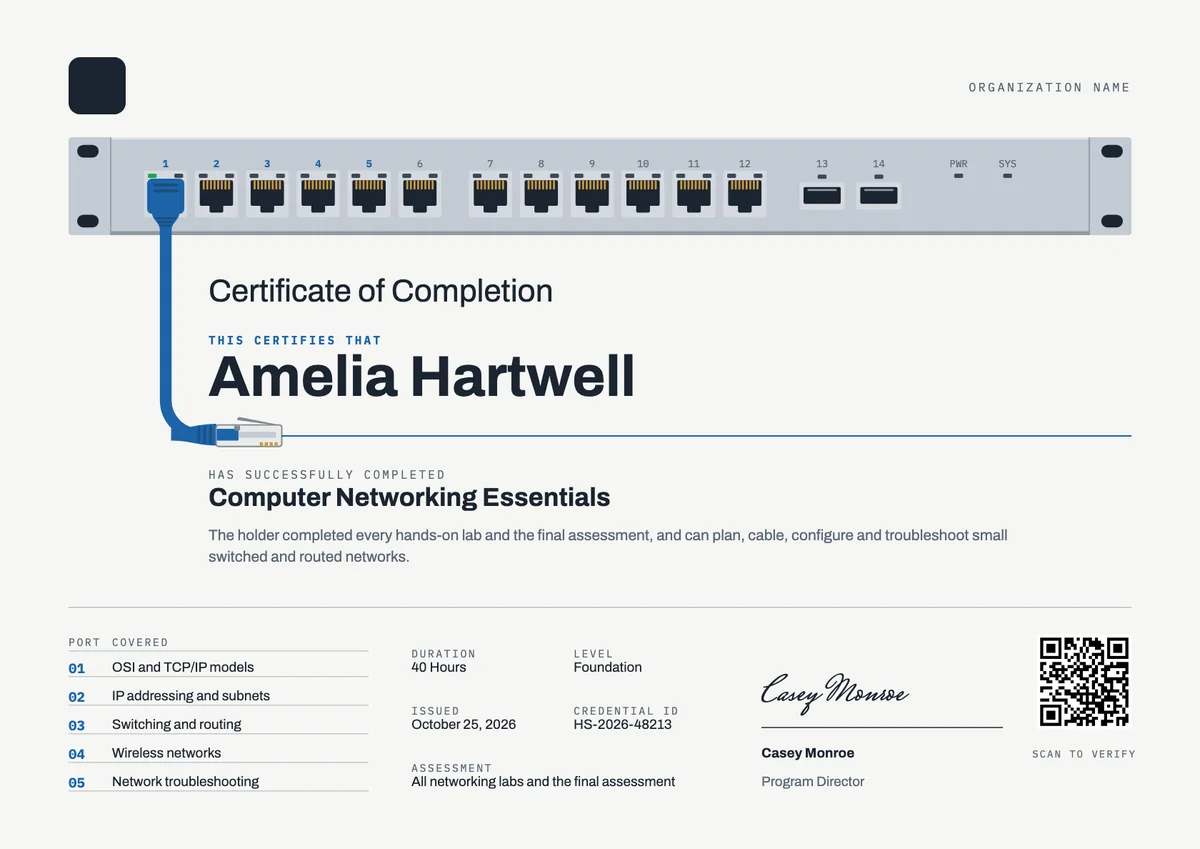
Landscape certificate · A4 + US Letter
Computer Networking Certificate
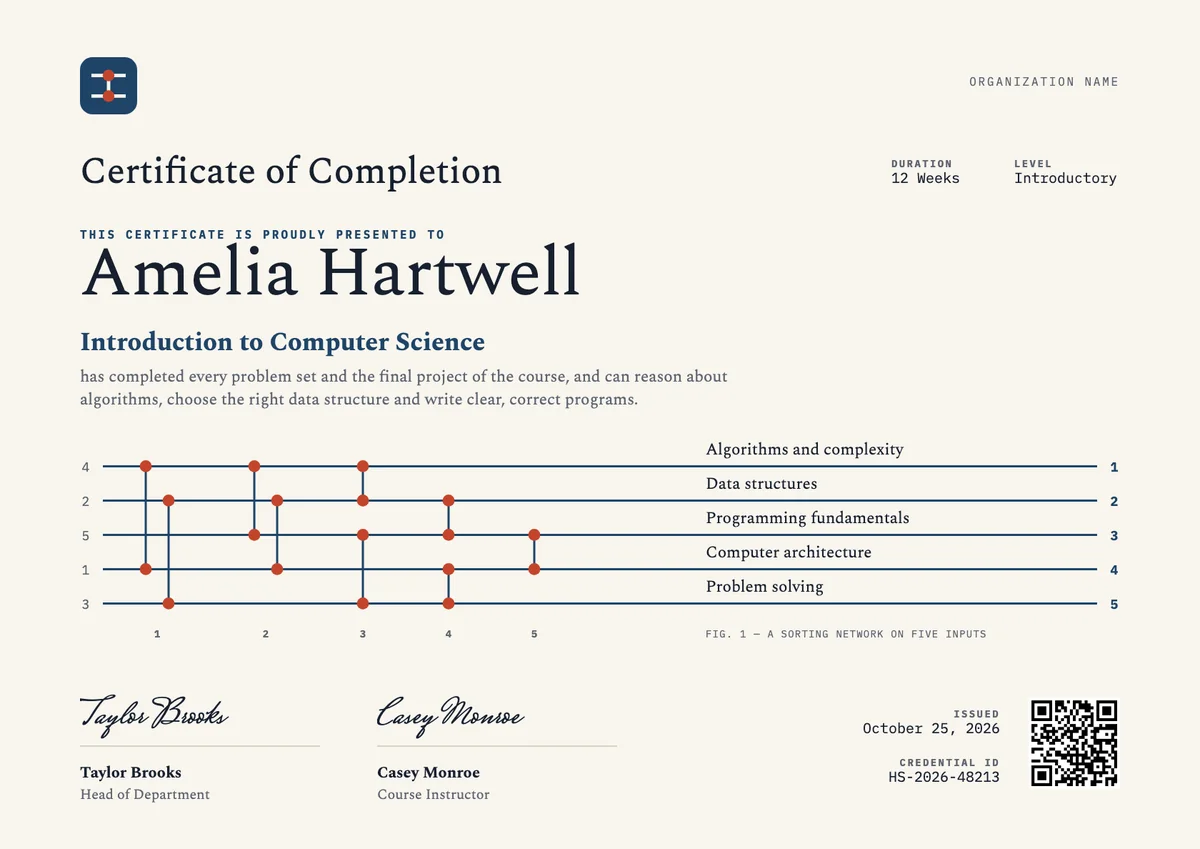
Landscape certificate · A4 + US Letter
Computer Science Certificate, Landscape
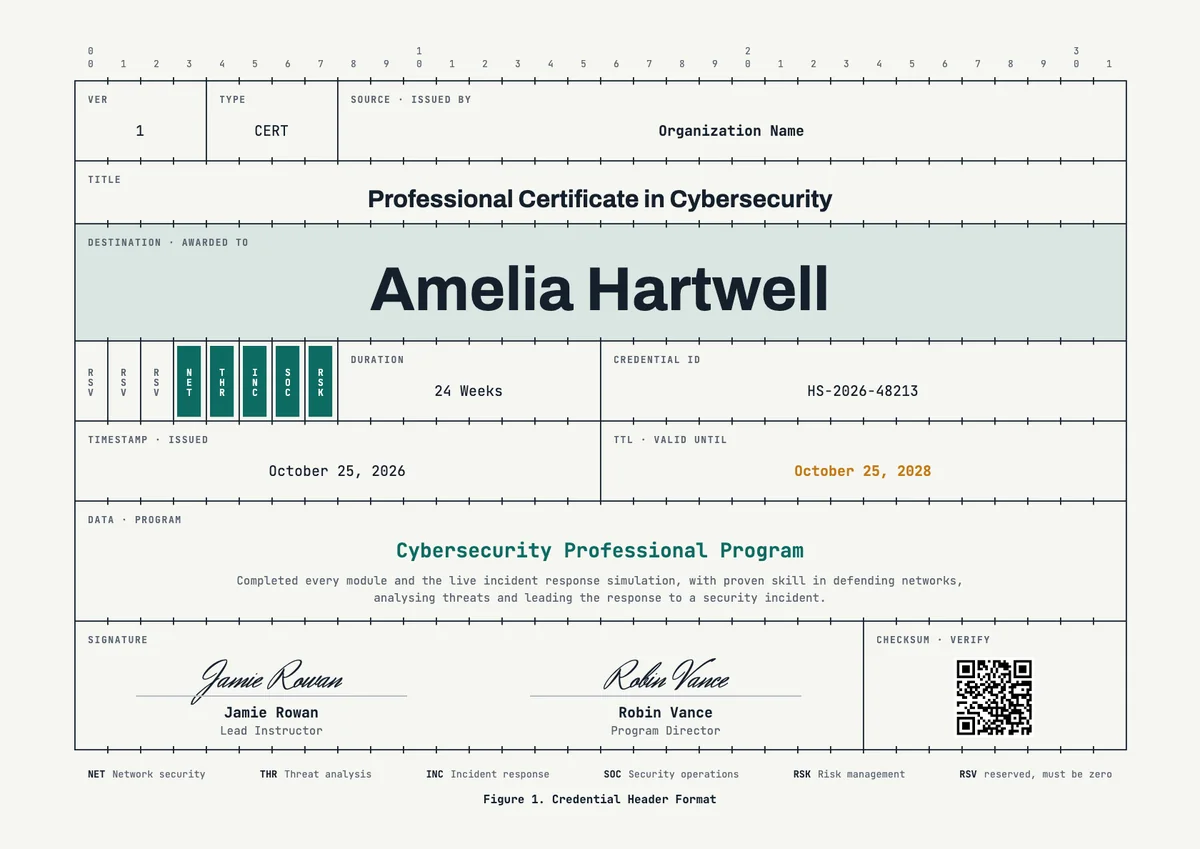
Landscape certificate · A4 + US Letter
Cybersecurity Landscape Certificate
Browse by topic
Trusted by universities, enterprises and certification bodies worldwide









Your next cohort deserves better than a PDF
Set up in minutes, send your first credentials today, and only pay once you grow past 20 recipients a year.
Or open a live sample credential