Home Row Typing Skills Certificate, Portrait
Get the matching set
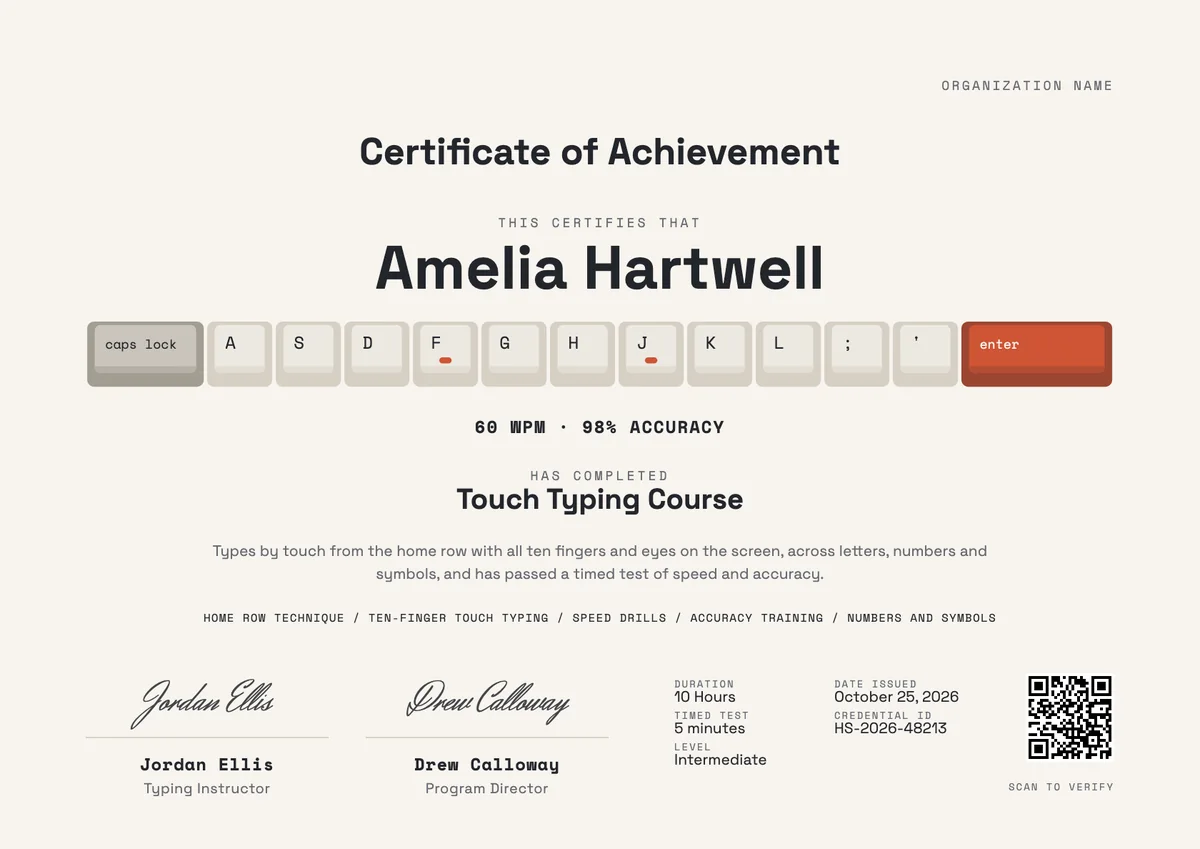
A tall typing speed certificate where the name rests on the home row above the lower keys and space bar, with the WPM result, skills, details and a QR code.
Use this design
Add your logo and wording, then send it to everyone at once, each with a link anyone can verify.
Start freeFree for up to 20 recipients a year
Share this design
- A4 and US Letter, composed for each
- Your logo, colours and wording
- A QR code on every copy that proves it is real
- Matching digital badge in the same design
Updated 30 October 2026 · Designed by the Hyperstack studio
What is on it
A complete record, not just a name
You write once
The same for everyone. Keep the template’s words or change them.
- Title
- Certificate of Achievement
- Statement
- A line of thanks or achievement, written for this topic
- Skills
- Home row technique, Ten-finger touch typing, Speed drills, Accuracy training and Numbers and symbols
- Details
- duration, timed test and level
- Signatures
- Typing Instructor and Program Director
Filled in for each person
Hyperstack fills these from your list when you send.
- Recipient name
- Program or award name
- Issue date
- Credential ID
- QR code to the verification page
Specifications
Sizes, fonts and colours
Sizes
- A4
- 210 × 297 mm · 8.27 × 11.69 in
- US Letter
- 8.5 × 11 in · 216 × 279 mm
Fonts
- Space Grotesk
- Title, Text, Recipient name
- Space Mono
- Labels
- Herr Von Muellerhoff
- Signatures
Google Fonts, free for commercial use.
Colours
- Paper#f7f4ee
- Ink#23262c
- Accent#cf5434
- Second accent#a39d92
- Muted text#676a71
Change any colour in the studio.
Design notes
The portrait version shows the hands-at-rest view of a keyboard. The home row is solid, with colour only on the F and J bars and the Enter key, while the bottom letter row and the space bar sit below it as quiet outlines. The name stands on the key tops under the title and course. Below are the result line, a statement, the skills, five details in one row, and signatures either side of a QR code. The upright page suits a school report folder, a CV file or a printed A4 or letter sheet.
About
Typing Speed Certificate Template, Home Row Portrait
Reaching a steady speed without looking at the keys takes weeks of practice: home row drills first, then the reach to the top and bottom rows, numbers and symbols, and finally accuracy work so speed does not cost errors. Teachers often record the result in net words per minute after a short timed test, and a certificate marks the point where a student, a job seeker or a new office starter can show it.
Wording on the template“Types by touch from the home row with all ten fingers and eyes on the screen, across letters, numbers and symbols, and has passed a timed test of speed and accuracy.”More wording ideas for typing skills certificates
Words that go with it
The email and the post, written for you
Email to send with it
Subject: name, you can now type by touch: your certificate is here
Hi name,
The practice paid off. You passed your timed typing test, and your result is now on your certificate together with the skills you worked on, from the home row to numbers and symbols.
Open it to see it, download it to print for your folder or wall, and share the badge on LinkedIn or with a future employer. Anyone can scan the QR code to check the result is genuine.
Keep your fingers on F and J, and well done.
Hyperstack fills in each person’s name and link when it sends.
Post for the recipient to share
A few weeks ago I still looked down at the keyboard for every word. Today I passed my timed touch typing test at 60 words per minute with 98% accuracy, and I have the certificate to show for it. Small skill, big difference to my working day. Thank you to my instructor for the patient drills. #TouchTyping #DigitalSkills
Recipients share it with one click from their credential page, with the badge attached.
Printing
Printing it well
Print at actual size
Choose “Actual size” or 100% in the print dialog, not “Fit to page”, so the margins and the QR code keep their size.
Use card, not paper
A matte or silk card of 200–300 gsm (about 80–110 lb cover) feels like an award and does not curl in a frame.
Frame it
A4 fits a standard 21 × 29.7 cm frame; US Letter fits an 8.5 × 11 in frame, or an 11 × 14 in frame with a mat. Hang it upright, as designed.
Mind the edges
Most home printers leave a thin white border. For a design that runs to the edge, use a print shop or your printer’s borderless setting.
Certificate or badge?
Send both. They do different jobs.
Certificate
- A full record: name, statement, skills, dates and signatures
- Printed and framed, or kept as a PDF
- Opens to a page anyone can verify
Digital badge
- A small image people put on LinkedIn and in email signatures
- Carries the verified details inside it (Open Badges 2.0)
- One click shows who earned it and who issued it
How to send it
From template to everyone’s inbox
- 01
Make it yours
Open the template, add your logo and change any colour or word.
- 02
Add your people
Upload a spreadsheet, or connect your LMS, HR tool or form.
- 03
Send it
Each person gets an email and their own credential page, in one go.
- 04
They share it
Recipients add it to LinkedIn; anyone can verify it from the QR code.
It comes in A4 (210 × 297 mm) and US Letter (8.5 × 11 in). Pick the paper in the studio; the layout is composed for each one, not stretched.
Space Grotesk (title, text, recipient name), Space Mono (labels), Herr Von Muellerhoff (signatures). All are Google Fonts, free for personal and commercial use, and you can swap any of them in the studio.
Yes. Every text, colour and drawing is its own layer in the studio. Add your logo in the logo spot; the design keeps its balance with a wide or a square logo.
Yes. Each recipient gets their own credential page, where they download a PDF in the paper size you chose, or share a link that anyone can verify.
Yes. This design is part of a set: Home Row Typing Skills Badge and Home Row Typing Skills Certificate. Issue them together so the certificate and the badge read as one award for typing skills.
More certificate templates
All certificate templates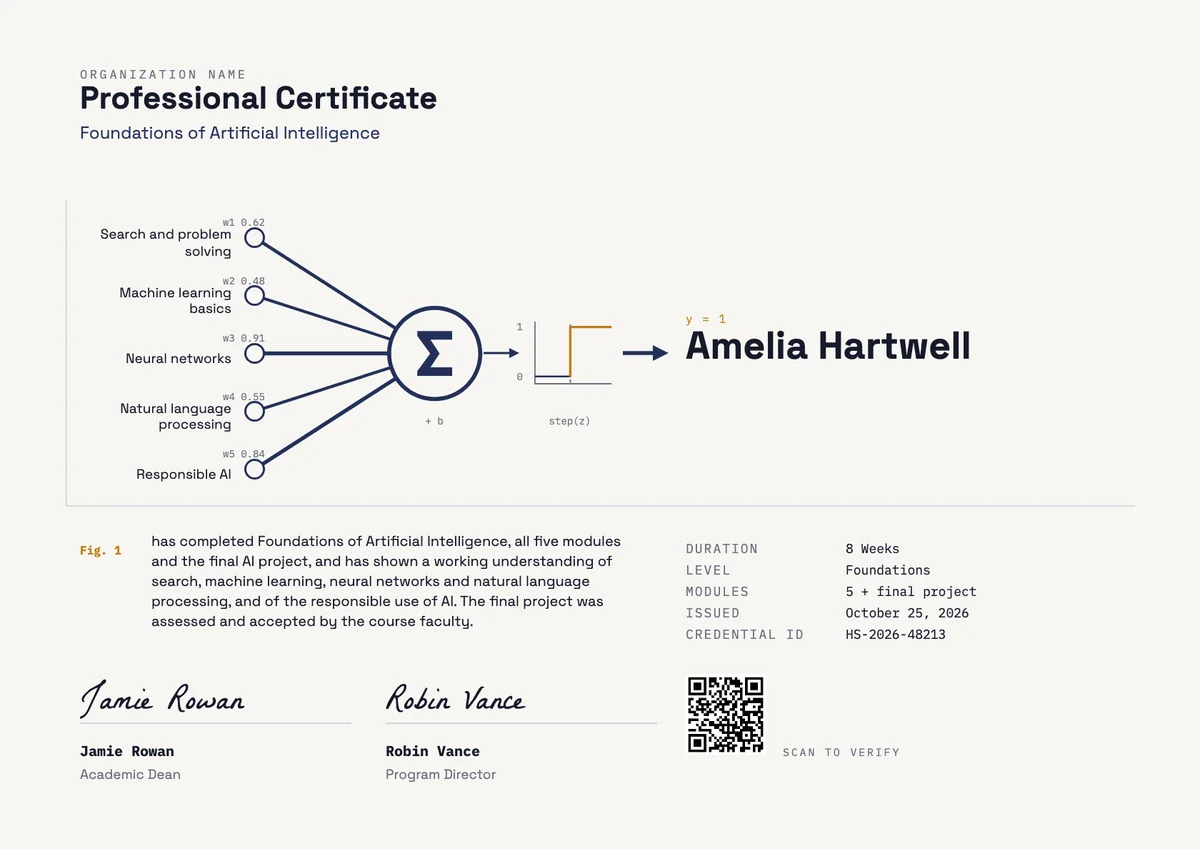
Landscape certificate · A4 + US Letter
AI Professional Certificate
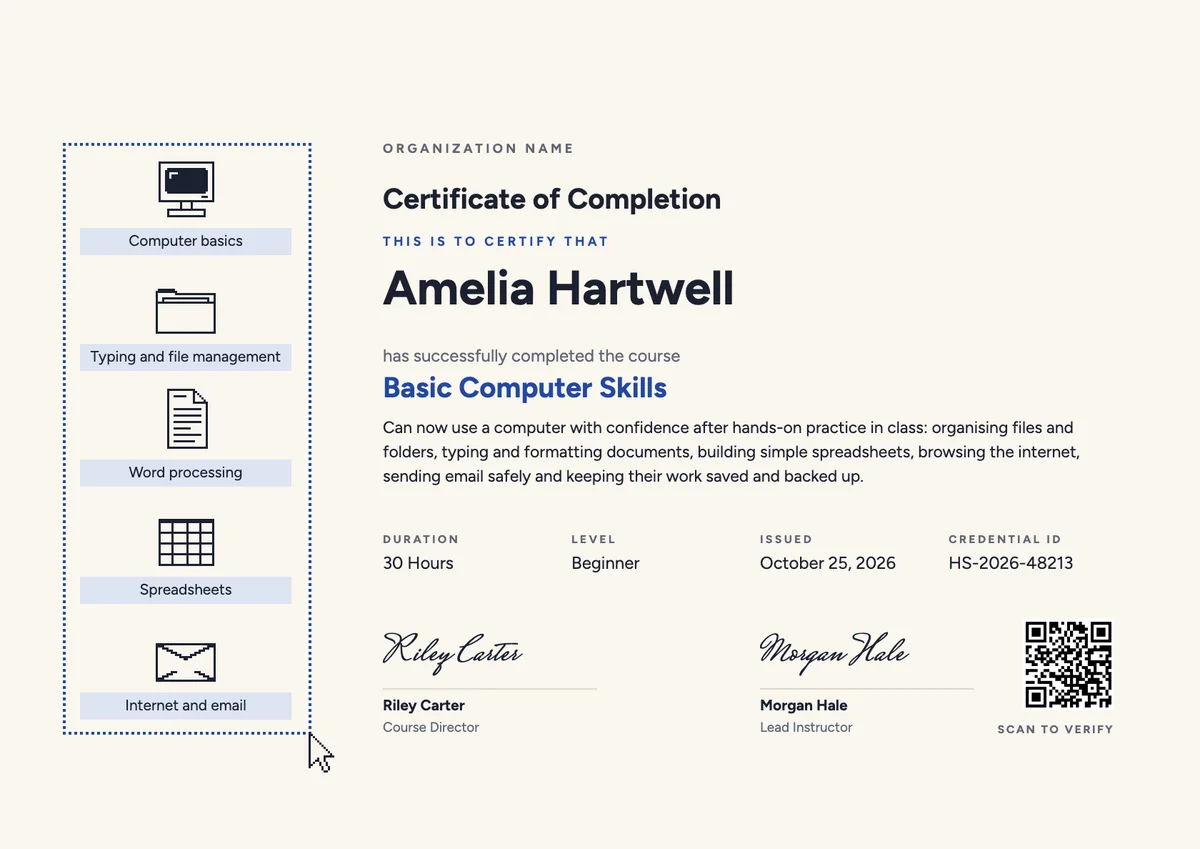
Landscape certificate · A4 + US Letter
Computer Course Landscape Certificate
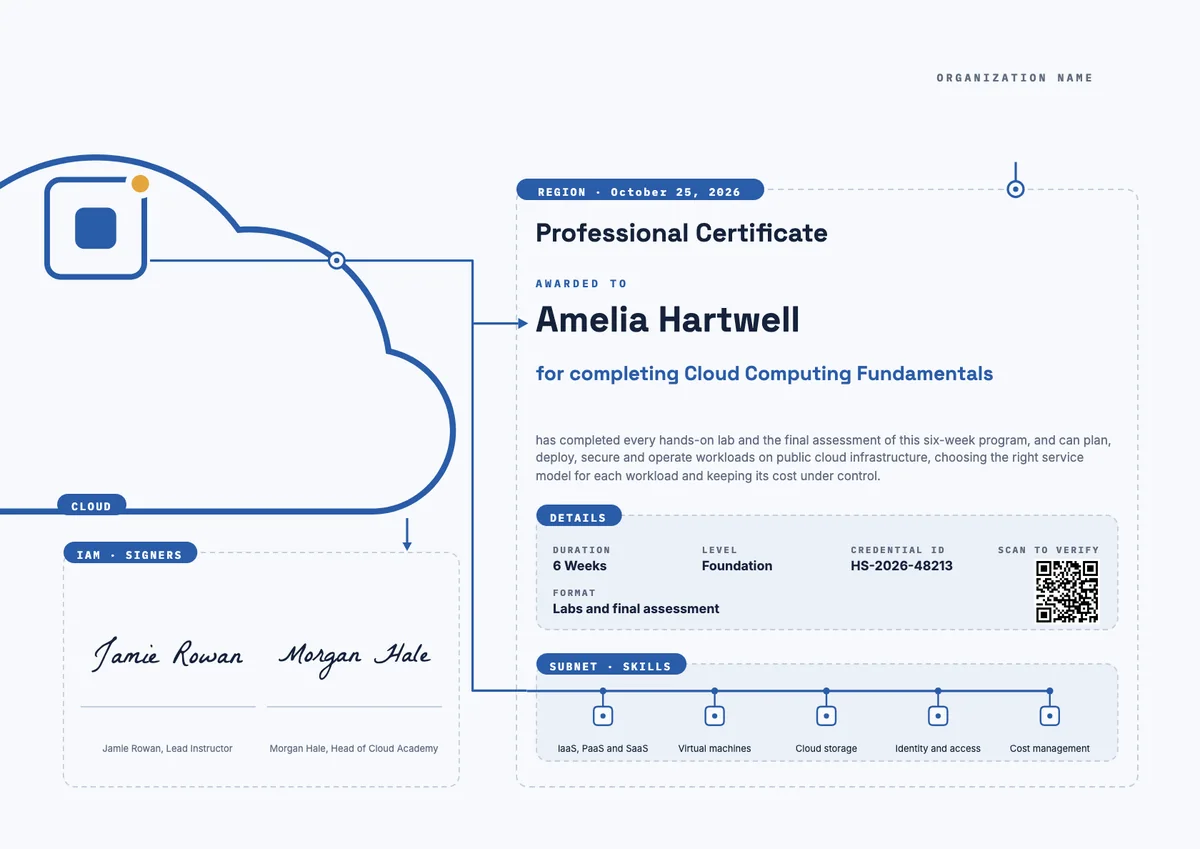
Landscape certificate · A4 + US Letter
Cloud Computing Landscape Certificate
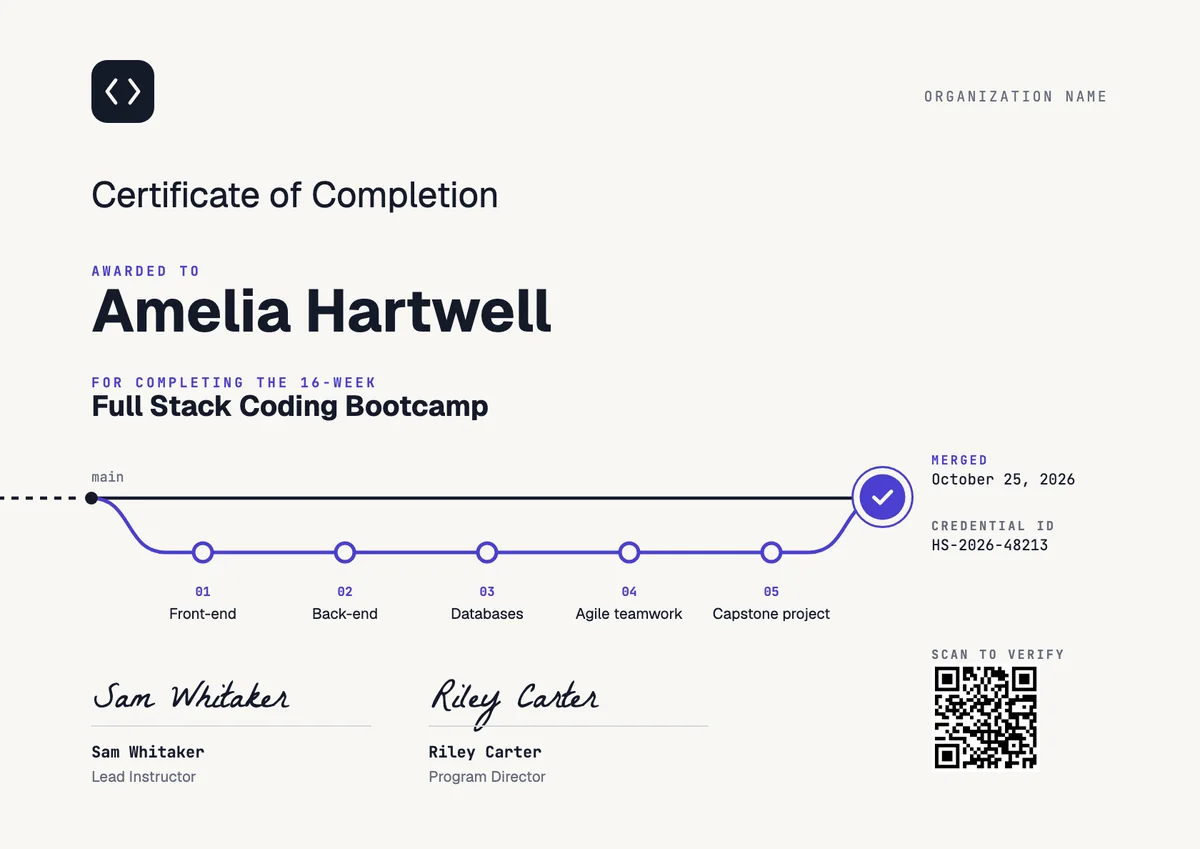
Landscape certificate
Coding Bootcamp Certificate
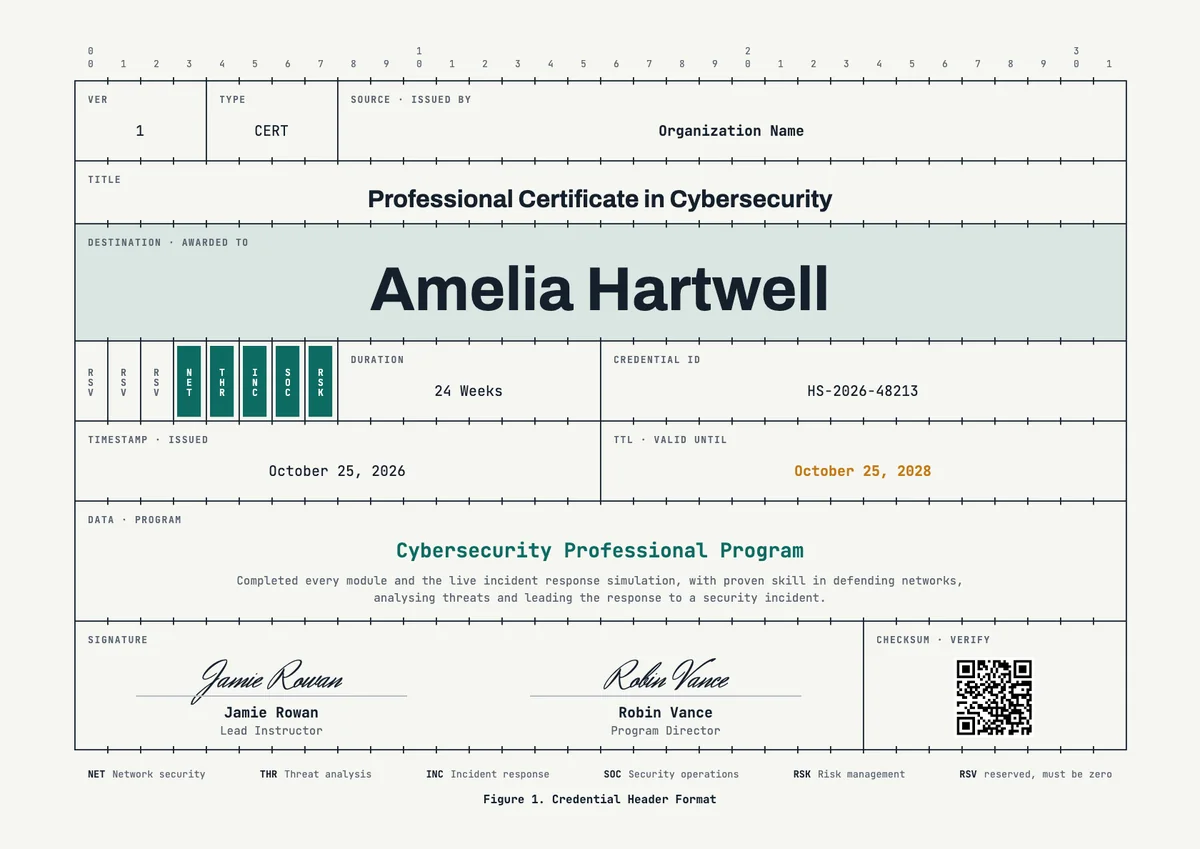
Landscape certificate · A4 + US Letter
Cybersecurity Landscape Certificate
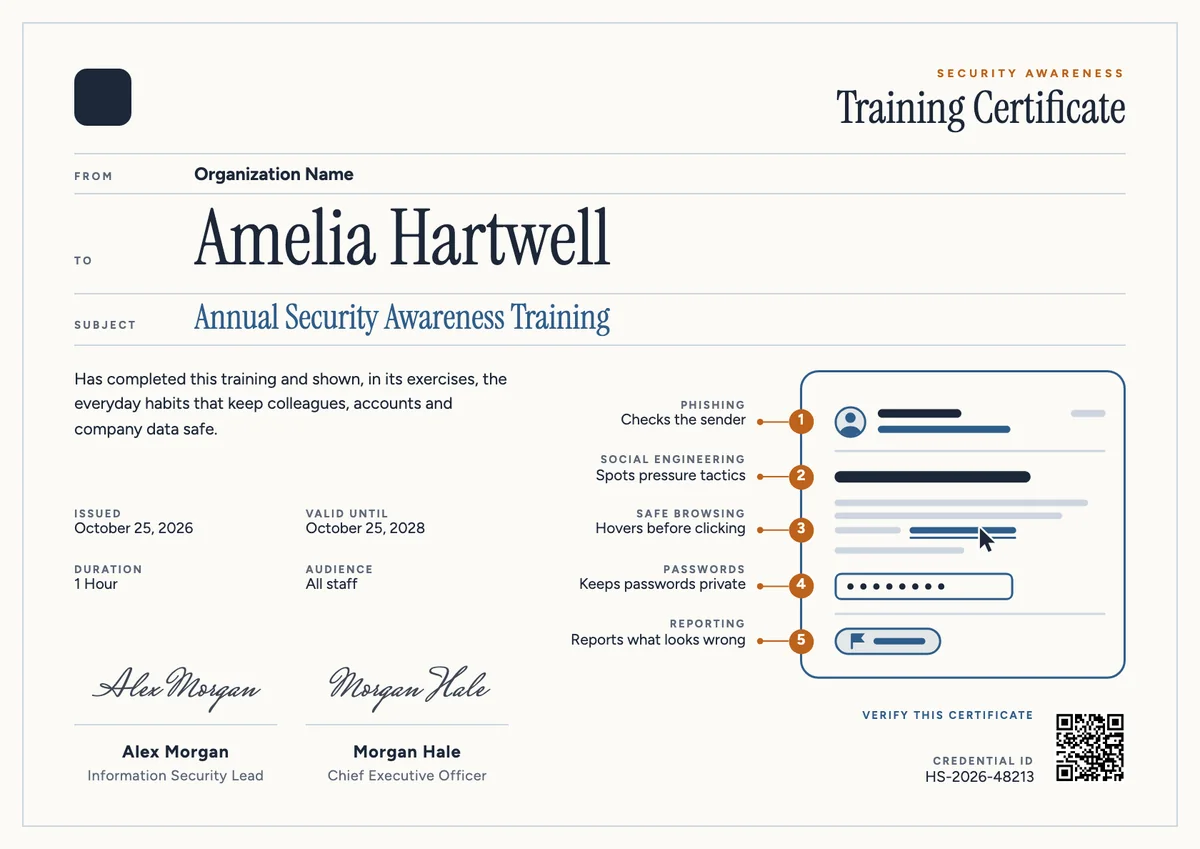
Landscape certificate · A4 + US Letter
Security Awareness Landscape Certificate
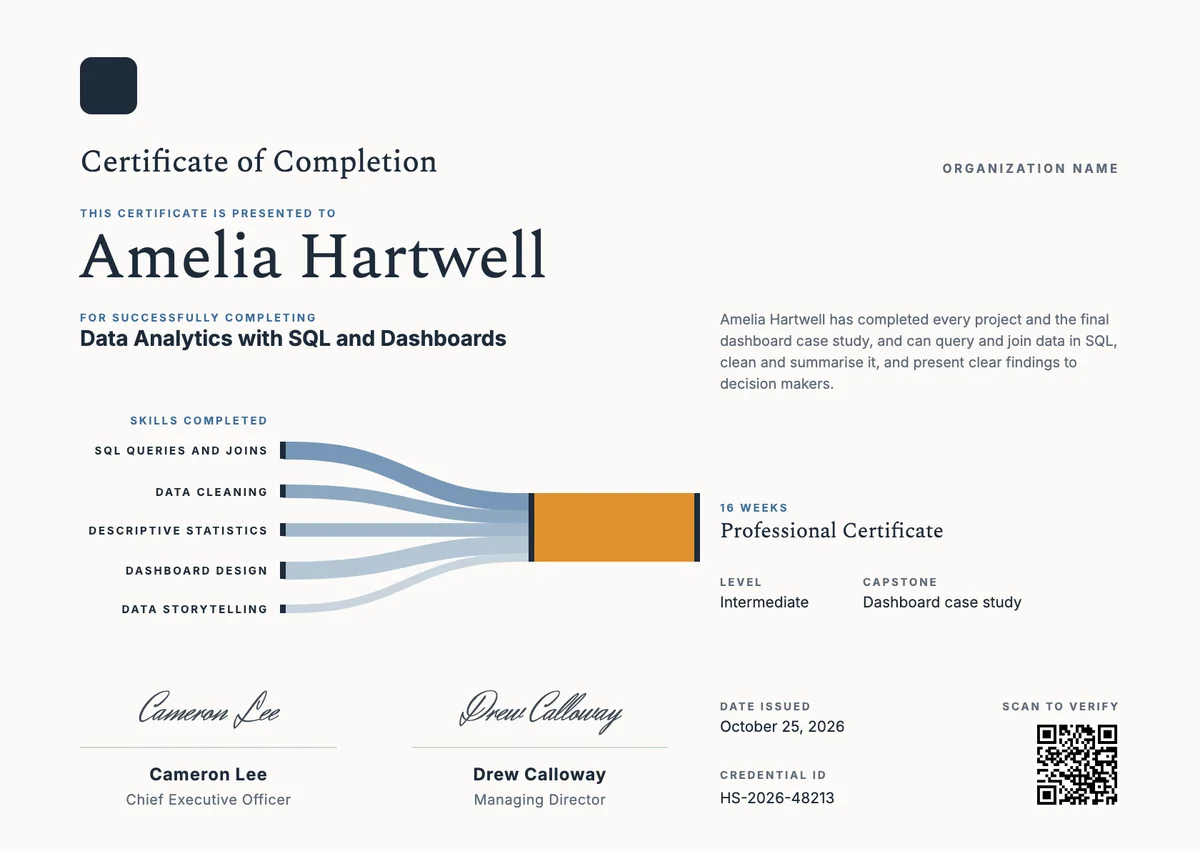
Landscape certificate · A4 + US Letter
Data Analytics Landscape Certificate
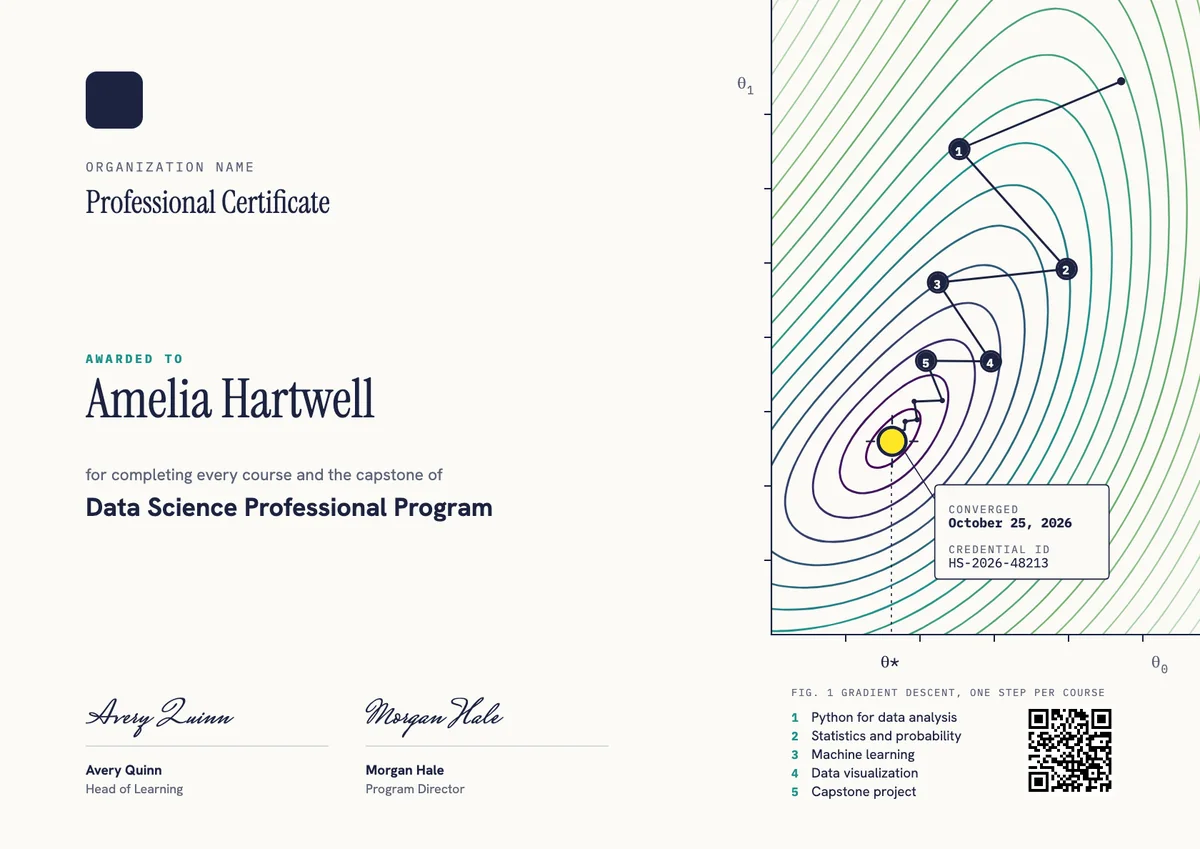
Landscape certificate · A4 + US Letter
Data Science Professional Certificate
Browse by topic
Trusted by universities, enterprises and certification bodies worldwide









Your next cohort deserves better than a PDF
Set up in minutes, send your first credentials today, and only pay once you grow past 20 recipients a year.
Or open a live sample credential