Editor Minimap Coding Bootcamp Certificate, Portrait
Get the matching set
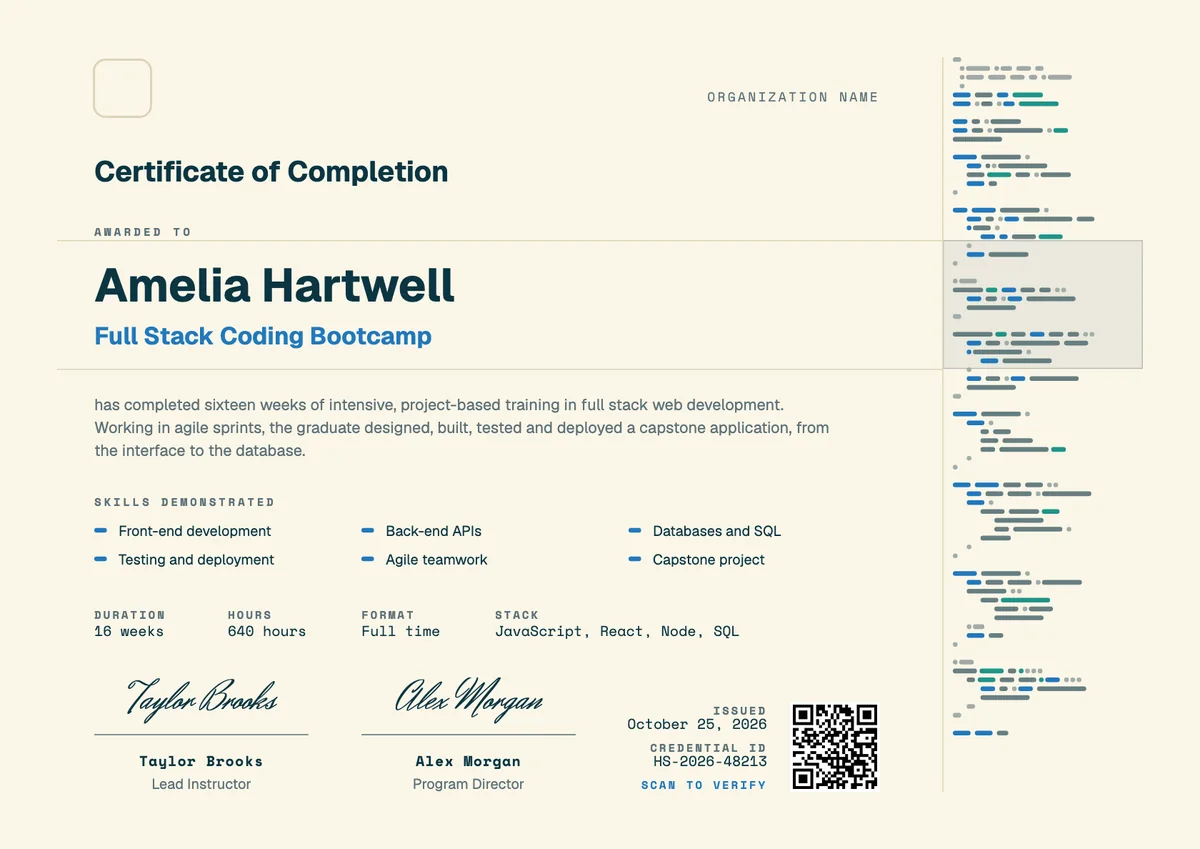
A portrait coding certificate for bootcamp graduates: a tall editor minimap runs beside the record, its slider on the name, with skills and a QR code.
Use this design
Add your logo and wording, then send it to everyone at once, each with a link anyone can verify.
Start freeFree for up to 20 recipients a year
Share this design
- A4 and US Letter, composed for each
- Your logo, colours and wording
- A QR code on every copy that proves it is real
- Matching digital badge in the same design
Updated 28 November 2026 · Designed by the Hyperstack studio
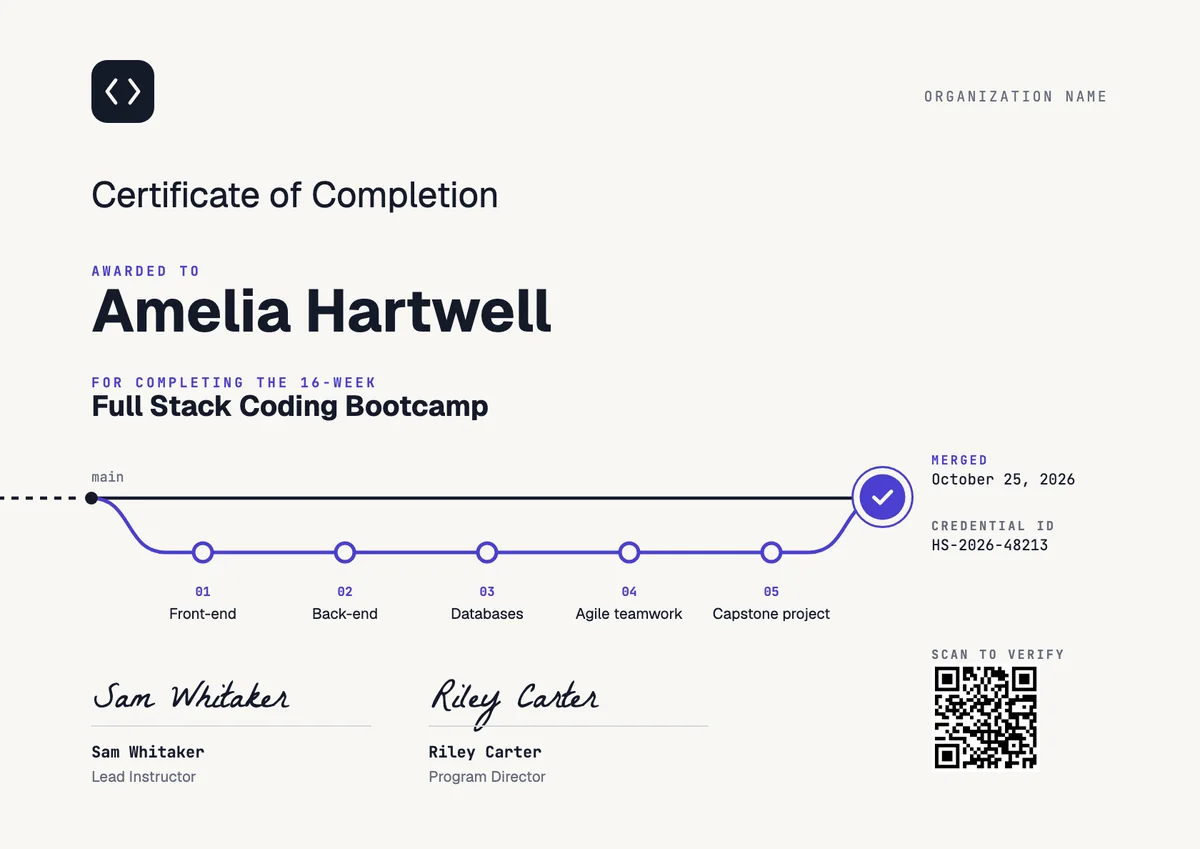
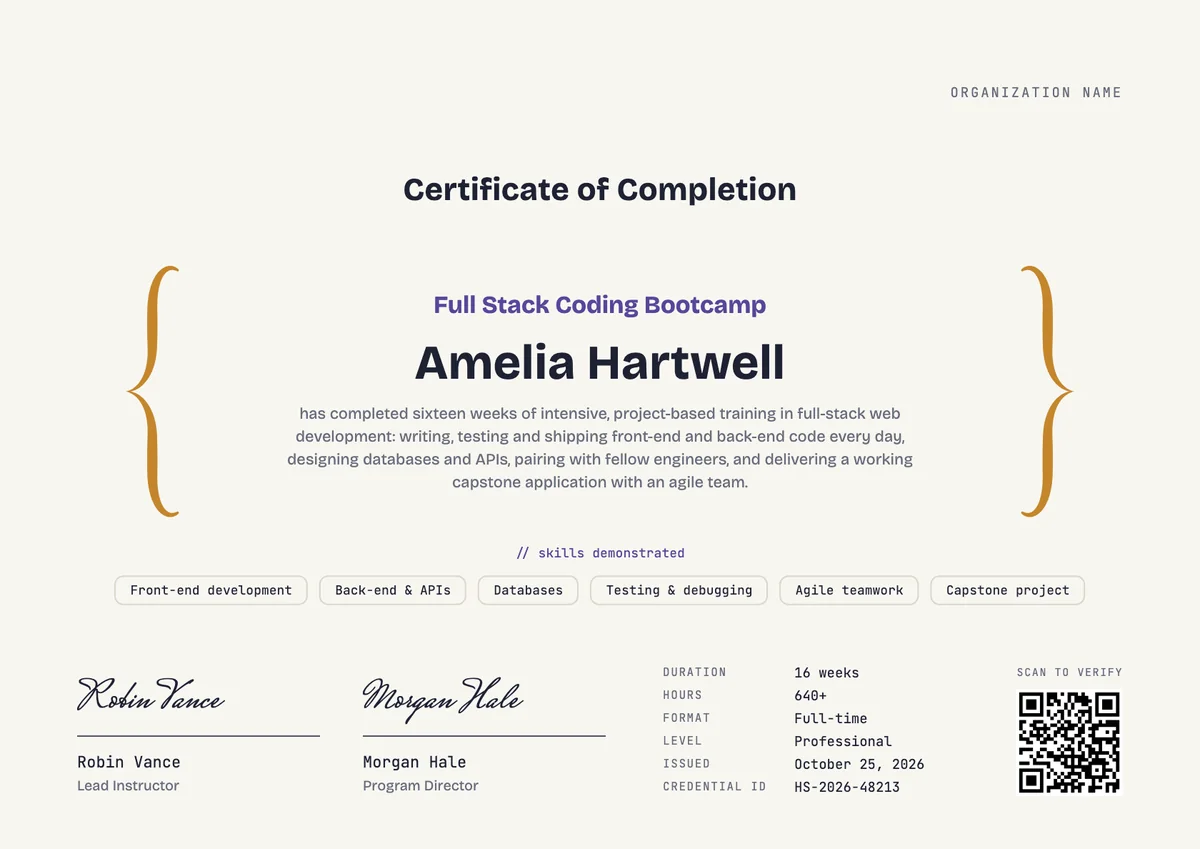
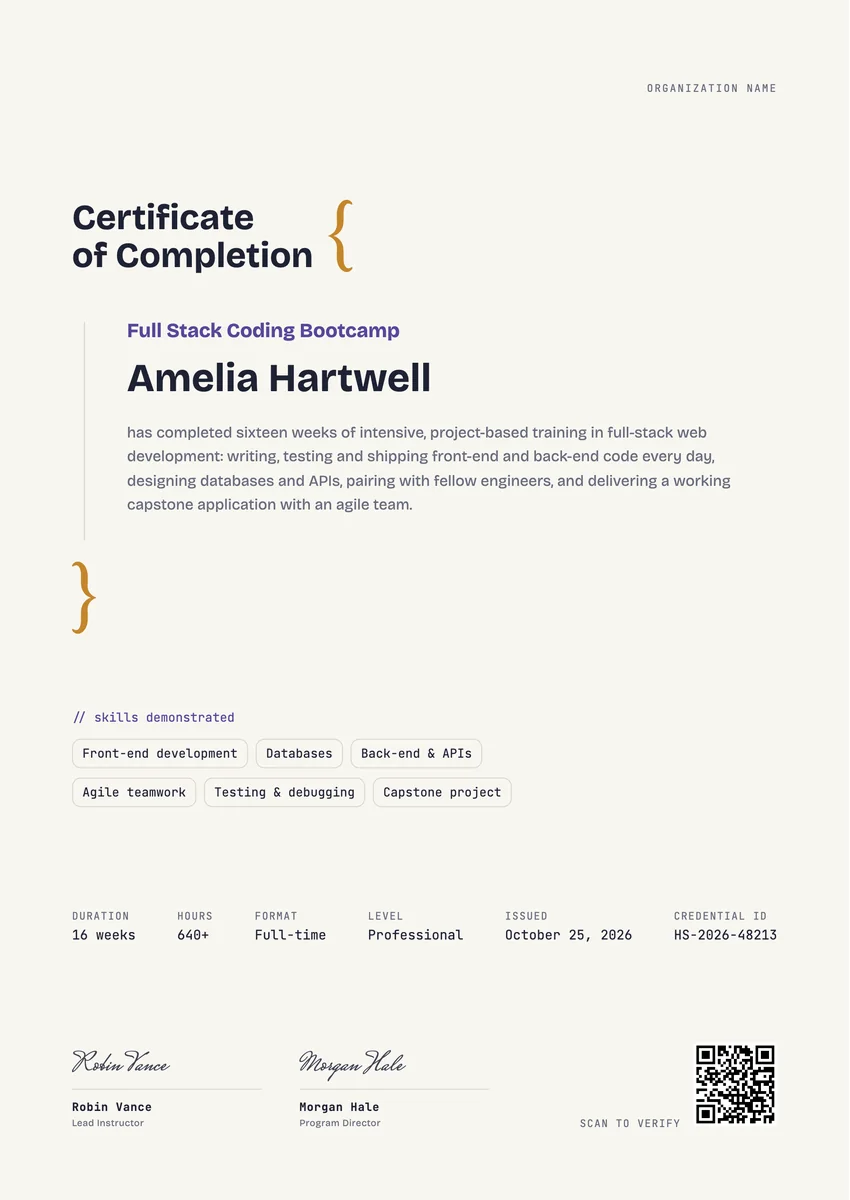
What is on it
A complete record, not just a name
You write once
The same for everyone. Keep the template’s words or change them.
- Title
- Certificate of Completion
- Statement
- A line of thanks or achievement, written for this topic
- Skills demonstrated
- Front-end development, Back-end APIs, Databases and SQL, Testing and deployment, Agile teamwork and Capstone project
- Details
- duration, hours, format and stack
- Signatures
- Lead Instructor and Program Director
Filled in for each person
Hyperstack fills these from your list when you send.
- Recipient name
- Program or award name
- Issue date
- Credential ID
- QR code to the verification page
Specifications
Sizes, fonts and colours
Sizes
- A4
- 210 × 297 mm · 8.27 × 11.69 in
- US Letter
- 8.5 × 11 in · 216 × 279 mm
Fonts
- Geist
- Title, Text, Recipient name
- Space Mono
- Labels
- Herr Von Muellerhoff
- Signatures
Google Fonts, free for commercial use.
Colours
- Paper#fbf6e8
- Ink#0b3542
- Accent#2178bd
- Second accent#1f9488
- Muted text#5d7178
Change any colour in the studio.
Design notes
Here the code editor minimap grows longer instead of wider. A tall column of token rows, with the stepped indents of real functions, runs down the right side of the page and ends where the file ends, just above the signatures. Its slider crosses the name and the program, so the eye lands there first. Below sit the statement, the skills in two columns, the program details, two signatures with their roles, and a QR code for verification next to the date of issue and the credential ID. It fits coding schools and tech training providers that prefer a portrait layout.
About
Coding Certificate Template, Portrait Editor Minimap
A vertical page suits the way many bootcamp graduates use their certificate: as a PDF next to a resume, a print for a desk, or a page in a hiring portfolio. The credential marks the end of an intensive coding course, often twelve to sixteen weeks of full-time work, in which learners move from HTML and JavaScript to APIs, SQL databases, automated testing and deployment, and close with a capstone project shown to instructors and sometimes to hiring partners.
Wording on the template“has completed sixteen weeks of intensive, project-based training in full stack web development. Working in agile sprints, the graduate designed, built, tested and deployed a capstone application, from the interface to the database.”More wording ideas for coding bootcamp certificates
Words that go with it
The email and the post, written for you
Email to send with it
Subject: Congratulations, name: you finished the bootcamp
Hi name,
Congratulations on finishing the bootcamp. You wrote code every day, fixed more bugs than you can count, and shipped a capstone project you can be proud of.
Your certificate is ready. Open it to see it, download a copy to print, or add it to your LinkedIn profile so employers can see what you built and learned.
We cannot wait to see what you make next.
Hyperstack fills in each person’s name and link when it sends.
Post for the recipient to share
I just graduated from my coding bootcamp. After months of late nights, pair programming and one very stubborn bug, I demoed my capstone app on demo day and received my certificate. Thank you to my instructors and my cohort for the code reviews and the encouragement. I am now looking for my first developer role. #CodingBootcamp #LearnToCode
Recipients share it with one click from their credential page, with the badge attached.
Printing
Printing it well
Print at actual size
Choose “Actual size” or 100% in the print dialog, not “Fit to page”, so the margins and the QR code keep their size.
Use card, not paper
A matte or silk card of 200–300 gsm (about 80–110 lb cover) feels like an award and does not curl in a frame.
Frame it
A4 fits a standard 21 × 29.7 cm frame; US Letter fits an 8.5 × 11 in frame, or an 11 × 14 in frame with a mat. Hang it upright, as designed.
Mind the edges
Most home printers leave a thin white border. For a design that runs to the edge, use a print shop or your printer’s borderless setting.
Certificate or badge?
Send both. They do different jobs.
Certificate
- A full record: name, statement, skills, dates and signatures
- Printed and framed, or kept as a PDF
- Opens to a page anyone can verify
Digital badge
- A small image people put on LinkedIn and in email signatures
- Carries the verified details inside it (Open Badges 2.0)
- One click shows who earned it and who issued it
How to send it
From template to everyone’s inbox
- 01
Make it yours
Open the template, add your logo and change any colour or word.
- 02
Add your people
Upload a spreadsheet, or connect your LMS, HR tool or form.
- 03
Send it
Each person gets an email and their own credential page, in one go.
- 04
They share it
Recipients add it to LinkedIn; anyone can verify it from the QR code.
Free for up to 20 recipients a year
It comes in A4 (210 × 297 mm) and US Letter (8.5 × 11 in). Pick the paper in the studio; the layout is composed for each one, not stretched.
Geist (title, text, recipient name), Space Mono (labels), Herr Von Muellerhoff (signatures). All are Google Fonts, free for personal and commercial use, and you can swap any of them in the studio.
Yes. Every text, colour and drawing is its own layer in the studio. Add your logo in the logo spot; the design keeps its balance with a wide or a square logo.
Yes. Each recipient gets their own credential page, where they download a PDF in the paper size you chose, or share a link that anyone can verify.
Yes. This design is part of a set: Editor Minimap Coding Bootcamp Badge and Editor Minimap Coding Bootcamp Certificate. Issue them together so the certificate and the badge read as one award for coding bootcamp.
More certificate templates
All certificate templates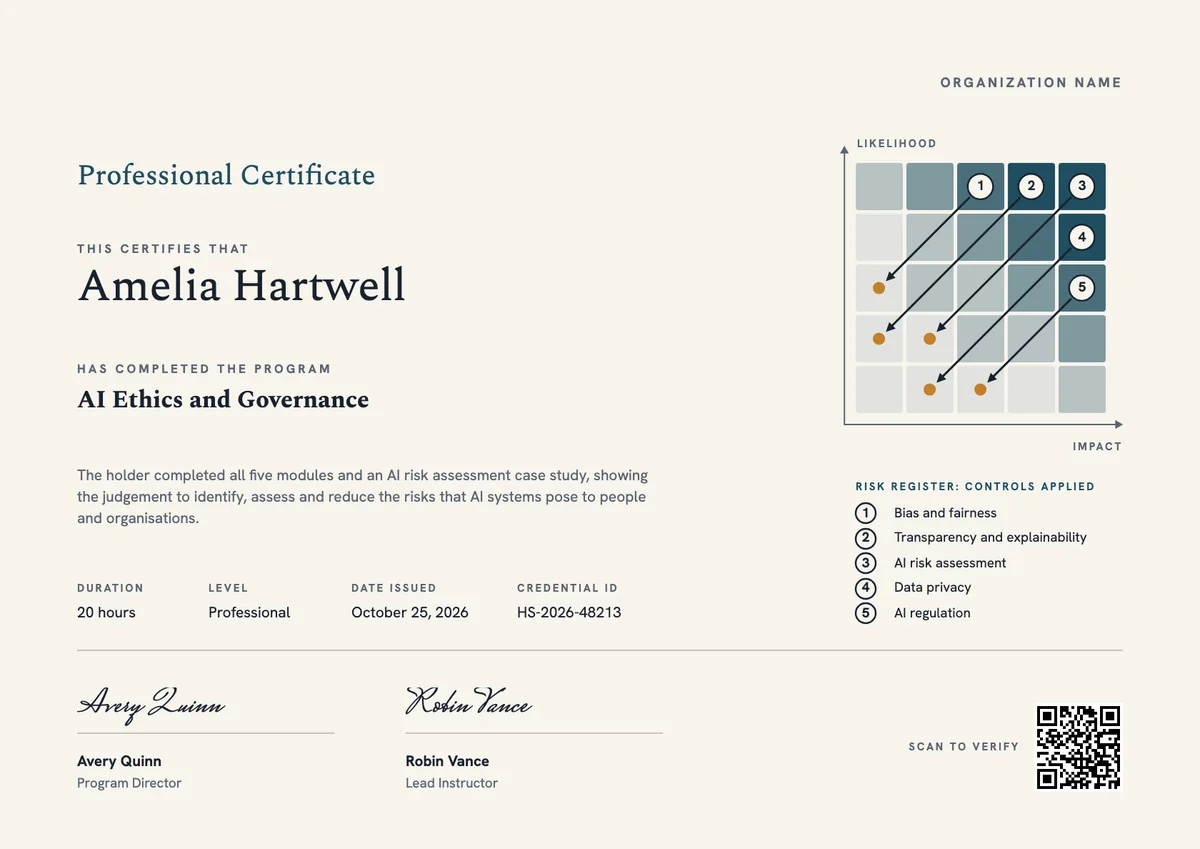
Landscape certificate · A4 + US Letter
AI Ethics Landscape Certificate
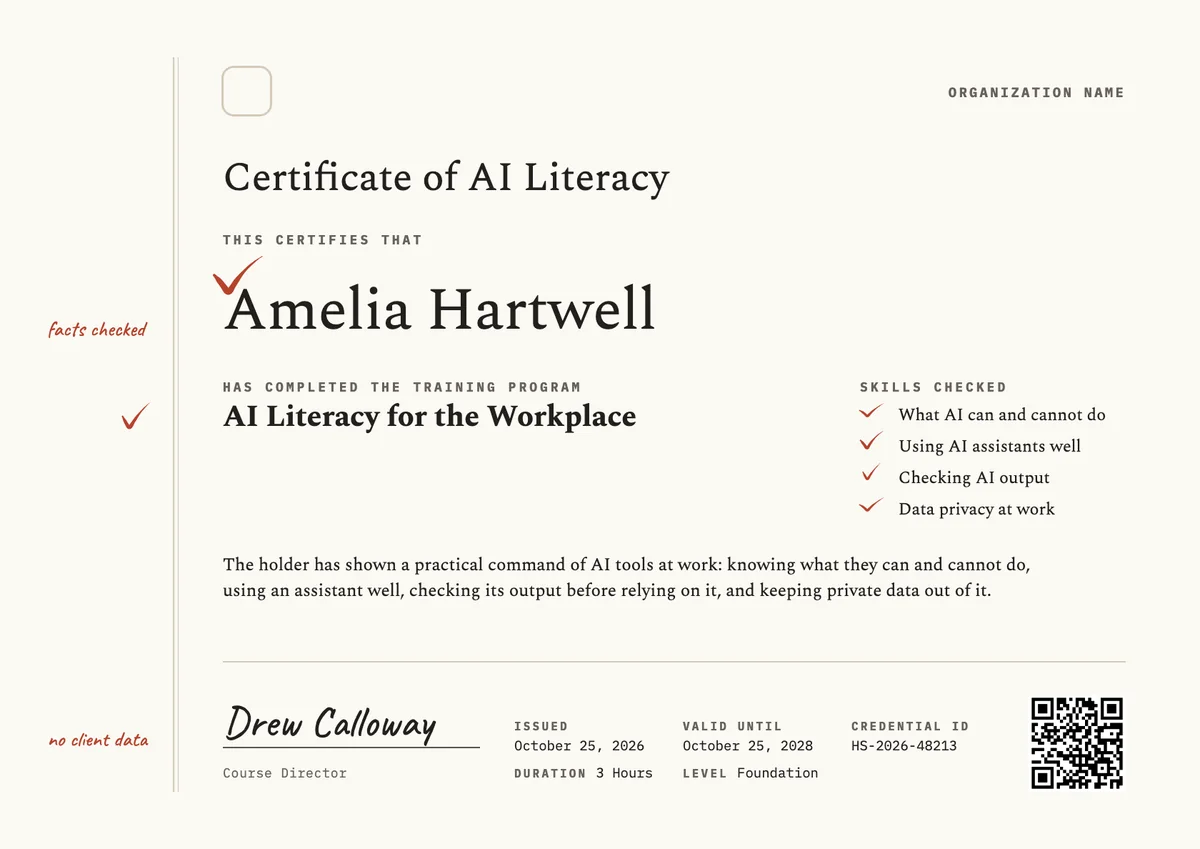
Landscape certificate · A4 + US Letter
AI Literacy Certificate, Landscape
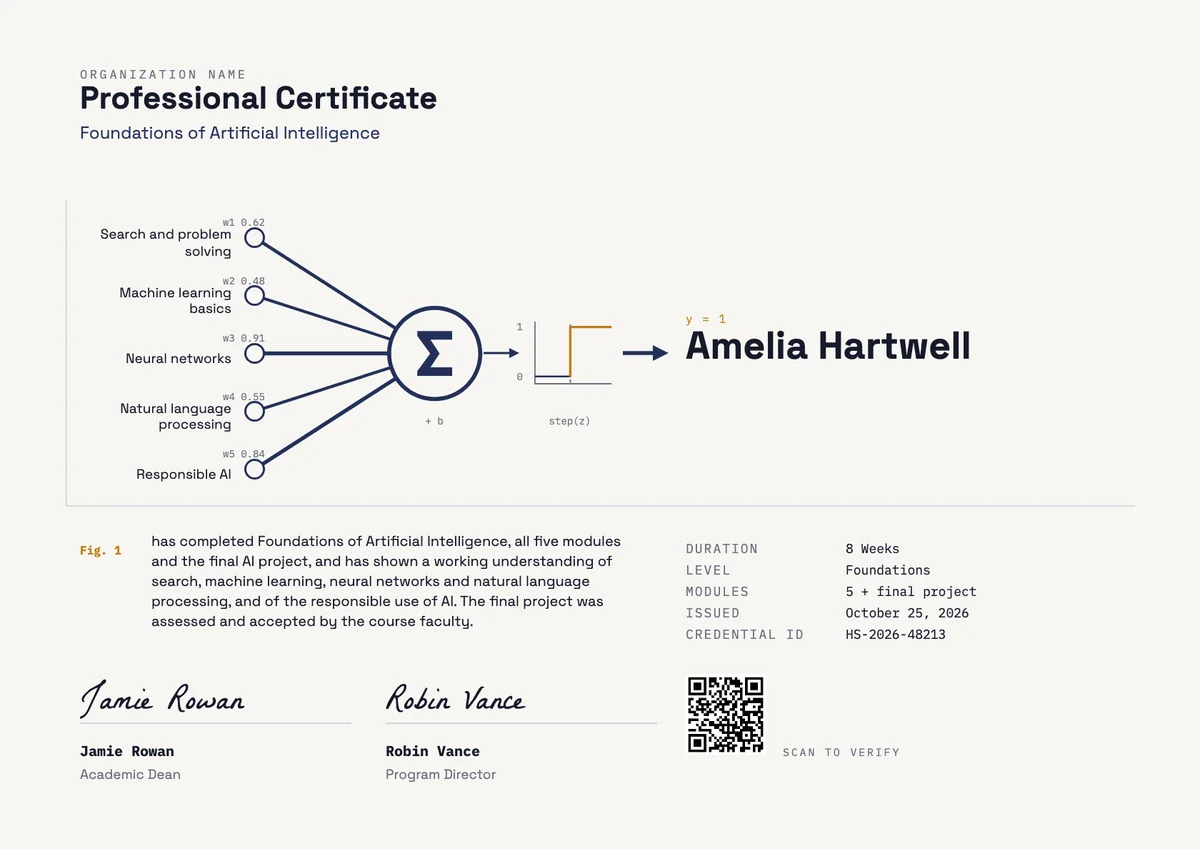
Landscape certificate · A4 + US Letter
AI Professional Certificate
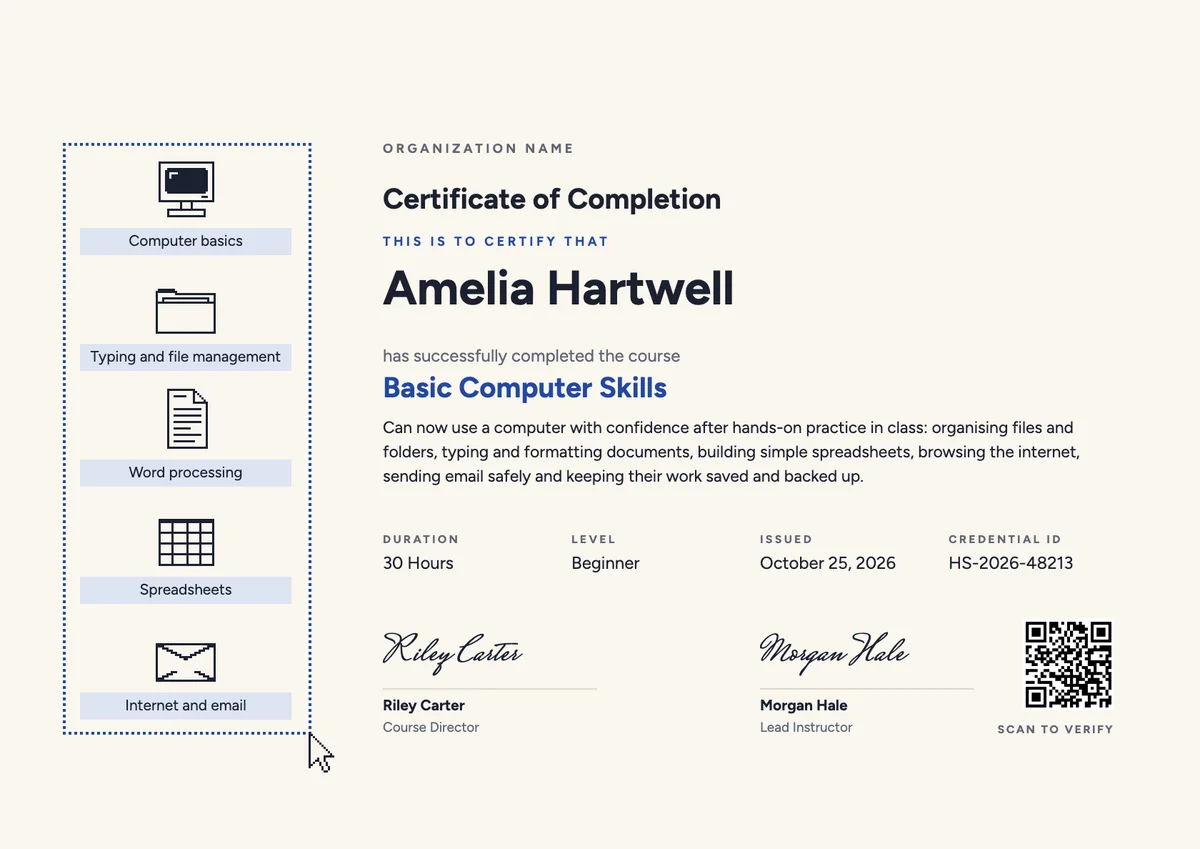
Landscape certificate · A4 + US Letter
Computer Course Landscape Certificate
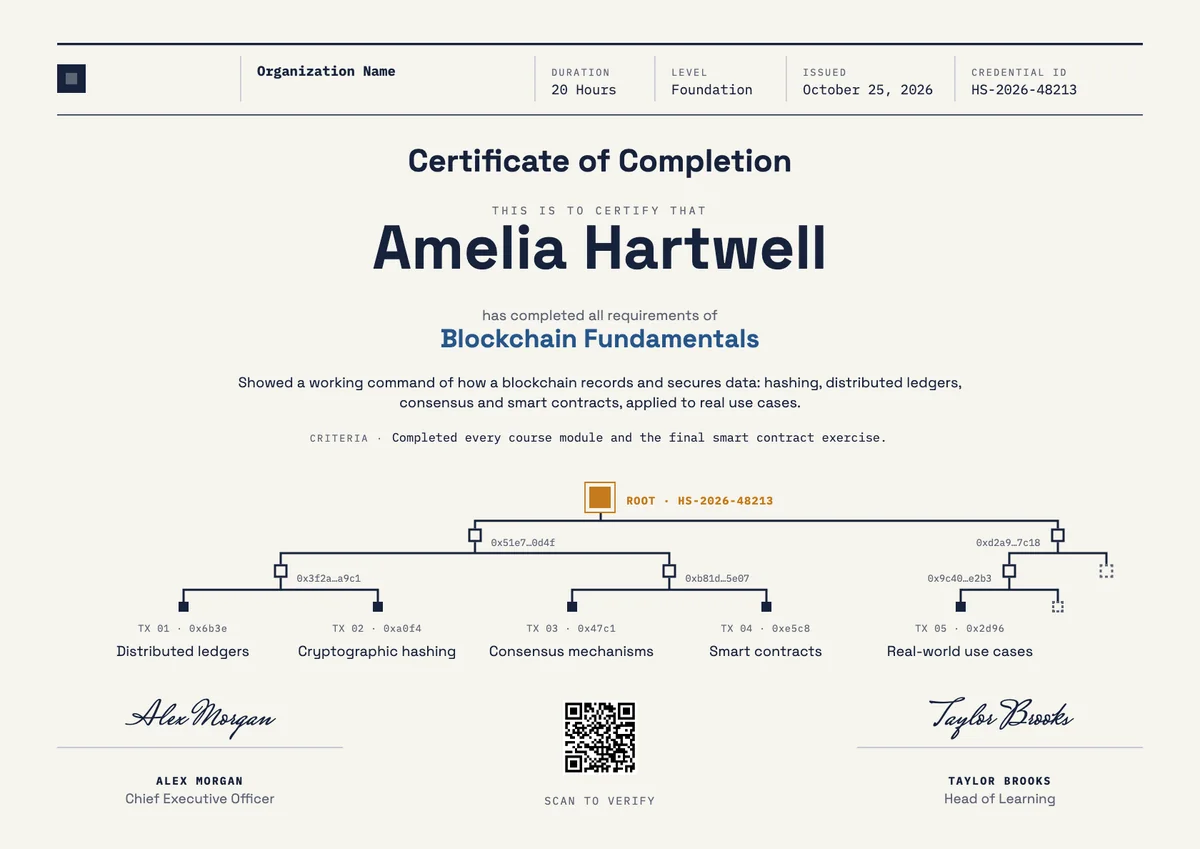
Landscape certificate · A4 + US Letter
Blockchain Certificate, Landscape
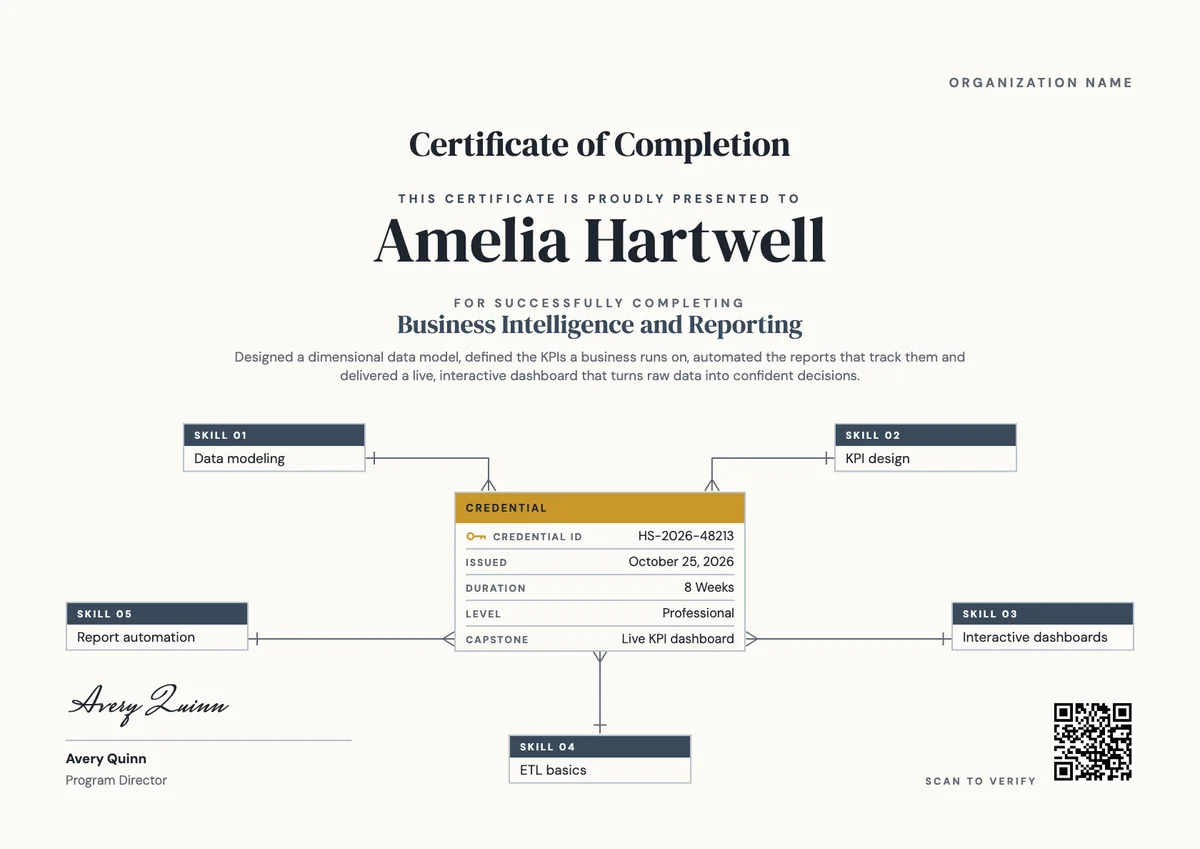
Landscape certificate · A4 + US Letter
Business Intelligence Certificate
Landscape certificate · A4 + US Letter
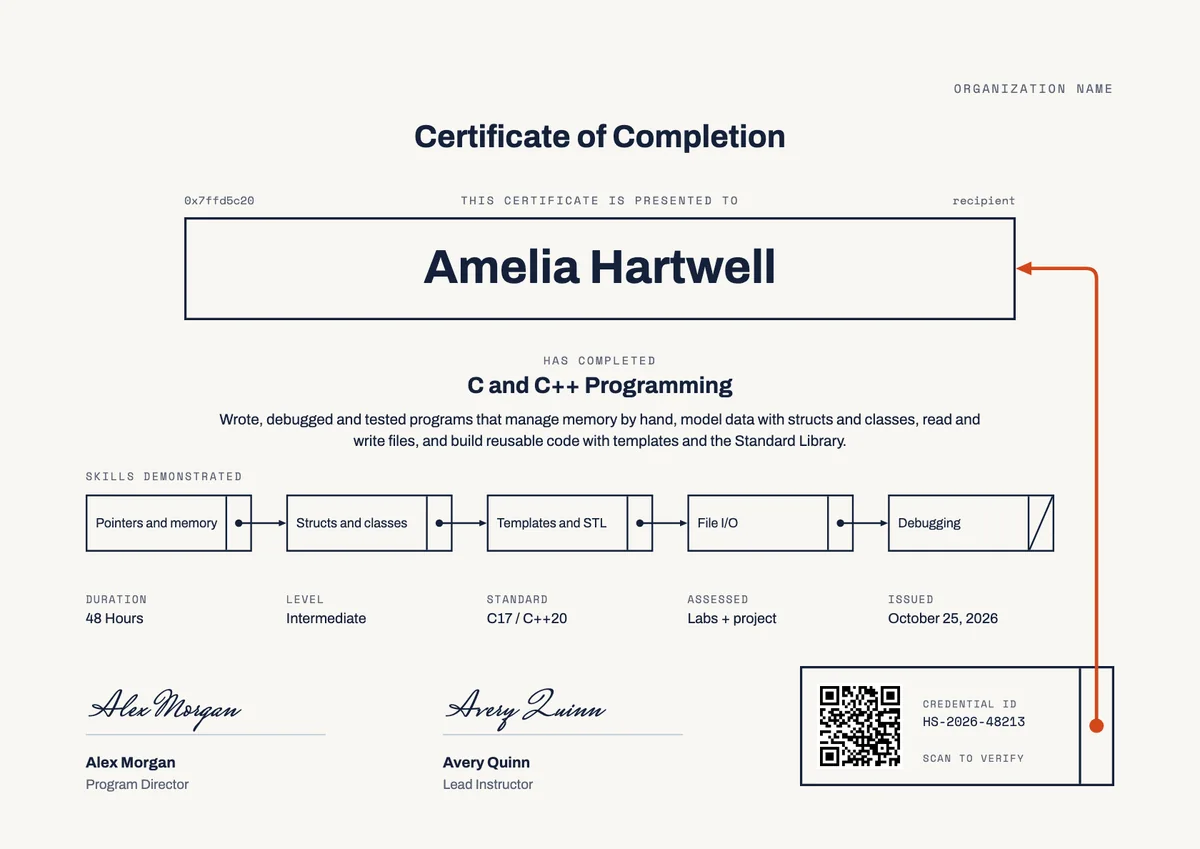
C and C++ Certificate of Completion
Landscape certificate · A4 + US Letter
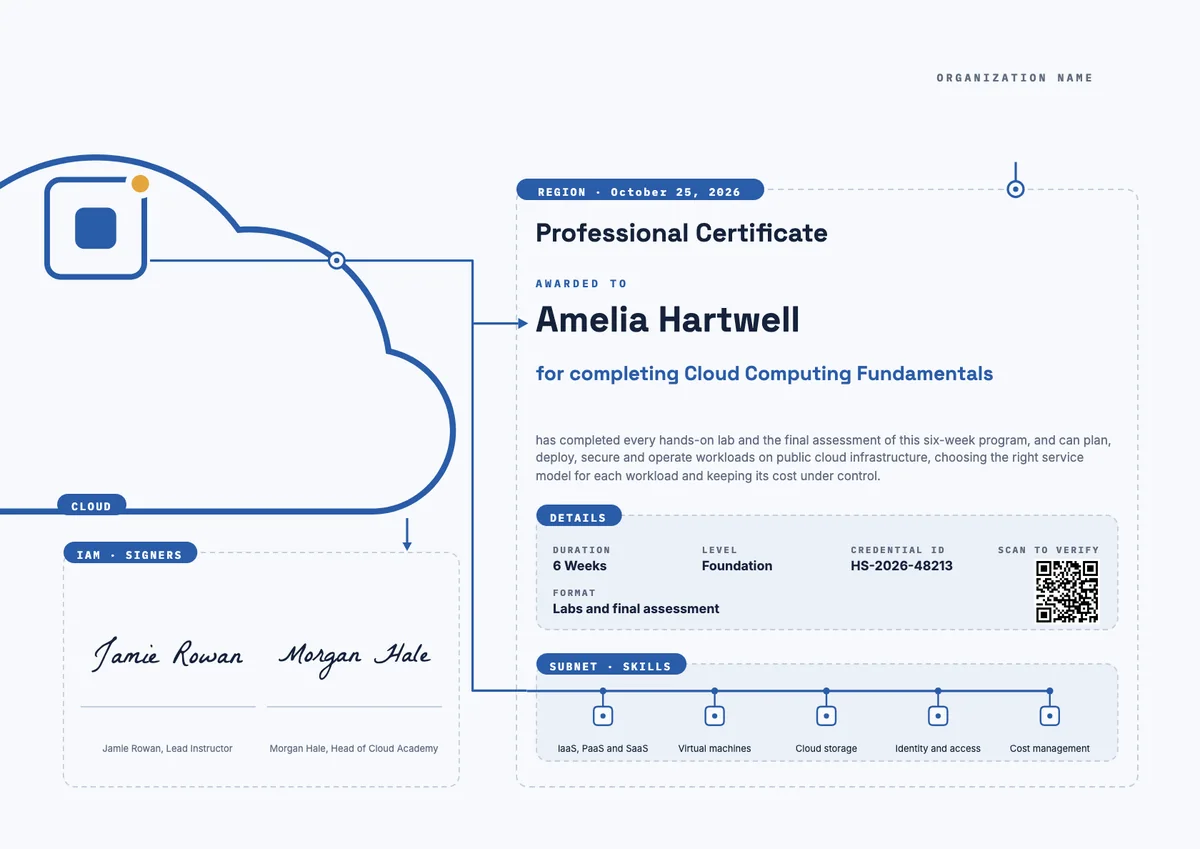
Cloud Computing Landscape Certificate
Browse by topic
Trusted by universities, enterprises and certification bodies worldwide



Your next cohort deserves better than a PDF
Set up in minutes, send your first credentials today, and only pay once you grow past 20 recipients a year.
Or open a live sample credential